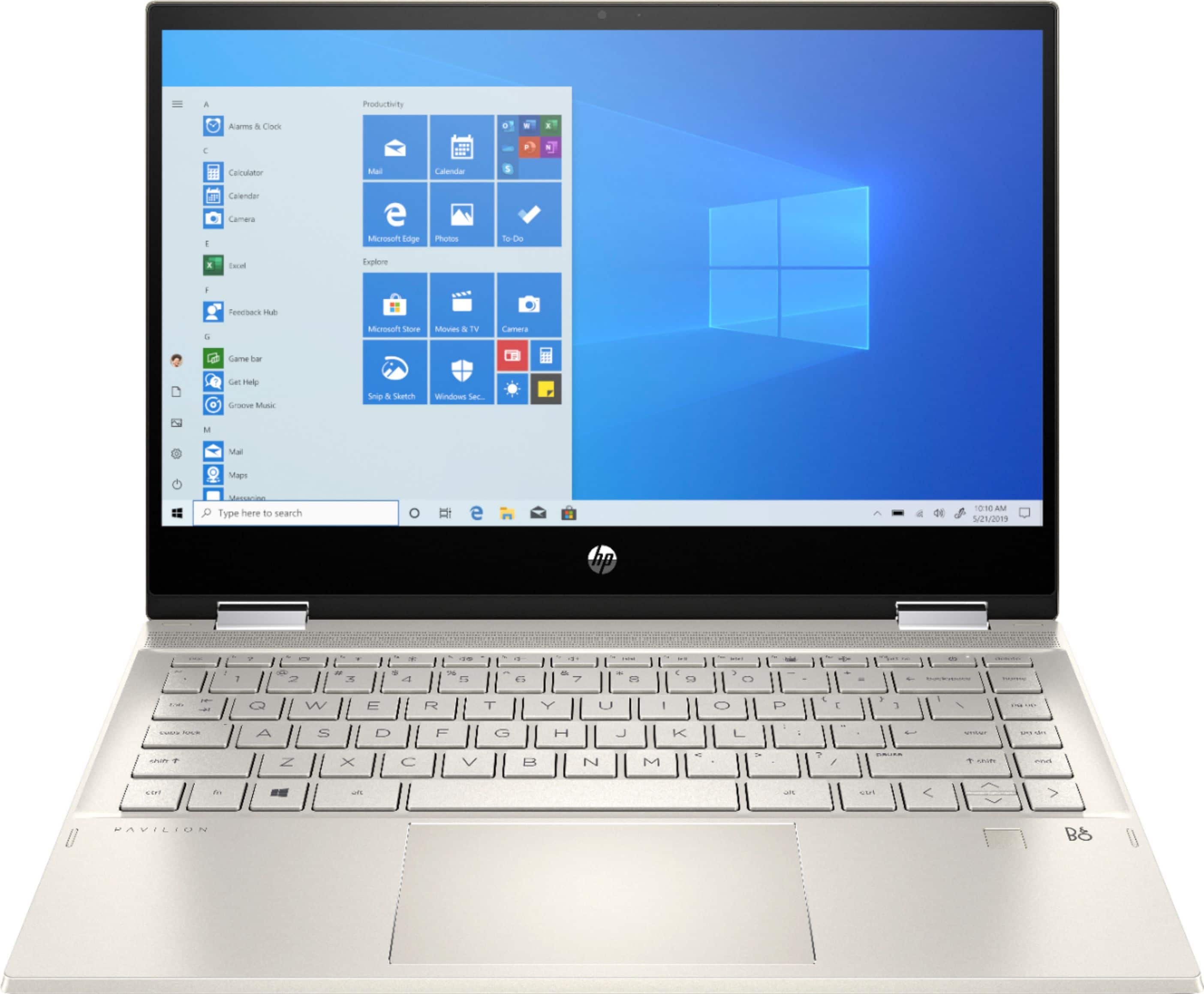
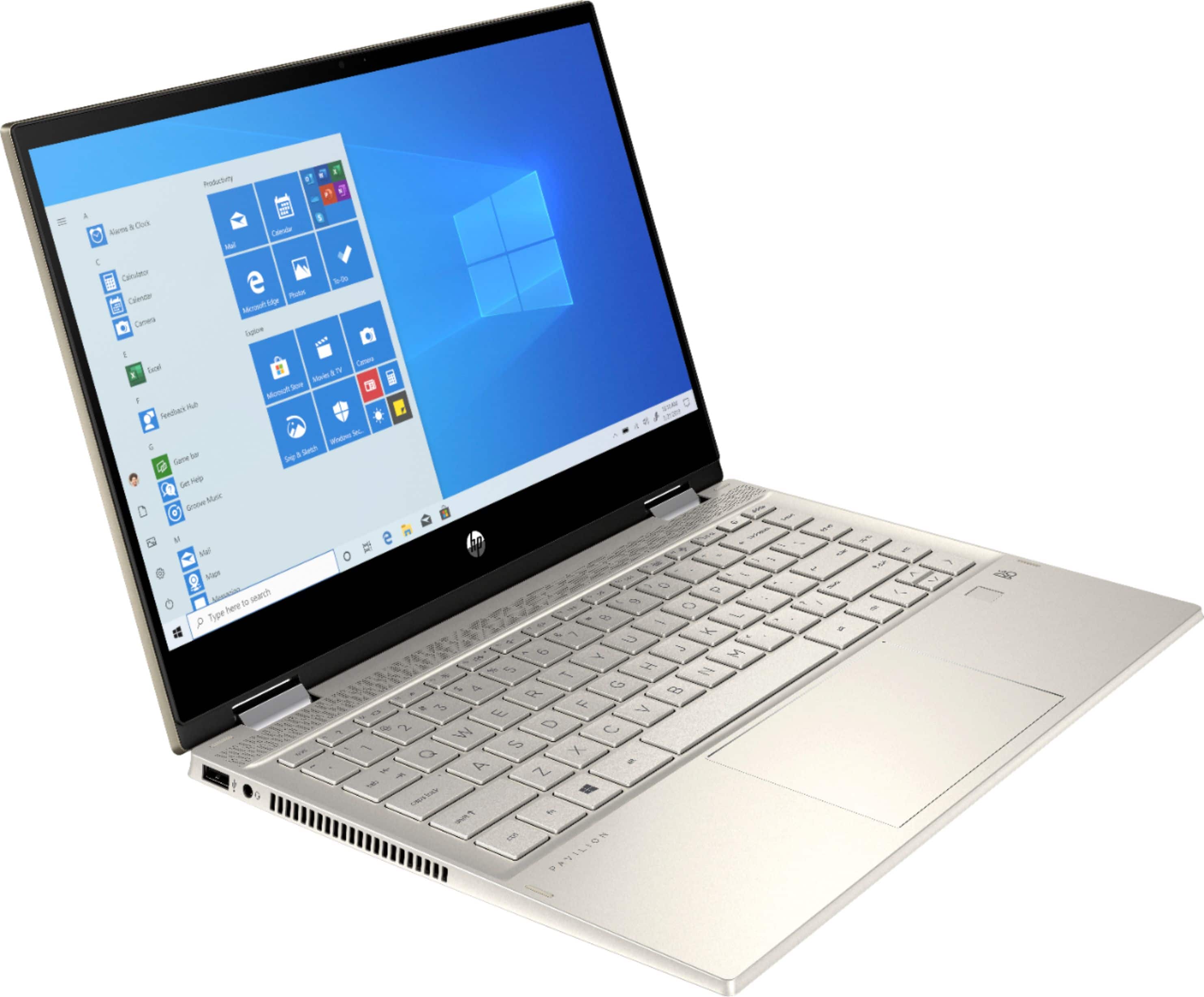
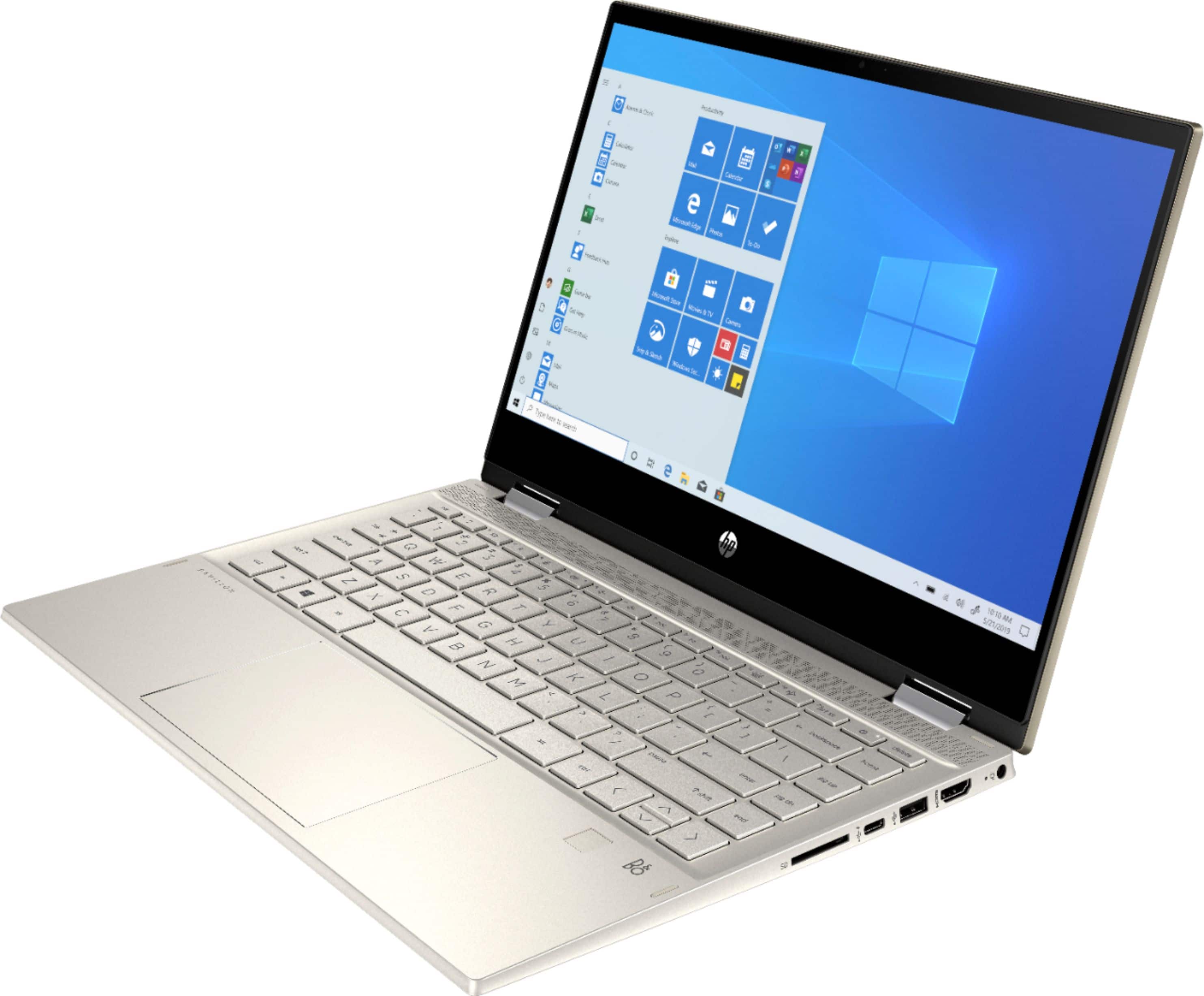
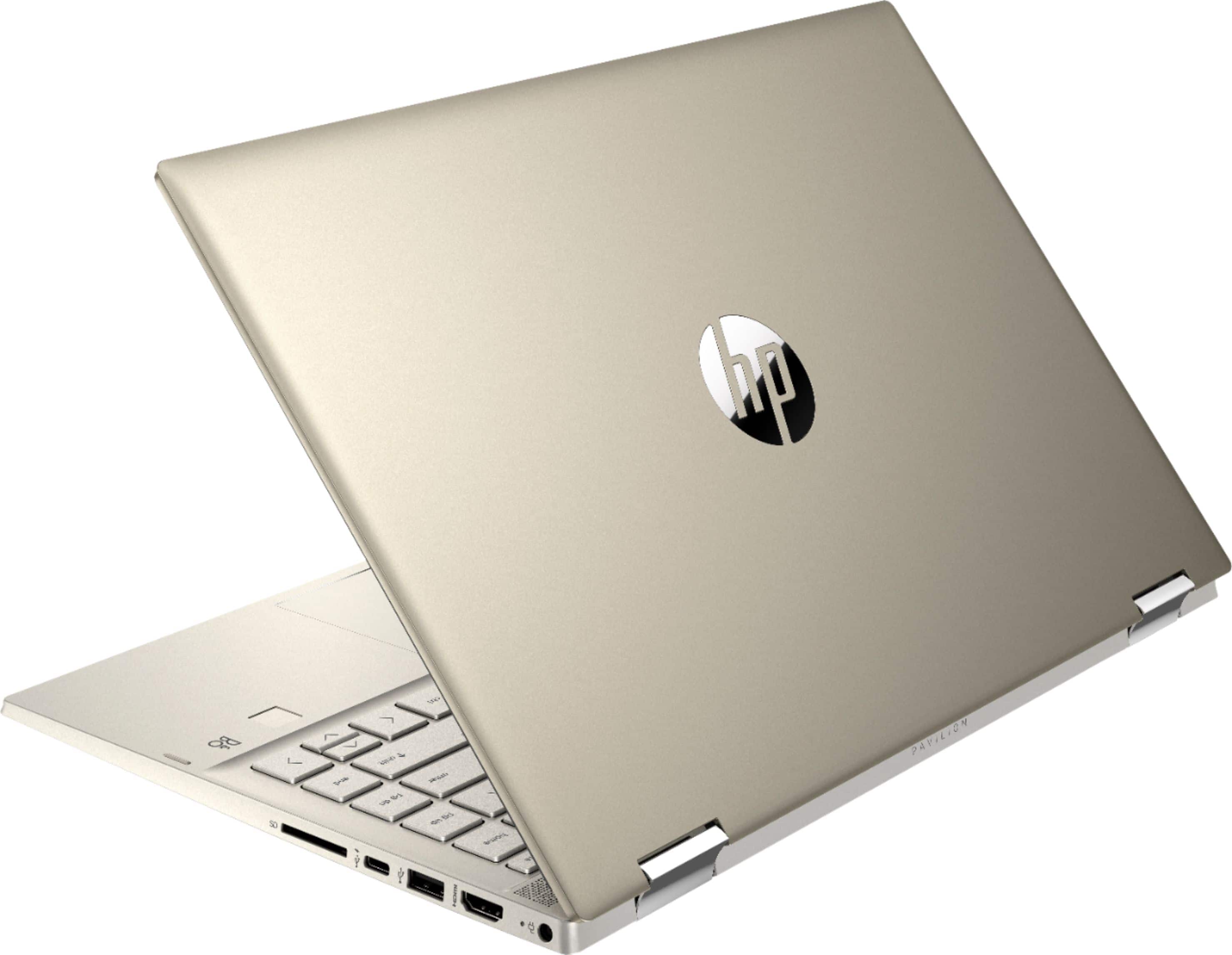
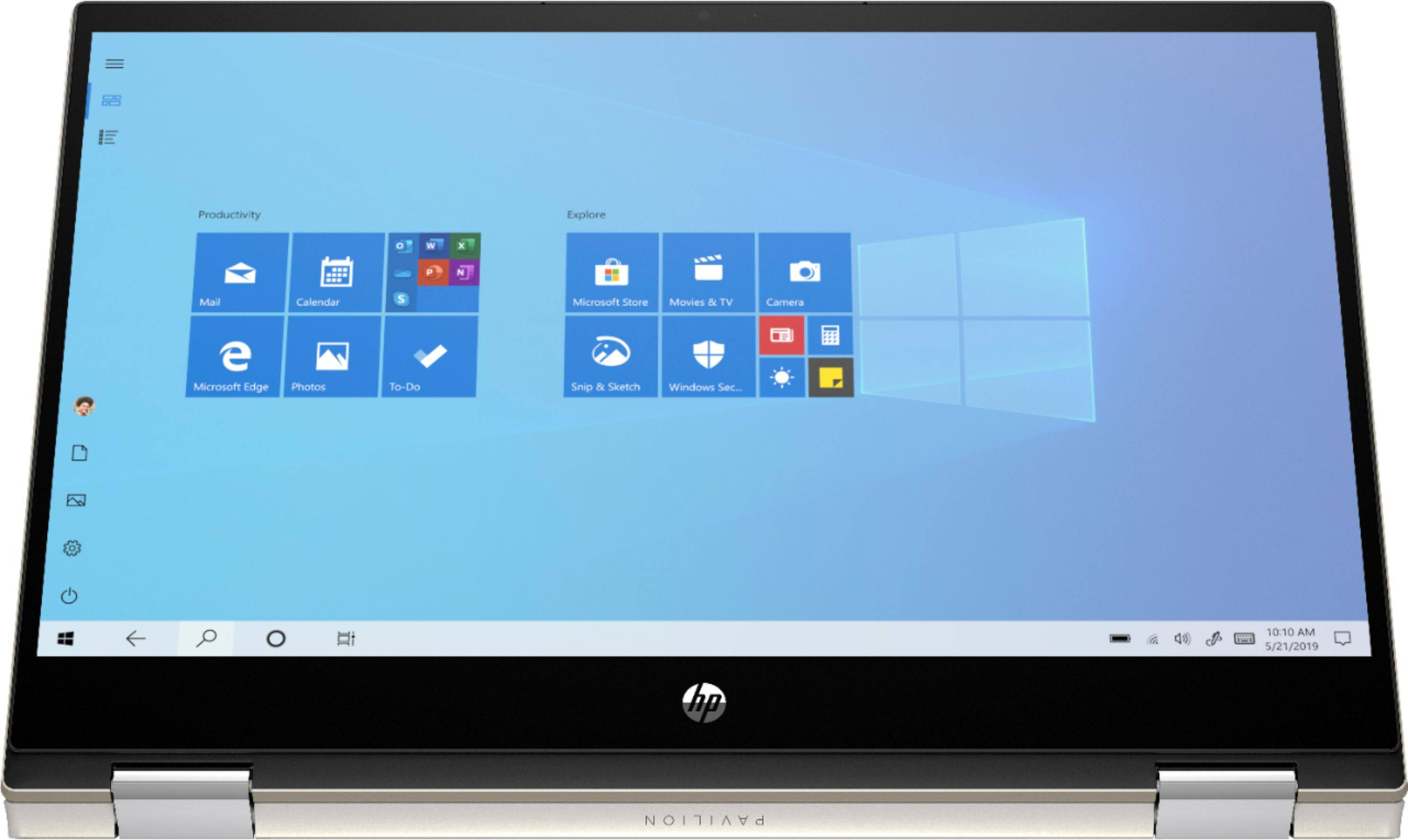
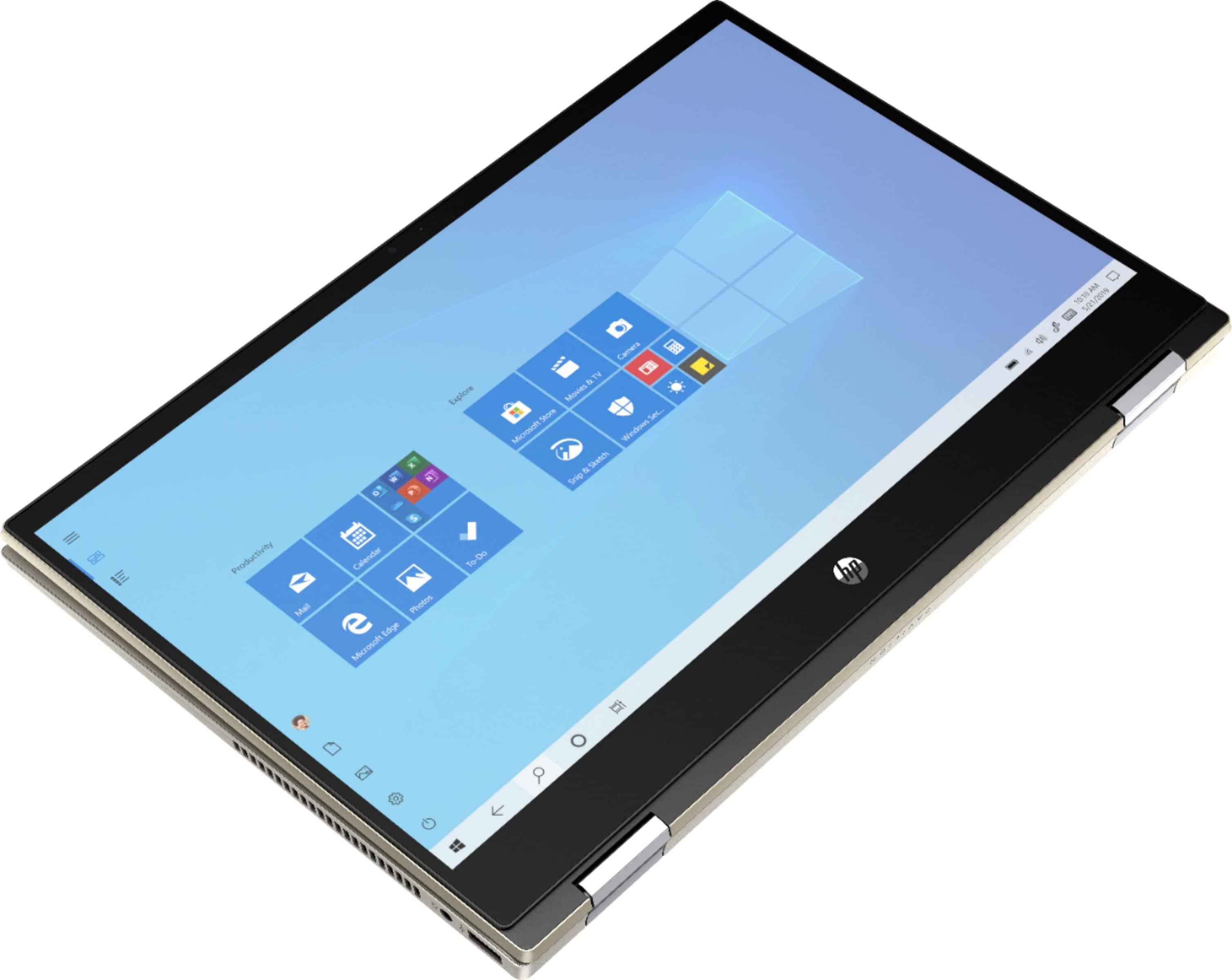
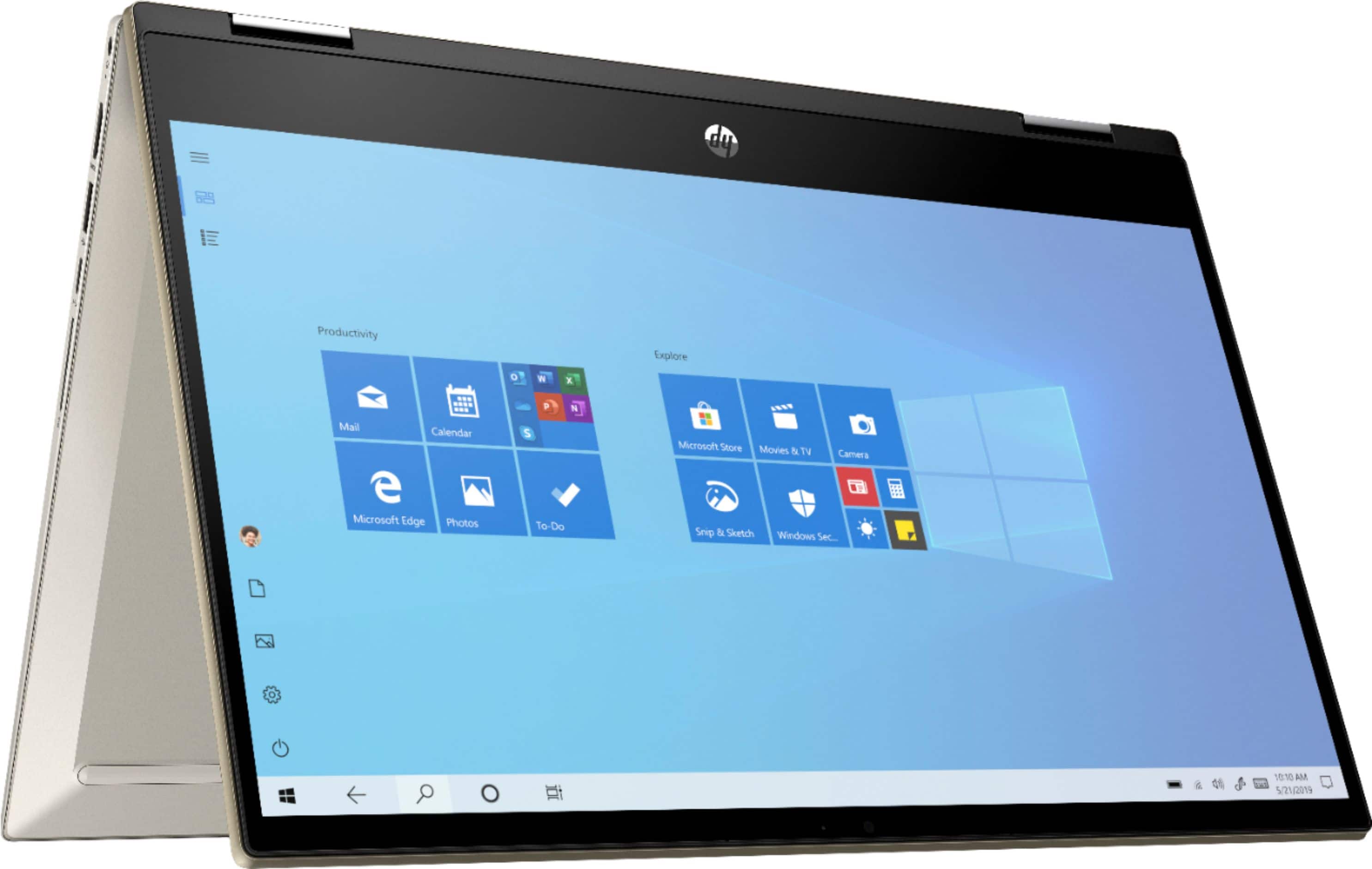
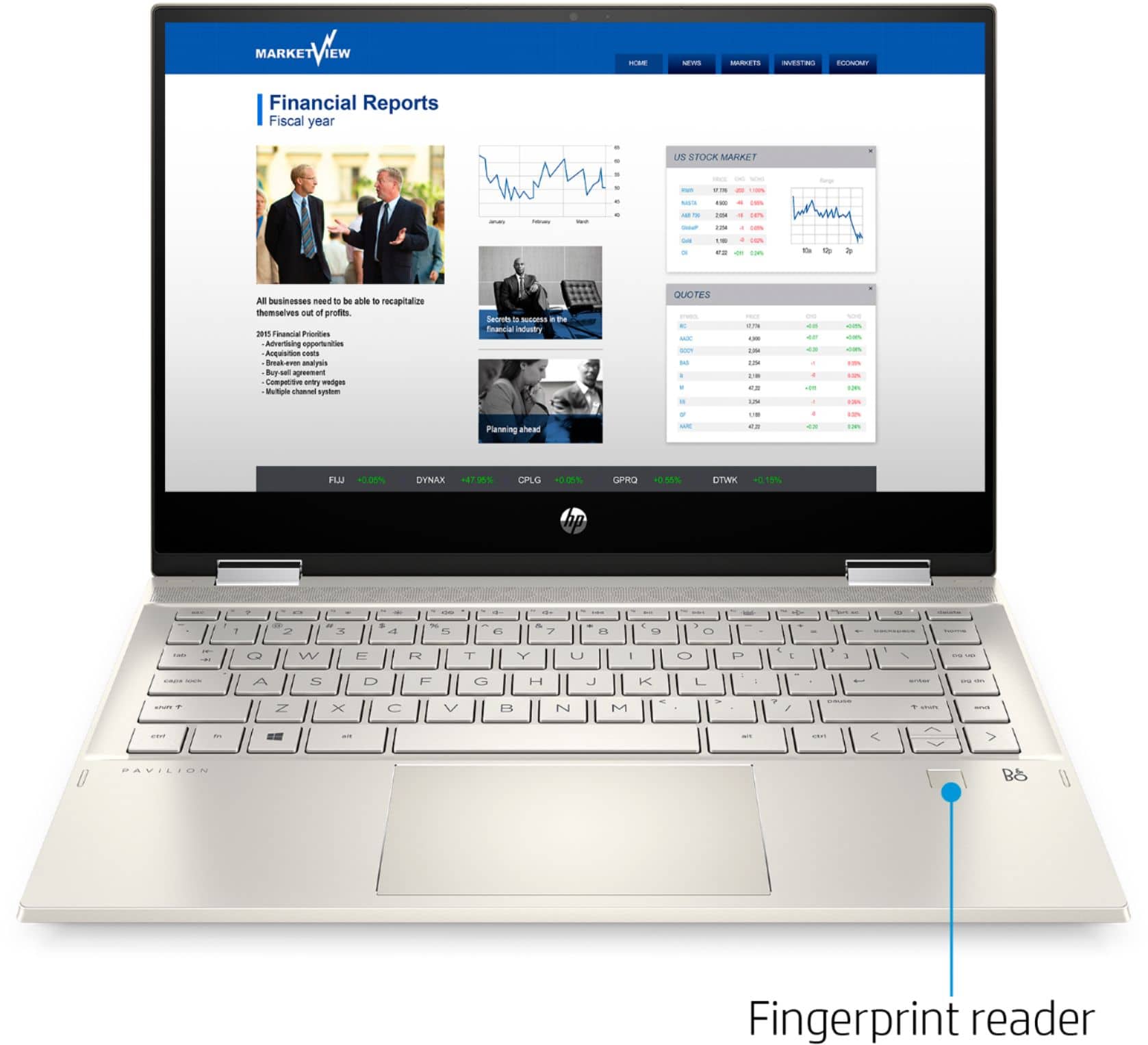
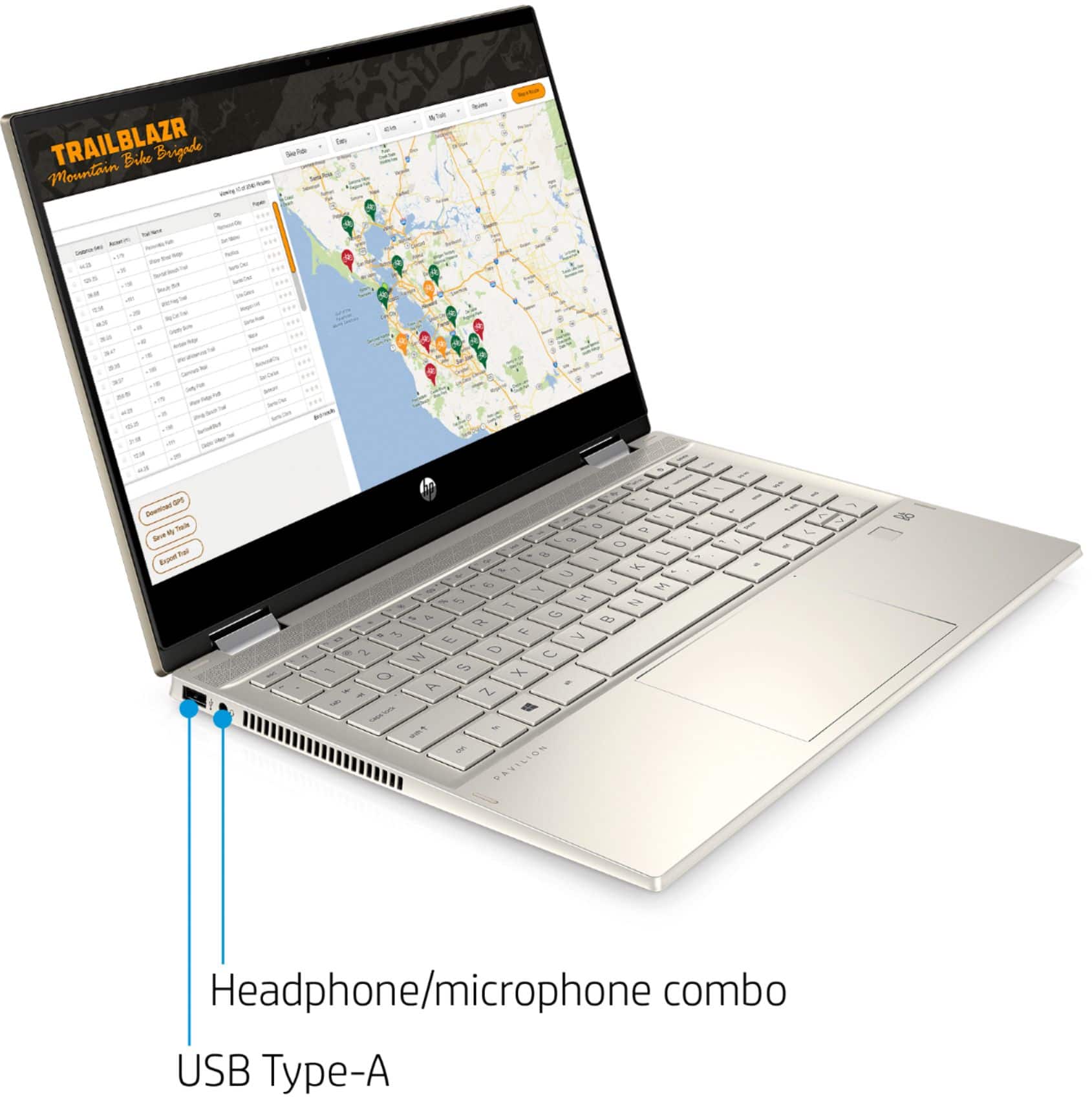
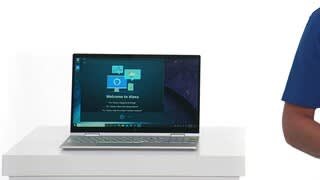
A:AnswerThe keyboard is slightly recessed so you can use it flat on a table without depressing the keys when it is in tablet mode. They keys are also disabled in tablet mode. There is not a keyboard protector for this laptop made by HP sorry.
A:AnswerYou can turn on the backlit keyboard by pressing F5. If it is not working properly, visit https://support.hp.com or the Geek Squad at Best Buy for further assistance.
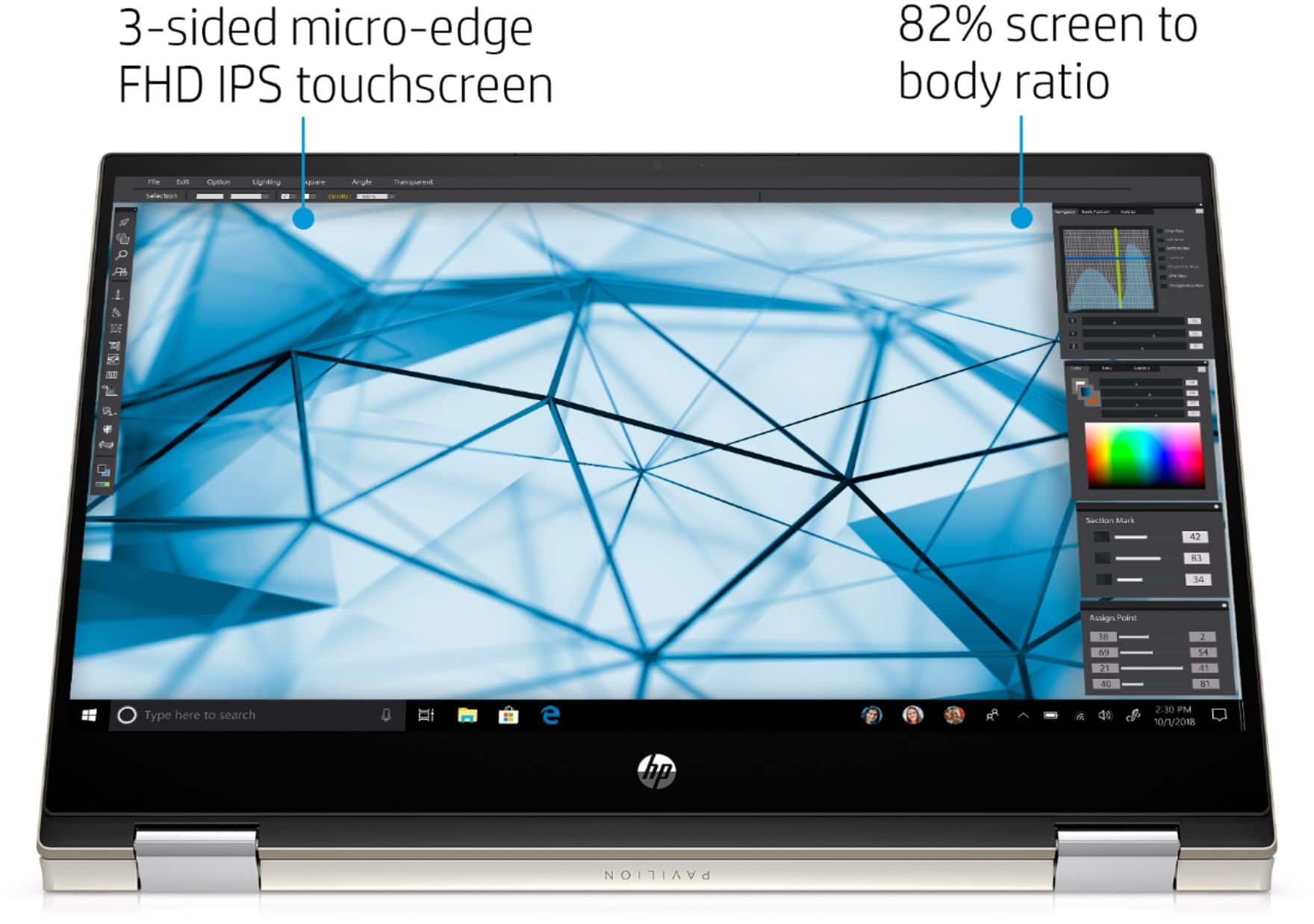
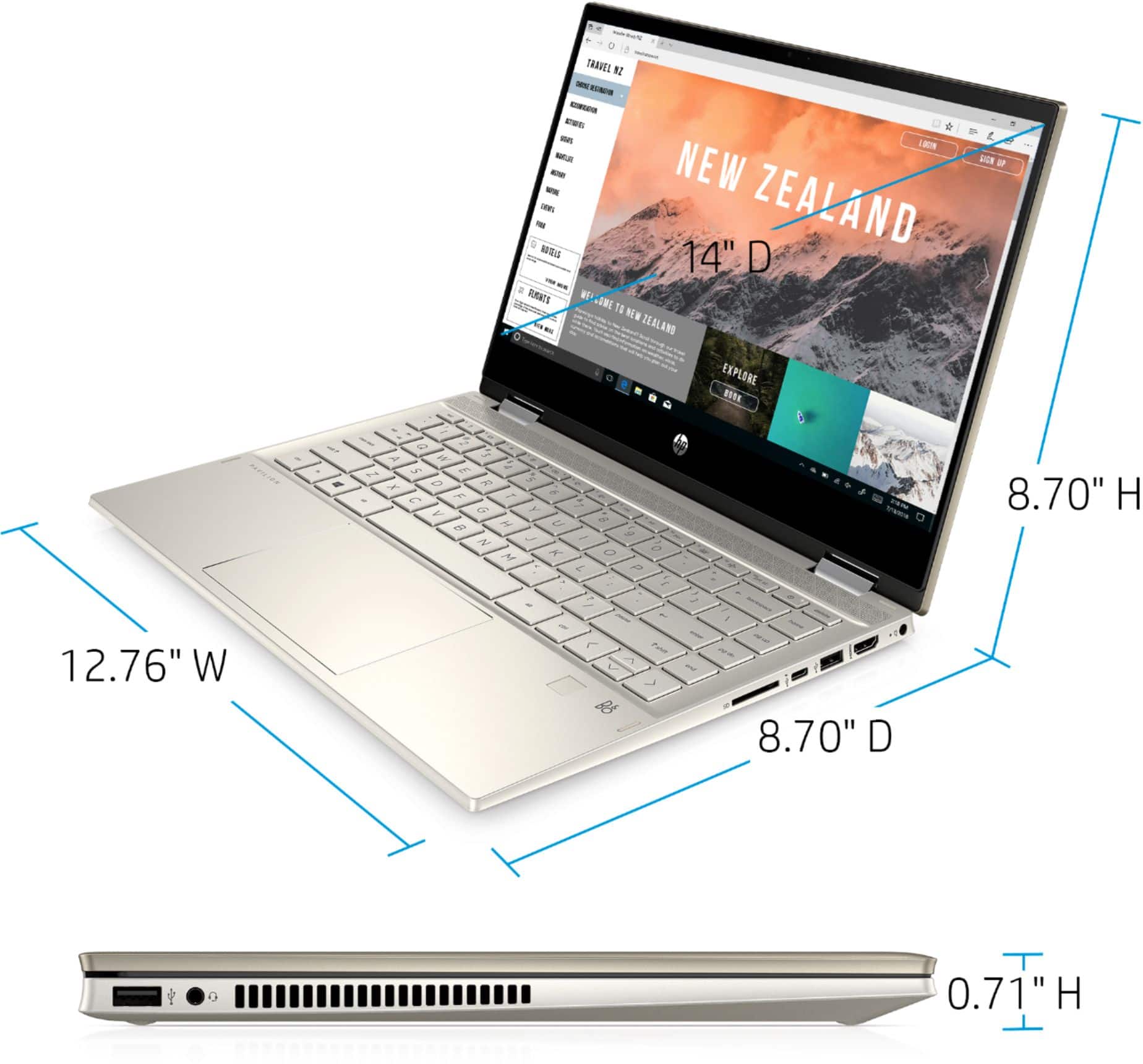
A:AnswerHere are the details for the display:
14.0-inch diagonal, FHD (1920 x 1080), multitouch-enabled, IPS, edge-to-edge
glass, micro-edge, 250 nits, 45% NTSC
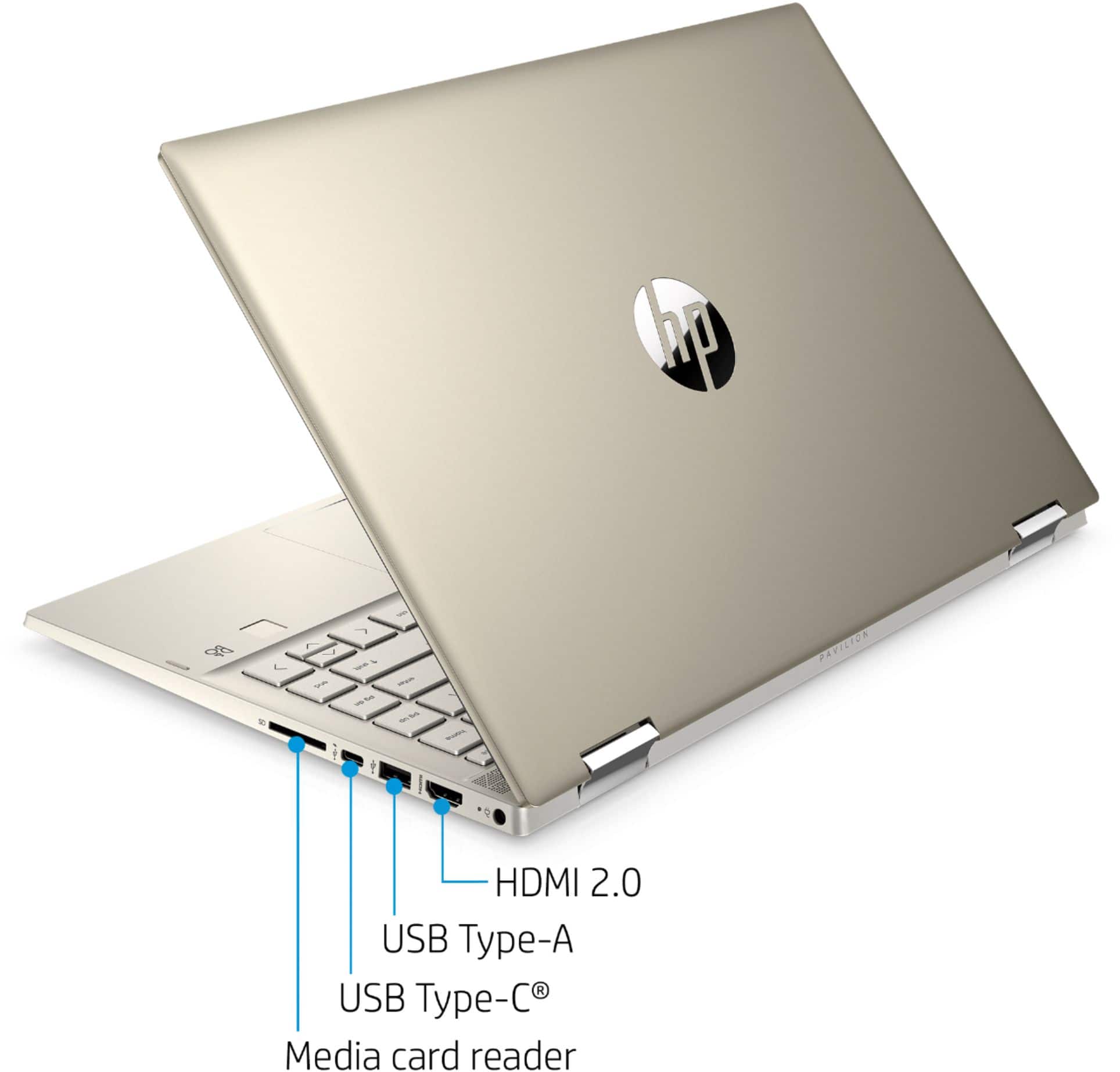
A:AnswerNo, there is not. Sorry for any confusion. Here is a link to the maintenance and service guide. Page 16 in Chapter 3 shows the parts included in the laptop. There is no drive bay: http://h10032.www1.hp.com/ctg/Manual/c06615619
A:AnswerThis model runs Windows 10 Home, there are other versions of Windows available but Windows 10 Home is what the majority of new machines will have preinstalled.
A:AnswerI have the same issue. I even did what they said by putting https:. And it still doesn't work. I bought this for my business and I've been at it for two days and can not get it connected. Im about to return the darn thing if I can't get it connected. I dont have time for it.