Everything for Back to School — and then someShop now

Skip to contentGo to Product Search
Main Content

Questions & Answers

$69.99
Save $20
The comparable value is $89.99
Page Showing 21-40 of 153 questions
  • QuestionHow do I set it to start up on an input instead of on the home page, in my case I want it to always start on HDMI1 ?

    Asked by TTSS.

    • Answer Hi there. To have your Insignia™ 24” Class F20 Series LED HD Smart Fire TV start up on HDMI1 instead of the home screen, go to the Settings menu, then select Display & Sounds, followed by Power Controls. Under Power On, choose the option Last Input. This setting ensures that your TV will automatically power on to the last input you used—such as HDMI1—instead of returning to the Fire TV home screen. If you have any questions or need further assistance, please don't hesitate to reach out. Ivy | Insignia Support

      Answered by InsigniaCustomerSupport

  • QuestionWe have DirecTV streaming. Can I use this TV for that? Does this require a FireTv subscription?

    Asked by JustAMom.

    • Answer Hello, thank you for your question. You can certainly use this TV for DirecTV streaming by downloading the app directly from the Amazon Appstore. While no separate Fire TV subscription is required, you will need a free Amazon account to download apps and your existing DirecTV credentials to sign in. Mueez | Insignia

      Answered by InsigniaCustomerSupport

  • QuestionCan you screen mirror with a android product

    Asked by Derrien5.

    • Answer Hello Derrien, Thank you for contacting us. Yes, you can screen mirror from most Android devices to the Insignia 24" F20 Series Fire TV. Just make sure both devices are on the same Wi‑Fi network, then use the Cast/Screen Mirroring option on your Android device to connect. Thank you for choosing Insignia. Narendra | Insignia

      Answered by InsigniaCustomerSupport

  • QuestionDoes tv work with regular cable, plug and play?

    Asked by Jack.

    • Answer No cable. Wireless connect. It came with a firestick remote.

      Answered by SamuelM

  • QuestionCan the Apple Music app be downloaded to this tv without using airplay?

    Asked by JT.

    • Answer No

      Answered by DavidH

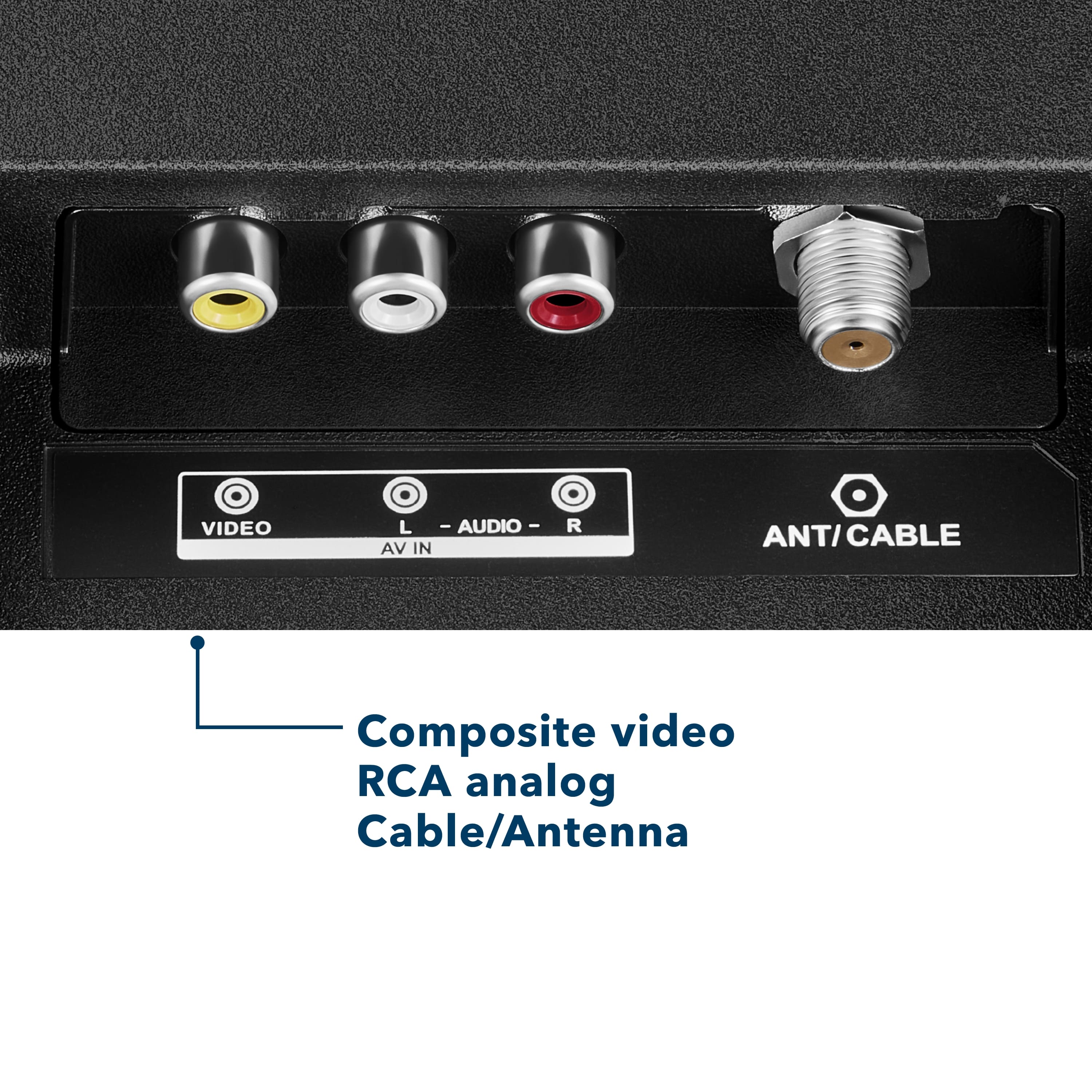
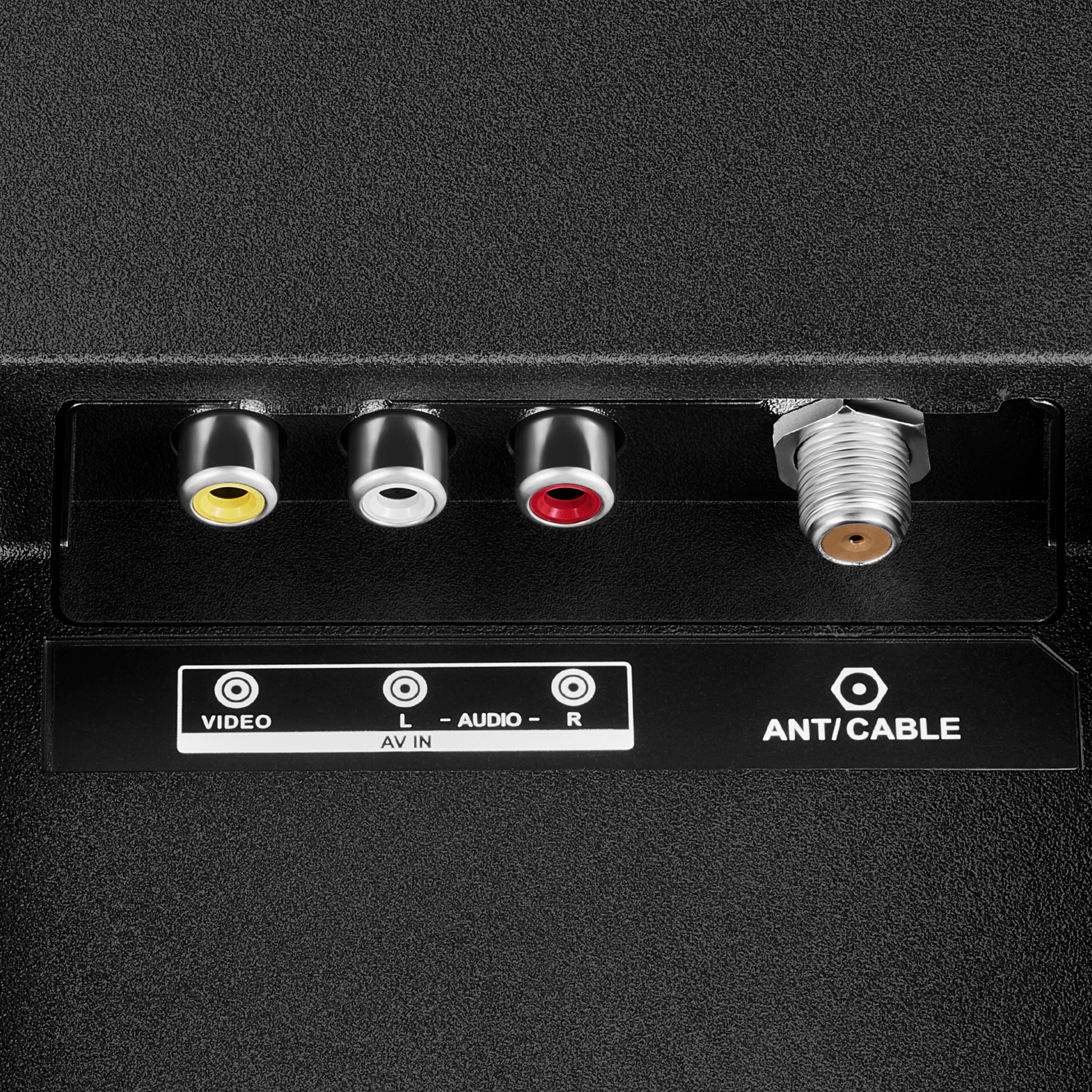
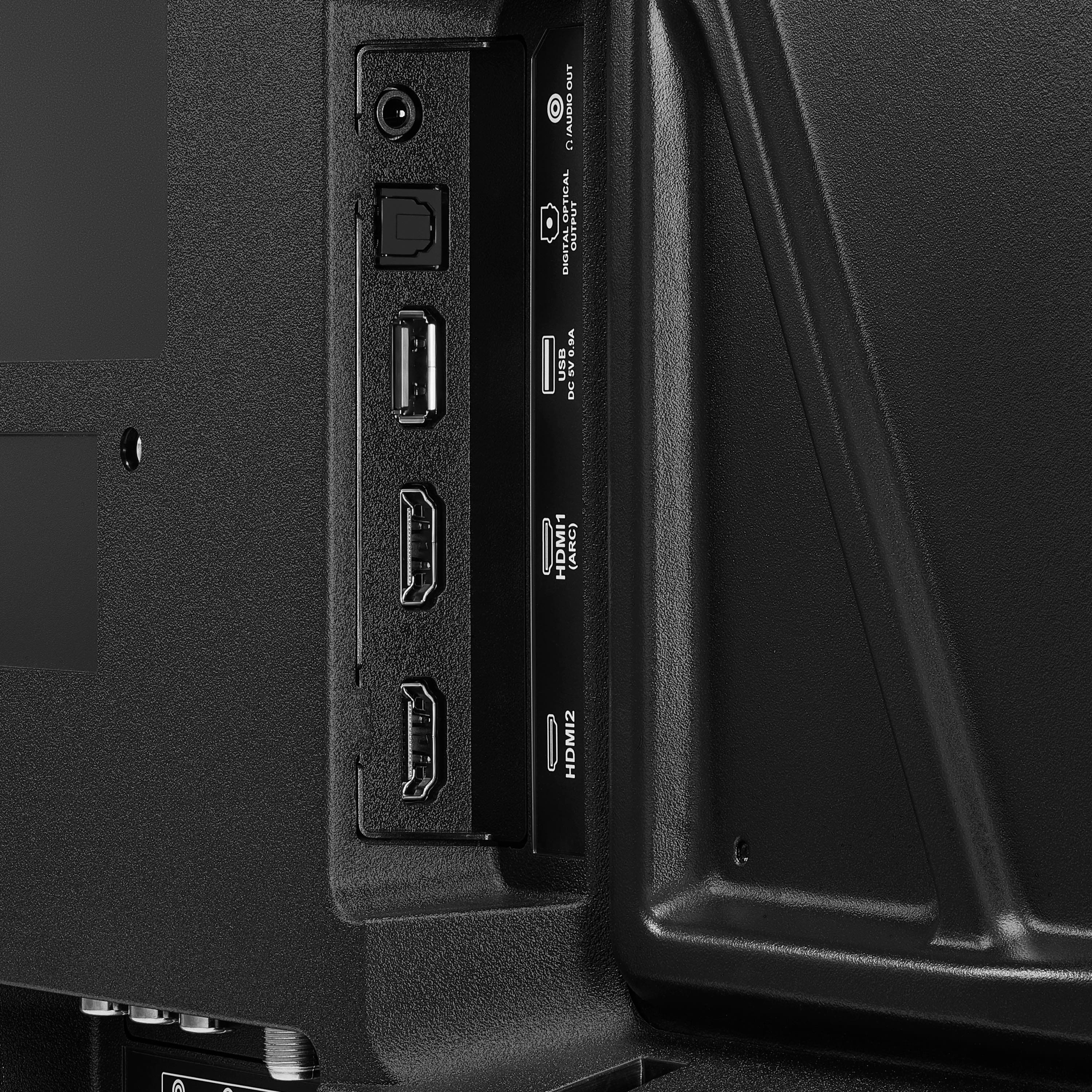
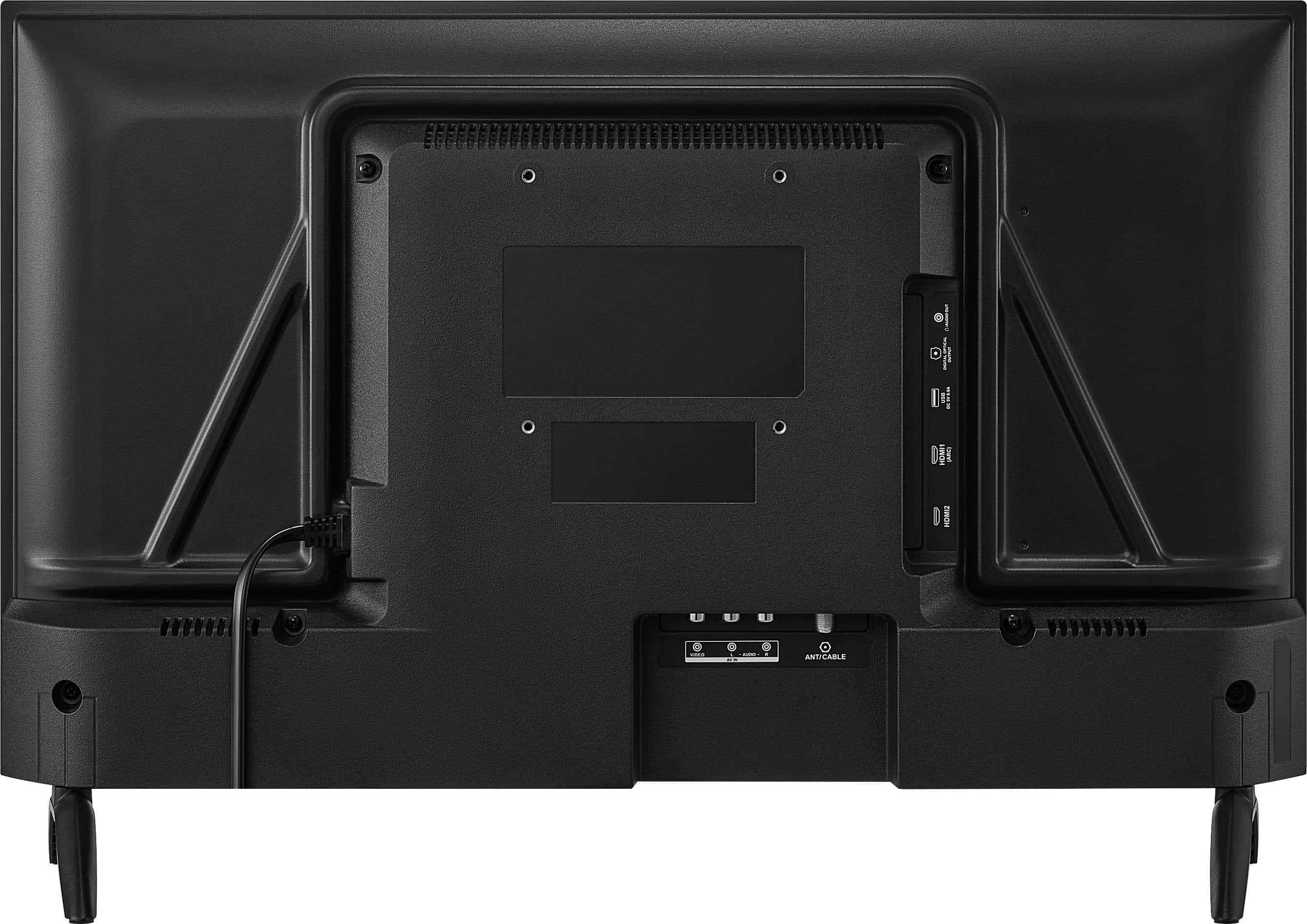
  • QuestionMy cable tv provider brings the signal into the house and to the existing tv via a coax cable. Is the Insignia TV compatible with this type of hook-up or does it need a HDMI input source?

    Asked by Anonymous.

    • Answer I checked and this TV does have what looks like a COAX receptacle on the back marked "ANT/CABLE" so you should be OK.

      Answered by ramich

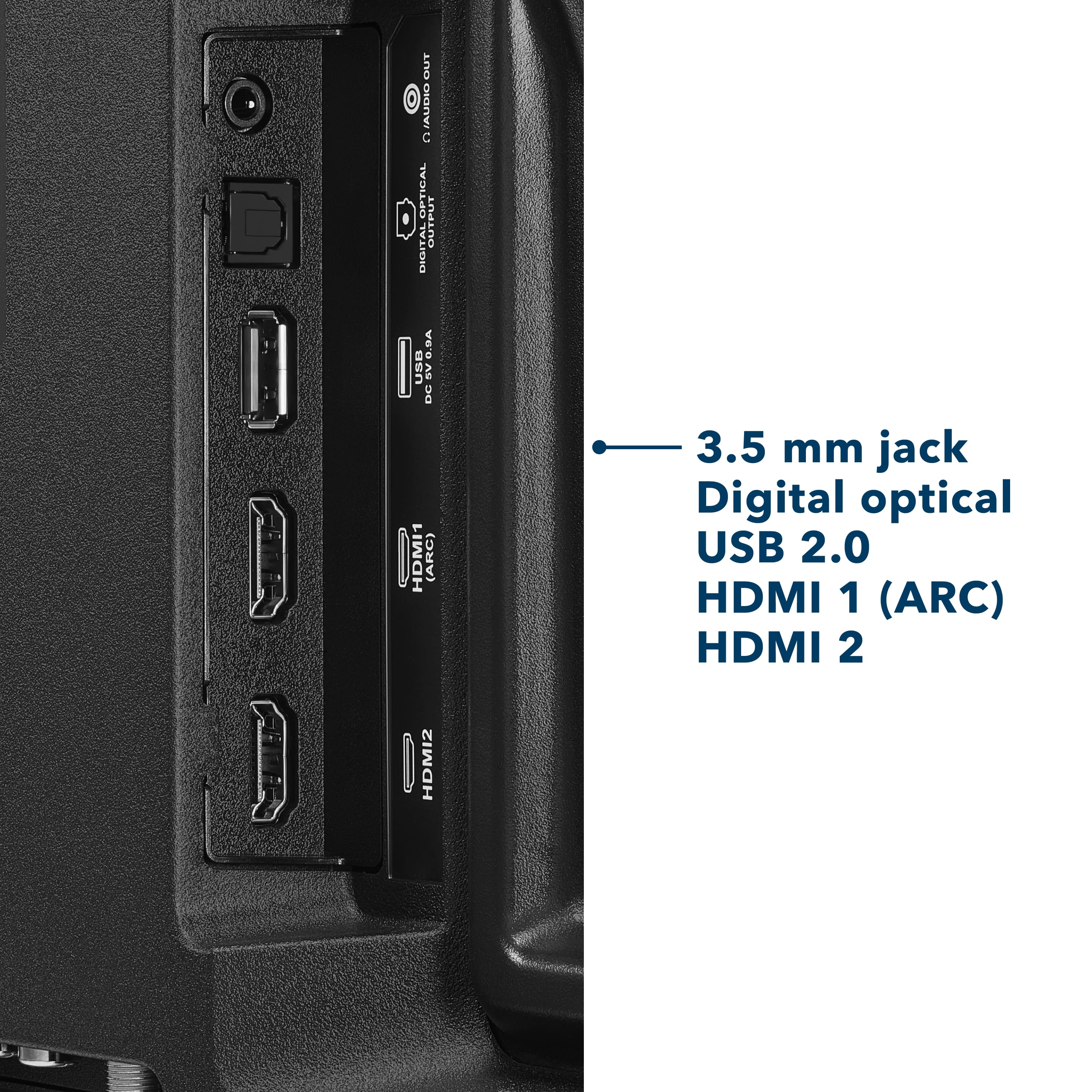
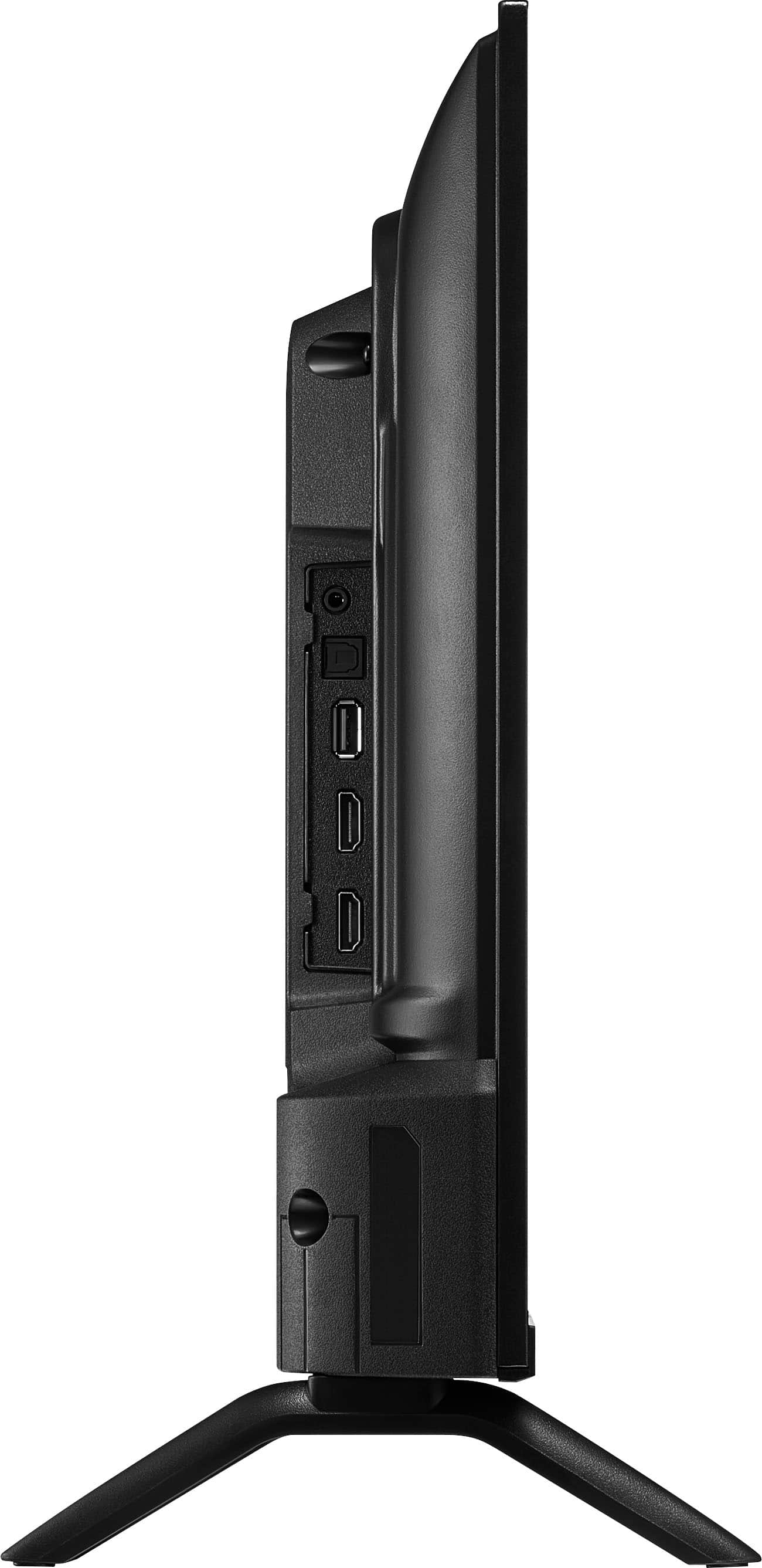
  • QuestionCan this be used as a monitor for an xbox one? Does it have an hdmi port? Are there any buttons physically on the TV?

    Asked by roo.

    • Answer My son has an Xbox. Yes.

      Answered by Lulu

  • QuestionDoes this have a QAM tuner?

    Asked by Chris.

    • Answer Hi there. Yes, the Insignia™ 24” Class F20 Series LED HD Smart Fire TV does include a QAM tuner. This allows it to receive unencrypted digital cable channels without needing a separate cable box, which is useful if you're connecting it directly to a coaxial cable from your cable provider. If you have any questions or need further assistance, please don't hesitate to reach out. Ivy | Insignia Support

      Answered by InsigniaCustomerSupport

  • QuestionCan I use this tv with an indoor antenna? Thank you!

    Asked by Bill.

    • Answer Absolutely, Bill! You can use the Insignia™ 24” Class F20 Series LED HD Smart Fire TV with an indoor antenna. It has a coaxial RF input labeled “ANT/CABLE IN” that lets you connect an antenna directly to the TV. Tine | Insignia Support

      Answered by InsigniaCustomerSupport

  • QuestionDoes this tv connect to vhs player

    Asked by Anonymous.

  • QuestionIs this a Toshiba entity?

    Asked by Anonymous.

    • Answer Hello, thank you for the question. No, this is not a Toshiba product. The 24" Class F20 Series HD Smart Fire TV is part of the Insignia product lineup. While it uses the Fire TV platform, it is designed and sold under the Insignia brand. Poojitha | Insignia

      Answered by InsigniaCustomerSupport

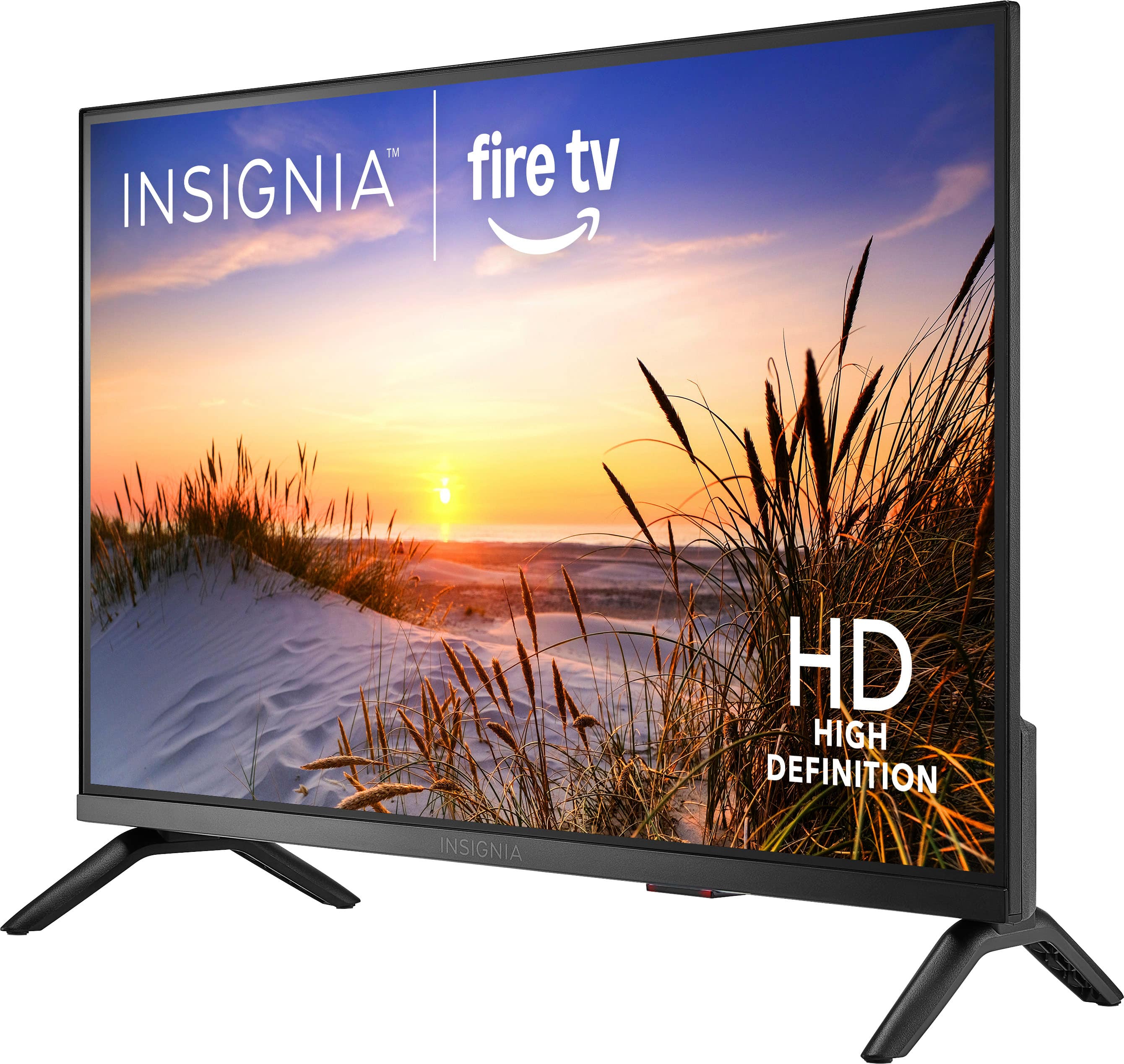
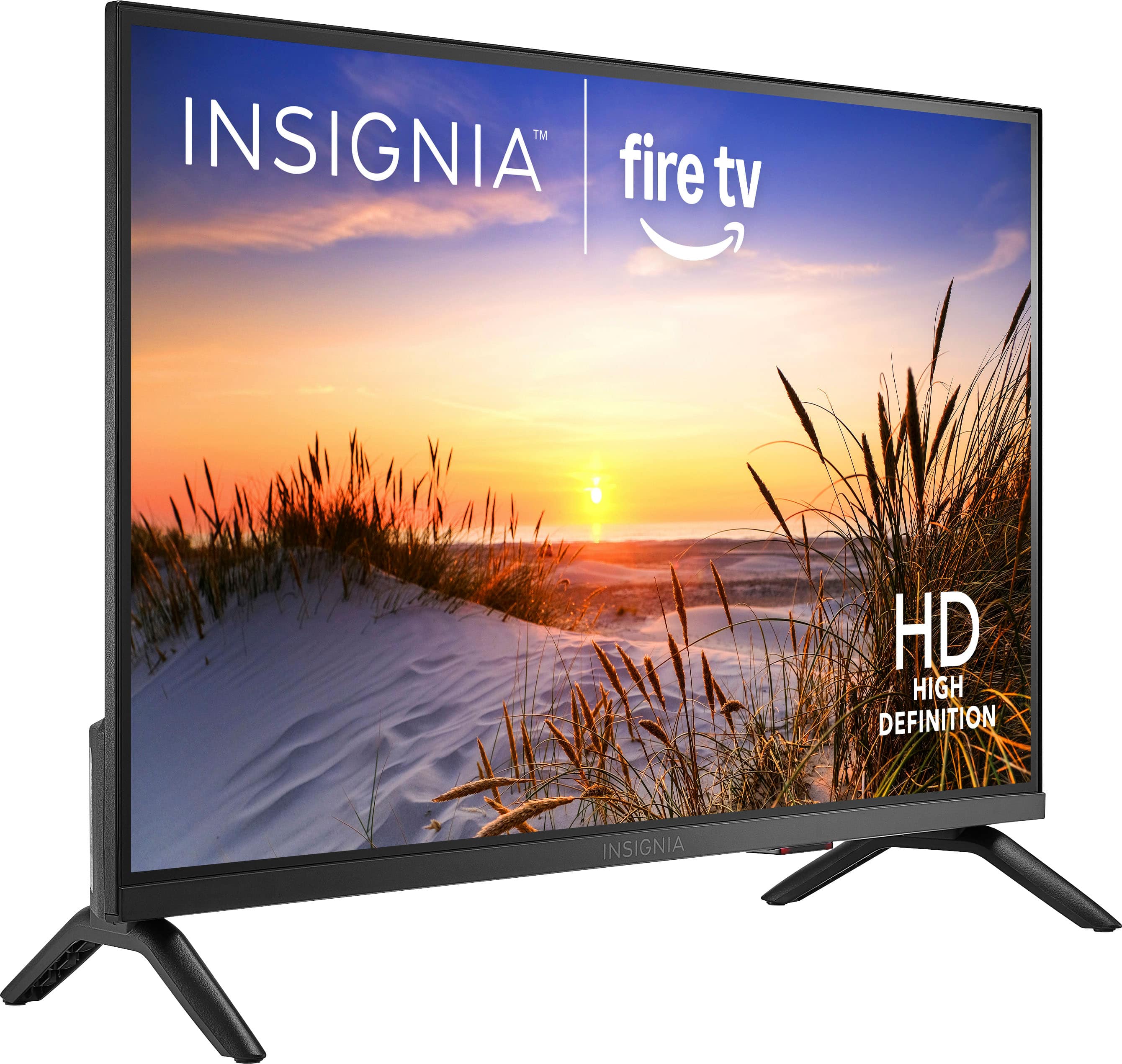
  • QuestionCan this tv fit on a 23 inches top drawer

    Asked by Kvh.

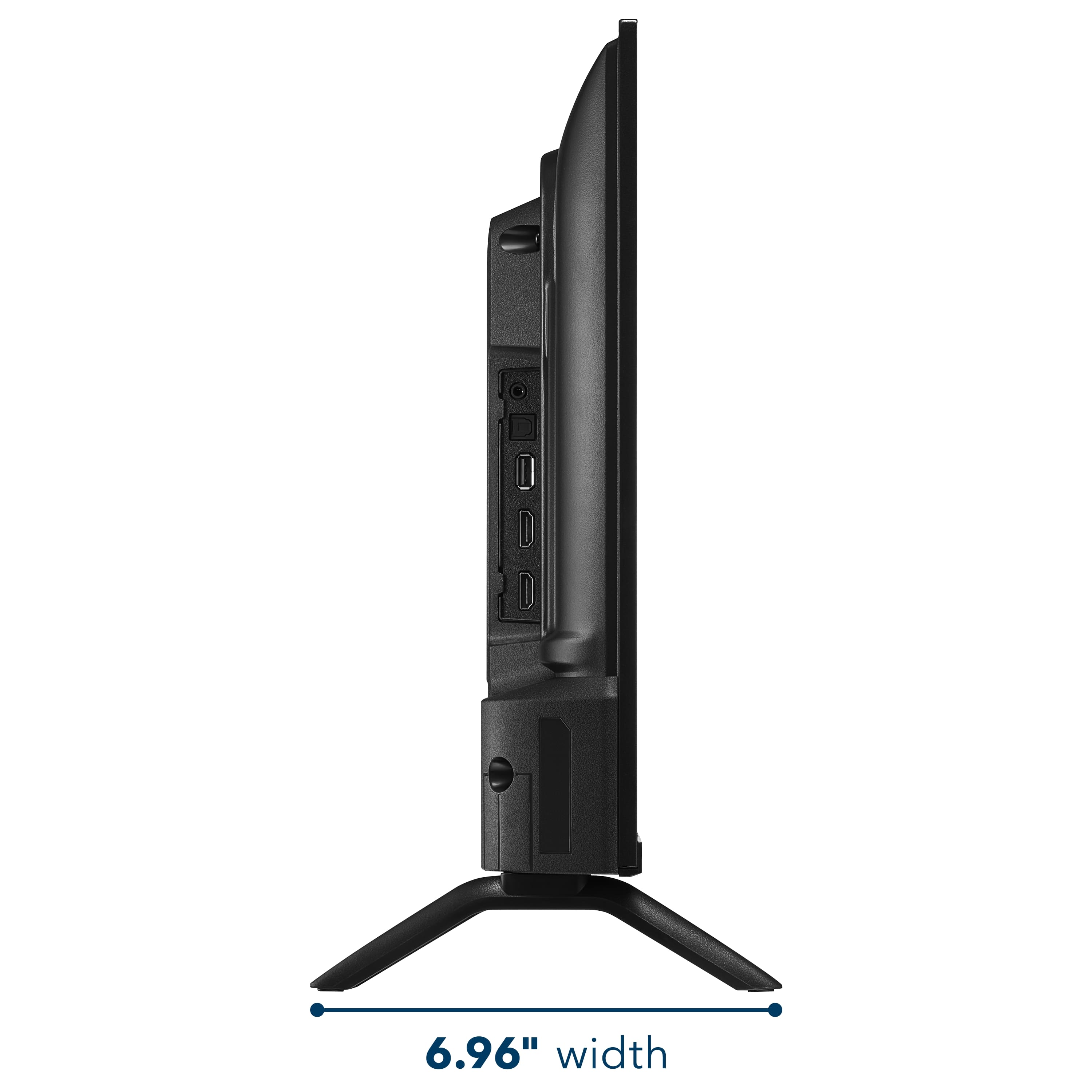
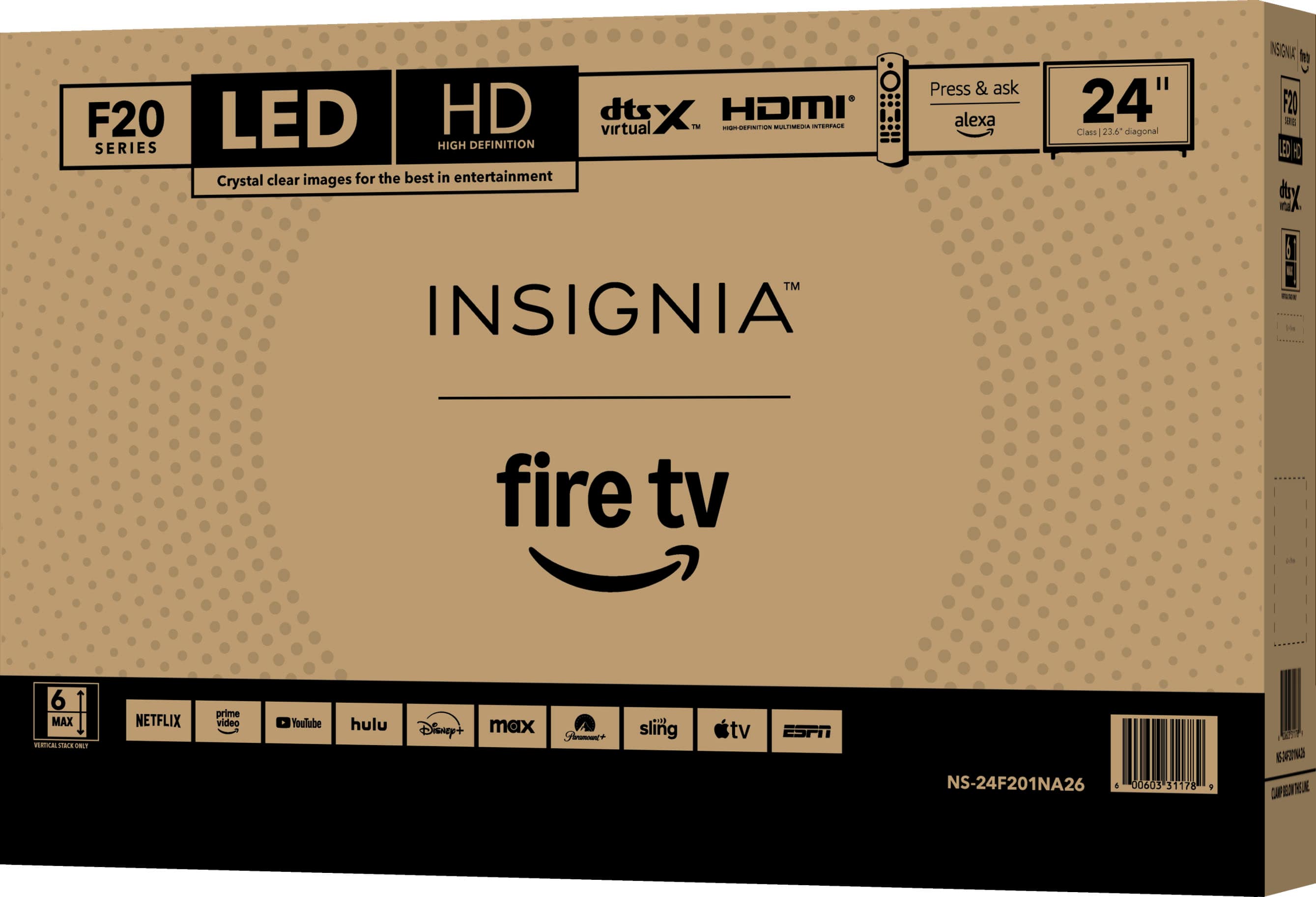
    • Answer Dear Customer, thank you for your question. The Insignia™ 24" Class F20 Series Smart Fire TV (Model NS‑24F201NA26) has an overall width of 21.9 inches. If your top drawer surface measures 23 inches across, the TV will fit comfortably. Just make sure the surface is stable and can support the TV’s weight for safe placement. Rafay | Insignia Products

      Answered by InsigniaCustomerSupport

  • QuestionWill this TV work as a computer monitor?

    Asked by Anonymous.

    • Answer Hello, thank you for the question. Yes, the Insignia 24" Class F20 Series Smart Fire TV can be used as a computer monitor through one of its HDMI inputs. Its compact size and built-in smart features make it a versatile option for both entertainment and everyday computer use. Please note that it has a 720p HD resolution, which is best suited for general tasks and media viewing. Poojitha | Insignia

      Answered by InsigniaCustomerSupport

  • QuestionCAN THIS TV CONNECT TO MY DISH ACCOUNT WIRELESSLY

    Asked by RAGTAGELLOBO.

    • Answer Hello, thank you for the question. The Insignia 24" Class F20 Series Smart Fire TV can connect to your DISH receiver, but it typically requires a connection through HDMI rather than connecting directly to your DISH account wirelessly. If your DISH service includes a compatible app or streaming option, availability would depend on DISH's supported devices and services. Poojitha | Insignia

      Answered by InsigniaCustomerSupport

  • QuestionDo the 24 inch TV'S work w rabbit ears?

    Asked by Anonymous.

    • Answer Hello, thank you for your question. Yes, this Insignia™ 24" F20 Series Fire TV works with rabbit ear antennas. It has a built-in TV tuner that allows you to connect an antenna and scan for available over-the-air local broadcast channels. Sudeep | Insignia

      Answered by InsigniaCustomerSupport

  • QuestionDo the 24 inch TV'S work w/rabbit ears or a hotspot? If not, which TV'S do work w/rabbit ears or hotspot?

    Asked by Cessa.

    • Answer Hello Cessa, thank you for your question. Yes, this Insignia™ 24" F20 Series Fire TV works with both rabbit ear antennas and mobile hotspots. The built-in tuner allows you to receive over-the-air broadcast channels when an antenna is connected, and the TV can connect to a compatible Wi‑Fi hotspot for streaming and smart TV features. Sudeep | Insignia

      Answered by InsigniaCustomerSupport

  • QuestionDo the 24 inch TV'S work w/rabbit ears or does it need a Hotspot?

    Asked by Cessa.

    • Answer Hello Cessa, thank you for your question. Yes, this Insignia™ 24" F20 Series Fire TV works with rabbit ear antennas and does not require a hotspot to watch over-the-air broadcast channels. Simply connect a compatible antenna and run a channel scan to receive available local stations. A hotspot or Wi‑Fi connection is only needed if you want to use streaming apps and other smart TV features. Sudeep | Insignia

      Answered by InsigniaCustomerSupport

  • QuestionCan this be used with no wifi to play local channels with an antenna

    Asked by Wifi.

    • Answer Hello, thank you for the question. Yes, the Insignia 24" Class F20 Series Smart Fire TV can be used without Wi‑Fi to watch local channels with an antenna. Simply connect a compatible antenna to the TV’s coaxial input and run a channel scan in the settings to find available over-the-air channels in your area. Poojitha | Insignia

      Answered by InsigniaCustomerSupport

  • QuestionCan you watch YouTube and YouTube TV?

    Asked by Anonymous.

    • Answer Hello, thank you for the question. Yes, the Insignia 24" Class F20 Series Smart Fire TV supports both the YouTube and YouTube TV apps through the Fire TV platform. Simply connect the TV to the internet, download the apps if needed, and sign in to your account to start watching. Poojitha | Insignia

      Answered by InsigniaCustomerSupport

  • QuestionAre there numbers on the remote?

    Asked by Kris.

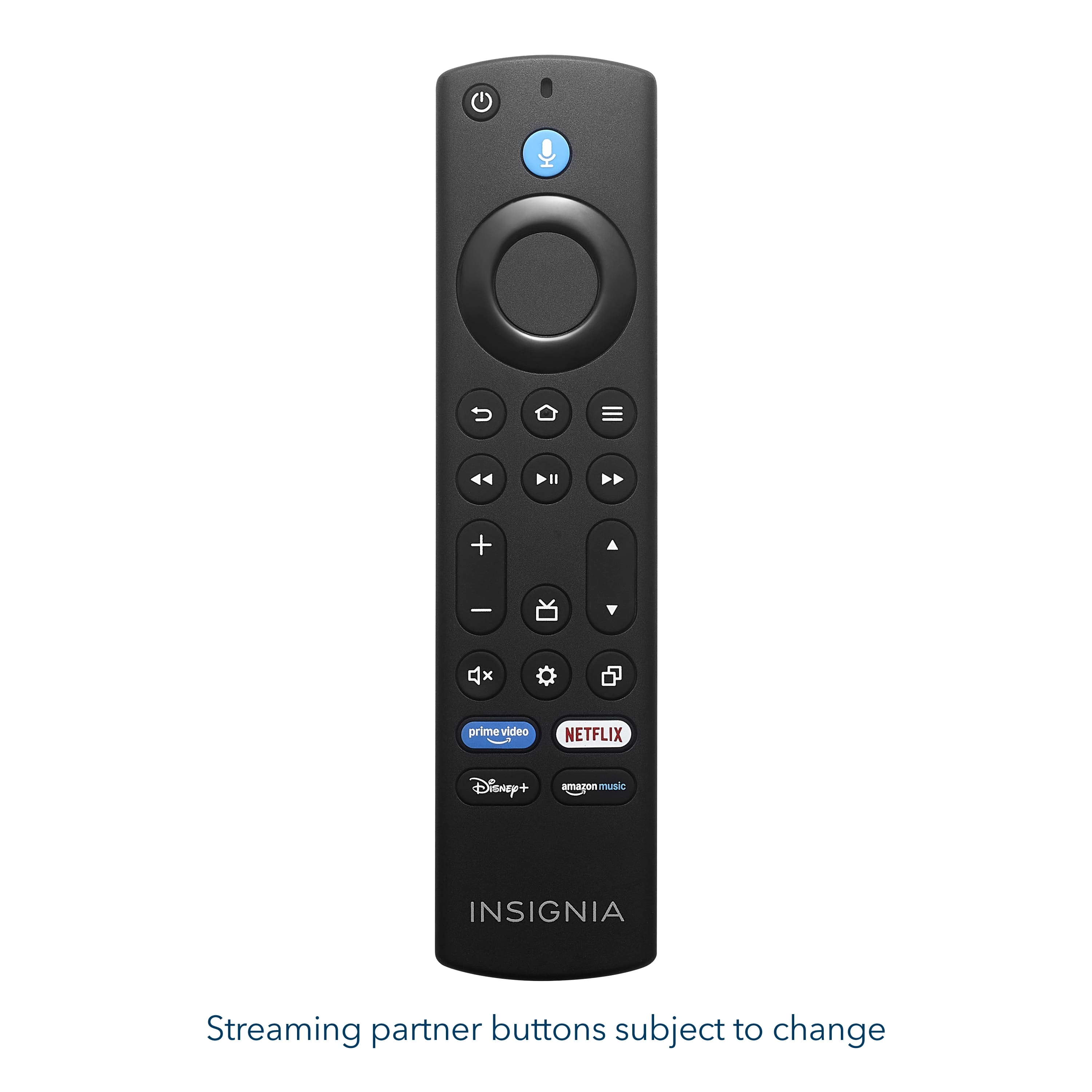
    • Answer Hello Kris! Thank you for your question. The remote included with the Insignia™ 24" F20 Series Fire TV does not feature number buttons. Channels can be accessed using the on-screen guide or by using Alexa voice commands through the remote. Vennila | Insignia

      Answered by InsigniaCustomerSupport