Questions & Answers
- Model:
- NS-24F201NA26
- |
- SKU:
- 6616017
Q: QuestionDoes this come with fire tv?
Asked by Kuri.
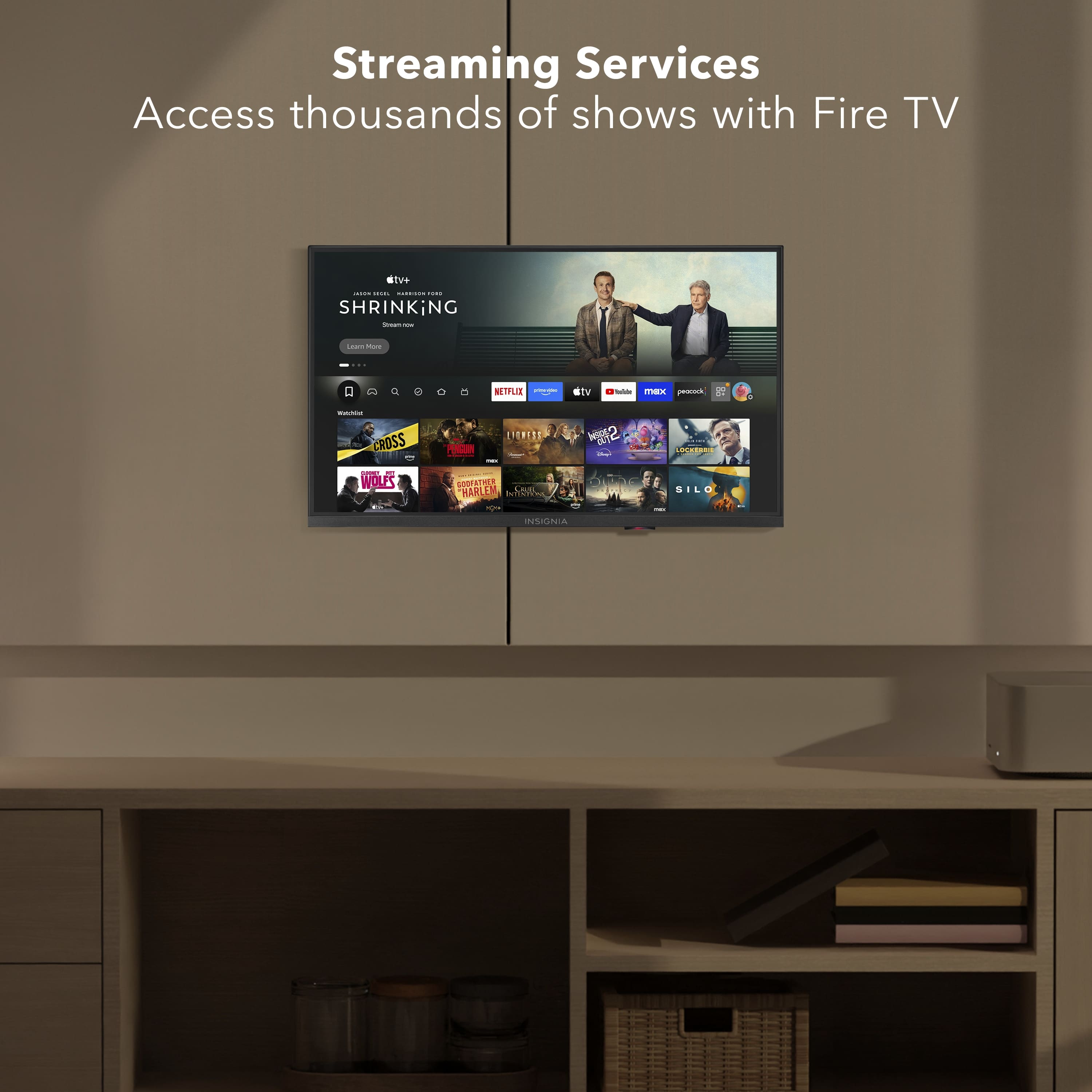
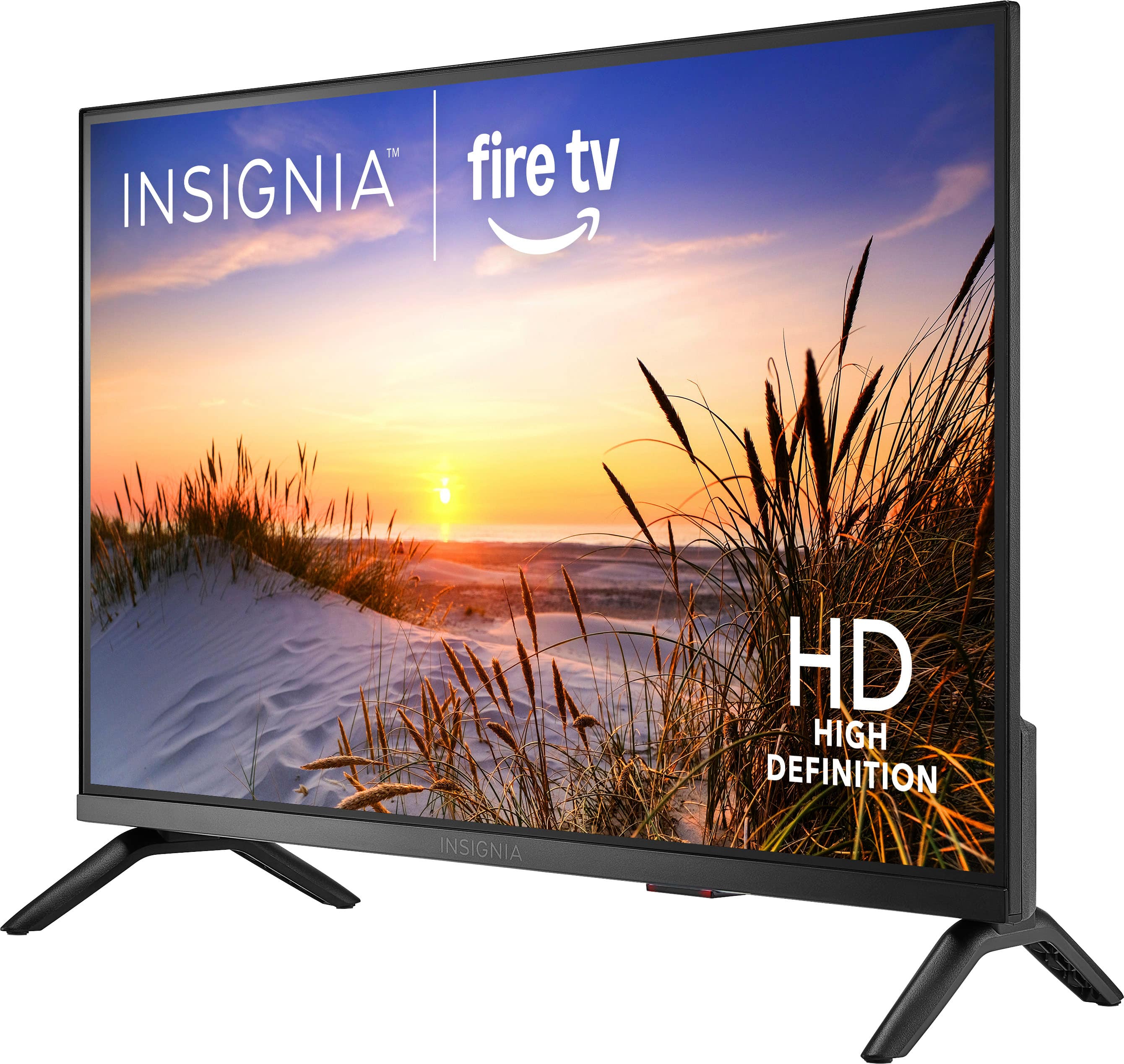
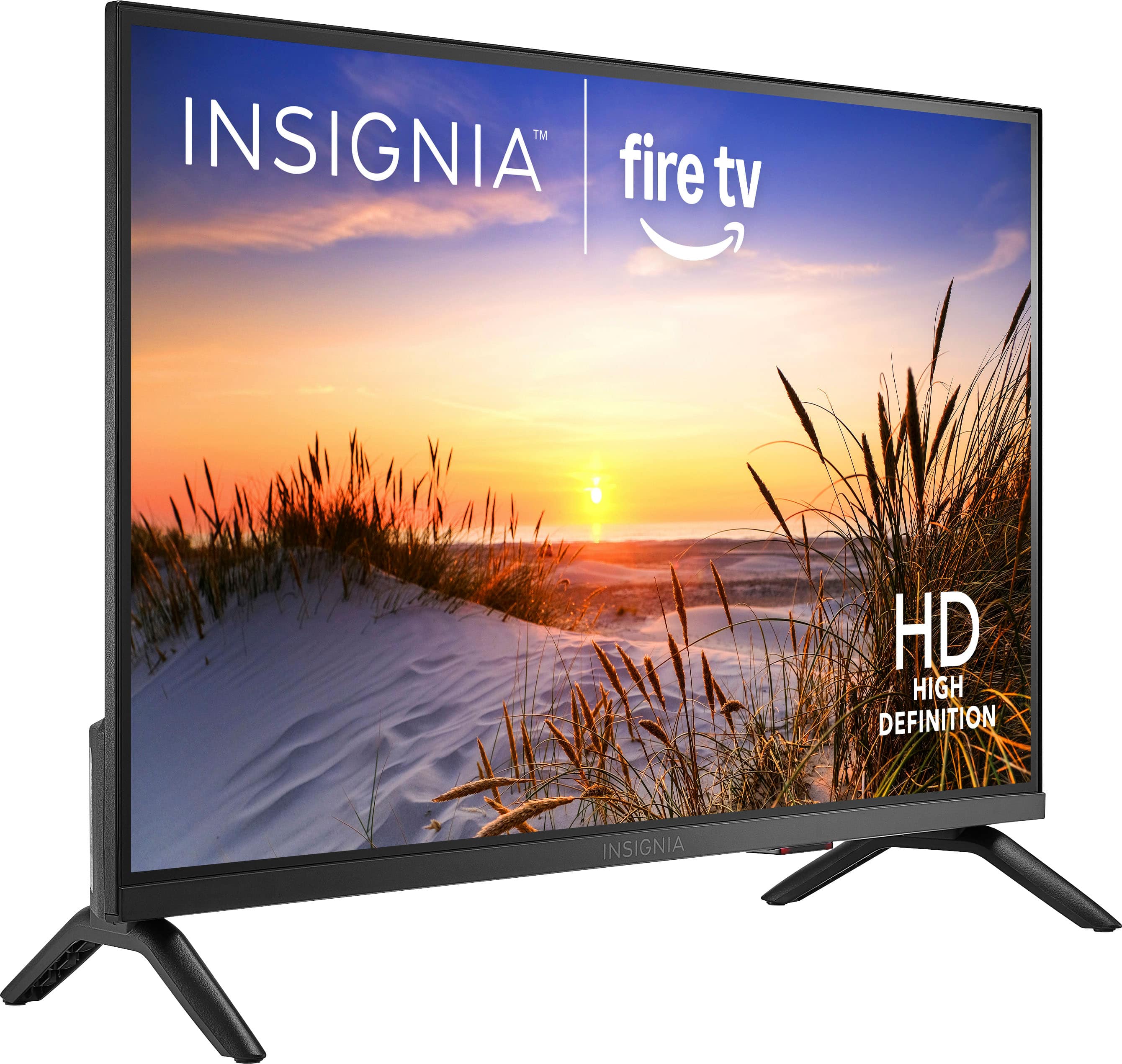
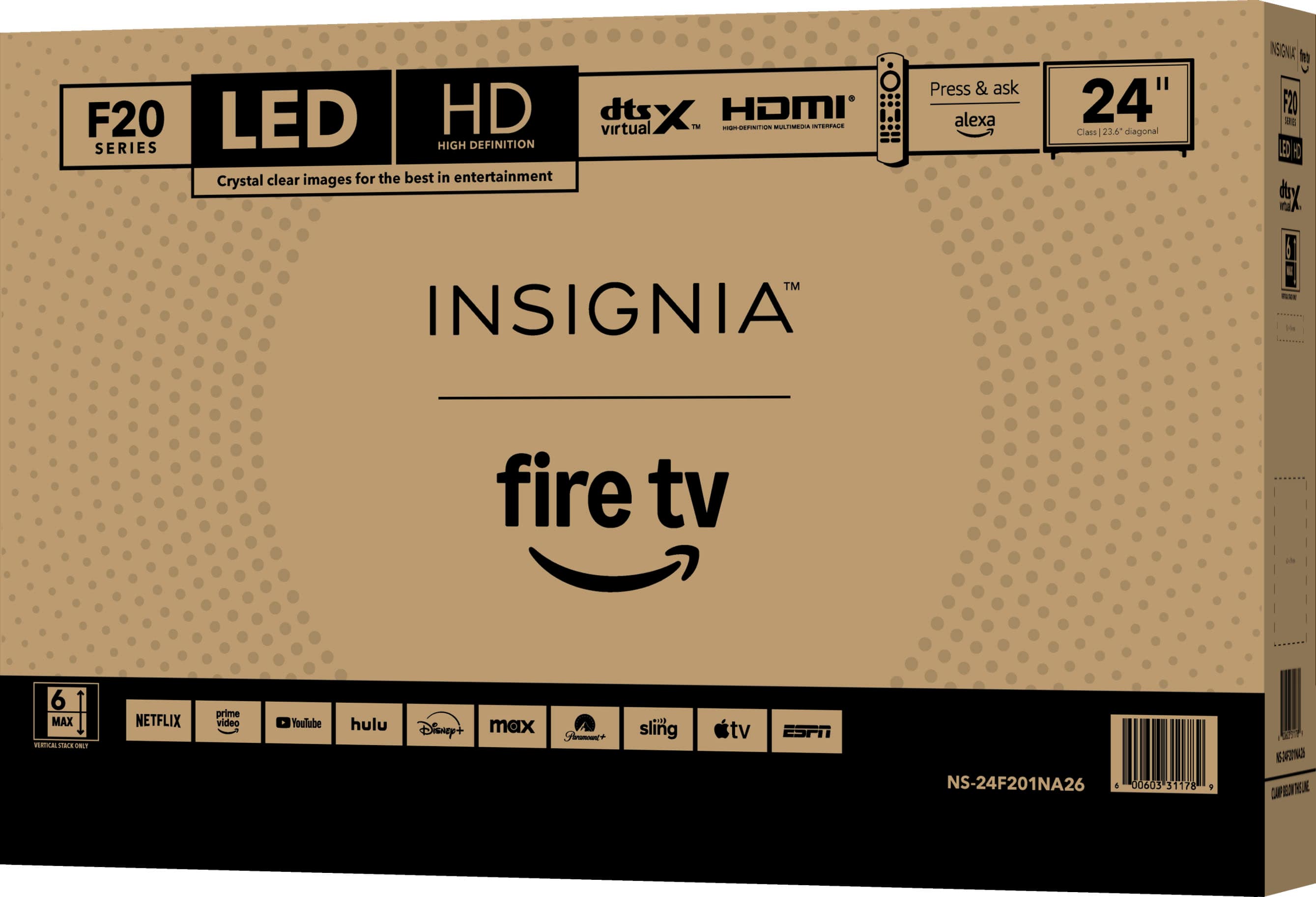
- A:Answer Hello! Thank you for your question. Yes the Insignia - 24" Class F20 Series LED HD (720p) Smart Fire TV comes with Fire TV built in, giving you access to popular streaming apps, live TV options, and Alexa features right out of the box. No separate Fire TV Stick is required, just connect the TV to the internet and sign in to start streaming. Darshan | Insignia
Answered by InsigniaCustomerSupport
Q: QuestionDoes the TV come with wall mount screws?
Asked by Gerald.
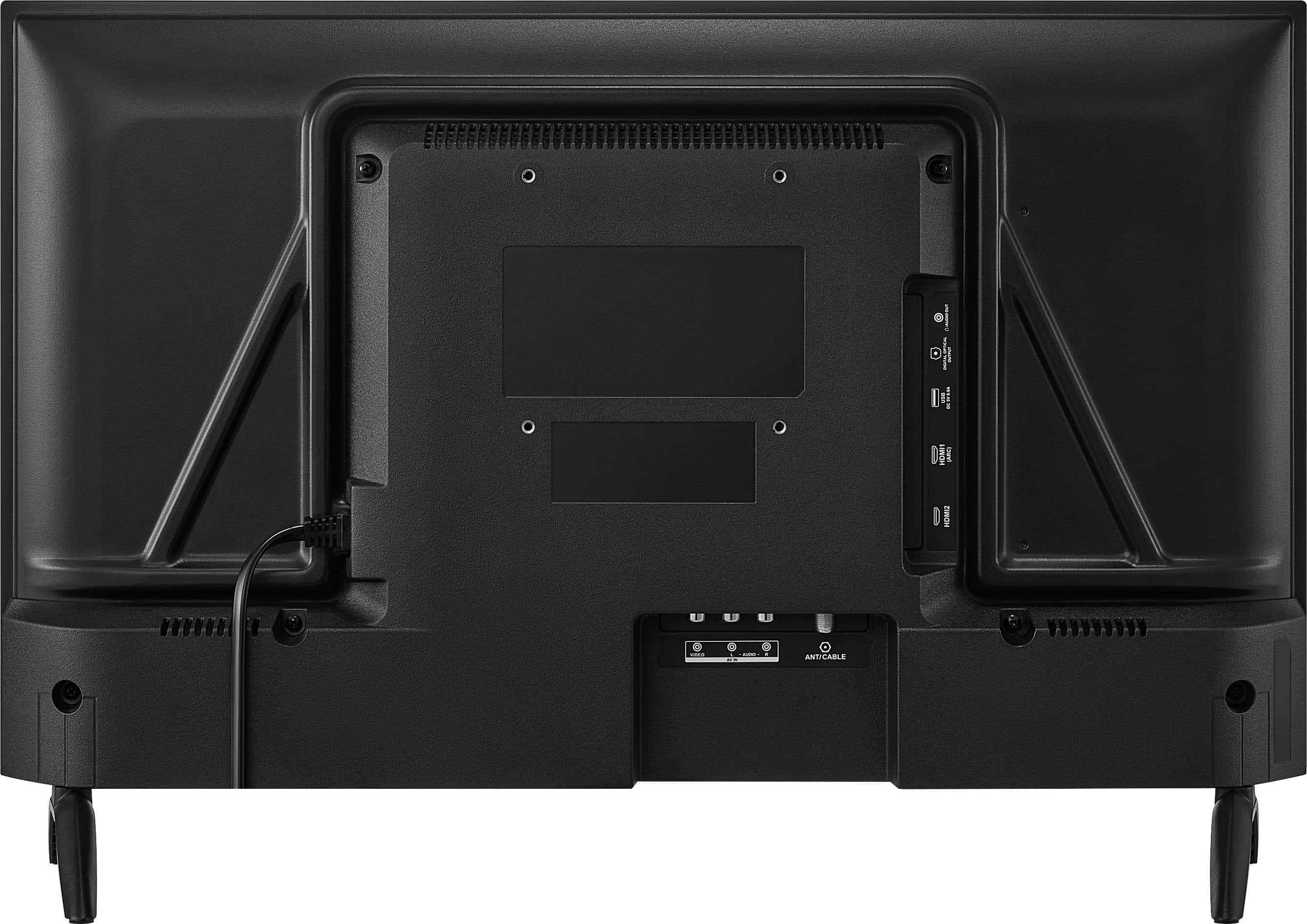
- A:Answer Hi, thank you for your question. Wall mount screws are not typically included with the TV. The required mounting hardware usually comes with the wall mount kit, and you should use screws that match the TV's VESA mounting specifications. Shashank | Insignia
Answered by InsigniaCustomerSupport
Q: QuestionAre you able to do software or app updates
Asked by Anonymous.
- A:Answer Hello, thank you for your question. Yes, model NS-24F201NA26 can receive software and app updates when connected to the internet. Updates are generally completed automatically to help keep the TV and its apps current. Mueez | Insignia
Answered by InsigniaCustomerSupport
Q: Questionhow do Im download a user manual for F20 series tv
Asked by docjohn3i.
- A:Answer Hello, thank you for the question. You can download the User Manual for the Insignia 24" Class F20 Series Smart Fire TV from the Best Buy product page under Features > Manuals & Guides. Select the User Guide to open or download the PDF. If you need assistance, please contact 1-877-467-4289 or insignia@bestbuy.com. Poojitha | Insignia
Answered by InsigniaCustomerSupport
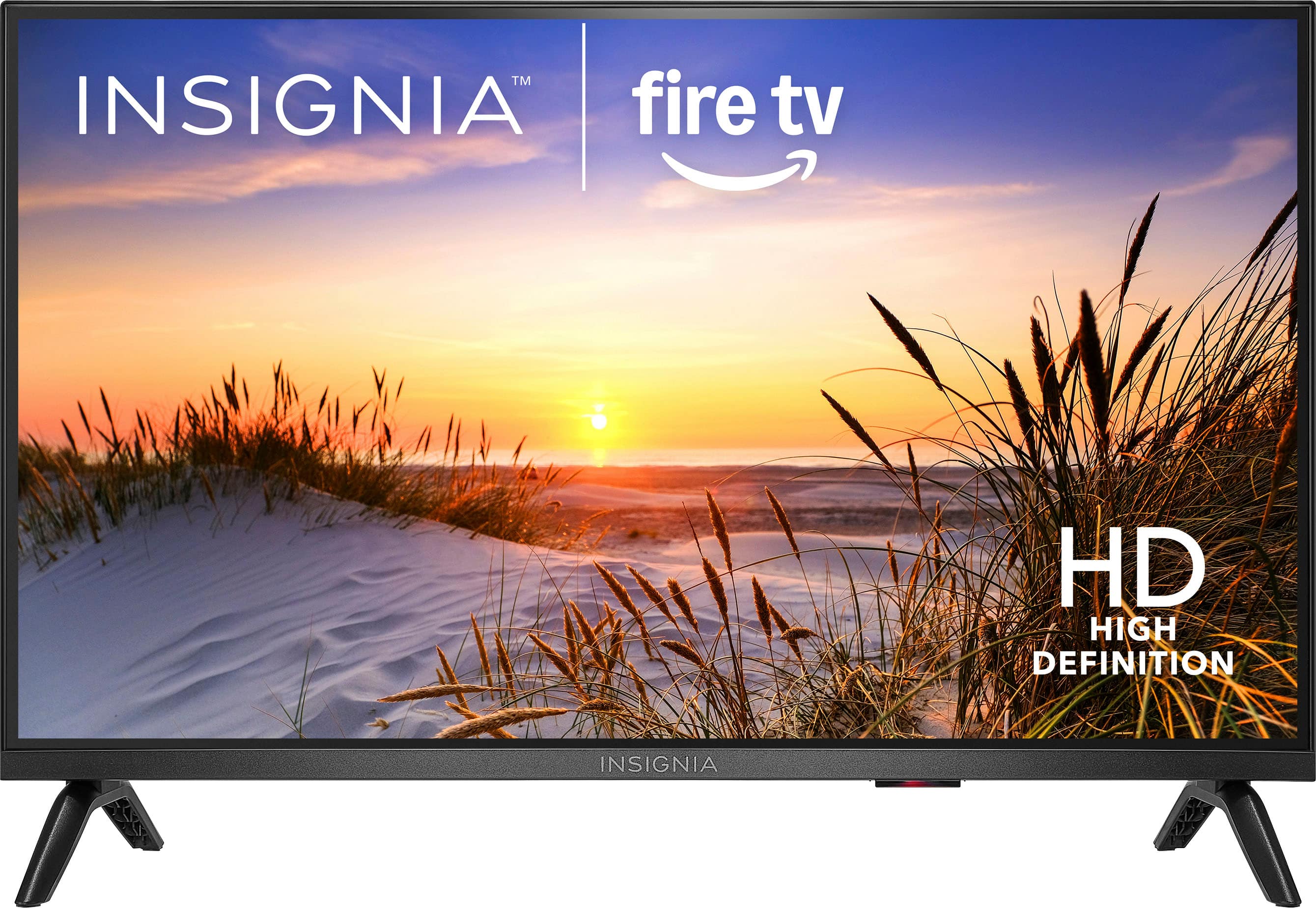
Q: QuestionCan it be placed high up in the room and still see the picture from a low angle?
Asked by Anonymous.
- A:Answer Hello, thank you for your question. Yes, this Insignia™ 24" Class F20 Series Smart Fire TV can be mounted or placed higher in a room and still be viewed from below. However, as with most LED TVs, picture quality and brightness may vary somewhat when viewed from more extreme angles. For the best viewing experience, we recommend positioning the TV so it is angled toward the primary viewing area. Sudeep | Insignia
Answered by InsigniaCustomerSupport
Q: QuestionCan this tv connect to YouTube TV?
Asked by Deb10.
- A:Answer Hello Deb! Thank you for your question. Yes, the Insignia™ 24" Class F20 Series Smart Fire TV can connect to YouTube TV. Since Fire TV is built into the television, you can download the YouTube TV app from the Amazon app store, sign in with your account, and start streaming your live TV channels and content over an internet connection. Darshan | Insignia
Answered by InsigniaCustomerSupport
Q: QuestionWould this be a good product to run youtube video loops loaded on a stick. I want to use this in my retail store
Asked by mo.
- A:Answer Yes
Answered by JANISC
Q: QuestionDoes this tv connect to vhs player
Asked by Anonymous.
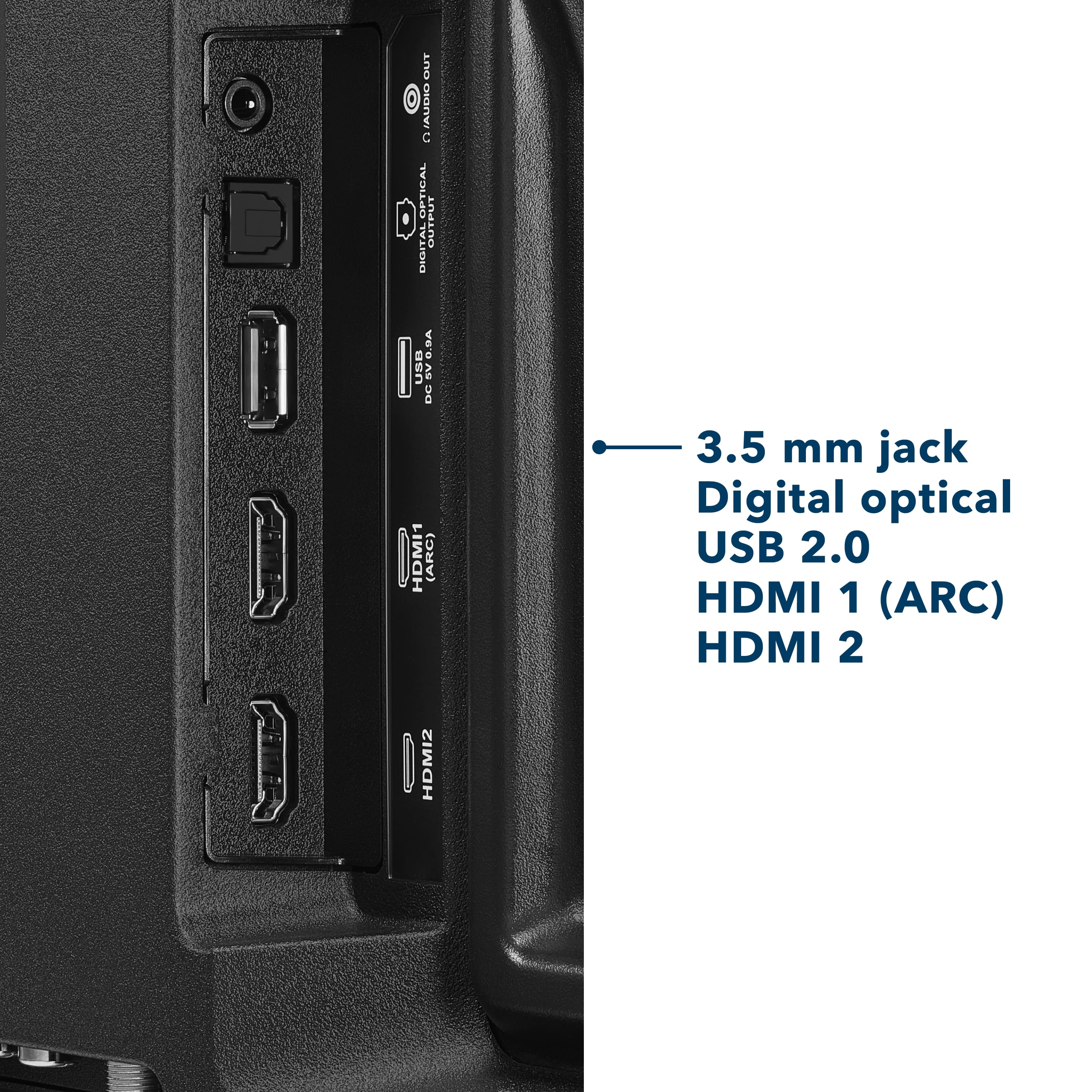
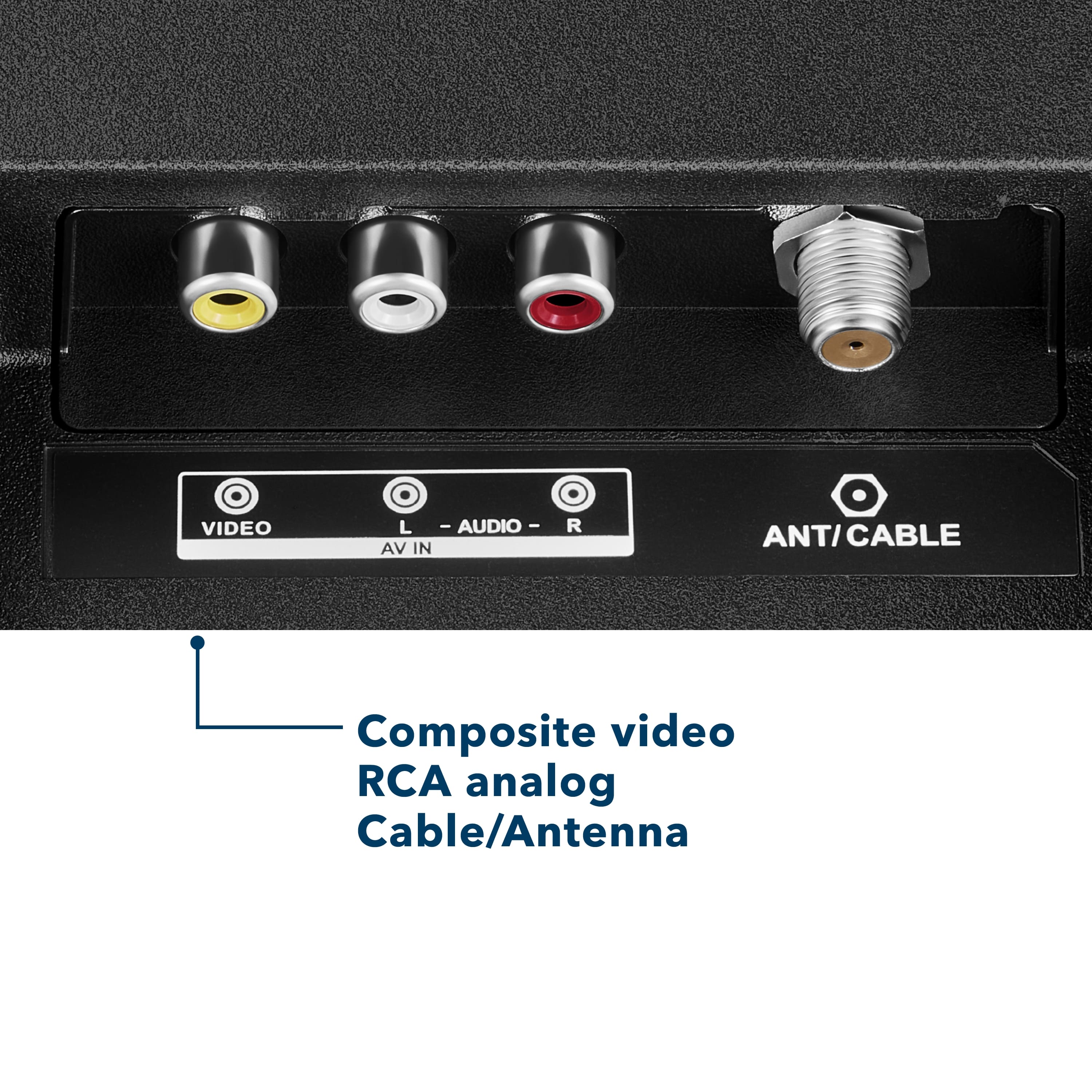
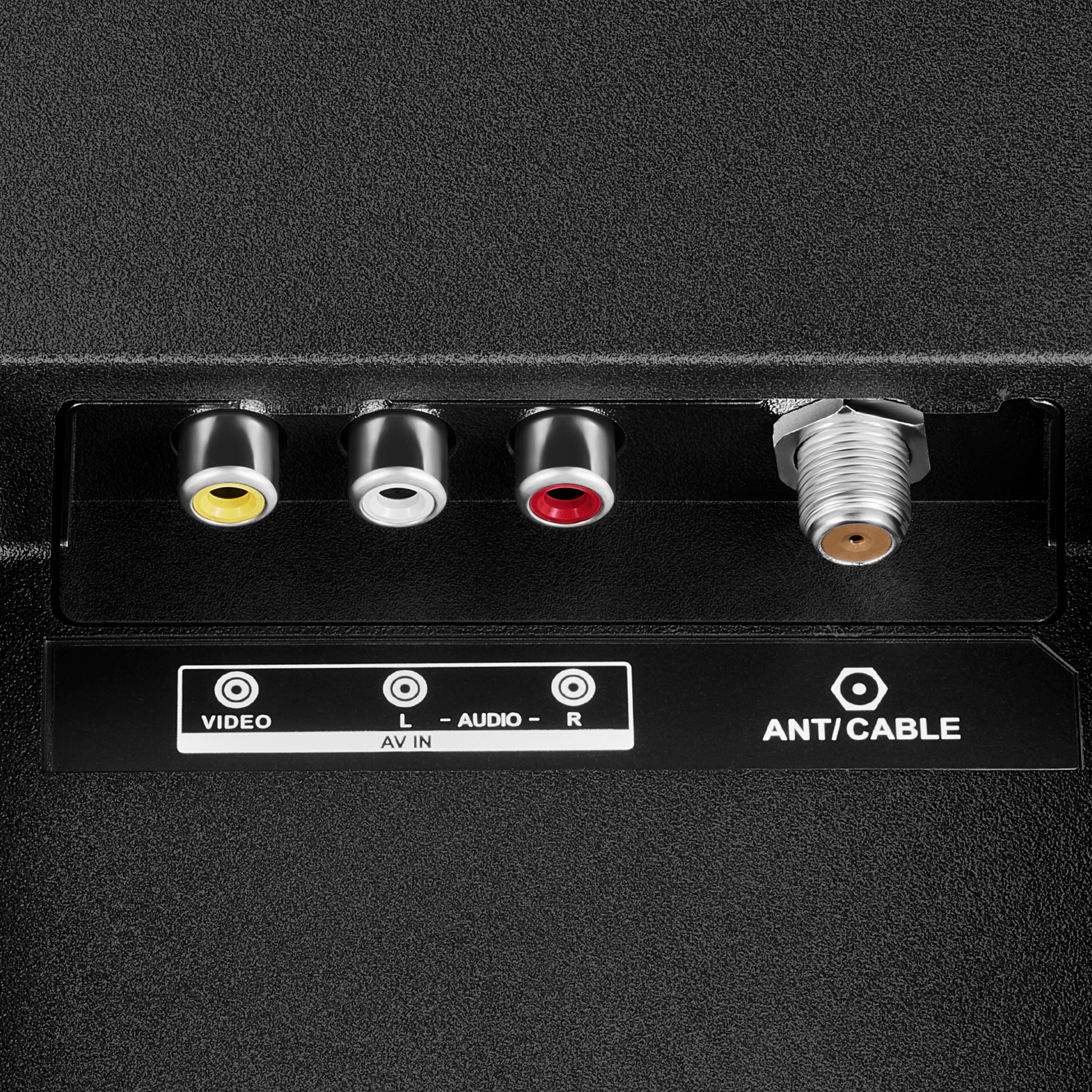
- A:Answer Hello! Thank you for your question. Yes, the Insignia 24" Class F20 Series Smart Fire TV includes AV (composite) input ports, allowing you to connect a VHS player that uses the standard yellow, red, and white RCA cables. Simply connect the VHS player to the TV's AV IN inputs and select the AV input source on the TV. Darshan | Insignia
Answered by InsigniaCustomerSupport
Q: QuestionIs this a Toshiba entity?
Asked by Anonymous.
- A:Answer Hello, thank you for the question. No, this is not a Toshiba product. The 24" Class F20 Series HD Smart Fire TV is part of the Insignia product lineup. While it uses the Fire TV platform, it is designed and sold under the Insignia brand. Poojitha | Insignia
Answered by InsigniaCustomerSupport
Q: QuestionCan this tv fit on a 23 inches top drawer
Asked by Kvh.
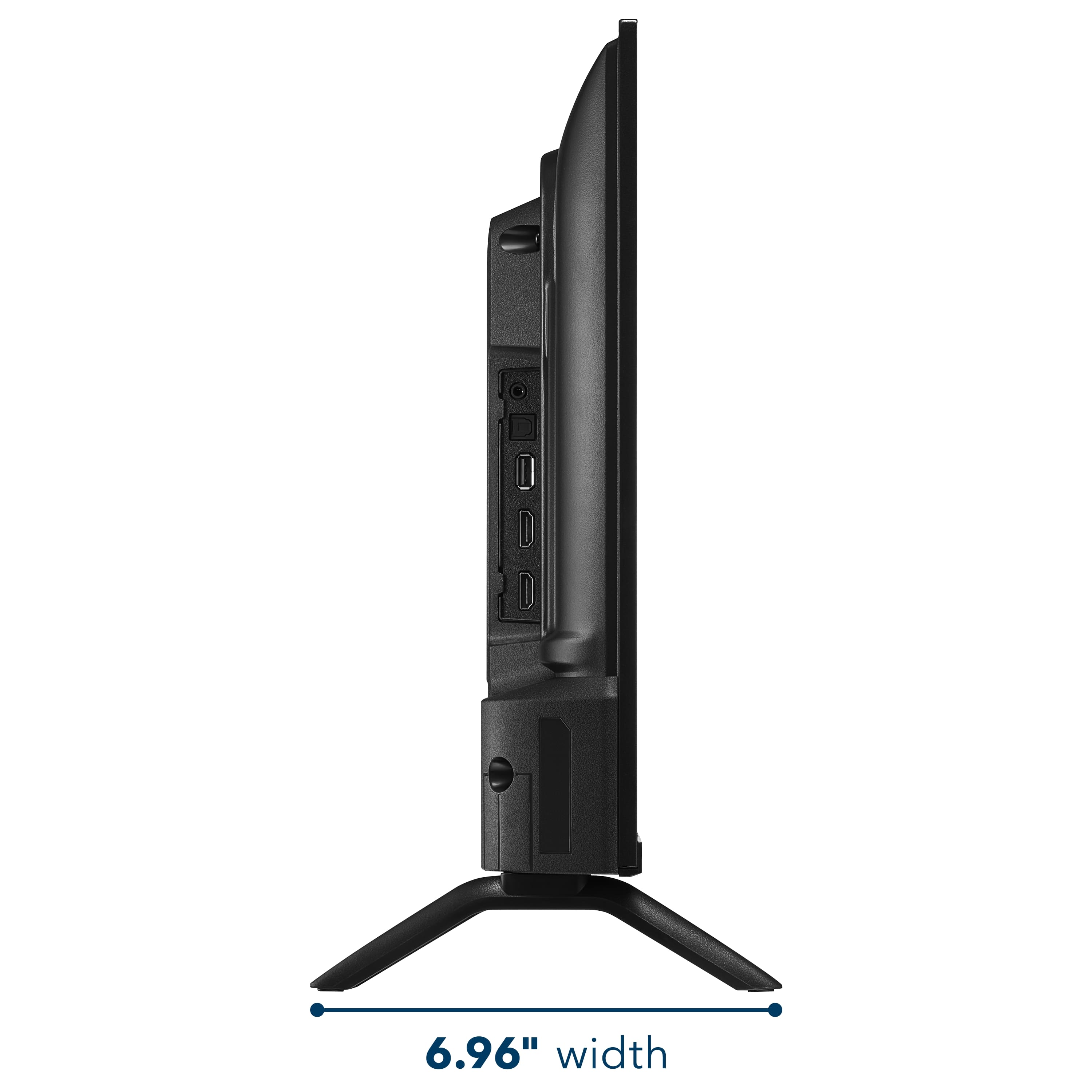
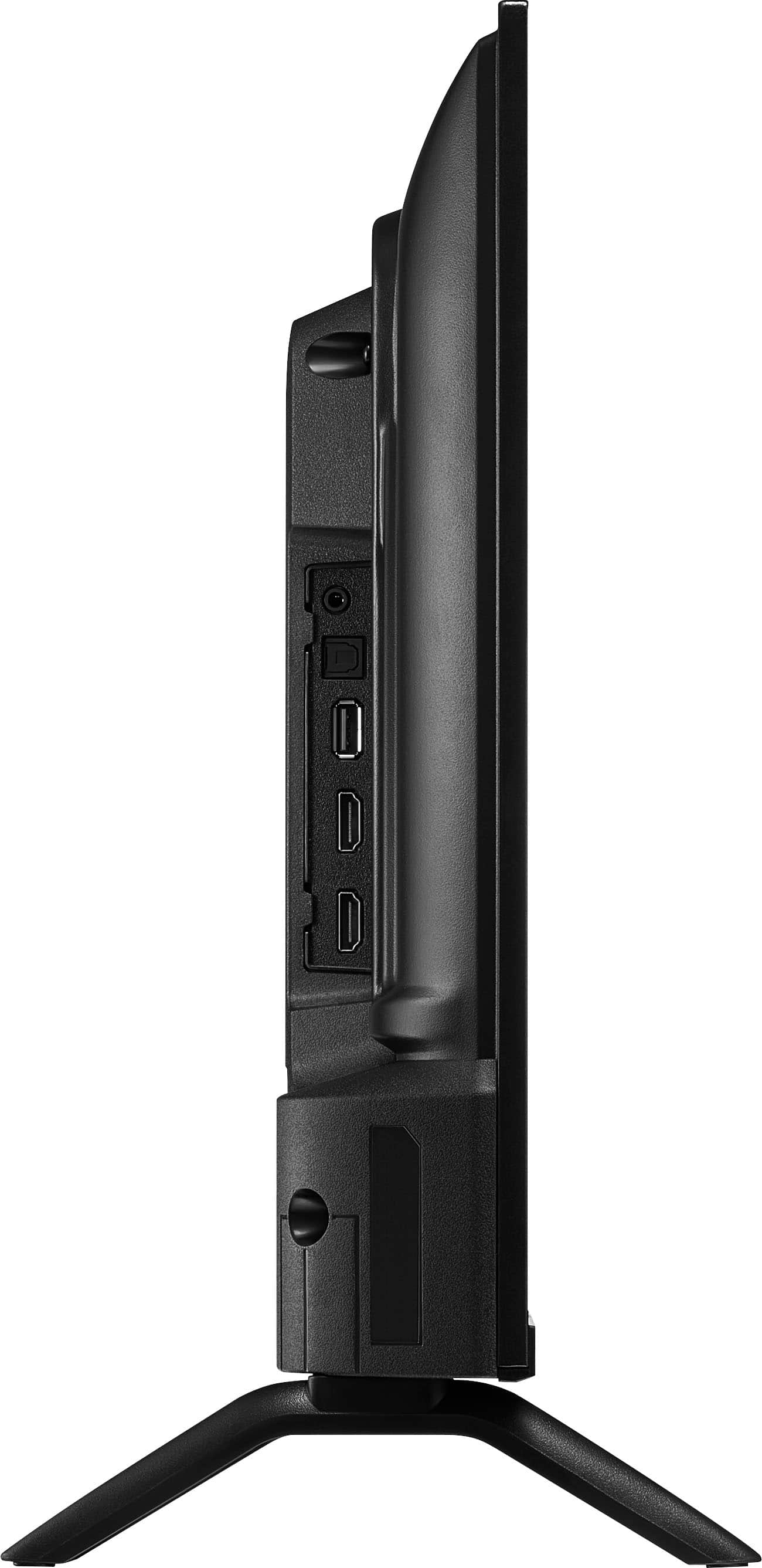
- A:Answer Dear Customer, thank you for your question. The Insignia™ 24" Class F20 Series Smart Fire TV (Model NS‑24F201NA26) has an overall width of 21.9 inches. If your top drawer surface measures 23 inches across, the TV will fit comfortably. Just make sure the surface is stable and can support the TV’s weight for safe placement. Rafay | Insignia Products
Answered by InsigniaCustomerSupport
Q: QuestionCAN THIS TV CONNECT TO MY DISH ACCOUNT WIRELESSLY
Asked by RAGTAGELLOBO.
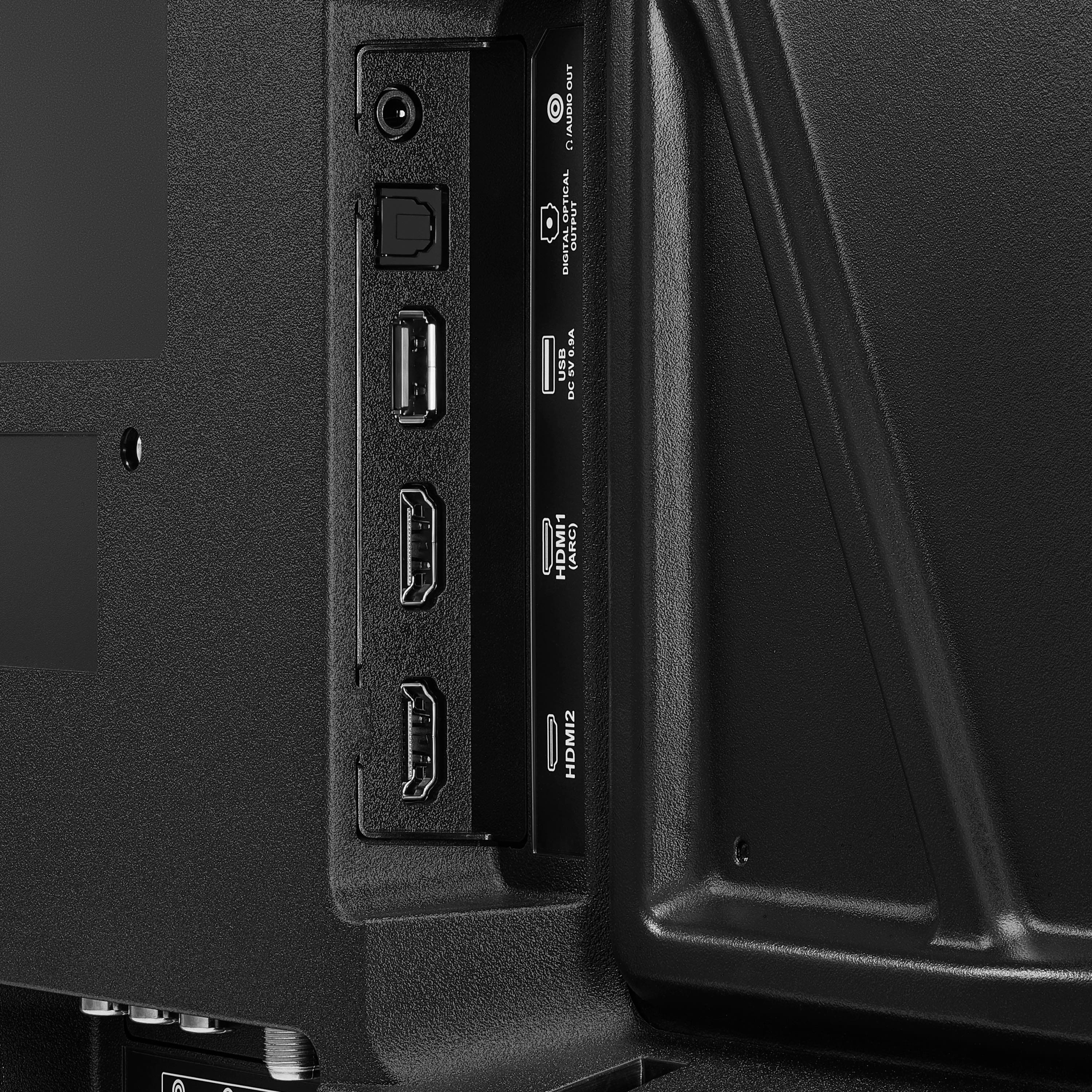
- A:Answer Hello, thank you for the question. The Insignia 24" Class F20 Series Smart Fire TV can connect to your DISH receiver, but it typically requires a connection through HDMI rather than connecting directly to your DISH account wirelessly. If your DISH service includes a compatible app or streaming option, availability would depend on DISH's supported devices and services. Poojitha | Insignia
Answered by InsigniaCustomerSupport
Q: QuestionDo the 24 inch TV'S work w rabbit ears?
Asked by Anonymous.
- A:Answer Hello, thank you for your question. Yes, this Insignia™ 24" F20 Series Fire TV works with rabbit ear antennas. It has a built-in TV tuner that allows you to connect an antenna and scan for available over-the-air local broadcast channels. Sudeep | Insignia
Answered by InsigniaCustomerSupport
Q: QuestionDo the 24 inch TV'S work w/rabbit ears or a hotspot? If not, which TV'S do work w/rabbit ears or hotspot?
Asked by Cessa.
- A:Answer Hello Cessa, thank you for your question. Yes, this Insignia™ 24" F20 Series Fire TV works with both rabbit ear antennas and mobile hotspots. The built-in tuner allows you to receive over-the-air broadcast channels when an antenna is connected, and the TV can connect to a compatible Wi‑Fi hotspot for streaming and smart TV features. Sudeep | Insignia
Answered by InsigniaCustomerSupport
Q: QuestionDo the 24 inch TV'S work w/rabbit ears or does it need a Hotspot?
Asked by Cessa.
- A:Answer Hello Cessa, thank you for your question. Yes, this Insignia™ 24" F20 Series Fire TV works with rabbit ear antennas and does not require a hotspot to watch over-the-air broadcast channels. Simply connect a compatible antenna and run a channel scan to receive available local stations. A hotspot or Wi‑Fi connection is only needed if you want to use streaming apps and other smart TV features. Sudeep | Insignia
Answered by InsigniaCustomerSupport
Q: QuestionCan this be used with no wifi to play local channels with an antenna
Asked by Wifi.
- A:Answer Hello, thank you for the question. Yes, the Insignia 24" Class F20 Series Smart Fire TV can be used without Wi‑Fi to watch local channels with an antenna. Simply connect a compatible antenna to the TV’s coaxial input and run a channel scan in the settings to find available over-the-air channels in your area. Poojitha | Insignia
Answered by InsigniaCustomerSupport
Q: QuestionCan you watch YouTube and YouTube TV?
Asked by Anonymous.
- A:Answer Hello, thank you for the question. Yes, the Insignia 24" Class F20 Series Smart Fire TV supports both the YouTube and YouTube TV apps through the Fire TV platform. Simply connect the TV to the internet, download the apps if needed, and sign in to your account to start watching. Poojitha | Insignia
Answered by InsigniaCustomerSupport
Q: QuestionAre there numbers on the remote?
Asked by Kris.
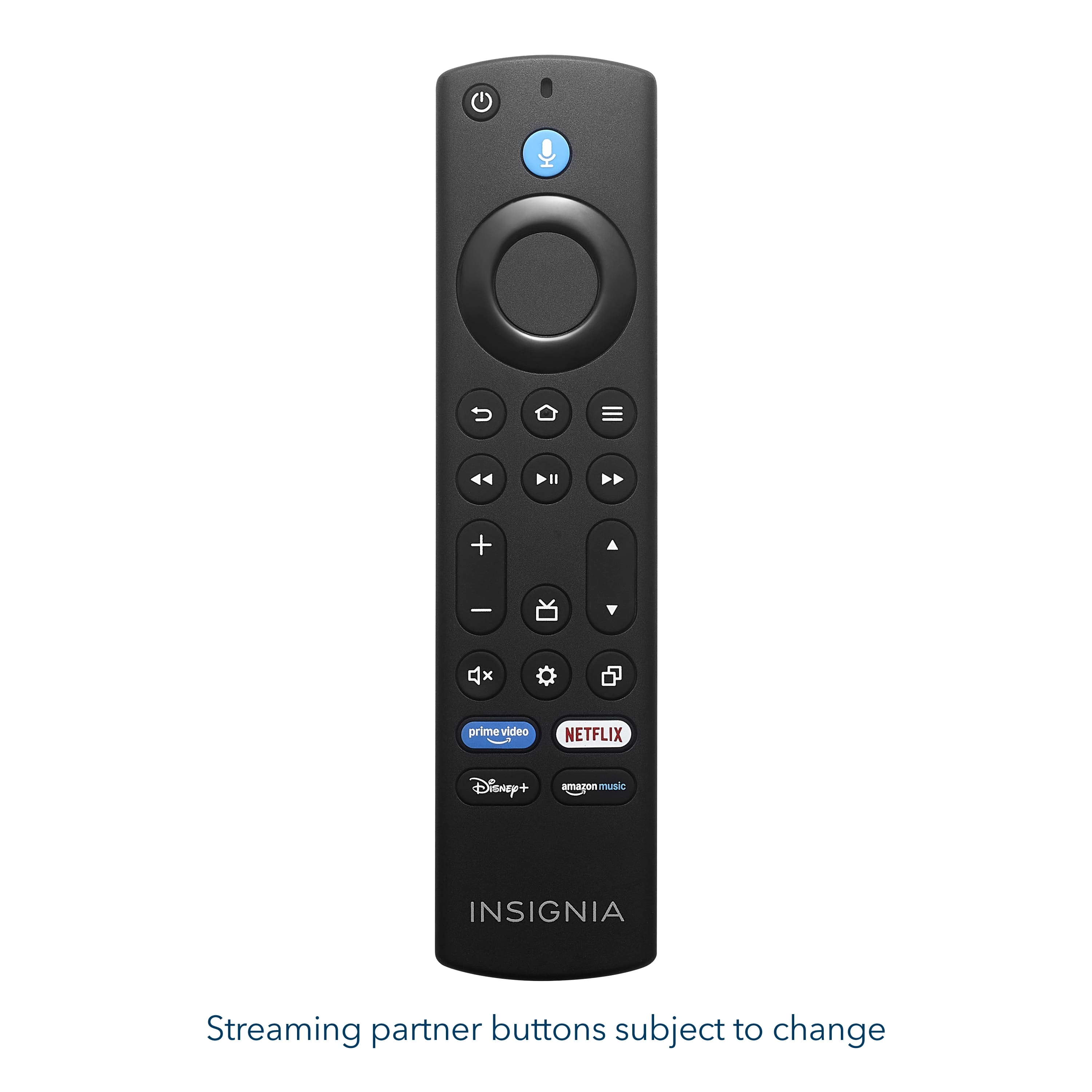
- A:Answer Hello Kris! Thank you for your question. The remote included with the Insignia™ 24" F20 Series Fire TV does not feature number buttons. Channels can be accessed using the on-screen guide or by using Alexa voice commands through the remote. Vennila | Insignia
Answered by InsigniaCustomerSupport
Q: QuestionI just purchased the 24 inch model. Does have have ethernet connectivity? I can't find an ethernet slot. Thanks
Asked by Burt.
- A:Answer Hi, Thank you for your question. The Insignia 24 inch Class F20 Series Fire TV does support a wired internet connection. To connect via Ethernet, simply plug an Ethernet cable, sold separately, into the LAN port on the TV and connect the other end to your router or Ethernet wall connection. We hope this helps. If you feel any difficulty, please contact Insignia Customer Support at 1‑877‑467‑4289 or via email at insignia@bestbuy.com for assistance options. We appreciate your patience and understanding. Thank you for choosing Insignia. Faisal | Insignia.
Answered by InsigniaCustomerSupport
Q: QuestionWhat size screws are needed for the TV legs?
Asked by Anonymous.
- A:Answer Hello! Thank you for your question. The Insignia 24" F20 Series Fire TV, the legs typically use ST3 (M3) screws at 12 mm length will securely attach the stand legs without being too long for the mounting holes. Darshan | Insignia
Answered by InsigniaCustomerSupport
Q: QuestionDoes this tv allow cable hook up?
Asked by Kt.
- A:Answer Hello, thank you for the question. Yes, the Insignia 24" Class F20 Series Fire TV does allow a direct cable hookup using the coaxial (RF) input on the back of the TV. You can connect your cable line and run a channel scan in the settings to access available channels without a cable box. Poojitha | Insignia
Answered by InsigniaCustomerSupport


 LIMITED WARRANTY C190648 wokmenghop PRATURES Screen Resolution Kefesh inputs Composte Digital Output (Optical) Antenna/Cable Headphone Audio Output 802.11 Wreless INCLUDEO Kemoto Ratteries Screws Selup Guide 20.07 21.14 PRODUCT SPECS Screen Diagonal Dimensions: 21.1](https://pisces.bbystatic.com/image2/BestBuy_US/images/products/68bdf9c5-c941-4684-a58e-36cf999eca7d.jpg;maxHeight=54;maxWidth=54;format=webp)