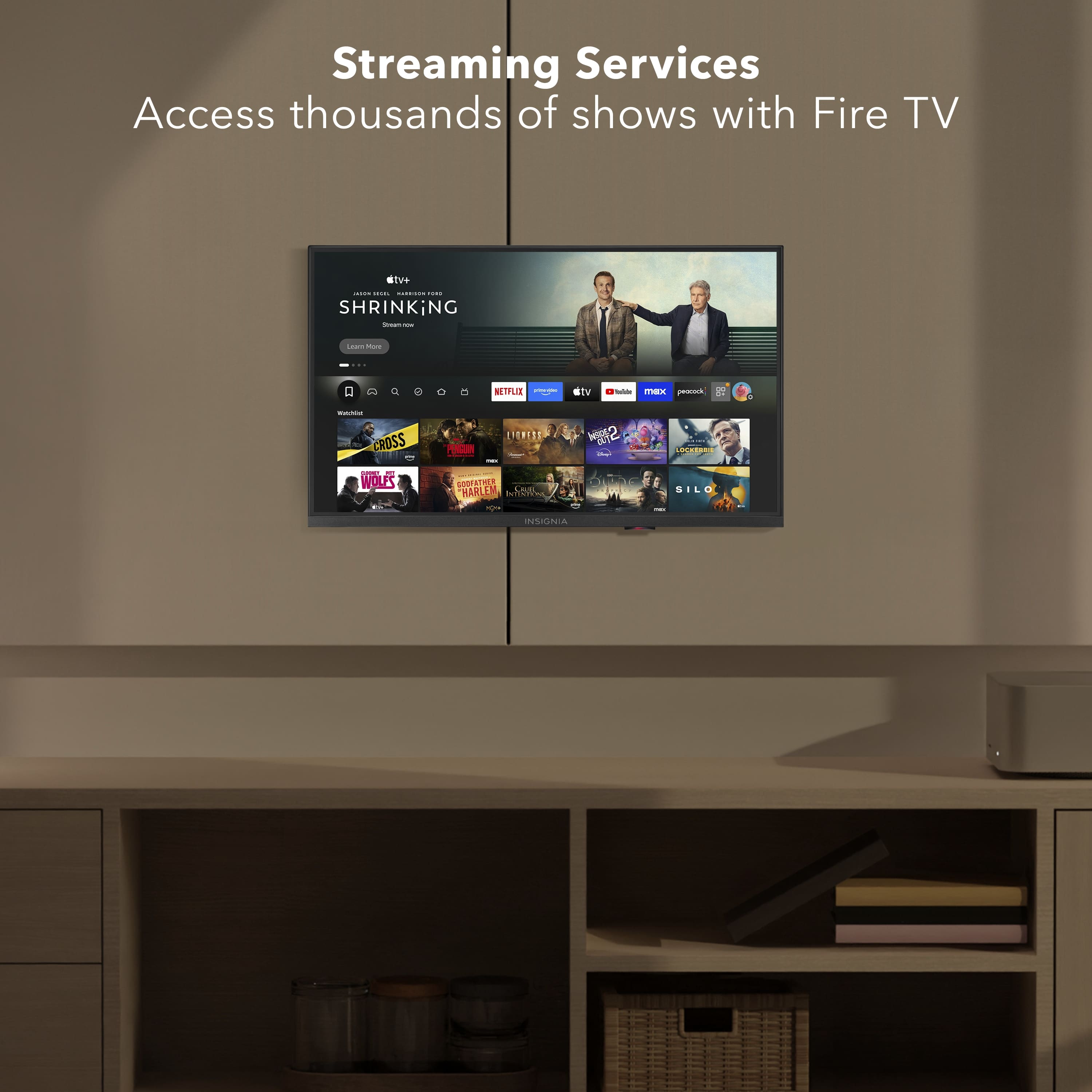
A:AnswerHello Cindy, thank you for your question. Your paid streaming apps won’t automatically appear on the Insignia 24" Fire TV. After you set it up and sign in with your Amazon account, the TV will show your apps to re‑download, and your subscriptions will still work, you’ll just need to sign in to each app the first time. Sudeep | Insignia
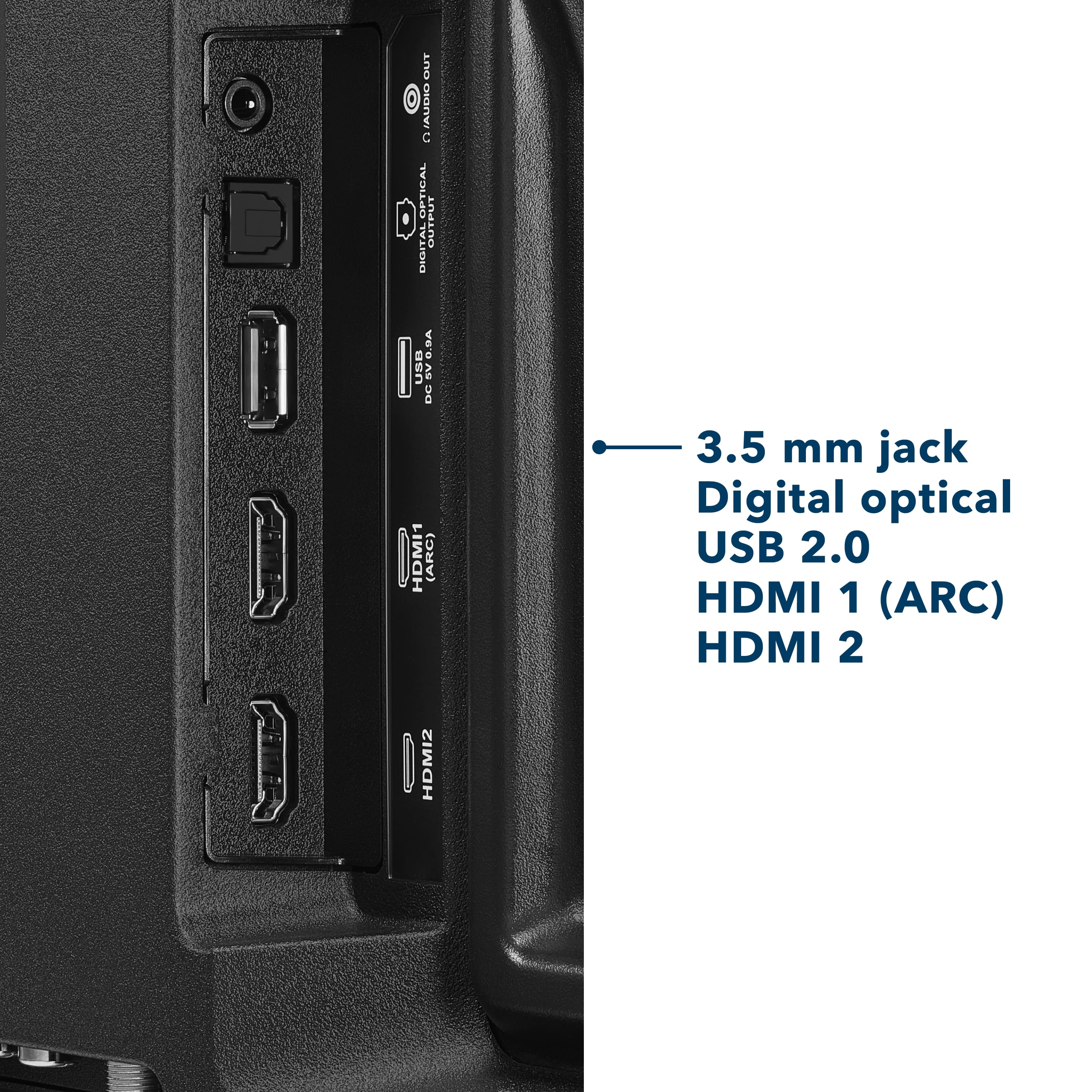
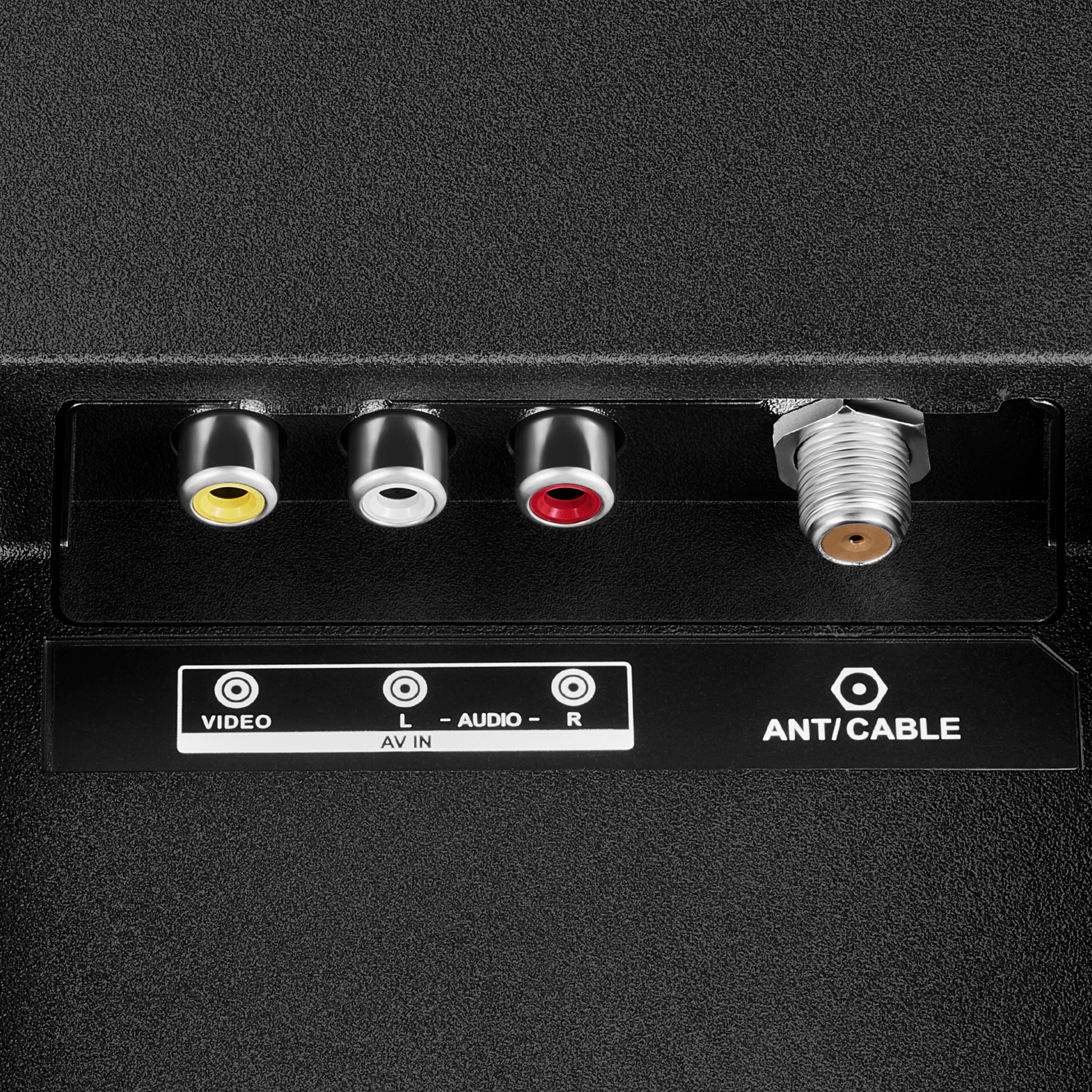
A:AnswerHello Otter, thank you for your question. To connect your TV to the internet using a wired Ethernet connection, simply plug one end of a standard Ethernet cable into the LAN port located on the back of the television, then connect the other end directly to your router or modem. Once the cable is secured on both ends, the TV should automatically detect the wired network; however, if it does not, you can confirm the connection by navigating to Settings → Network → Network Type → Wired (Ethernet). This setup provides a stable and reliable internet connection for optimal streaming and smart TV performance. Andres | Insignia
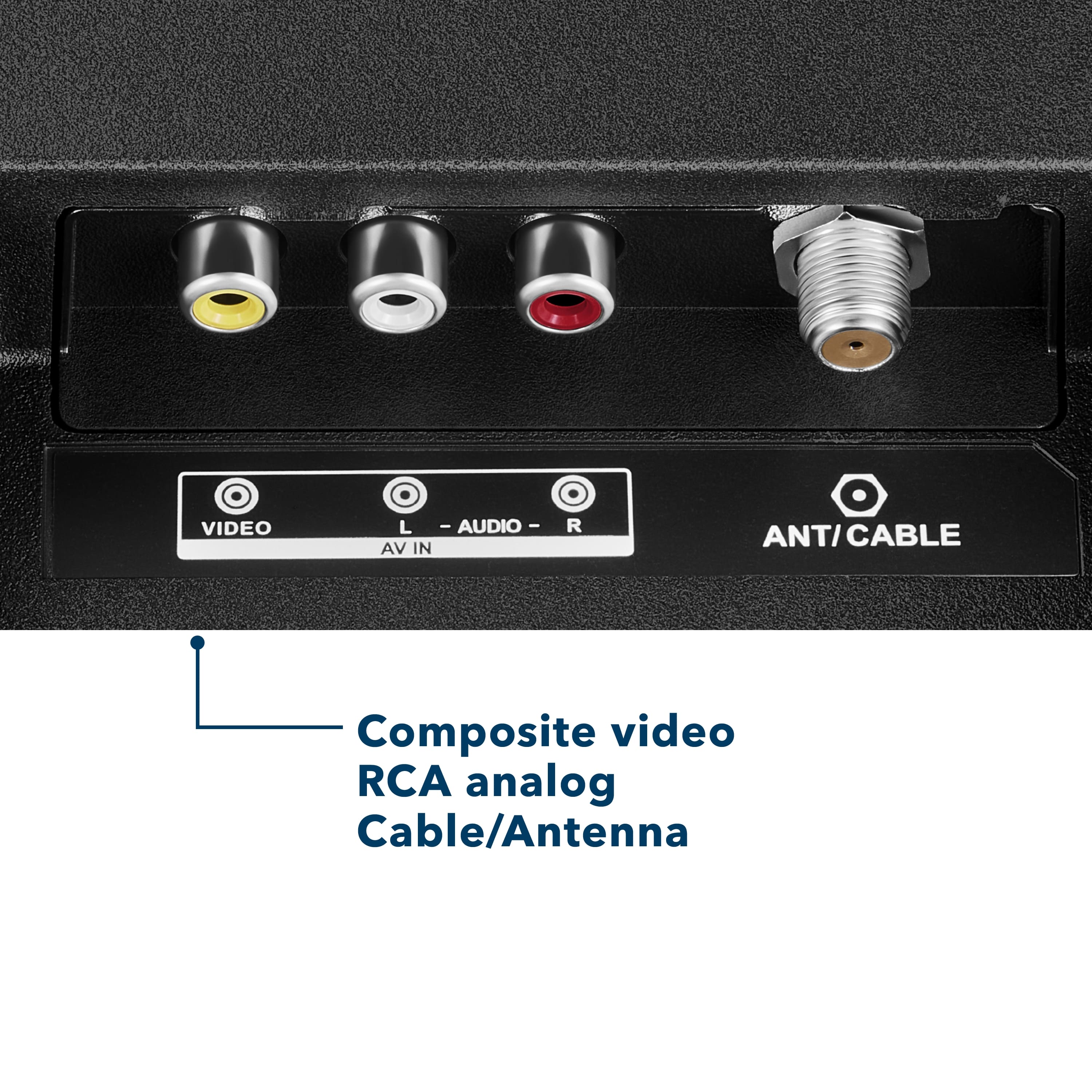
A:AnswerHello, thank you for your question. the Insignia 24" F20 Series Fire TV does include an EPG (Electronic Program Guide) for over‑the‑air channels. When you connect an antenna, Fire TV shows a built‑in channel guide that lists current and upcoming programs. Sudeep | Insignia
A:AnswerHello, Thank you for contacting us. The Insignia NS‑24F201NA26 does not operate on a 9‑volt power source. This model, like other Insignia Fire TVs, is designed to use a standard AC power cord and requires 120V AC household power for proper operation. A low‑voltage DC adapter is not compatible with this unit. Manisha | Insignia Products
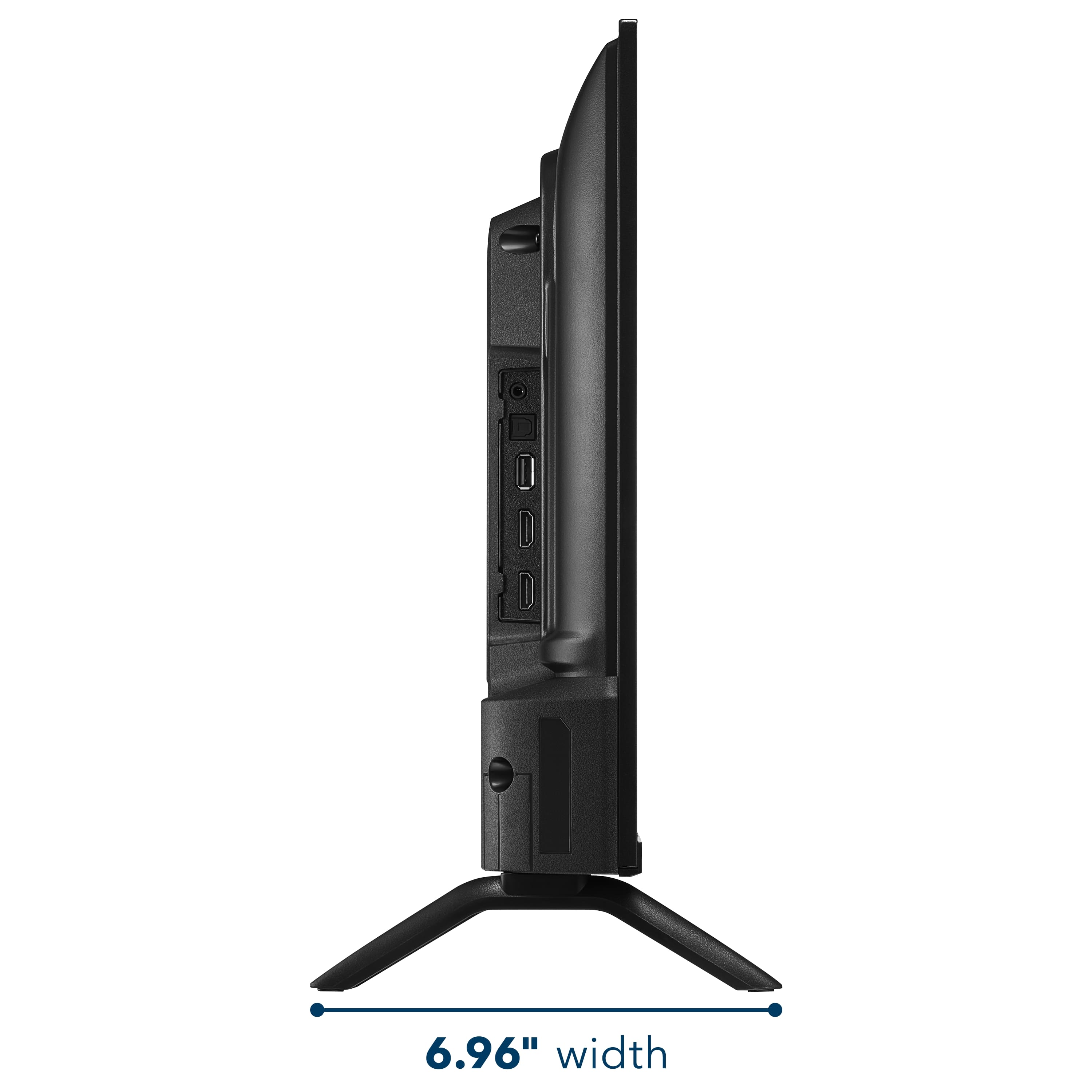
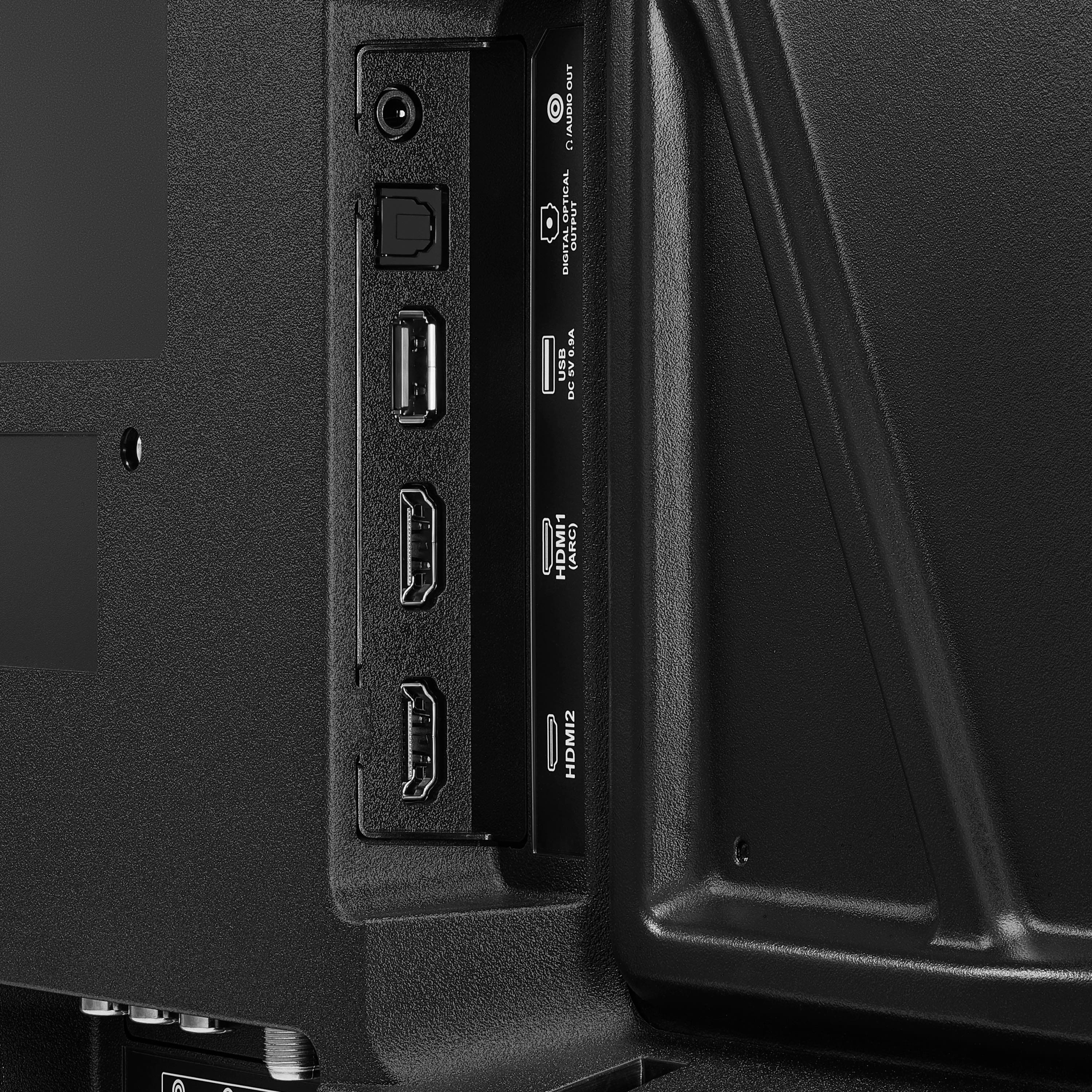
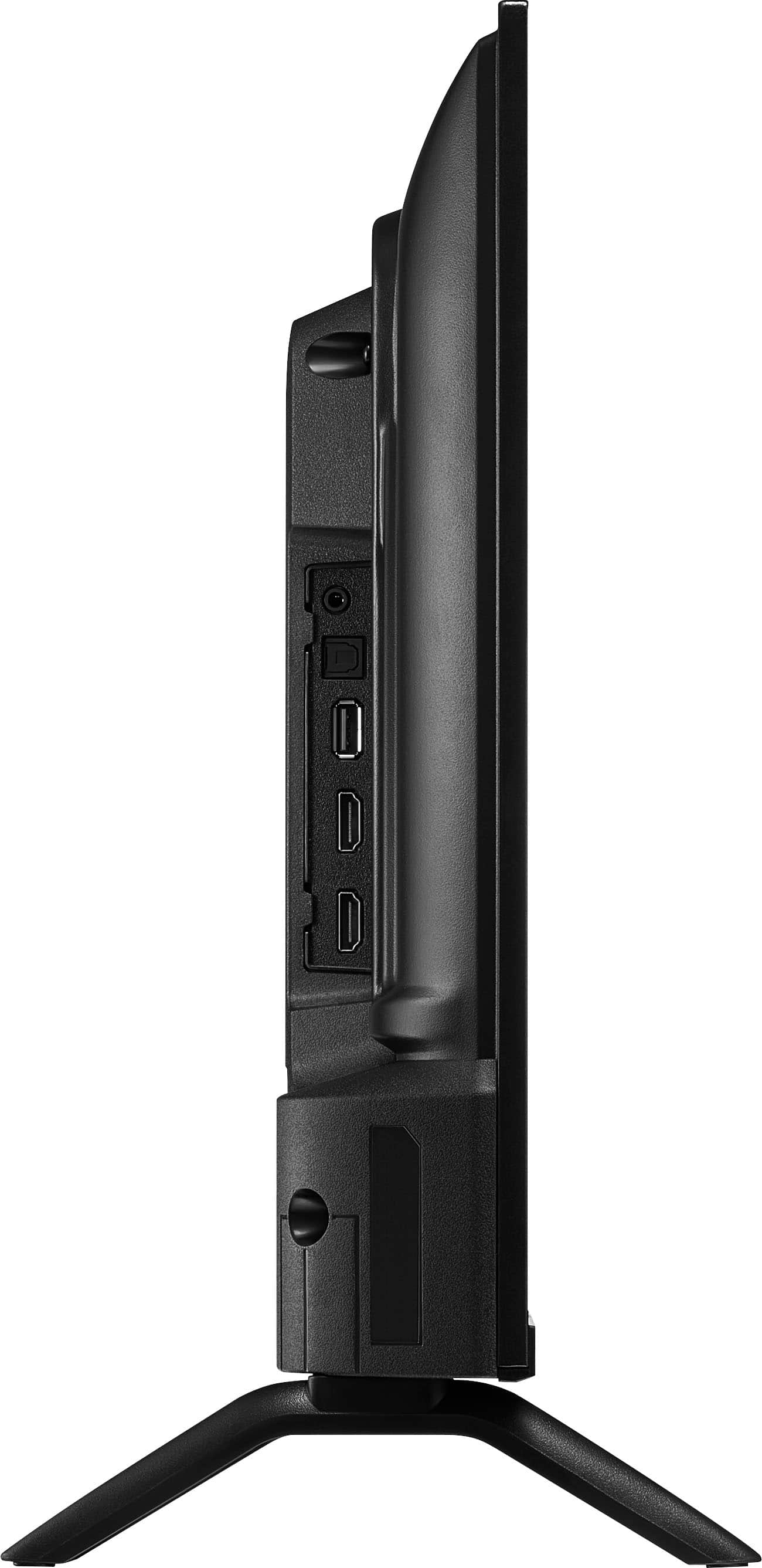
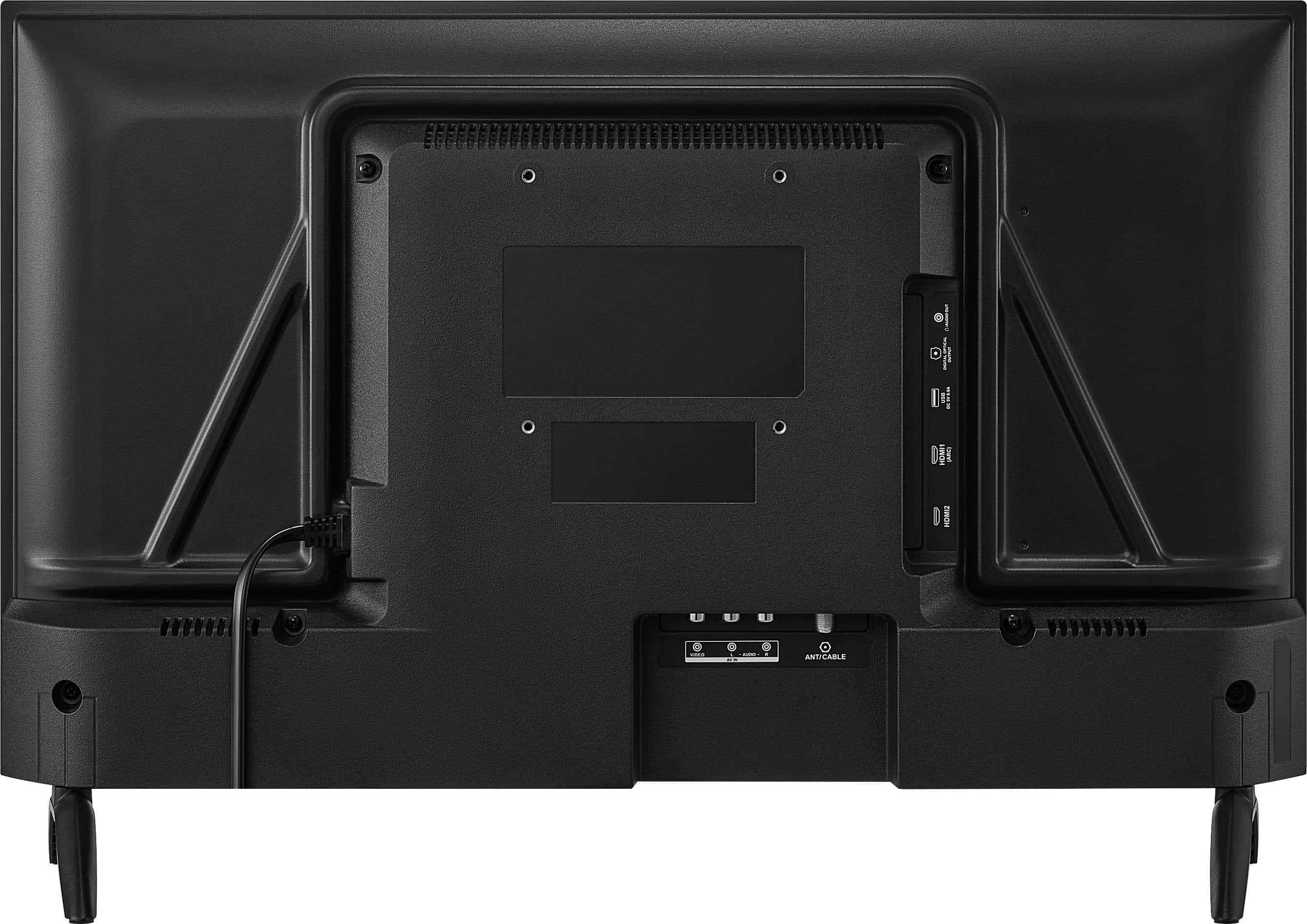
A:AnswerHello, thank you for the question. This model does not include a LAN/Ethernet port. It is designed to connect using Wi‑Fi 5 only. I understand this may be disappointing if you were expecting a wired connection, but the TV supports wireless networking exclusively. Sabiha | Insignia Products.
A:AnswerHello, Thank you for contacting us.
Yes, the Insignia 24" F20 Series Fire TV does include a sleep timer feature. You can access it through the TV’s settings menu under Timers or Sleep Timer.
For full details, please visit the product page on BestBuy.com, where you can also find features and the user manual, or reach out to Best Buy Support at bbysupport@bestbuy.com if you need further assistance.
Narendra | Insignia
A:AnswerHello, thank you for your question. The Insignia™ - 24" Class F20 Series LED HD (720p) Smart Fire TV does have built‑in Bluetooth, you can use your Bluetooth headset and air pods with this Tv. If you have any other questions about features or settings, please feel free to reach out to us at 1‑877‑467‑4289. Sudeep | Insignia
A:AnswerHello, Thank you for the question. The Insignia™ 24" Class F20 Series LED HD (720p) Smart Fire TV does not use a 12V adapter. This model is designed to operate with a standard AC power cord adapter. Sabiha | Insignia Products.
A:AnswerHello Insignia Customer! Thank you for your question about Insignia - 24" Class F20 Series LED HD (720p) Smart Fire TV. Screen scrambling followed by a reboot is usually caused by a software issue or a loose connection. We recommend checking for software updates and making sure all cables are secure.
If the issue continues, please feel free to contact our support team. We can help troubleshoot further and review your options.
Poojitha | Insignia
A:AnswerHello, thanks for your question. Yes, the Insignia 24 inches F20 Series Fire TV does work with DirecTV through a hard‑wired HDMI connection, and the included Fire TV remote does not have number buttons. Sandhya | Insignia Products
A:AnswerHello, Thank you for contacting us.
Yes, the Insignia 24" F20 Series Fire TV can work with Comcast cable, but you will need to connect the Comcast cable box to the TV using HDMI, as the TV relies on the cable box for channels and service.
Narendra | Insignia
A:AnswerHello Nick, thank you for reaching out. I know it can be frustrating to see an error like “unable to pause right now” when you’re just trying to change channels on your Insignia 24" Class F20 Series LED HD (720p) Smart Fire TV (Model: NS‑24F201NA26). We’d be happy to take a closer look and help you get this sorted out. Please contact us at 1- 877‑467‑4289 or insigniasupport@bestbuy.com and we’ll gladly assist you.
Sidhartha | Insignia
A:AnswerHello, thanks for your question. Yes, you can use a USB drive with this TV, but its playback capabilities are limited. The USB port on the Insignia 24 inches F20 Series Fire TV is primarily intended for viewing photos. Sandhya | Insignia Products
A:AnswerHello Michele, thank you for your question. Yes, you can connect your phone or laptop to the Insignia™ 24" Class F20 Series Smart Fire TV (Model NS‑24F201NA26) to stream YouTube videos. This TV supports multiple connection methods. Option 1: Screen Mirroring from Phone, Option 2: Stream from Laptop, Option 3: Use the YouTube App on the TV. You can also open the YouTube app on the TV and use your phone as a remote by selecting Link with TV code inside the YouTube app. If you have any other product questions, feel free to reach out to us at 1‑877‑467‑4289. We will be happy to help you. Sudeep | Insignia
A:AnswerHello, thank you for your question. If the screws for the legs on your Insignia 24" Class F20 Series LED HD (720p) Smart Fire TV (Model: NS‑24F201NA26) were missing, we can definitely help you get the right replacements. Please contact us at 877‑467‑4289 or insigniasupport@bestbuy.com, and we’ll be happy to take care of this for you. Sidhartha | Insignia