A:AnswerSound mode- standard, music, movie , clear voice, enhanced bass and custom. Also bass, treble and balance adjustments- also advanced settings gets you clarity levels and Tru DTS sound on/off. Also tv internal speaker on/off.
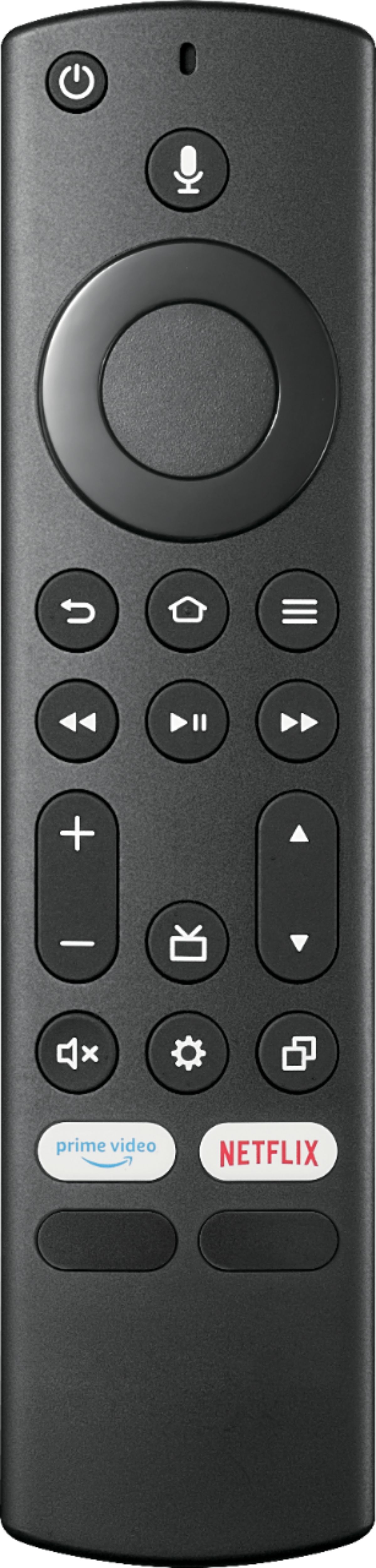
A:AnswerWhile watching TV press the menu button ( ≡ ) and select Captions and Audio.
To adjust the Closed Caption settings, go to: Home > Settings > Accessibility > Closed Caption.
A:AnswerTested the Logitech f310 controller and it works to play games from the FireTV App Store. Have not tested an external usb HDD, will update later.
A:AnswerWatching TV could be seen as unnecessary, but I think if you are wondering whether you need a smart TV for connecting a cable box the answer is no. This tv however was cheaper for me to buy than to find a basic non-smart tv, I was comfortable buying this because it had a great price and I only wanted to connect what I had to it...but I found the value of some of the smart features were worth more than what I paid for it.
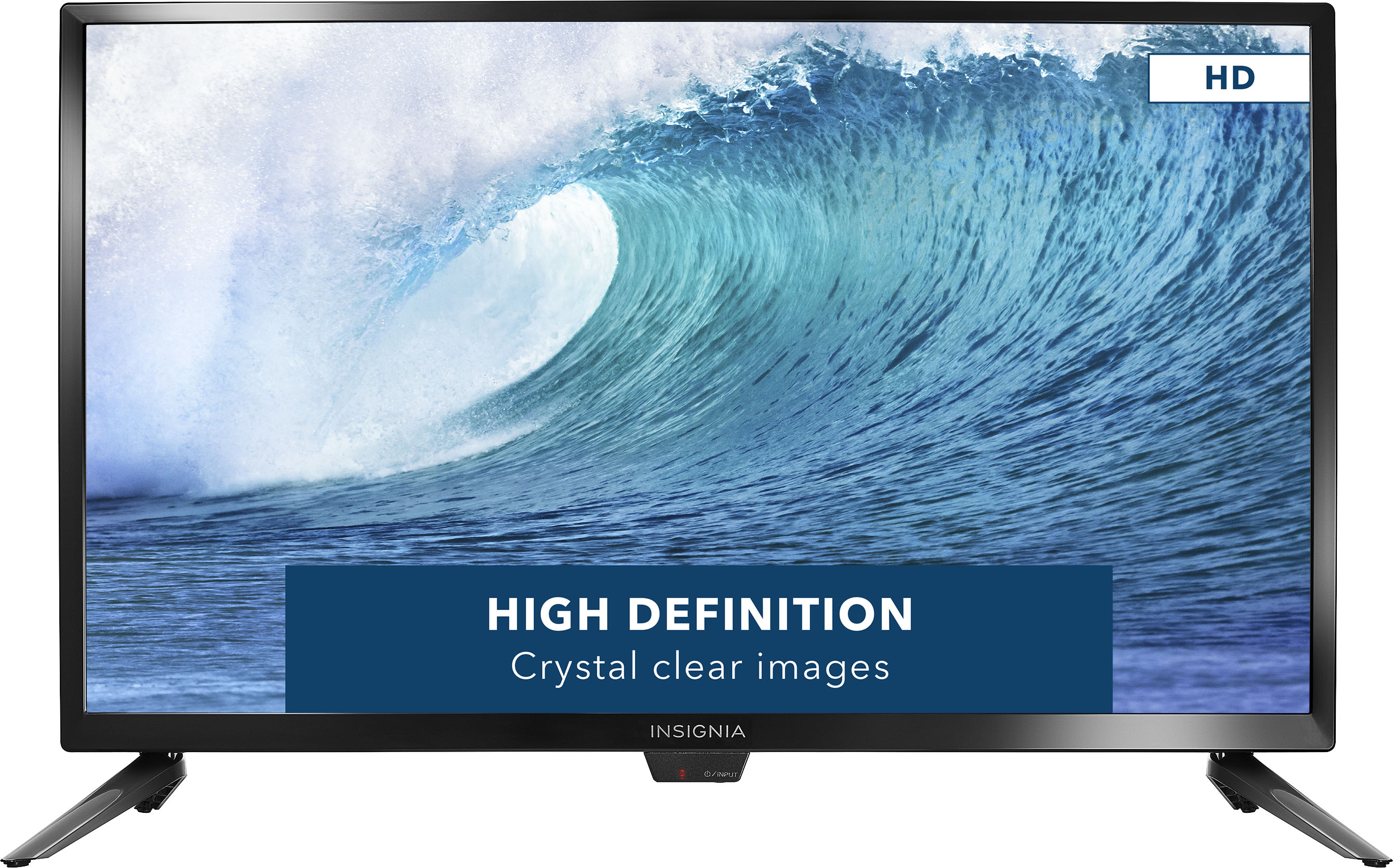
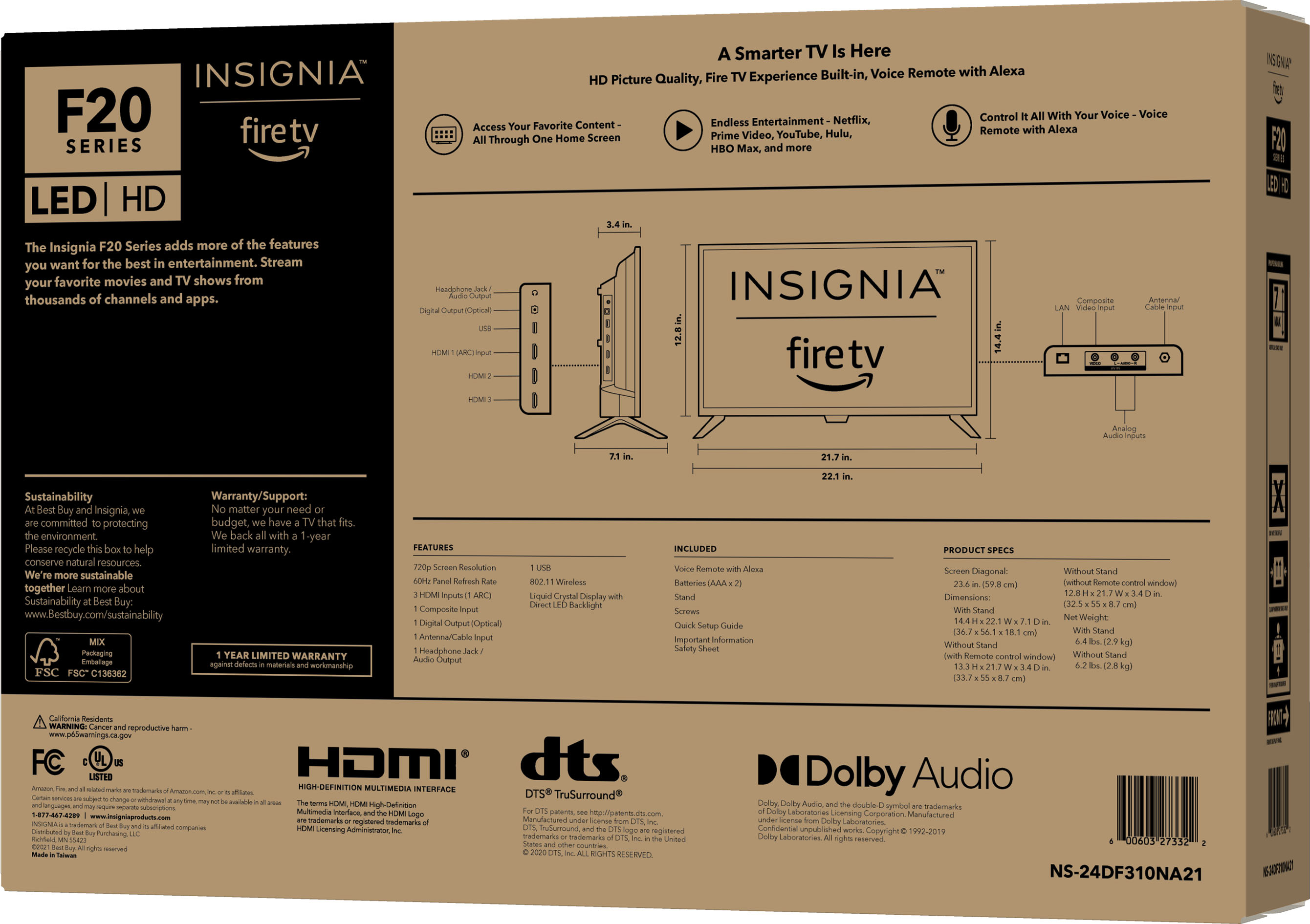
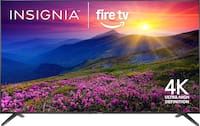
A:AnswerThe Fire TV Edition experience seamlessly integrates live over-the-air TV (HD antenna required) and streaming channels (internet required) on a unified home screen. Easily control your TV with the included Voice Remote with Alexa—plus, launch apps, search for titles, play music, switch inputs, control smart home devices, and more, using just your voice.
A:AnswerNo, the remote doesn't have a Sleep button.
To set the sleep timer long press the Home Button and select Sleep Timer.
You can select between 5, 10, 15, 30, 60, 90, 120, 150, 180 and 240 minutes.
A:AnswerHi Al,
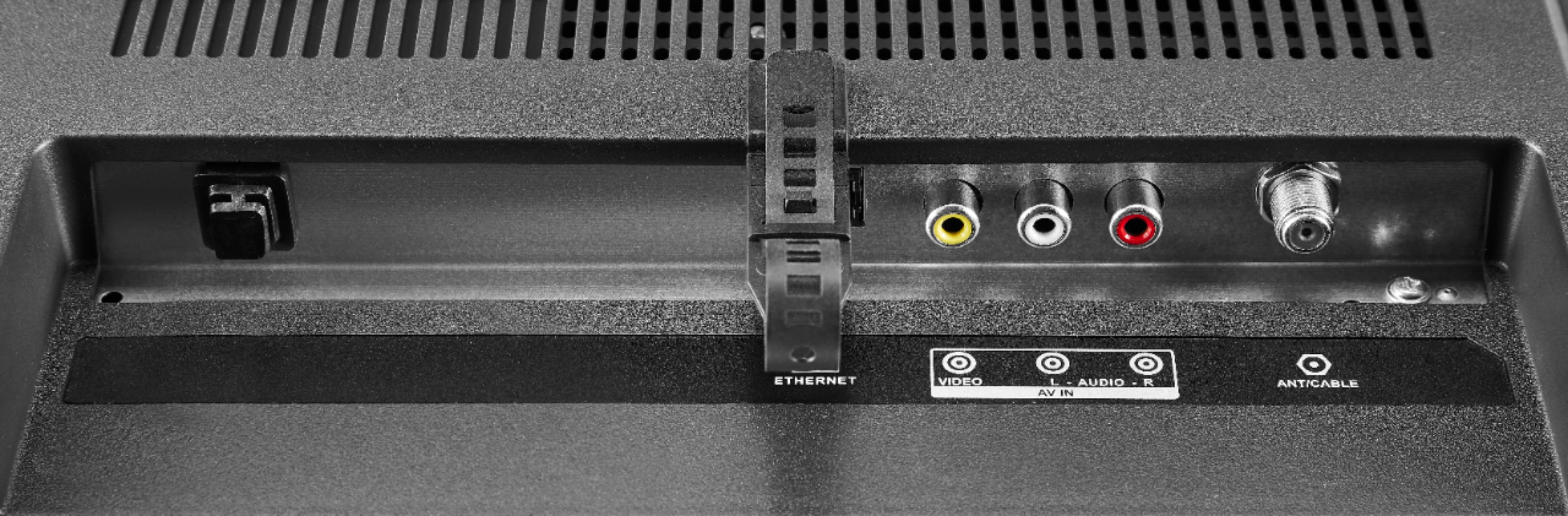
Yes, you need a cable box connected to your TV for you to watch your cable stations.
Gem
Insignia Products
Please visit https://www.insigniaproducts.com/
A:AnswerYou can download any available app on this TV.
To search for available apps go to amazon.com > Menu ( ≡ ) > Under Digital Content & Devices select Fire TV > under Movies, TV and Games select Fire TV Apps and Channels > type the name of the app in the search bar at the top of the page and when you get the results, on the left side, under Device Type select Fire TV Edition TV.