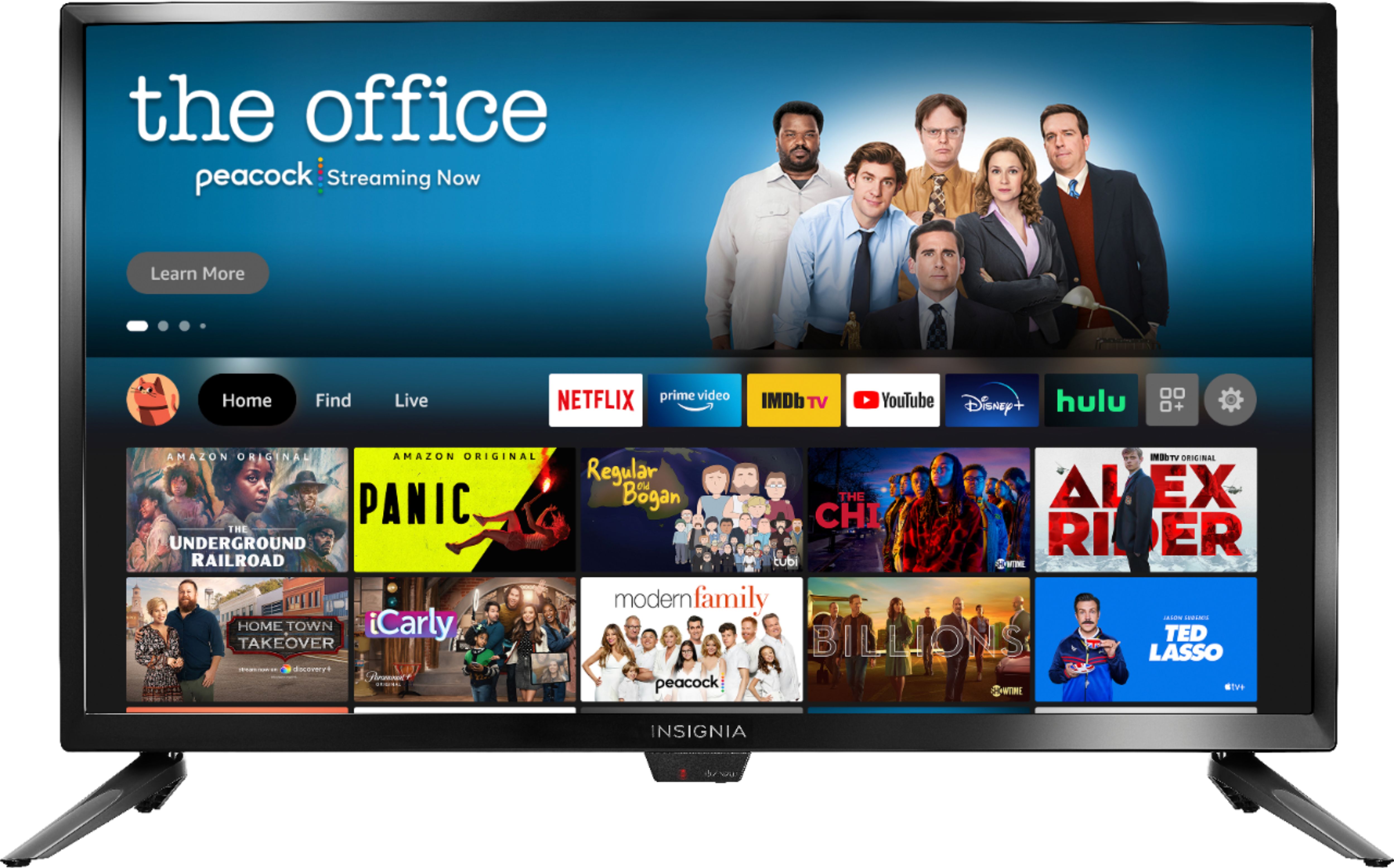
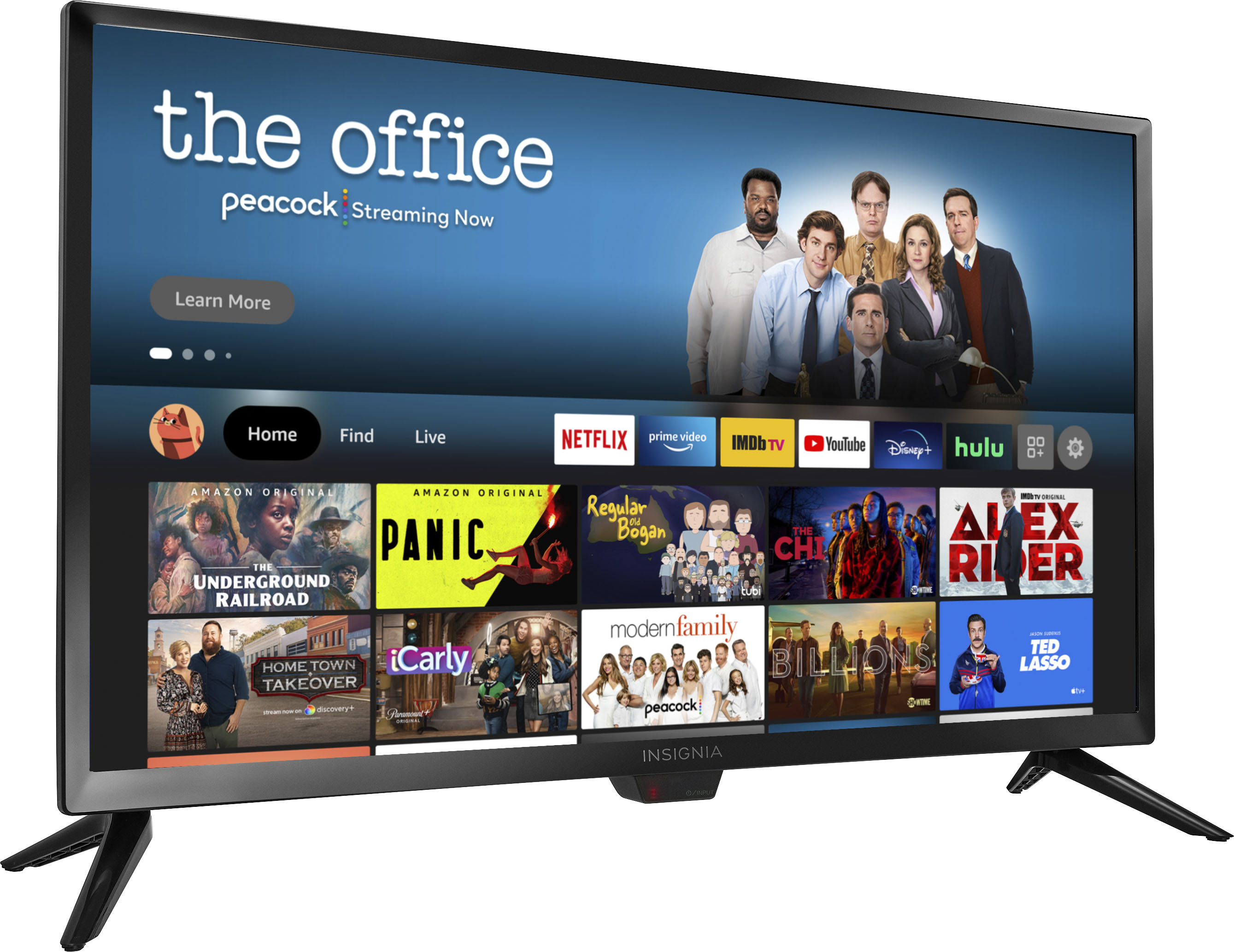
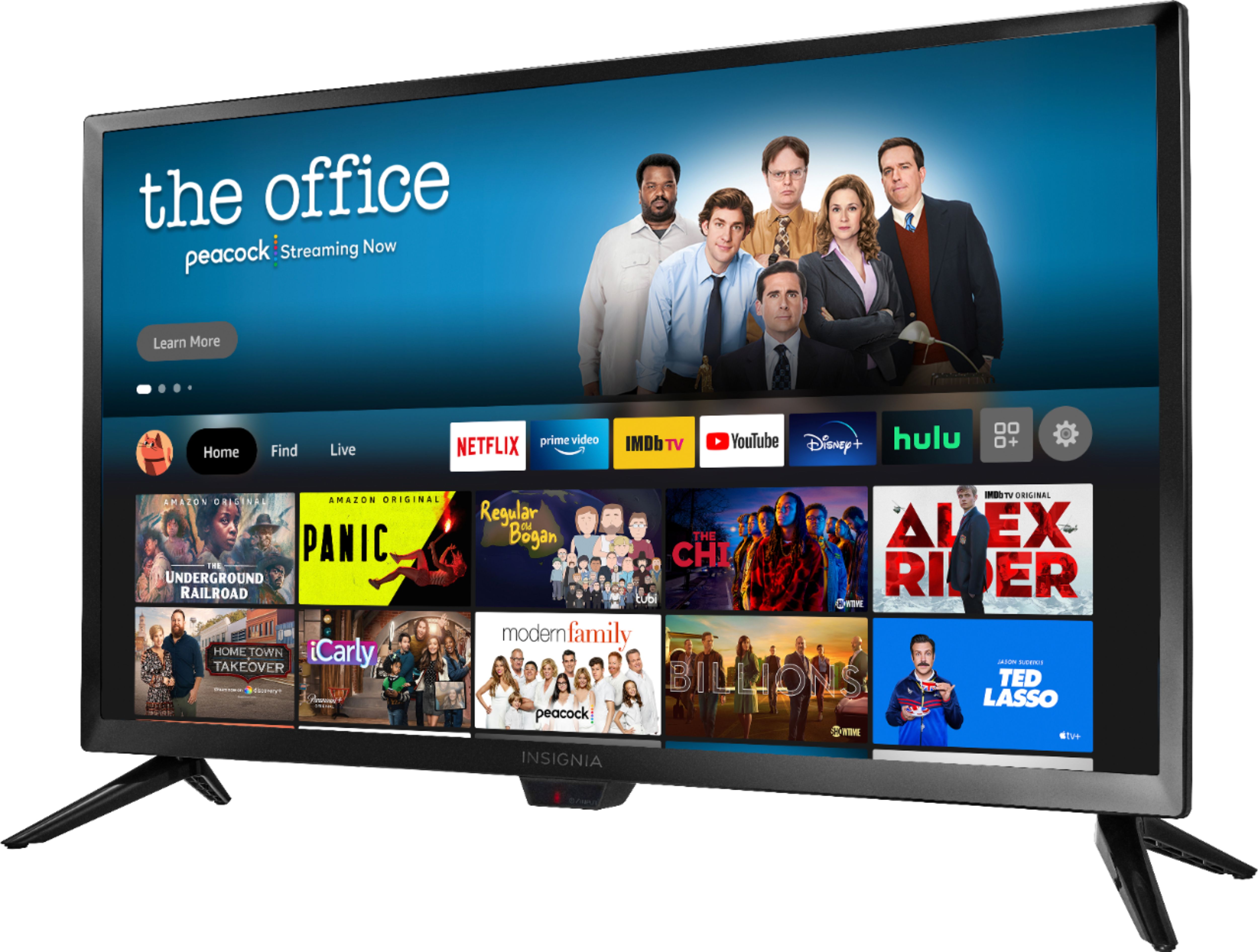
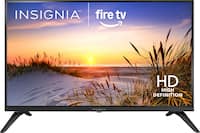
A:AnswerUse the Firefox app to browse the web. You can download the Disney + and HBO Max apps on this TV. The Optimum app is not available for download on this TV.
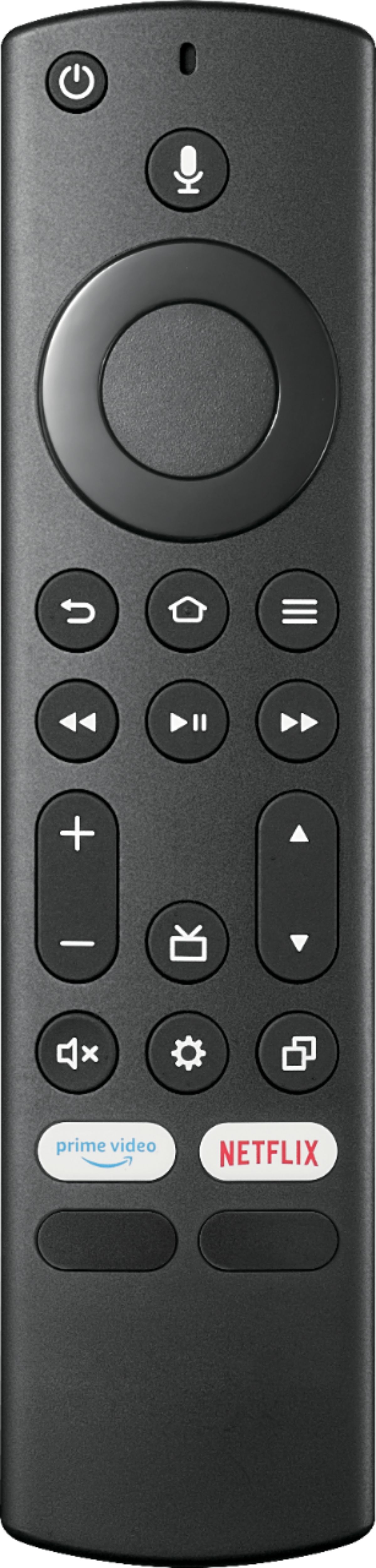
A:AnswerYou can use the Dish remote to control your Dish Satellite box and use the included TV remote to control the TV. Try the Power On feature, when enabled, the TV turns on displaying the last used input. To activate it, go Home > Settings > Display & Sounds > Power On and select Last Input.
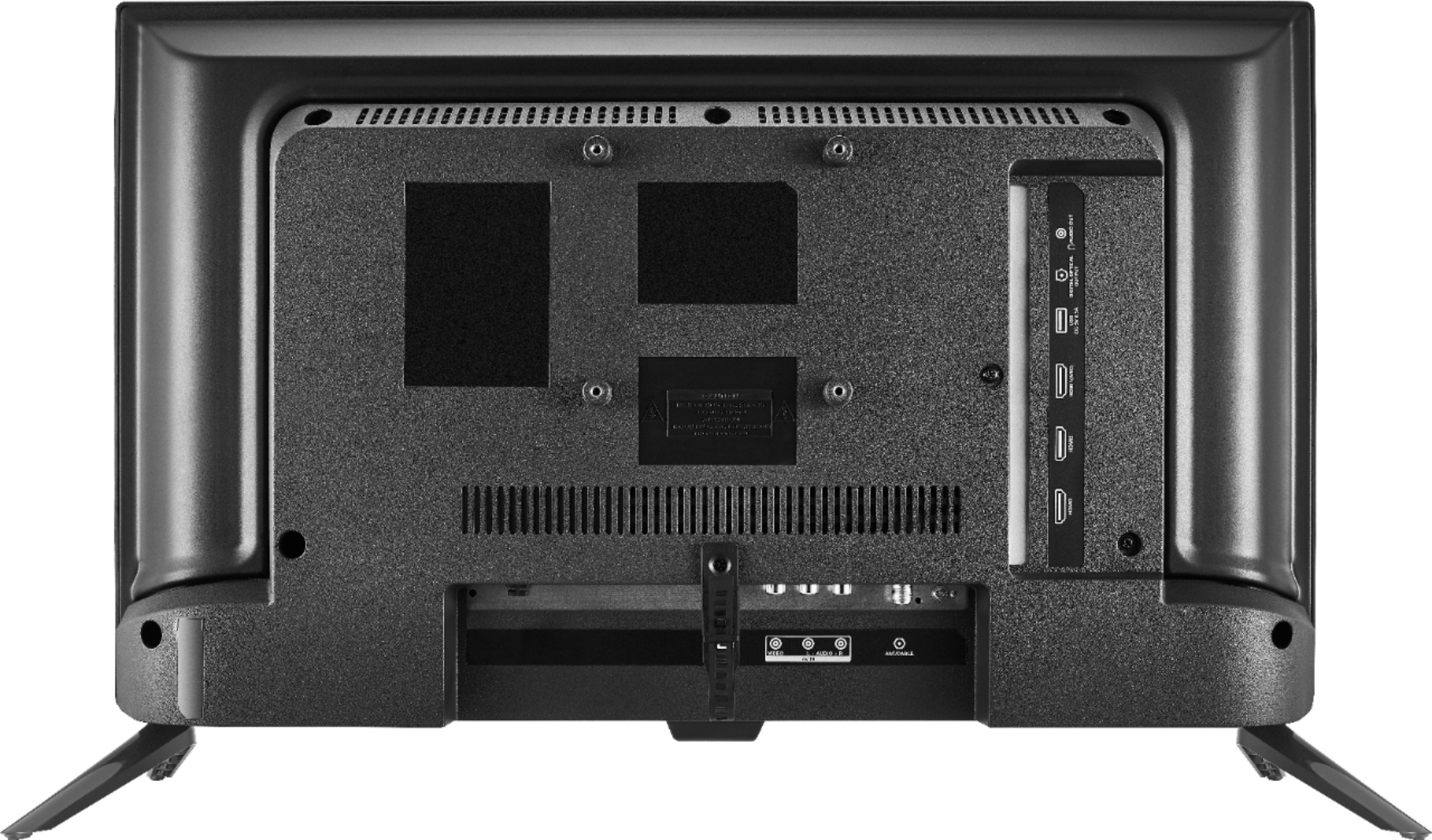
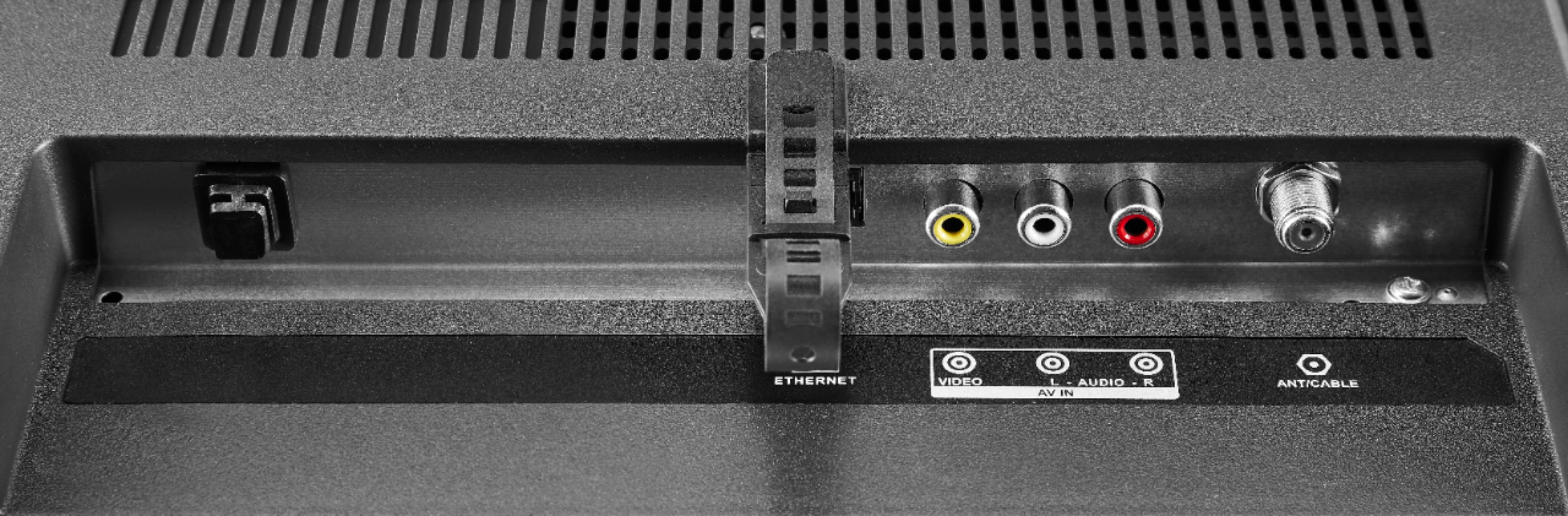
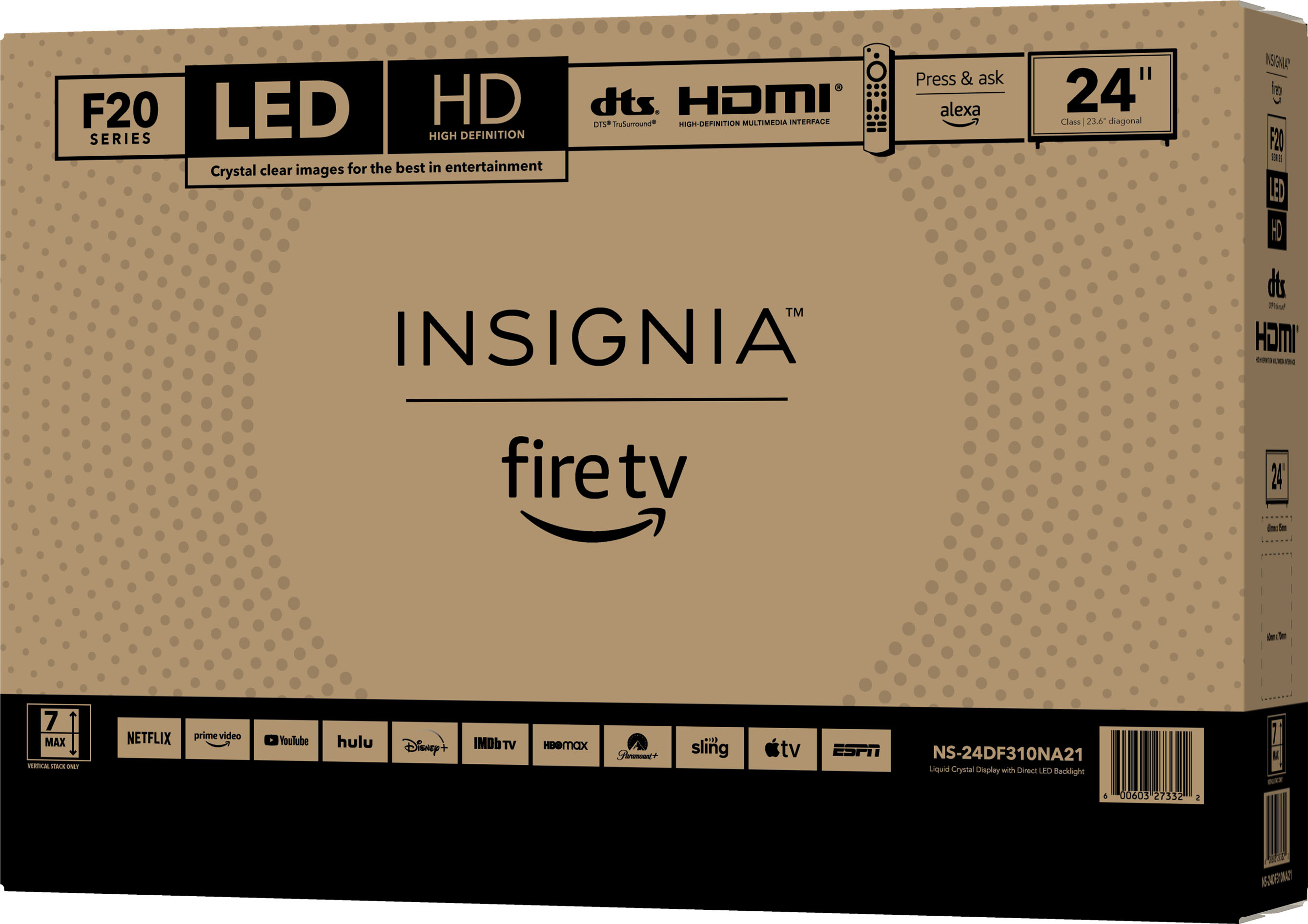
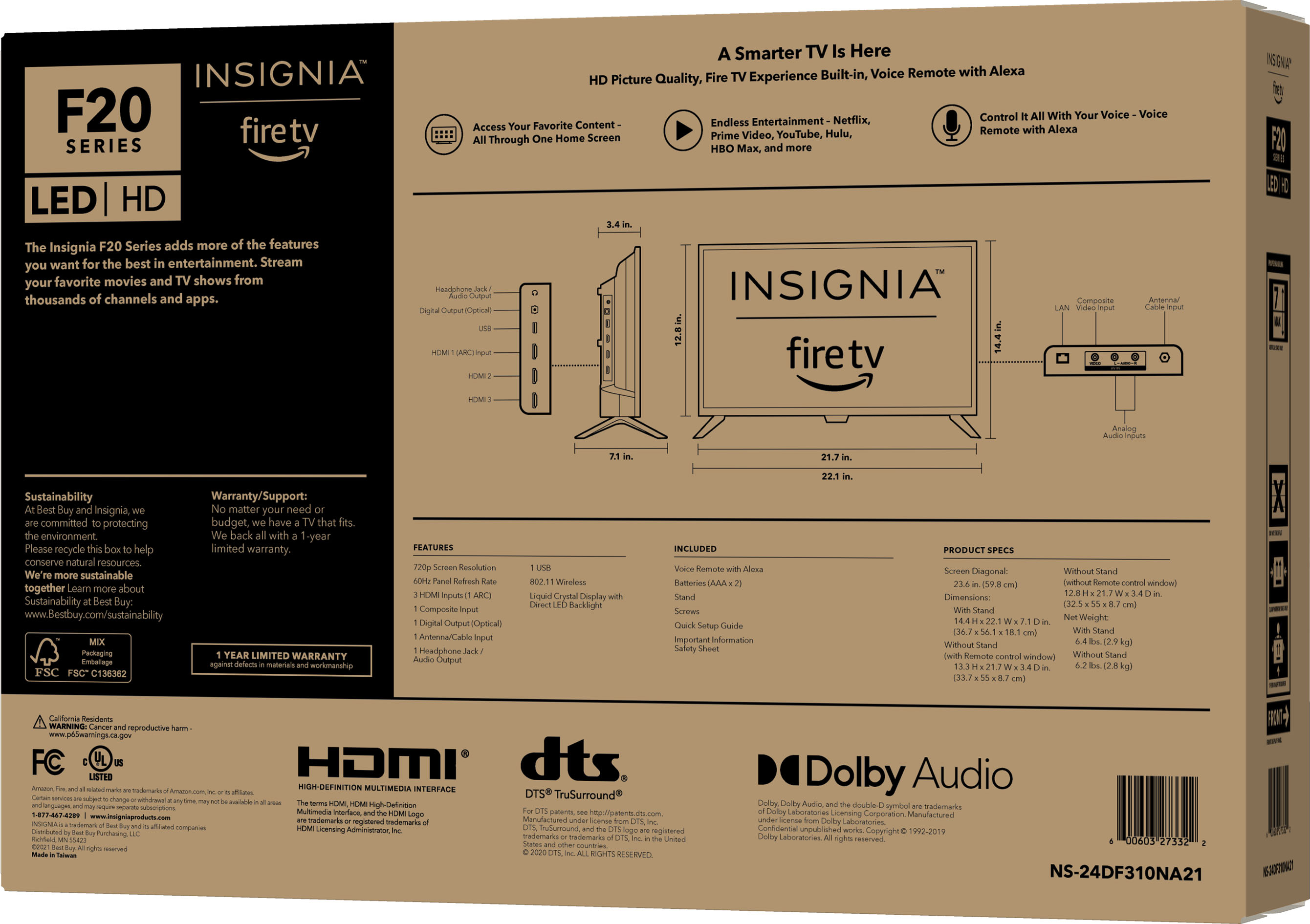
A:AnswerThere is a rf input on the back of the tv, but while I’m not familiar with dish and their equipment generally you would have a box connected to rf then a connection type (hdmi, coax, rca cables etc) from the box to the tv.
A:AnswerYou can download any available app on this TV.
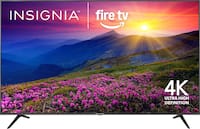
You can search for apps on amazon.com > Menu ( ≡ ) > Under Digital Content & Devices select Fire TV > under Movies, TV and Games select Fire TV Apps and Channels > on the left side, under Device Type select Fire TV Edition TV and type in the name of the app in the search bar at the top of the page.
A:AnswerTry this, press and hold at the same time the DPAD-left, Back (↩) and Menu (≡) buttons for at least 12 seconds. To pair the remote again, press the Home button for up to a minute. You do not need cables for wireless internet.
A:AnswerHi there,
No, this TV will not work that way, unless you get the Apple TV app on this set and it has this feature available.
Adolfo M. - Insignia Support
A:AnswerHi,
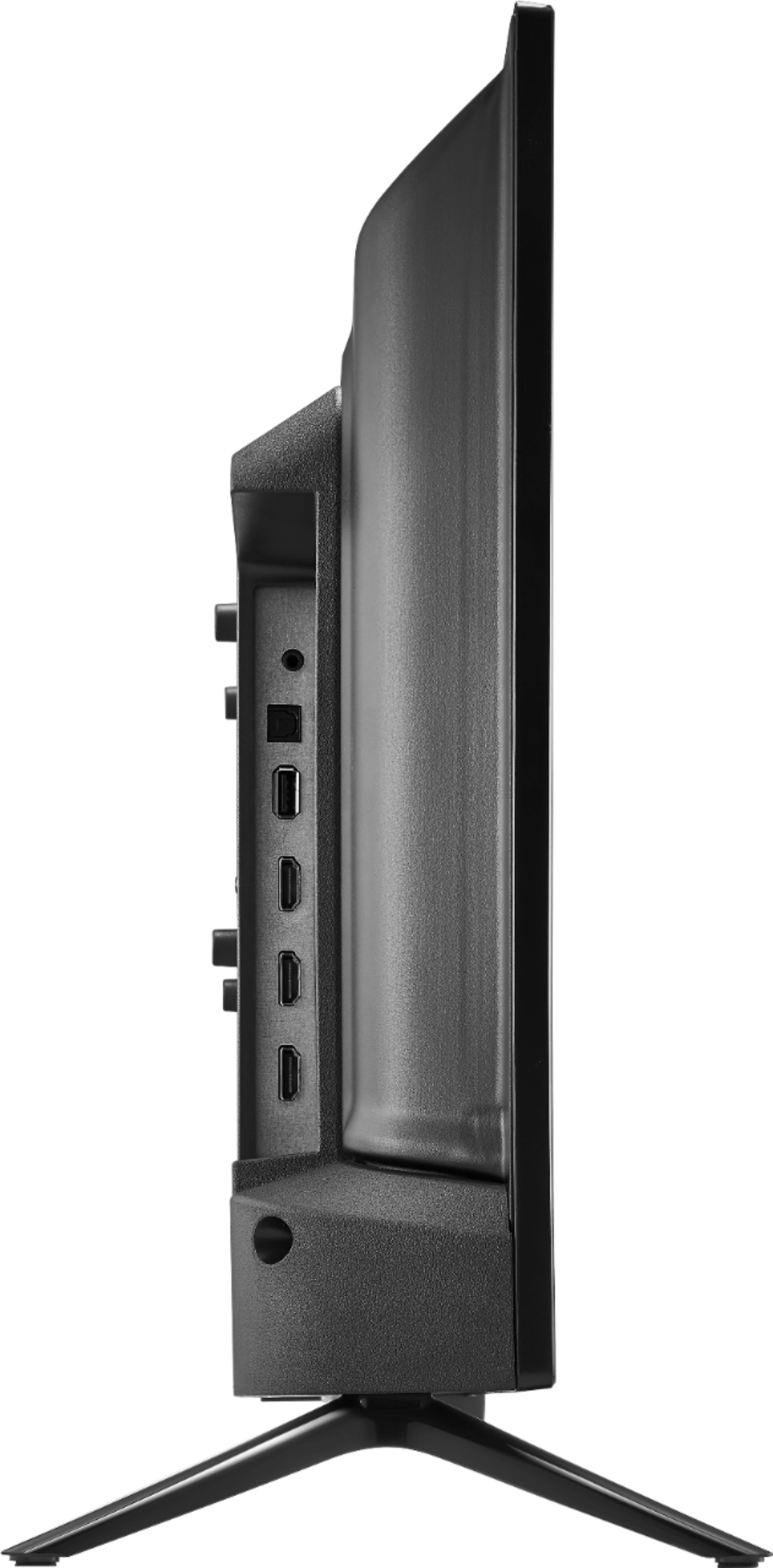
Yes, but keep in mind this depends on a lot of factors (the TV input sensor must be on, the HDMI must be a high speed one, the device connected must be compatible with this feature, etc).
Adolfo M. - Insignia Support