A:Answer Hi Maggie011,
We apologize for your experience with this product.please perform the following troubleshooting steps: (Please note that the steps below may not resolve the issue initially but I am happy to assist you further if necessary).
1. Unplug the TV for a minimum of 60 seconds.
2. While it is unplugged, disconnect all peripheral devices from the TV.
3. Plug the TV back in and turn it on
4. Select the CHANNELS menu
5. Select an option, then adjust the setting. You can
select:
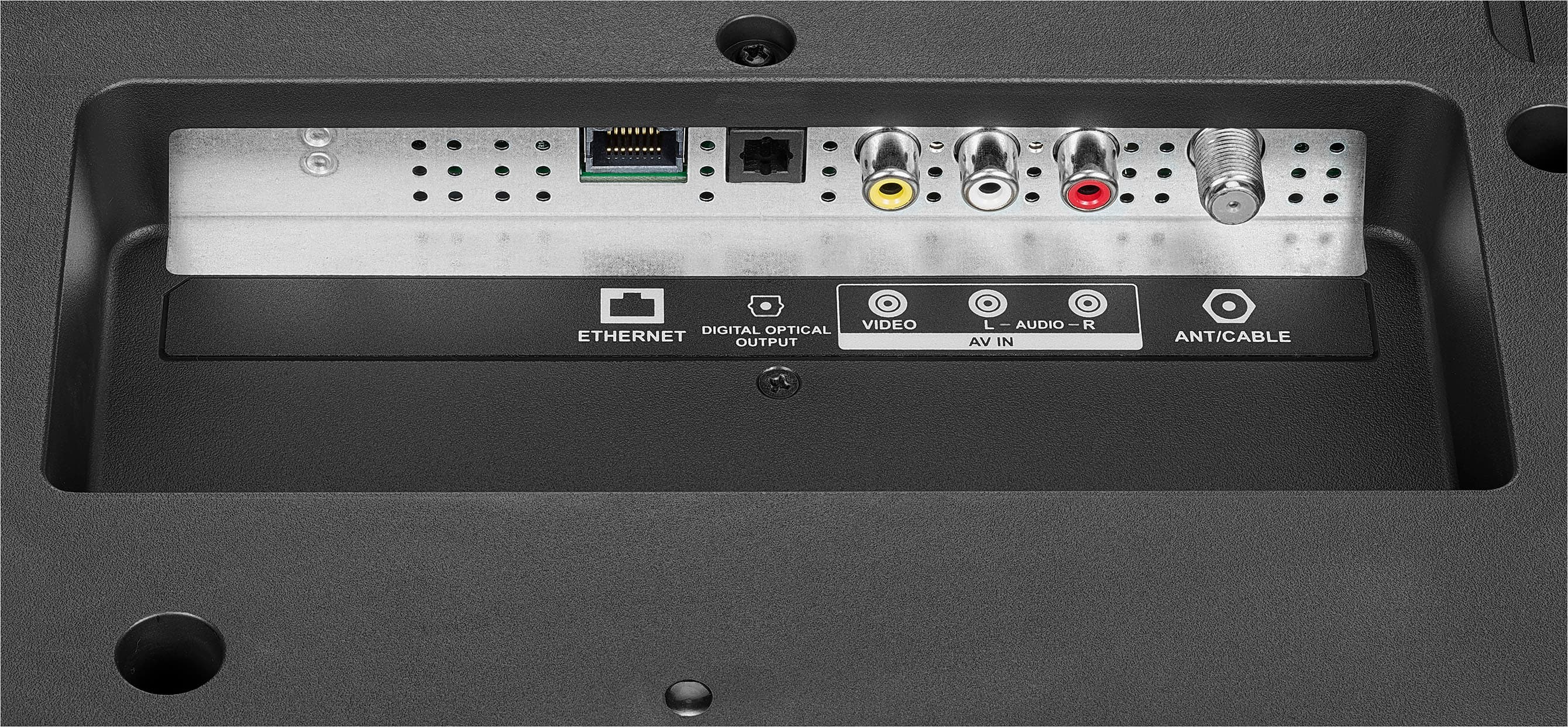
• Auto Channel Search—Lets you scan for channels
with signals. Your TV stores the channel information in
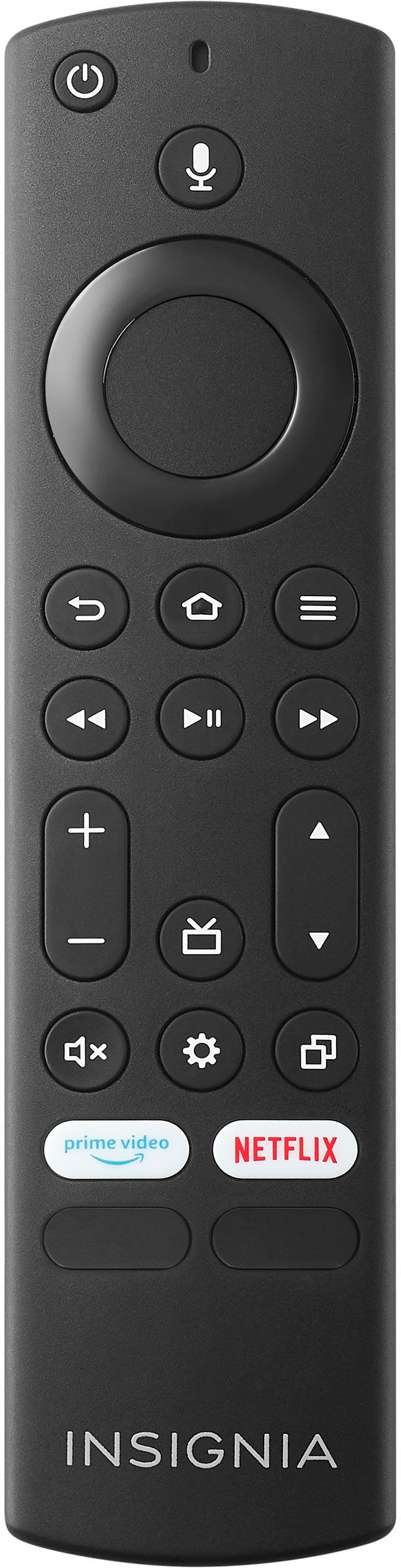
the channel list. When you press CH or CH , your
TV goes to the next or previous channel in the channel
list. You should scan for channels if the TV signal source
changes, for example you change from an outdoor
antenna to cable TV (no box). You can select
Cable / Satellite Box, Cable from the wall, or
Antenna.
For further assistance, please contact us directly at 1-877-467-4289 so we can provide the best possible solution.
Insignia Products
Marites
www.bestbuy.com/site/brands/best-buy-brands/pcmcat1596746025285.c?id=pcmcat1596746025285