DoorBOOsters are hereExclusions apply. Ends 11/2/25.Shop now

Skip to content
Gift Ideas
26 Cypress St
Williston, VT 05495
Opens at 9 am
Find Another Store
Main Content

Questions & Answers

Your price for this item is $129.99
Clearance
The comparable value price is $349.99
Page Showing 61-80 of 207 questions
  • QuestionDoes this TV play h265 video files?

    Asked by Bridy.

    • Answer Thank you for your inquiry! Yes, the Insignia™ 55" Class F30 Series LED 4K UHD Smart Fire TV does support H.265 (HEVC) video files. This means you can enjoy high-quality video playback with efficient compression on this TV.

      Answered by InsigniaCustomerSupport

  • QuestionCan you play content, movie file like quicktime from a USB flash drive?

    Asked by neio11.

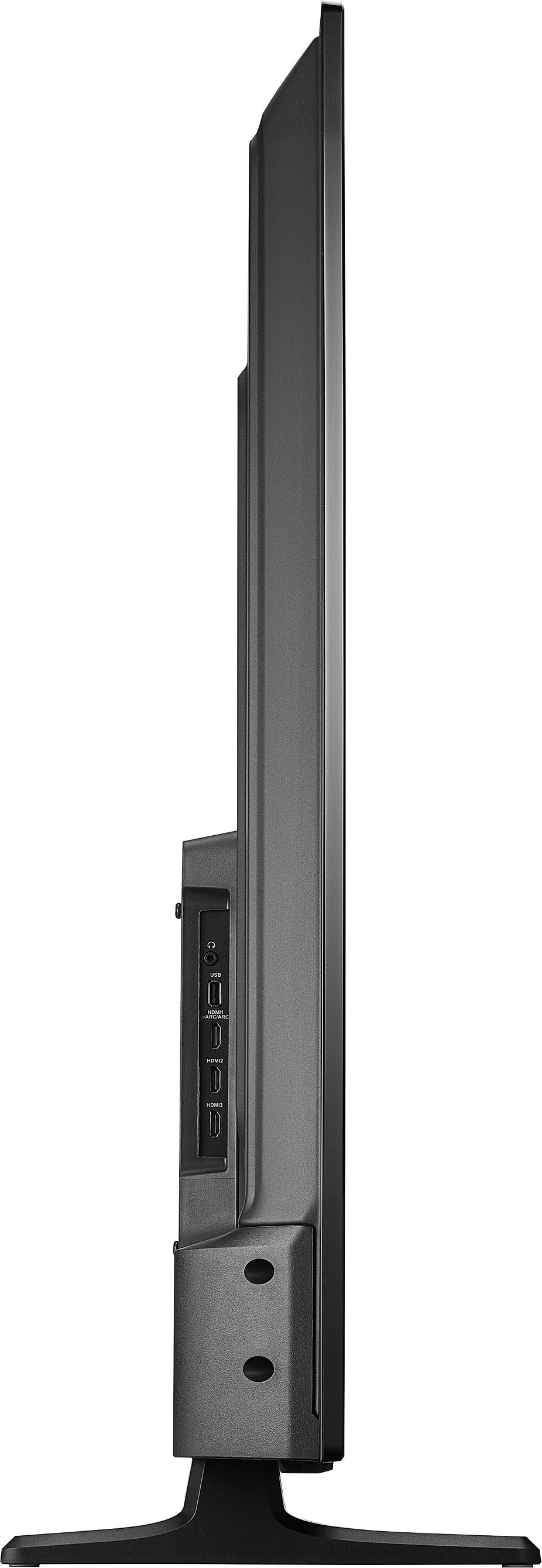
    • Answer Hello! Yes, your TV is capable of playing videos and other content from a USB flash drive. Please remember to change the input when using the flash drive. - Carl | Insignia Support

      Answered by InsigniaCustomerSupport

  • Questiondose this TV support the streaming service for Discovery+ and Peacock

    Asked by Stephan.

    • Answer Thank you for your inquiry! Yes, the Insignia™ 55" Class F30 Series LED 4K UHD Smart Fire TV supports streaming services like Discovery+ and Peacock. With Fire TV built-in, you can access a wide range of streaming apps, including Discovery+, Peacock, Netflix, Prime Video, Disney+, and more. Keith | Insignia Support https://www.bestbuy.com/site/insignia-55-class-f30-series-led-4k-uhd-smart-fire-tv/6562188.p?skuId=6562188
      Answered by InsigniaCustomerSupport

  • QuestionI currently have an Amazon TV and use the home theater setup with two echo pop speakers and an echo sub. I would like to upgrade the tv, but only if I can use the same sound setup. Can I use the home theater setup with this tv using my echo pops and sub?

    Asked by Frank.

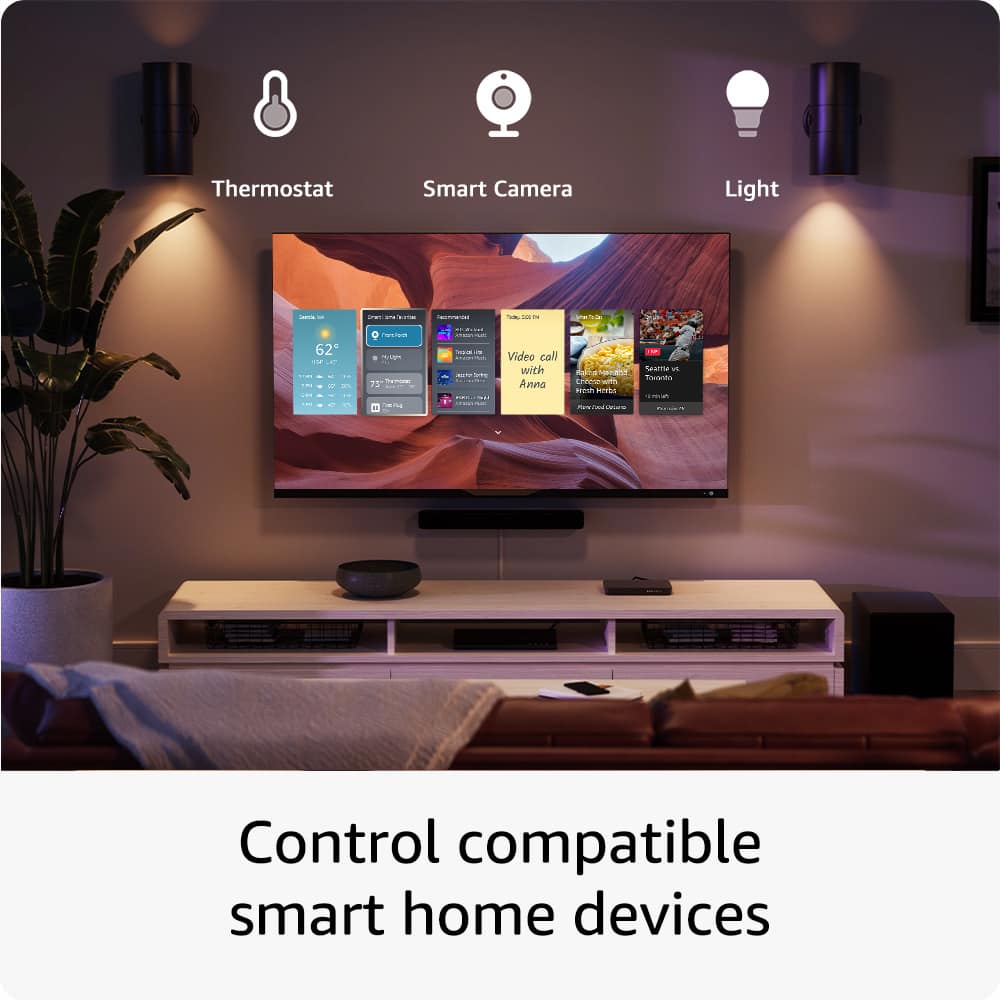
    • Answer Yes, you can use your existing home theater setup with the Insignia™ 55" Class F30 Series LED 4K UHD Smart Fire TV. This TV is compatible with Amazon Alexa, which means you can connect your Echo Pop speakers and Echo Sub to create a seamless home theater experience.

      Answered by InsigniaCustomerSupport

  • QuestionCan I turn this TV for vertical display?

    Asked by Portrait.

    • Answer The Insignia™ 55" Class F30 Series LED 4K UHD Smart Fire TV is not specifically designed to be used in a vertical (portrait) orientation. Most TVs, including this model, are optimized for horizontal (landscape) viewing. Turning the TV vertically might affect the picture quality and could potentially damage the screen over time. If you have any other questions or need further assistance, feel free to ask! - Mae | Insignia Support

      Answered by InsigniaCustomerSupport

  • QuestionI have led lights plugged into usb port that never shut off, nor does my soundbar which is far from ideal for the bedroom. Is there a setting to resolve this? I couldn’t find anything in the settings…

    Asked by millerlite.

    • Answer It sounds like your Insignia™ 55" Class F30 Series LED 4K UHD Smart Fire TV is keeping the USB ports powered on even when the TV is off, which can be inconvenient for your setup. Unfortunately, this model does not have a specific setting to turn off the USB ports when the TV is off. Here are a few workarounds you might consider: 1. Smart Power Strip: Use a smart power strip that can cut power to the USB ports when the TV is turned off. This way, your LED lights and soundbar will also turn off. 2. Manual Switch: Use a USB hub with a manual power switch. This allows you to manually turn off the power to your devices when not in use. 3. External Timer: Plug your devices into an external timer that can be set to turn off at specific times. If these solutions don't work for you, you might want to consider contacting Insignia customer support for further assistance or exploring other TV models that offer this feature. I hope this helps! Let me know if you have any other questions or need further assistance.

      Answered by InsigniaCustomerSupport

  • QuestionHow long is the factory warrenty on this Insignia tv?

    Asked by deb.

    • Answer Thank you for reaching out to us. Our manufacturer's warranty is valid for one year. I hope this information answers your question. If you have any further inquiries, please feel free to reach out again. - Carl | Insignia Support

      Answered by InsigniaCustomerSupport

  • QuestionWill insignia support ads on Netflix or do I have to pay extra for no ads

    Asked by GG.

    • Answer Thank you for your inquiry! The Insignia™ 55" Class F30 Series LED 4K UHD Smart Fire TV supports Netflix, but whether you see ads or not depends on the Netflix subscription plan you choose. Netflix offers different plans, including an ad-supported plan and ad-free plans. If you prefer not to see ads, you would need to subscribe to one of the ad-free plans. Keith | Insignia Support

      Answered by InsigniaCustomerSupport

  • QuestionAfter I power the Insignia TV on it takes full nine minutes for the picture to illuminate the screen. The audio begins after twenty or thirty seconds. I have to plan my viewing ahead of time.....Once the screen displays the tv seems to work ok!

    Asked by KenElder.

    • Answer It sounds frustrating to wait so long for your TV to display the picture. Here are a few troubleshooting steps you can try to resolve this issue: 1. Power Cycle the TV: - Unplug the TV from the power outlet. - Wait for about 1-2 minutes. - Plug the TV back in and turn it on. 2. Check for Firmware Updates: - Go to Settings on your TV. - Navigate to Device & Software > About > Check for System Update. - If an update is available, follow the on-screen instructions to install it. 3. Reset the TV to Factory Settings: - Go to Settings > Device & Software > Reset to Factory Defaults. - Note that this will erase all your settings and installed apps, so you may need to set up the TV again. 4. Check the Connections: - Ensure all cables are securely connected. - Try using a different HDMI port or cable to see if the issue persists. 5. Contact Insignia Support: - If the problem continues, it might be a hardware issue. Contact Insignia customer support for further assistance. Hopefully, one of these steps will help resolve the issue. If you need more help, feel free to ask!

      Answered by InsigniaCustomerSupport

  • QuestionI need a cheap remote option because I can't find mine

    Asked by Anonymous.

    • Answer For a budget-friendly option, you can consider the Insignia™ Replacement Remote for Insignia and Toshiba Fire TVs. It's compatible with your Insignia™ - 55" Class F30 Series LED 4K UHD Smart Fire TV and is relatively inexpensive. Another option is to use the Amazon Fire TV app on your smartphone, which can act as a remote control for your TV. This can be a convenient and cost-effective solution until you get a new physical remote. Ed | Insignia Support | https://www.bestbuy.com/site/brands/best-buy-brands/pcmcat1596746025285.c?id=pcmcat1596746025285

      Answered by InsigniaCustomerSupport

  • QuestionHow much storage does this tv have

    Asked by Chooch777.

    • Answer The Insignia™ - 55" Class F30 Series LED 4K UHD Smart Fire TV comes with 8 GB of internal storage. This storage is used for apps, system files, and other data. Patricia | Insignia support

      Answered by InsigniaCustomerSupport

  • QuestionDoes this TV have a camera?

    Asked by Nick.

    • Answer No it doesn’t

      Answered by Joanna

  • QuestionI know nothing about these tvs. We use antenna do i need internet to use these? Is there anything else I have to buy?

    Asked by JoannH.

    • Answer Yes it is a smart fire TV. It needs to connect with your home Wi-Fi.

      Answered by KristieH

  • QuestionWould it be compatible with Nest Audio Bluetooth Speakers?

    Asked by SeanB.

    • Answer Yes, the Insignia 55" Class F30 Series LED 4K UHD Smart Fire TV is compatible with Bluetooth devices, including Nest Audio Bluetooth Speakers. To pair them, follow these steps: 1. Turn on Bluetooth on the TV: - Go to Settings > Controllers & Bluetooth Devices > Other Bluetooth Devices. - Select Add Bluetooth Devices. 2. Put the Nest Audio Speaker in Pairing Mode: - Press and hold the pairing button on the speaker until you hear a sound or see a flashing light indicating it's in pairing mode. 3. Pair the Devices: - On the TV, select the Nest Audio Speaker from the list of available devices. This should allow you to enjoy audio from your TV through your Nest Audio speakers. If you encounter any issues, make sure both devices are within range and that there are no other Bluetooth devices interfering with the connection. If you need any more help, feel free to ask!

      Answered by InsigniaCustomerSupport

  • QuestionDoes this tv have the Peacock app available to download?

    Asked by Apps.

    • Answer Yes it does.

      Answered by JoelV

  • QuestionCan this be used with a basic cable set up? My dad’s 88 and can’t stream

    Asked by Anonymous.

    • Answer Sure. I mostly watch cable. Through settings you can set the default when you turn on the TV to be HDMI1 which on my set is the cable port.

      Answered by FarNiente17

  • QuestionWhat is the warranty

    Asked by Anonymous.

    • Answer Thank you for your inquiry! The Insignia™ 55" Class F30 Series LED 4K UHD Smart Fire TV comes with a one-year limited warranty. Keith | Insignia Support https://www.bestbuy.com/site/insignia-3-7-cu-ft-high-efficiency-12-cycle-top-loading-washer-white/6420141.p?skuId=6420141

      Answered by InsigniaCustomerSupport

  • QuestionCan you use a fire stick with this tv?

    Asked by Bless.

    • Answer Yes, you can use a Fire Stick with the Insignia™ - 55" Class F30 Series LED 4K UHD Smart Fire TV. However, since this TV already has the Fire TV platform built in, you might not need the Fire Stick unless you have a specific reason. Patricia | Insignia Support

      Answered by InsigniaCustomerSupport

  • QuestionCan I use my Apple TV box with this tv?

    Asked by Anonymous.

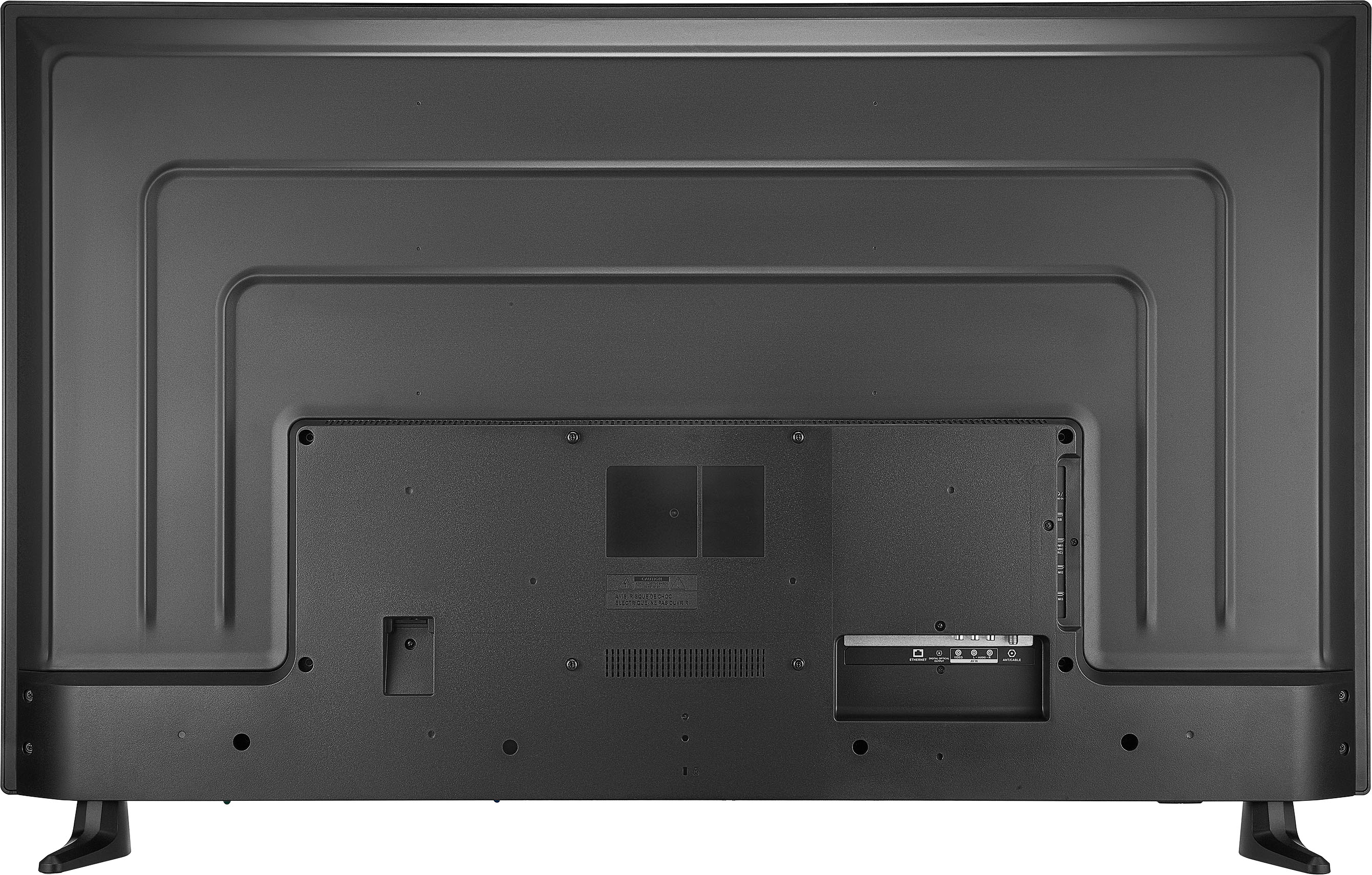
    • Answer Yes, you can use your Apple TV box with the Insignia™ 55" Class F30 Series LED 4K UHD Smart Fire TV. This TV has multiple HDMI ports, which are compatible with the Apple TV box. Simply connect the Apple TV box to one of the HDMI ports on the TV, and you should be able to enjoy all the features and content available through your Apple TV. -Ed | Insignia Support | https://www.bestbuy.com/site/brands/best-buy-brands/pcmcat1596746025285.c?id=pcmcat1596746025285

      Answered by InsigniaCustomerSupport

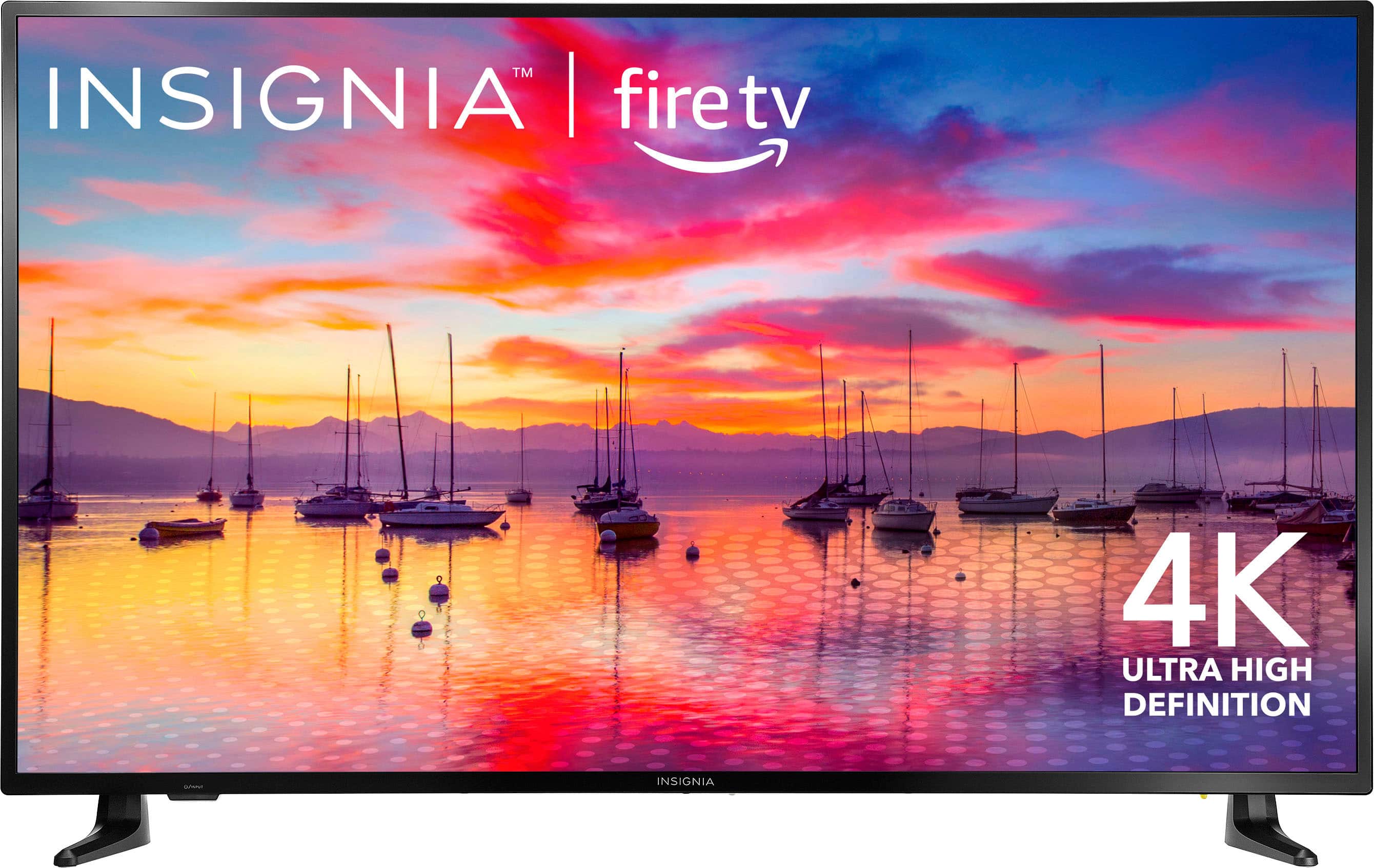
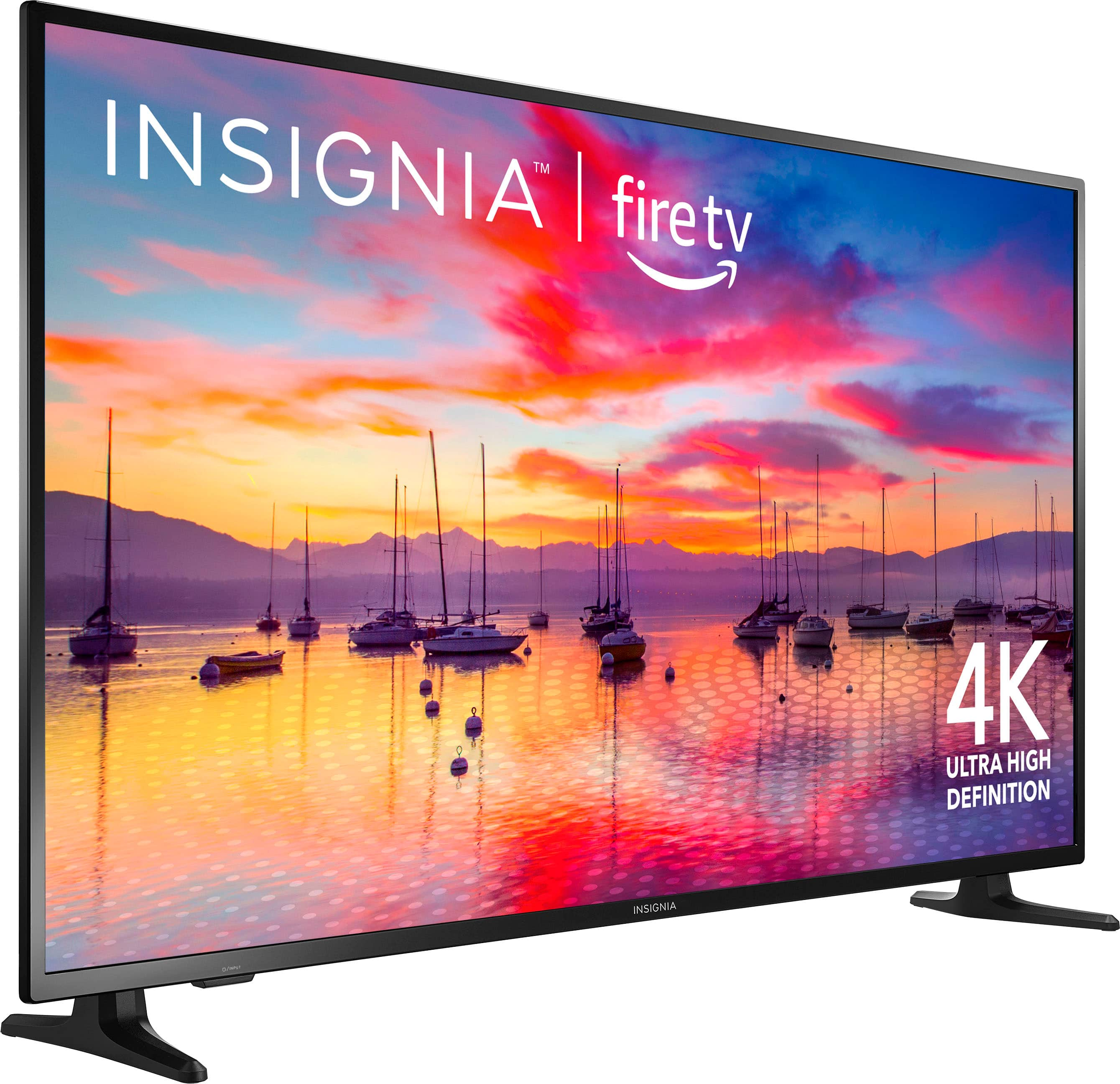
  • QuestionDoes this model have a physical on/off button, and if so, where on the tv is it located?

    Asked by PotentialInsigniaCustomer.

    • Answer Yes, the Insignia™ 55" Class F30 Series LED 4K UHD Smart Fire TV does have a physical on/off button. It is typically located on the bottom edge of the TV, near the center or slightly to one side. This button can be used to turn the TV on and off if you don't have the remote handy. If you have any other questions or need further assistance, feel free to ask! -Ed | Insignia Support | https://www.bestbuy.com/site/brands/best-buy-brands/pcmcat1596746025285.c?id=pcmcat1596746025285

      Answered by InsigniaCustomerSupport