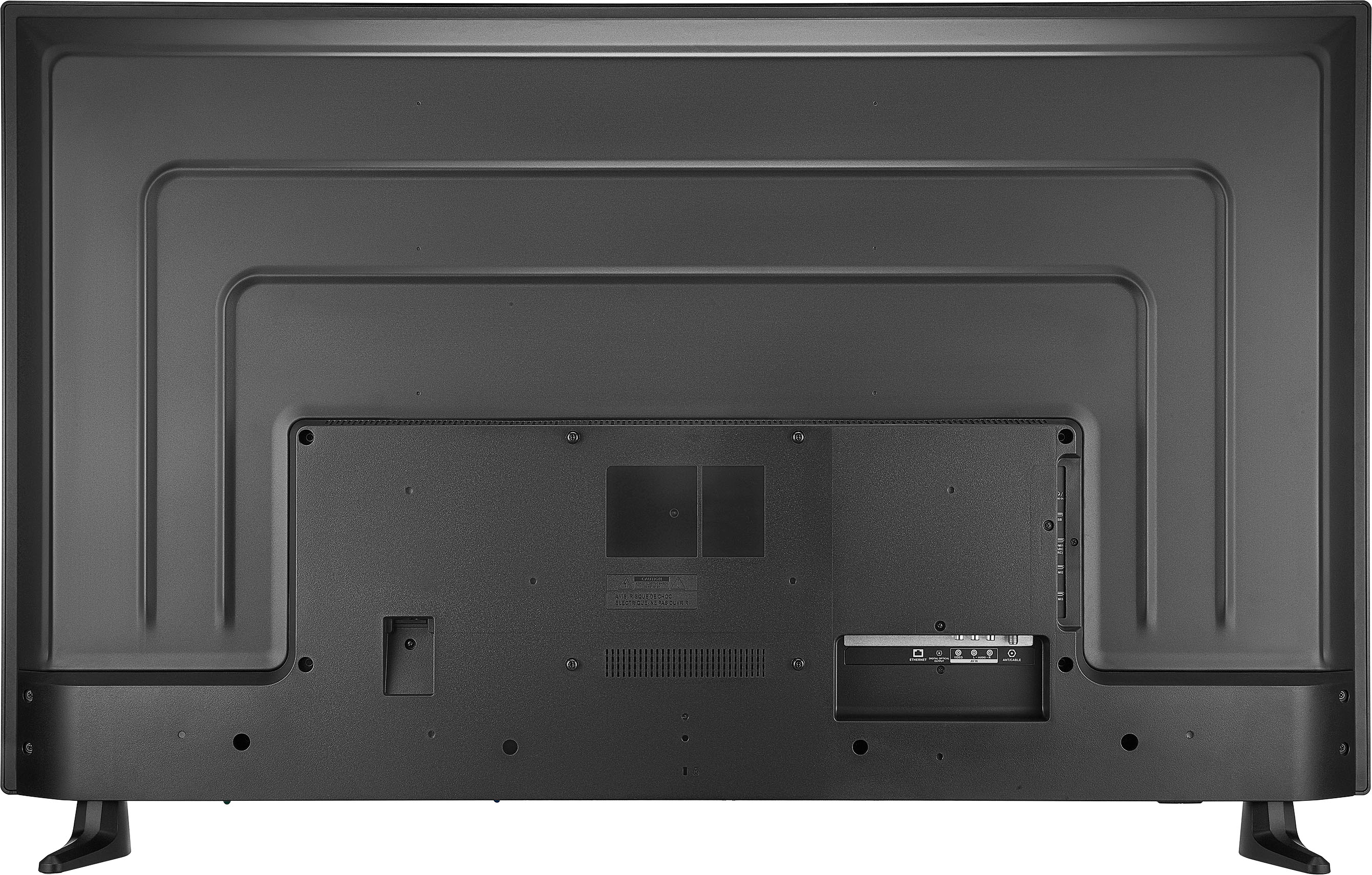
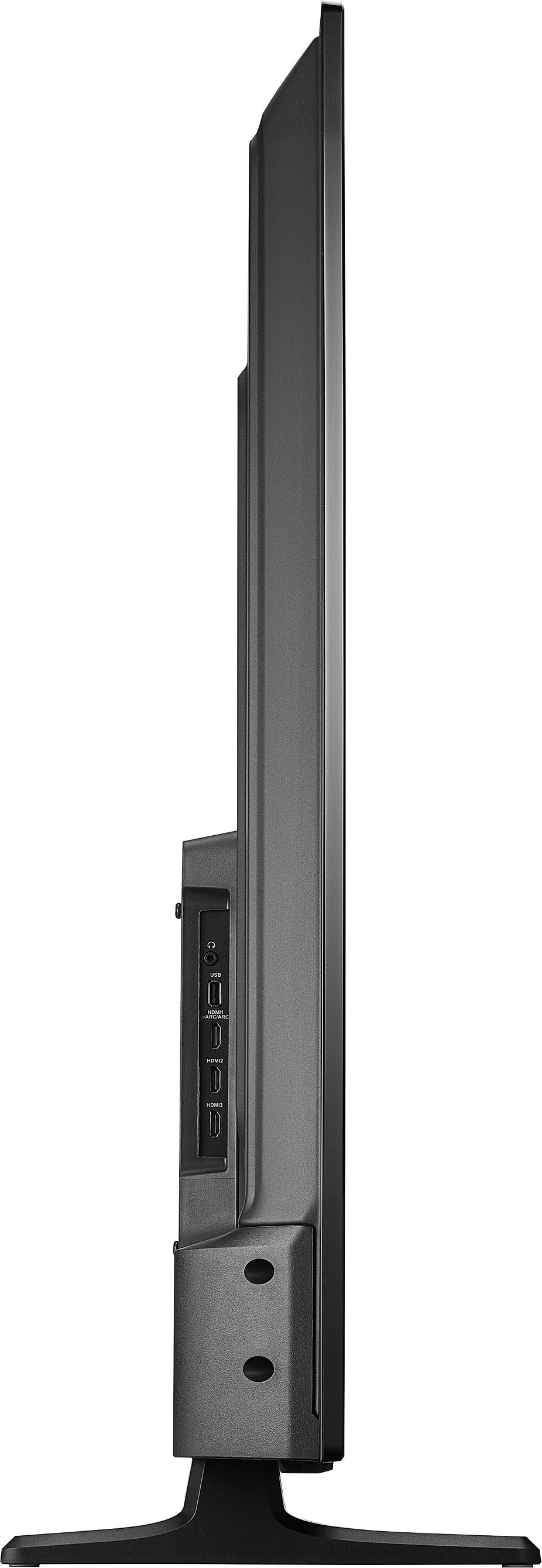
A:AnswerYes, you can use your Apple TV box with the Insignia™ 55" Class F30 Series LED 4K UHD Smart Fire TV. This TV has multiple HDMI ports, which are compatible with the Apple TV box. Simply connect the Apple TV box to one of the HDMI ports on the TV, and you should be able to enjoy all the features and content available through your Apple TV. -Ed | Insignia Support | https://www.bestbuy.com/site/brands/best-buy-brands/pcmcat1596746025285.c?id=pcmcat1596746025285
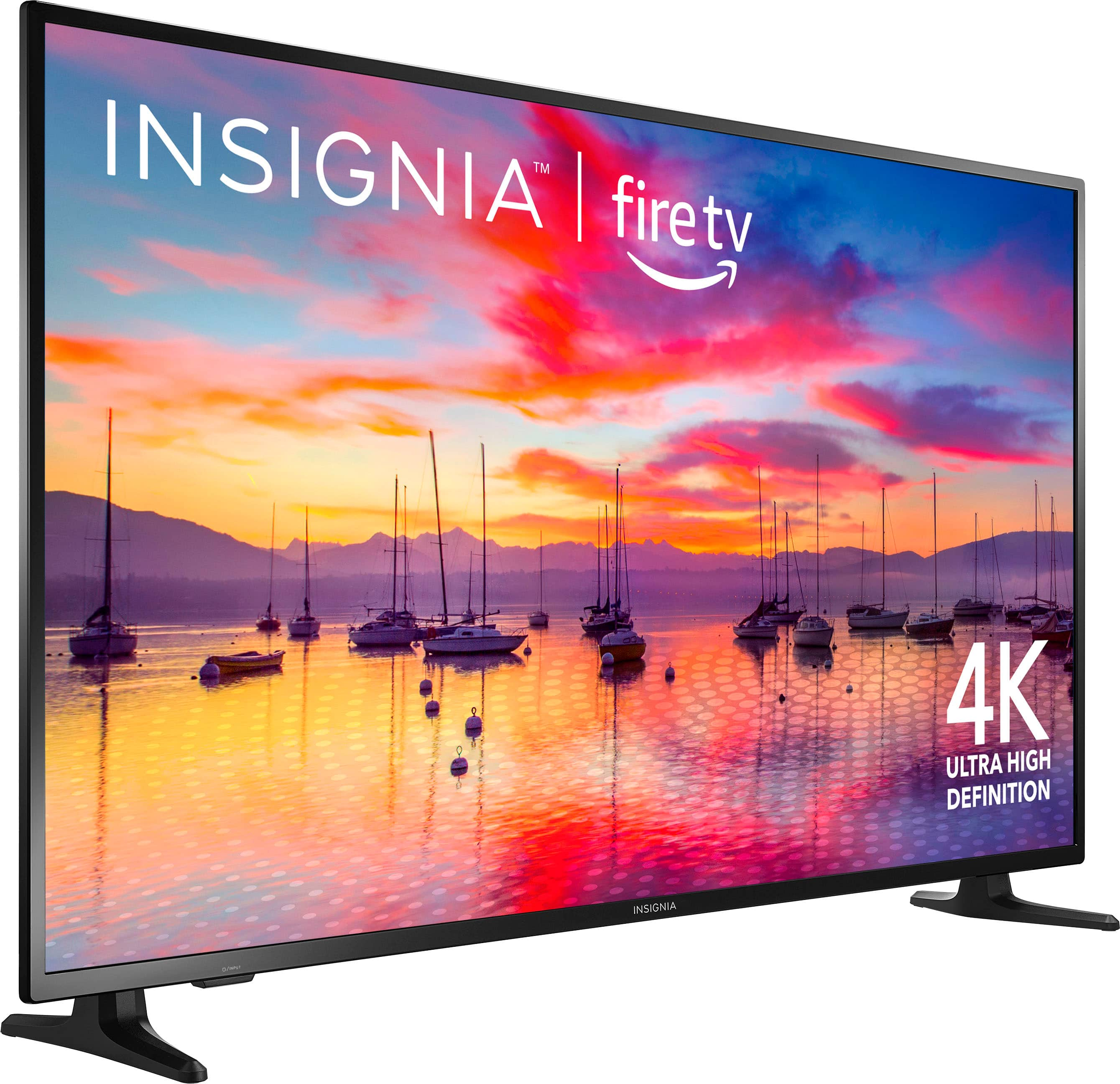
A:AnswerYes, the Insignia™ 55" Class F30 Series LED 4K UHD Smart Fire TV does have a physical on/off button. It is typically located on the bottom edge of the TV, near the center or slightly to one side. This button can be used to turn the TV on and off if you don't have the remote handy.
If you have any other questions or need further assistance, feel free to ask! -Ed | Insignia Support | https://www.bestbuy.com/site/brands/best-buy-brands/pcmcat1596746025285.c?id=pcmcat1596746025285
A:AnswerThis model has the Fire TV platform built-in, which provides access to a wide range of streaming services and apps, including those that offer live TV. You can use apps like Hulu + Live TV, Sling TV, YouTube TV, and others to stream live television directly on your TV without needing a separate streaming device. Patricia | Insignia Support
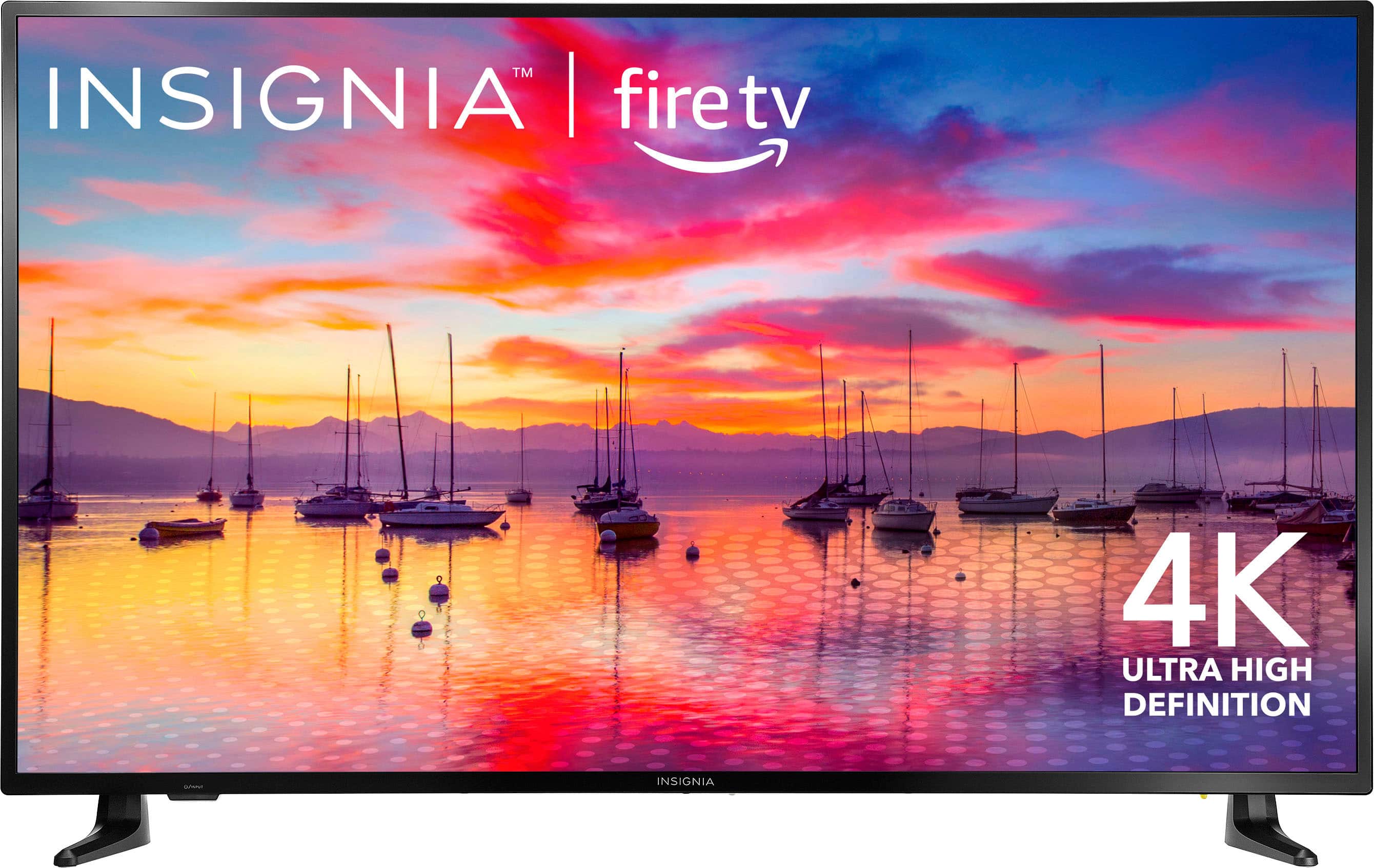
A:AnswerYes, you can use the Insignia™ 55" Class F30 Series LED 4K UHD Smart Fire TV in a two-car garage. However, keep in mind to ensure the garage environment stays within the TV's operating temperature and humidity range. Extreme temperatures or high humidity can affect the TV's performance and longevity and make sure the TV is securely mounted or placed on a stable surface to prevent any accidents.
If you take these precautions, your TV should work well in your garage gym setup. -Ed | Insignia Support | https://www.bestbuy.com/site/brands/best-buy-brands/pcmcat1596746025285.c?id=pcmcat1596746025285
A:AnswerThank you for your question! The exact power consumption of the Insignia 55" Class F30 Series LED 4K UHD Smart Fire TV can vary depending on usage and picture settings. However, it typically ranges between 100 to 150 watts when in active use. Please note that this is an estimated range, and actual power consumption may vary. If you have any questions or need further assistance, please don't hesitate to reach out. - Mae | Insignia Support | https://www.bestbuy.com/site/brands/best-buy-brands/pcmcat1596746025285.c?id=pcmcat1596746025285
A:AnswerHello! Thank you for reaching out. We recommend storing the TV at room temperature to ensure the safety of the unit and to avoid any potential damage. I hope this answers your question. If you have any further inquiries, please don't hesitate to contact us again. Thank you! - Carl | Insignia Support
A:AnswerHello PRP! Thank you for your question about the Insignia™ - 55" Class F30 Series LED 4K UHD Smart Fire TV. This TV can be used for horizontal menu displays, making it suitable for various display needs. Additionally, it comes with USB ports that allow you to connect external devices. If you have any questions or need further assistance, please don't hesitate to reach out. - Mae | Insignia Support | https://www.bestbuy.com/site/brands/best-buy-brands/pcmcat1596746025285.c?id=pcmcat1596746025285
A:AnswerAs answered multiple times in previous questions, no it does not come with a Spectrum TV App nor can you download it. You can however plus in your Spectrum Cable and it'll work fine.
A:AnswerHi Bill! The Insignia™ - 55" Class F30 Series LED 4K UHD Smart Fire TV comes with 8 GB of internal storage. This storage is used for apps and system data, which is typical for smart TVs in this range. For more product information, please check the link below. |Angelica| Insignia Products
A:AnswerThe Insignia 55-inch Fire TV does not natively support the Pause Live TV feature. This functionality typically requires a compatible external device, like the Amazon Recast, which allows you to pause and record live TV when connected to an antenna .-Ed | Insignia Support | https://www.bestbuy.com/site/brands/best-buy-brands/pcmcat1596746025285.c?id=pcmcat1596746025285
A:AnswerThank you for reaching out. We're sorry to hear that you're having trouble with your sound bar. Your experience is important to us, and we want to help ensure you get the best performance from your product. Please feel free to contact our customer support team for further assistance.
- Carl | Insignia Products
A:AnswerYes, the Insignia™ - 55" Class F30 Series LED 4K UHD Smart Fire TV does support live TV. You can access live over-the-air channels by connecting an antenna, and it also offers streaming options for live TV. Patricia | Insignia Support

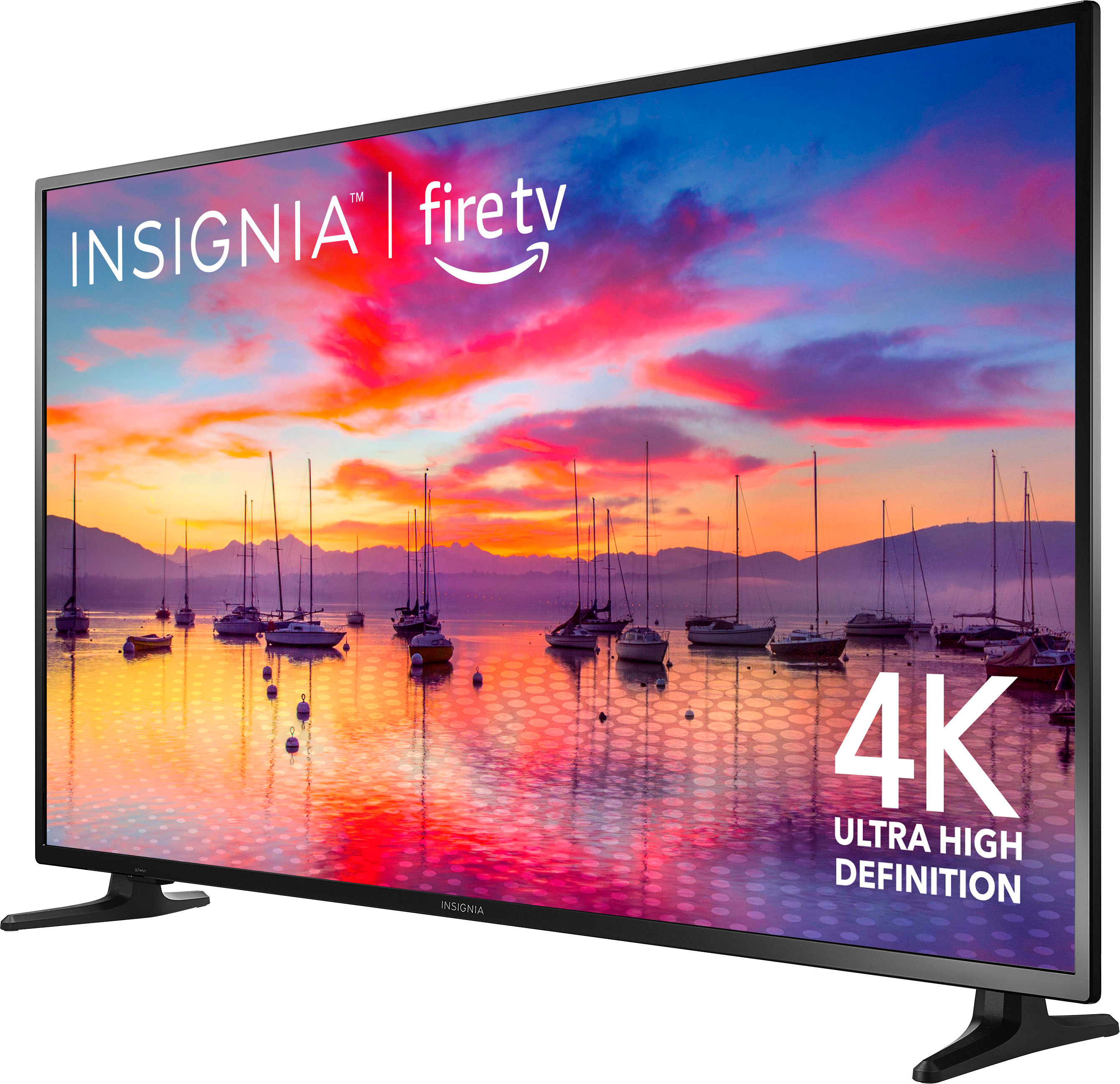
A:AnswerThey angle outward slightly toward the front. The very end tips (facing front) are 43 1/2". It's 43" to the ends of the stands directly under the screen. My TV cabinet is 50" wide and this fits very nicely on it but anything wider than 44" would probably be fine.
A:AnswerBe careful buying open box items over the internet as you should inspect them first. Usually there is a "NO RETUTURN/REFUND" policy so if the screen is cracked or there is by chance significant damage, you are stuck with it and out over $200!
A:AnswerHi Richie,
Thank you for your question about the Insignia™ 55" Class F30 Series LED 4K UHD Smart Fire TV. The distance between the legs of this TV is approximately 43.41 inches. This should help you determine if it will fit on your TV stand or entertainment center.
If you have any other questions or need further assistance, please feel free to reach out. |Angelica| Insignia Products| https://www.bestbuy.com/site/insignia-55-class-f30-series-led-4k-uhd-smart-fire-tv/6562188.p?skuId=6562188
A:AnswerThe Insignia™ - 55" Class F30 Series LED 4K UHD Smart Fire TV comes with 8 GB of built-in storage for apps and other content. This should be sufficient for installing a variety of streaming apps and some additional content.
If you have any other questions about this TV or need further assistance, feel free to ask!