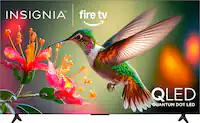
Questions & Answers
- Model:
- NS55-UQFL26
- |
- SKU:
- 6616640
Q: QuestionDoes the TV tuner support ATSC 3.0 Next Gen TV?
Asked by doug665084.
- A:Answer Thank you for your inquiry! The Insignia™ 55" Class QF Series QLED 4K UHD Smart Fire TV (Model: NS55-UQFL26) does not support ATSC 3.0 (Next Gen TV). According to the official specifications on Best Buy, the TV tuner supports ATSC, NTSC, and Clear QAM, but there is no mention of ATSC 3.0.
Answered by InsigniaCustomerSupport

Q: QuestionWhere are the tv speakers located ? It doesn’t seem very loud even turned all the way up?!
Asked by Anonymous.
- A:Answer Mine is pretty loud. Just saying.
Answered by user506795
Q: QuestionWhat version of Android is on the television?
Asked by Swiftness427.
- A:Answer Currently I have the Pioneer - 50" Class LED 4K UHD Smart Fire TV Model: PN50951-22U SKU: 6462308 It has FireTV operaing system based on Android 9 What about this one?
Answered by Anonymous
Q: QuestionCan you use both Bluetooth AND built in TV speakers are the same time
Asked by Yooper.
- A:Answer Thank you for your inquiry! The Insignia™ 55" Class QF Series QLED 4K UHD Smart Fire TV does support Bluetooth connectivity, allowing you to pair devices like headphones or speakers. However, you cannot use Bluetooth audio and the built-in TV speakers at the same time. When a Bluetooth audio device is connected, the TV automatically disables its internal speakers and routes all audio through the Bluetooth connection. Keith | Insignia Support
Answered by InsigniaCustomerSupport

Q: QuestionWhat are the dimensions of a 55" flat screen tv?
Asked by 1004.
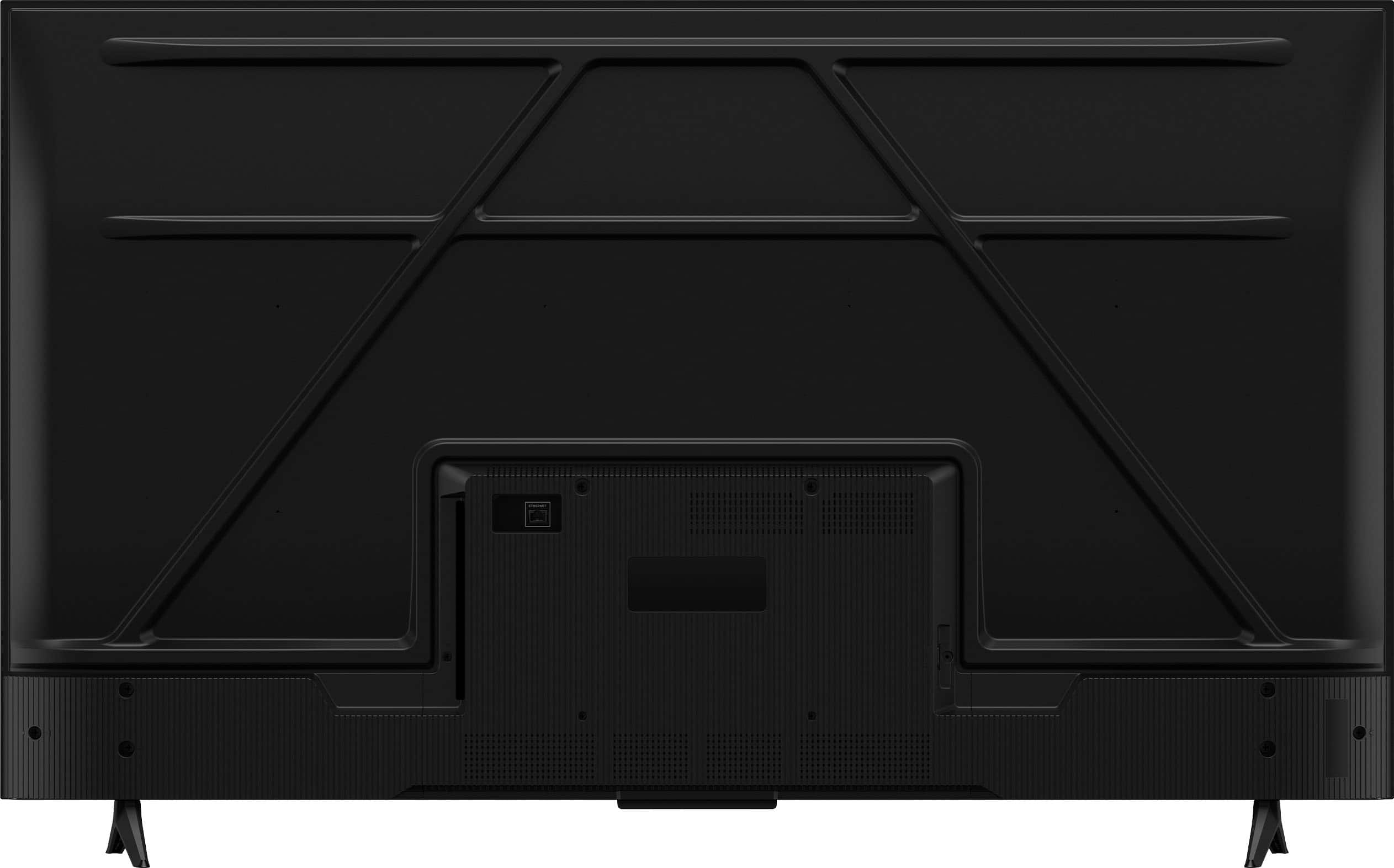
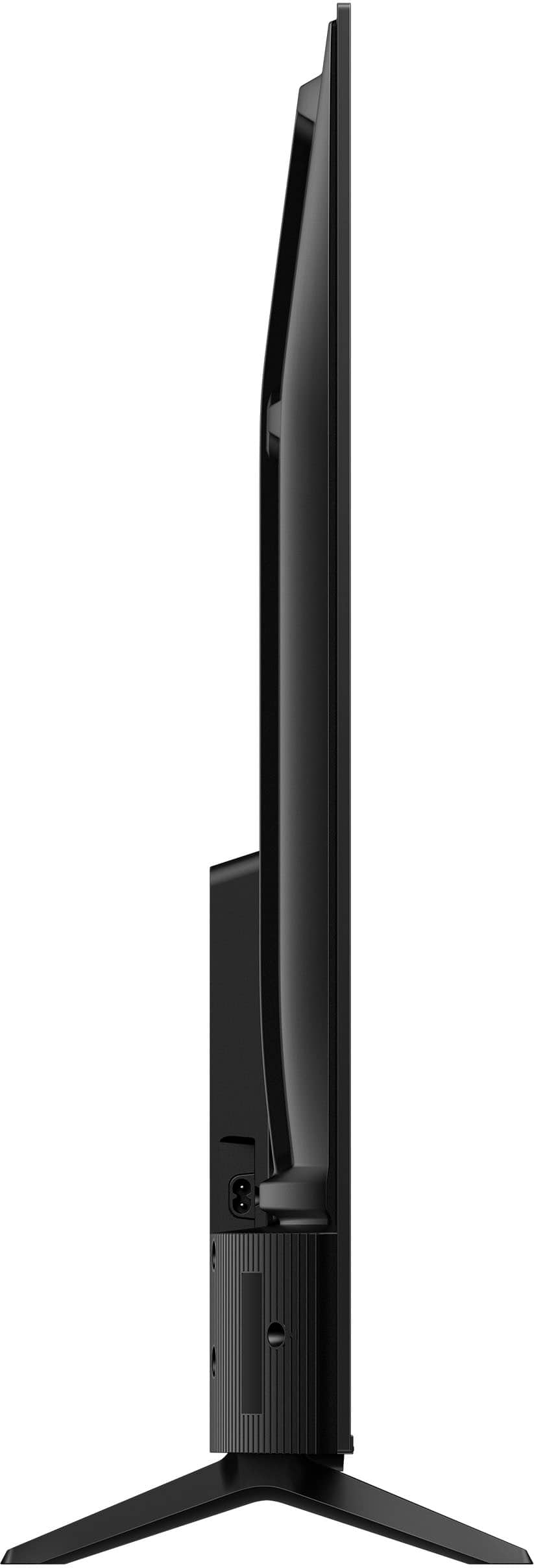
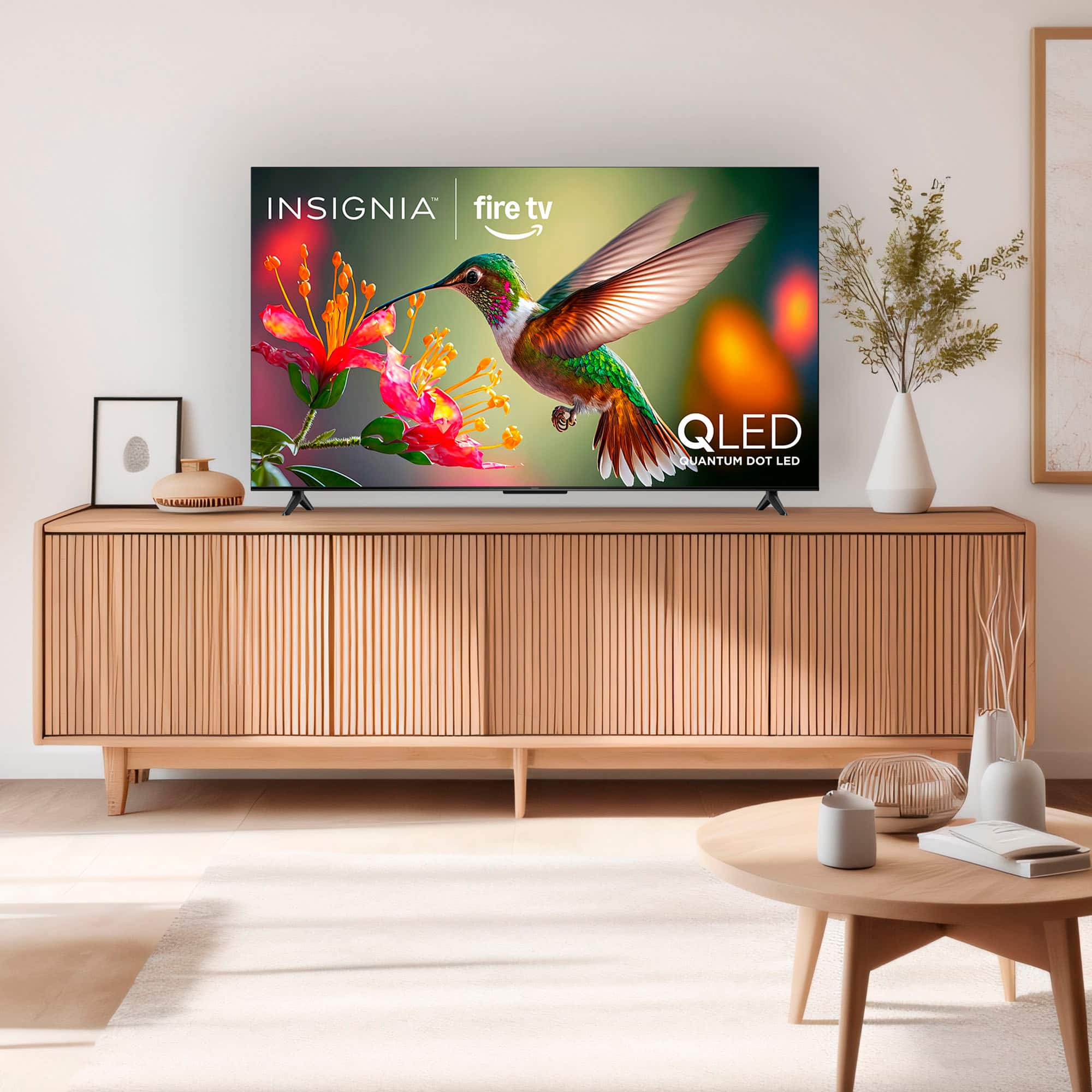
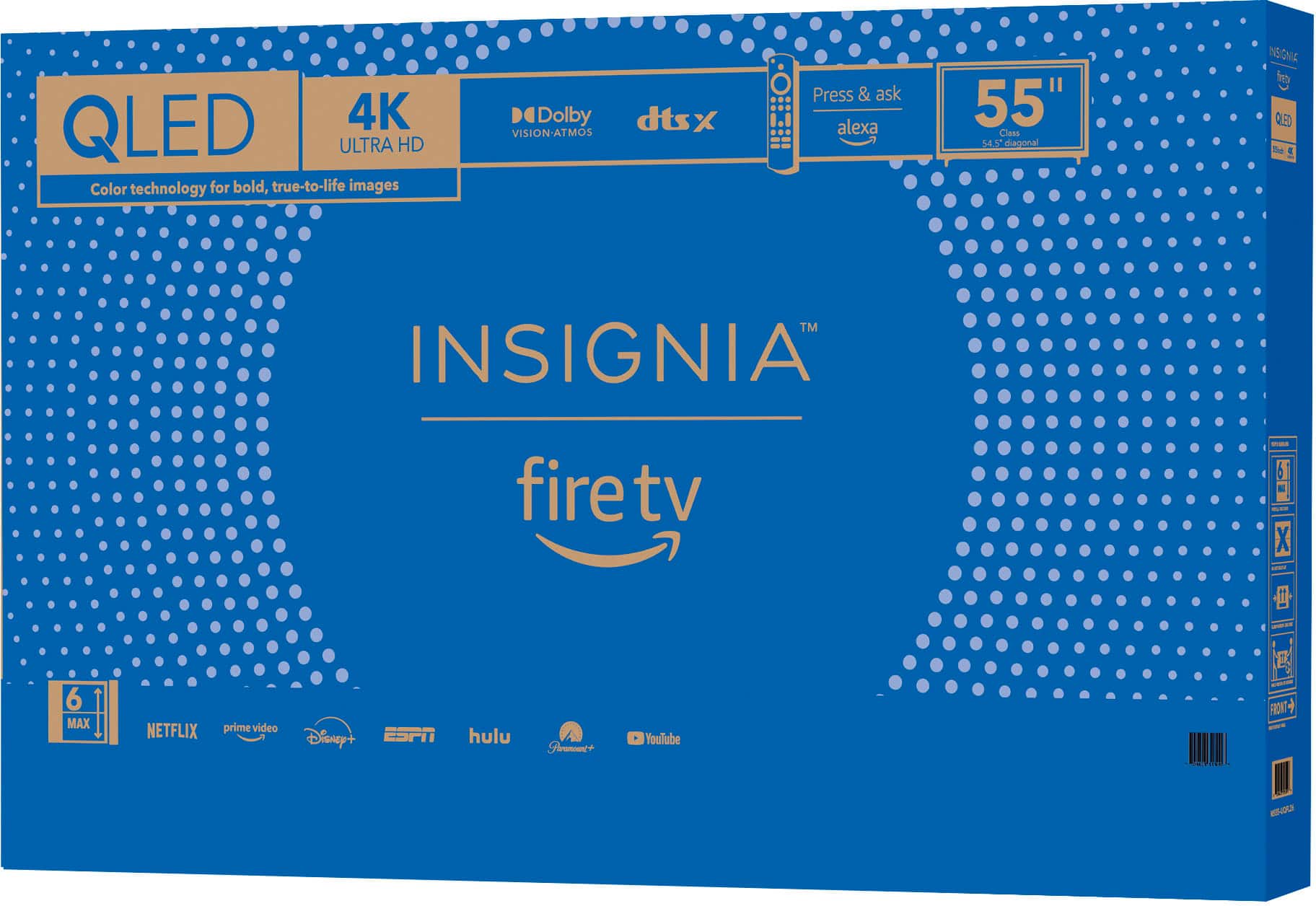
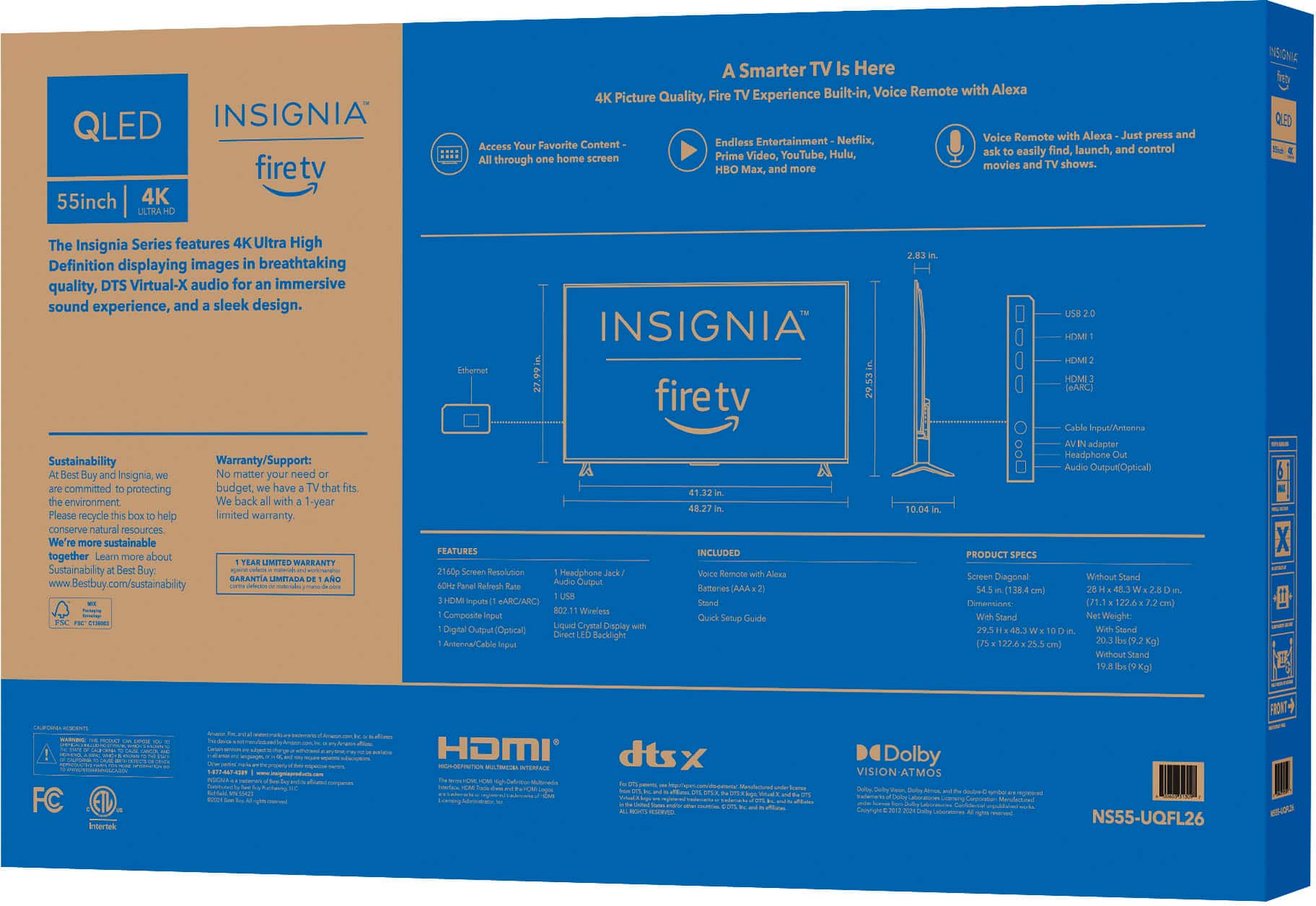
- A:Answer Thank you for your inquiry! The Insignia™ 55" Class QF Series QLED 4K UHD Smart Fire TV has a width of 48.3 inches regardless of whether the stand is attached. Without the stand, the TV stands 28 inches tall and is 2.8 inches deep, weighing 19.8 pounds. With the stand attached, the height increases slightly to 29.5 inches, and the depth extends to 10 inches, bringing the total weight to 20.3 pounds. The stand itself spans 41.3 inches in width and 10 inches in depth, and it is not adjustable. This means that if you're placing the TV on a piece of furniture, the surface should be at least 41.3 inches wide and 10 inches deep to support the stand securely. If you're considering wall mounting, the slimmer profile without the stand makes it a good fit for tighter spaces.
Answered by InsigniaCustomerSupport

Q: QuestionHow do I connect Bluetooth headphones to this TV?
Asked by Hoppalo1975.
- A:Answer To connect Bluetooth headphones to your Insignia 55" QF Series Fire TV, go to Settings > Controllers & Bluetooth Devices > Other Bluetooth Devices > Add Bluetooth Devices, then select your headphones from the list once they appear. Jeth | Insignia Support.
Answered by InsigniaCustomerSupport

Q: Question4:3 videos on apps downloaded and streamed within the Insignia/FireTV platform are squeezed in center of the screen. Anything played via a connection to a separate input is fine. Display settings only available for inputs, not TV itself. Pics show issue.
Asked by Mike.
- A:Answer Thank you for sharing your experience, Mike. It sounds like the aspect ratio settings for apps within the Insignia calling platform may not be adjusting properly, causing 4:3 videos to appear squeezed. In order for us to help do the troubleshooting with you, we recommend contacting our Insignia customer service hotline: 877-467-4289. Tine | Insignia Products
Answered by InsigniaCustomerSupport

Q: QuestionDoes this TV have Dual Audio. Meaning can I use my Sennheiser headphones AND my wife listen to the TV speakers at the same time?
Asked by Anonymous.
- A:Answer Hello. The Insignia™ 55" Class QF Series QLED 4K UHD Smart Fire TV does not support dual audio output. This means it cannot play audio through both Bluetooth headphones and the built-in TV speakers simultaneously. When Bluetooth headphones are connected, the TV speakers are automatically muted. If you have any questions or need further assistance, please don't hesitate to reach out. Ivy | Insignia Support
Answered by InsigniaCustomerSupport

Q: QuestionWill this pair with my Bluetooth rock looking yard speakers?
Asked by Louie.
- A:Answer Hi Louie! Yes, the Insignia™ 55" Class QF Series QLED 4K UHD Smart Fire TV supports Bluetooth connectivity, which means it can pair with Bluetooth-enabled devices like your rock-style yard speakers, as long as they are in pairing mode and within range. Jeth | Insignia Support.
Answered by InsigniaCustomerSupport

Q: QuestionJust purchased this for my elderly mother and have a simple big button remote for her. The remote does not transmit IR for the volume, only the power. Can the TV receive IR commands for the volume?
Asked by Eman.
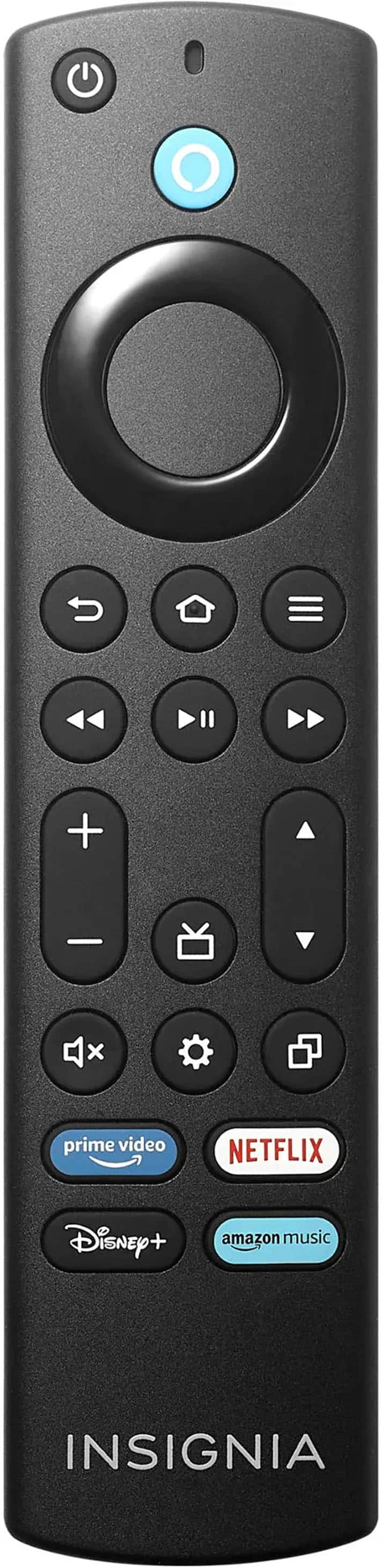
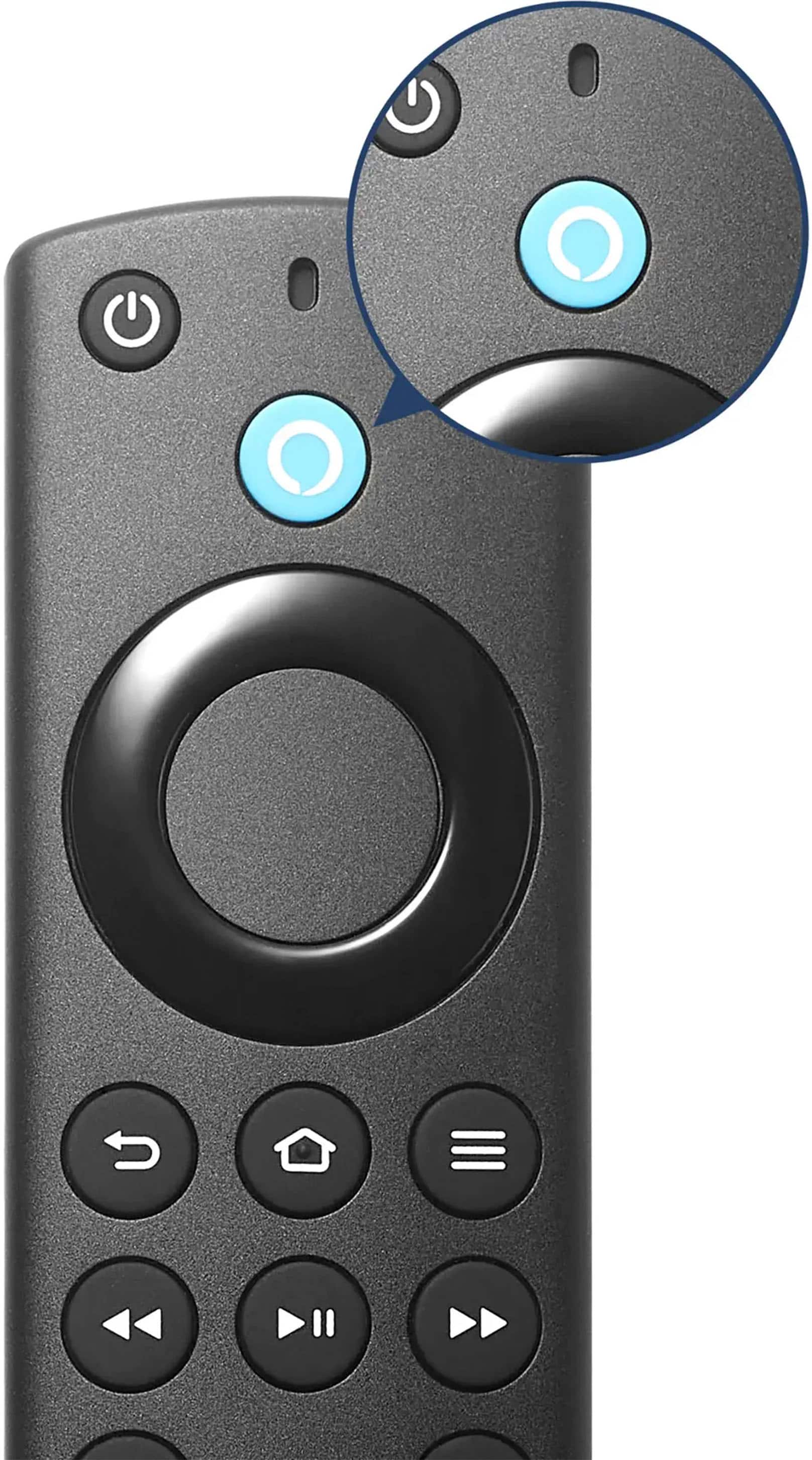
- A:Answer Thank you for your inquiry! Yes, the Insignia™ 55" Class QF Series QLED 4K UHD Smart Fire TV can receive infrared (IR) commands for volume control, as long as the remote you're using is compatible with standard IR TV codes. This model includes an IR receiver to support traditional remotes in addition to the included Alexa voice remote, which uses Bluetooth. If you have further questions, please feel free to reach us via phone 1-877-467-4289 Monday-Saturday 8 a.m. to 9 p.m. CT or email us at [email protected]. Keith | Insignia Support
Answered by InsigniaCustomerSupport

Q: QuestionDoes the open box version come with manufacturer warranty?
Asked by Willy.
- A:Answer Thank you for your inquiry! Yes, open-box versions of the Insignia™ 55" Class QF Series QLED 4K UHD Smart Fire TV purchased from Best Buy typically do include the full manufacturer’s warranty, just like new items—as long as the product is in “Excellent” or “Certified” condition. Keith | Insignia Support
Answered by InsigniaCustomerSupport

Q: QuestionI'm having trouble figuring out which way the stands face that screw into the TV. Does the shorter end of the stand face the front of the TV, or the rear? Thank you!
Asked by Tvstand.
- A:Answer Thank you for your inquiry! For the Insignia™ 55" Class QF Series QLED 4K UHD Smart Fire TV, when attaching the plastic feet (TV stands), the shorter end of each stand should face the front of the TV, and the longer end should extend toward the back. This orientation provides better stability and helps prevent the TV from tipping forward. If you're unsure, a good visual cue is to align the stands so that the angled or sloped side faces forward, matching the contour of the TV’s base. The screw holes should line up easily when the stands are in the correct position. Keith | Insignia Support
Answered by InsigniaCustomerSupport

Q: QuestionWhat bedside nightstand speakers would go best with this tv?
Asked by Jax1.
- A:Answer Sound bar.
Answered by DavidC
Q: QuestionIs it support 220 V ?
Asked by Nik.
- A:Answer Hi Nik! The Insignia™ 55" Class QF Series QLED 4K UHD Smart Fire TV is designed primarily for use with standard North American voltage (120V, 60Hz). It does not support 220V directly, so if you're in a region with 220V power, you'll need a step-down voltage converter to use it safely. — Shiela | Insignia Support
Answered by InsigniaCustomerSupport

Q: QuestionWhere do I find the owners manual
Asked by Ecdc.
- A:Answer Hi Ecdc! To find the owner's manual for the Insignia™ 55" Class QF Series QLED 4K UHD Smart Fire TV (Model: NS-55UQFL26), go to the product page on BestBuy.com. Once there, scroll down to the “Features” section, then look for “Manuals & Guides.” You’ll find the downloadable user manual listed there—just click to view or save it. The manual is also typically included in the box when you purchase the TV. Jeth | Insignia Support.
Answered by InsigniaCustomerSupport

Q: QuestionJust purchased insignia 55 class qf series qled 4k UHD fire tv and under picture settings the only option I have access to is BACKLIGHT. All the other options are greyed out and I can not scroll down regardless of settings button or settings on tv screen
Asked by Michael.
- A:Answer Hi Michael, thank you for reaching out. Please note that not all picture settings can be adjusted for every input. If the option you wish to modify is grayed out, it indicates that the app you are currently using has restrictions on those particular adjustments. I hope this information is helpful, and if you have any further questions, please feel free to ask! - Carl | Insignia Support
Answered by InsigniaCustomerSupport

Q: QuestionWill the Insignia tv stand that swivels, model # NS-HTMS1, work with this tv?
Asked by FormerNinjaFan.
- A:Answer Hi there! Yes, the Insignia TV stand model # NS-HTMS1 will work with the Insignia™ 55" Class QF Series QLED 4K UHD Smart Fire TV. The stand supports TVs up to 65 inches and 60 pounds, and your TV fits within these specifications. Enjoy your setup! - Shiela | Insignia Support
Answered by InsigniaCustomerSupport

Q: QuestionIf I set my Roku Ultra to input 2, will the TV stay on input 2 when it is turned on and off, or does the TV have to be reset to input 2 every time I turn the TV back on?
Asked by ConsumerShopper.
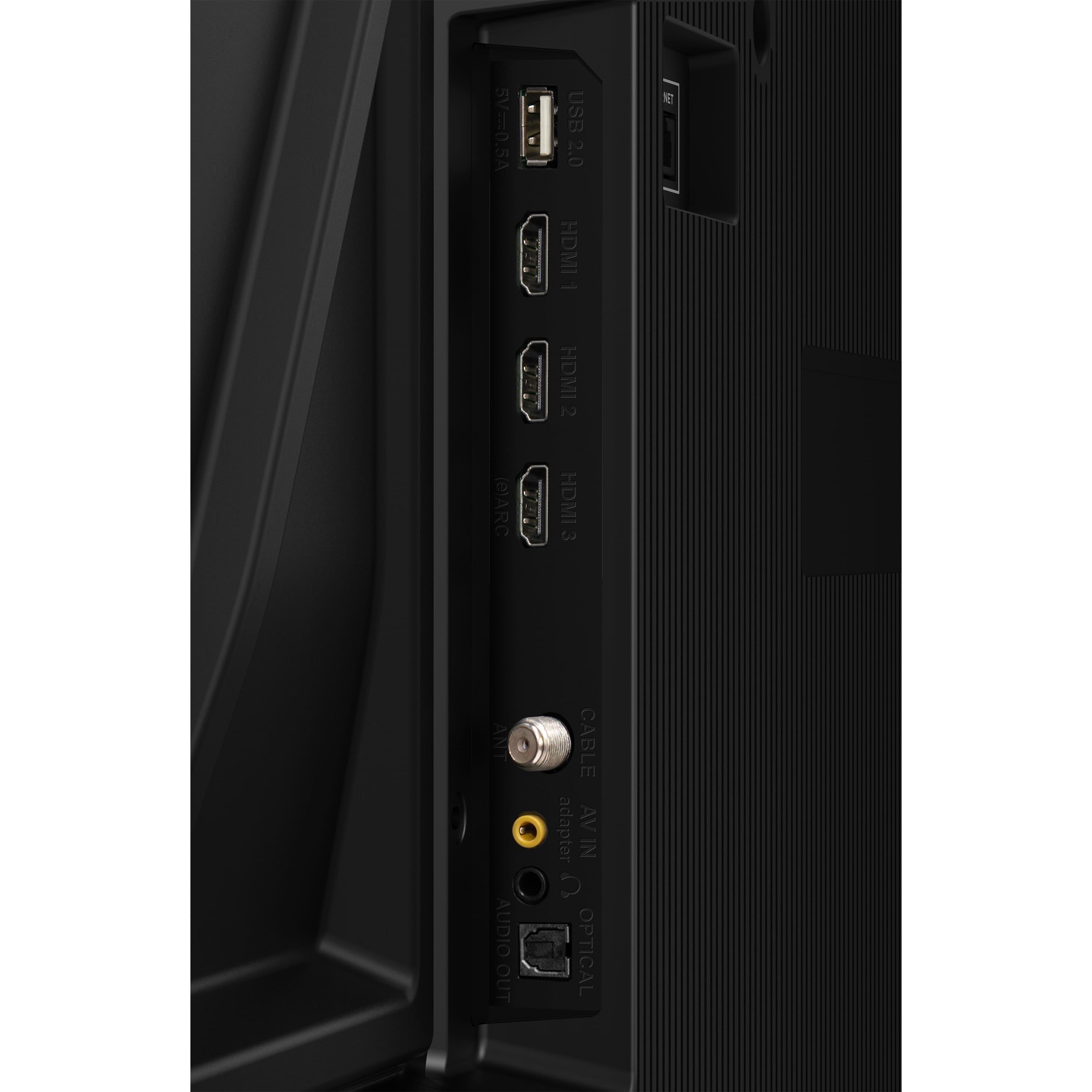
- A:Answer To ensure your Insignia™ 55" Class QF Series QLED 4K UHD Smart Fire TV turns on displaying the last used input, go to Settings, then Display and Sound, followed by Power Controls, and select Power On. Choose Last Input from the options. Next, press Home, navigate to Settings, then Inputs, and select either HDMI 1, HDMI 2, or HDMI 3. Finally, power the TV off and back on to validate the resolution. This setup will help your TV remember the last input used when you turn it on. If you have any further questions or need assistance, feel free to ask! Patricia | Insignia Support
Answered by InsigniaCustomerSupport

Best-selling TVs
- $179.99Your price for this item is $179.99$349.99The comparable value for this item is $349.99
- $329.99Your price for this item is $329.99$469.99The comparable value for this item is $469.99
- $79.99Your price for this item is $79.99$129.99The comparable value for this item is $129.99
- $449.99Your price for this item is $449.99$649.99The comparable value for this item is $649.99
- $899.99Your price for this item is $899.99$1,999.99The comparable value for this item is $1,999.99
- $1,399.99Your price for this item is $1,399.99$2,699.99The comparable value for this item is $2,699.99
- $229.99Your price for this item is $229.99$299.99The comparable value for this item is $299.99
- $249.99Your price for this item is $249.99$389.99The comparable value for this item is $389.99
- $399.99Your price for this item is $399.99$699.99The comparable value for this item is $699.99
- $1,718.90Your price for this item is $1,718.90$3,699.99The comparable value for this item is $3,699.99
- $139.99Your price for this item is $139.99$199.99The comparable value for this item is $199.99
- $229.99Your price for this item is $229.99$329.99The comparable value for this item is $329.99
- $59.99Your price for this item is $59.99$79.99The comparable value for this item is $79.99
- $329.99Your price for this item is $329.99$489.99The comparable value for this item is $489.99
- $499.99Your price for this item is $499.99$649.99The comparable value for this item is $649.99
- $1,399.99Your price for this item is $1,399.99$2,499.99The comparable value for this item is $2,499.99
- $599.99Your price for this item is $599.99$1,299.99The comparable value for this item is $1,299.99
- $89.99Your price for this item is $89.99$129.99The comparable value for this item is $129.99
- $399.99Your price for this item is $399.99$529.99The comparable value for this item is $529.99
- $179.99Your price for this item is $179.99