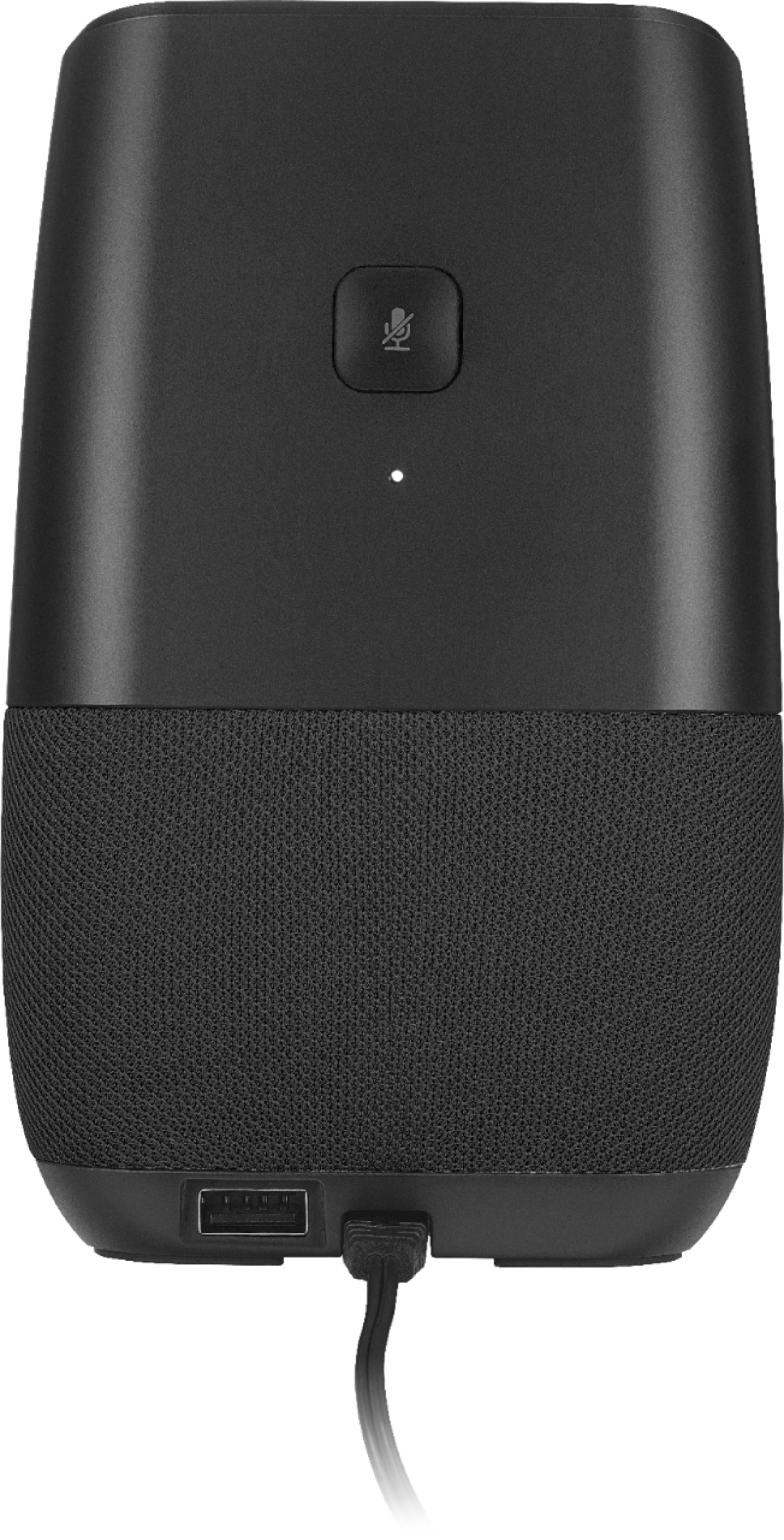
A:AnswerYou don't say if the basic speaker function is running, but I'll guess that it is. I'd suggest forcing it to restart by unplugging from power, wait 10 seconds and plug it in again so that it reboots.
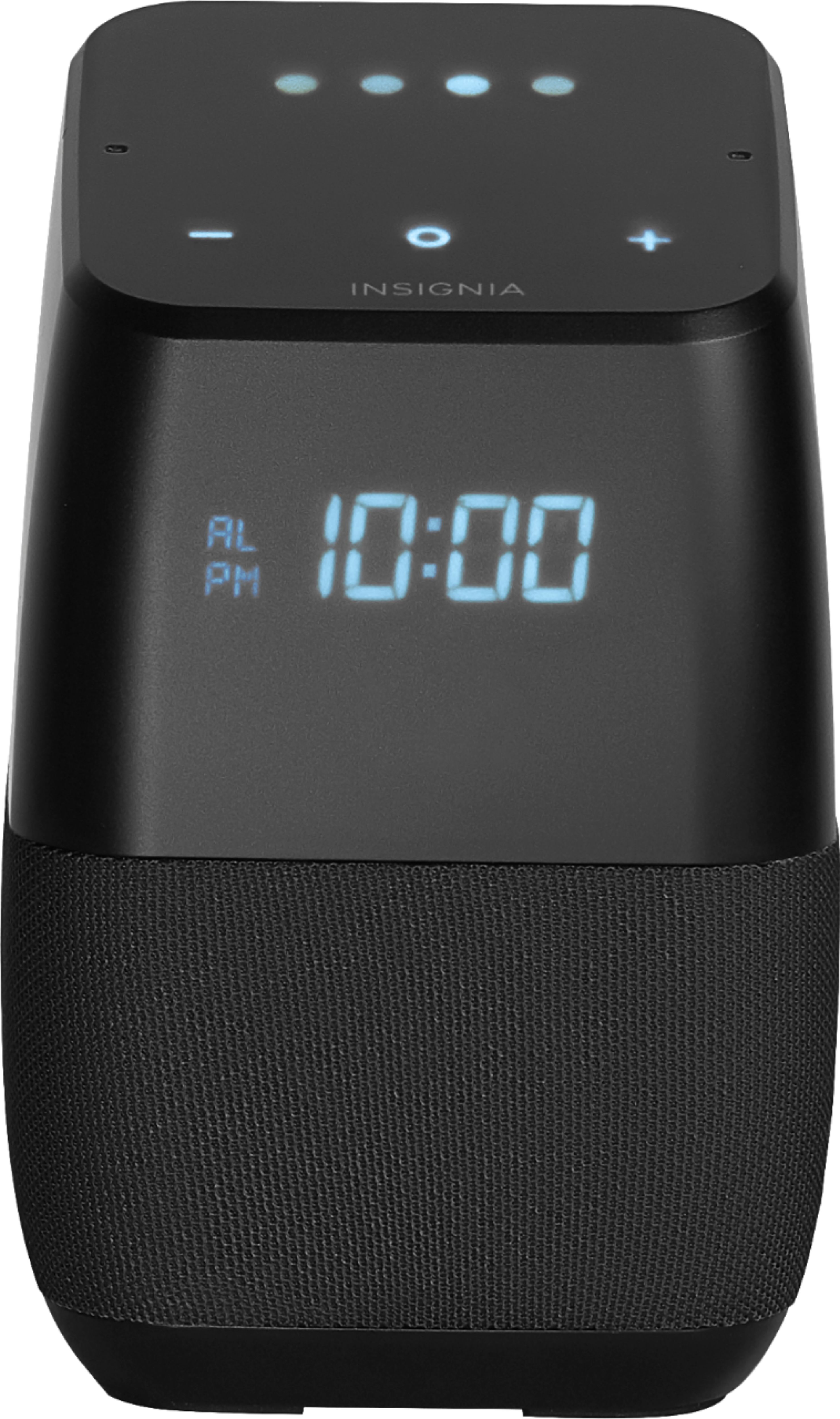
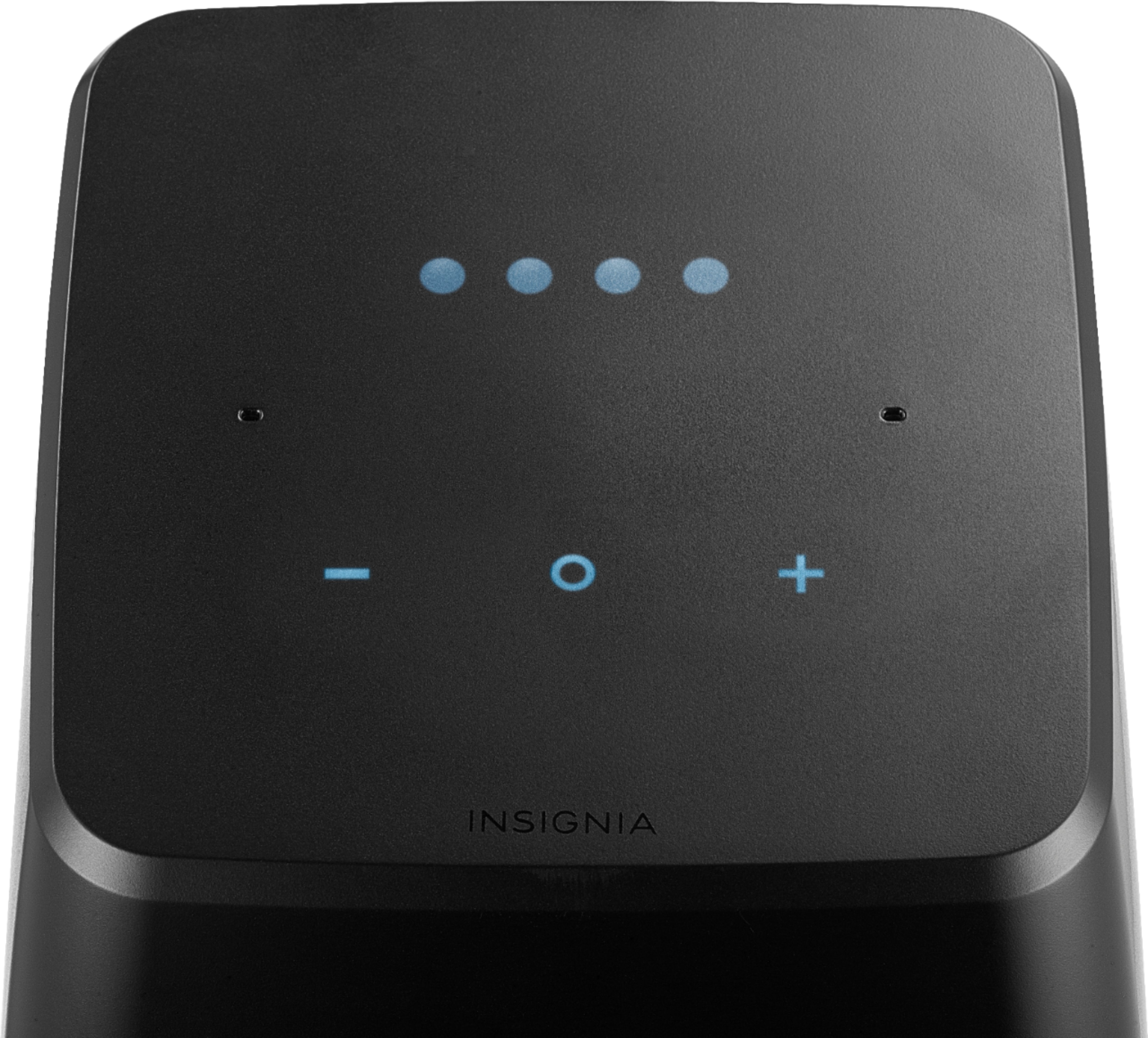
A:AnswerYou need to press the 2 outer buttons together & hold in order to pair with BT. 1 button is a circle .. cannot remember the other shape off the top of my head. Once pushed and held the BT will be enable and you should be able to see in your BT devices on your device.
Good luck!
A:AnswerI had the same issue with one of my speakers. A power reset didn't work, I had to do a reset from the Google Home App. I hope this work for you.