Questions & Answers
- Model:
- 90RB000EUS
- |
- SKU:
- 6424472
Highly rated by customers for: Performance, Graphics, Price
Page Showing 121-121 of 121 questions
Q: QuestionHow do I enable XMP? In the bios it's showing 2400 I would like to get to 3200 MHz
Asked by Nick.
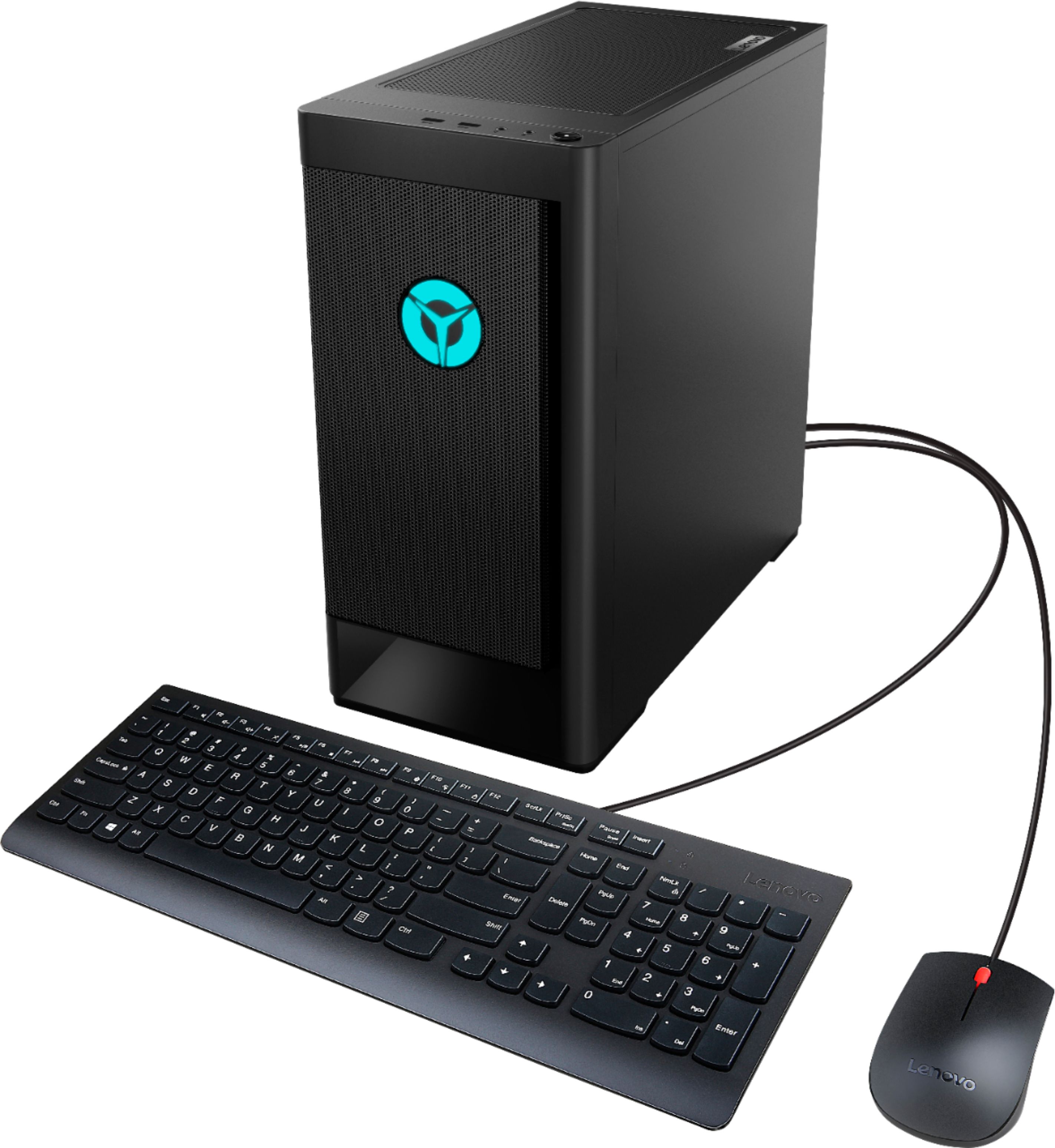
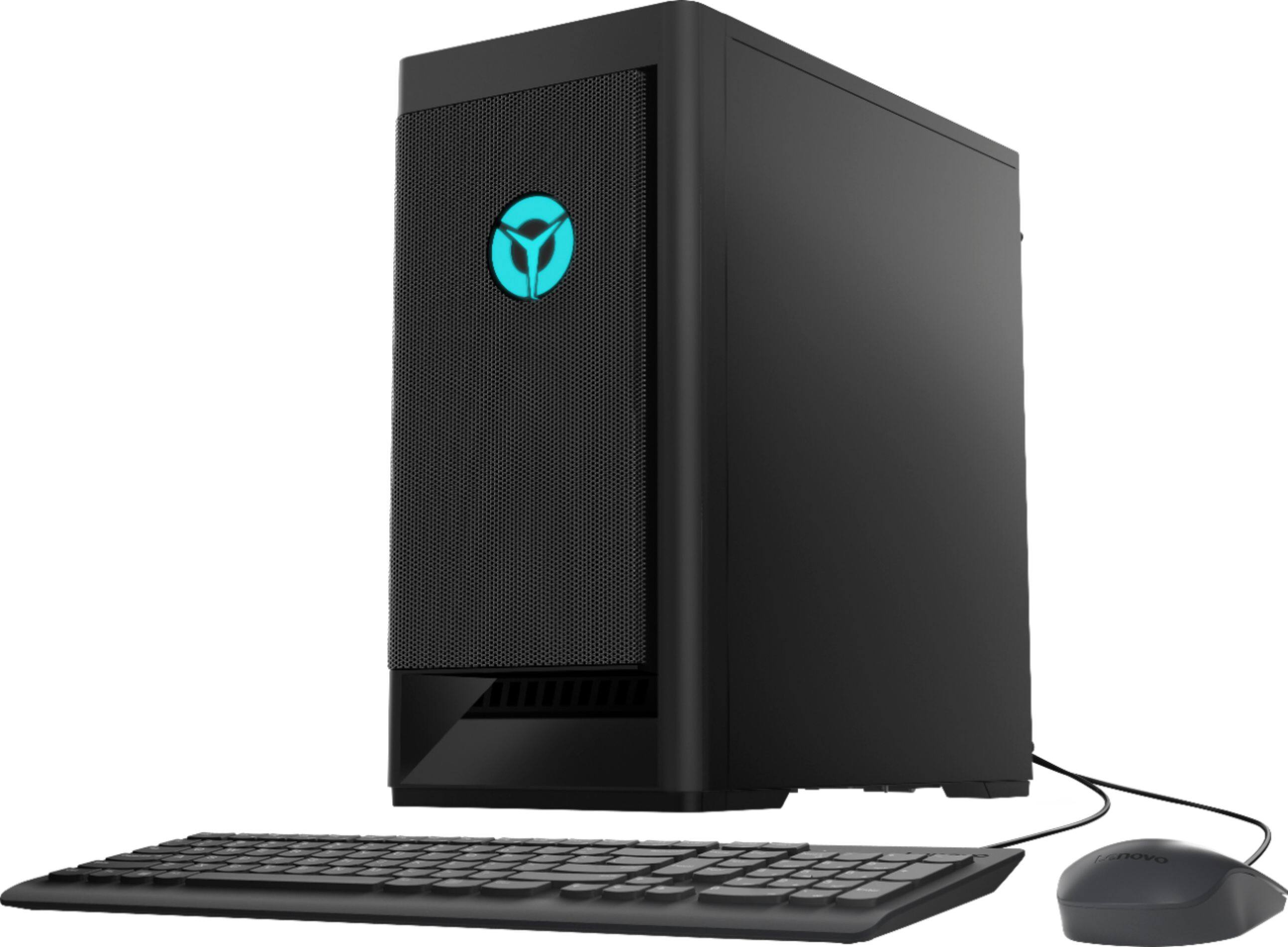
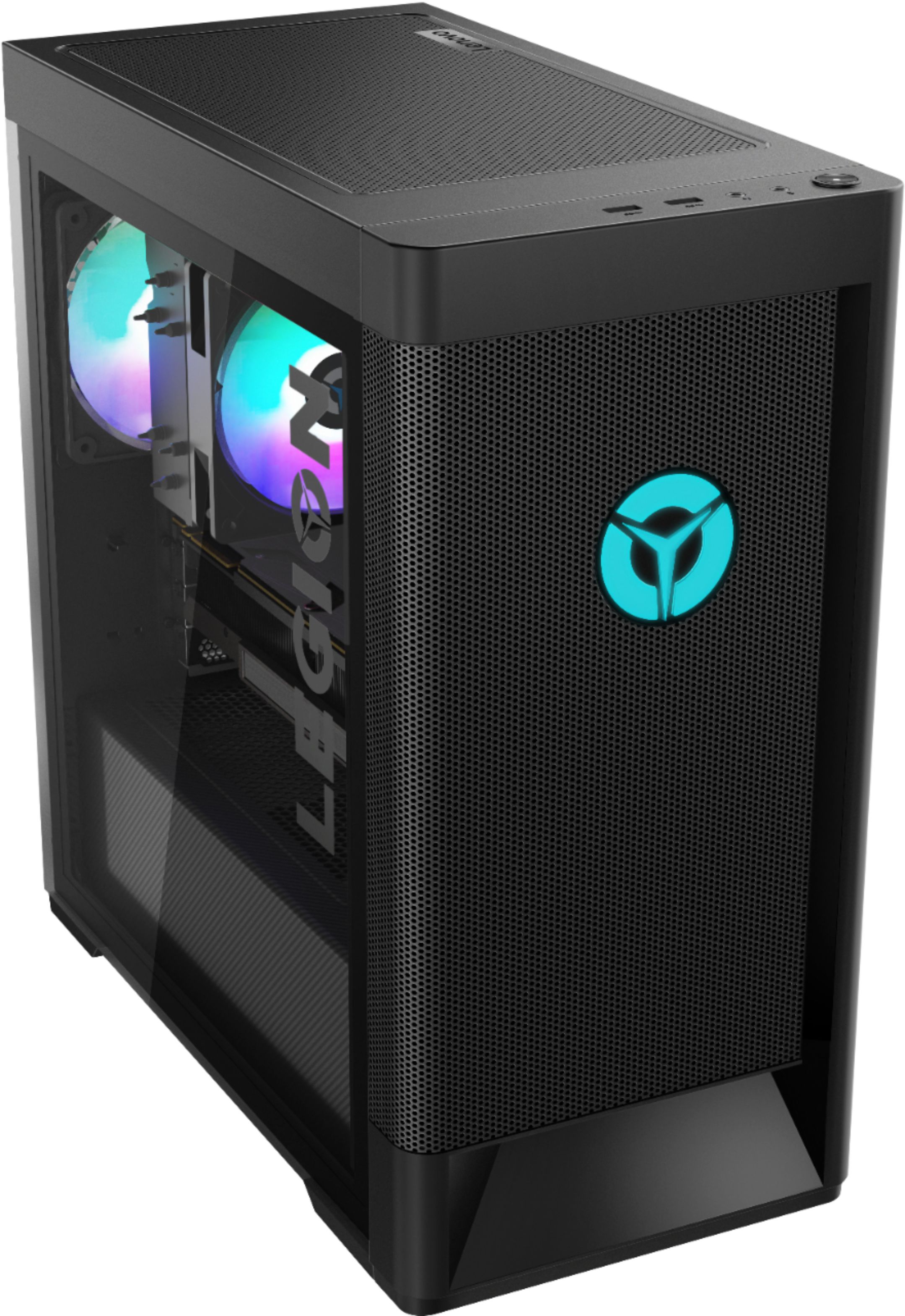
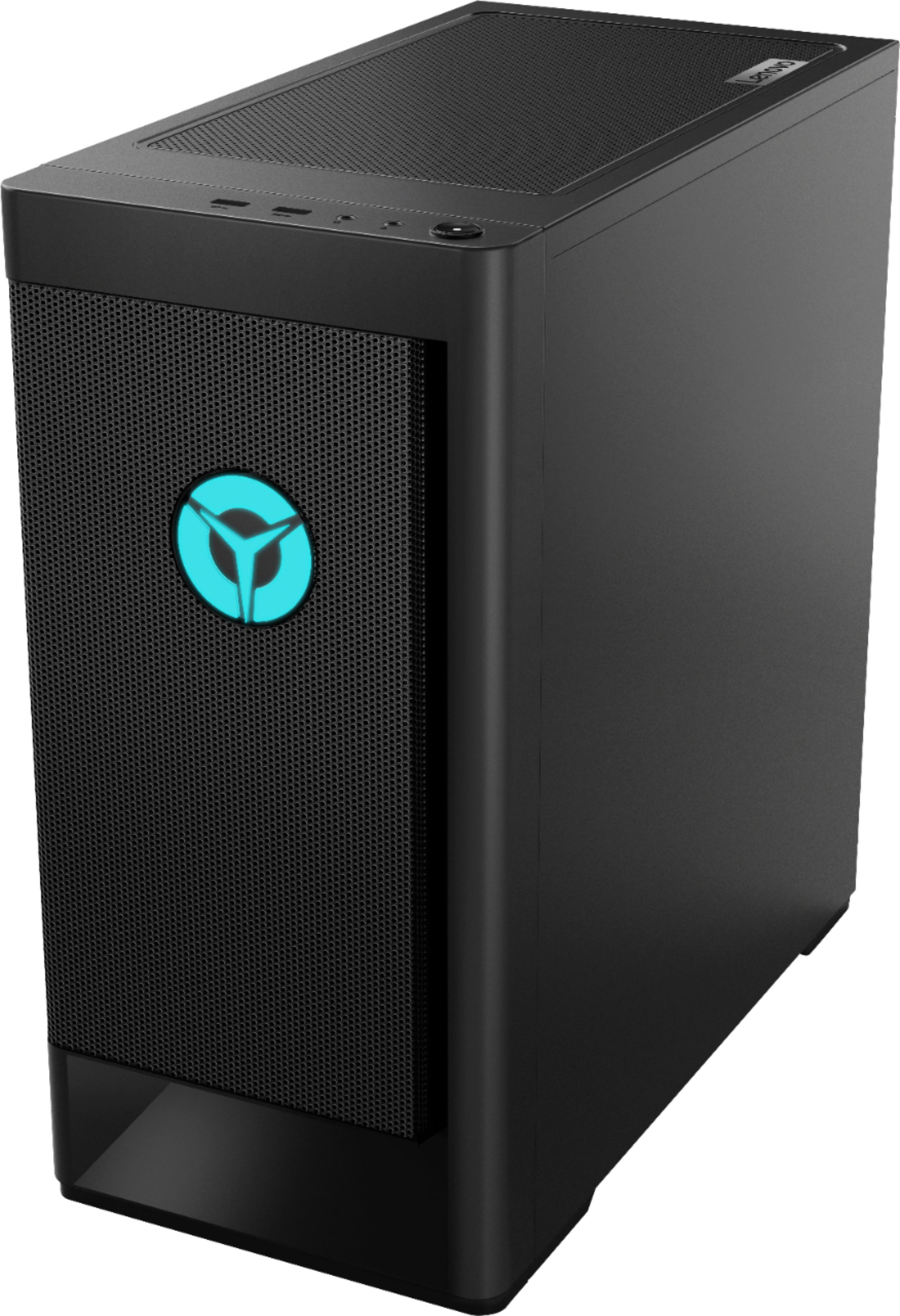
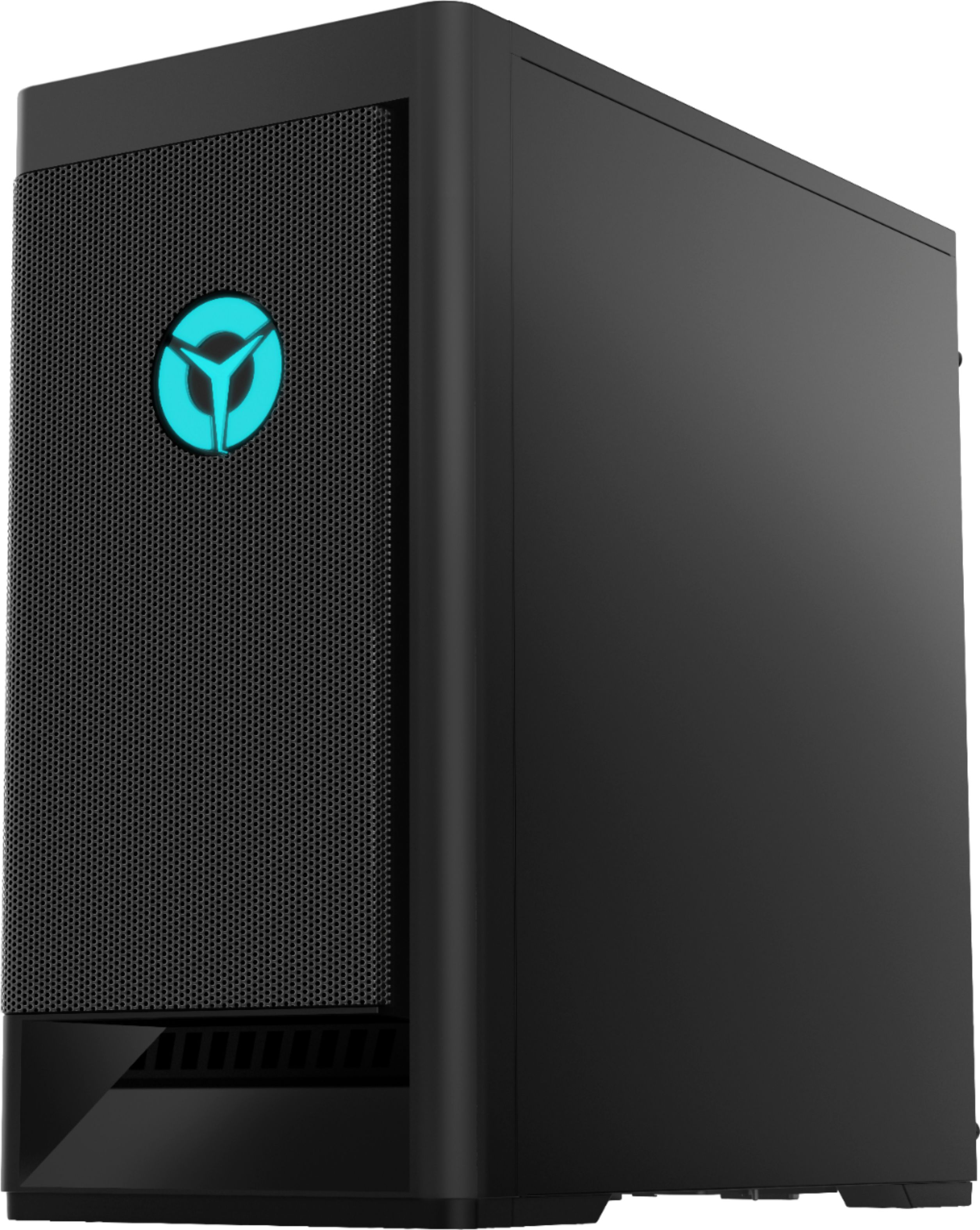
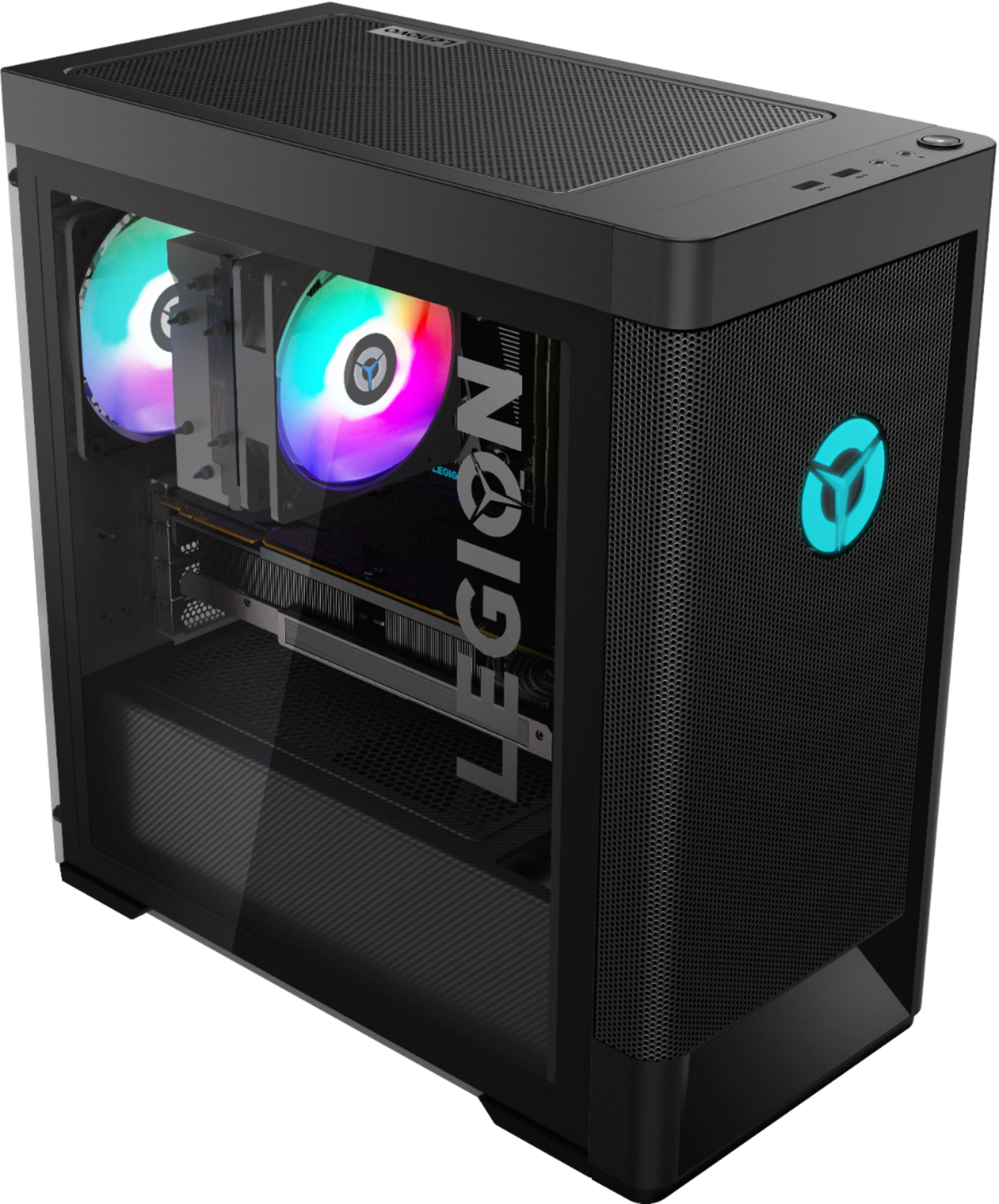
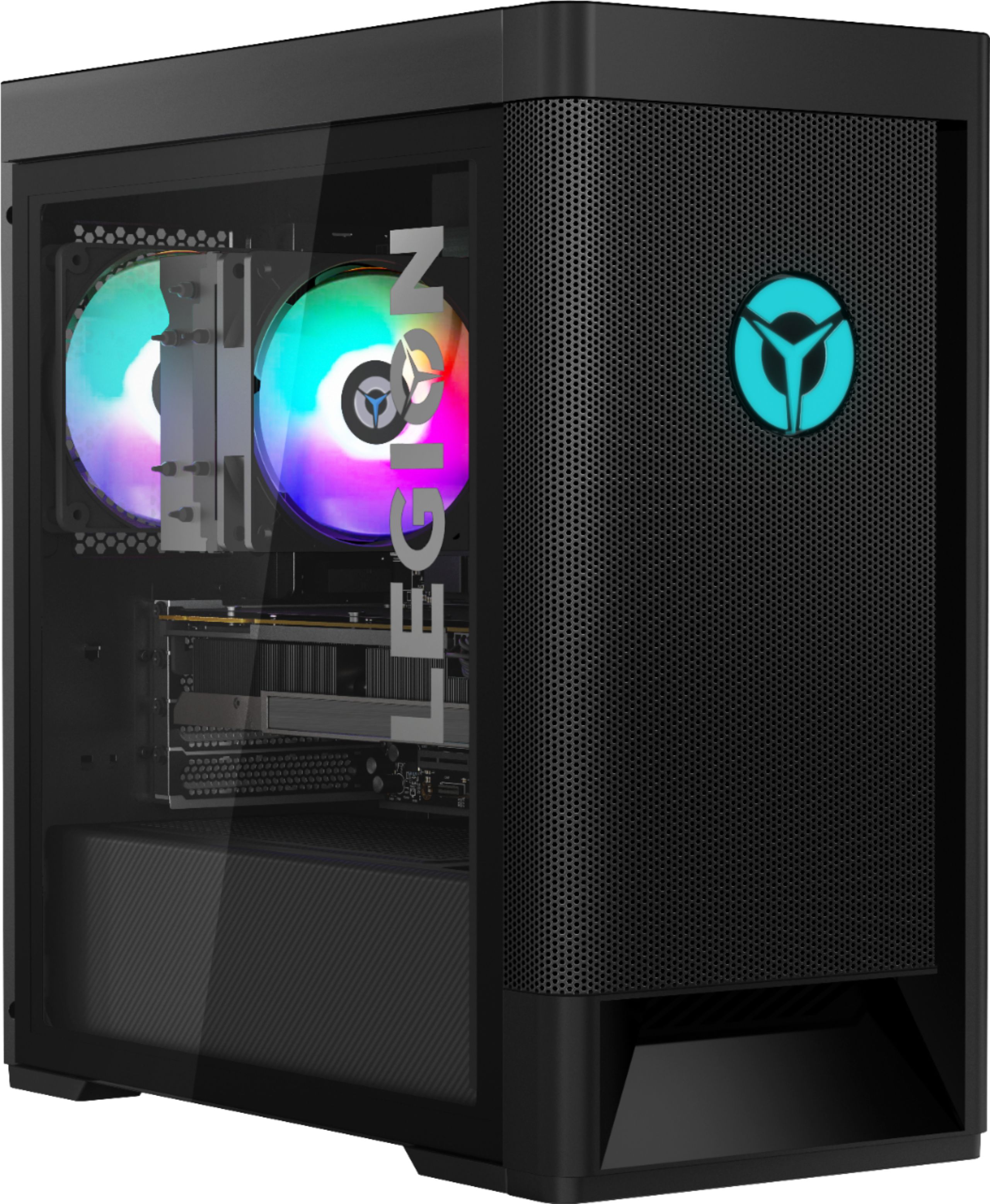
- A:Answer The Lenovo Legion Tower 5 AMD Gaming Desktop, model number 90RB000EUS, ships with 16GB (2x8GB) DDR4-3200MHz RAM and should set for 3200MHz speed at the factory. Here is a link to more information about checking XMP within the system BIOS: https://www.pcgamer.com/what-are-xmp-profiles-and-how-do-i-use-them/#:~:text=XMP%20or%20Extreme%20Memory%20Profiles,higher%20than%20standard%20memory%20speeds. If the issue continues, we recommend you contact Lenovo Tech Support for additional information at: 877-453-6686.
Answered by Lenovo Product Expert
Most-viewed items
- Tech Fest Deal$1,099.99$1,099.99
- Tech Fest Deal$299.99$299.99
- Tech Fest Deal$179.99$179.99
- $29.99$29.99The price was $64.99
- Tech Fest Deal$399.99$399.99
- Tech Fest Deal$99.99$99.99
- Tech Fest Deal$1,199.99$1,199.99
- Tech Fest Deal$349.00$349.00
- $29.99$29.99The price was $49.99