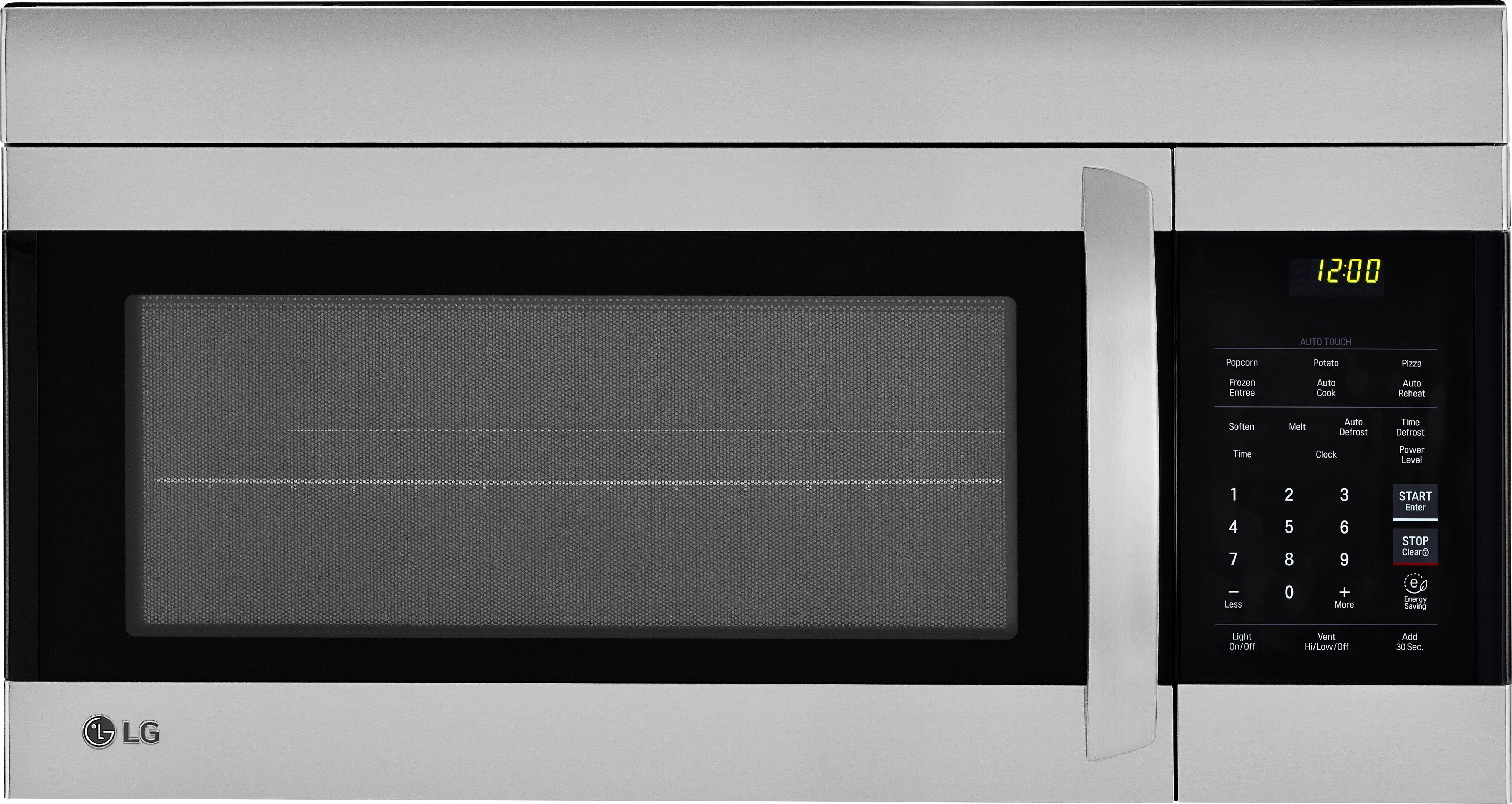
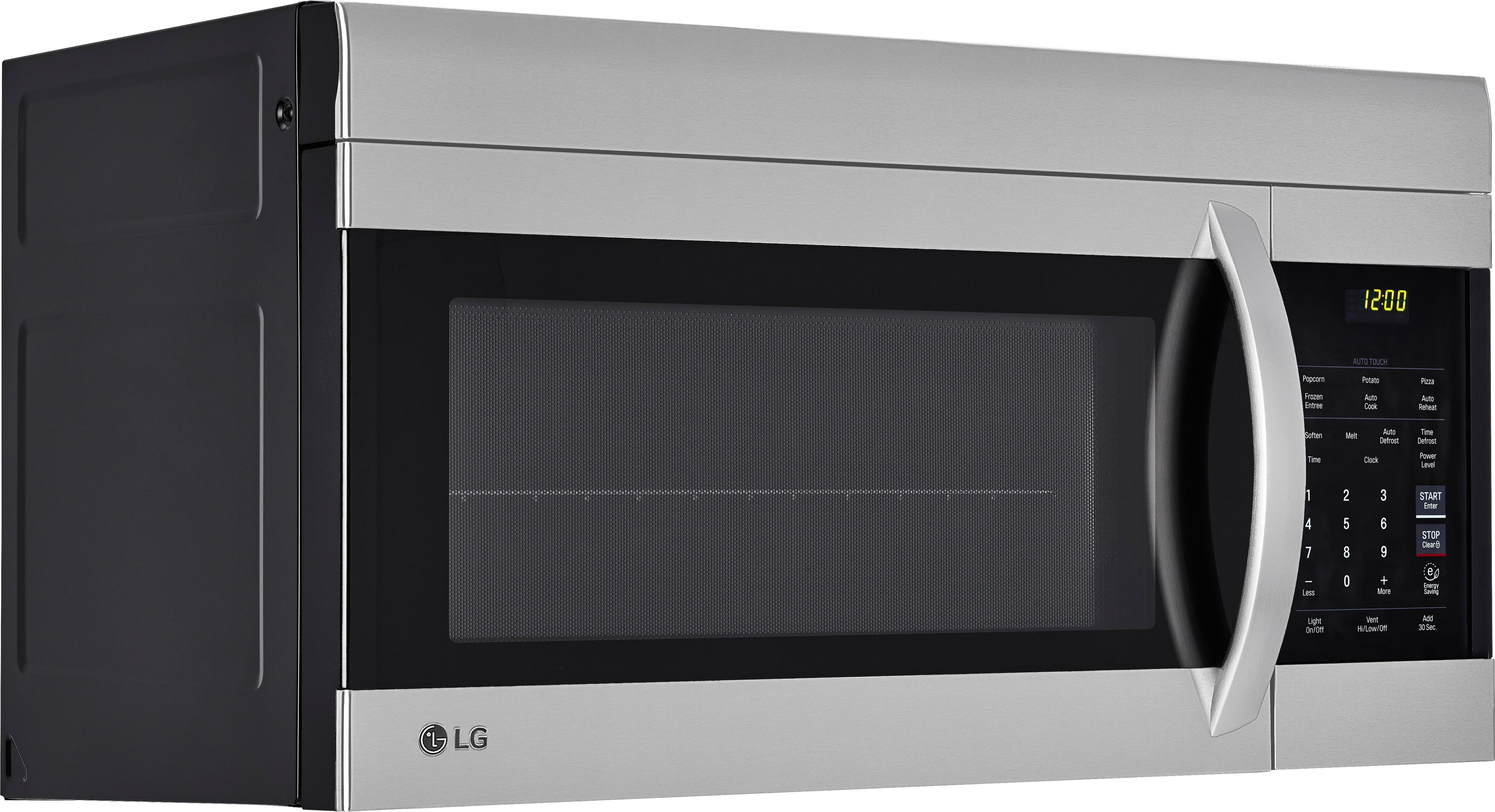
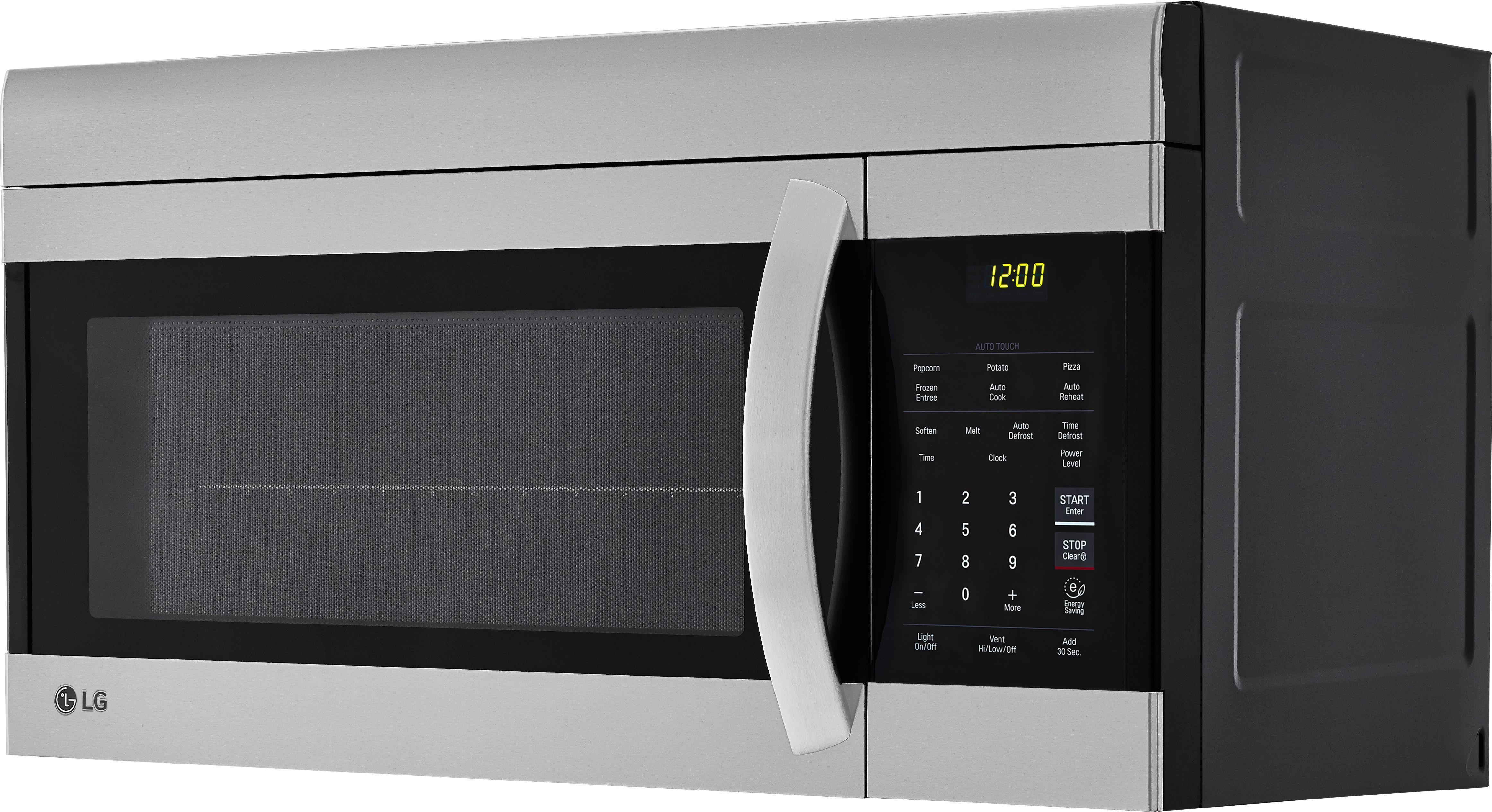
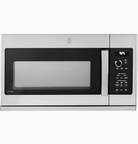
A:Answer To turn off the sound on the LG - 1.7 Cu. Ft. Over-the-Range Microwave with EasyClean - Stainless Steel, model LMV1762ST microwave, you can try the following steps:
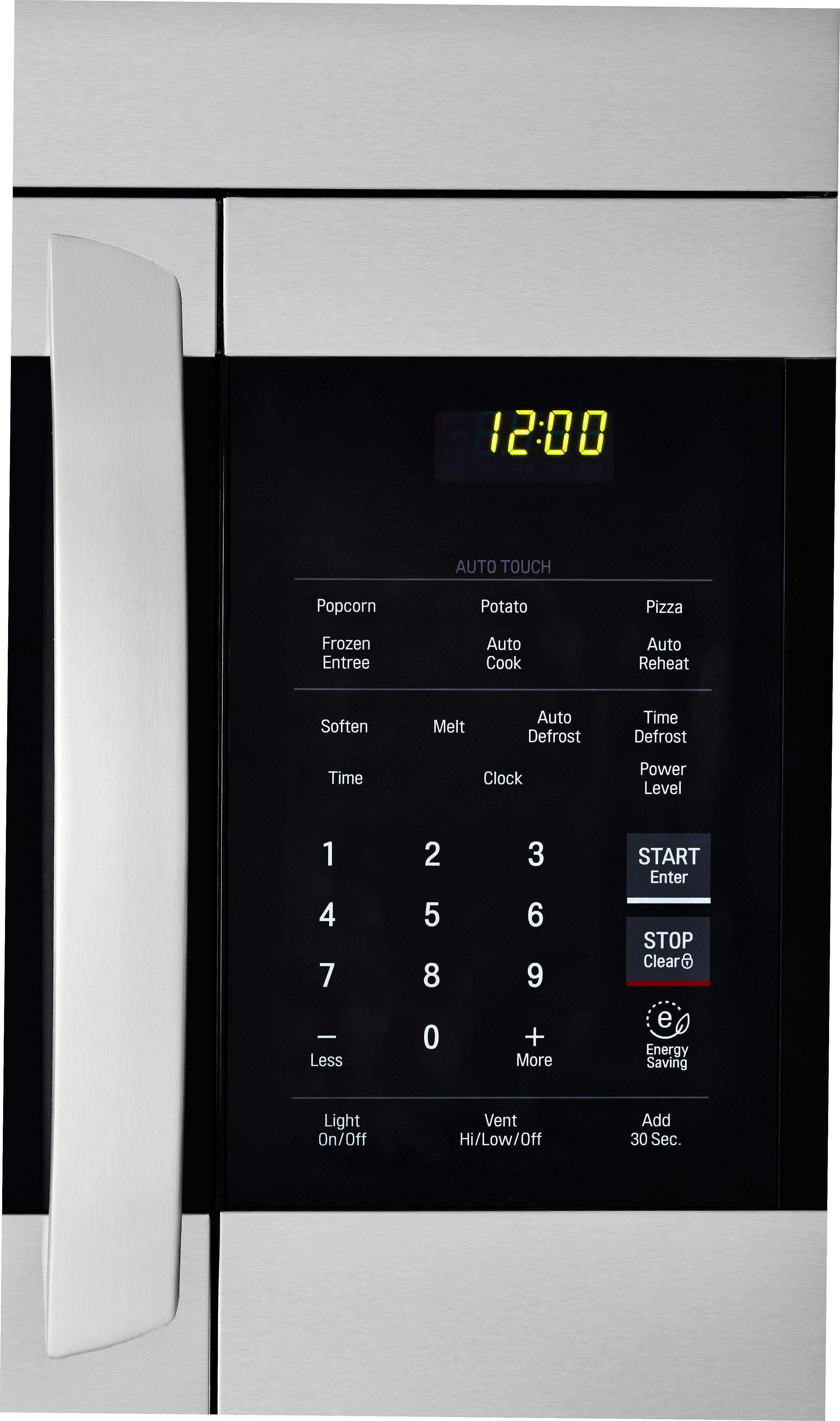
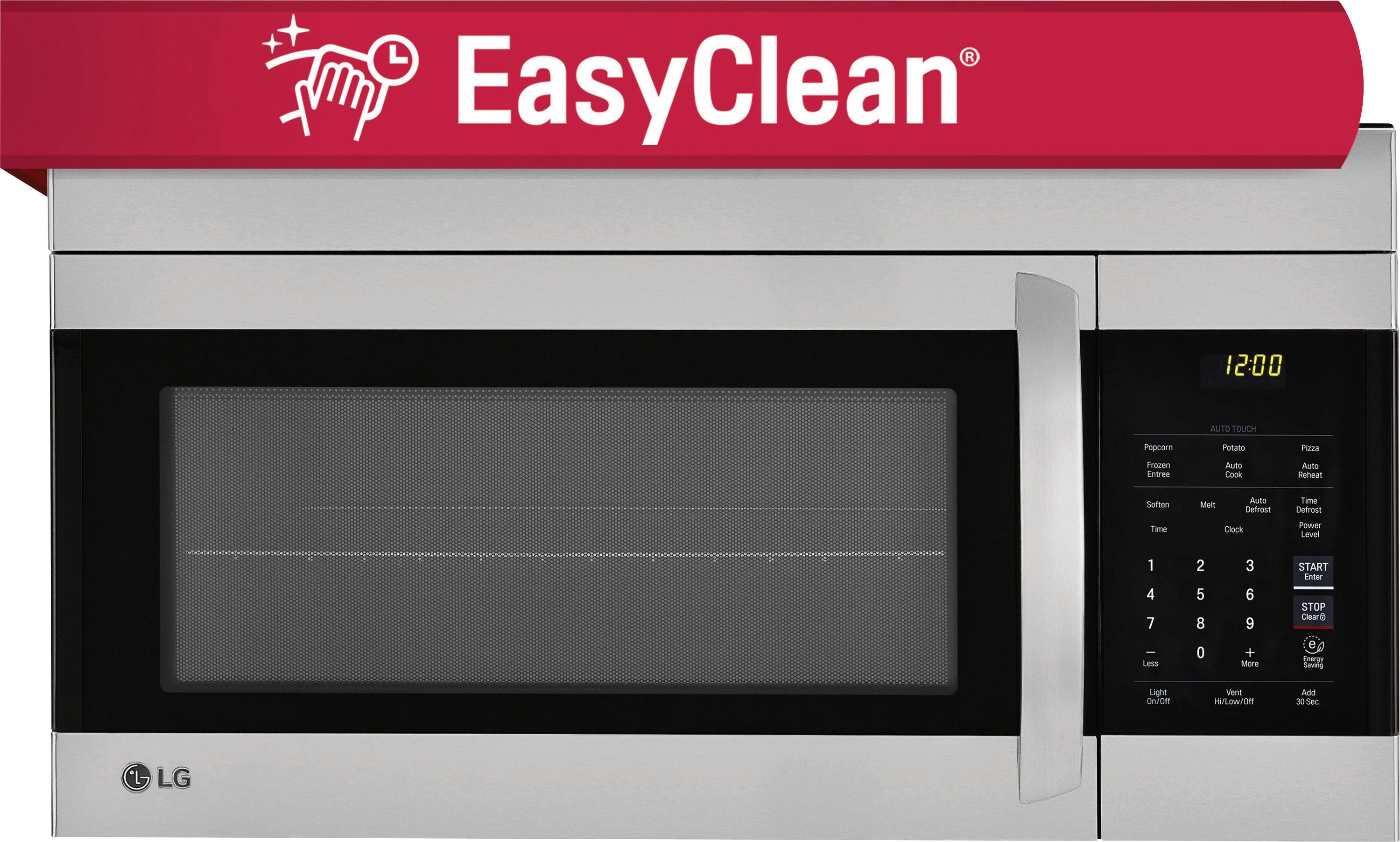
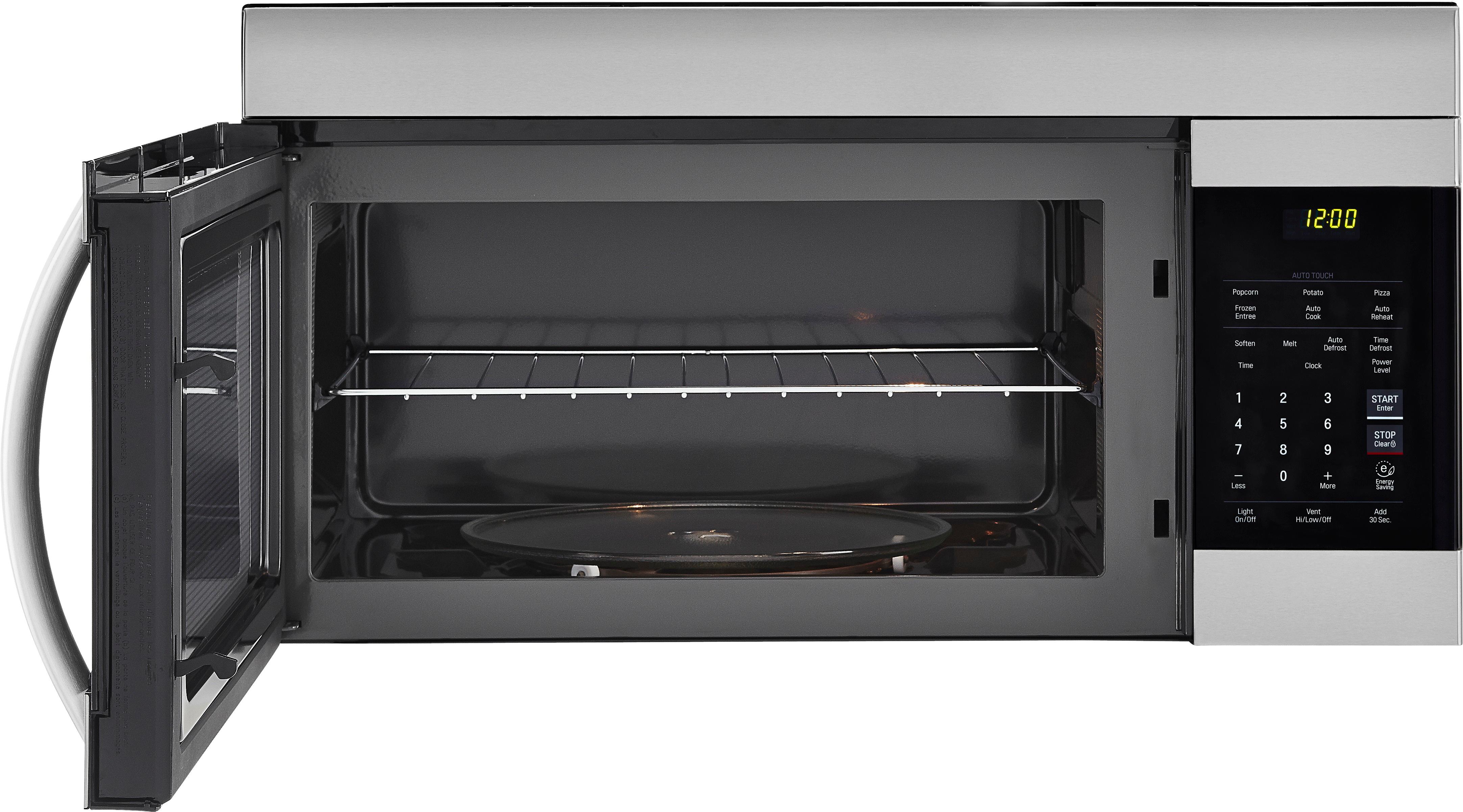
- Press and hold the "Clear" button and "Auto Reheat" button together for 3 seconds. This should turn off all sounds.
- Press the "Settings" or "Custom" button, depending on your microwave, to access the editable options. Then, press the corresponding number for the "Sound" option and select the desired setting. Press "Start/Enter" to save the changes.
These methods should allow you to turn off the sound on your LG LMV1762ST microwave. ^Danee