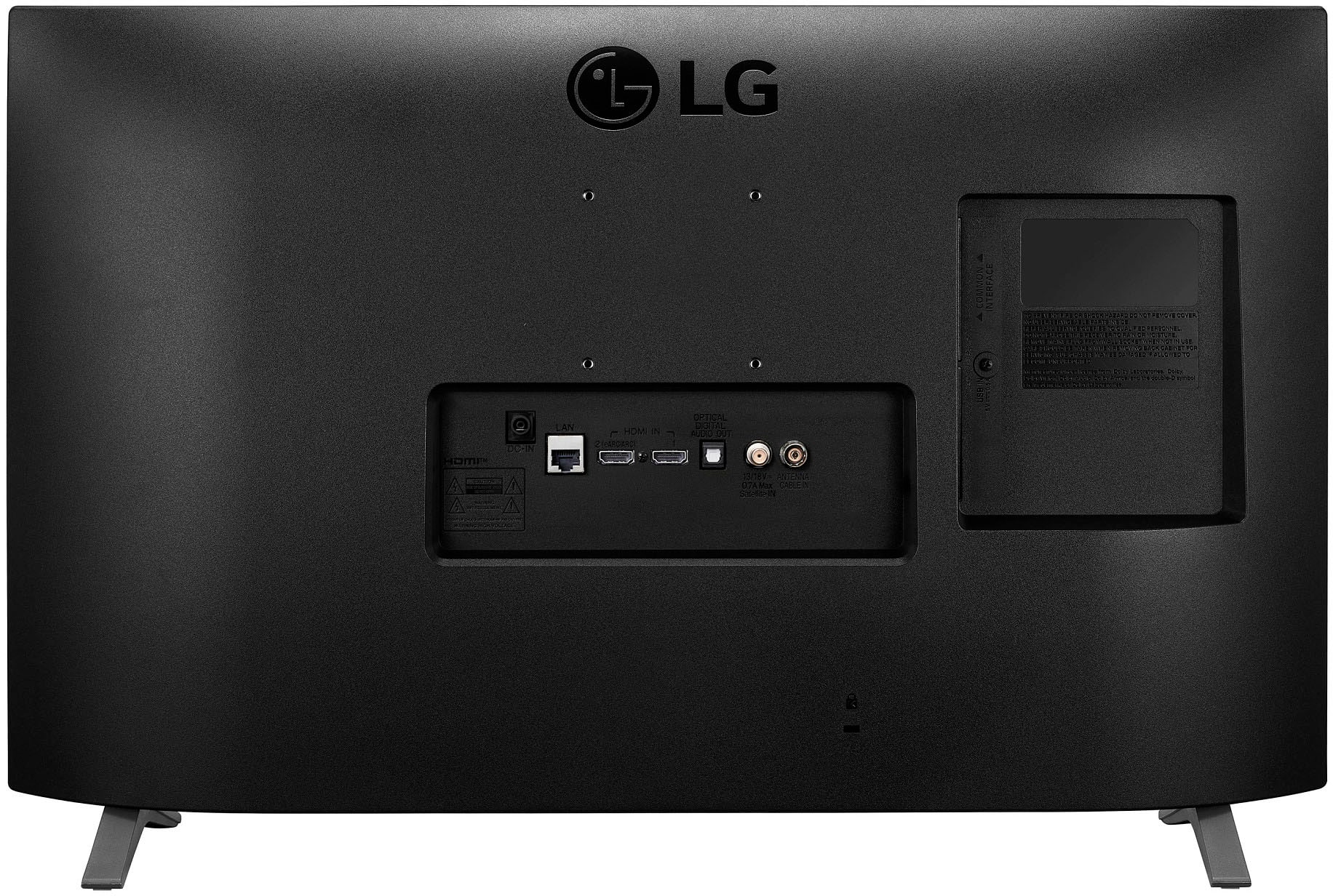
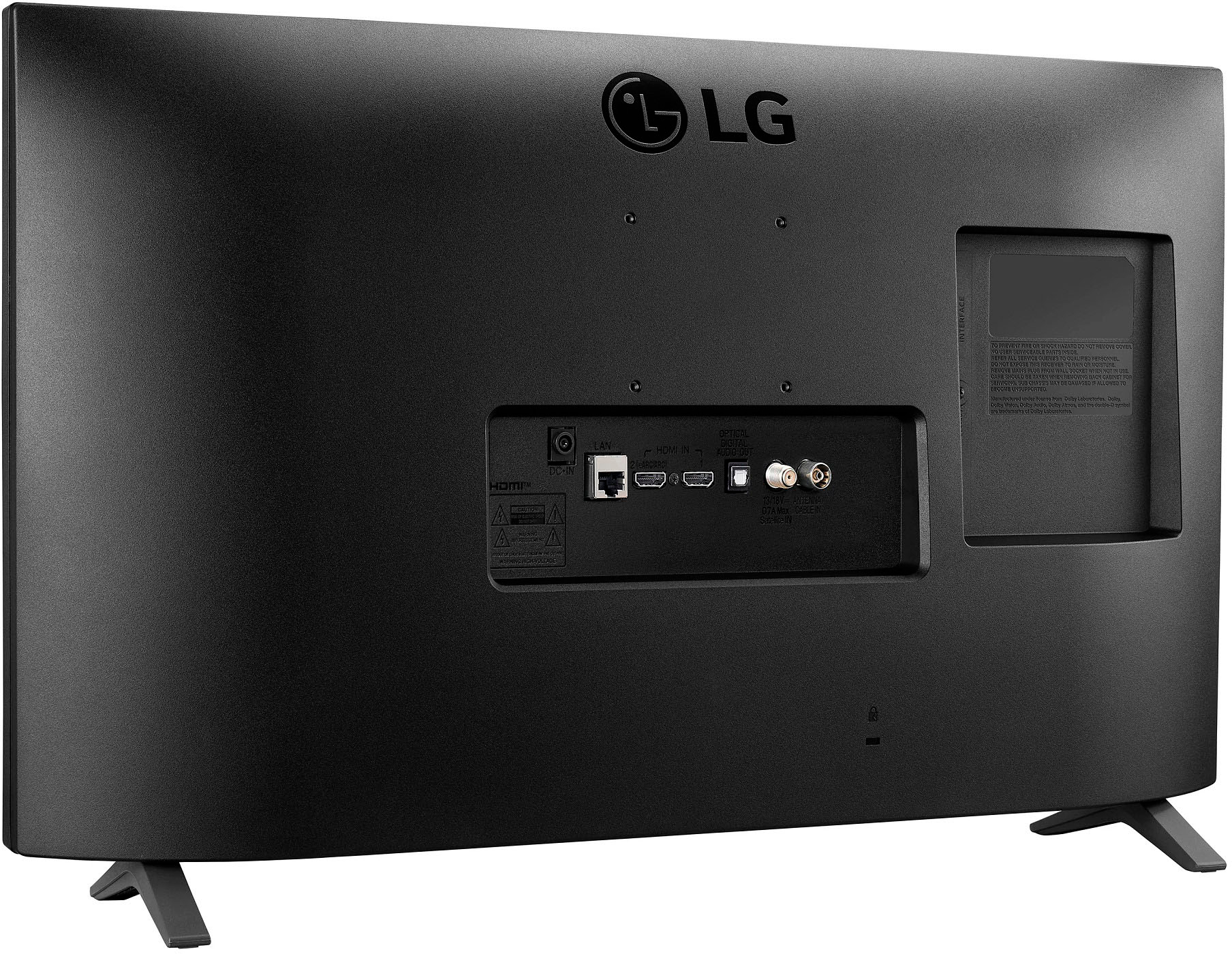
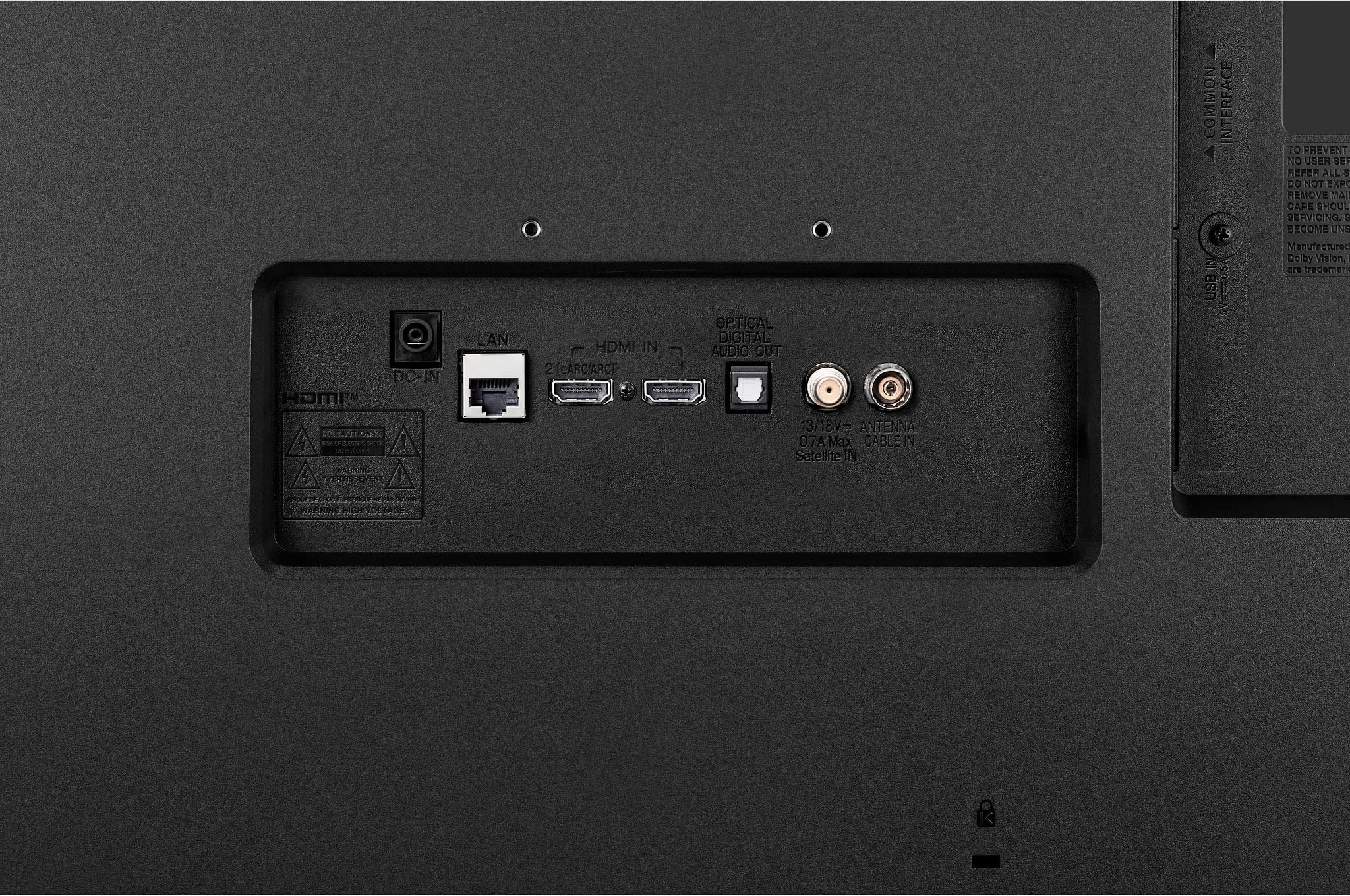
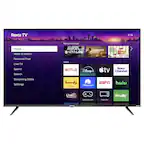
A:AnswerSelect the button on your remote that looks like a house. Go to Home Dashboard on the bottom of the screen. Here you can configure all your connections. Afterward, go back to the home screen and select the type of connection you want to use on the bottom of the screen or press the button that looks like an extension cord plug on the remote to change the input source to watch. Hope this helps...
A:AnswerIts listed under specifications on the main page for product.
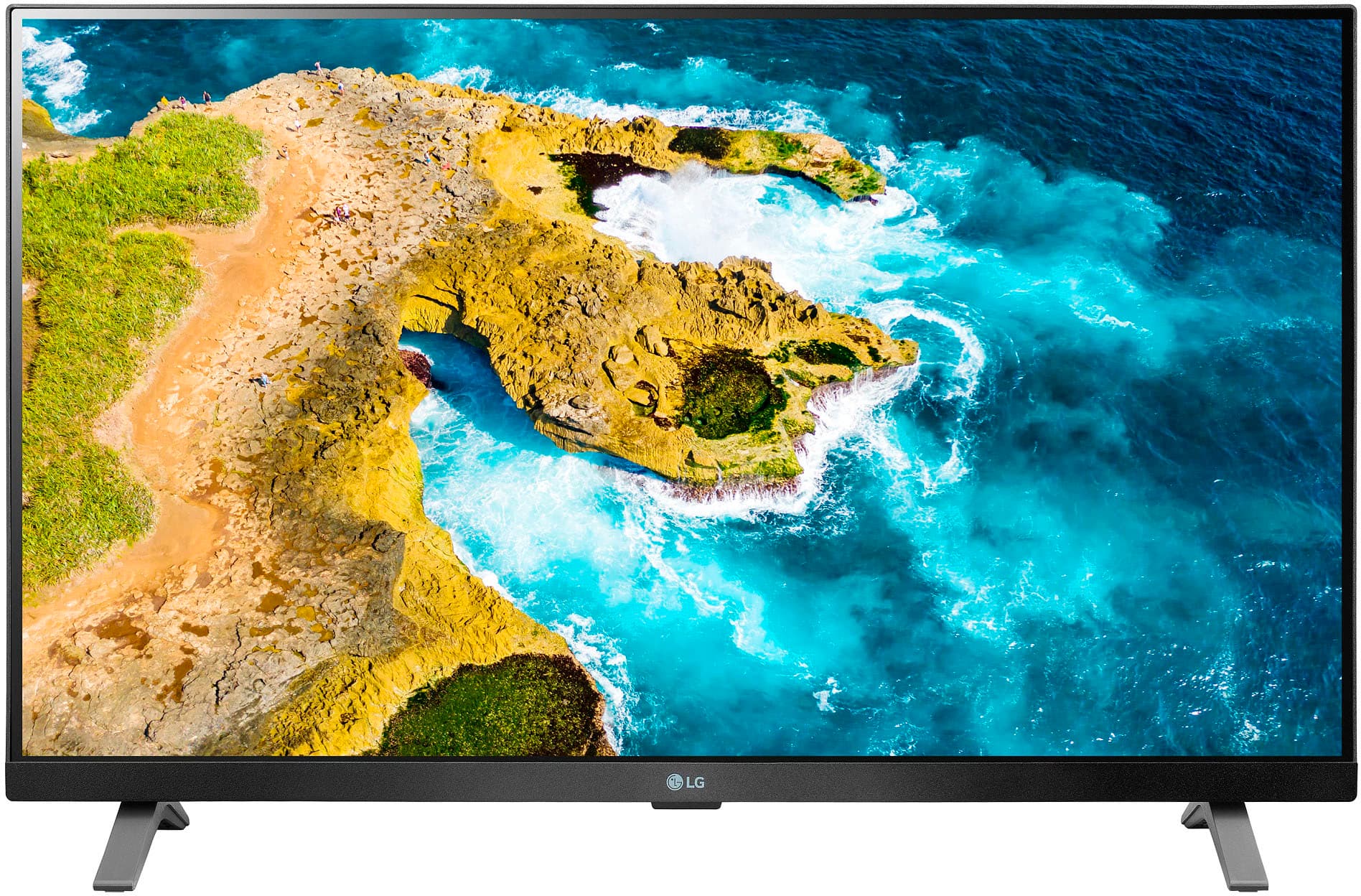
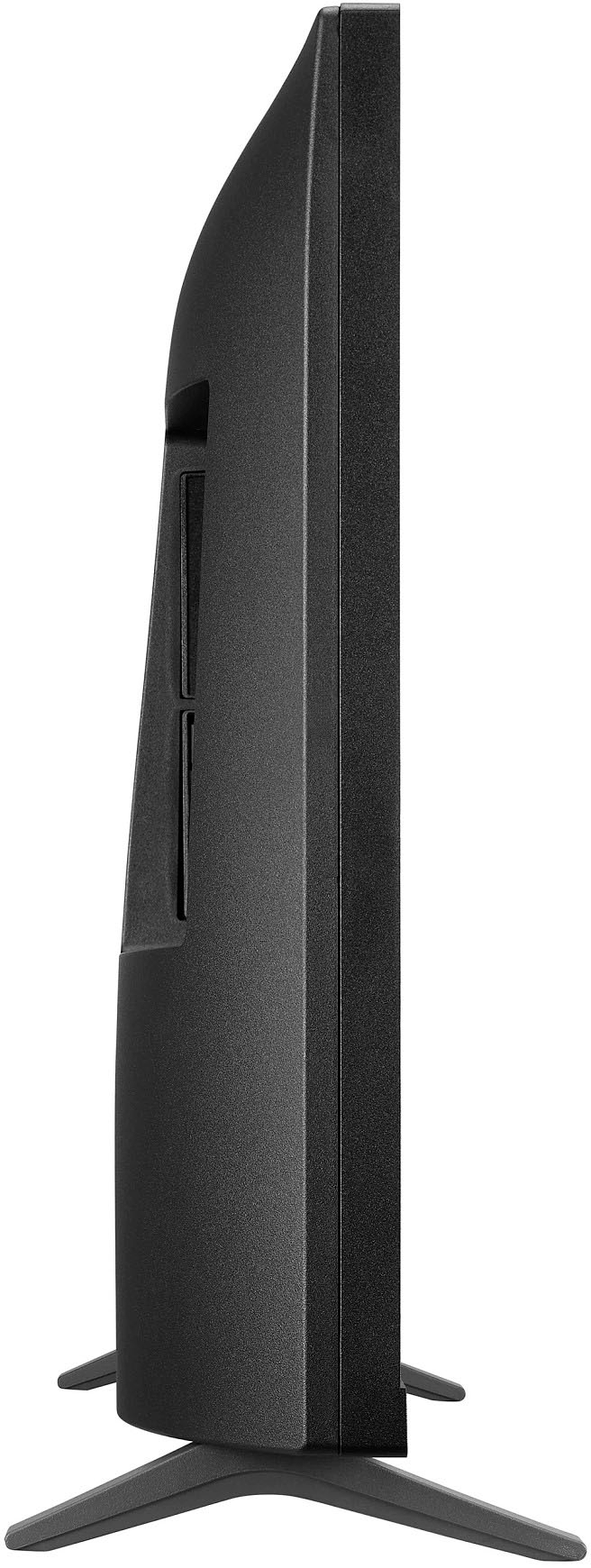
Dimension
Product Height With Stand
15.5 inches
Product Width
24.1 inches
Product Depth With Stand
5.9 inches
Product Height Without Stand
14.5 inches
Product Depth Without Stand
2.9 inches
Product Weight With Stand
7.8 pounds
Product Weight Without Stand
7.7 pounds
Stand Depth
5.9 inches
Adjustable Stand Width
No
A:AnswerIt has an AC Adapter that converts to 5v ~ 1.5a ; 7.5w DC current. To use this with DC you would need a DC plug/cable connection that would match the DC Volts, Amps, and Wattage above along with the correct plug end to fit into the TV. It does not have it's own DC battery power supply.
A:AnswerHey there, Rich. Go to this link (https://bit.ly/3mF3c8P) where it will show you step by step on how to get the timer set up on your computer. ~Anthony
A:AnswerIt does not come with roku and there is no roku app available for download to the TV. However, if you have an Amazon Firestick or Roku stick/player it does have 2 available HDMI ports to plug into. I know Firestick has a roku app to use for free. The sound isn't bad I have it in an entertainment center and can hear it fine. Could go louder for me but it is acceptable. There are many sound types and options to choose from that help the quality and volume. It even has stereo.
A:AnswerThere is a Room to Room Share option on the Home menu but I don't know how it works or if it can be used with Oled55c2pua. It only states "This feature can only be used on a TV that supports 'Room to Room Share' feature."
A:AnswerThe LG 27" Full HD IPS LED TV Monitor with webOS, Model # 27LQ625S-PU has a Screen Share feature (Wi-Fi Mirroring) that supports Miracast and WiDi...^Ivan
A:AnswerHi there. Thanks for reaching out. Once the modem/router's internet light is on, go to Wi-Fi Settings on your LG TV > find SSID > select your network name > enter password (if required) > select “CONNECT”. Test connection by using a built-in app on the LG TV such as YouTube. `Jai.