A:AnswerHi there. Thank you for sharing your inquiry with us regarding your 32LR655BPUA TV. We understand your inquiry about the physical dimensions of the set.
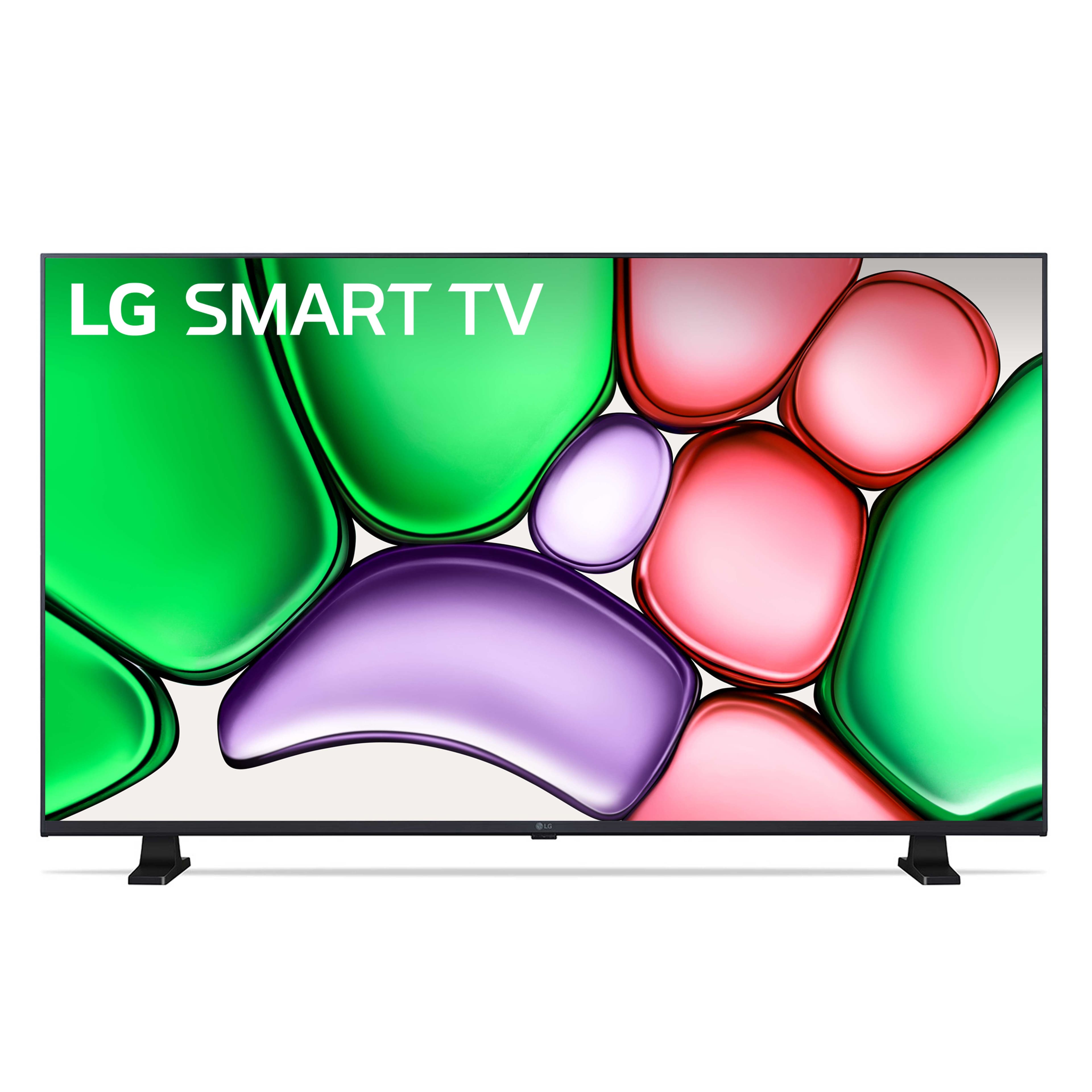
We are happy to provide the length (width), height, and depth for your 32LR655BPUA TV:
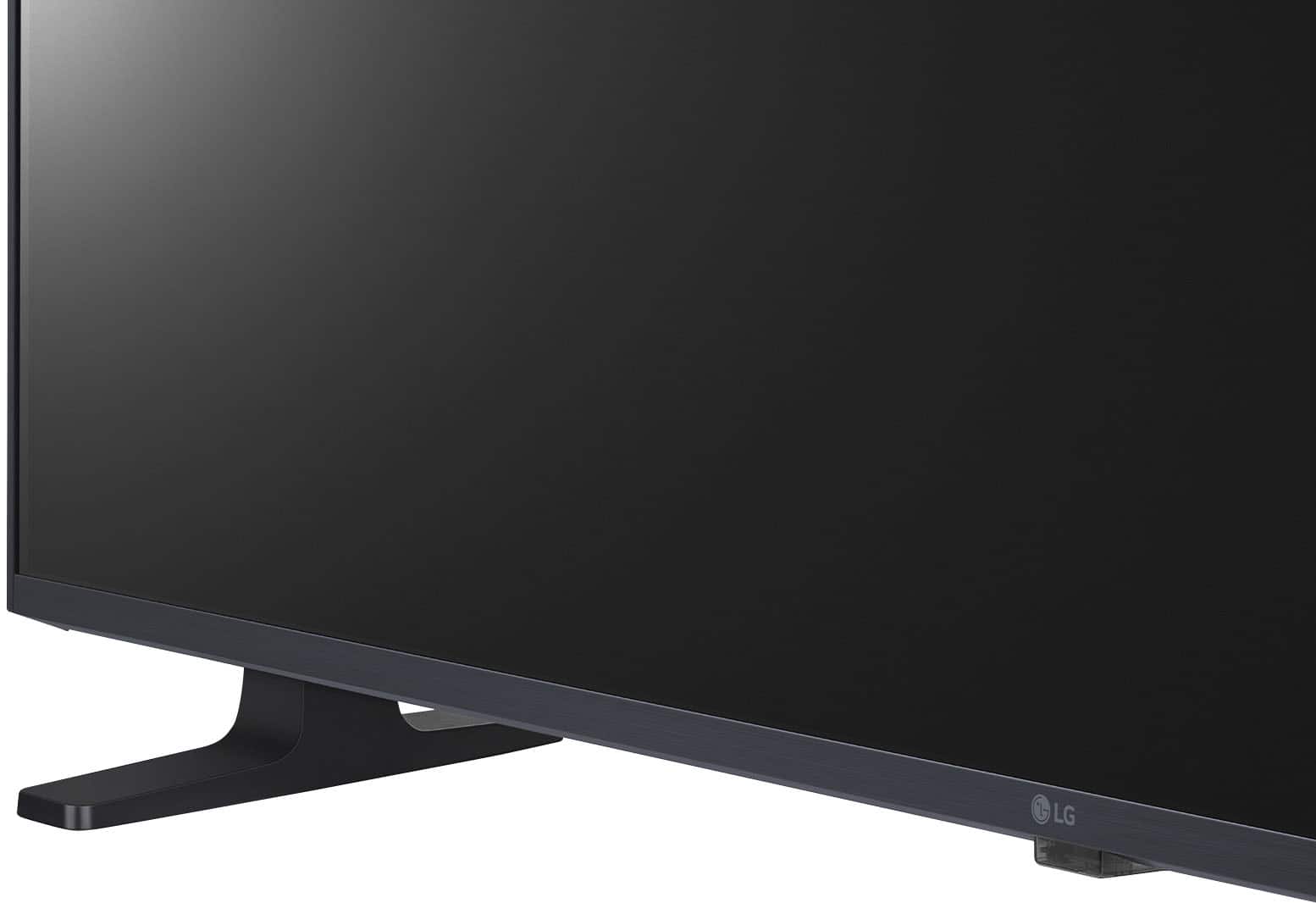
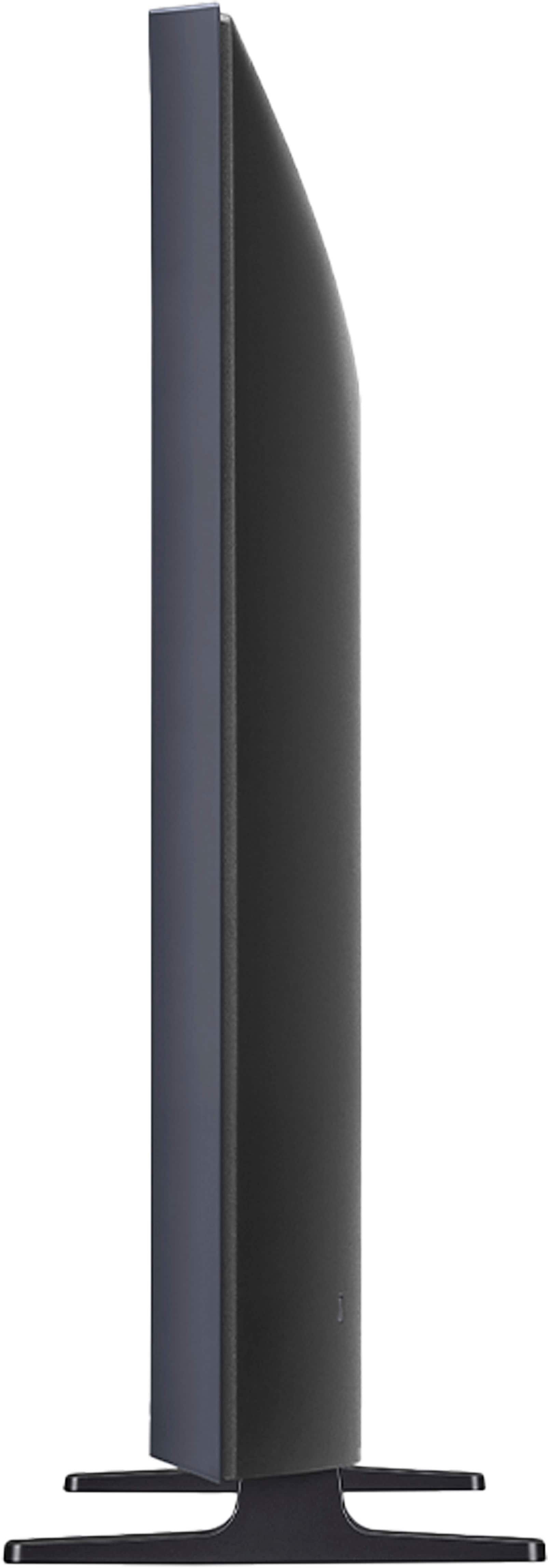
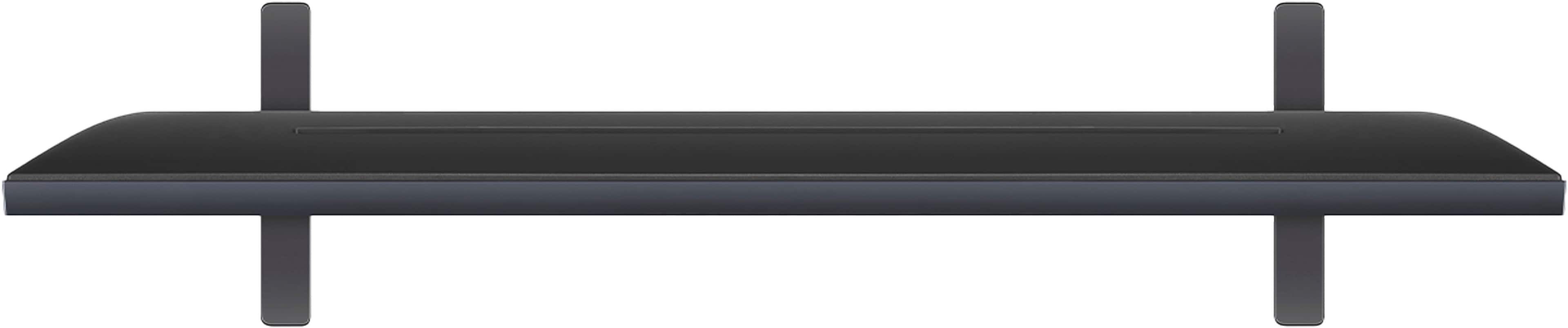
Dimensions without Stand (W x H x D): 29.0" x 17.2" x 3.3"
Dimensions with Stand (W x H x D): 29.0" x 18.3" x 7.1"
https://www.bestbuy.com/product/lg-32-class-lr65-series-led-hd-webos-tv-2024/JJ8VPZHXTJ
If you have any further questions about the unit's features or setup, please contact us on [email protected], and our team will be more than happy to assist you.
—Renzo
A:AnswerHi there. We understand your inquiry regarding a swivel stand for the 32LR655BPUA. While the stand provided with this model does not swivel, the TV is compatible with third-party VESA compliant (200 x 200) tabletop swivel stands.
https://www.bestbuy.com/product/lg-32-class-lr65-series-led-hd-webos-tv-2024/JJ8VPZHXTJ
If you have any further questions about its features, please contact us on [email protected], and our team will be more than happy to assist you. —Renzo
A:AnswerHello there, Terri. Thank you for sharing your experience with us. We understand your inquiry regarding the features of the 32LR655BPUA model.
This TV supports screen mirroring from your phone and using your phone's internet connection. It works with Apple AirPlay 2, Google Cast built-in, and Wi-Fi, which allows you to mirror your phone's screen and content directly to the TV.
https://www.bestbuy.com/product/lg-32-class-lr65-series-led-hd-webos-tv-2024/JJ8VPZHXTJ
If you have any further questions about how to set up the screen mirroring or its other features, please contact us on [email protected], and our team will be more than happy to assist you.
—Renzo
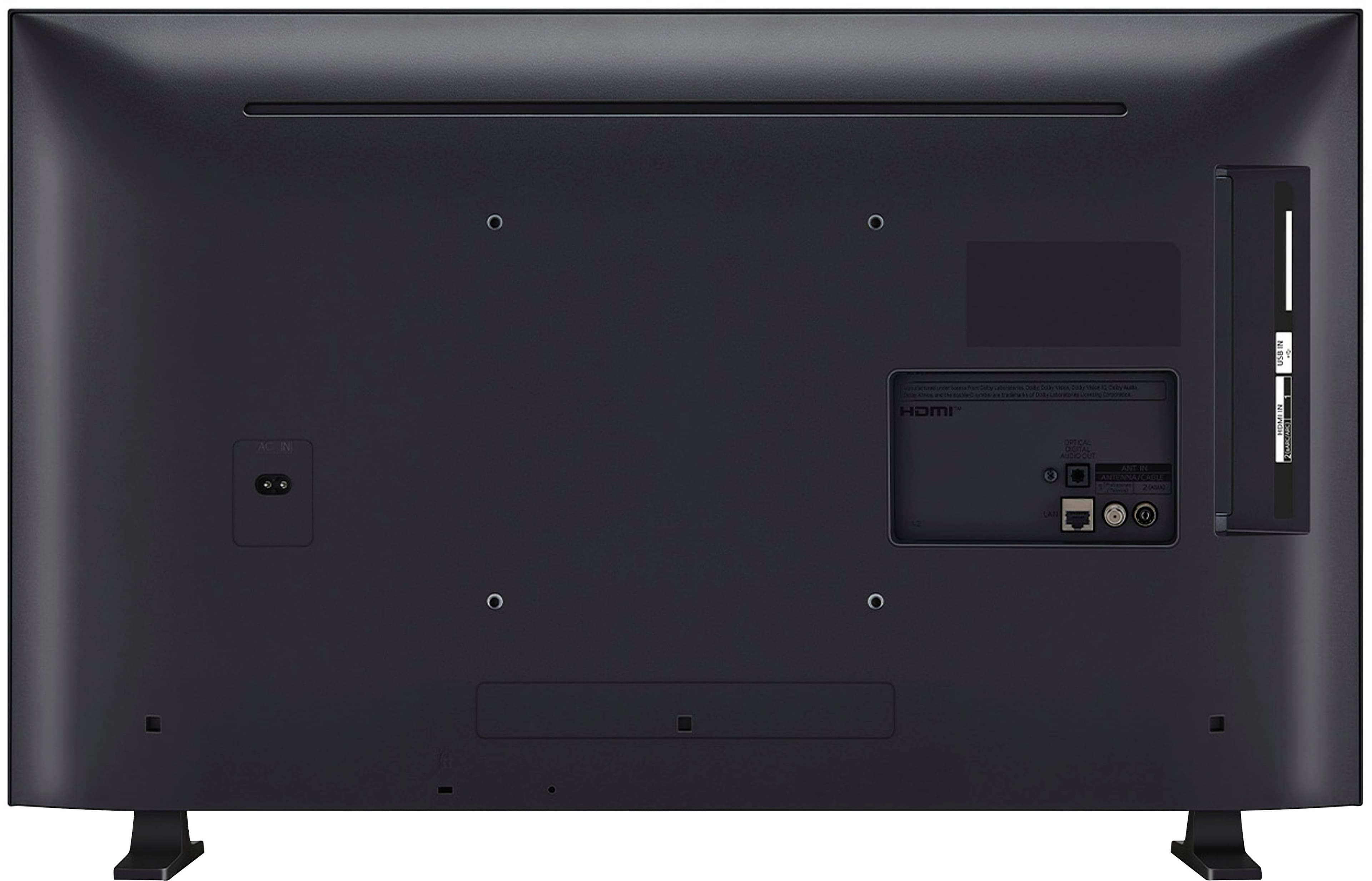
A:AnswerHi there. Thank you for reaching out to us. We understand your inquiry regarding the 32LR655BPUA HD Smart TV. Please note that the model listed here is an LG TV, not a Samsung. For this LG unit, any standard indoor or outdoor digital HDTV antenna connected to the RF Input (Antenna/Cable) port will work effectively to receive over-the-air broadcast channels.
https://www.bestbuy.com/product/lg-32-class-lr65-series-led-hd-webos-tv-2024/JJ8VPZHXTJ
If you have any further questions about its features, please contact us on [email protected], and our team will be more than happy to assist you. —Renzo
A:AnswerHi there. Thank you for your interest in the 32LR655BPUA. We understand your inquiry regarding Bluetooth compatibility. Yes, this model is Bluetooth compatible, featuring Bluetooth Surround Ready and LG Sound Sync support, which allows you to connect compatible wireless audio devices.
https://www.bestbuy.com/product/lg-32-class-lr65-series-led-hd-webos-tv-2024/JJ8VPZHXTJ
If you have any further questions about its features, please contact us on [email protected], and our team will be more than happy to assist you. —Renzo
A:AnswerThe LG 32" Class LR65 Series LED HD webOS TV (2024), Model # 32LR655BPUA, is a "Smart TV" that runs on LG's webOS TV Platform (Operating System) as indicated in the header.
With LG Channels on the TV, you can get instant access to over 300 free channels, including movies, breaking news, sports, comedy and more, and discover and enjoy premium new entertainment with nothing more than an internet connection.
Apps such as YouTube, Netflix, Prime Video, Apple TV, Sling TV, Hulu, Paramount +, Peacock, just to name a few are preinstalled on the TV and require and internet connection.
The YouTube TV app is compatible with the webOS 23 TV Platform that the TV runs on, so it can be downloaded and installed on the TV through the LG Content Store (App Store) found on the TV's home screen...^Ivan.
A:AnswerHi there, Greg. We understand your inquiry about the availability of the Spectrum app on the LG 32LR655BPUA TV.
While this unit operates on the webOS 23 platform and features a wide selection of content partners and an App Store, the specifications do not indicate that the Spectrum app comes pre-loaded on the TV. You can, however, check the LG Content Store directly on your TV to see if the Spectrum TV app is available for download, as app availability can be updated by the service provider.
https://www.bestbuy.com/product/lg-32-class-lr65-series-led-hd-webos-tv-2024/JJ8VPZHXTJ
If you have any further questions about downloading apps or using the webOS platform, please send us a private message on Social Media @LGUSSupport, and our team will be more than happy to assist you. —Renzo
A:AnswerHi there, Brie. Thank you for reaching out to us with your inquiry about the 32LR655BPUA HD TV. We understand your inquiry about whether the BritBox application is supported on your unit.
Since your 32LR655BPUA runs on the webOS 23 operating system, you can check for the BritBox app directly in the LG Content Store. While LG supports a wide variety of content partners, platform availability can vary. A quick check of the app store on your TV will confirm if BritBox is available for download on your specific model.
https://www.bestbuy.com/product/lg-32-class-lr65-series-led-hd-webos-tv-2024/JJ8VPZHXTJ
If you have any further questions about adding or managing streaming applications, we'd be happy to assist you further. Please send us a private message on Social Media @LGUSSupport, and our team will be more than happy to assist you. —Renzo
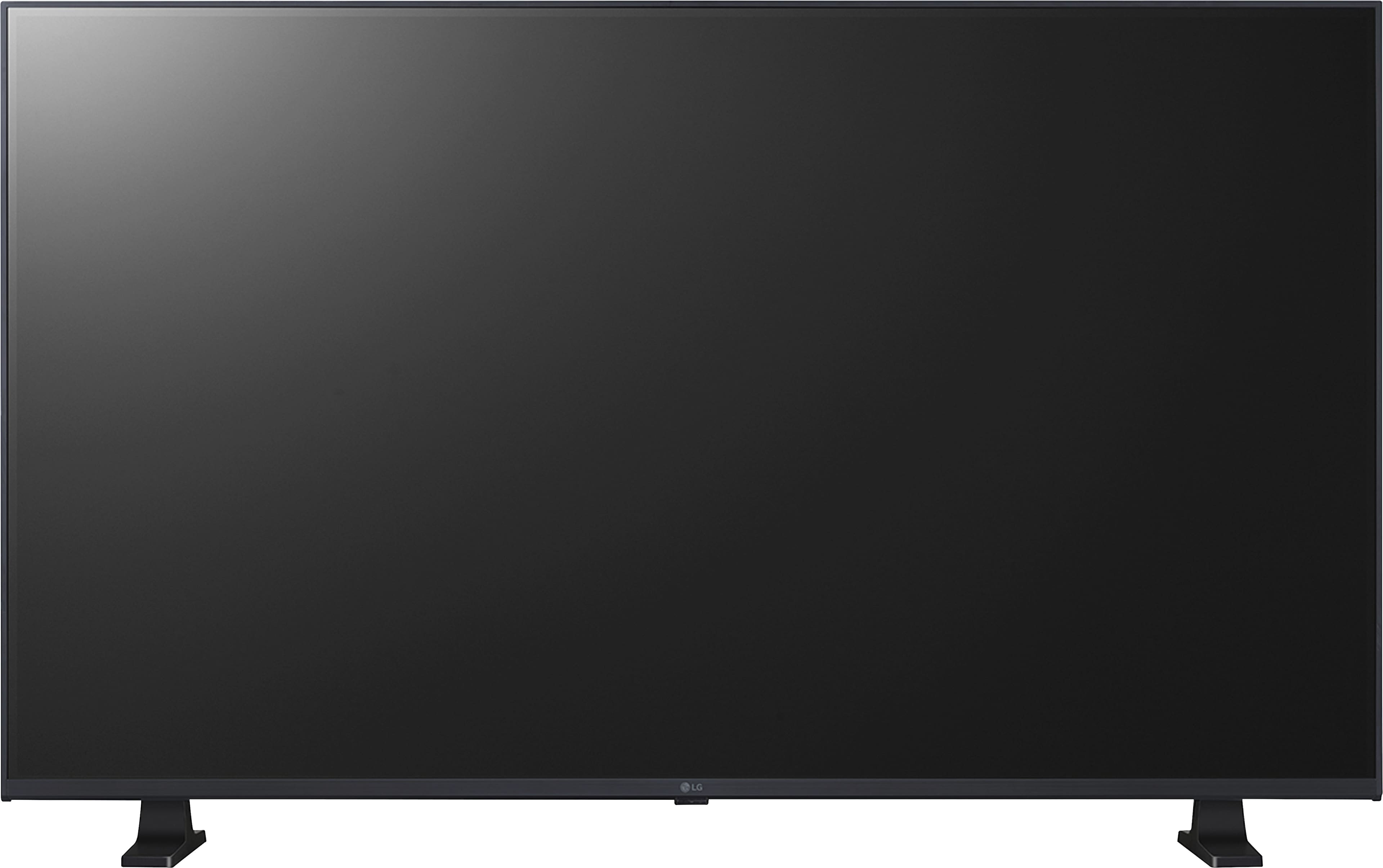
A:AnswerHi there, Lia. Thank you for sharing your experience with us. We understand your inquiry about the width of the space between the two legs of the stand for the 32LR655BPUA. The width of the stand for this unit is 23.9".
https://www.bestbuy.com/product/lg-32-class-lr65-series-led-hd-webos-tv-2024/JJ8VPZHXTJ
If you have any further questions about its features, please send us a private message on Social Media @LGUSSupport, and our team will be more than happy to assist you. —Renzo

A:AnswerHello there. Thank you for sharing your experience with us. We understand your inquiry regarding using the Xfinity Stream app on your LG LR65 Series TV (32LR655BPUA) without a cable box.
Yes, the Xfinity Stream app is generally available on LG Smart TVs running the webOS platform, which includes your model (webOS 23). This app is designed to allow Xfinity TV customers to watch live TV, On Demand, and DVR content without leasing a traditional Xfinity TV Box.
To get started, please use the LG Content Store on your TV to search for and download the Xfinity Stream app. Once installed, you will sign in with your Xfinity ID and password.
https://www.bestbuy.com/product/lg-32-class-lr65-series-led-hd-webos-tv-2024/JJ8VPZHXTJ
We understand your inquiry. If you encounter any issues during the download or sign-in process, please send us a private message on Social Media @LGUSSupport, and our team will be more than happy to assist you.
—Renzo