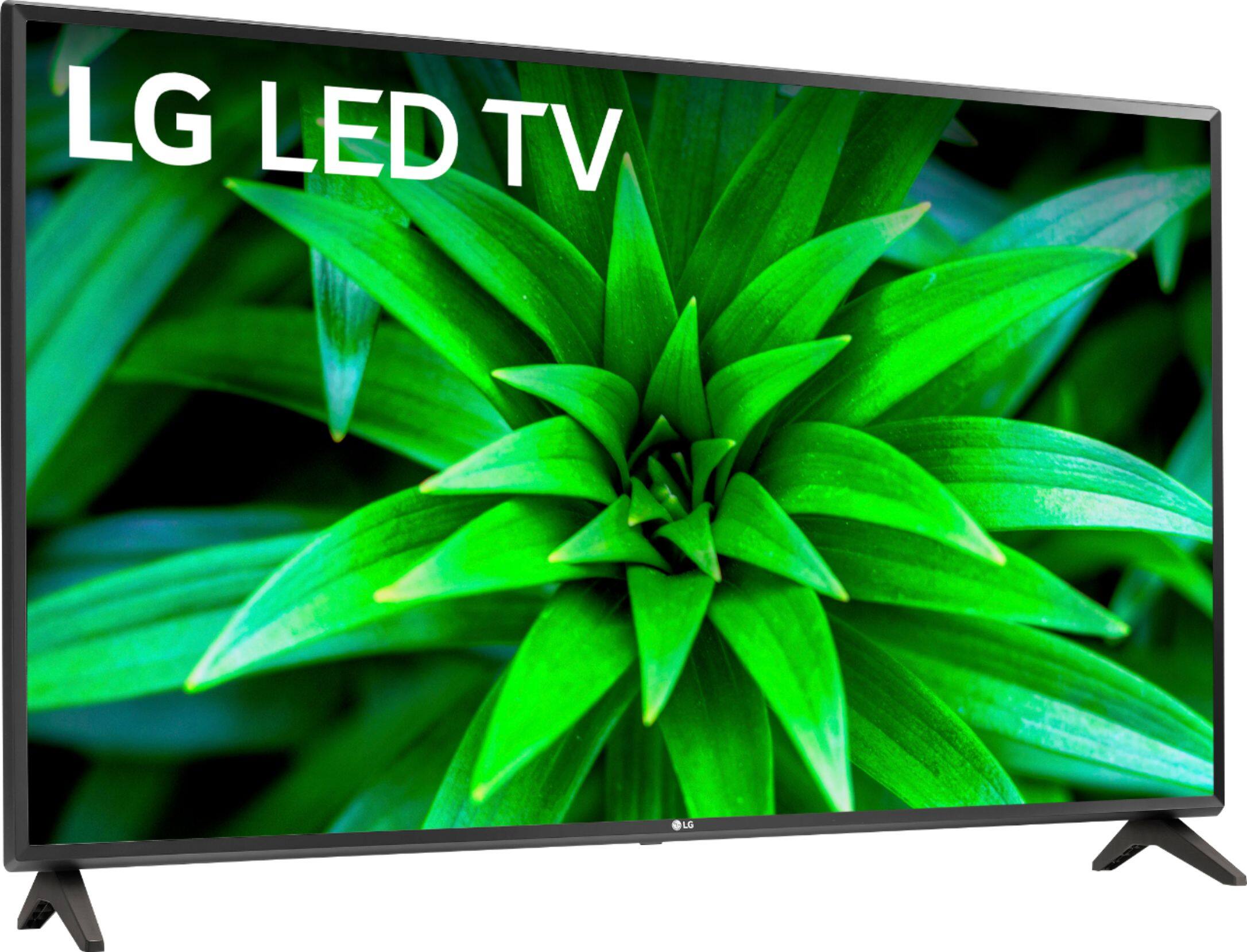
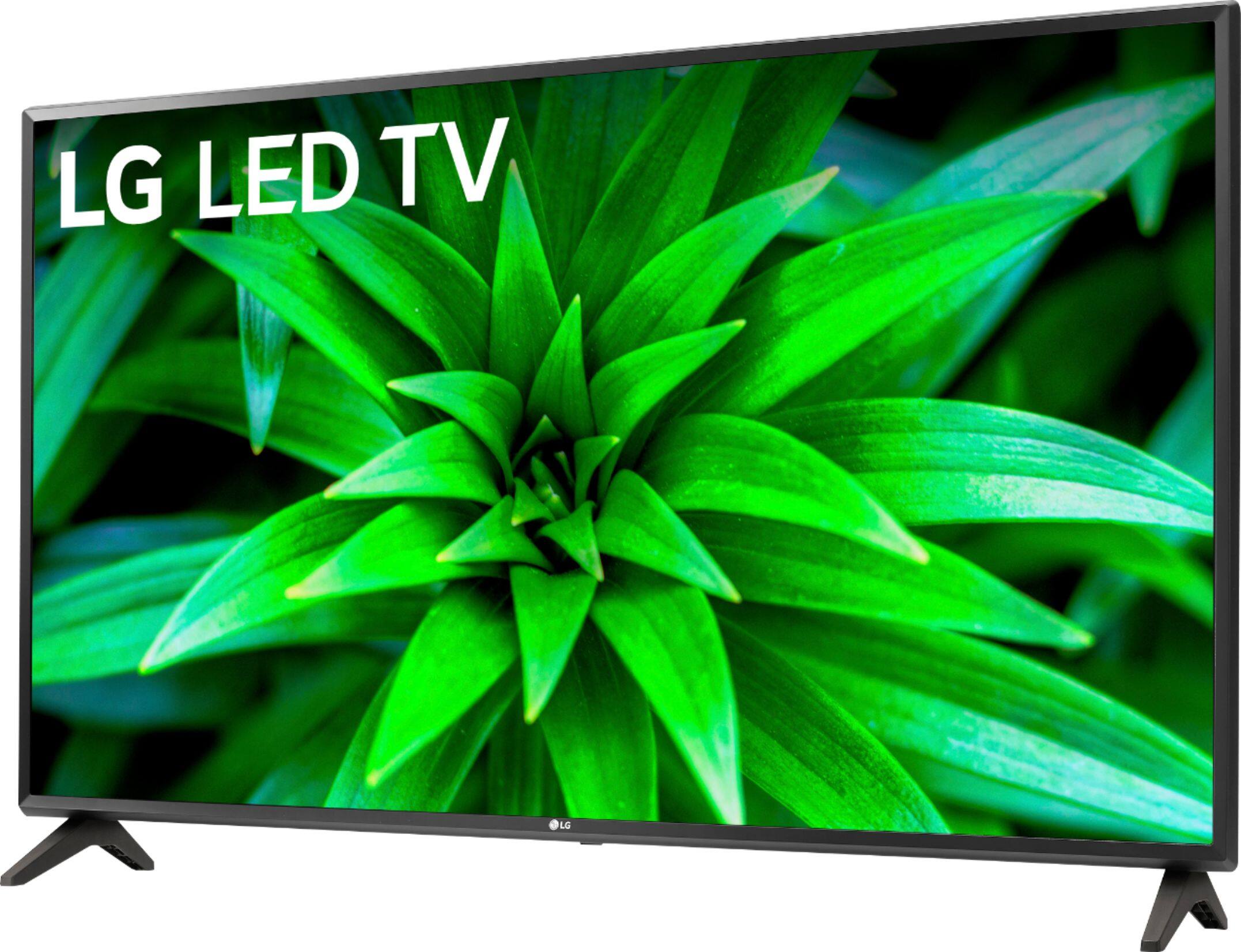
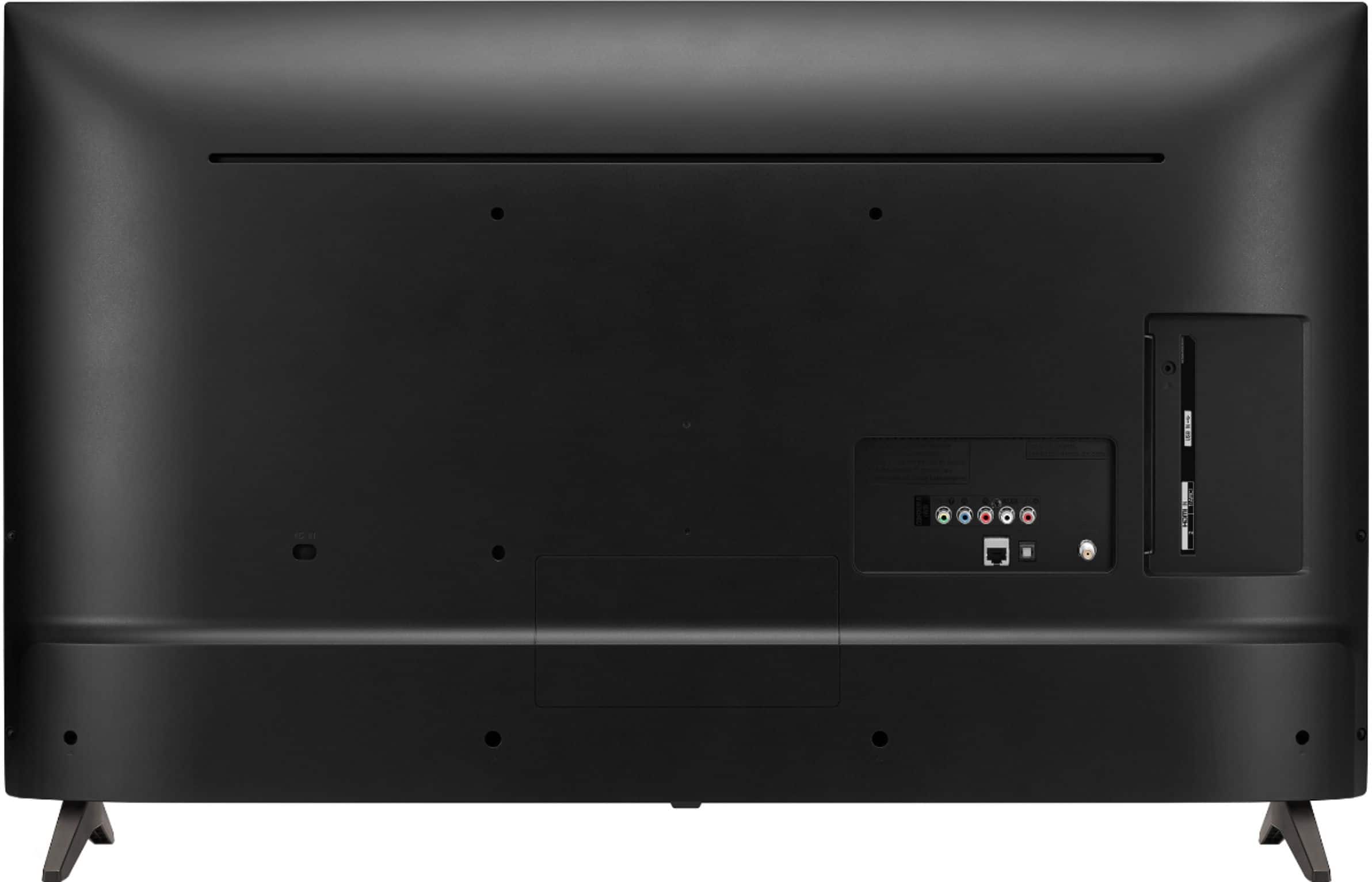
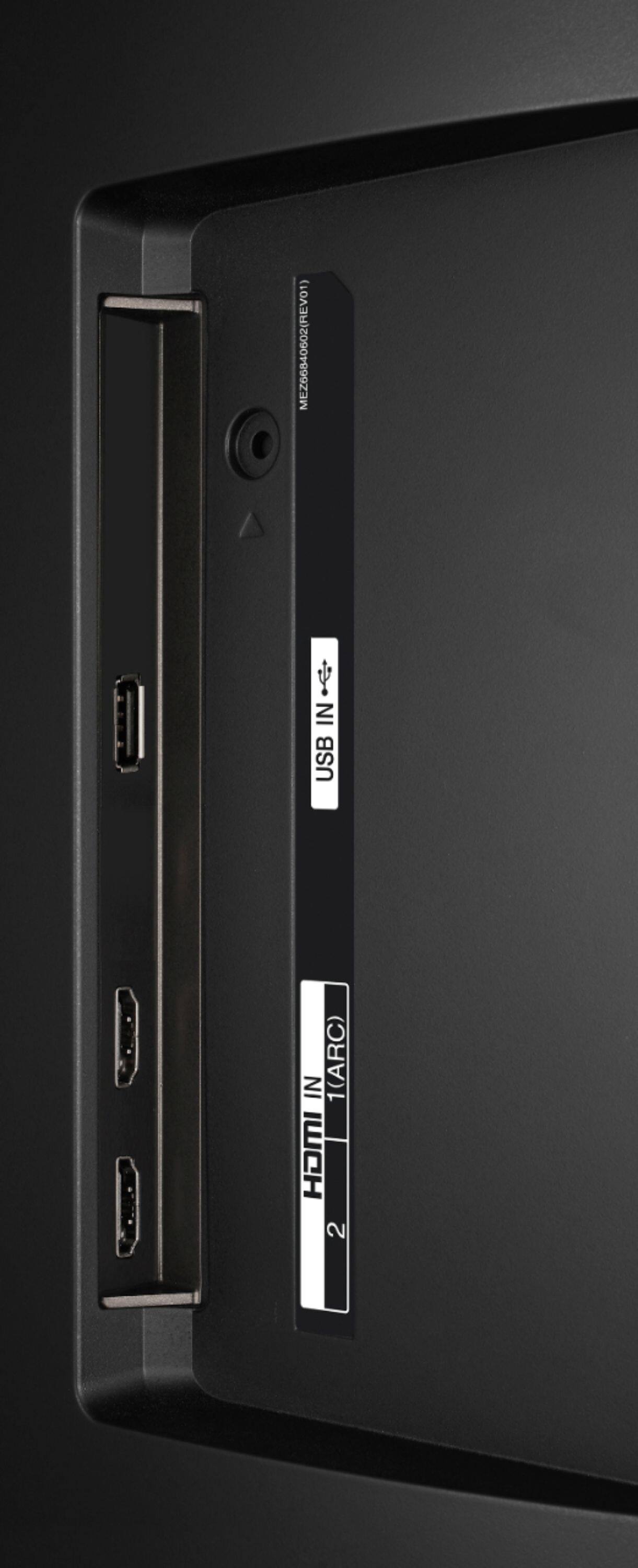
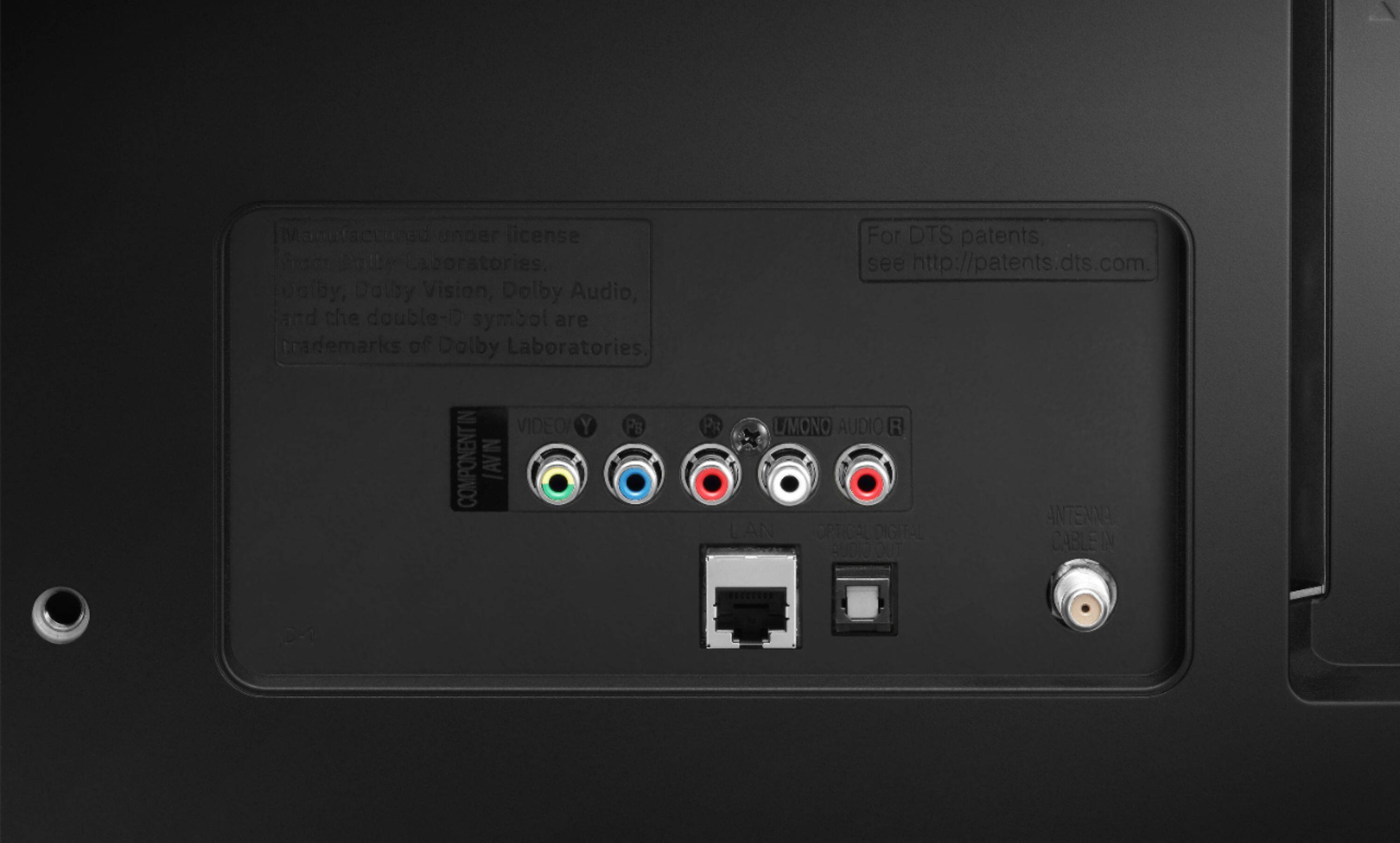
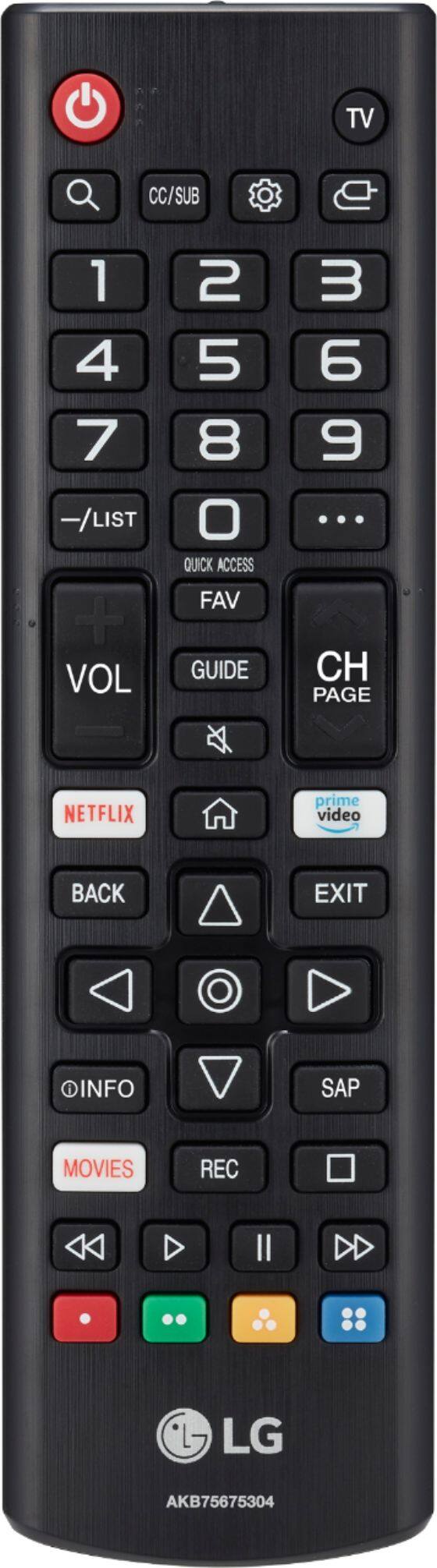
A:AnswerYou can connect an Amazon firestick via HDMI. This TV does not have Bluetooth connectivity to support the Magic remote or a 3rd party device such as a Home Pod and Amazon Alexa to allow for voice commands. ^Daphane
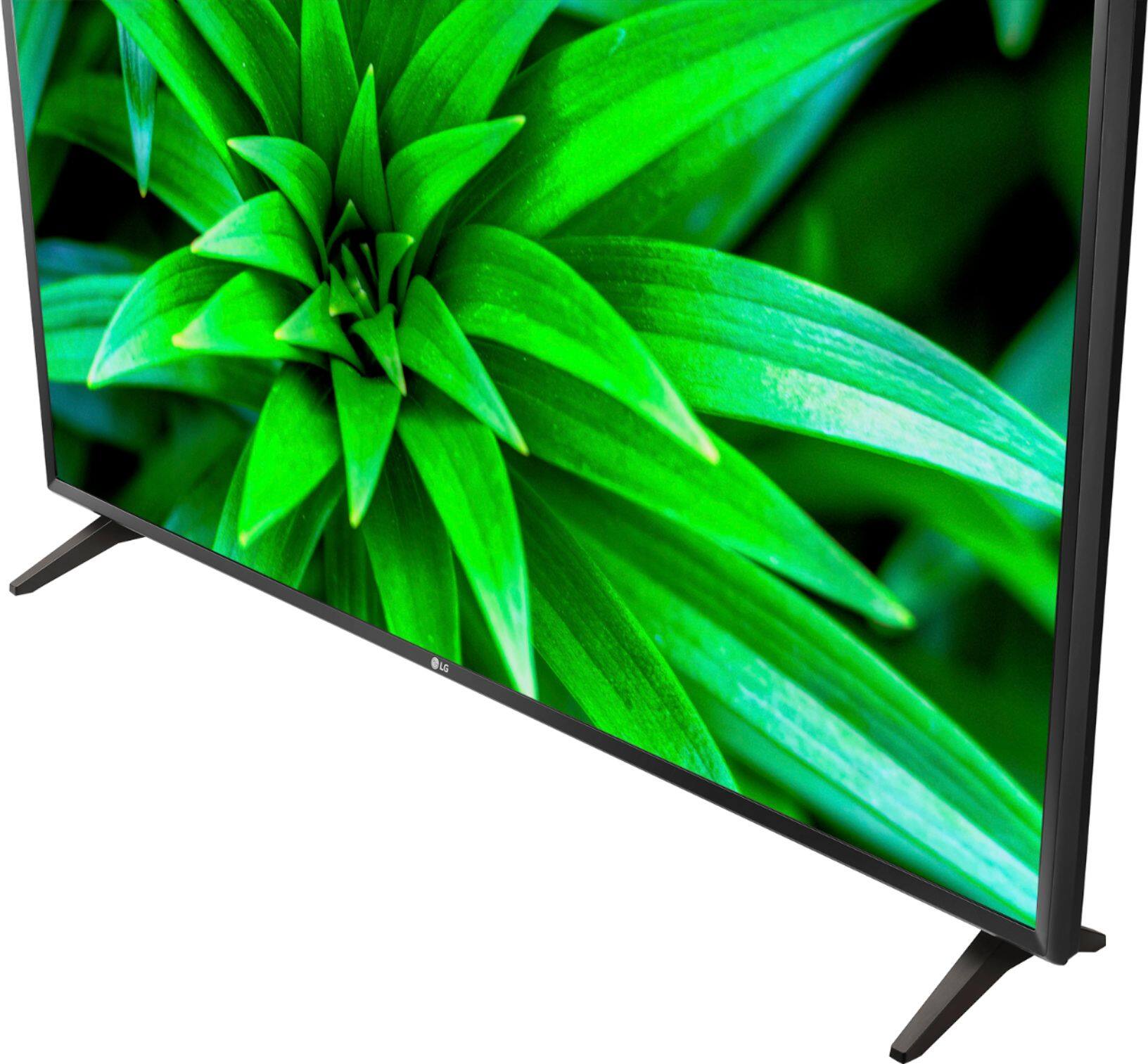
A:AnswerThe operating software for LG TVs. Our webOS platform offers over 600 apps including streaming content and games - including over 180 free streaming channels via the LG Channels (on select models). Additional charges apply for some streaming services. For a complete listing of available apps, please visit: https://us.lgappstv.com/main/tvapp. ^Daphane
A:AnswerThis is a 2019 model. The webOS on this TV should be at least 4.5. As far as the browser all LG TVs have a universal search and web browser. Software updates are automatic, you can manual check the software through the settings menu, Settings > General > About this TV > Updates. ^Daphane
A:AnswerYes it does- I watch YouTube all the time on the one I bought a year ago- maybe you need to update it’s software or check your WiFi/network connection
But it does have it and it does work for me
A:AnswerStreaming Services include but are not limited to Apple TV+, CBS All Access, Disney+, Google Play Movies & TV, Hulu, Netflix, Pandora, Prime Video, SHOWTIME, STARZ, Sling TV, Spotify and YouTube. You can install various apps from the LG Content Store. Please visit the link below to browse the available apps for download. Additional charges apply for certain services. ^Daphane https://us.lgappstv.com/main
A:AnswerBritBox is an app in the LG Content Store. For a complete listing of available apps, please visit: https://us.lgappstv.com/main/tvapp. ^Daphane
A:AnswerPlease reach out to our support team on Twitter via @LGUSSupport or on Facebook at https://www.facebook.com/LGUSA. You can also try the LG Community Forum; it is a great resource for getting help from other LG customers: https://lgcommunity.us.com. ^Daphane