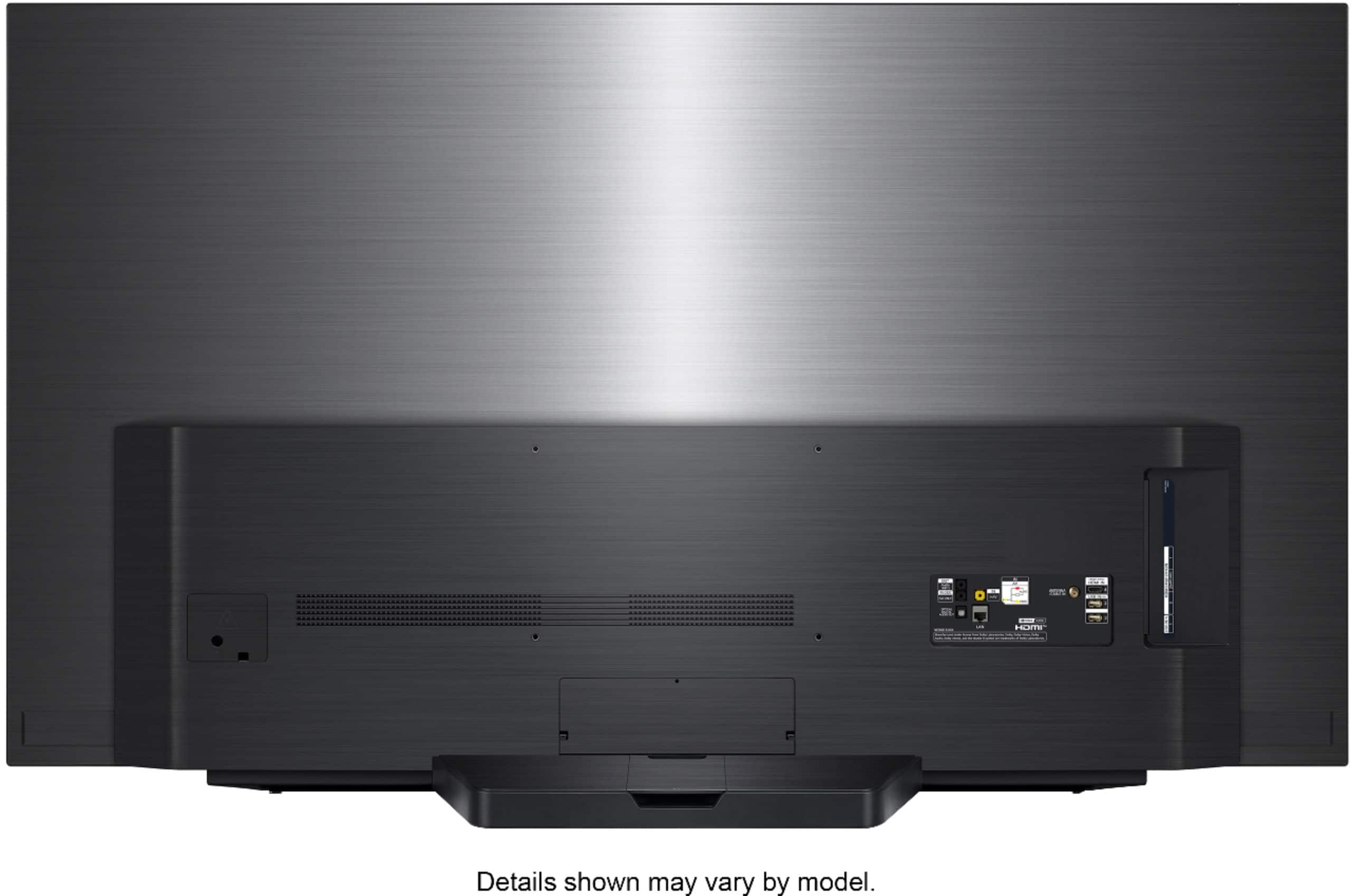
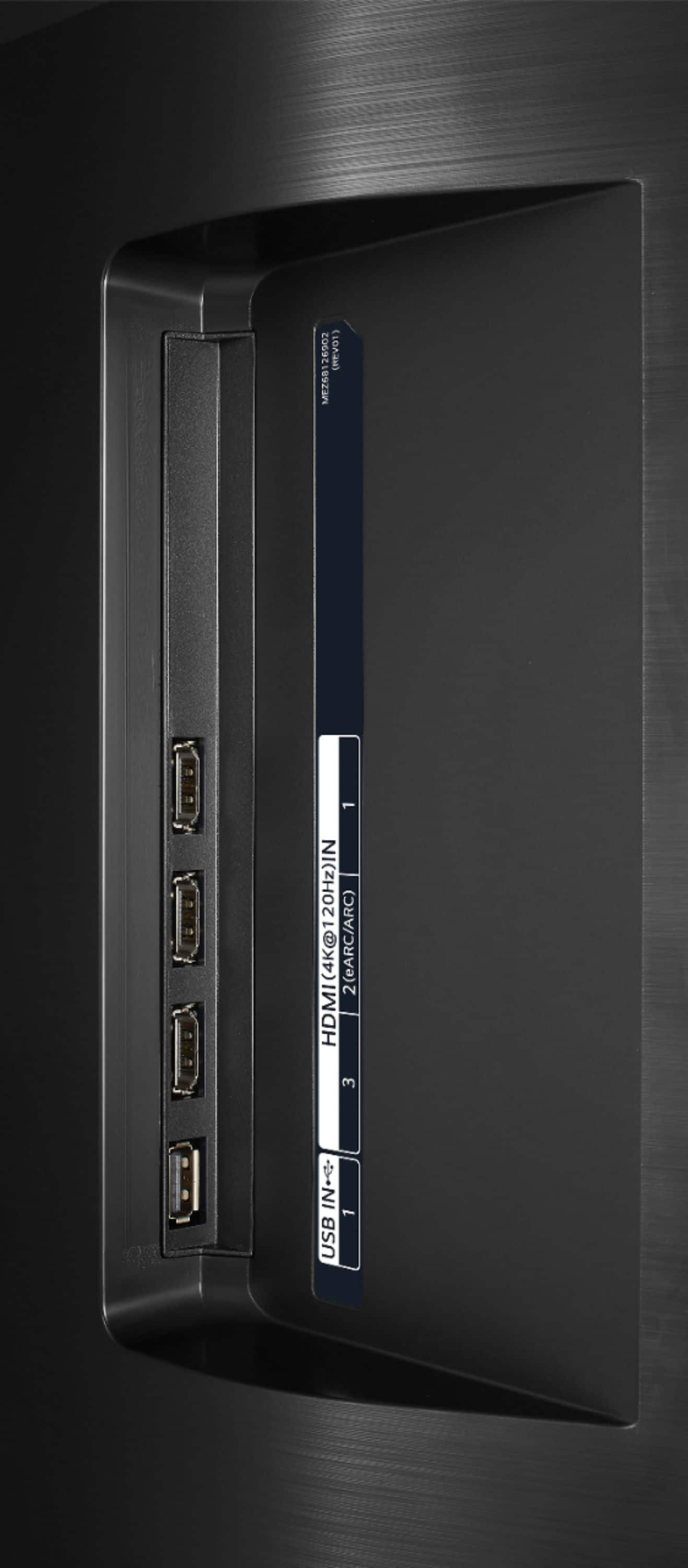
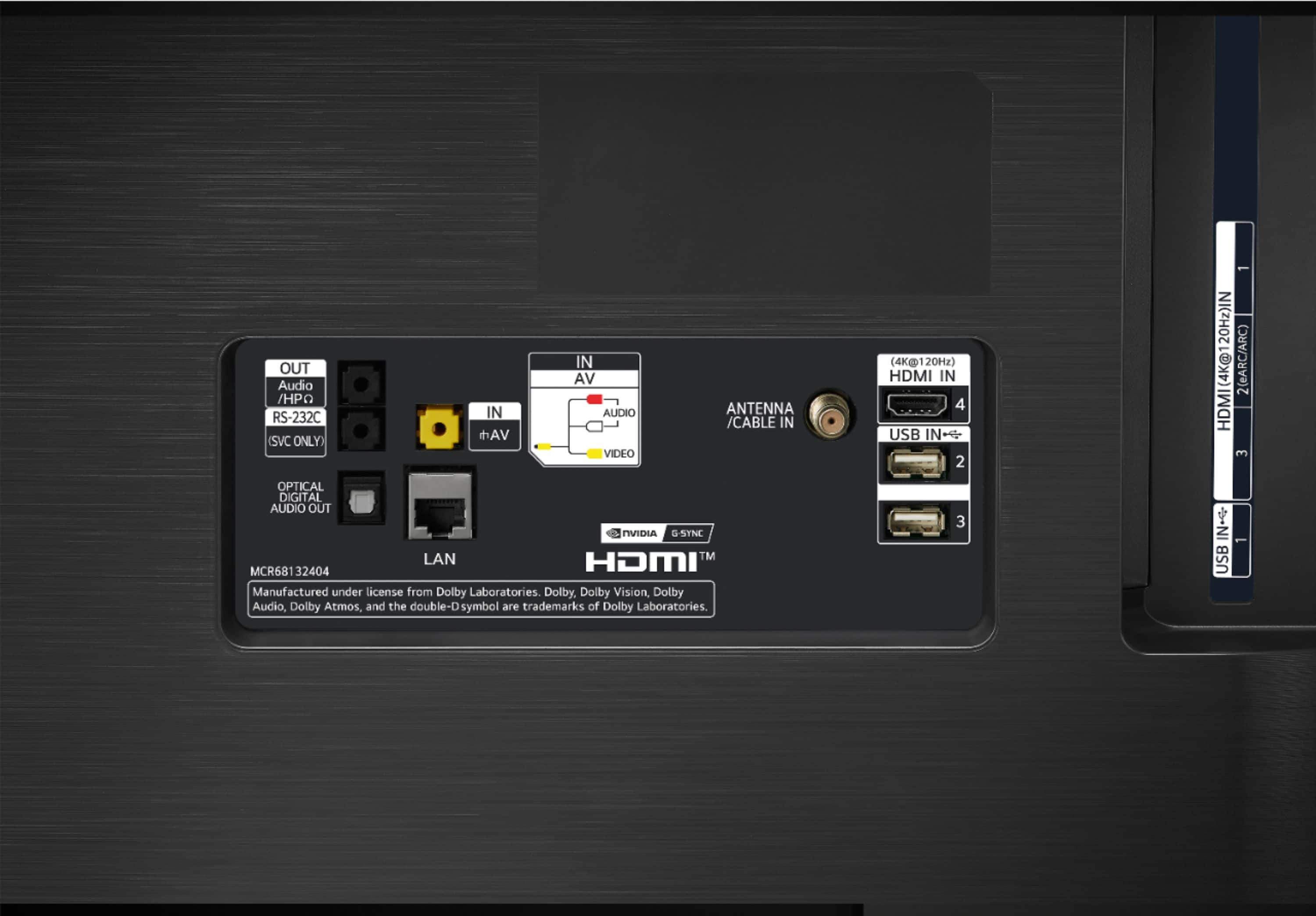
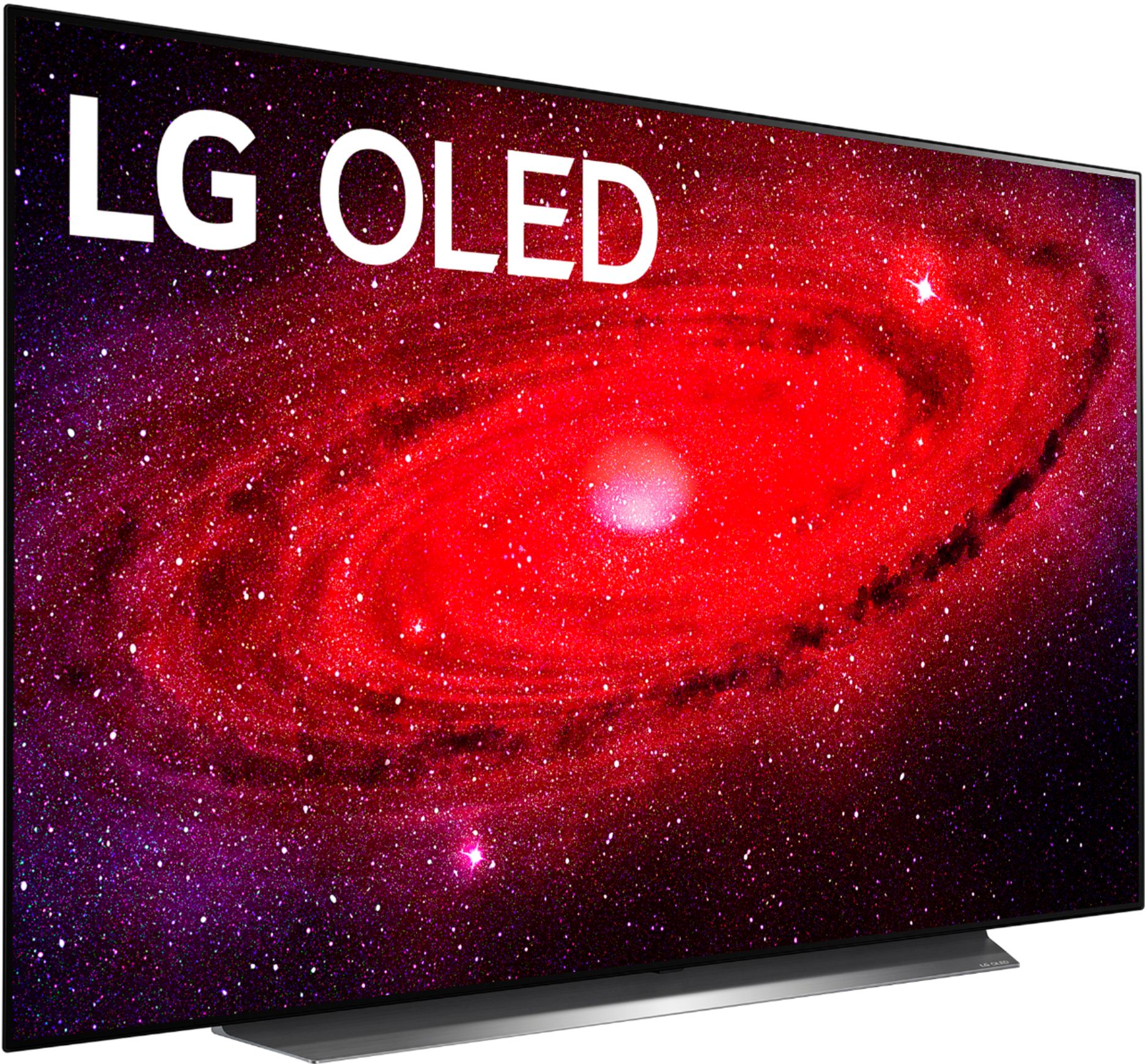
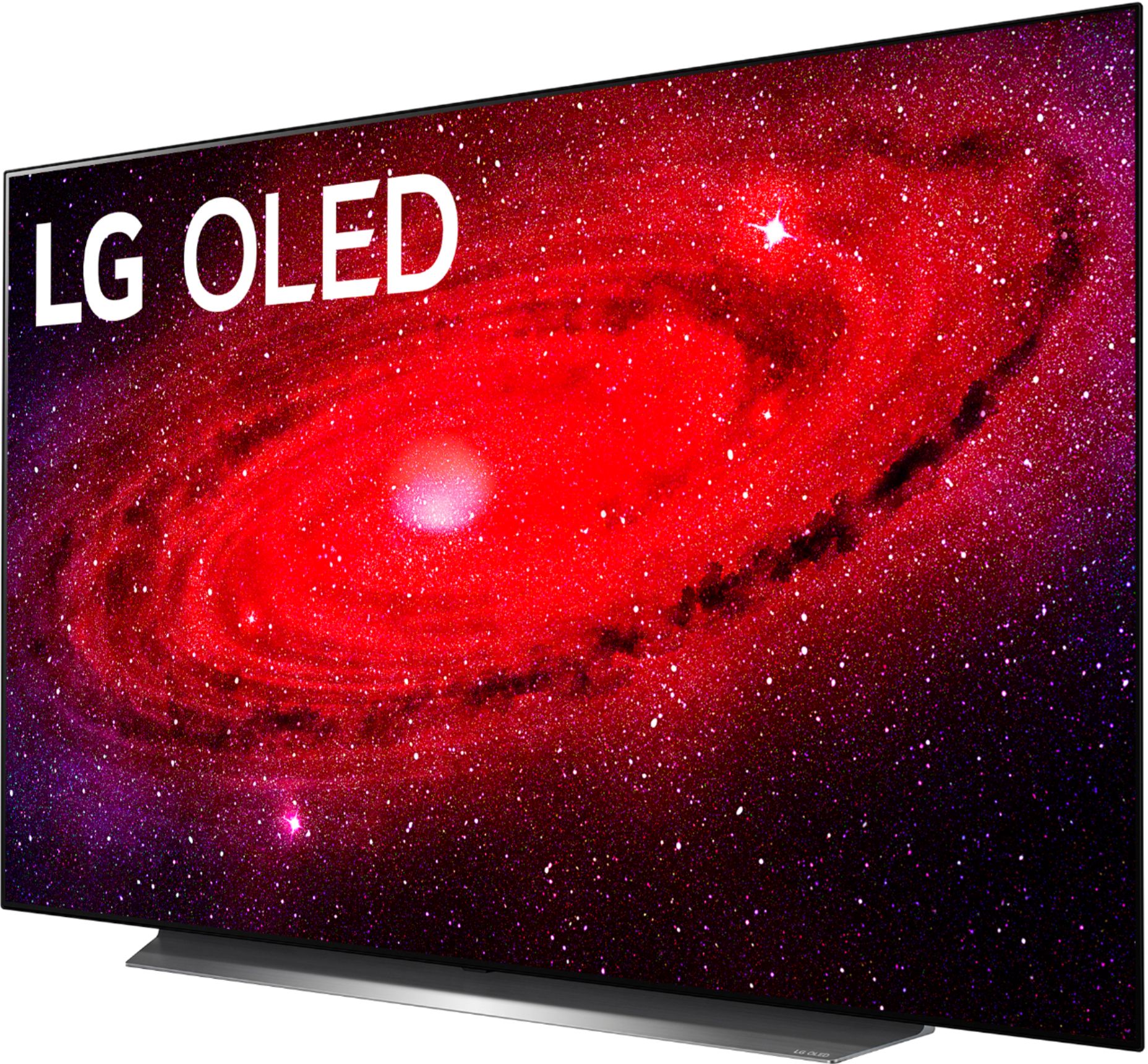
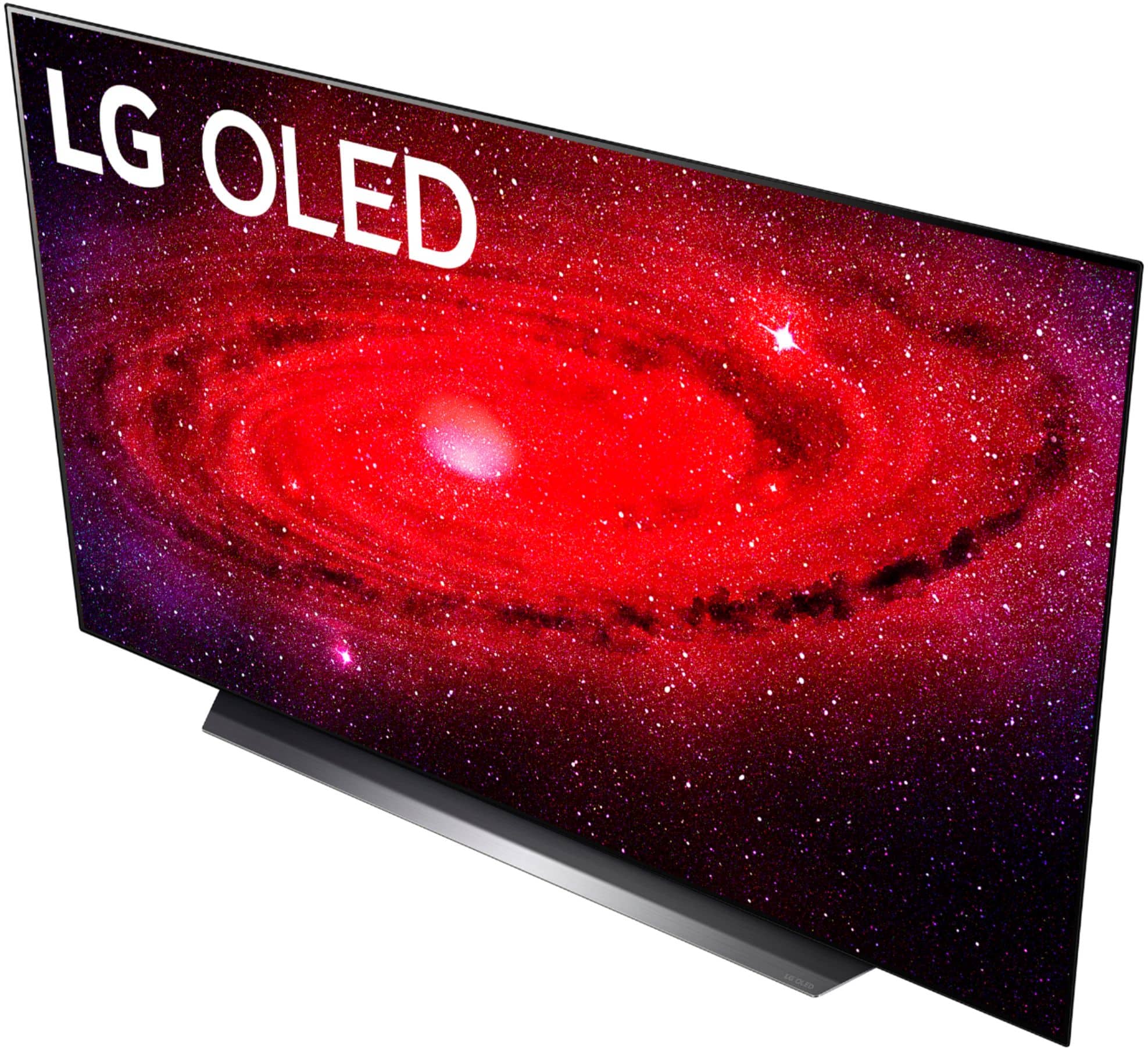
A:Answer How are you connecting the LG CX 65 inch Class 4K Smart OLED TV w/ AI ThinQ® (64.5'' Diag), Model # OLED65CXPUA to any of the three different brands of receivers that you have attempted to connect to the TV? The TV can be connected to a receiver in one of three ways. If the receiver is a Bluetooth enabled receiver, you can pair it with the TV which is a Bluetooth version 5.0 enabled TV. HDMI 3 on the TV is an HDMI eARC port, but for that port to work with a receiver, the receiver must have an HDMI port that also supports HDMI eARC functionality. The third way to connect to a receiver is via the Optical Digital Audio Output on the back of the TV which can be connected to a receiver with an Optical Digital Audio Input. You will need to go into the Digital Sound Out settings in the settings menu in the TV, Settings > Advanced Settings > Sound > Additional Settings > Digital Sound Out to configure the settings and select the port that you have the receiver connected to, either the Optical Digital Audio Out or the HDMI eARC port. From your description about trying a new HDMI cable to no avail, it sounds like you're using the HDMI eARC port (HDMI 3). Your receiver has to have an HDMI eARC port that you can connect to the TV's HDMI eARC port for it to work. The other HDMI ports on the TV are inputs and will not send audio out to any receiver...^IFV