A:AnswerYes, you can use Ethernet for the backhaul. It also has a 3rd wireless band dedicated to the backhaul too but obviously hardwired is the way to go if you can.
A:AnswerHi Tim, Yes you can plug them them in to improve speed, the tri-band uses one of the band for backhaul to have consstant connection among the Nodes to have the best connection and speed over all. Hope this help
A:AnswerI can’t speak to its ability to be repaired but you can buy units as singles, doubles, or triples. I bought the 3 pack and bought and added 2 single units to the mesh and its working great.
A:AnswerVery different technology. Each node is essentially a separate router. The main router talks to the nodes using a wireless backhaul channel. Some extenders aren't fully compatible and may just create more issues than fix the coverage issue. Also another issue would be speed deterioration. With a regular extender your speed will slow down no question about it. And if your speed isn't all that great than this will make it worse.
Over all the velop and mesh systems alike beat any extender any day and quality is expensive. If you want whole home wifi and consistent speeds get a mesh system.
A:AnswerYes it does, however it is tricky to get to it. Linksys wants you to use the app for this and makes it difficult to get into it any other way. Go to google for instructions on how to currently get to the web gui as patches change the process.
A:AnswerSingle port forwarding, port range forwarding and port range triggering is available through Advanced Settings/Port Settings. There are no specific DMZ options though.
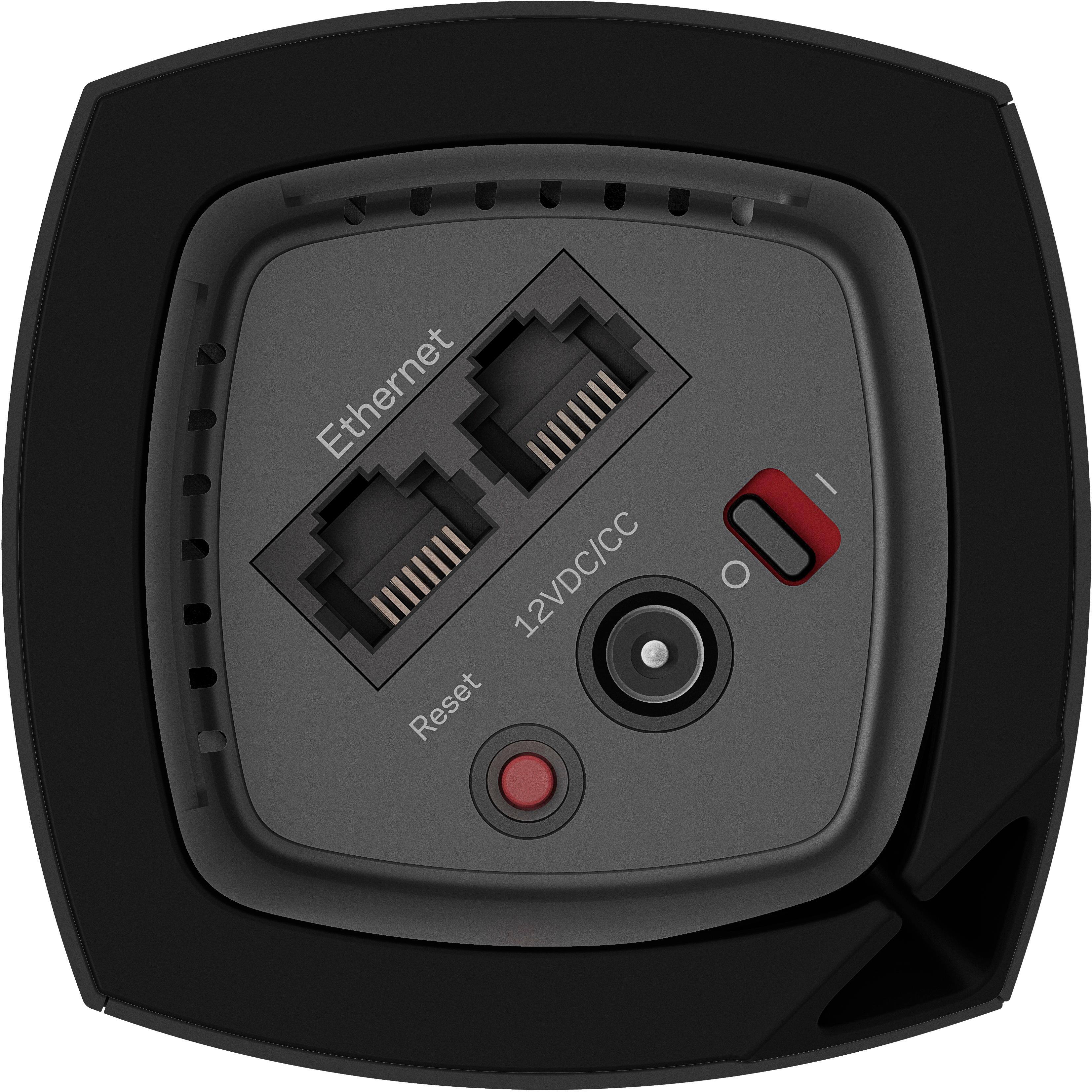
A:AnswerAny switch should work in any of the nodes to increase the number of available wired ports. I'd recommend a gigbit switch, though that's up to you.
A:AnswerI have more than 20 devices connected at my house. I am able to stream 4K in two to three devices simultaneously. This is excellent router. Please make sure that you have high speed internet to fully use this router potential
A:AnswerI had the same issue with my Ring outdoor stickup camera. I purchased a wifi extender to plug into an outlet in my garage. This did the trick, now my Ring outdoor camera is connected to the wifi extender, I rarely have any wifi connection issues anymore with the stickup cam.
A:AnswerThe satellite nodes are referred to as "child" nodes in the Velop literature.
To answer your question though, you can plug a child node in near the PC you'd like to connect to the wifi.
Make sure the node is connected to the parent node via wifi.
(the Linksys app is great)
You then plug an ethernet cable into the child node and the other end into the ethernet plugin on the back of the pc.
You should then be able to access the internet
A:AnswerThis system is designed to extend your Wi-Fi without the use of Cat 5/6 Ethernet cables, but if you have the ability to daisy chain them, I believe you can. My setup is running as expected with only the Parent Node connected to the modem. I suppose you could have some signal degradation if the Nodes have to be too far apart and/or the construction materials in the walls are blocking the Wi-Fi signals.
A:AnswerIt does support older 802.11n, 802.11ac and is considered a "wifi 5" system. Not quite wifi 6, but it is also a tri-band system. One 2.4ghz signal, and two 5ghz signals (one 5gzh a/n and one 5ghz ac signal). It is backwards compatible with older devices if that is what you are asking.
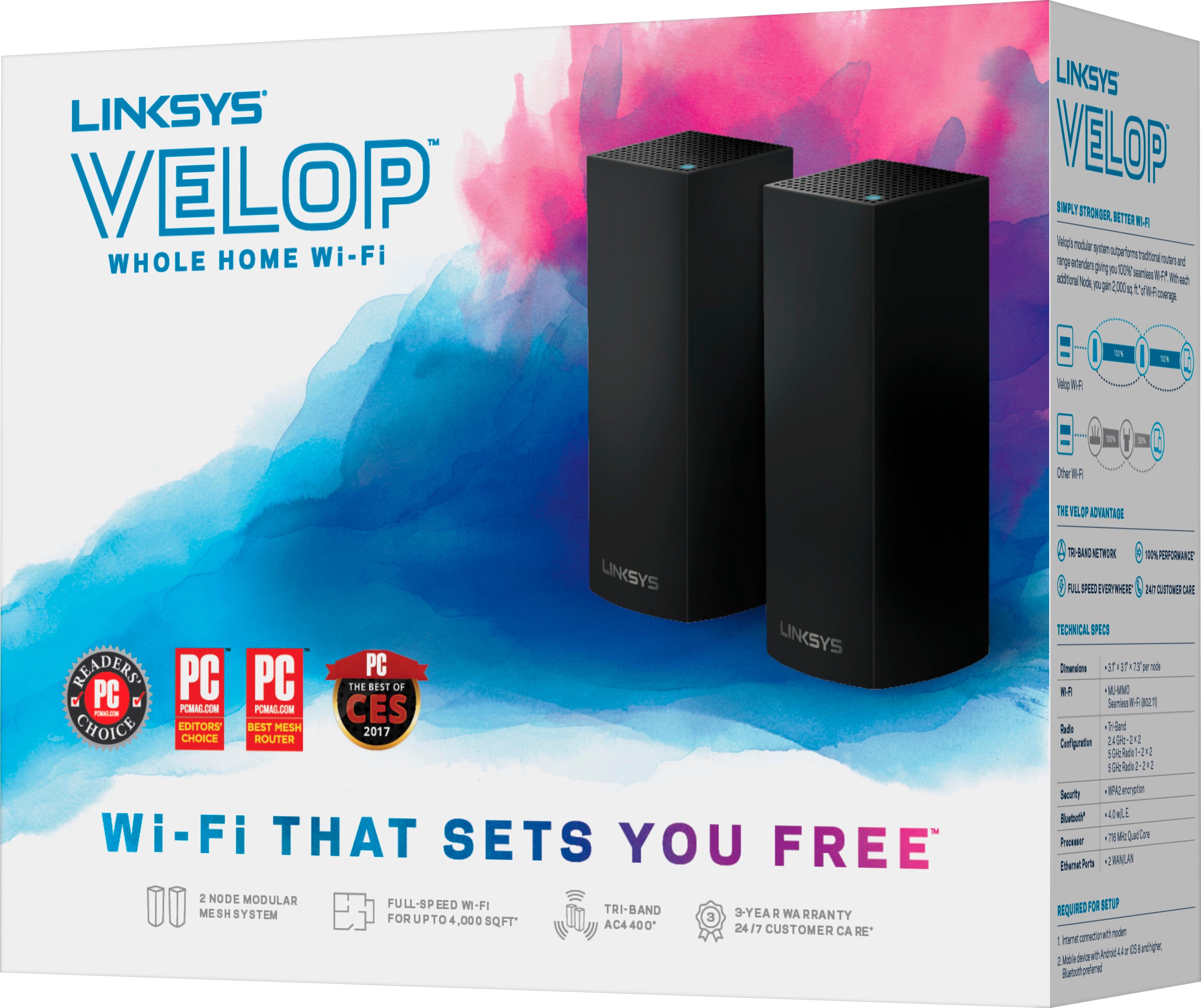
A:AnswerYes, Yo. The Linksys Velop Intelligent Mesh WiFi System, Tri-Band (WHW0303B) works as modular system which provide flawless, full-strength Mesh Wi-Fi and provide one single network. For more details, click here, https://www.linksys.com/us/support-article?articleNum=217439.
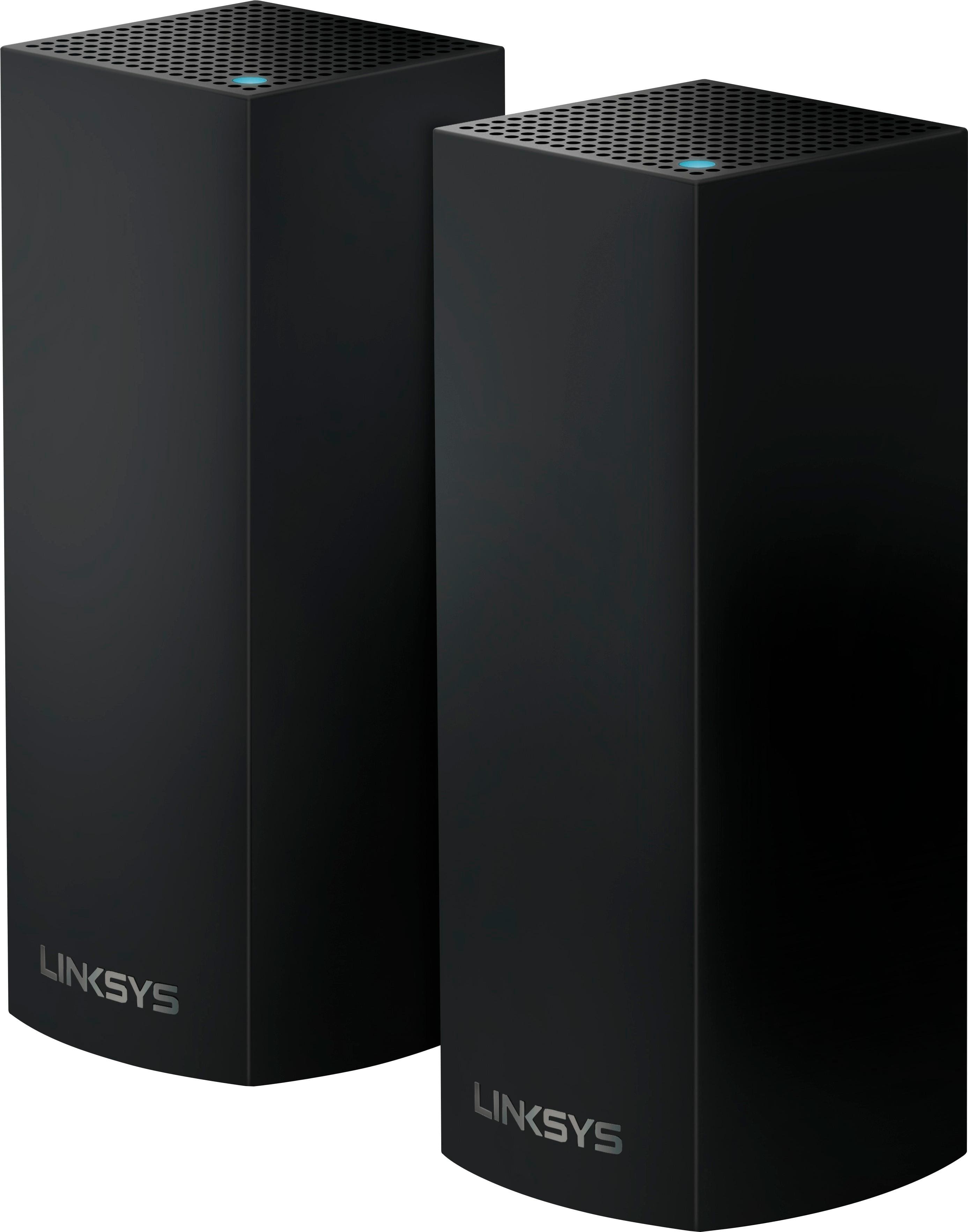
A:AnswerHi, Cornmeal. Yes, you can hook up more than three nodes in a system. So far, our Development Team has tested 10 nodes working seamlessly, but have seen other users that have gone beyond that.
A:AnswerYes, you can, Roy. You can add as many Velop nodes to your home as you’d like as every home is unique. Take your home’s layout into consideration when figuring out the optimal number of nodes you need.
A:AnswerHi. You can do either of those configuration, it is up to you.
You can add the Velop system to your existing network to extend the Wi-Fi range.Or you can completely remove your old router and replace it with the Velop system.
A:AnswerThis happened to me once or twice while trying to find the optimal location for the unwired ones. I reset the modem and router and tried again. It would go red and then after a wait (seemed like an eternity) they would connect. Try a few times.