A:AnswerThe difference is how the product key is delivered. Physical will result in the product key being sent to you in the mail, whereas Digital means the product key will be provided to you digitally.
A:AnswerTo use any of the Office 365 apps, you do not need internet. You only need internet when you wish to save something to your OneDrive and when you initially install Office 365.
A:AnswerYes, I think so. It may be a little large for toting around campus. It is great for studying, producing work. It comes with free trials of Dropbox and Office 365. Personlly, I don't like the layout of the screen, but it is what it is. All in all, a best buy.
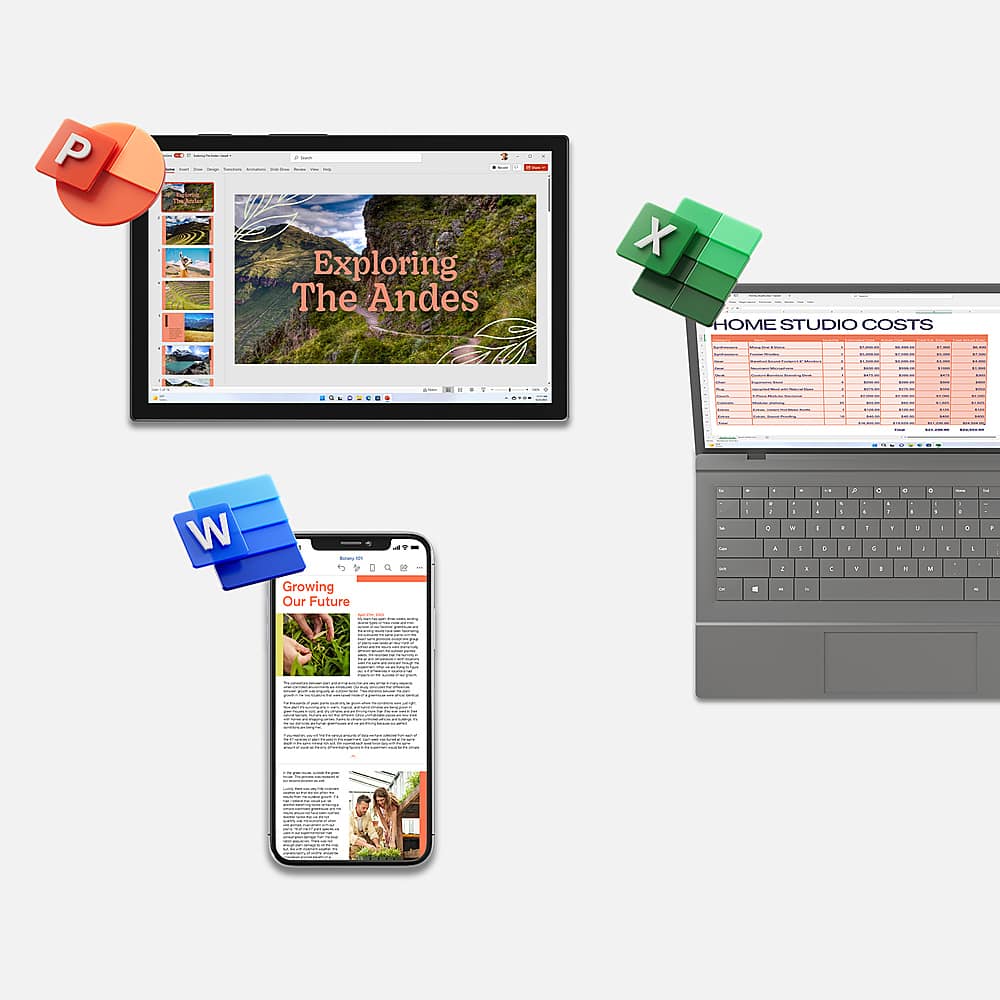
A:AnswerYou can install it on all your devices. However, for each installation after the first, you don't use the product key, instead, you log into Office.com with the Microsoft account you redeemed Office 365 Home to, on the new device. Then click install Office.
A:AnswerIN speaking with the bestbuy associate it’s my understanding that Microsoft is responsible for setting the price of the office 365 but that an increase in price has not been noted and will not unless the program under goes some additional changes
A:AnswerNo, it is not returnable. I purchased it and then realized I already had a subscription I could have used on my new iPad but saw on the emailed receipt and in the app that it wasn’t returnable l.
A:AnswerI don't recommend the MS office free (unlicensed), when you open it, nothing is available. MS moves you to another program to make it work, some editing tools missing (or hiding like another commenter mentioned.) Also had a hard time finding docs I had saved. Many went into their MS Cloud, some didn't went to my Library. Need to watch the URL. Never asked me where to save. Leading (Line spacing hard to use, doesn't give you a page View.
Did you buy the Google Docs for word? Did it work well?
I too only need Word. What's wrong with MS why don't they break it up and sell it independently? To hard to fix problems, more support personnel?
Might try Google Docs since all my docs are on Google Cloud.
A:AnswerYes. When you pay early to the same Microsoft 365 plan that you already have, the additional time is added to your existing subscription. For example, if you have two months left on your current subscription to Microsoft 365 Family and you pay for a one year subscription (12 months), your subscription will run for 14 more months.
Best,
Tom
Microsoft Office Team
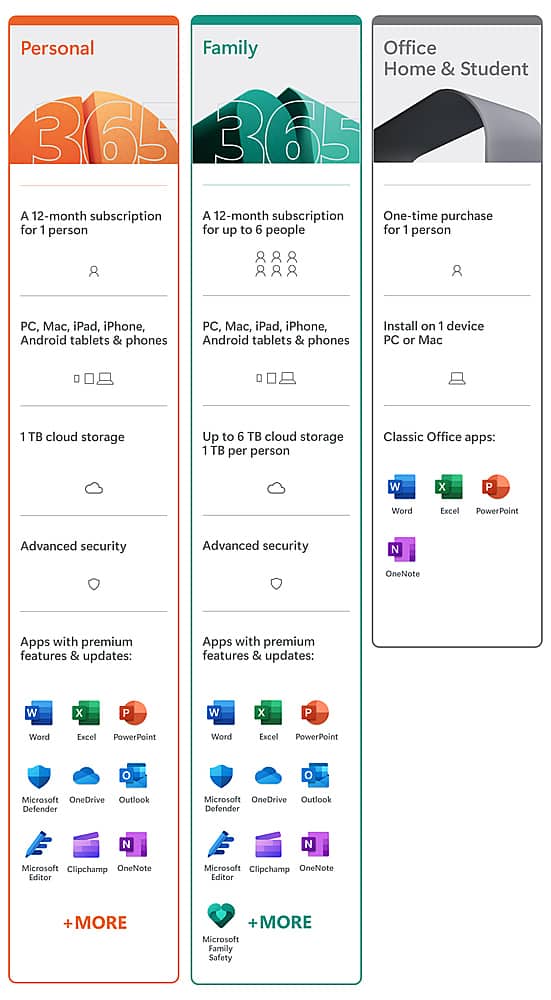
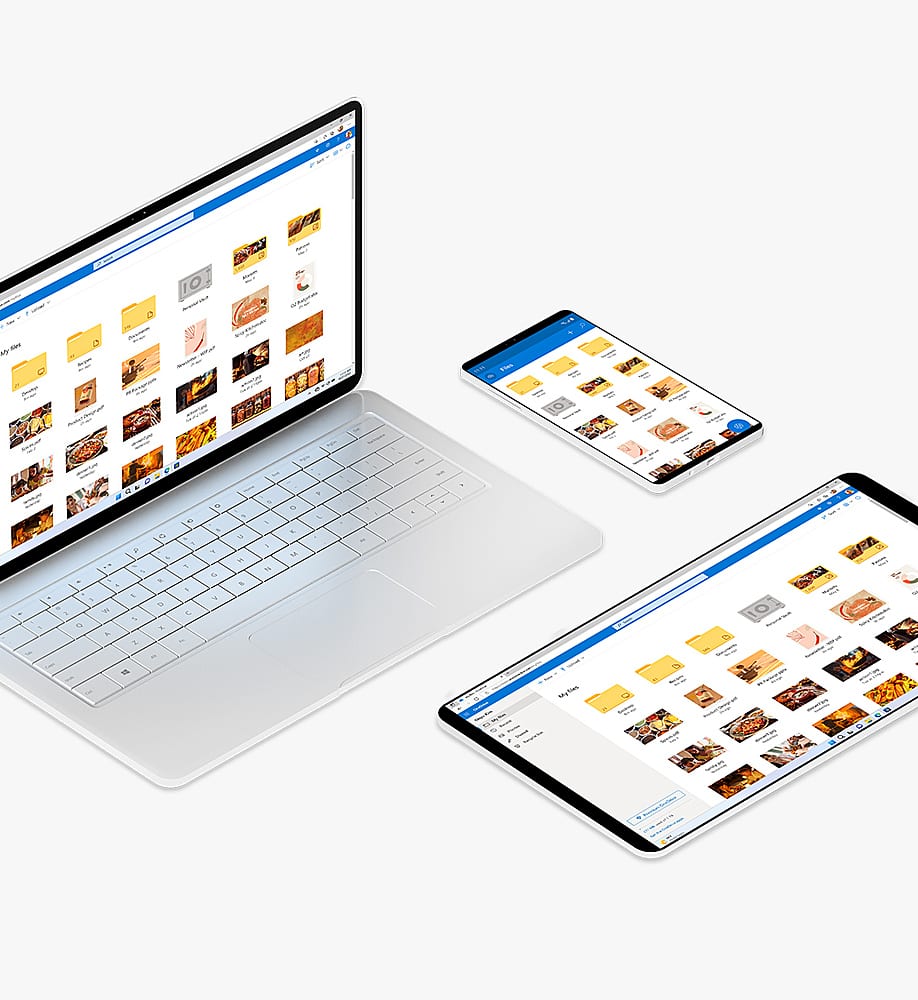
A:AnswerIt means that it will only be tied to one Microsoft Account. That one account will have 1TB of OneDrive cloud storage as well as the rest of the Office 365 perks like being able to be installed on multiple devices.