User rating, 4.5 out of 5 stars with 38951 reviews.
Show only Answered Questions
Include AI Generated Q&A
Asked 1 year ago by Anonymous.
Answered 1 year ago by Linda
Asked 1 year ago by sean.
Answered 1 year ago by JorgeV
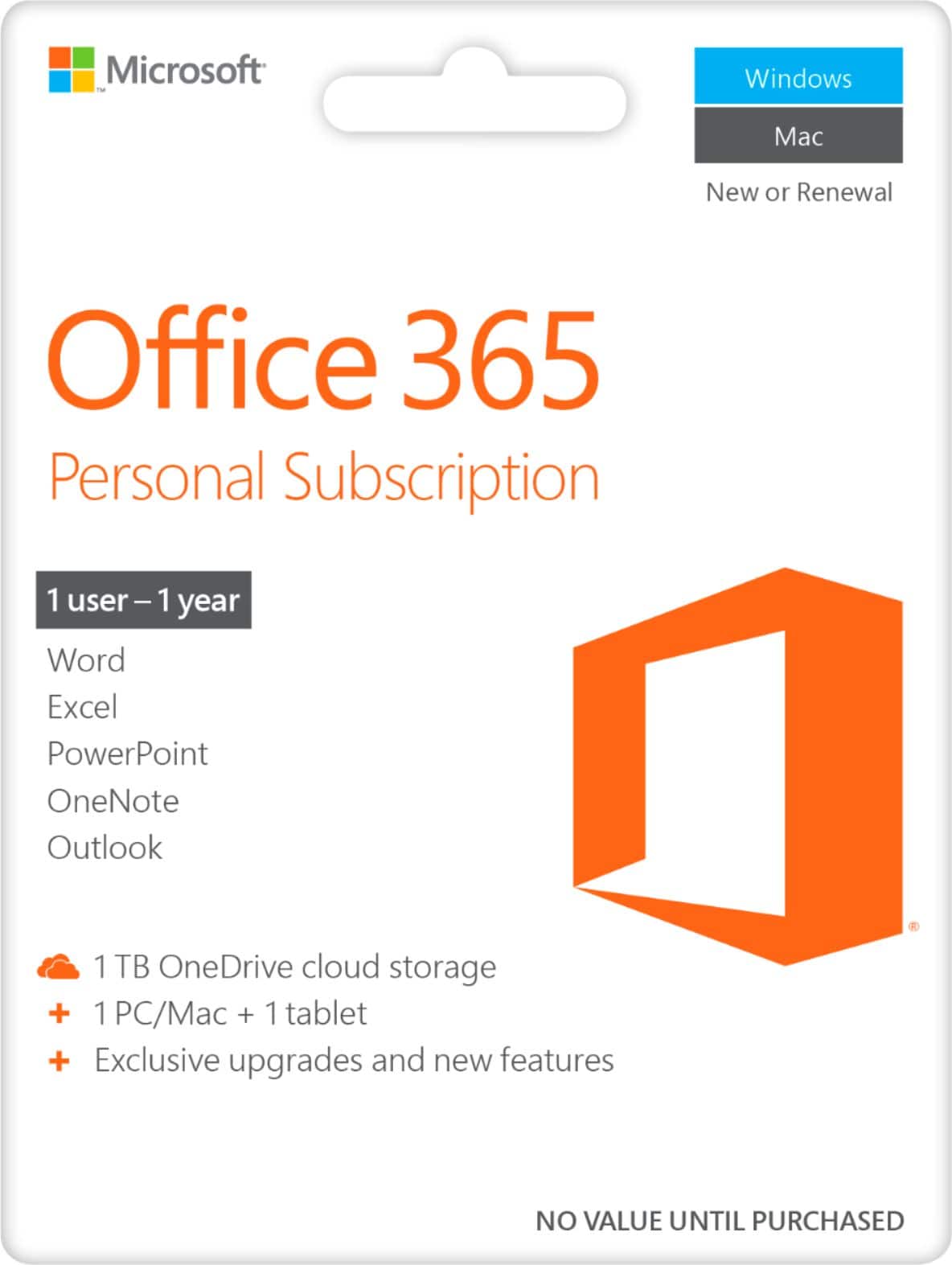
This question was asked about the related product: Microsoft - Office 365 Personal (1 Person) (12-Month Subscription) - Activation Required - Windows, Mac OS, Apple iOS, Android [Digital]
Answered 1 year ago by AracelyVVerified Purchase
Asked 1 year ago by mlp1.
This question was asked about the related product: Microsoft - Office 365 Personal (1 Person) (12-Month Subscription-Auto Renew) - Windows
Answered 1 year ago by AlexandraN
Asked 1 year ago by maud.
Asked 1 year ago by Tom.
Answered 1 year ago by AnonymousVerified Purchase
Answered 1 year ago by DixieH
Asked 1 year ago by Sweetbaby58.
Answered 1 year ago by KathyBVerified Purchase
Asked 1 year ago by Lovesherhubby.
Answered 1 year ago by JamesS
Asked 1 year ago by e.
Answered 1 year ago by OwneriPadVerified Purchase
Asked 1 year ago by Red.
Asked 1 year ago by dummy.
Asked 1 year ago by Cyberray.
Answered 1 year ago by Mask
Asked 1 year ago by Mark.
Answered 1 year ago by ChrisCruz
Asked 1 year ago by ron.
Answered 1 year ago by JosephGVerified Purchase
Asked 1 year ago by Laurie.
Answered 1 year ago by JovannaDVerified Purchase
Answered 1 year ago by GinoVVerified Purchase
Asked 1 year ago by editor.
This question was asked about the related product: Microsoft - 365 Personal (1-User) (1-Year Subscription - Auto Renew) - Android, Mac OS, Windows, Apple iOS
Answered 1 year ago by GinoV
Asked 1 year ago by DEBGO.
Answered 1 year ago by ValleVerified Purchase
Asked 1 year ago by Kat.
Answered 1 year ago by RubenDP
User rating, 4.8 out of 5 stars with 5516 reviews.
User rating, 4.9 out of 5 stars with 1549 reviews.
User rating, 4.8 out of 5 stars with 11496 reviews.
User rating, 4.6 out of 5 stars with 11 reviews.
User rating, 4.9 out of 5 stars with 189 reviews.
User rating, 4.9 out of 5 stars with 34 reviews.
User rating, 4.9 out of 5 stars with 791 reviews.
User rating, 4.6 out of 5 stars with 207 reviews.
User rating, 4.6 out of 5 stars with 3903 reviews.
User rating, 5 out of 5 stars with 4 reviews.
User rating, 4.5 out of 5 stars with 273 reviews.
User rating, 4.9 out of 5 stars with 1135 reviews.
User rating, 4.6 out of 5 stars with 9 reviews.
User rating, 4.8 out of 5 stars with 804 reviews.
User rating, 4.8 out of 5 stars with 2474 reviews.
User rating, 4.6 out of 5 stars with 25 reviews.
User rating, 4.9 out of 5 stars with 928 reviews.
User rating, 4.7 out of 5 stars with 258 reviews.
User rating, 4.5 out of 5 stars with 16 reviews.
User rating, 4.5 out of 5 stars with 30 reviews.