A:AnswerFor tips on how to maximize your Surface's battery life, please visit our website: https://support.microsoft.com/en-us/surface/maximize-your-surface-battery-life-45479867-a7fa-33dd-fc4d-6762e9b3b11a
A:AnswerIf you're trying to game on this and creat videos it will get the job done but it will run slow and will take longer to upload videos. There are other options around the same price range that perform better.
A:AnswerTo increase security and performance, Windows 10 in S mode only runs apps from the Microsoft Store. If you want to install an app that isn't available in the Microsoft Store, you'll need to permanently switch out of S mode. For more information on how to do this, please go here: https://support.microsoft.com/en-us/windows/switching-out-of-s-mode-in-windows-4f56d9be-99ec-6983-119f-031bfb28a307#WindowsVersion=Windows_11
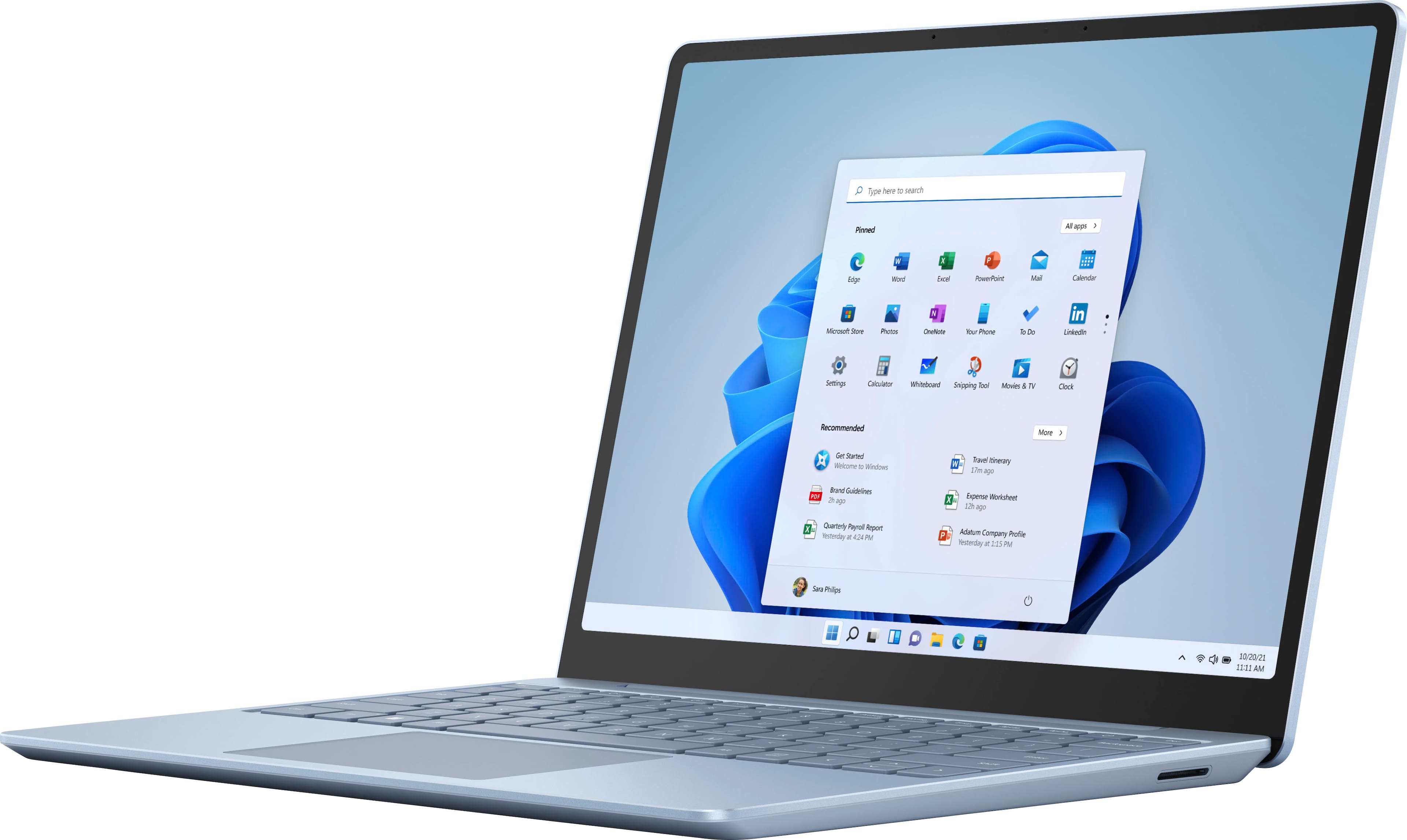
A:AnswerIt depends, the core I5 is good for most tasks. As long as you get the $700 model with 8gb of ram or more it should be able to run most of what you want. Just make sure it’s plugged it for more power optimization to the cpu and inter-grated GPU
A:AnswerIf you’re experiencing an issue with your Surface, please reach out to Microsoft Support on the Microsoft website for assistance. https://support.microsoft.com/en-us/contactus/?87981000
A:AnswerTo learn all the ways you can use your phone with our Surface, please visit our website here: https://support.microsoft.com/en-us/surface/using-surface-with-your-iphone-or-android-230a37a2-2e1e-7062-7fd3-929119b26729 For instructions on how to set up Windows Hello Fingerprint, go here: https://support.microsoft.com/en-us/windows/learn-about-windows-hello-and-set-it-up-dae28983-8242-bb2a-d3d1-87c9d265a5f0#WindowsVersion=Windows_10
A:AnswerWe suggest you reach out to Geek Squad to find out what options are available to transfer your data. https://www.bestbuy.com/site/services/geek-squad/pcmcat138100050018.c?id=pcmcat138100050018