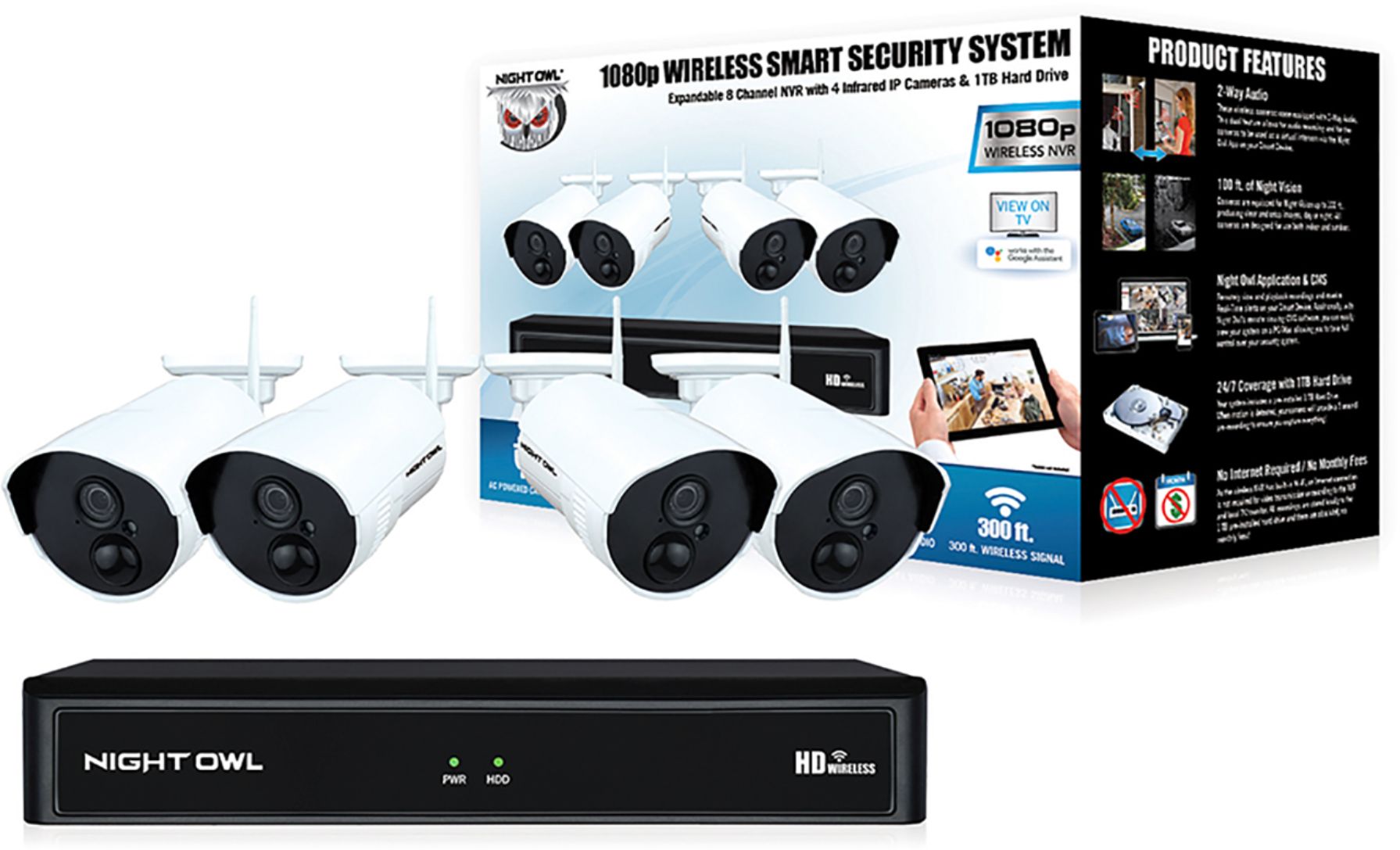
A:AnswerMost of our 1080p wireless cameras can be installed up to 300 ft. from your wireless device. Please note this is with direct line of sight. The more obstacles between your camera and wireless device, the weaker the signal strength. Thank you for choosing Night Owl!
A:AnswerIt depends on many factors. By default, our products are set to motion record, meaning they will only record when the cameras sense motion within the detection area. How long it takes the hard drive to become full depends on: 1) the size of the hard drive, 2) how many cameras are connected, 3) the recording resolution the cameras are set to, 4) the environment where the cameras are installed (how much traffic they detect) and 5) the recording setting for each camera ( motion, continuous, time schedule, etc...). Please view your products support page at the following link, should you need more information: https://support.nightowlsp.com/hc/en-us. We cannot guarantee compatibility with external HDD's. Thanks for choosing Night Owl!
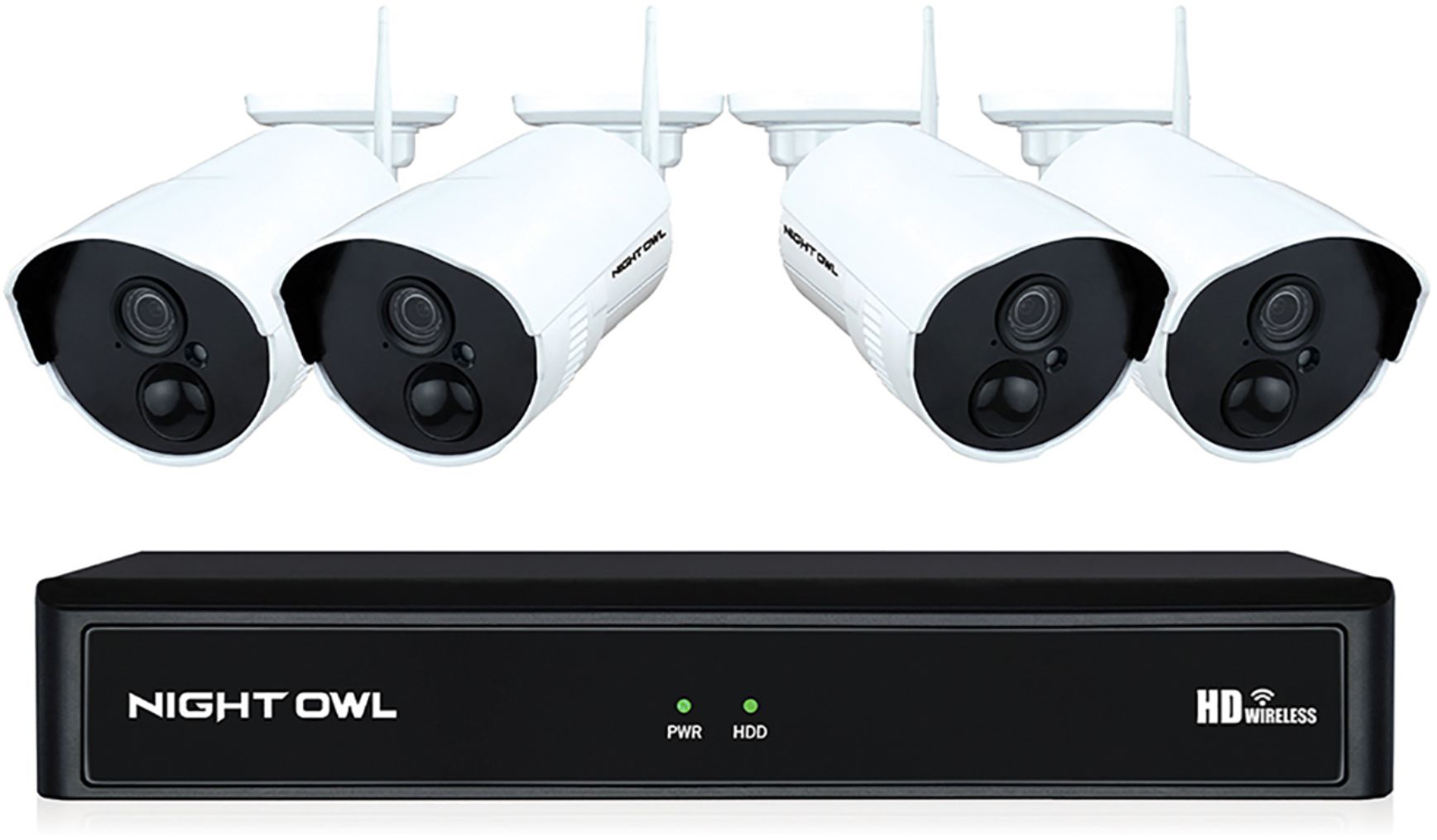
A:AnswerNo, the unit does not have to be kept running on the TV to function. Most customers do keep their unit connected to their TV via HDMI, as this enables them to quickly pull up their system's menu from a monitor to fully access the system. But by no means is this required, or does the TV have to constantly display the system. We do provide easy to access troubleshooting material on your products support page at https://support.nightowlsp.com/hc/en-us. If you need additional assistance, simply use the Contact Us link to reach our technical support team. Please ensure your device is running the latest software version to access phone support. We thank you for choosing Night Owl.
A:AnswerI got my box in the middle of the house. An my cameras are anywhere from 30 to 60 from the house. Plus I have the Orbi wifi system with the 3 satellite an it helped big time
A:AnswerYes, you can switch the recording mode from motion to continuous, to record 24/7. Keep in mind, this will eat through your available hard drive space at a much quicker rate. Once the hard drive becomes full, it is set to auto-overwrite old footage. Thank you for choosing Night Owl!
A:AnswerCurrently, Night Owl products utilizing the Night Owl Connect mobile App will work with the Google Assistant. This functionality allows you to use simple voice activated commands to live stream your cameras to your TV. To function, you will need a Chromecast enabled TV and a Google Home Device. Night Owl products are not currently compatible with any other smart home platforms. Thank you for choosing Night Owl!

A:AnswerAbsolutely. You will simply need to follow the pairing instructions in the Quick Setup Guide once you setup the new 8 Channel Wi-Fi NVR. Thank you!
A:AnswerThat is not a setup we can ensure with this product. The system comes with CMS software for viewing from a PC or MAC and a free remote viewing app to view on a Smart Device. However, you will be capped at 3 simultaneous users at any given time. Thank you for choosing Night Owl!

A:AnswerWe are sorry to hear about the circumstance and hope your friend is doing the best he can. This system should meet your needs and is fairly easy to install. You would be able to view the camera(s) from a TV/monitor or even from the comfort of your Smart Device with our Free app. The cameras have a 300 ft. range, though keep in mind, some obstacles such as brick and concrete walls will impede the signal strength. Thank you for choosing Night Owl. We wish you and your friend the best.
A:AnswerYes. You can connect the NVR to your TV using the included HDMI cable and access all of the NVR's settings, including Playback and Live View. Additionally, if you have a Google Home Device and a Chromecast enabled TV, you can use Google Assistant to live stream to your TV. Thank you!