A:AnswerNo it is not required but without it you will only be able to view it locally with no PC or phone remote viewing. You can also use a wireless hub on it for as cheap as $40 to keep from running Ethernet cables but the connection can be spotty at times depending on the range to your wireless router.
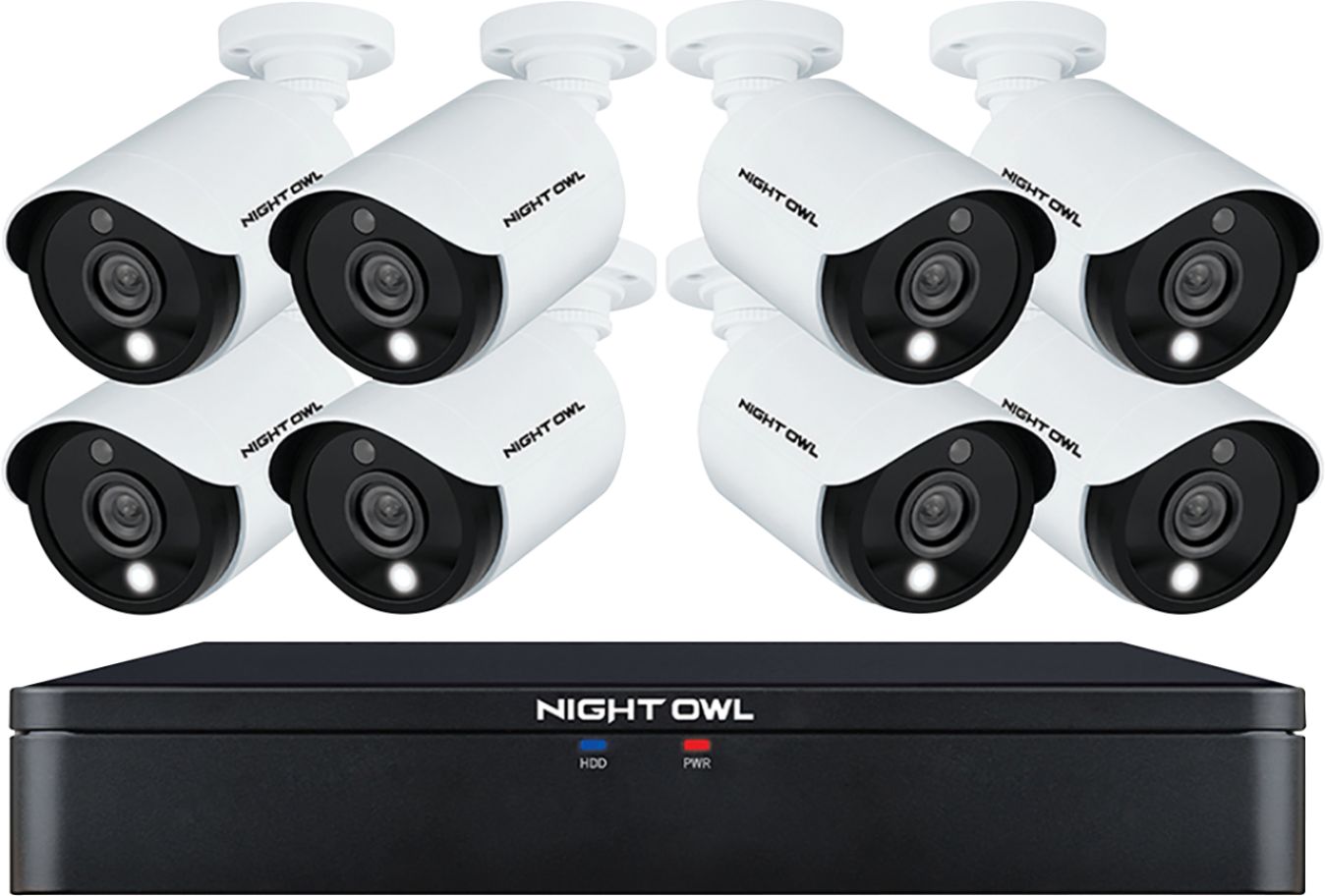
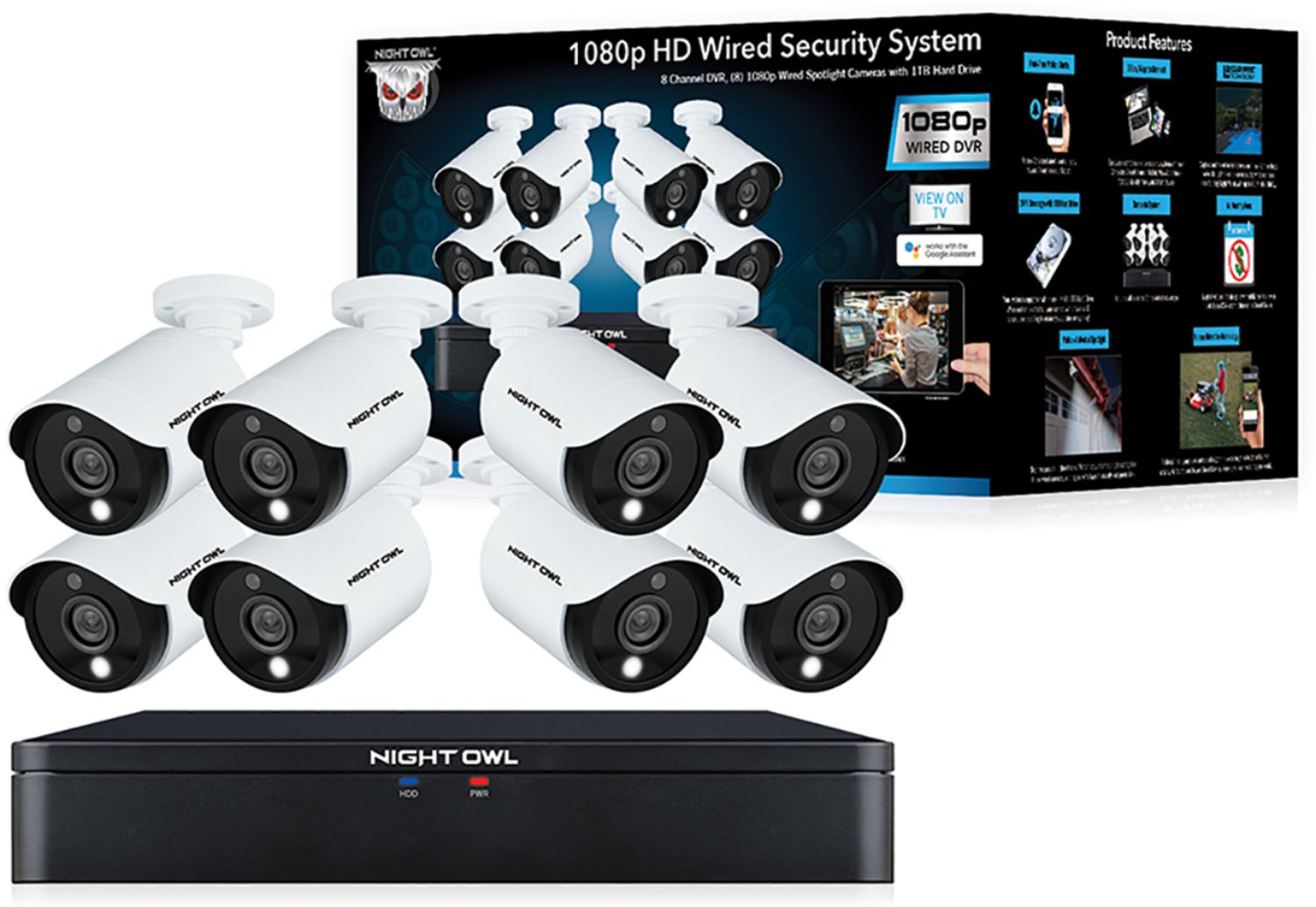
A:AnswerYes, this is a wired DVR. Each camera has to be connected to the DVR and power source. We include 1 x 60 ft. cable per camera. The Night Vision quality is very clear and up to 100 ft. Thank you for choosing Night Owl!
A:AnswerWe are sorry to hear you are experiencing an issue with your Night Owl product. Unfortunately, the issue you are having requires troubleshooting by our technical support team. We do provide easy to access troubleshooting material on your products support page at https://support.nightowlsp.com/hc/en-us. If you need additional assistance, simply use the Contact Us link to reach our technical support team. Please ensure your device is running the latest software version to access phone support. We thank you for choosing Night Owl.
A:AnswerAuto de let is an option and it depends if you go 24/ or motion sensor it can be months or weeks. It's 1 tb of memory so it's a while before it fills up.
A:AnswerOur C20X series is 1080p, or 2MP (megapixel). It is capped at 2MP and will not be compatible with our 5MP cameras as they exceed that cap. Thank you!
A:AnswerEach camera needs a power source, but it's worth it, wireless cameras are not stable. I had a wireless system and I replaced with this one, big difference
A:AnswerThese cameras have a built-in motion activated spotlight. No bulbs are needed. Anytime one of the cameras senses human motion, the light will activate. Thank you for choosing Night Owl!
A:AnswerYou can use Ethernet cable, CAT5, CAT5e or CAT6. You simply need to purchase 1 video balun for each camera. See link below for more info. https://nightowlsp.com/a-vb-poe-bnc.html
A:AnswerNo, no fees required. You simply need to have a Chromecast enabled TV and a Google Home Device. Please view the following link for more info! https://support.nightowlsp.com/hc/en-us/categories/360001802933-Night-Owl-Connect-Google-Home
A:AnswerYour Night Owl device only needs to be connected to a modem/router if you wish to view it remotely on a PC/MAC or a Smart Device. To remotely view your system, you must manually connect an Ethernet cable from your modem/router to the DVR/NVR. If you do not want remote viewing, you can connect the system to a TV or monitor to view live video feed and recordings. Thanks for choosing Night Owl!