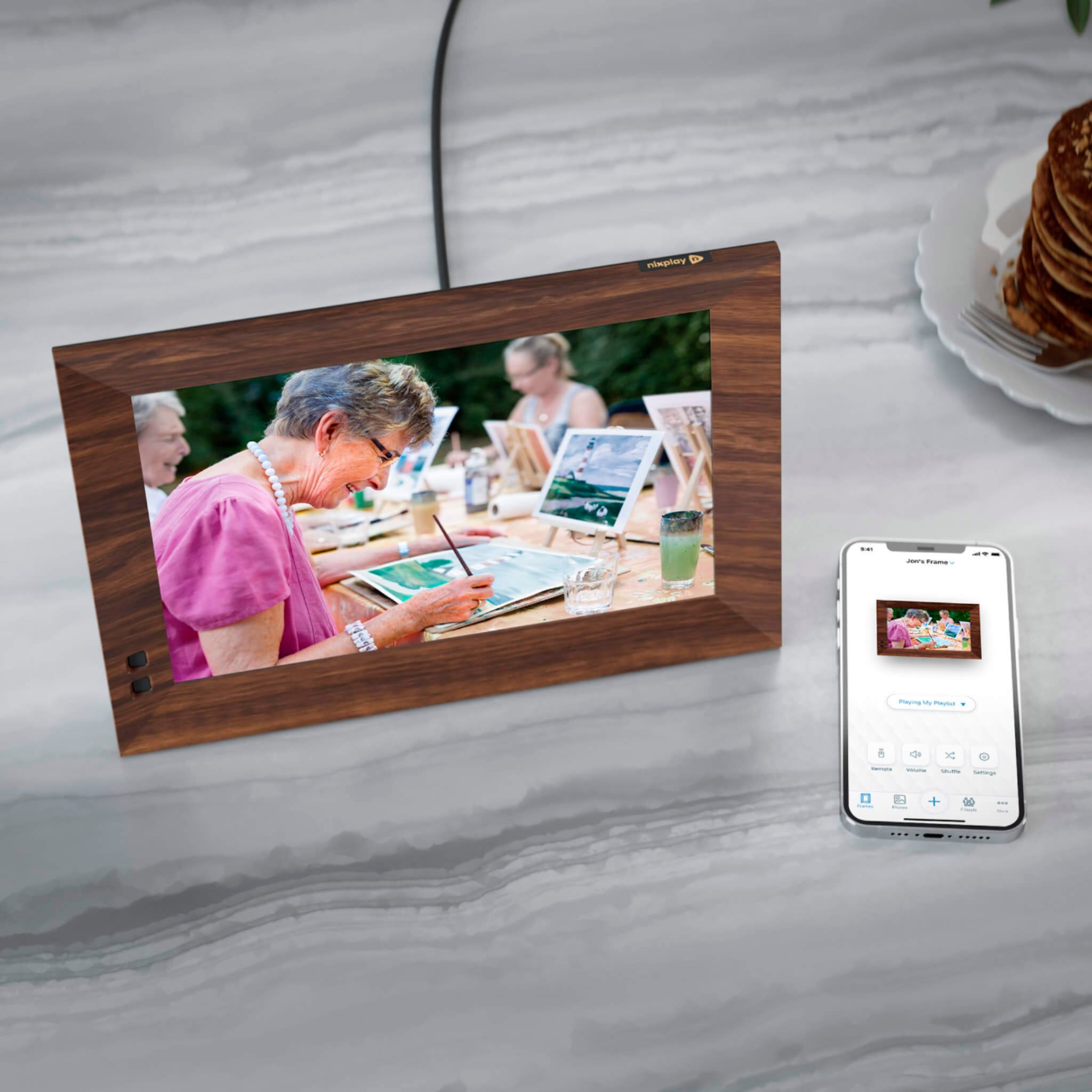
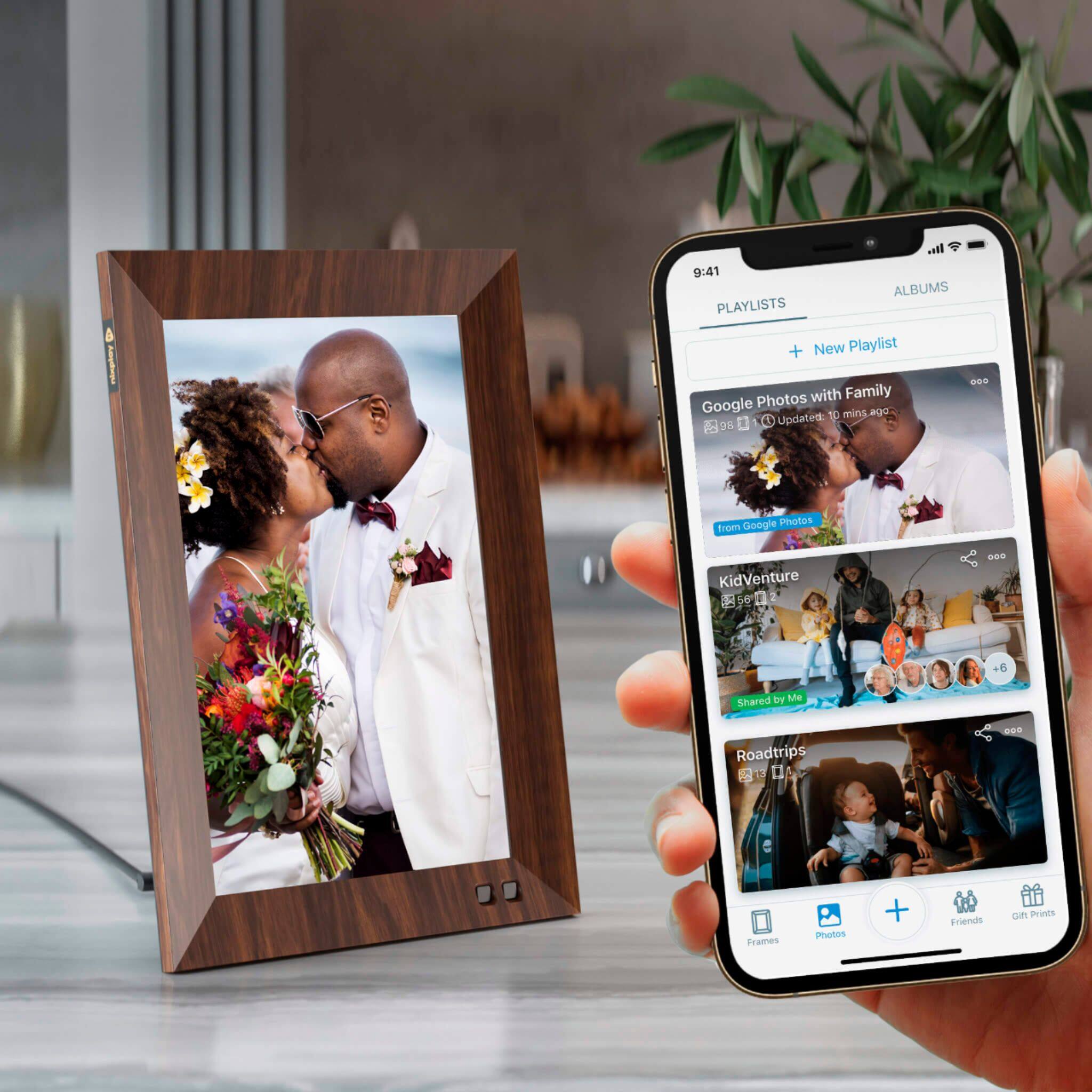
A:AnswerYour photos are not stored in your Nixplay Frame but instead are storage on the Nixplay Cloud. All you need to do is to pair your new frame to your Nixplay account and assign your specific playlists with your photos to your new frame.
A:AnswerNixplay frames only support audio for the 15 second videos. Nixplay frames currently are not able to play background music with photos. The only way to do this is to create a slide of photos with audio as a 15 sec video and play it on the Nixplay frame. Users can choose to join the Nixplay Plus membership to play up to 1 min video in addition to other benefits such as extended cloud storage, exclusive discounts on Nixplay Prints etc.
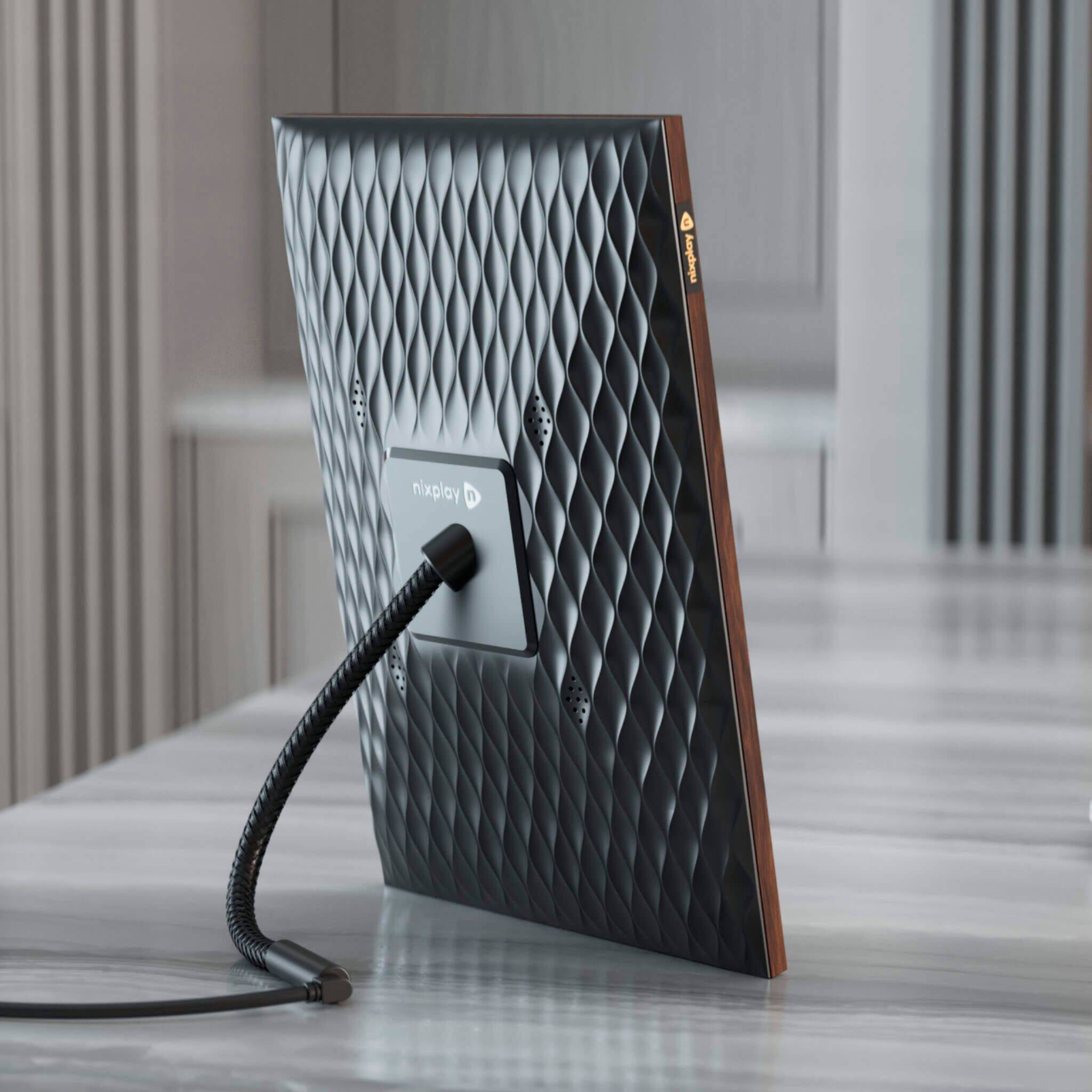
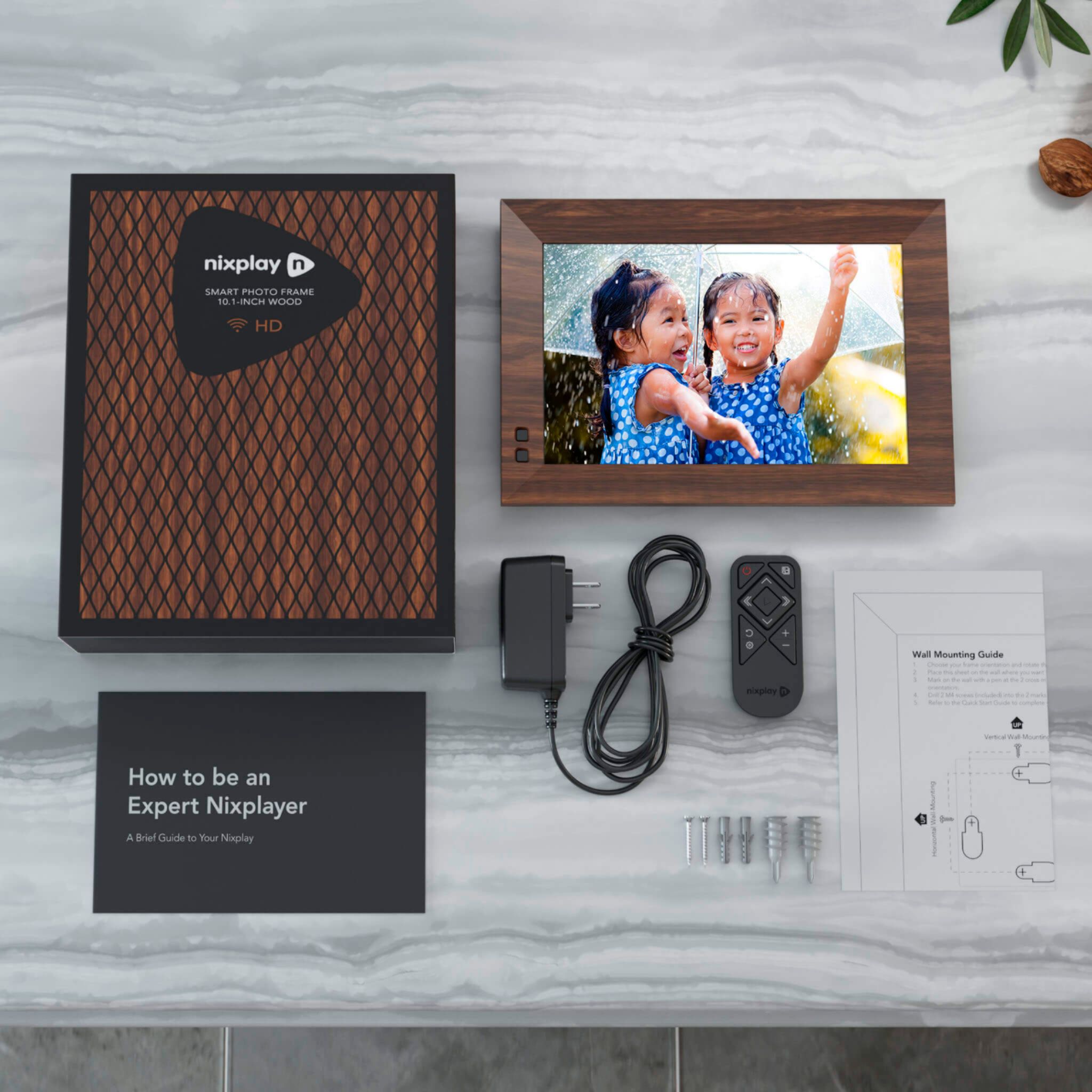
A:AnswerThe Nixplay Smart Frames supports pictures and videos which can be sent to the frame through the Nixplay Mobile App, Web App or email. The Nixplay Smart Frames do not support SD Cards and USB Drives.
A:AnswerMine currently has about 500 in it… I read that it will hold about 2000. But the pics can be sorted into groups so that it only plays whatever group you want it to… or it can just play them all. Hope that helps.
A:AnswerYou can pair multiple Nixplay frames to a single Nixplay account. You can create multiple playlists and assign a different playlist to each of your Nixplay frames. You can even invite family or friends to share content to a specific playlist.
A:AnswerHi, firstly you should check if the Nixplay frame is connected to WiFi so that your new photos get synced. Secondly, please make sure that the photos you have uploaded are added to the playlist that is assigned to your Nixplay frame. Your photos will not display on the Nixplay frame if they are not assigned to the playlist that is running on your frame. If you still have issues, please reach out to [email protected] and our customer service team will help answer any questions you have.
A:AnswerNo, you will not lose your photos if you unplug your frame as the content is saved on the Nixplay Cloud. The Nixplay frame will start displaying your photos as soon as you turn the frame on. Once you connect to wi-fi, the frame will sync with the Nixplay cloud and push new content to your frame
A:AnswerYes, this is a Wifi Frame. It does have a number of transition choices, including fade.
And it does not have any SD Card or flash drive inputs. Thanks also.
A:AnswerHello,
About 2,000 photos can be stored in the frame.
It has 8gb memory for the pictures.
So, the total number of pictures will vary.
The 2,000 number is based on pictures from your cell phone.
The average cell phone picture is about 12mb.
If you upload pictures from a DSLR that takes 24mb pictures, then you will only be able to store about 1,000 pictures.
In my experience (6 months) I have not run out of room on the frame (uploading cell phone pictures).
Good Luck & Happy Holidays!
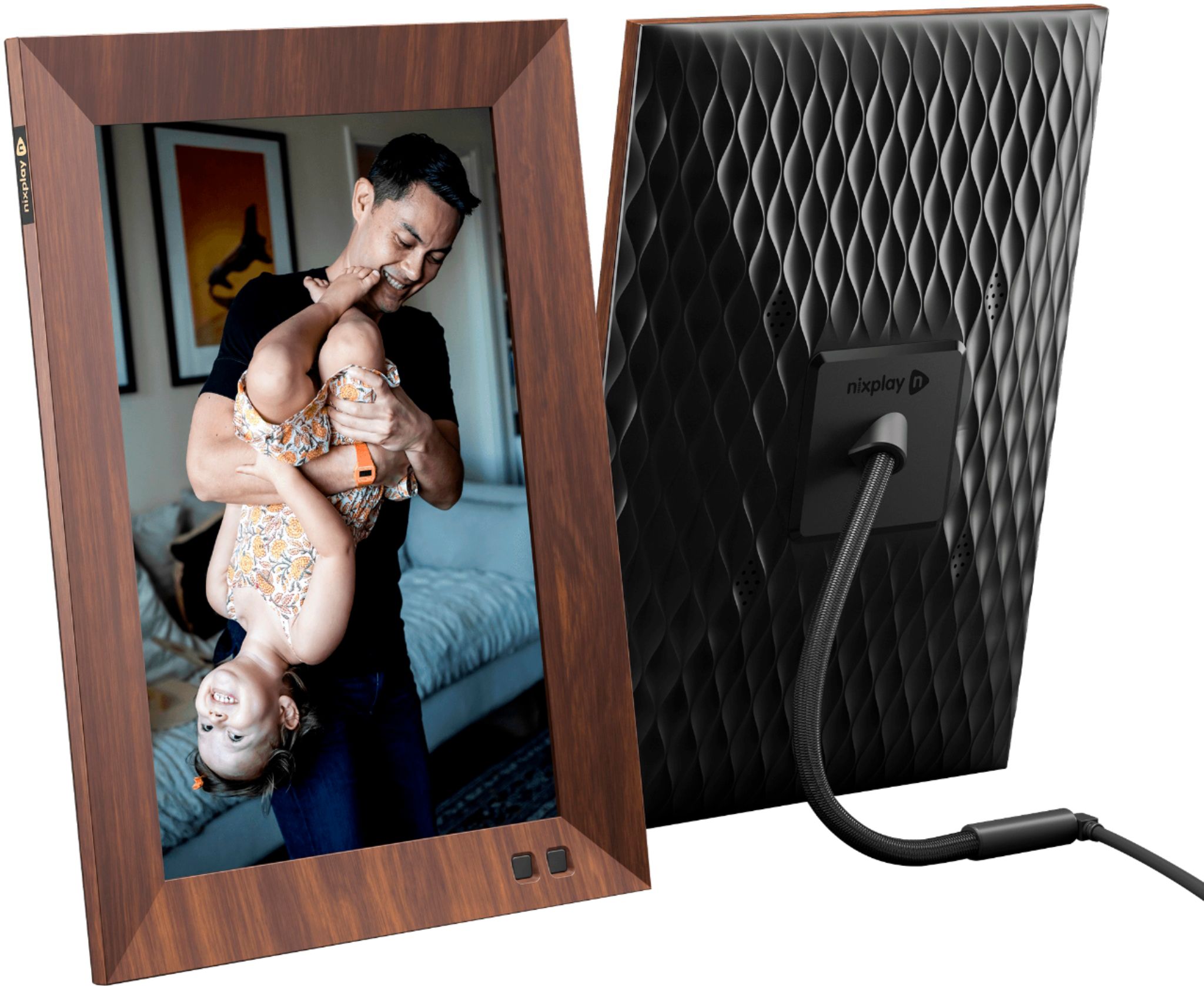
A:AnswerHi there. From the mobile app, you can upload up to 100 photos at a time, 10 of which can be videos. Not sure why you're only getting 9. Please contact Nixplay Customer Support so we can help you out with this.