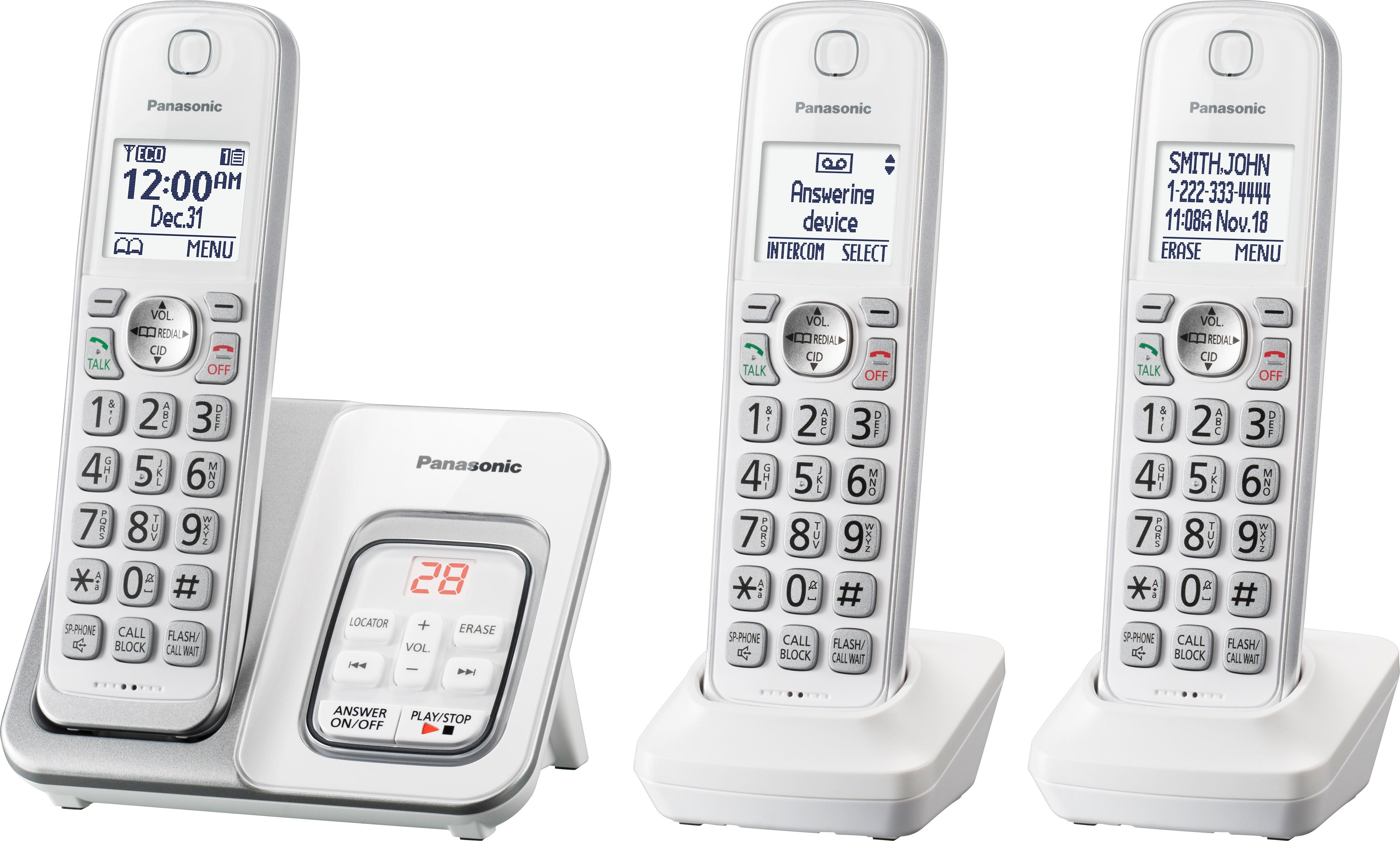
A:AnswerYes, you will need to scroll through the list, however we recommend to assign numbers to speed dial for quick access. Also, you can put the numbers in different groups in order to be easier to find and call.
A:AnswerThank you for reaching out. Yes, the phone allows using menu codes. You need to press MENU then the # key and then put in the 3 digit code for the dedicated setting, as shown in the operating instructions.
A:AnswerHi! You can turn off the ringer on each individual handset. This model also has call block. For call waiting and caller ID, please take note that you need to be subscribed to these servicer with your phone company in order to work.
A:AnswerThank you for your question. We deeply appreciate you took the time to provide us with your feedback, as it helps us in improving our technology and services. There is only one adapter that is compatible with the base unit of this phone.
A:AnswerThank you for your question! The system can take up to 6 handsets in total, which means that you are able to connect a 4th one. The compatible model number for the additional handset is KX-TGDA50/KX-TGDA51. The new handsets need to be registered to the base unit. To register, you have to press MENU # 1 3 0 on the handset you wish to register. Then you have to press and hold LOCATOR on the base for 5 seconds. On the handset, you have to press OK.
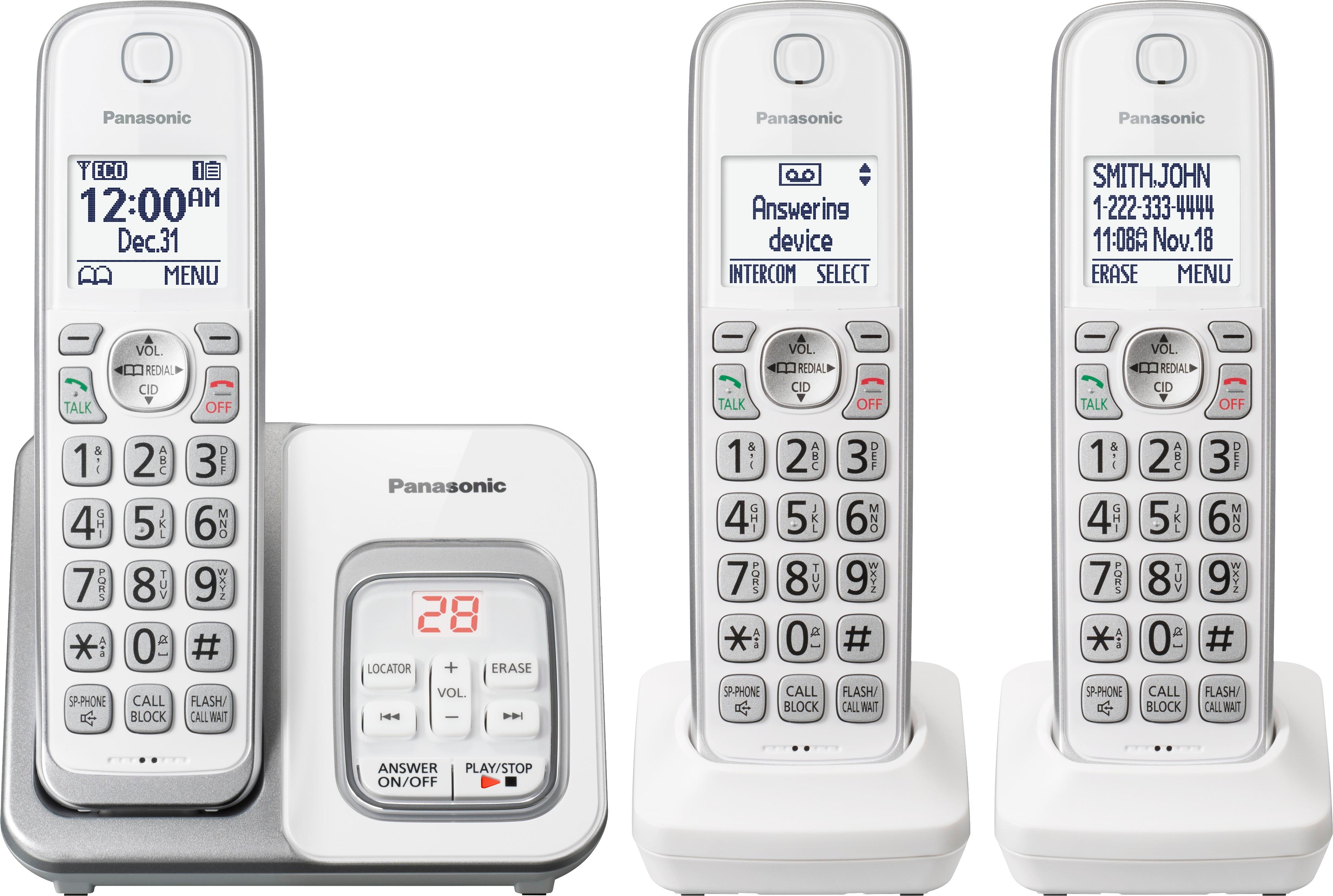
A:AnswerYou can expand your phone system by registering optional handsets (6 max.) to a single base
unit. The optional handsets are: KX-TGDA50/KX-TGDA51.
A:AnswerWe were never able to add another one also. I honestly dont think there is a way that is not cheaper then just getting 4 phones. So we never got one and just got another cell instead.