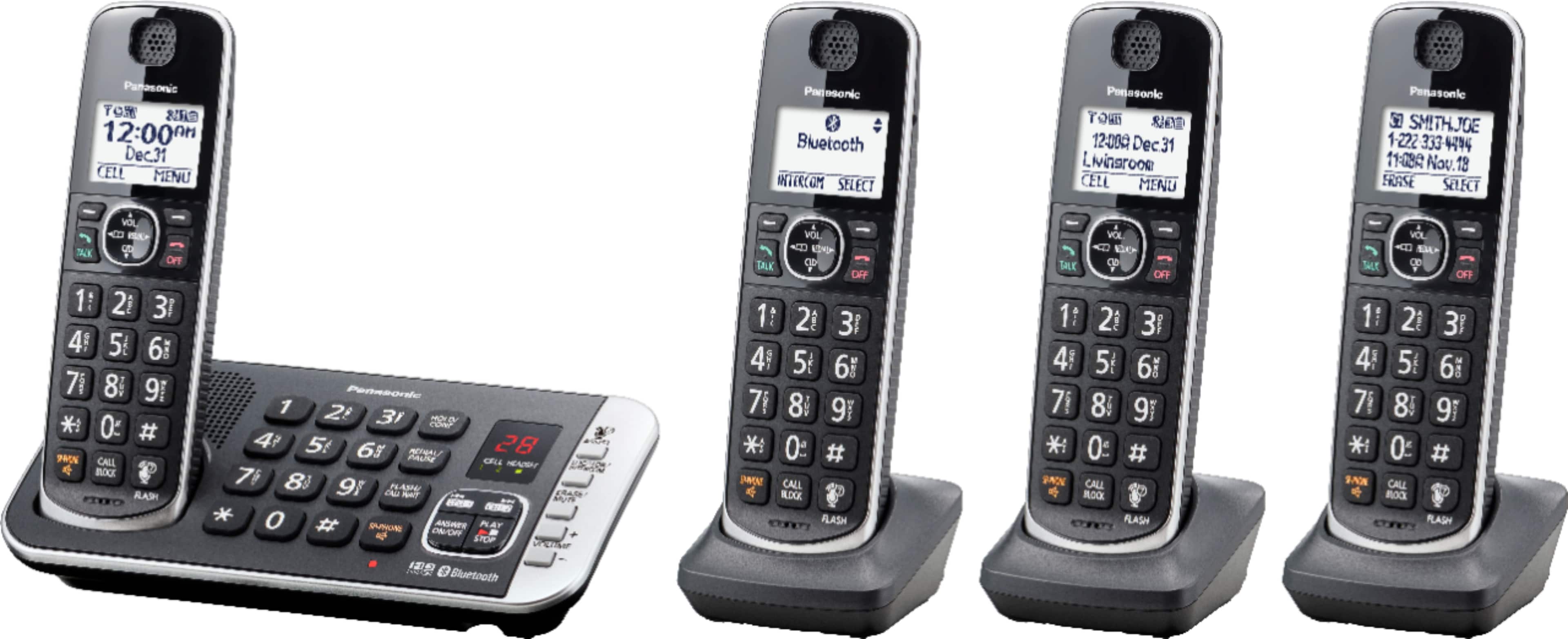
A:AnswerHello there! The phone system is cordless, only the main base unit needs to be connected with a power cord. Each handset comes with a set of rechargeable batteries included, which can be charged by placing the handsets on their charging bases (also included). We hope this helps! - F
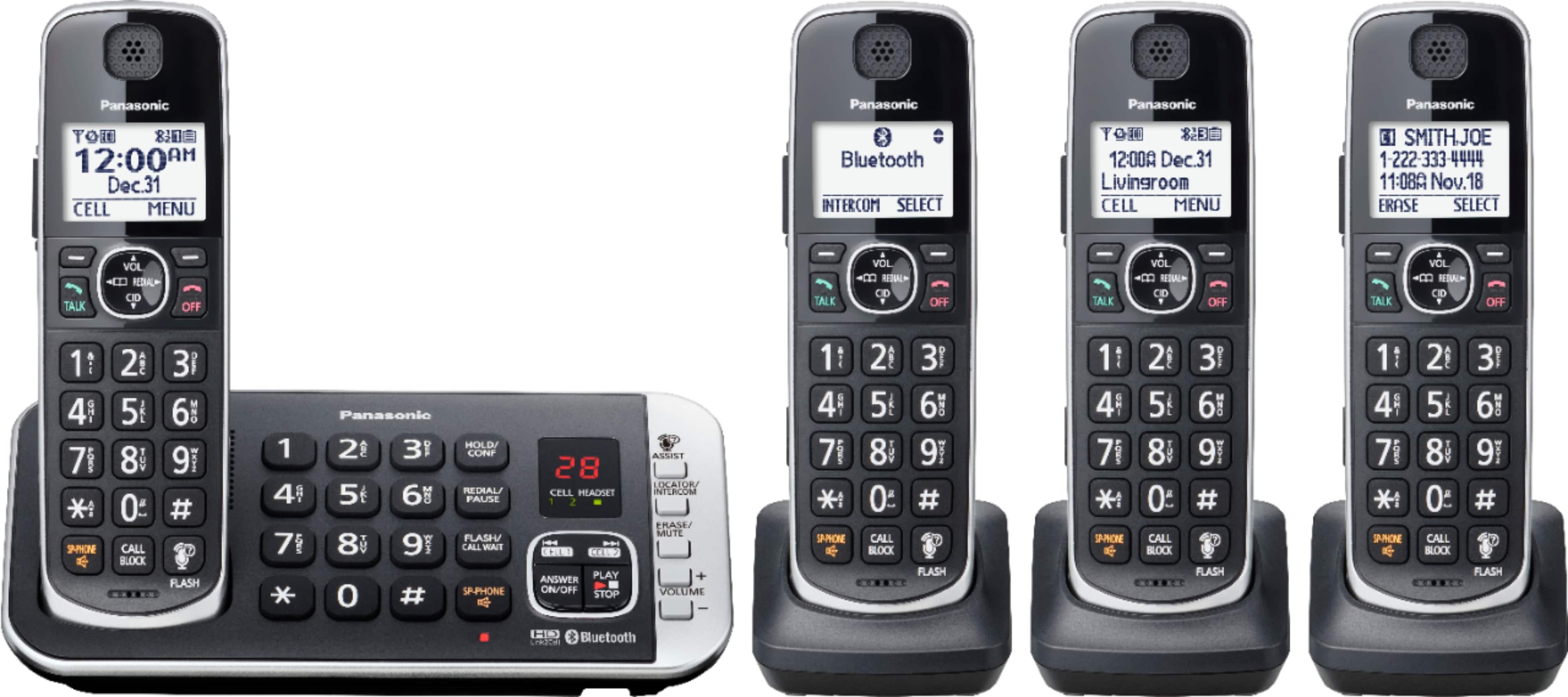
A:AnswerHello Mike! The phone system comes with a charging stand for each handset. The charging stand will need to be connected via a cord to a power outlet (the cord is part of the charging stand). The batteries of the handsets will be kept charged by placing the handsets on their charging stands. We hope this helps! - F
A:AnswerHi there! In order to unblock a number that has been blocked please press the CALL BLOCK button, then select "Block a single number". After that please select the phone number you wish to unblock, press ERASE then select YES. We hope this helps! - S
A:AnswerYes, the base unit has to be plugged into the phone signal source with the included copper wire plugs. We have a large house, the the signal is clear throughout (100 ft +, and through multiple walls. I haven't tried a hand unit outside, but the previous Panasonic reach was at least 50 ft beyond the house through aluminum siding.
A:AnswerHello! The phone system has the Baby monitor function that allows you to listen in on a room when another handset is located, allowing you to easily monitor from different areas of the house or even while away from home. -C
A:AnswerHello! The range of all our handsets is approximately 33 feet from the base unit. The range will also be influenced by the environment in which the phone system is placed, and if there are any electronics around that would weaken the signal (such as microwave ovens, Wi-Fi routers, and radios). Some of the similar phone systems are KX-TGF575 and KX-TGE475. Hope this helps! -C
A:AnswerI don't know if it's the same model I purchased but the pound sign usually does not delete messages. It skips them for later. I just go to the answering machine base and click "Erase".
A:AnswerHello! Thank you for bringing this matter to our attention. To add phonebook entries, you need to press the left arrow (Phonebook) on the handset, then press the MENU button. Then, press the up and down arrows to select "Add new entry". Enter the party's name, press OK, and enter the party's phone number and press OK again. The next step is to select the desired group and press SELECT 2 times and then the OFF button. Hope this helps! -C
A:AnswerHello! The KX-TGE633M phone system has the Talking Caller ID feature available. The phone system was not tested with VoIP service, only with a landline connection, we encourage you to check directly with the telephone service provider for information. Please note that if you encounter issues with the sound or related to Caller ID services when using VoIP, the phone may require a DSL/ADSL filter to be installed on the line by your telephone service provider. - S