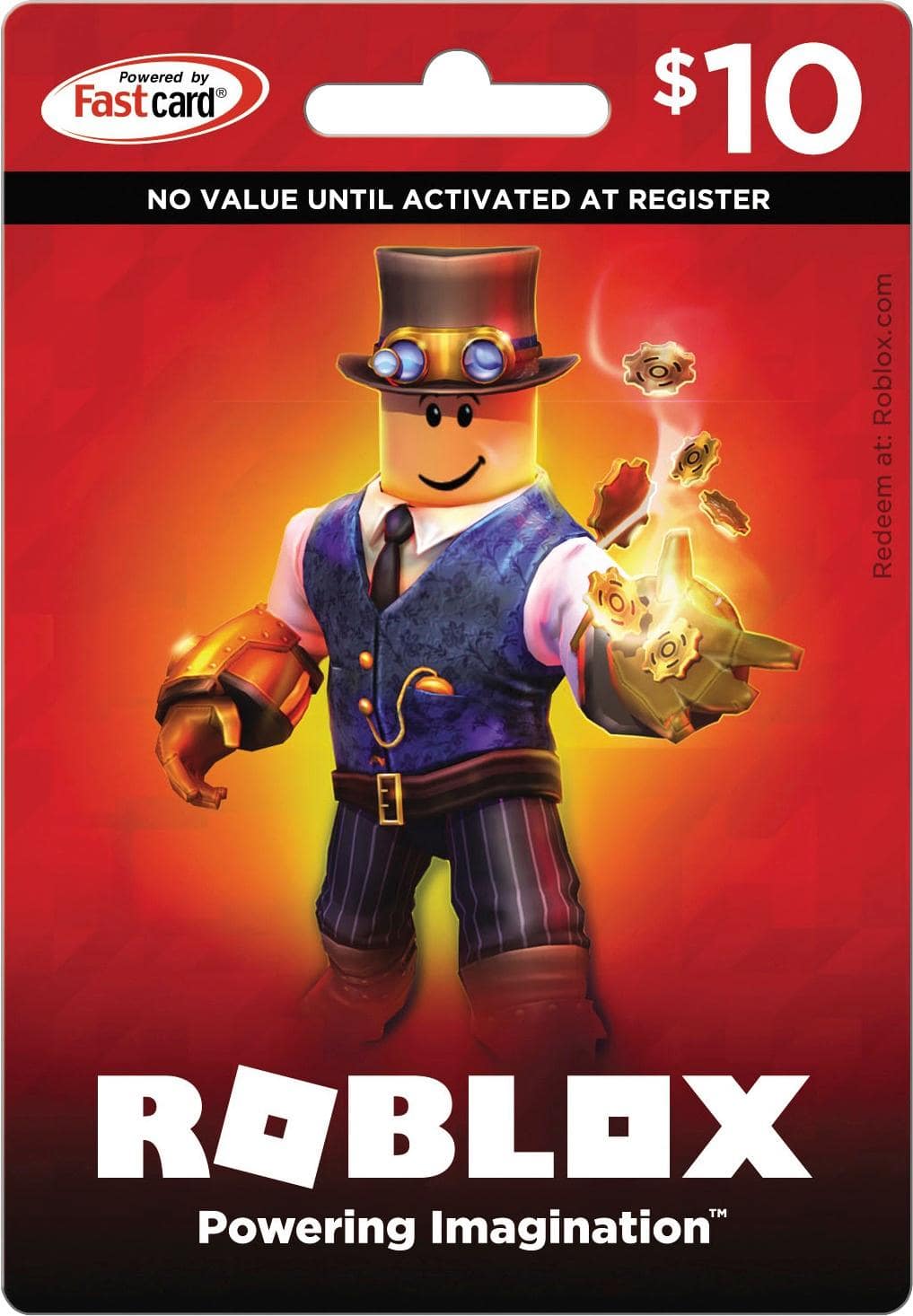
A:AnswerI looked it up and it said...
Log into your account on a browser.
Go to the Gift Card Redemption Page.
Enter the PIN from the Gift Card.
Select Redeem to add the Credit or Robux to your account.
A success message will appear when you successfully add the Credit to your account. ...
Click Use Credit to use your credit.
If that helps!
A:AnswerThe exact amount of Robux you receive for a $25 gift card can vary depending on any ongoing promotions or exchange rates. Typically, a $25 Roblox gift card in Canada would give you around 2000 Robux, but it's best to check the current exchange rate or any specific offers directly on the Roblox website or through authorized retailers in Canada.