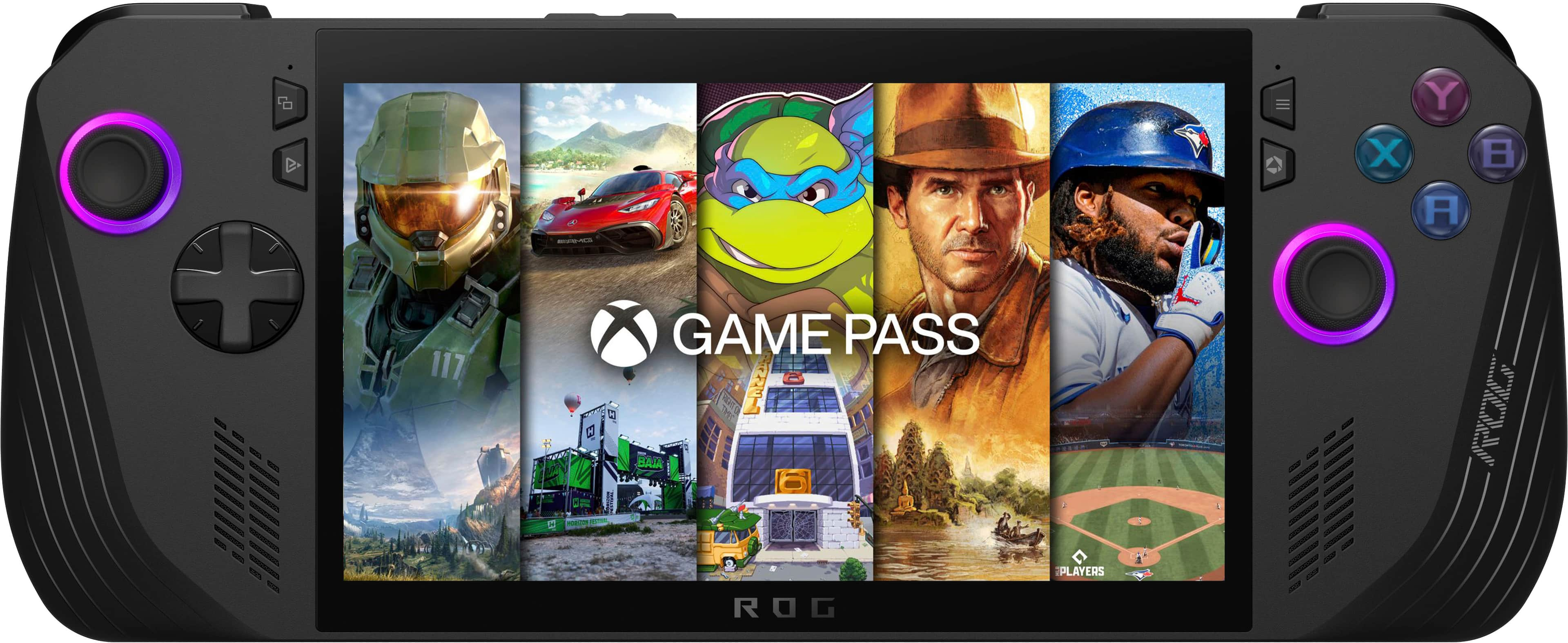
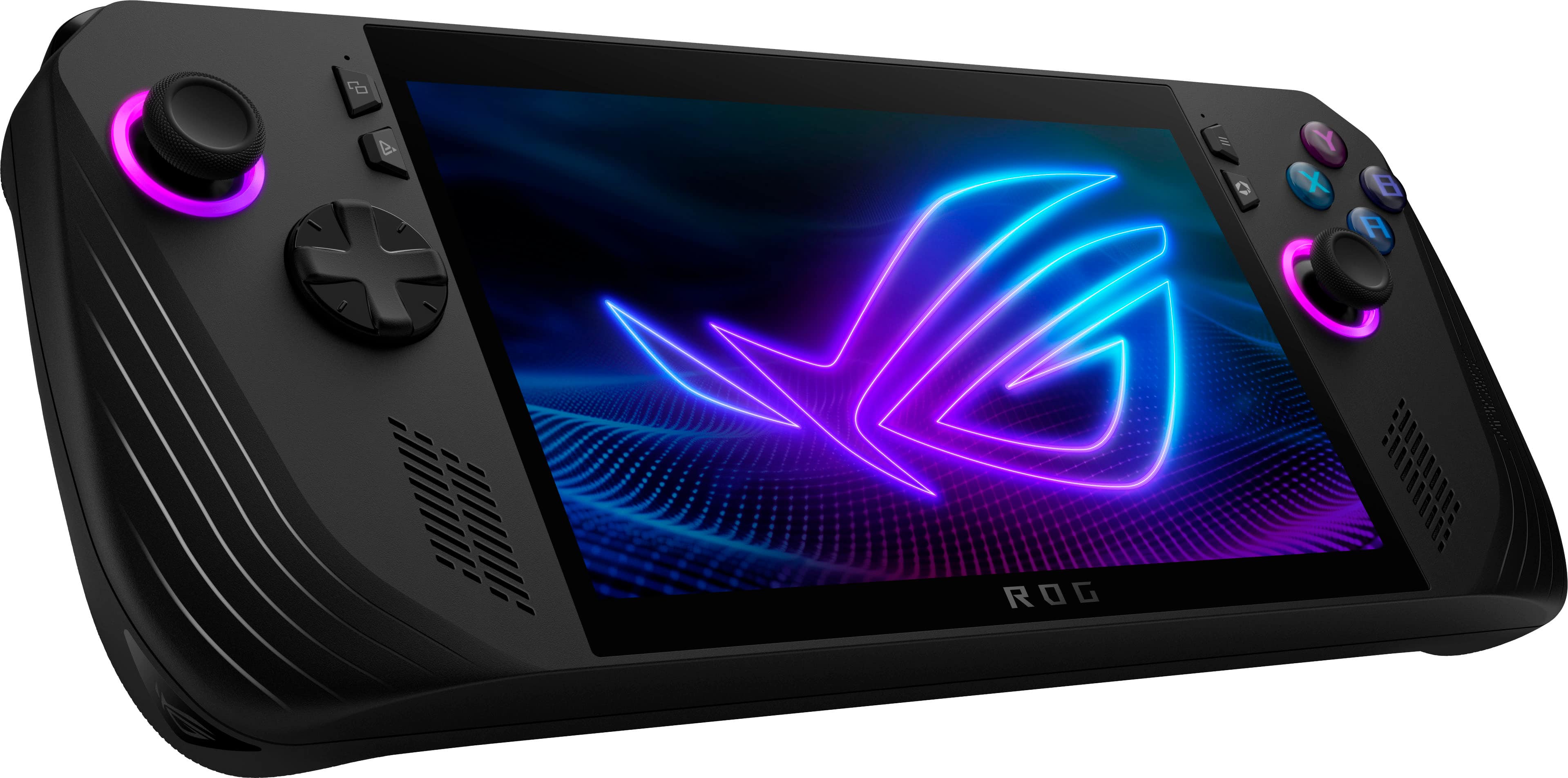
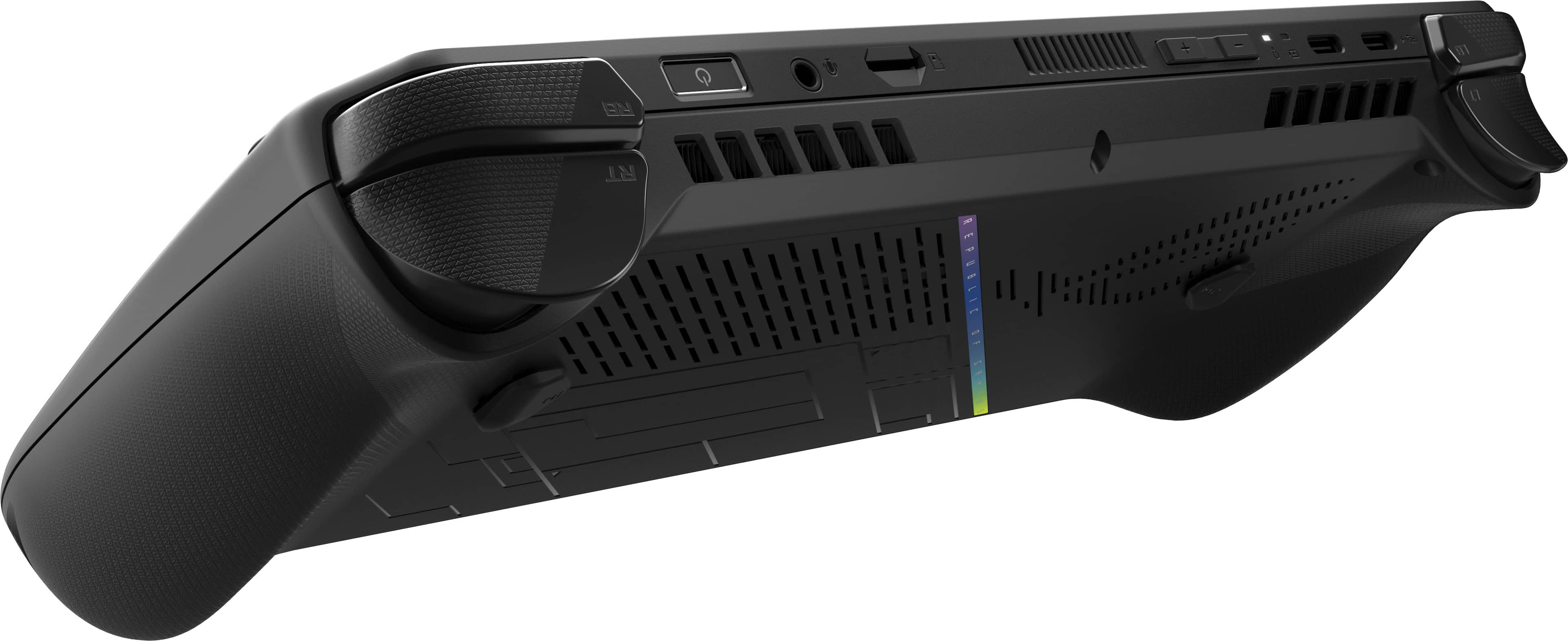
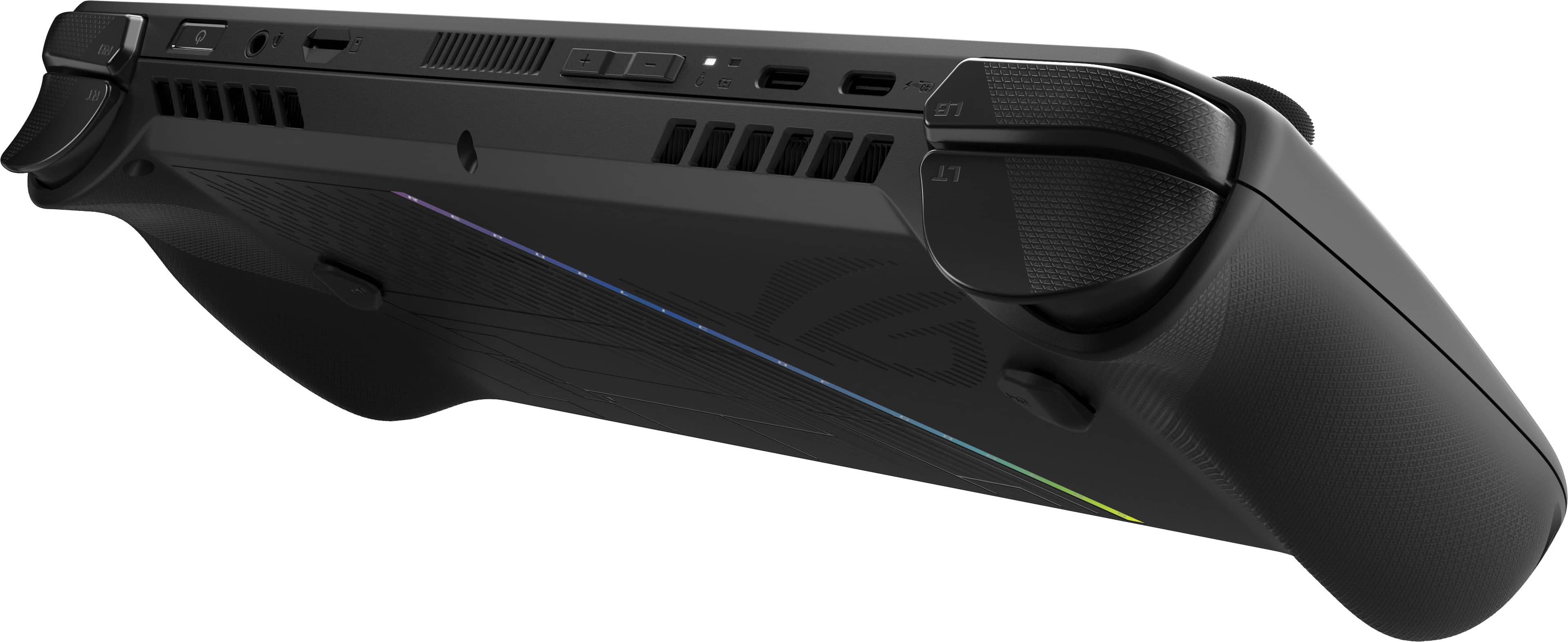
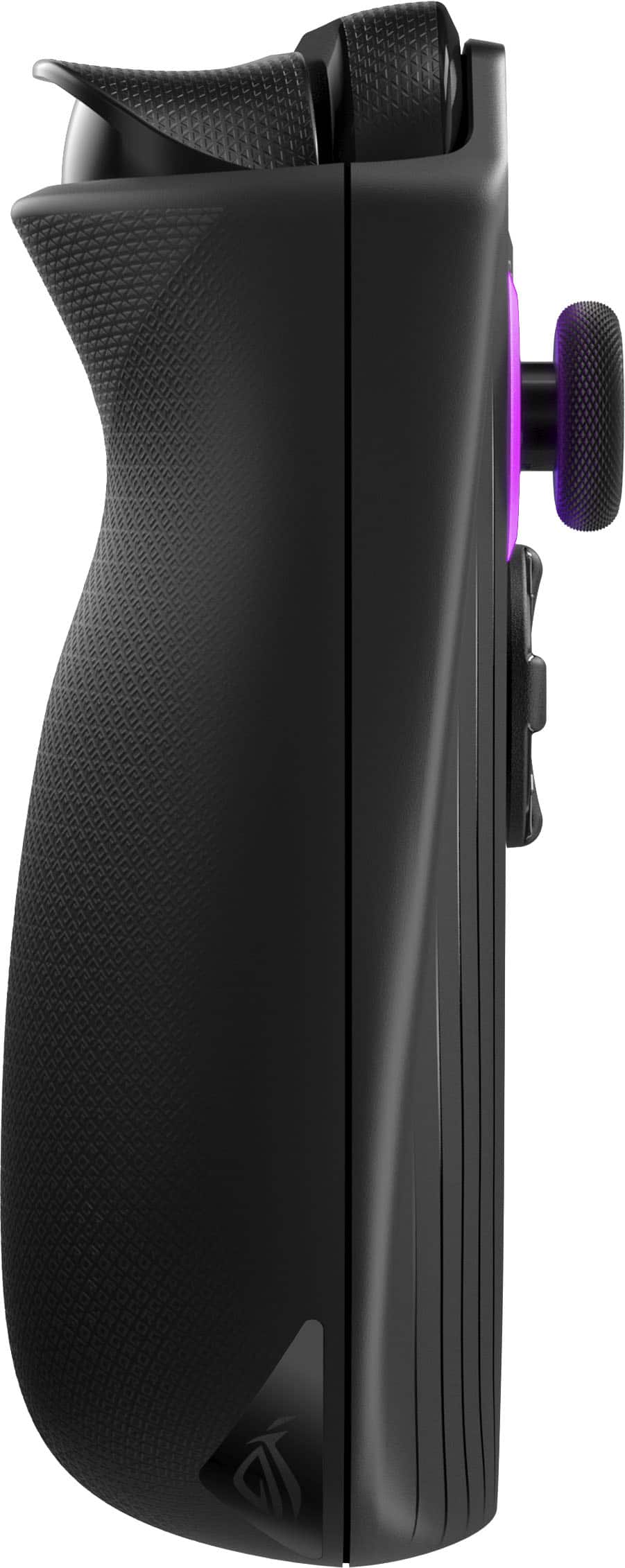
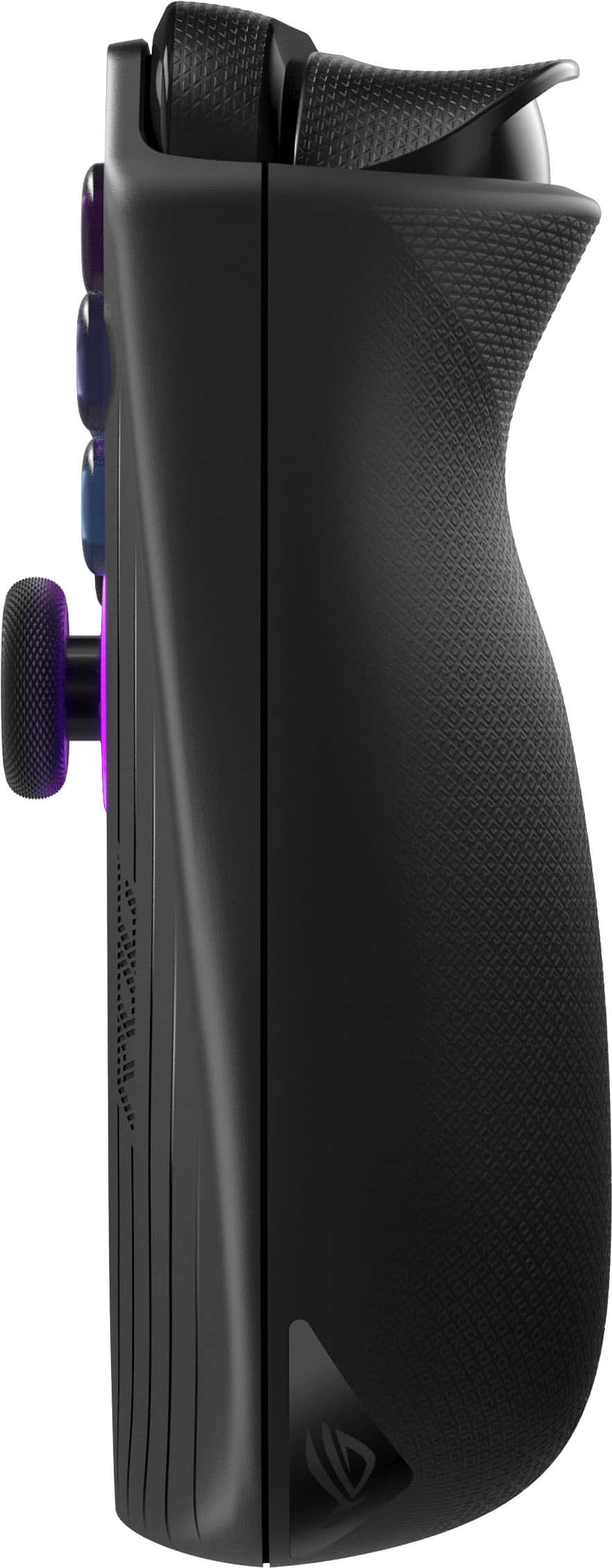
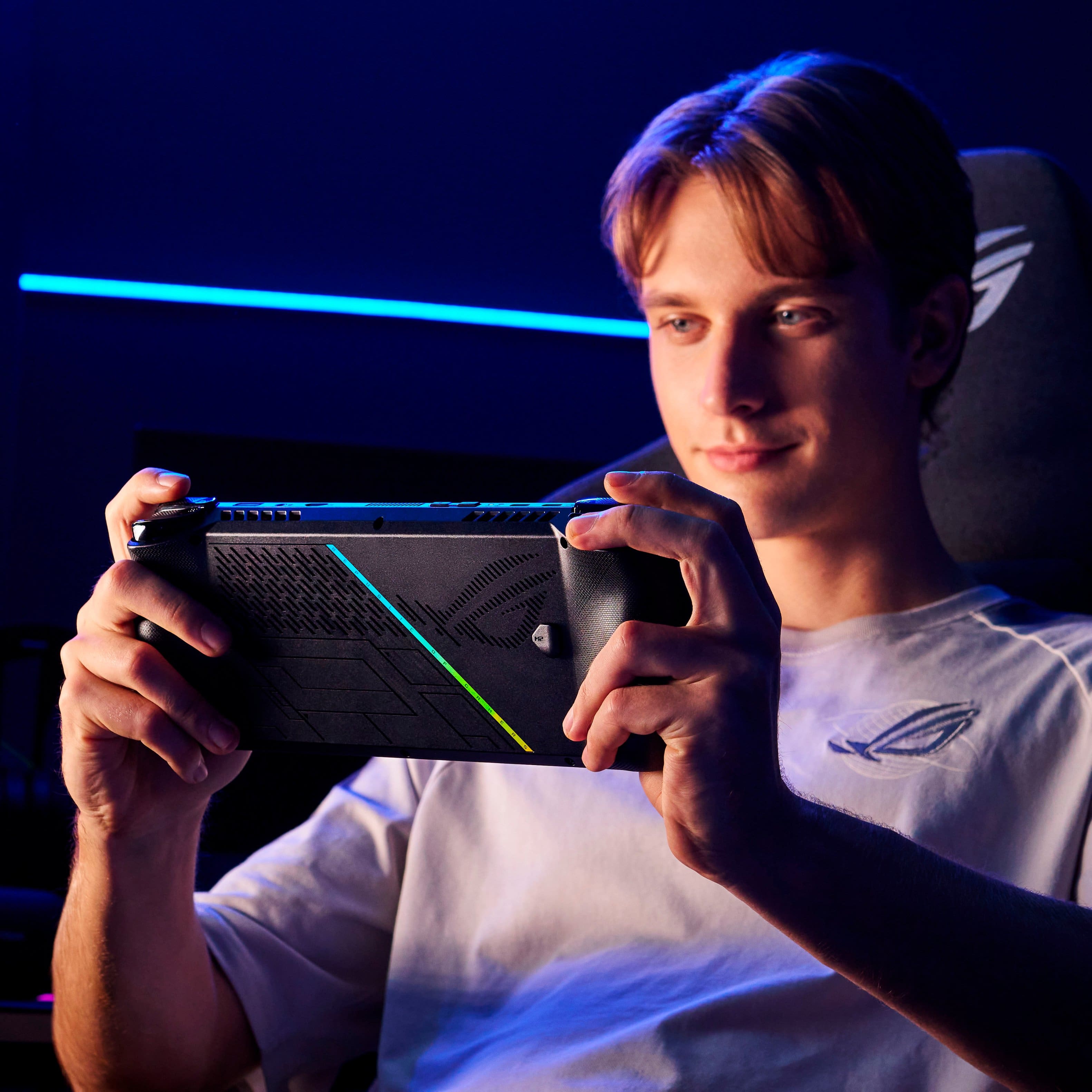
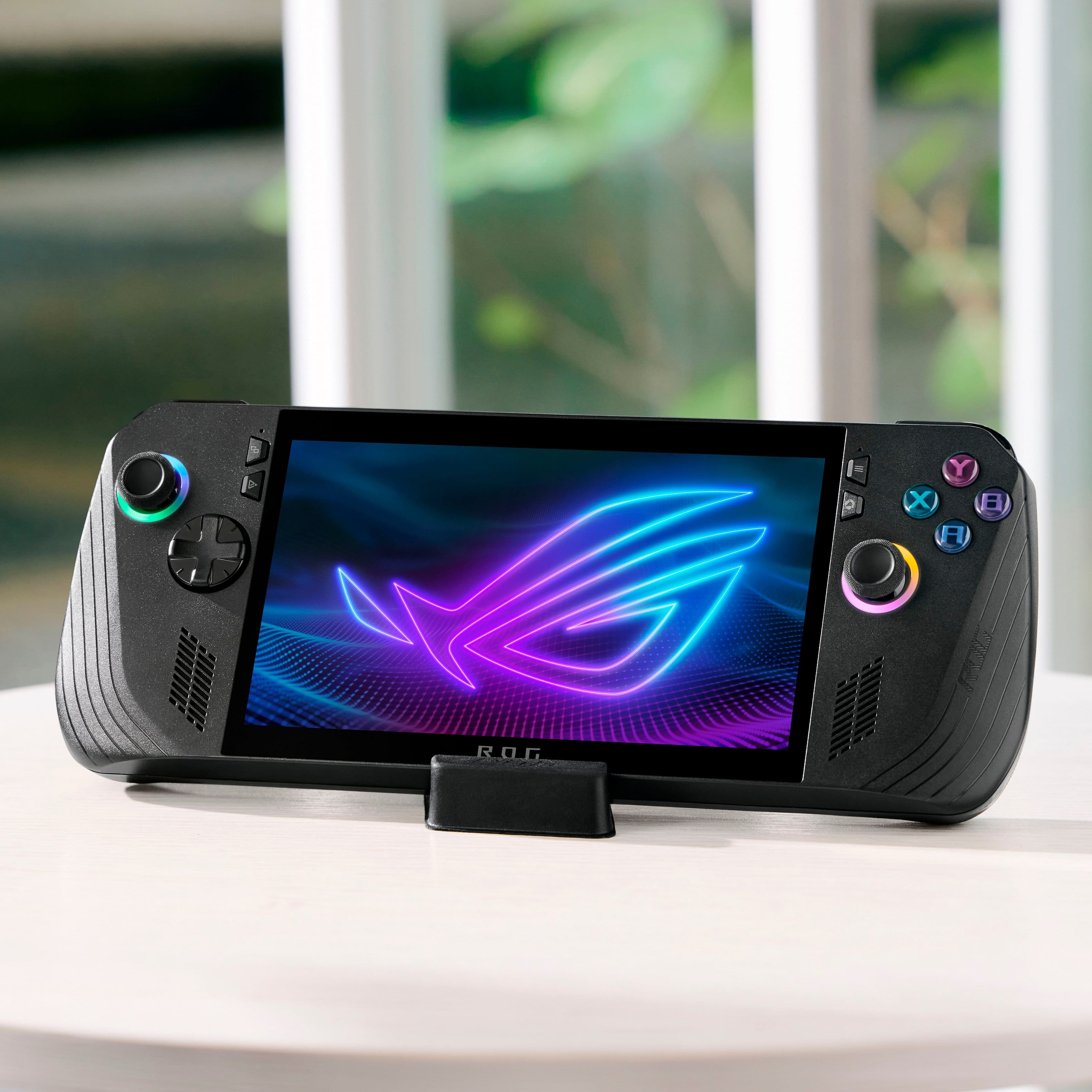
A:AnswerTo answer the second question, it has a touchscreen and onscreen keyboard. For the mouse the right joystick moves cursor and the right bumper is left click right trigger is right click, it actually feels a lot like using the old trackball mouse that they used to have back in the day
A:AnswerYes, you can play with others and use a headset with the ASUS ROG Ally X. It supports Bluetooth connectivity, which means you can easily connect wireless headsets for multiplayer gaming and chatting with friends. Additionally, you can use wired headsets through the headphone jack for a more stable connection.
A:AnswerYes, you can play World of Warcraft on the ASUS ROG Ally X. Since it runs on Windows 11 and has access to Battle.net, you can download and play World of Warcraft. However, keep in mind that the experience might be different from playing on a traditional PC, especially with controller support and the smaller screen size.
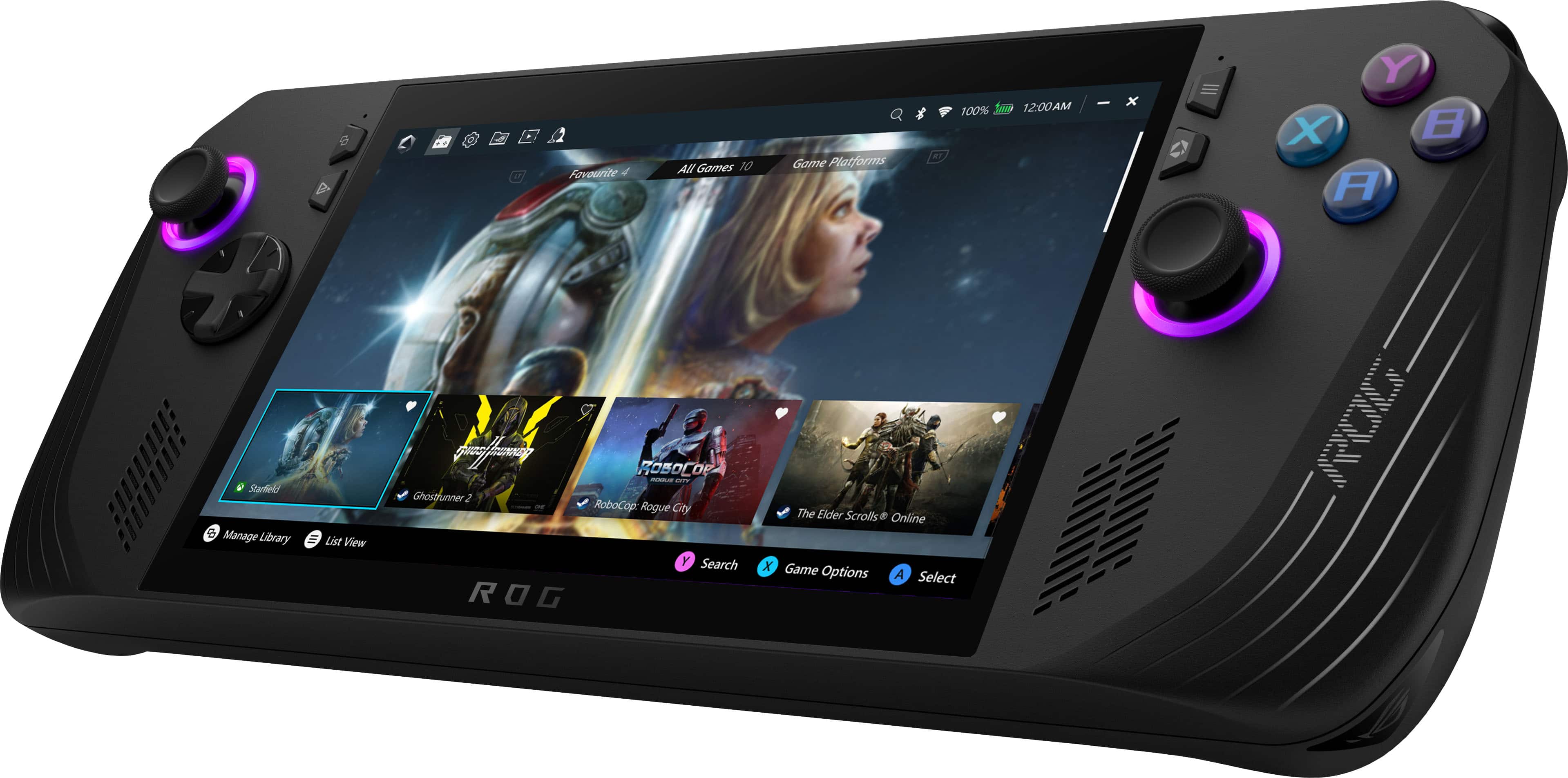
A:AnswerYes, you can use your normal wireless gaming headphones with the ASUS ROG Ally X. This device supports Bluetooth connectivity, allowing you to pair it with a wide range of wireless gaming headphones.

A:AnswerIt is a full windows system, so if you can do it in windows, this one will handle it. As for beaming drive, that should not be a problem, as the Ally X exceeds the minimum specs.
A:AnswerThey system comes with 24 GB of RAM 16 are dedicated to the system and 8 for games. There are stetting to tweek those allocations. You add more for game and reduce wht the system gets.
A:AnswerSince this is a windows device out of the box no. But you could dual boot the device with your flavor of linux and play linux games on it. I have dual booted my with Bazzite.