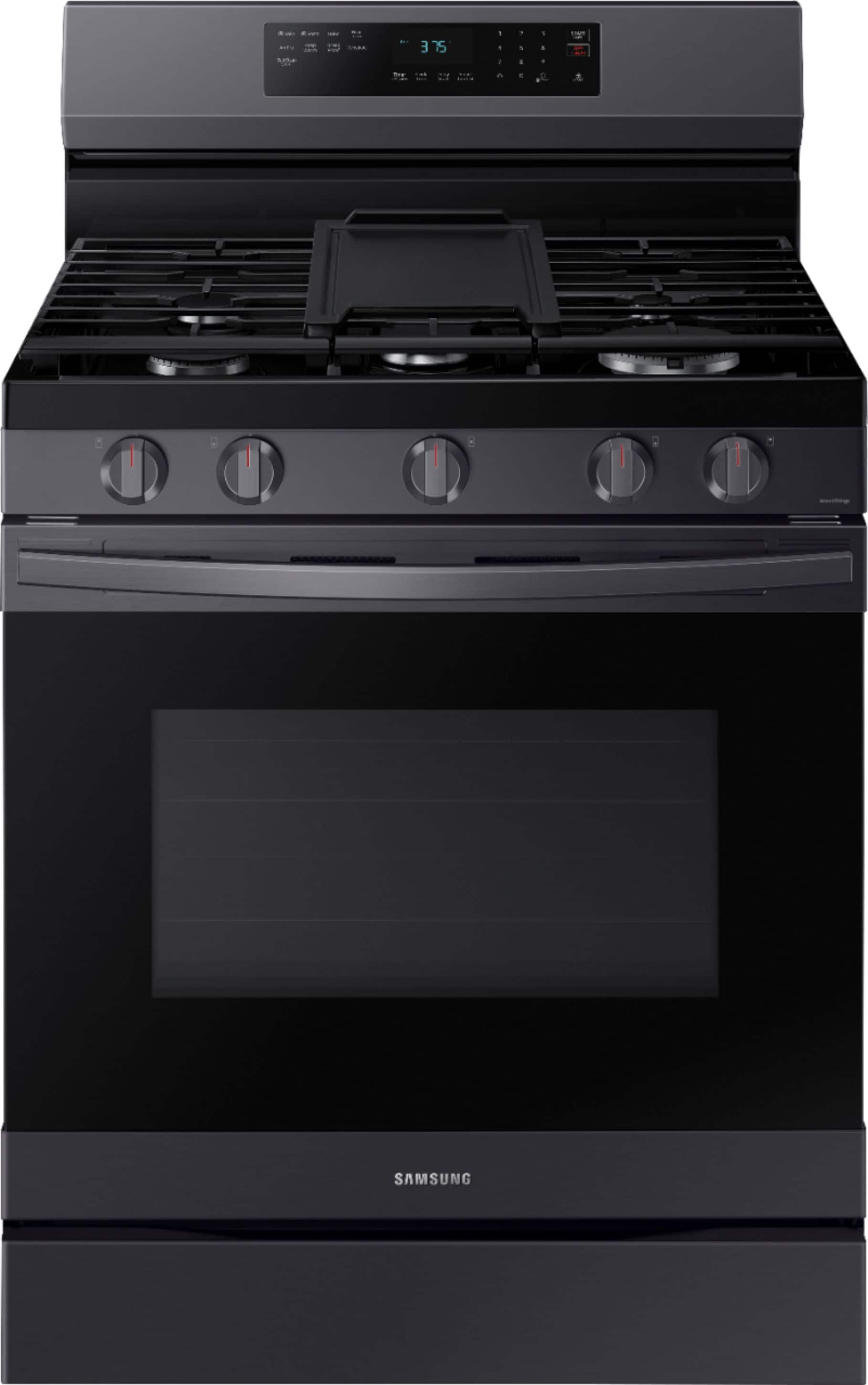
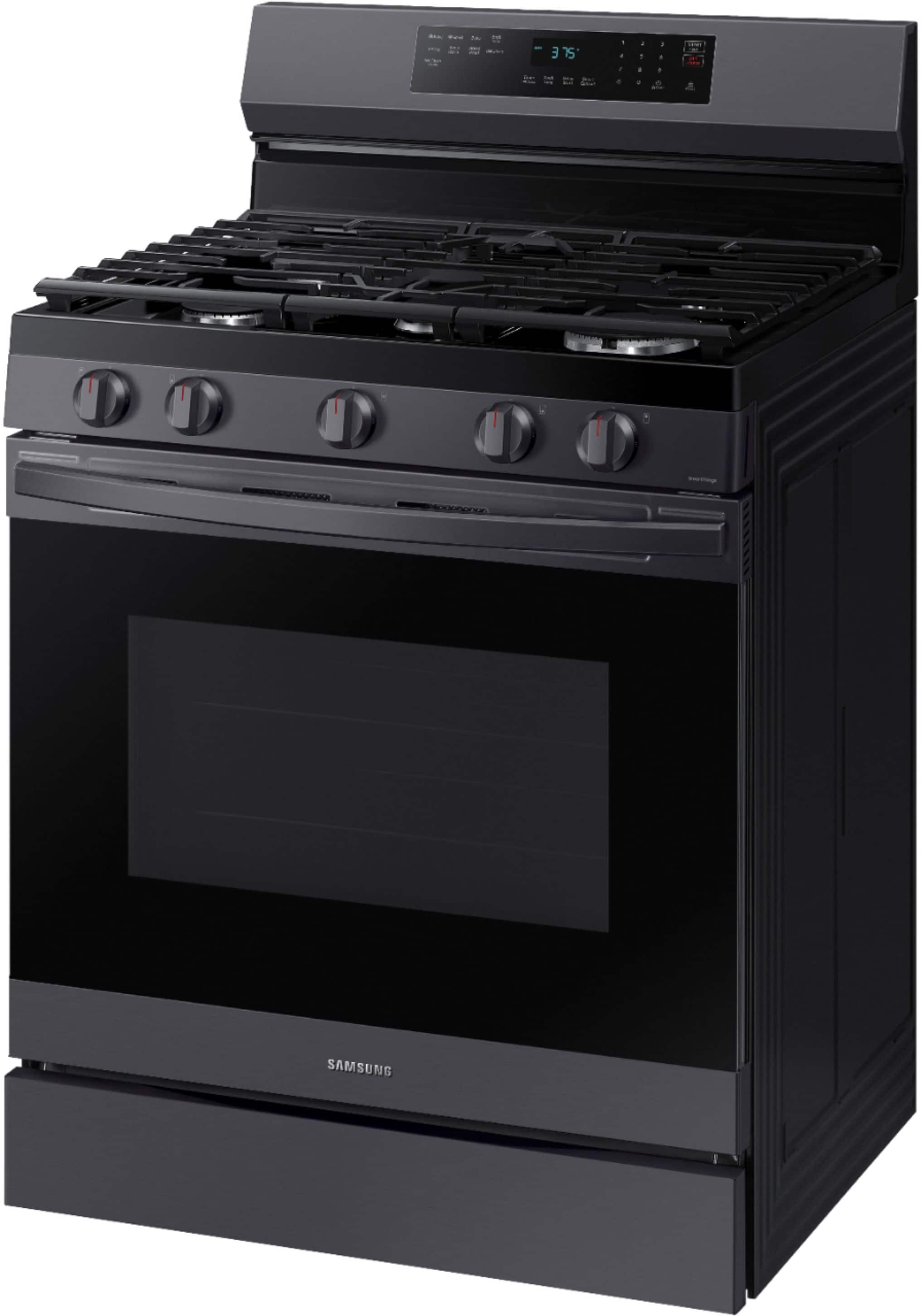
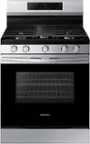
A:AnswerWhen you first get your stove. You need to turn it on 450 and let it heat for at least 30 minutes. Its will smoke, so open windows and use fans.
After you heat for the first time, it will be ok. It has to heat for 30 minutes before you use because it's new.
A:AnswerHello Delta,
Yes, to get a hard copy of your range's manual, you can contact Samsung's official parts distributor. Orders can be placed online at www.samsungparts.com or by phone at 800-627-4368. Hours of operation are 9:00 AM – 6:30 PM EST, Monday through Friday.
Have a great day.
-John
A:AnswerGreetings!
No, this Samsung range model does not require a wireless connection to use its cooking features. However, connecting it to Wi-Fi and using the SmartThings app enables remote control and monitoring.
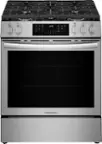
Leo
A:AnswerHi Sammy,
We're happy to help with your question about this Samsung range model.
There are three possible locations where you can find the serial number along with the model code. Please check the following areas:
1. Behind the drawer (right side): The label may be located behind the drawer, on the right-hand side.
2. Behind the drawer (left side): The label may also be on the left-hand side behind the drawer.
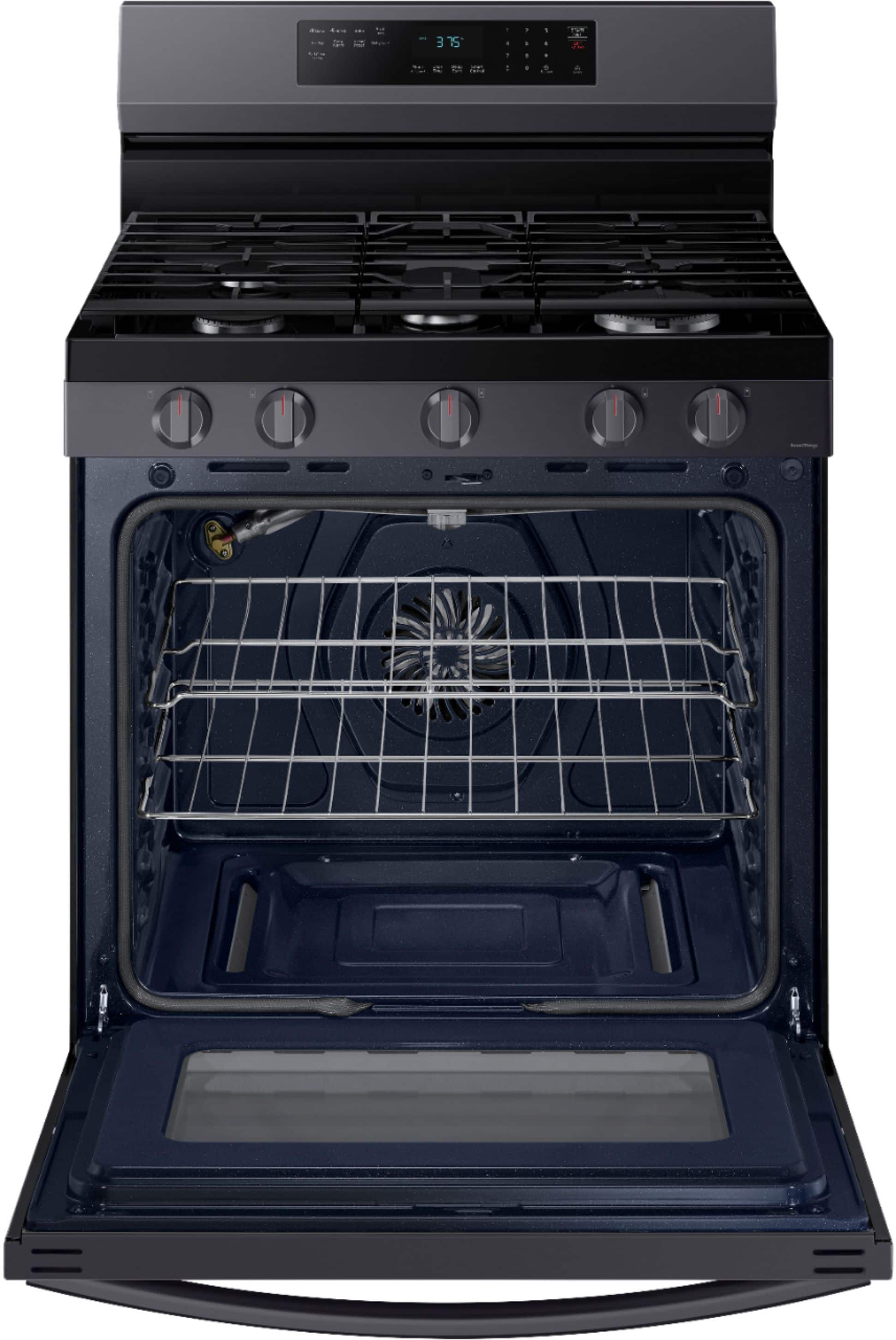
3. Inside the oven (left side): Open the oven door and look on the upper left side, just before the oven cavity.
Leo
A:AnswerHi there,
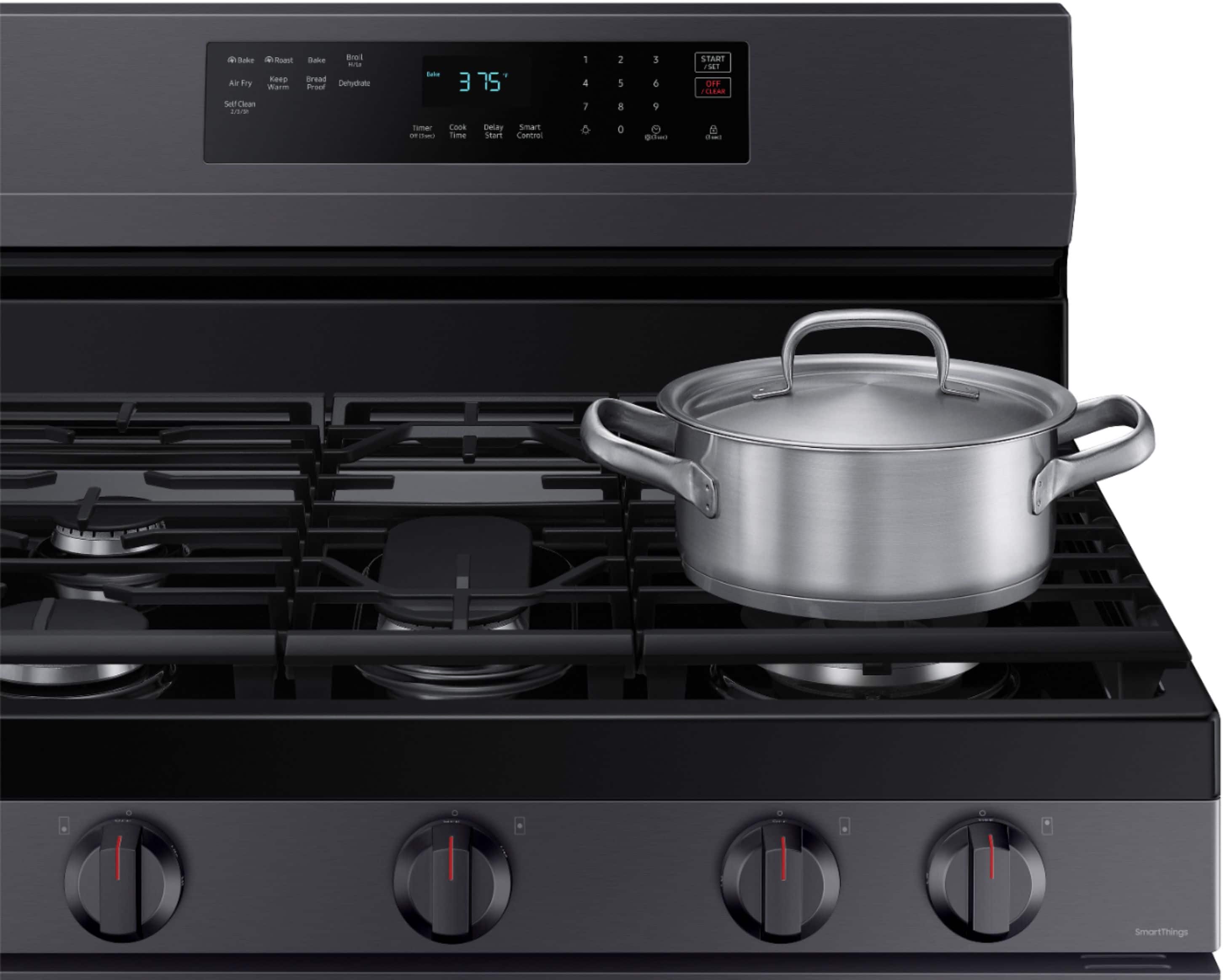
Yes, the cooktop will still work without power, but not the oven.
Please see page 17 of the user manual for steps on how to turn on the burner/s manually.
https://downloadcenter.samsung.com/content/UM/202502/20250214150059236/O_01._DG68-01339A-08_NX60A6511SS_AA_EN.pdf
^Rodel
A:AnswerDear Valued BestBuyClient,
To better assist you with this, don't hesitate to get in touch with our Best Buy Customer Service department at (888) 237-8289. We are available 24 hours a day. They can answer your question or transfer you to your local store to answer your specific inquiry about haul-away service.
Have a great day.
^Charles.