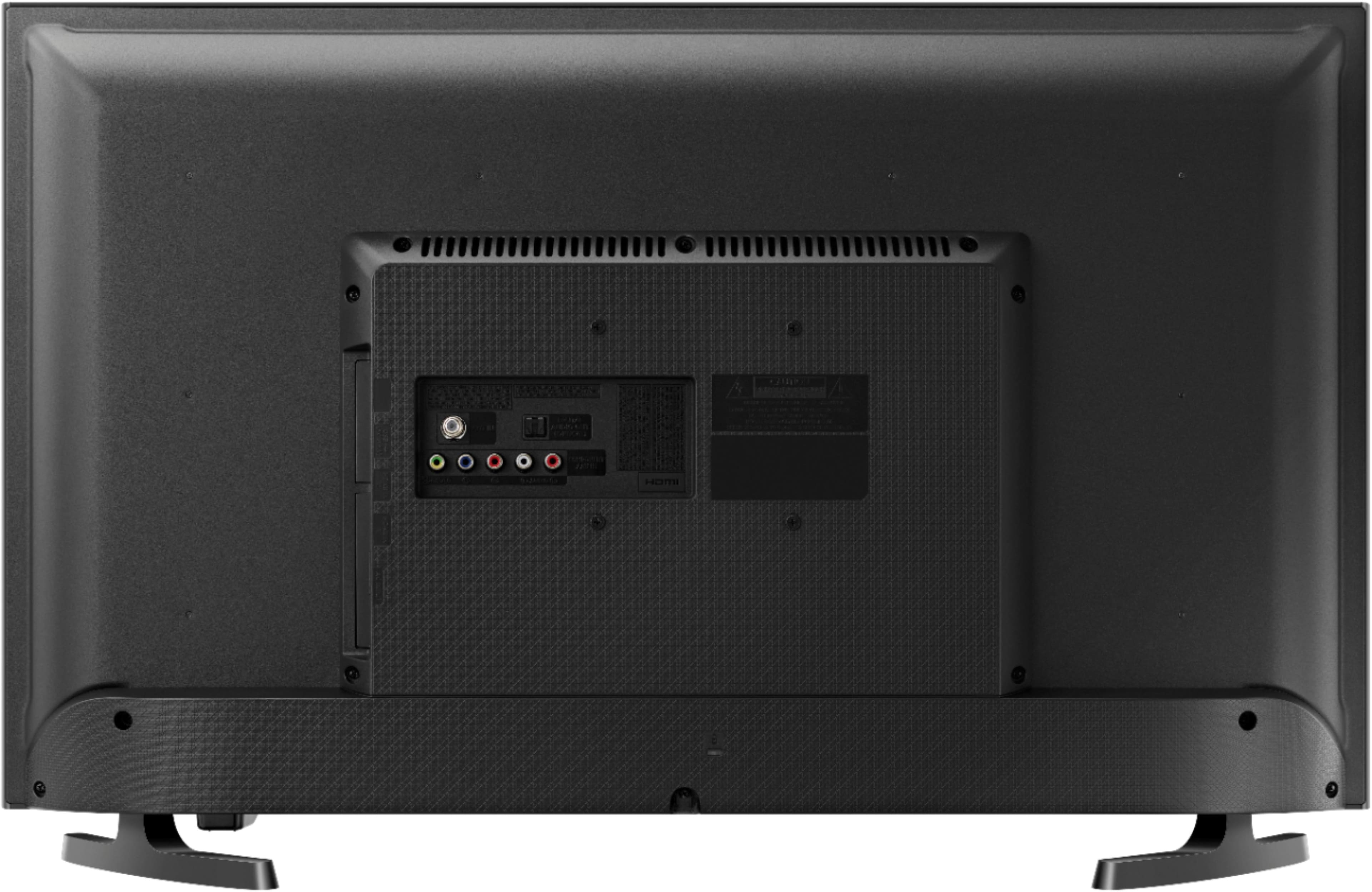
A:AnswerThis television does not support Bluetooth. To use Bluetooth with this television, you must purchase an external Bluetooth transmitter(that supports optical audio), and connect it to the Optical Audio port on the television.
A:AnswerScreen sizes(31.5 inch) are measured diagonally(from bottom right to top left for example) across the screen, leading to a screen measurement that is longer than the product width. It is not measured directly across. The product measurements are correct.
A:AnswerYes. It is accessed by using the remote which came with the Samsung TV and pressing the "Source" button in the upper right side and then selecting the first icon the left. New channels are seen as you scroll through the numbers beginning with Channel 1000. To return to the cable company such as Verizon press the "Source" button again and choose the "HDMI" icon. Hope this helps.
A:AnswerThere are some glitches when the set if first turned on (either excruciating loud or totally silent). This has been resolved by turning the set off and then back on again. It doesn't happen all the time, but it is annoying when it does. Otherwise the sound has been fine for regular TV viewing.
A:AnswerMy TV order did not come with screws- and in addition, the wall mount I ordered did not have the correct size screws for the depth needed. I thought it was a big problem until I randomly found a universal mounting screw kit in Walmart made by ion for $6 bucks. Bought it and it had a bunch of different sizes including exactly what was needed. Easier than a ton of phone calls I felt.