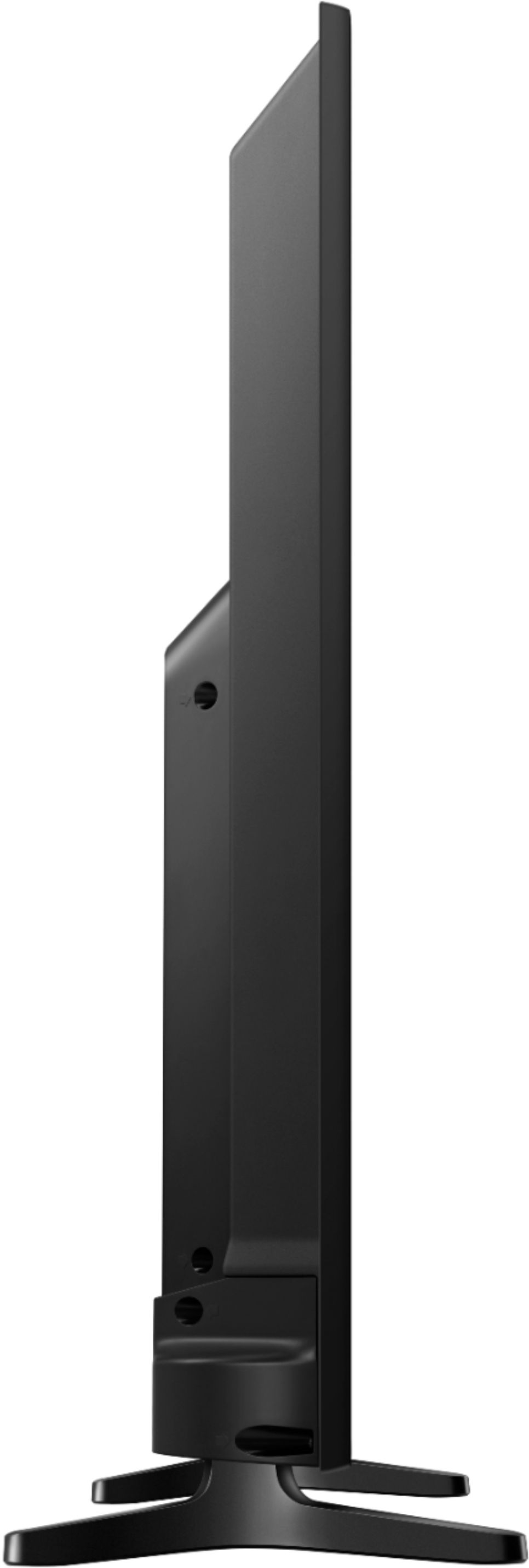
A:AnswerYou can connect it to any HDMI port. The ARC port is typically used to get audio back from the TV and into a audio system (ex. Receiver or audio distribution system).
A:Answer***First, your speakers must be on the same WiFi Network***
On your remote, click the Home button, then go left to the "Source" menu, then go up and toggle over to select the "Connection Guide" ...Now you can connect anything from this menu. In your case select "Audio Device" and then select "Wi-Fi" to go through the setup.
[ Home Button > Source > Connection Guide > Audio Device > Wi-Fi ]
A:AnswerYes. I use mine with as a monitor. Two things: You will probably have to mess around with windows scaling a bit to find a setting you like. If you want to do 4k (HDR) video and especially gaming, make sure your computers graphics card supports the 2.1 standard and you have a 4k hdmi cable. If not, the screen may go black. Its not the tv, its the card. You don't need a service call or to take the tv back. My Rx480 can display 4k just fine, but add HDR and the screen is blacking out.
A:AnswerYou can watch videos via usb. It supports all the major formats: avi, mpeg, asf, mov, 3gp, vob, divx, wmv. It can even display true 4k (4096x2160) via mkv.