A:AnswerThis model (LS49CG932SNXZA) which is the one i own, does have integrated speakers. You wouldnt need to get external speakers unless preferred. All you need to do is on windows go to your sound settings and change it to the G9.
In my opinion they are loud so i was able to hear youtube videos clearly without a problem.
A:AnswerIt does not have USB-C. You can plug your work laptop via a USB-C to Display Port cable though. USB-C from your laptop and Display Port going into the monitor.
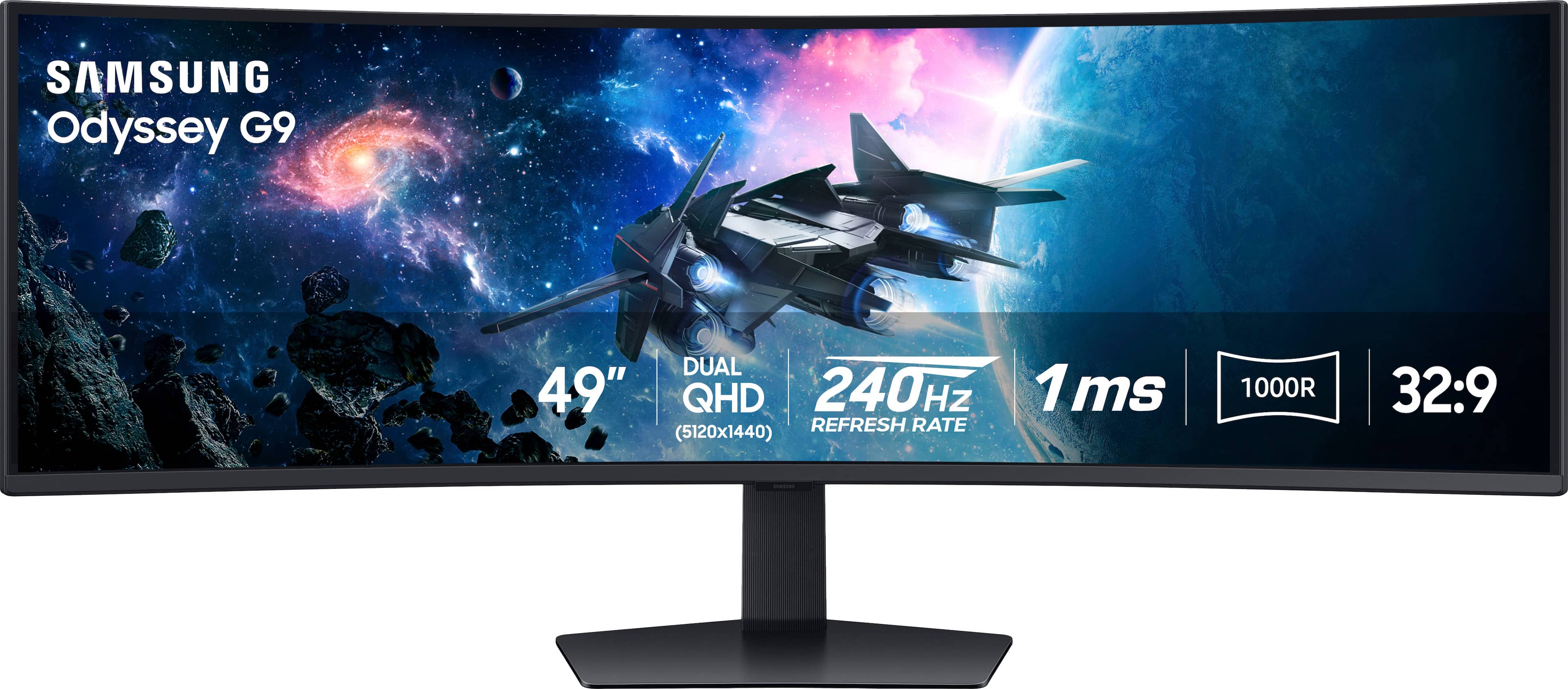
A:AnswerThe answer is Yes, one would have to be through the HDMI Port and the other one the Display Port. I hooked up my wife’s Laptop via HDMI and mine via Display Port. The PIP feature allows you to split the screen from 2 sources.
A:AnswerThere is an app exclusively for Samsung monitors called Easy Setting Box. It will allow you to split your monitor in up to 6 screens. You might be able to get permission use a hard copy of the program, instead of an online download.
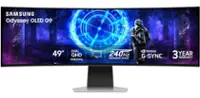
A:AnswerThank you for your question! This monitor is not OLED. However, if you are looking for a 49" OLED gaming monitor, we recommend checking out Samsung's 49" OLED G95SC gaming monitor (LS49CG954SNXZA).
A:AnswerThank you for your question! Because the Odyssey G9 monitor has HDMI version 2.0, you should have no issue with playing games on the PS5 gaming console.