A:AnswerHi Bluegoose,
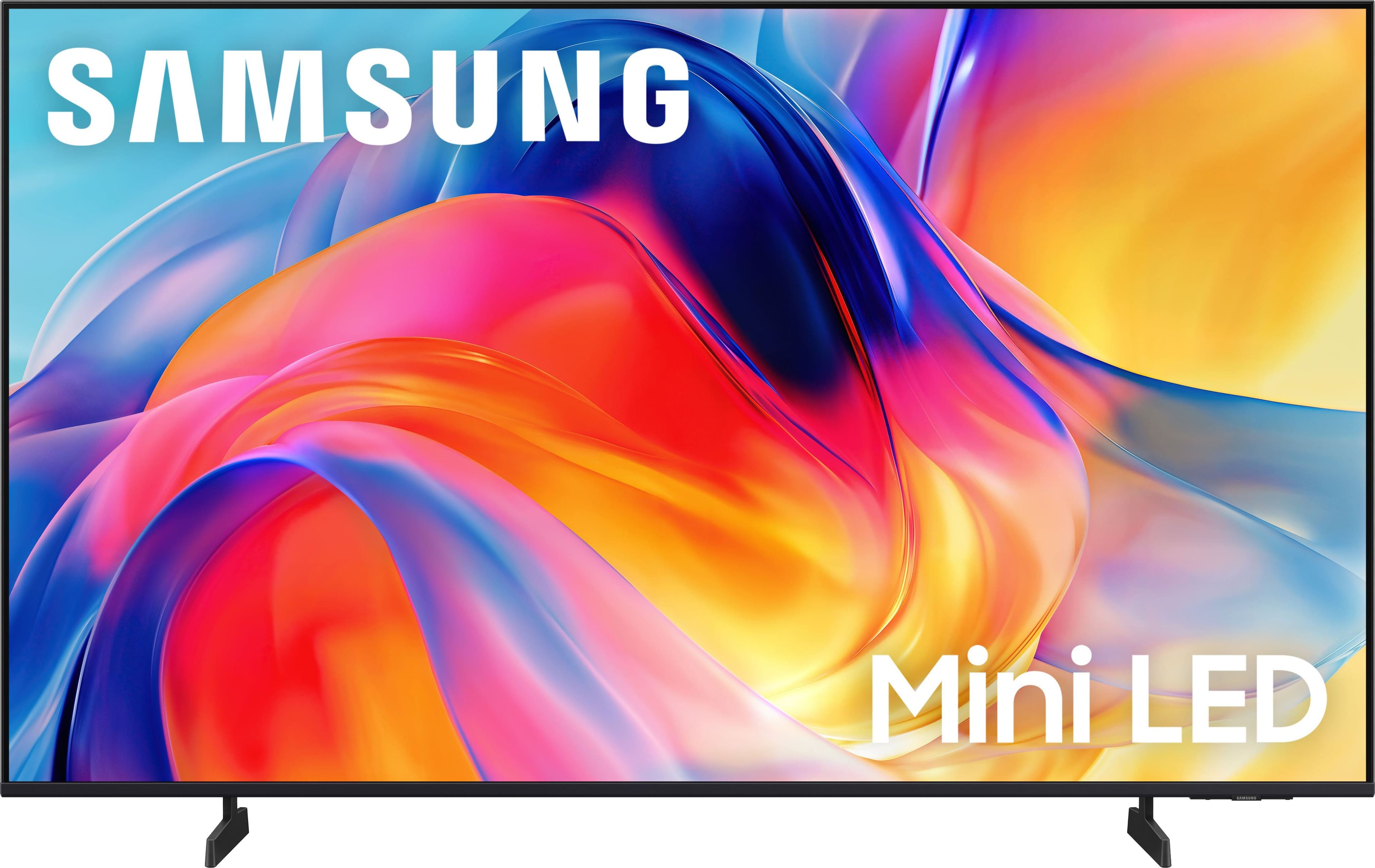
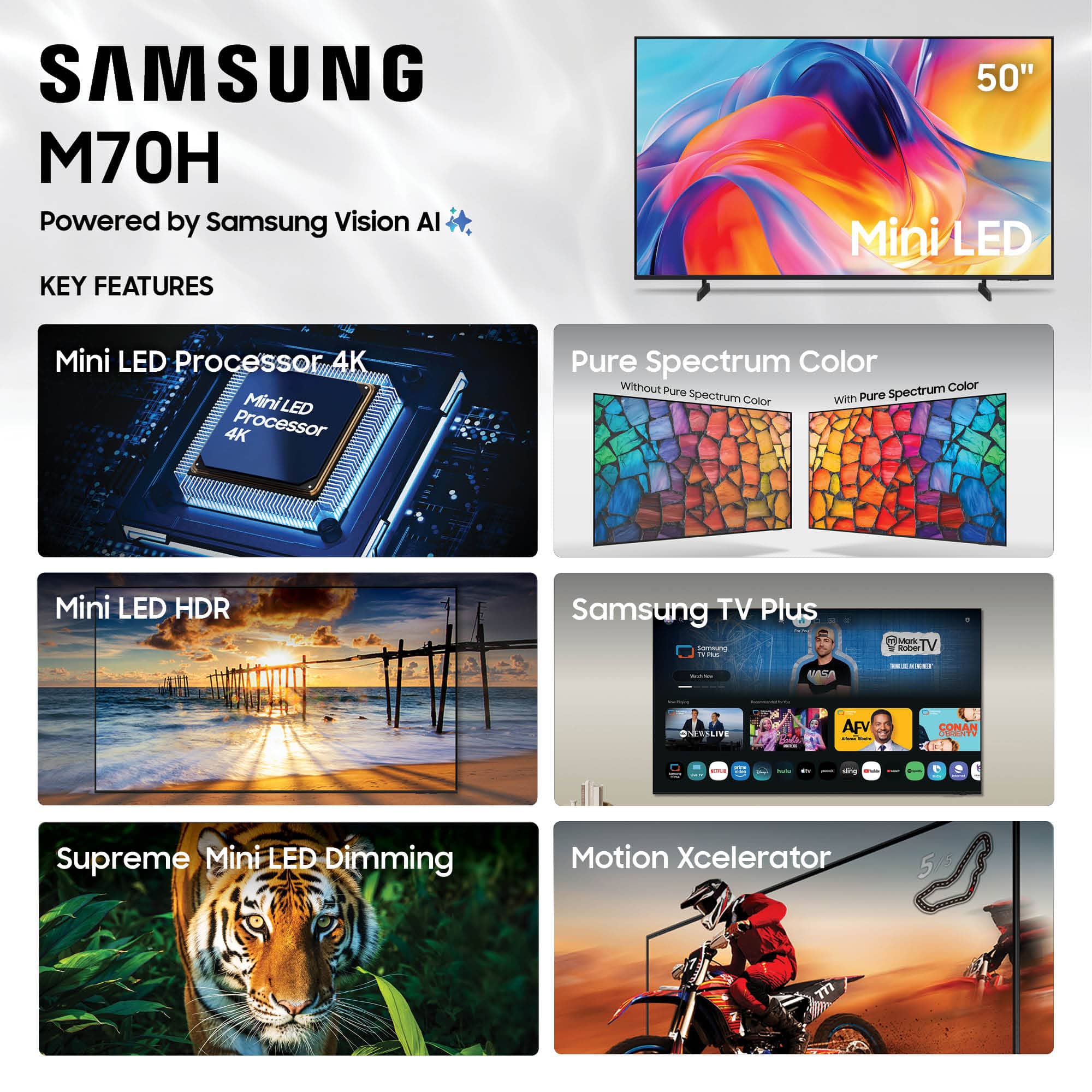
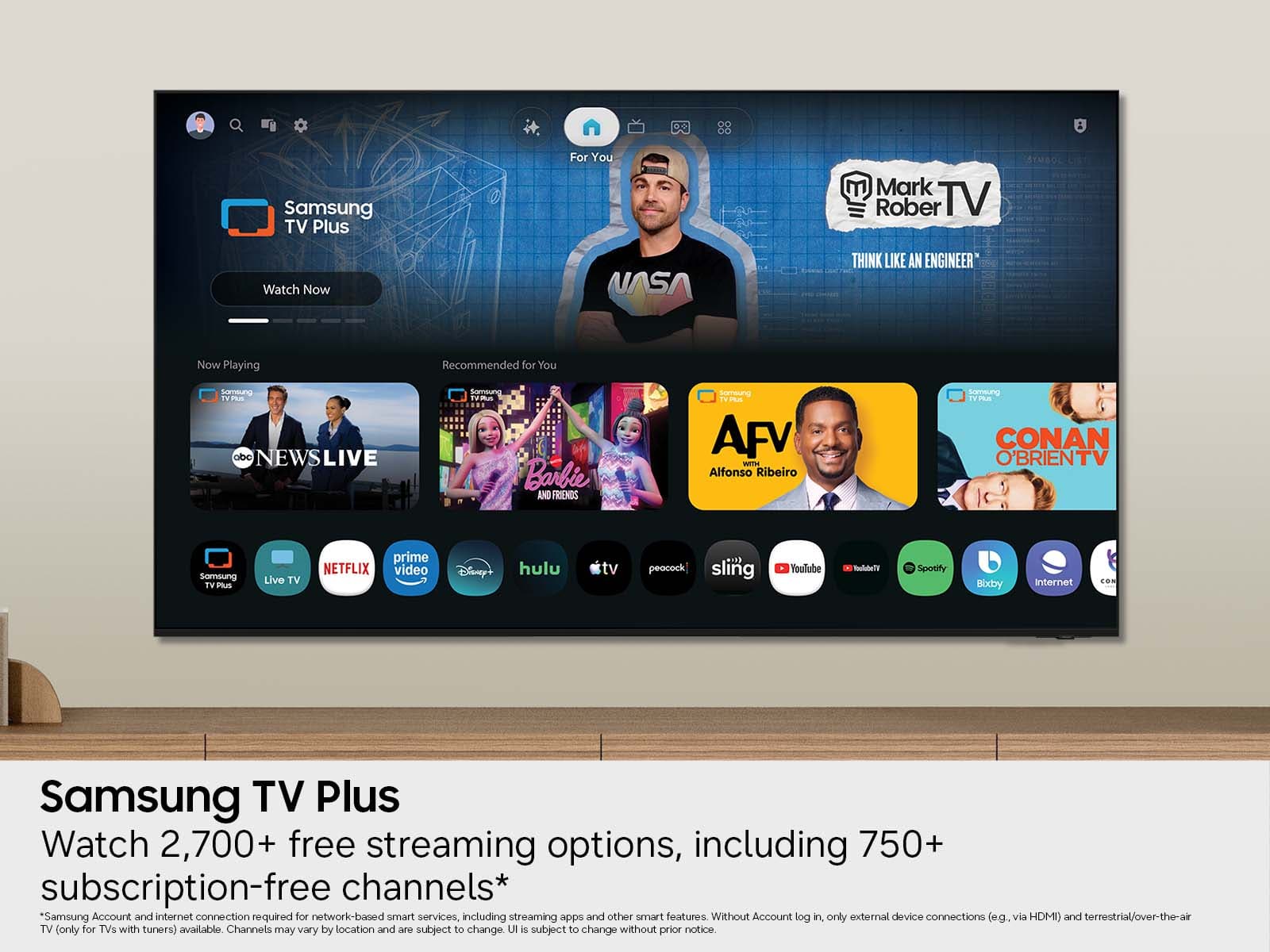
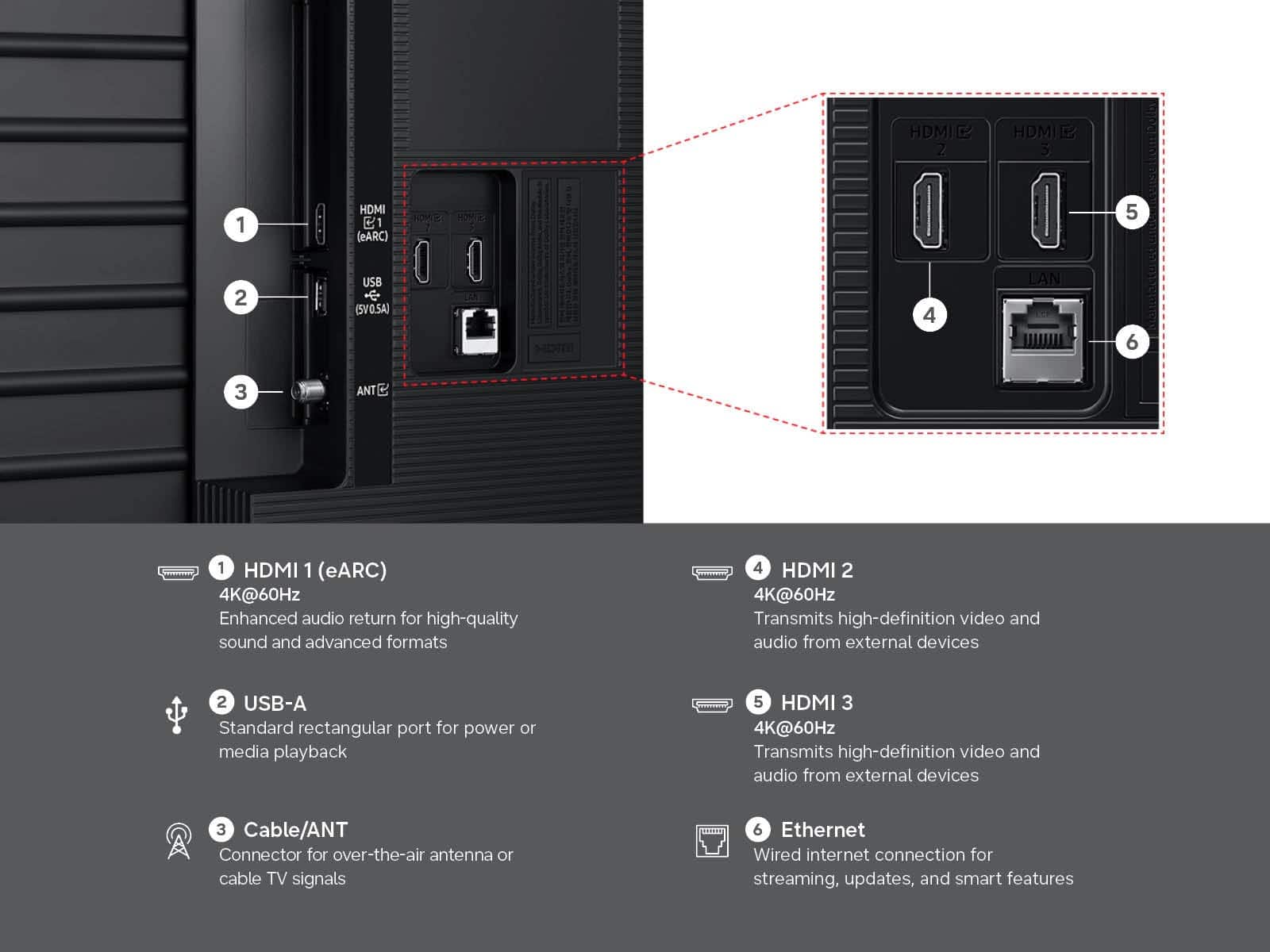
You can connect external devices to the M70H TV via HDMI; however, this model is a Smart TV which features a built-in App Store, allowing you to choose and download from hundreds of available apps - no external streaming device necessary.
~Samsung Advisor
A:AnswerHi Remote,
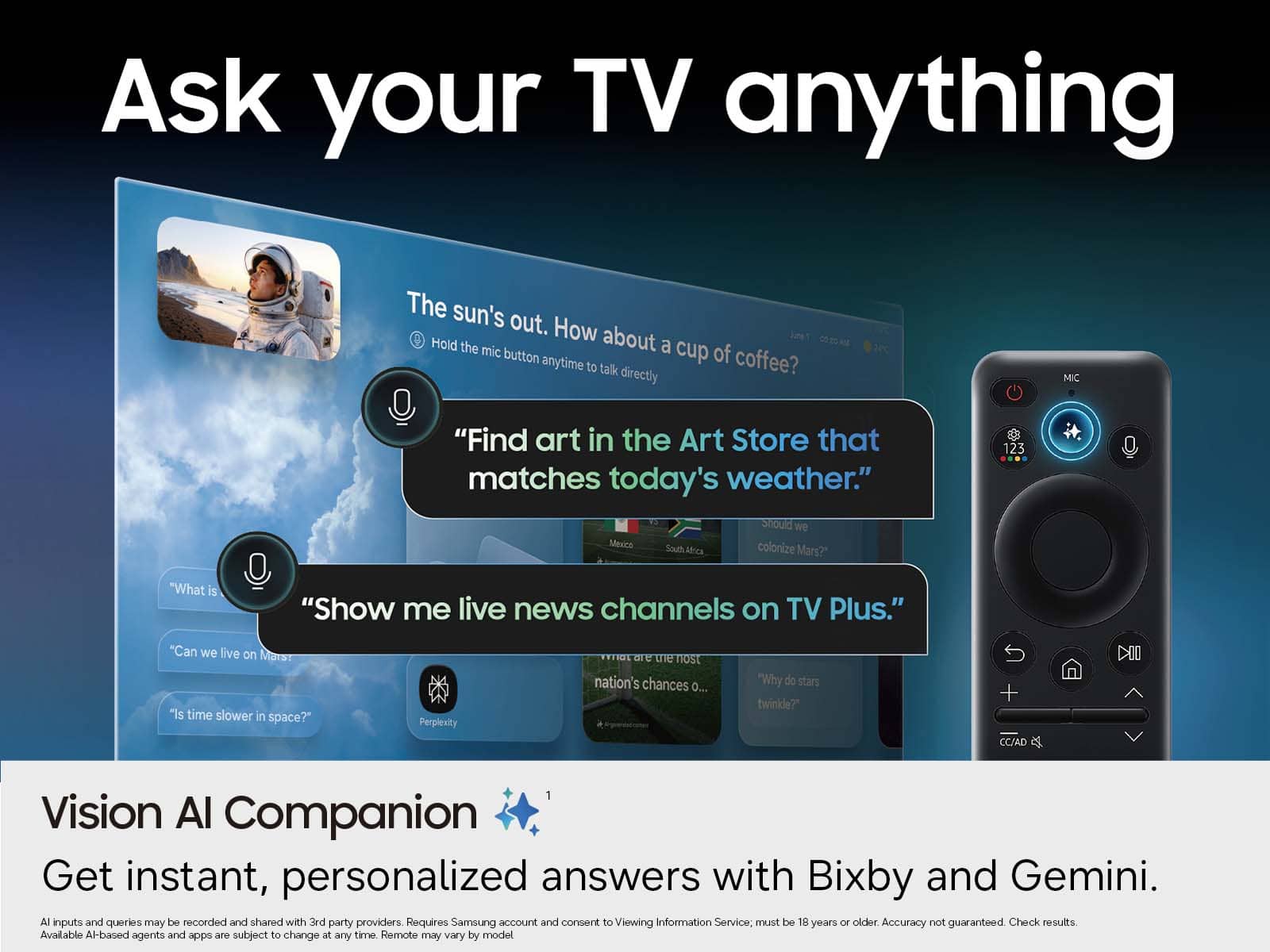
Your TV Works With Alexa, meaning you’ll need to connect a standalone Alexa device such as an Echo speaker, to control compatible smart home devices and some experiences on your TV. Here are the steps:
1. Download both the Amazon Alexa and Samsung SmartThings apps, if you don't already have them. Both are available for iOS or Android devices.
2. Make sure your Alexa device and TV are both connected to the same Wi-Fi network.
3. Your TV must be enabled within the SmartThings app. If not, make sure you are signed in with your Samsung account on the TV: Settings > All Settings > Samsung Account
4. Log in to the SmartThings app with the same Samsung account. Tap Devices, and if your TV isn’t already shown, tap + to add it to the app.
5. In the Alexa app, enable the SmartThings skill and sign into your Samsung account. This will automatically connect your Samsung TV to Alexa and let you use voice commands to control your television.
To add new apps please review the following:
Searching for & Installing Apps
1. From the Home screen, press up on the remote’s directional pad.
2. Navigate to and select Search.
3. Using the search bar, enter the content or app you’d like to find.
4. Navigate to and select the app you’d like to install, then select Install.
Note: Previously installed apps can be accessed on the Settings screen.
Adding & Managing Apps on Home Screen
1. Go to App Settings (these can be found at the bottom of the Apps screen) and select the app you want to move. The following options will be available:
a. Add to Home: Move the app to your desired location on the Home screen.
b. Delete: Delete app.
c. Lock/Unlock: Lock the app with a PIN so only you can use it. When the app is selected again, you will be prompted to enter the PIN to unlock it.
d. Reinstall: Reinstall the app.
e. View Details: View the app’s information and details.
If you need more help with app management, please don’t hesitate to reach Samsung Support at 1-800-SAMSUNG (8AM – 9PM EST Mon – Fri, 8AM – 6PM Sat – Sun). You can also connect with a LiveChat agent via the ‘Support’ link on our website.
~ Samsung Advisor
A:AnswerHi Alexa,
Yes, you can connect the M70H TV to an external Alexa device. To access the built-in app store, go to Search or Apps at the top of your Smart Hub Screen and type in the app you are searching for, then click download.
~Samsung Advisor
A:AnswerHi,
The M70H TV can connect to external soundbars via HDMI or Bluetooth. If you need help choosing a Samsung soundbar, please do not hesitate to reach out to your local Best Buy or Samsung Customer Support.
Call us at 1-800-SAMSUNG (available 8AM - 12AM EST, 7 days a week) or connect with us via live chat at https://www.samsung.com/us/support/contact/
~ Samsung Advisor
A:AnswerHi,
Yes, the M70H TV features Multi-output Audio, which lets you play sound through both your TV speakers and Bluetooth headphones at the same time. You can also set the headphone volume higher than the TV’s if needed. To enable, go to: Settings > All Settings > General & Privacy > Accessibility > Multi-output Audio
~ Samsung Advisor