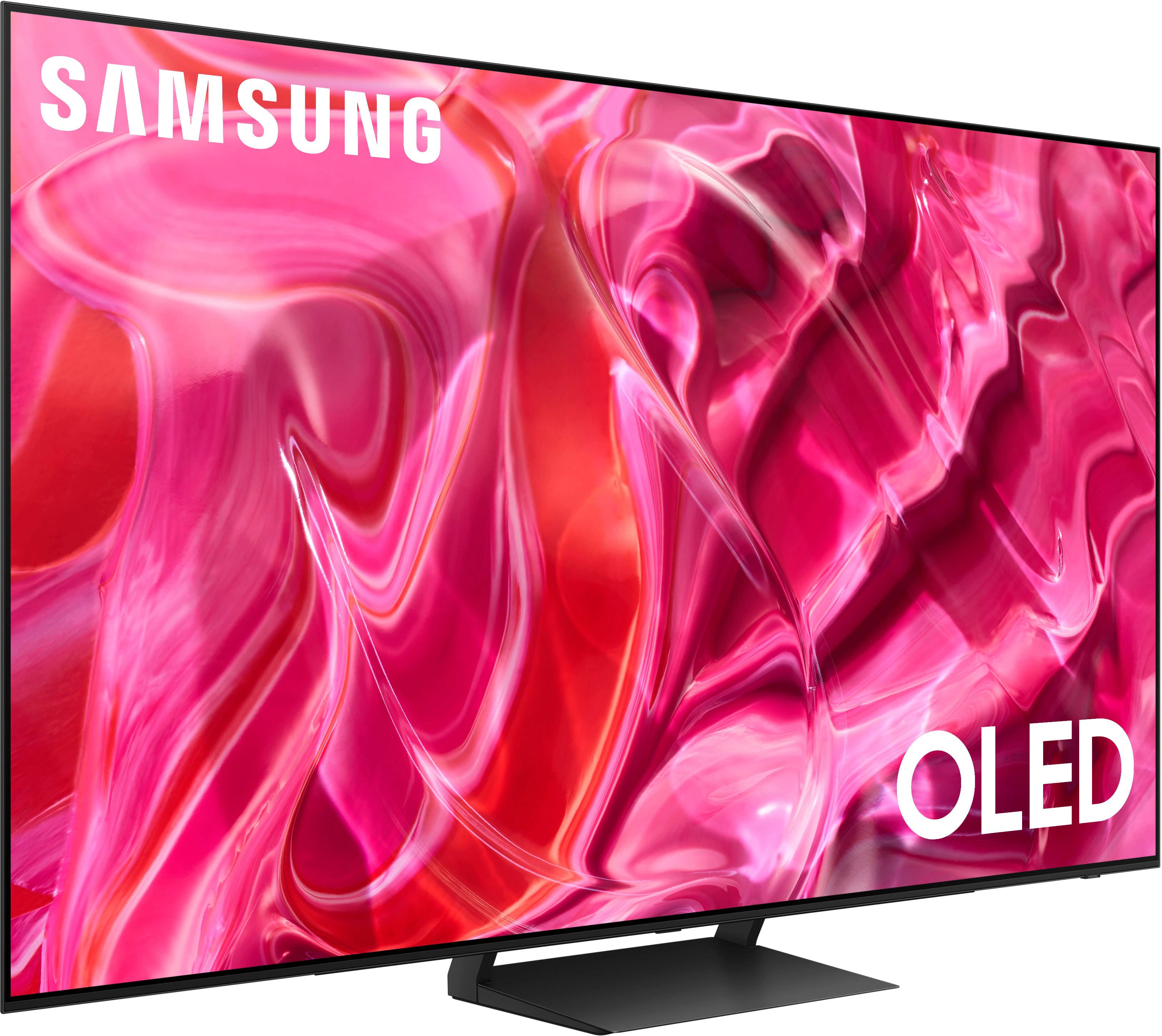
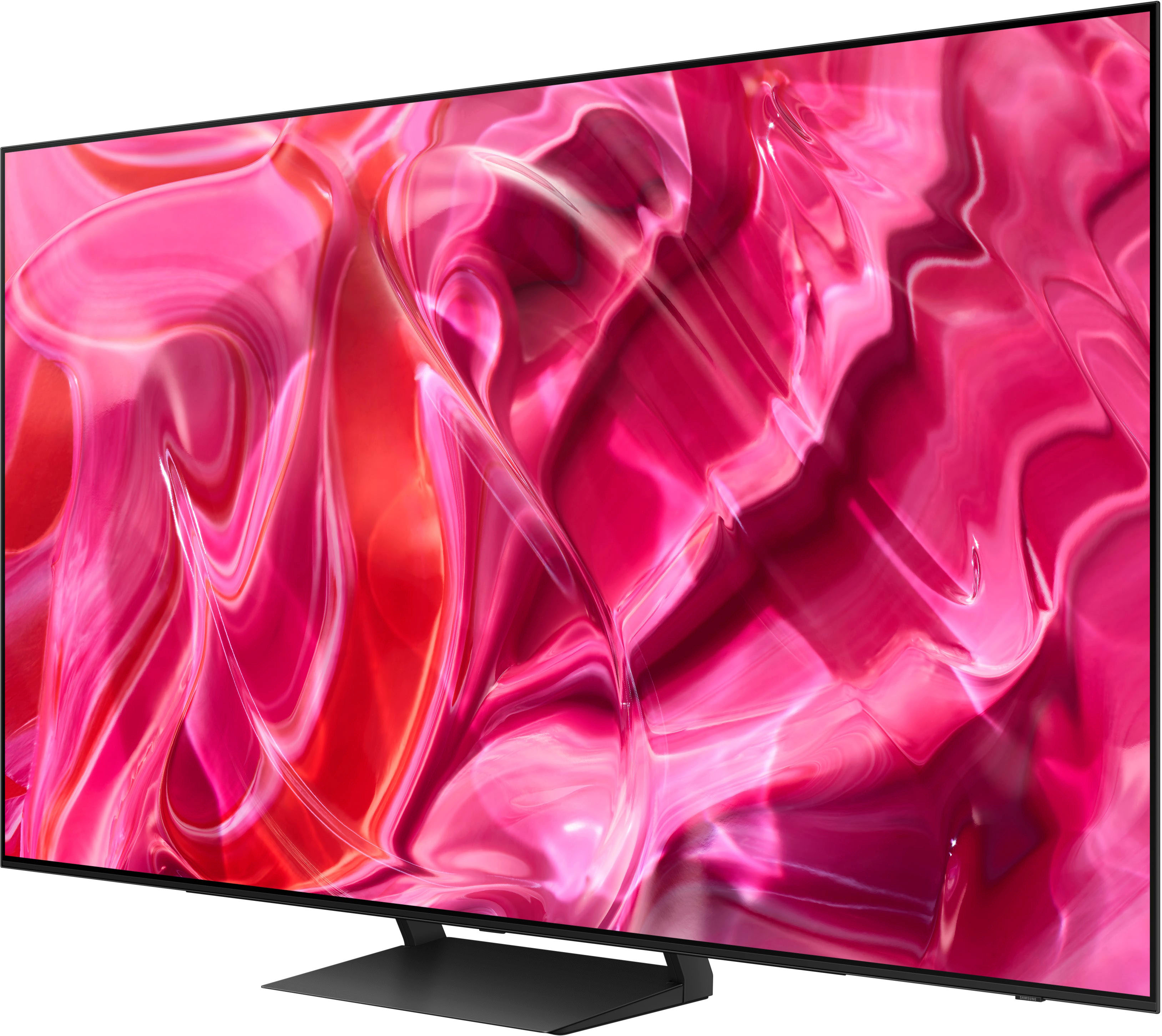
A:AnswerAll you need are the higher strength wall anchors that you can find in any hardware store and you can mount this tv anywhere it will fit. Those anchors can hold upto and over 150 to 300lbs in weight so your more than secured.
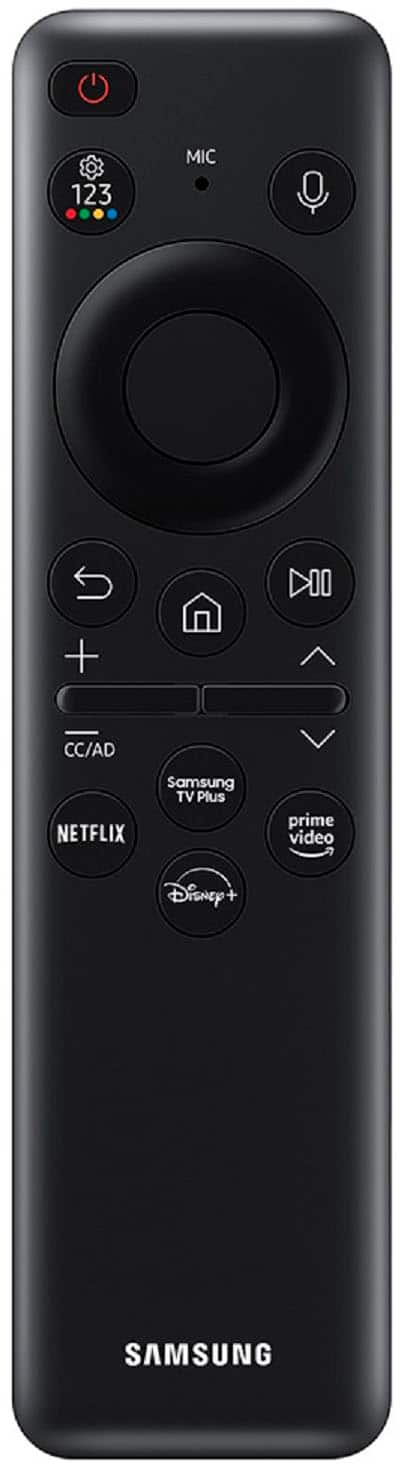
A:AnswerHi Lisa - You can utilize a Standard Samsung Remote such as this option at Best Buy: https://www.bestbuy.com/site/insignia-replacement-remote-for-samsung-tvs-black/6448217.p?skuId=6448217
~ Samsung Specialist
A:AnswerYou can just buy a wall mount bracket at your preferred retailer, make sure will adjust to the size of your TV, you find 4 holes on the back of this set and usually the bracket will have the screws you need to attach it to the Tv, Mount your bracket to the wall safely, preferably on a wall stud and put your TV up, I hope it helps
A:AnswerUsing the remote provide, left click the circle on remote (sometimes twice or more) and the left side of the TV should pop up. There will be a settings /sources etc to review and you should be able to find everything you need from there.
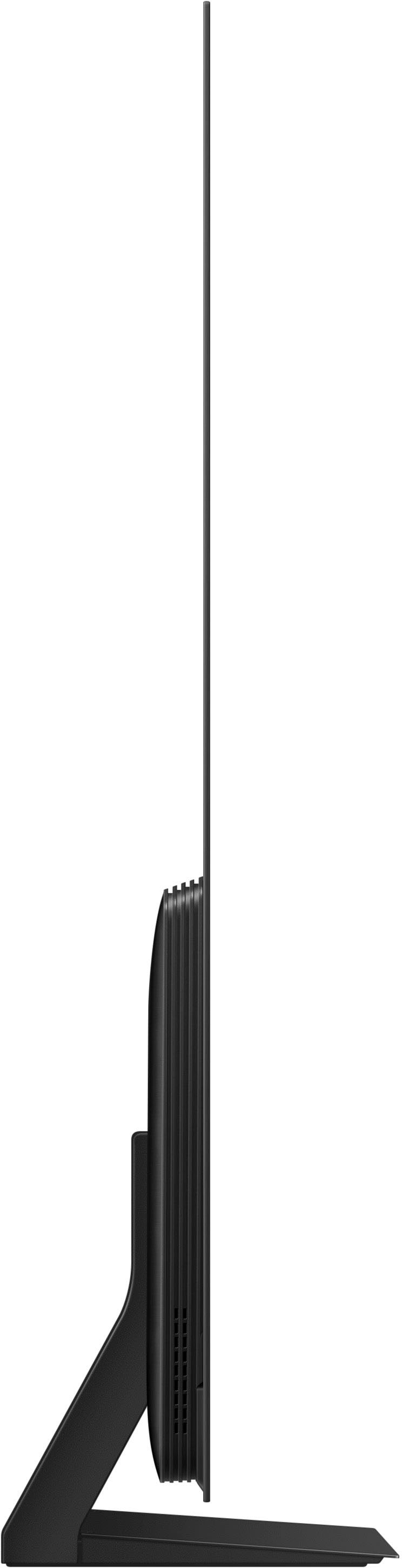
A:AnswerThis TV has a sturdy enough frame to be mounted on an articulating wall mount. Mine is currently mounted on the stand it came with, but I will be mounting it on an articulating wall mount eventually. It is a very thin (and beautiful) tv and being gentle with it is mandatory no matter how it is mounted.
A:Answerelise - Please give us the opportunity to better assist with this by reaching Samsung Support at: 1-800-SAMSUNG, 8AM - 12AM EST, 7 days a week, or Chat with us on Samsung.com: https://www.samsung.com/us/support/contact/
~ Samsung Specialist
A:AnswerYou can find this information on this model’s product page – just click Show Full Specs and scroll down to Dimension: https://www.bestbuy.com/site/samsung-65-class-s90c-oled-4k-uhd-smart-tizen-tv/6536964.p?skuId=6536964
~ Samsung Specialist