A:Answershelwyn - Best Buy and Samsung are working together to make this product available as soon as possible. Please continue to check the website or contact your local Best Buy for more information.
~ Samsung Specialist
A:AnswerHi JWBennett - Dual Bluetooth Audio allows you to connect multiple Bluetooth devices – for instance, you can pair 2 headsets to your TV simultaneously. You can even stream 2 different audio contents to each headset when using the Multi View feature. To set this up, go to: Home > Menu > Settings > All Settings > Sound > Sound Output > Bluetooth Speaker List, then connect the devices you’d like to pair (one at a time). When selecting the second device, select Multi Connect.
~ Samsung Specialist
A:AnswerBricketh - Please give us the opportunity to better assist with this by reaching Samsung Support at: 1-800-SAMSUNG, 8AM - 12AM EST, 7 days a week, or Chat with us on Samsung.com: https://www.samsung.com/us/support/contact/
~ Samsung Specialist
A:AnswerYou can find these measurements on this model’s product page – just click Show Full Specs and scroll down to Dimension: https://www.bestbuy.com/site/samsung-65-class-s90c-oled-4k-uhd-smart-tizen-tv/6536964.p?skuId=6536964
~ Samsung Specialist
A:AnswerR350 - All 2023 Samsung TVs feature our Home screen UI. You can also choose what your TV does when you turn it on by going to Menu > Settings > All Settings > General & Privacy > Start Screen Option.
~ Samsung Specialist
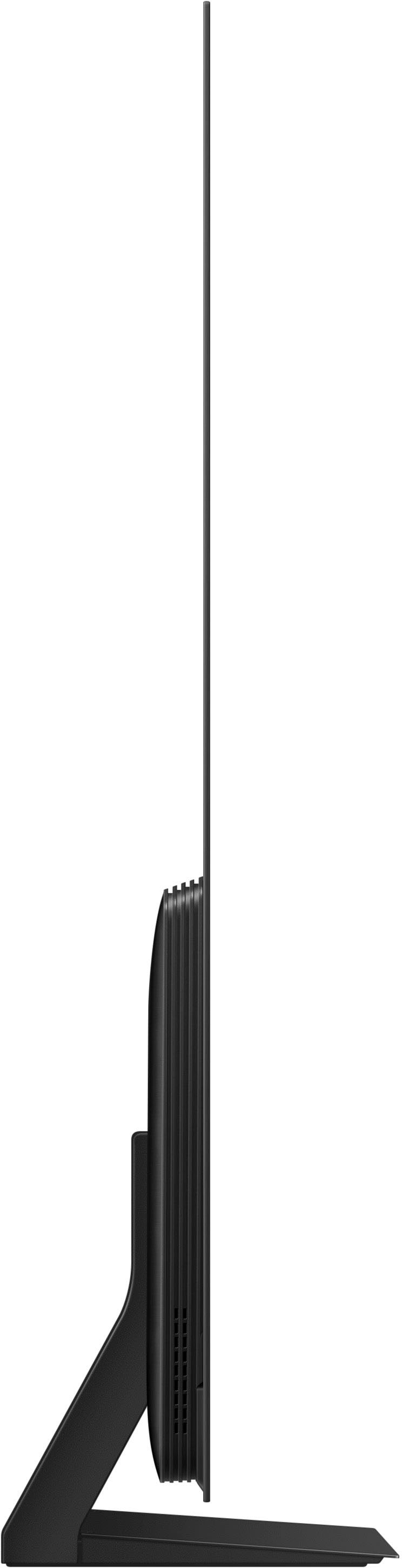
A:AnswerThe total depth of the 65" S90C is 1.6". If you have additional questions, please reach out to Samsung Support at: 1-800-SAMSUNG, 8AM - 12AM EST, 7 days a week, or Chat with us on Samsung.com: https://www.samsung.com/us/support/contact/
~ Samsung Specialist
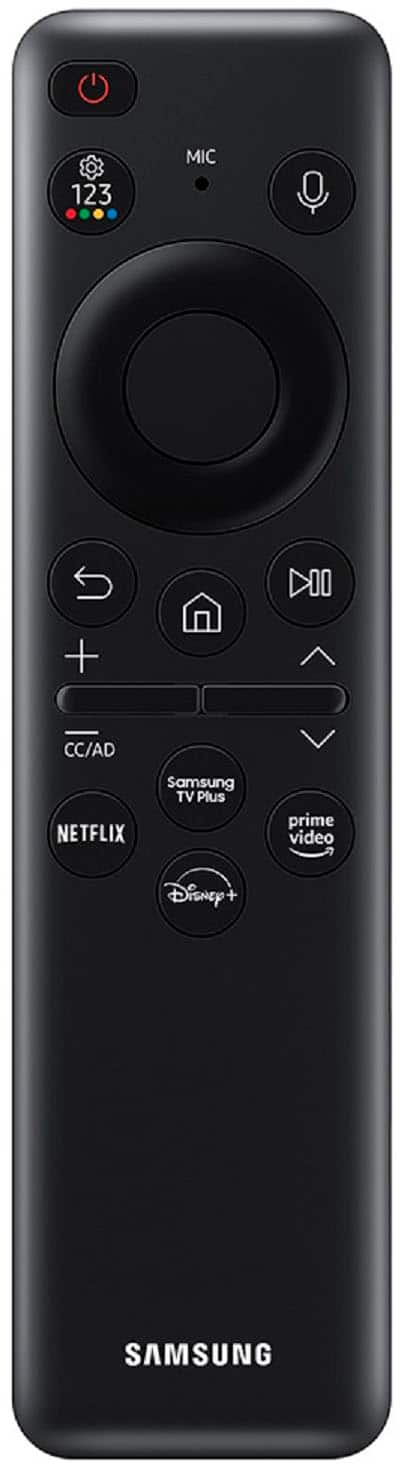
A:AnswerTo assist you in learning the various features, functions, and settings of your TV and remote, you can download the S90C TV's User Manual, e-Manual, Remote Control Leaflet, and Quick Setup Guide on Samsung's website under ‘Support’ (top right corner) > Manuals & Software > TVs & Home Theater. From there, you can select the S90C under OLED TVs.
The e-Manual and Remote Guide are both also embedded into your TV itself under Menu > Settings > Support.
~ Samsung Specialist
A:AnswerYes i can say the picture does in fact look much better. I am not sure to relay to your question in regards to antenna television. But so far my image and picture quality of older sitcoms and movies look amazing.