A:AnswerXhris,
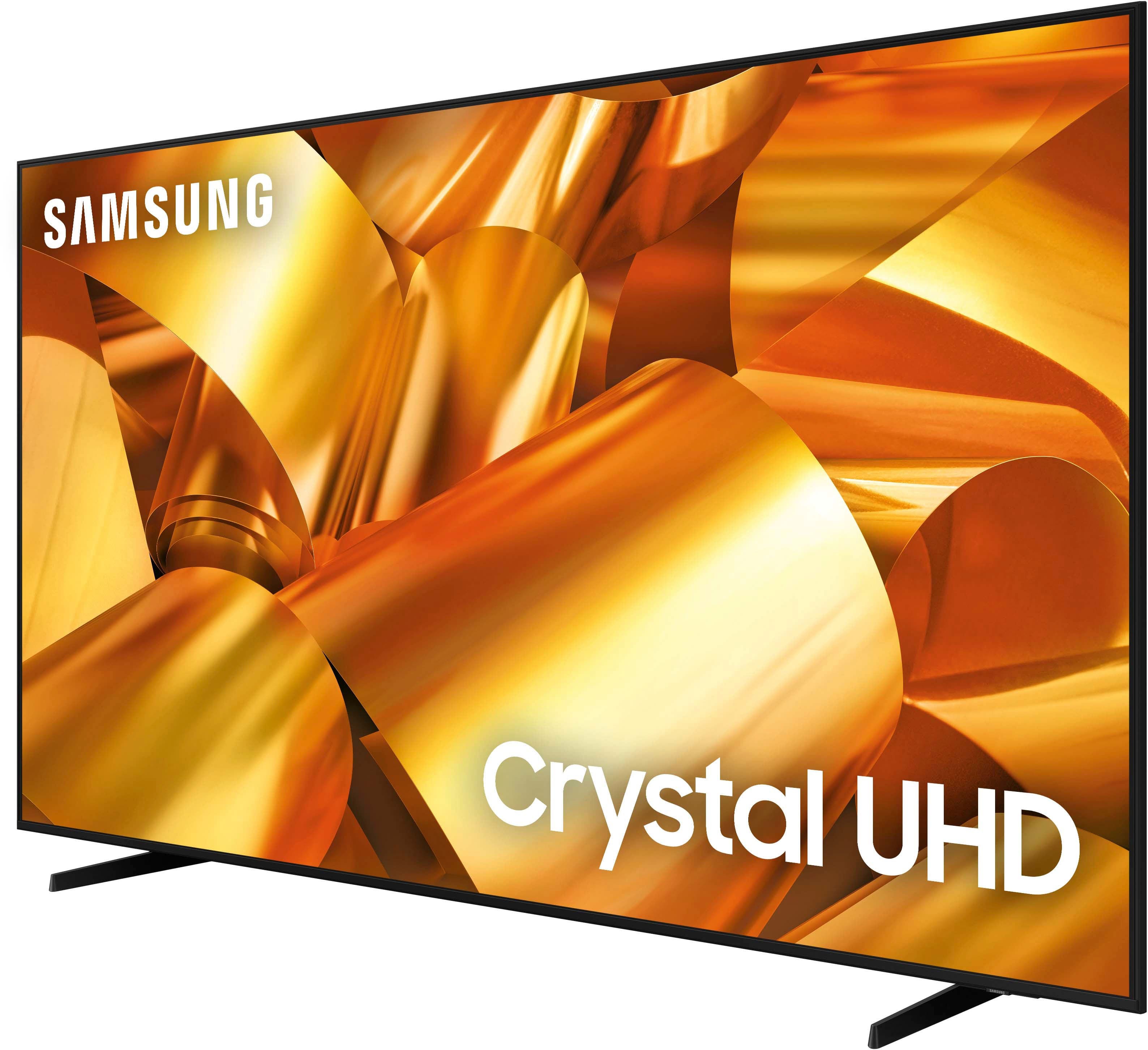
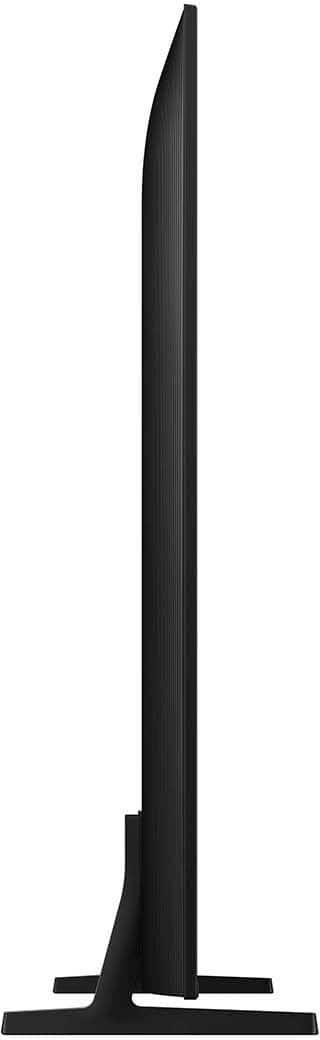
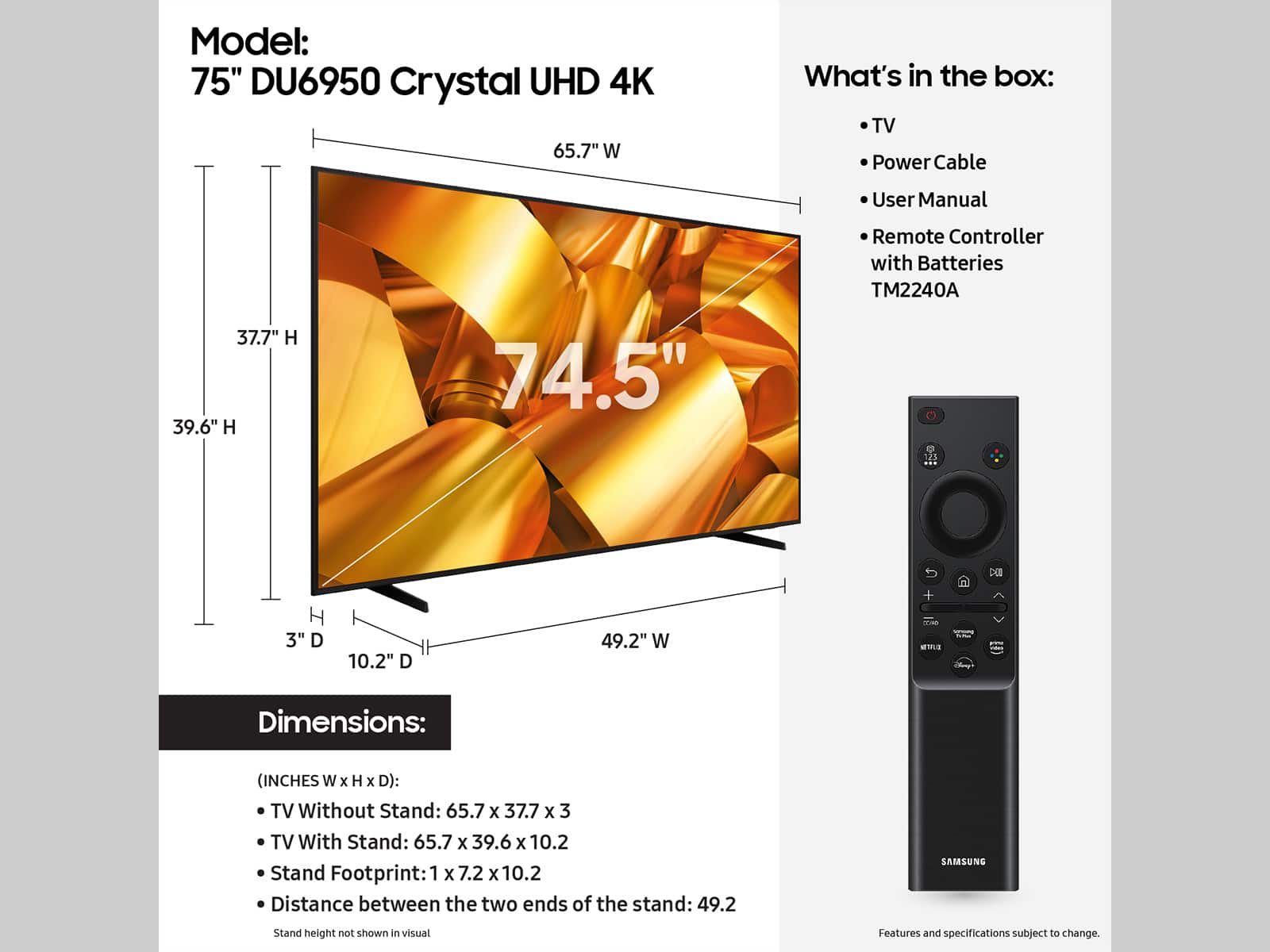
The 75" DU6950 weighs as follows (lbs):
Package Weight: 68.3
Set Weight with Stand: 47.4
Set Weight without Stand: 46.5
Stand Weight: 0.9
~Samsung Pro
A:AnswerHi TT,
Black bars on the top and bottom of your screen can be caused by either a setting on your cable/satellite box or by the content you’re watching. HD channels will have black bars on either side of the screen when displaying upscaled SD (4:3) content. Black bars will appear at the top and bottom of the screen when watching movies with aspect ratios different from your TV. Adjust the picture size options on your external device or set the TV to full screen.
Go to Home > Settings > All Settings> Picture > Picture Size Settings > Picture Size.
~Samsung Advisor
A:AnswerOsmin,
We appreciate you taking the time to let us know about your experience with your TV. So that we can better troubleshoot this issue and provide steps towards a solution, please contact Samsung Support at 1-800-SAMSUNG, 8AM - 12AM EST, 7 days a week. Or visit us on the Samsung website and click on the ‘Support’ link for:
• LiveChat
• Manuals, Software, & Warranty Info
~ Samsung Pro
A:AnswerBigOG,
So that we can better troubleshoot this issue and provide steps towards a solution, please contact Samsung Support at 1-800-SAMSUNG, 8AM - 12AM EST, 7 days a week. Or visit us on the Samsung website and click on the ‘Support’ link for:
• LiveChat
• Manuals, Software, & Warranty Info
~ Samsung Pro
A:AnswerHello,
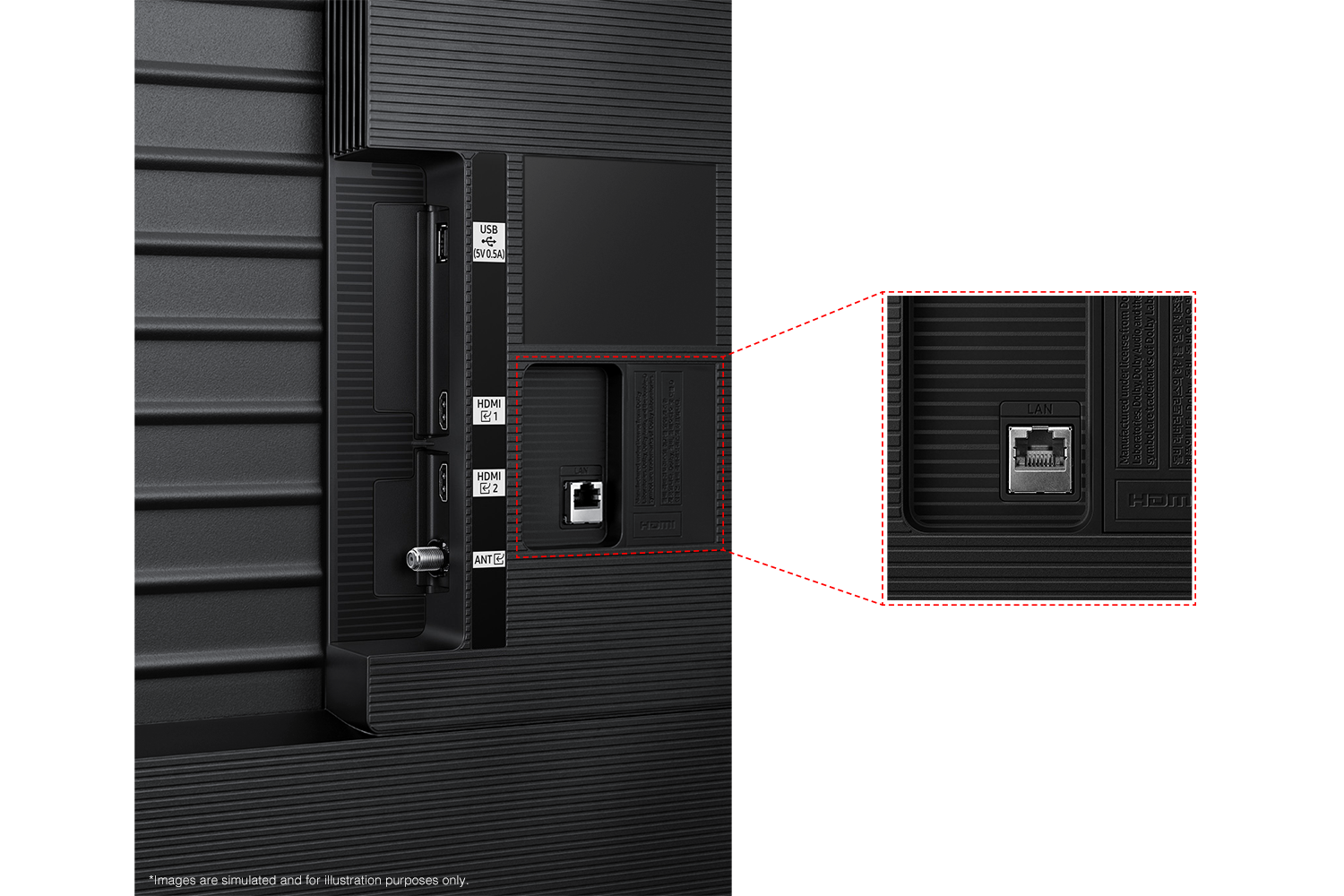
Thank you for considering this TV for your gaming! The DU6950 has 2 HDMI ports that each support HDR10+ and Auto Low Latency Mode (ALLM/Auto Game Mode). The “HDMI In 2” port further supports eARC. However, if you are looking to game at 4K@120fps (FRL), take a look at our the 85” DU8000 Series and above.
~Samsung Pro
A:AnswerTonysilverado,
The DU6950 TV is backed with a limited 1-year Manufacturer’s Warranty when purchased brand-new from an authorized dealer. You can see the full details of your warranty on Samsung's website. Go to Support (upper right corner) and select Warranty information. This will allow you to search for your product and view the full details of the included warranty.
~Samsung Pro

A:Answertoniwantsit,
The DU6950 TV offers 2 HDMI ports and is Bluetooth and Wi-Fi capable, allowing a seamless connection across multiple devices at a time. If your external device requires an Optical port, we recommend utilizing an HDMI to Optical Converter. These can be found at your local electronics store. Please also keep in mind that an Optical port can be found on our DU8000F Series and above.
~Samsung Pro

A:AnswerHello,
Thank you for considering this TV. Because HDMI 2.1 is a complicated spec, we hope that focusing on TV features will be more helpful to you when deciding on the best model for your usage scenario. The DU6950 has 2 HDMI ports, both of which support HDR10+ and Auto Low Latency Mode (Auto Game Mode). The “HDMI In 2” port additionally supports eARC. If you’re looking for a TV capable of 4K@120fps (FRL), please consider the 85” DU8000 Series and above.
~Samsung Pro