A:AnswerDawnC,
The Verizon Fios app is not currently a supported app. You can, however, use screen mirroring to cast content from another supported device to the DU6950 TV.
~Samsung Pro
A:AnswerJohn,
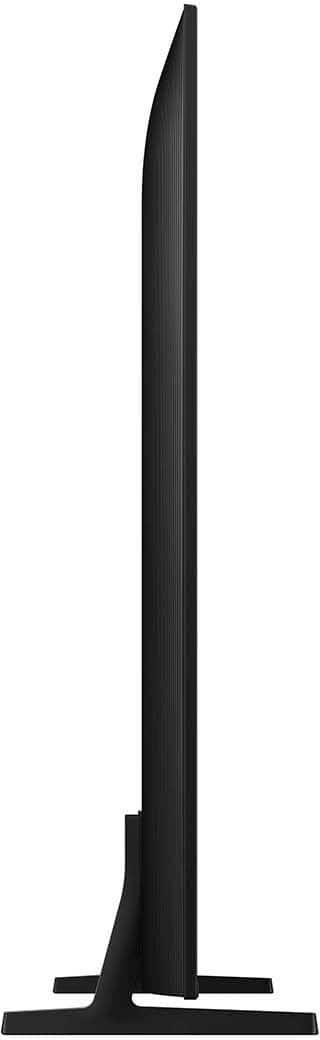
Thank you for your interest in the Samsung DU6950. Please know that the TV stand was solidly designed and extensively tested for stability.
~Samsung Pro
A:AnswerWhatever,
Apple Airplay requires an internet connection to work, so the DU6950 TV will need to be connected to the same network as the phone in order to work.
~Samsung Pro
A:AnswerJoe,
Please reach out directly to your local Best Buy for delivery options. If you have any questions about the DU6950 TV, our Samsung support team would be happy to assist at our site.
~Samsung Pro
A:AnswerWaldo,
Yes, you can go to Home > Settings > All Settings> Picture > Expert Settings and configure the TV settings to your taste with functions such as Brightness, Contrast, Sharpness, Color, Tint (G/R), and many more.
~Samsung Pro
A:AnswerBengh,
You can see our full TV lineup online at our website, or you can always contact our support team for additional help! You can call us at 1-800-SAMSUNG, 8 AM - 12 AM EST, seven days a week. Our LiveChat agents are also available by clicking on the ‘Support’ link on our website.
~ Samsung Pro
A:AnswerHi EdwardB,
The DU6950 comes with Samsung TV Plus, which offers hundreds of free channels of news, sports, movies, and much more.
~Samsung Advisor