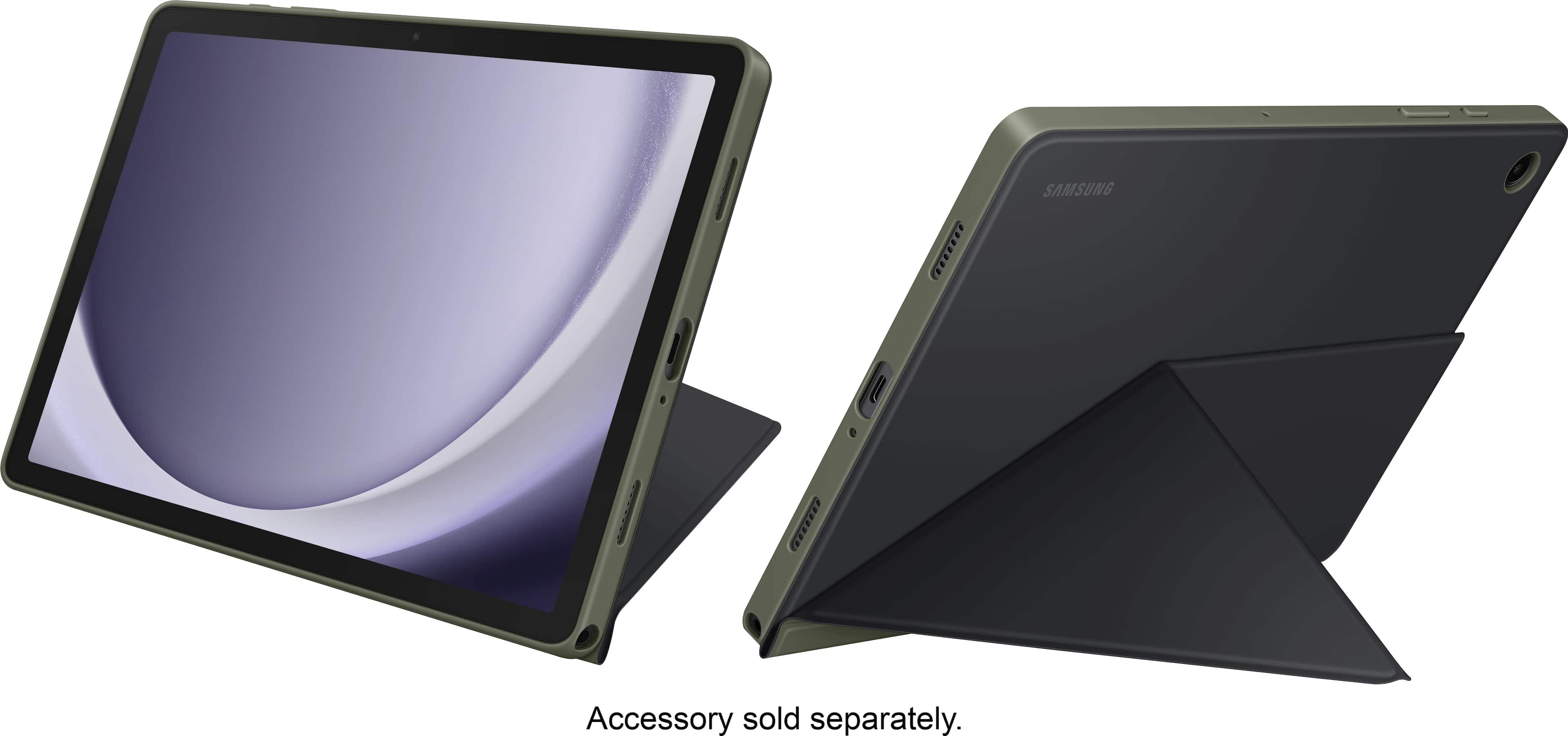
A:Answer Hi Shackman12, thanks for taking the time out of your day to ask us your question about the Samsung Galaxy Tab A9+. That's a good question! Yes, you can configure the settings of the Tab A9+ to help you interact with your device’s sounds, including captioning, sound balance, and hearing aid support. Here's how: From Settings, tap Accessibility > Hearing enhancements and tap an option: Live Transcribe: Use the microphone to record speech and convert it to text. If you have any additional questions for us or if you would like further assistance, let us know by reaching out to Samsung Support at your earliest convenience. Thank you for being a cherished Samsung customer. - Debra