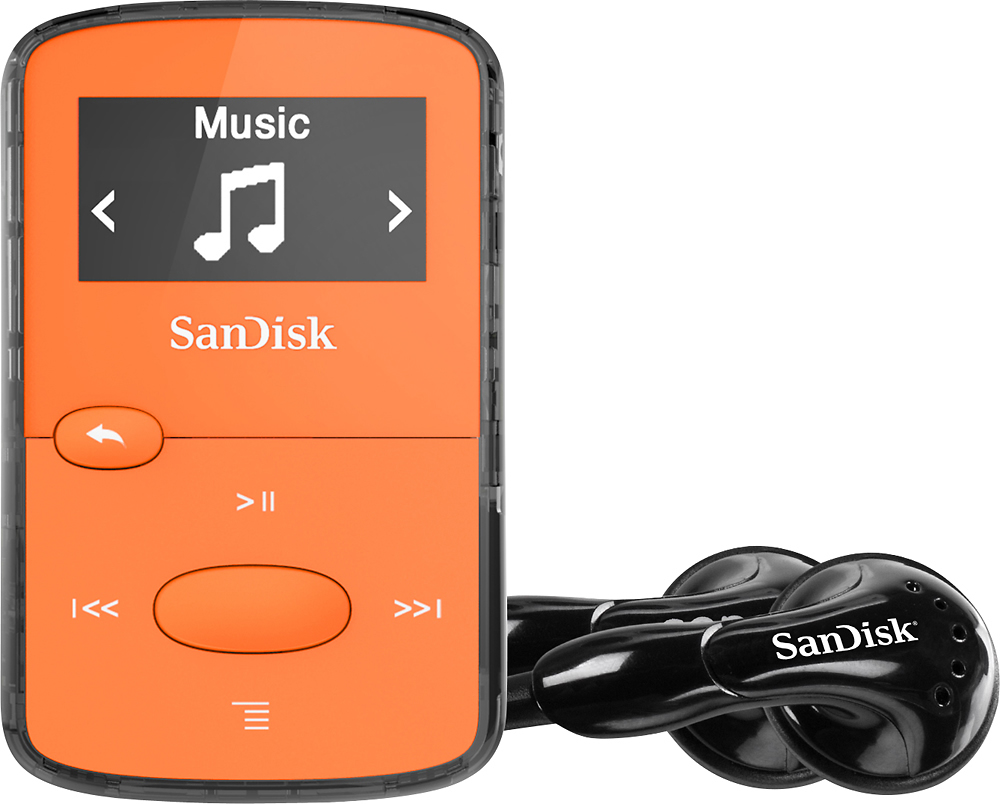
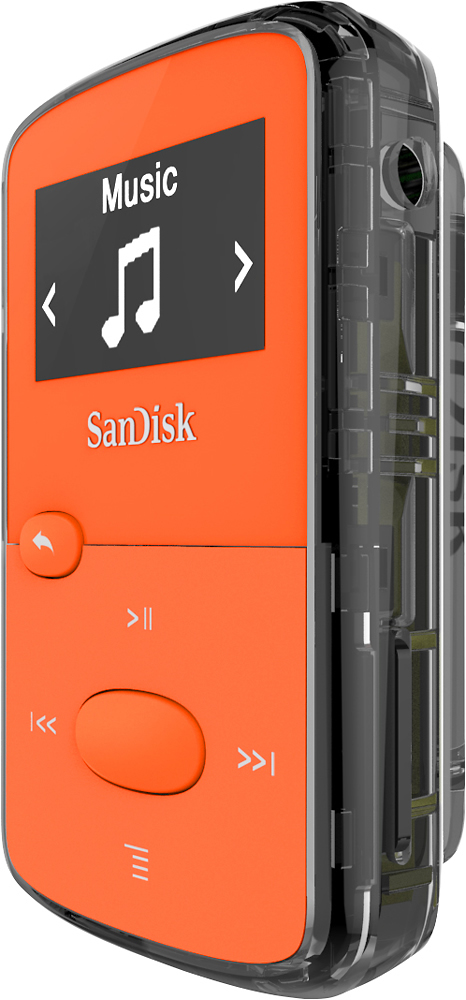
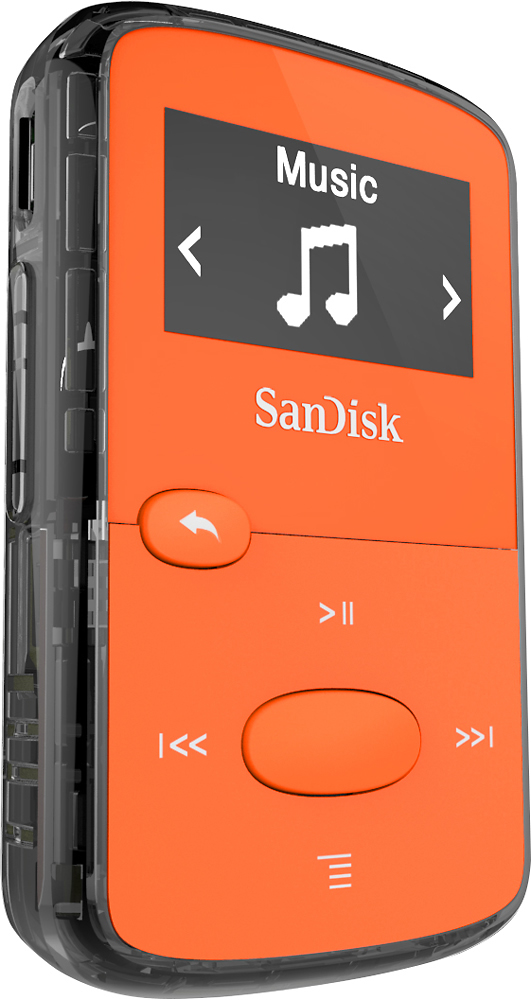
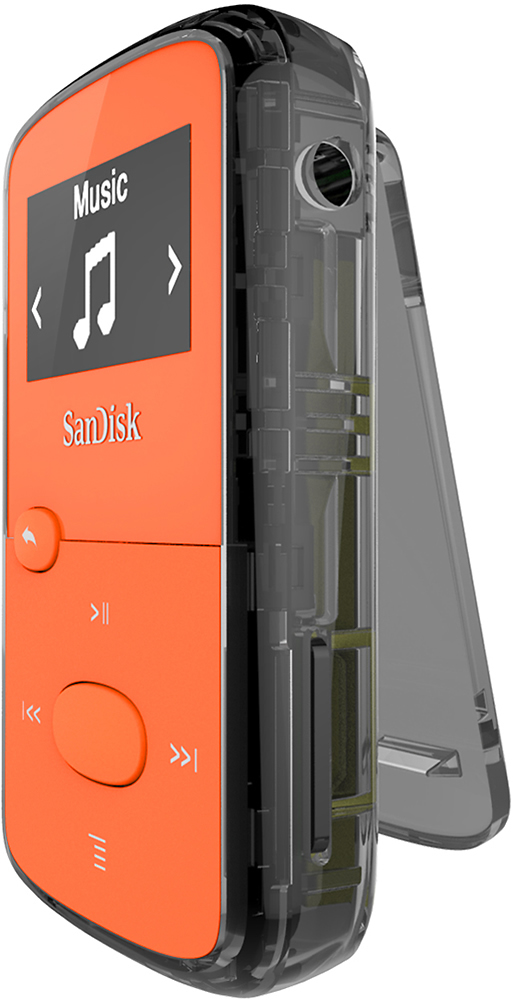
A:AnswerDownload music to your computer and save it. Connect MP3 to the computer. It will show as a new drive. Copy or cut and paste the music file to the MP3 drive. I don't use Spotify, but if the MP3 won't accept it, there are numerous conversion files online that convert various formats to mp3 or mp4. The MP3 player supports these.
A:AnswerNot sure what you mean by "independent." You'll need a computer to load and charge it. I guess you could have someone else load it with content and use an AC/USB plug to charge it. (I'm not sure what they're called, but they'll look something like this photo.)
You also can use it independently as an FM radio.
A:AnswerNo, you'll not be able to transfer songs downloaded from subscription based application as the files are DRM-protection. You may also refer to the below mentioned link:
-- https://support-en.wd.com/app/answers/detailweb/a_id/35166
A:AnswerHello, please allow us to inform you that the SanDisk® Clip Jam MP3 player does not come with bluetooth functionality. However, we manufacture Clip Sport Plus mp3 player with bluetooth and you can connect it to an audio device using bluetooth or 3.5mm audio jack
A:AnswerPlease allow us to inform you that the SanDisk® Clip Jam MP3 player comes with shuffle functionality and it will shuffle all the songs available. You may also refer to the user manual using the link :
-- https://support-en.wd.com/app/answers/detailweb/a_id/44143
A:AnswerHello, we would be happy to help but it would be best to contact us directly so that we can investigate further and provide you with an appropriate resolution. You can use the Ask form at https://kb.sandisk.com/app/ask and there is also a phone number you can call available at https://www.sandisk.com/about/contact/customer-care.
A:AnswerPlease allow us to inform you that the SanDisk® MP3 Player supports DRM-free files. You may also refer to the provided link to know the supported files by our MP3 players :
-- https://kb.sandisk.com/app/answersweb/detailweb/a_id/14130
A:AnswerNo, the SanDisk® Clip Jam MP3 player does not come Bluetooth functionality. However, you can connect the audio devices using it 3.5mm audio jack.
A:AnswerNo, the SanDisk® Clip Jam MP3 Player does not come with voice recording functionality. Please refer to the user manual of this MP3 Player using the provided link :
-- https://downloads.sandisk.com/downloads/um/clipjam-um.pdf
A:AnswerIf you access the mp3 files in the player through the computer, the way you would normally access files in a folder, you can play them on your computer. But according to the instructions that came with the player, you can't play the player while it's plugged into the flash drive; doing so is liable to damage the item. The safest course of action is to simply unplug it first after it's been fully charged.