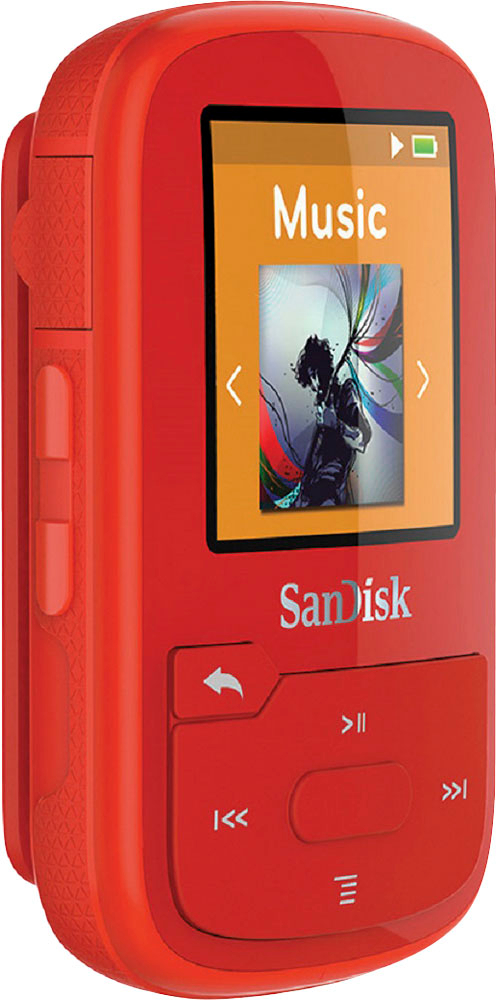
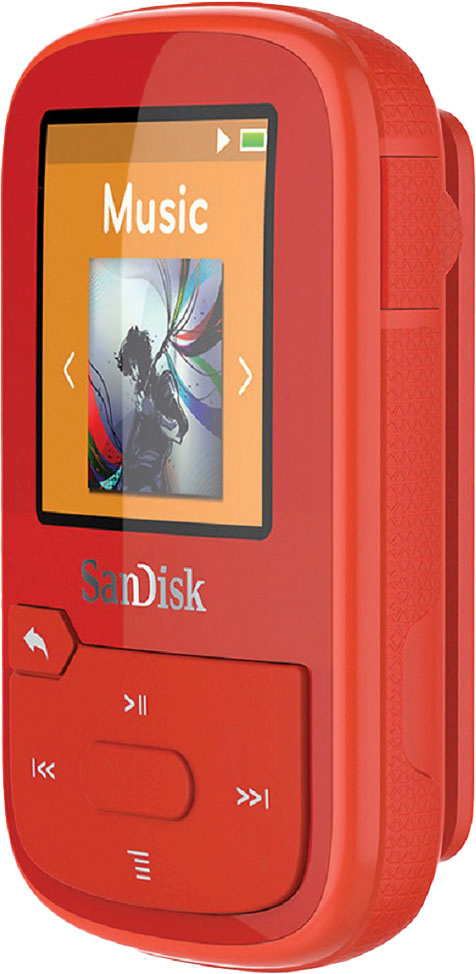
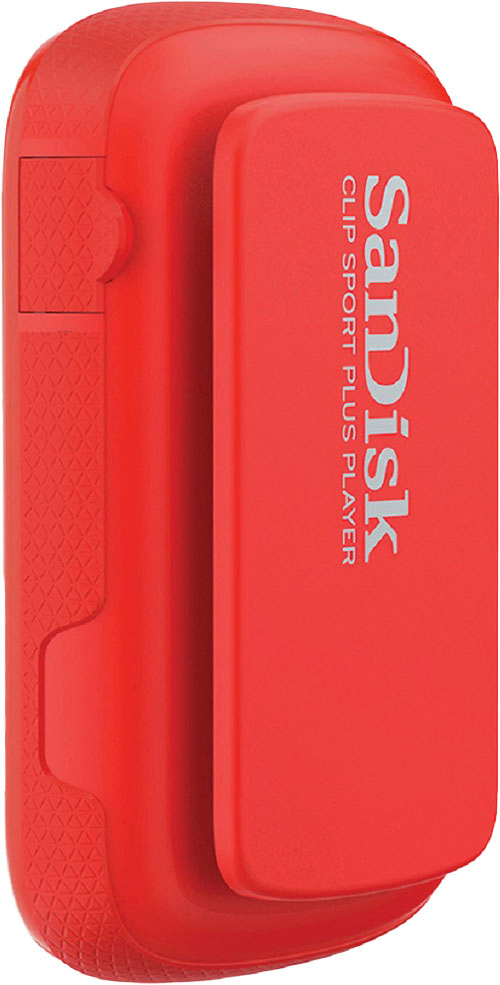
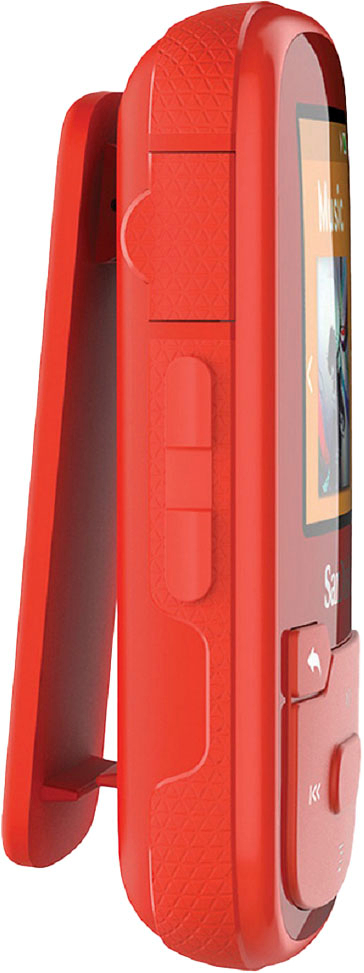
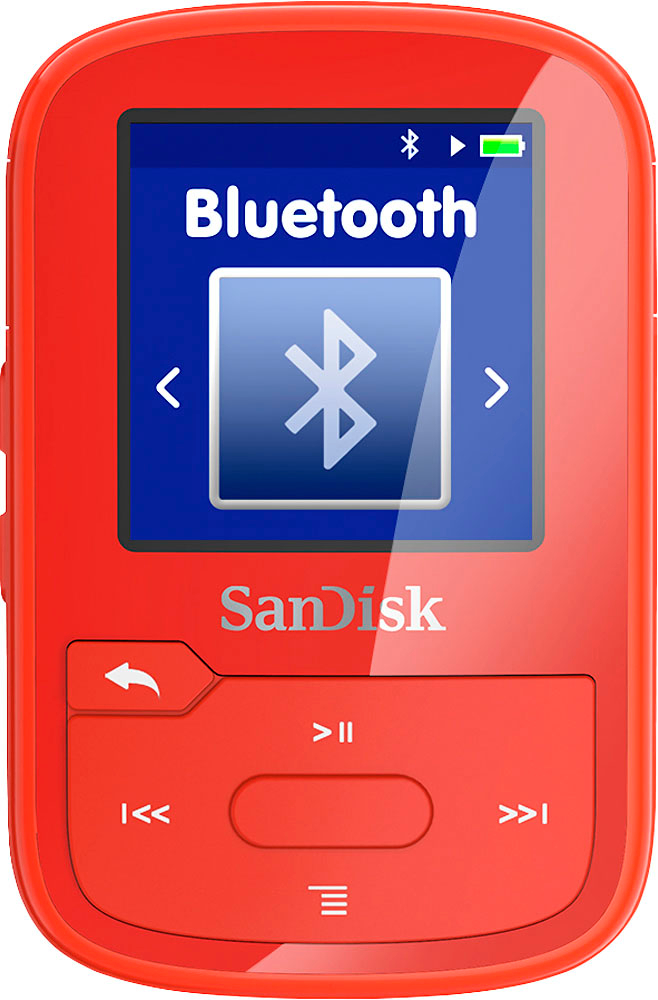
A:AnswerThere is no built-in speaker that I can see. You will need headphones or pair to an external speaker via Bluetooth for sound to work. You must have headphones connected for FM audio to work correctly, since it uses the cord as an antenna.
A:Answer1] Log in to your local library website (e.g., I use https://ccc.overdrive.com/ ).
2] Click "Help" to learn how to download the "OverDrive" app or "Libby" to your computer. Download it to your computer. (I've used both applications. The instructions for using OverDrive appear below, but Libby is somewhat easier to use).
3] On the library website, follow the directions to BORROW available MP3 books and download to your computer.
Note: when it comes time to transfer the book to your SanDisk player, you must select the SanDisk player, and then select the "audiobooks" folder. I create a new folder with the name of the audiobook. And then download the audio book into that new folder inside the "audiobooks" folder. Disconnect the SanDisk player. It will show "Refreshing Media". Then go to your Folders->Audiobooks-> and select your desired audio book.
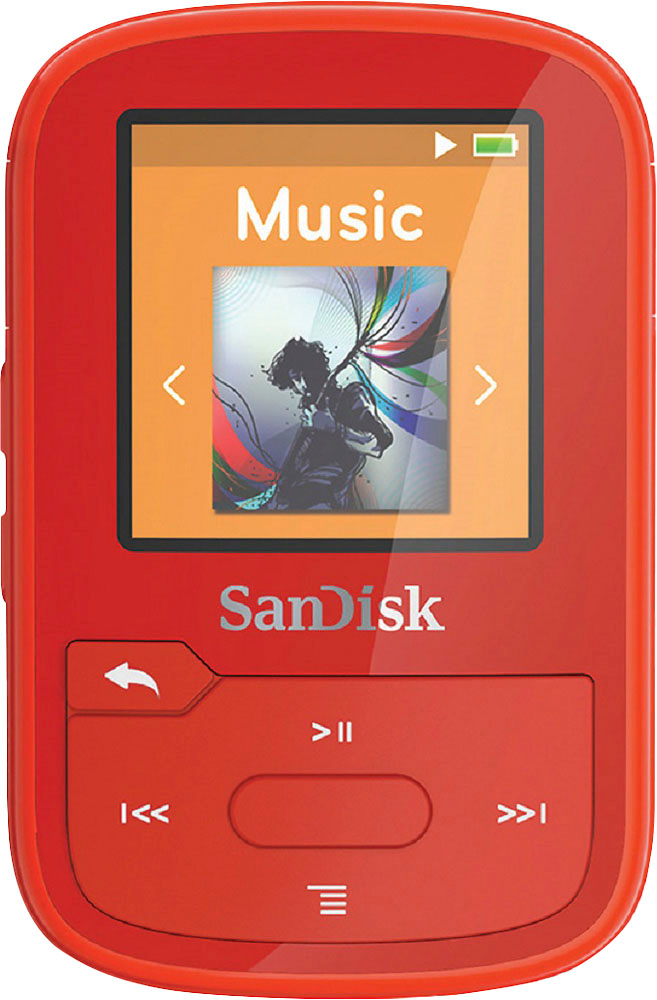
A:AnswerYou must plug in a WIRED headphone to act as antenna if trying to listen to radio. Then the sound will transmit via bluetooth through your wireless headphones.
A:AnswerYes, you can use any earphones/ headphone with 3.5mm audio jack on the SanDisk® Clip Sport Plus MP3 Player. However, it can also be connected using Bluetooth functionality. Please refer to the user manual using the provided link :
-- https://kb.sandisk.com/app/answers/detail/a_id/20075
A:AnswerYes, the SanDisk® Clip Sport Plus MP3 player allows you to select the music content groupings by Shuffle List, Artists, Albums, Songs and Playlists. You may also refer to the user manual using the provided link : -- https://downloads.sandisk.com/downloads/um/clipsportplus-um.pdf
A:AnswerWe've been able to connect it to several blue tooth devices with no issues, including speakers and buds.
Podcasts with have to be downloaded and dragged to the player when connected to a computer. It doesn't have the ability to stream anything. All files need to be added to the device.
A:AnswerYes, the SanDisk® Clip Sport Plus MP3 player come with 3.5mm Audio jack and it can be connected to the car stereo using Bluetooth or an Auxiliary Cable.