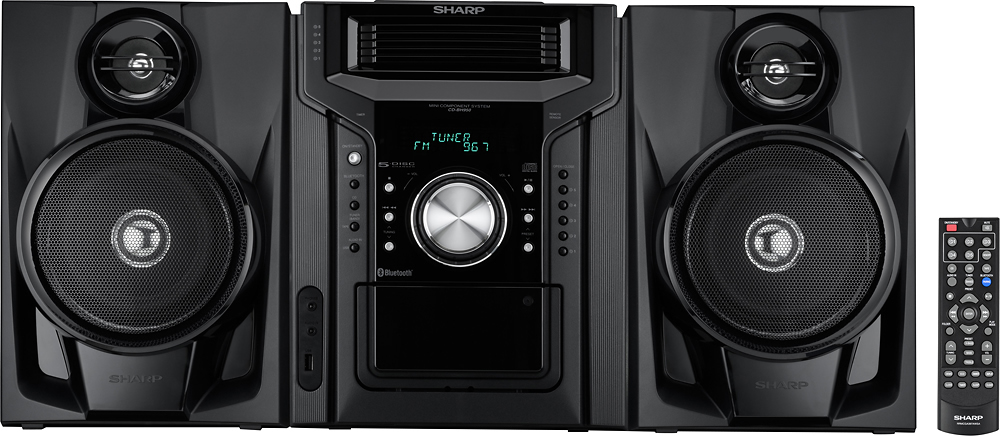
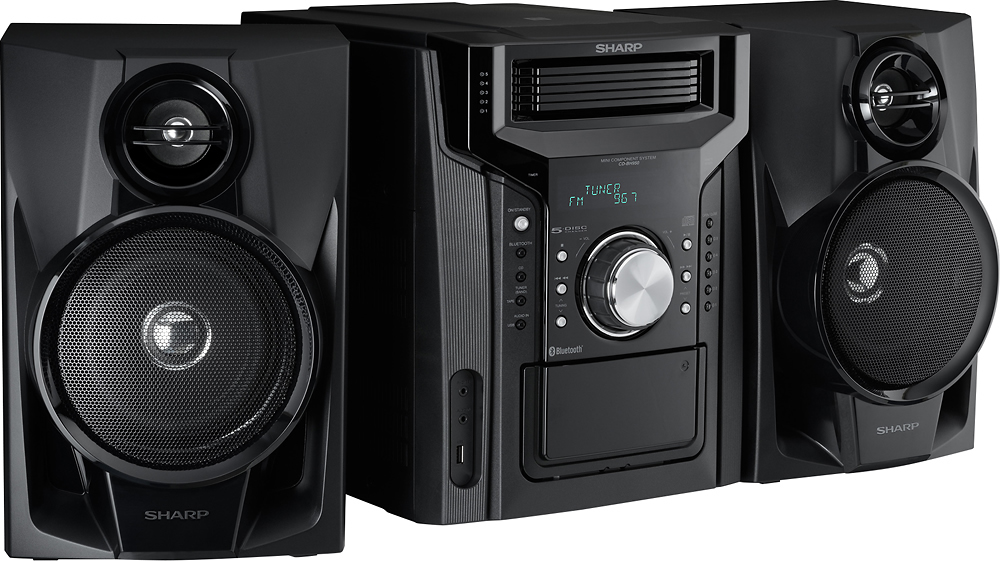
A:AnswerI am not at all technically inclined so I might be way off here. But if this is what I think it is, it is enclosed and you cannot see it. The way the 5 disc changer works is a plastic tray slides out for each cd so you don’t see the laser reader like you might on a single disc unit. Hope that helps.
A:AnswerHello, we recommend that you use the original remote that was made for the unit as a universal remote may not have all the functions/ features. For further assistance with that feel free to contact us at 800-237-4277.
A:AnswerHello, please accept our apology for any inconvenience this is causing. Please email us at onlinesupport@sharpsec.com so we may look into this for you.
A:AnswerI have had it 6 months now! When I bought mine, it was an open box & there were no new ones available in the store, at that time
IT MAYBE DISCONTINUED?
A:AnswerHello, we are sorry for the inconvenience, also, we do not recommend self servicing of units. If you have not yet gotten a resolution kindly contact us at onlinesupport@sharpsec.com and include the case number 9482538.
A:AnswerHello, unfortunately, you are not able to connect speakers to the unit via Bluetooth. The Bluetooth function on the units is to connect media devices.
A:AnswerHello John, we apologize but there isn't another FM antenna available. If you require further assistance please email us at onlinesupport@sharpsec.com.
A:AnswerJust pair your device with it based on your device pairing instructions & instructions with this unit...Or ask anyone born in 80's or later the kids can do it in a snap!
A:AnswerPlease, please don't buy this. What a piece of junk. Trays that don't stay open to load a disc. Remote that won't skip a disc. A ridiculous remote that combines fast forward with skip to next selection. Look for something else - I wish I had.
A:AnswerI found that the speakers hook up in the usual way (as per my last stereo system) the wires are divided into two per line, and you just attach them left & right on the back where shown. If you don't get sound, switch the wires (if not color-coded) and make sure you have correct left and right. Your speakers might require a bit of "fiddling" to get the correct combination. Many speaker wires are one-color so it is tricky.