A:AnswerHi JohnD,
In this case, it is unlikely that you can change/switch it back to Bluetooth standby mode unless you have your remote with you.
Sharp Products
Lisa
https://sharpproducts.com
A:AnswerLook for the little white connector at end of Antenna wire. Locate the white outlet next to the coax attachment located at back in area marked for antenna.
Plug white plug into this white outlet that has same shape as the plug
A:AnswerHello, the unit has a repeat play feature. To repeat one disc: press the Play Mode button repeatedly until Disc Repeat appears. You may also repeat all tracks on up to 5 discs. To do this, press the Play Mode button repeatedly until All Repeat appears.
A:AnswerPush the clock button and press enter on the center of the remote, adjust the time with the forward and back buttons ( hour first and then minutes) you must hit the enter button for each adjustment separately.
A:AnswerHello George, the random play feature on all CD players allows you to play tracks from your discs in random order automatically. This means the unit will random play songs on an individual CD until all songs have been played on that disc. Once all songs are completed on that specific disc, it will move on to the next CD tray and random play songs from the disc in that tray. The unit will not shuffle from CD to CD.
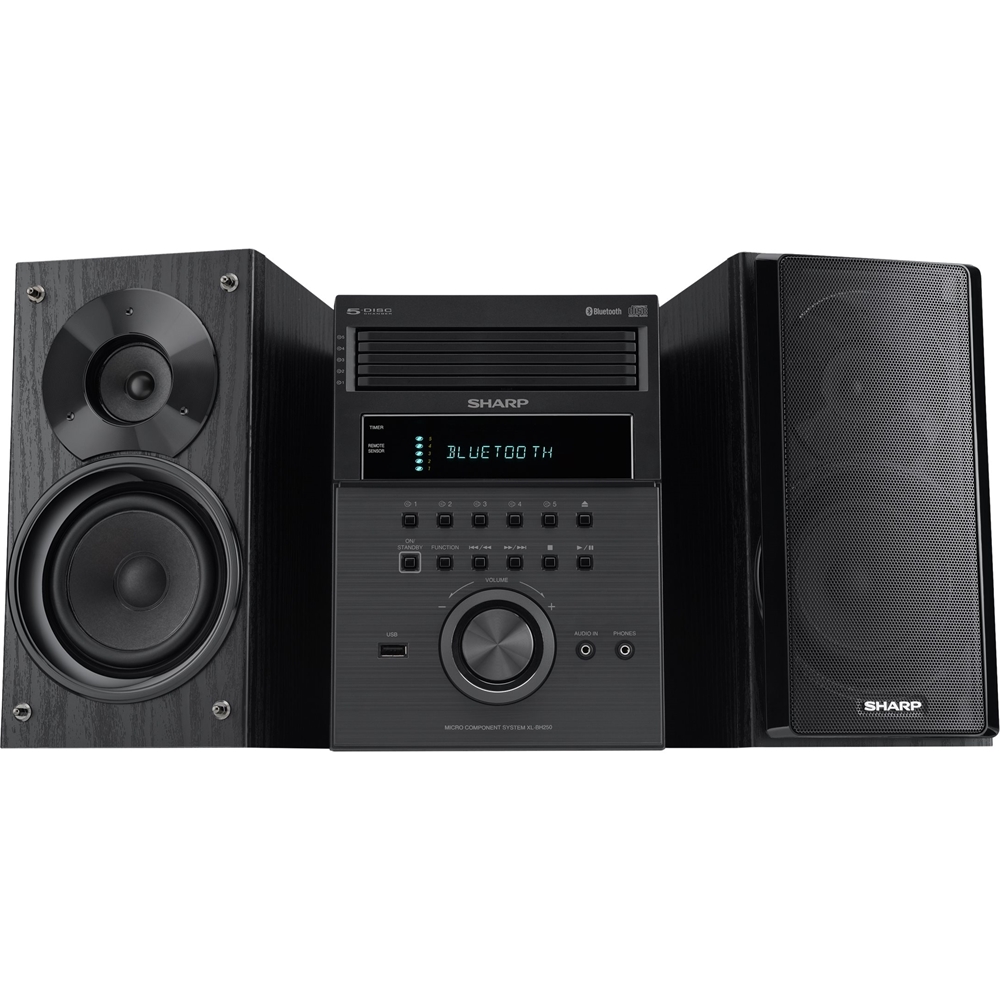
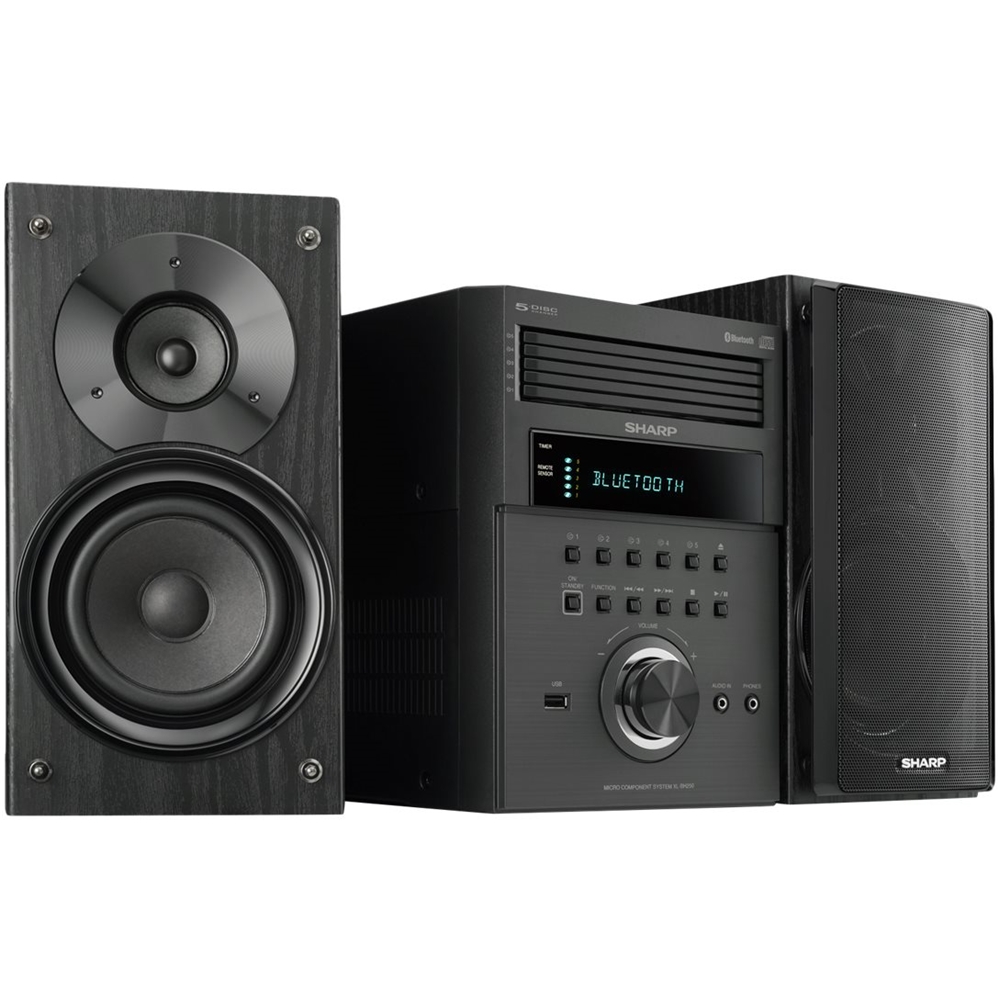
A:AnswerHello Ange, you are able to connect an external device (Turntable) to the (audio in) 3.5 mini jack aux port at the front of the unit. When this is done the sound will output through the speakers of this unit.
A:AnswerHello Nick, you are able to connect an external device (Turntable) to the (audio in) 3.5 mini jack aux port at the front of the unit. When this is done the sound will output through the speakers of this unit.
A:AnswerHello, yes, you are able to connect an external device (Turntable) to the (Audio In) 3.5 mini jack aux port at the front of the unit. When this is done the sound will output through the speakers of this unit
A:AnswerHello, you are able to connect an external device to the (audio in) 3.5 mini jack aux port at the front of the unit. When this is done the sound will output through the speakers of this unit.
A:AnswerHello, you are able to connect an external device to the (audio in) 3.5 mini jack aux port at the front of the unit. When this is done the sound will output through the speakers of this unit.
A:AnswerHello, to repeat all tracks on up to 5 disc, press the PLAY MODE button repeatedly until " ALL REPEAT" appears on the display. If you have further questions or concerns, feel free to reach out to us via email at onlinesupport@sharpsec.com.
A:AnswerHello, you may connect an external device (Turntable) to the (audio in) 3.5 mini jack aux port at the front of the unit. When this is done the sound will output through the speakers of this unit. You may reach out to us at onlinesupport@sharpsec.com so we may provide additional support with the front and back panel of this model.
A:AnswerHello Christine, yes, you are able to connect an external device (Turntable) to the (audio in) 3.5 mini jack aux port at the front of the unit. When this is done the sound will output through the speakers of this unit.
A:AnswerHello, we are very sorry to hear this. If the unit is completely dead then we may have to check into this further. Please send us the product information to onlinesupport@sharpsec.com so we may look into this and work towards a resolution with you.