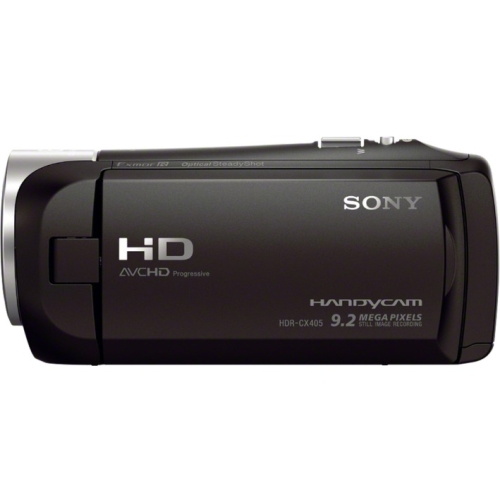
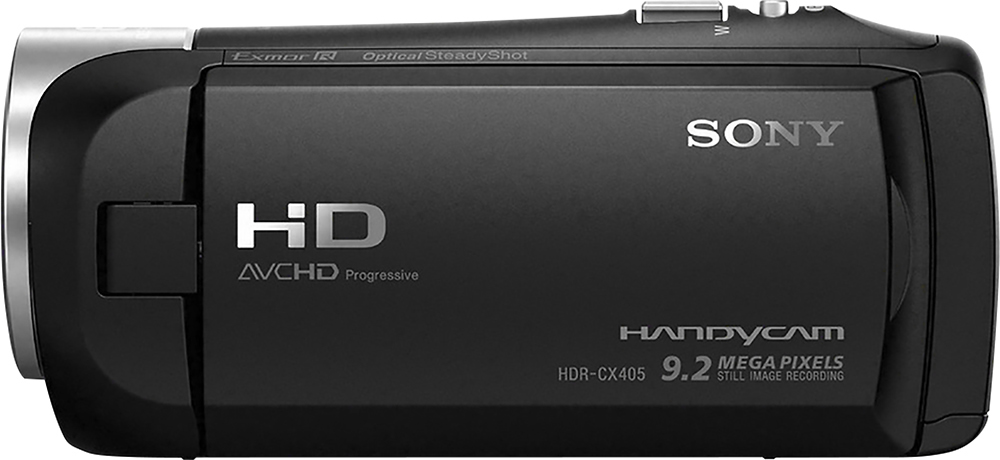
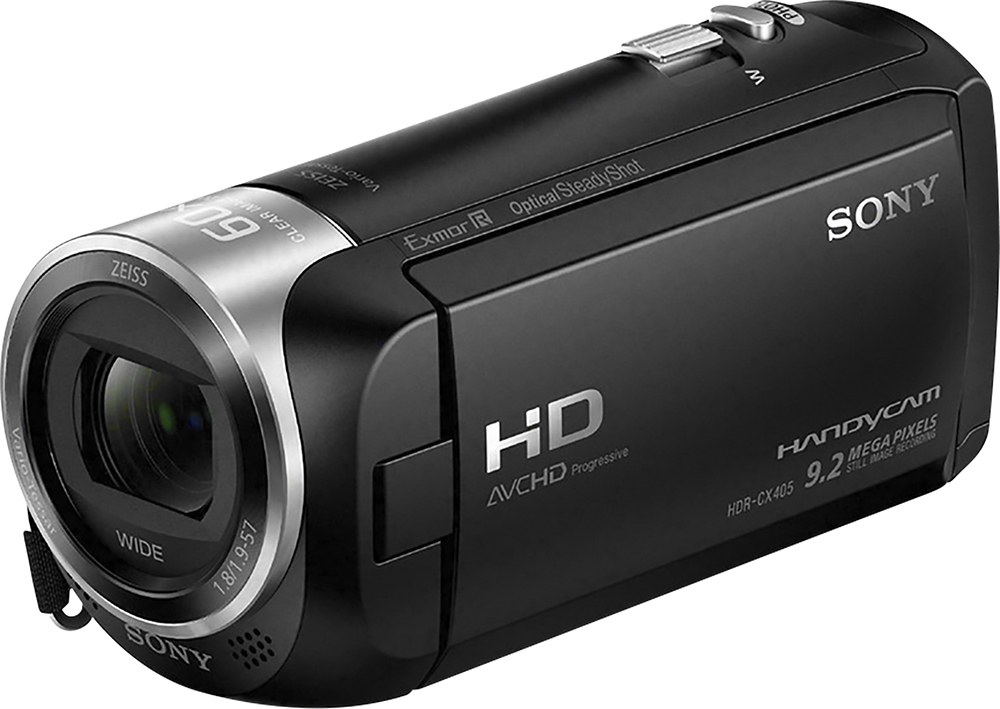
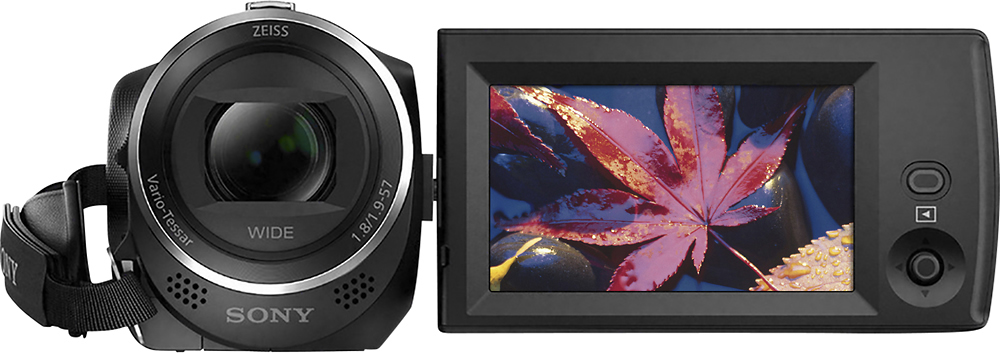
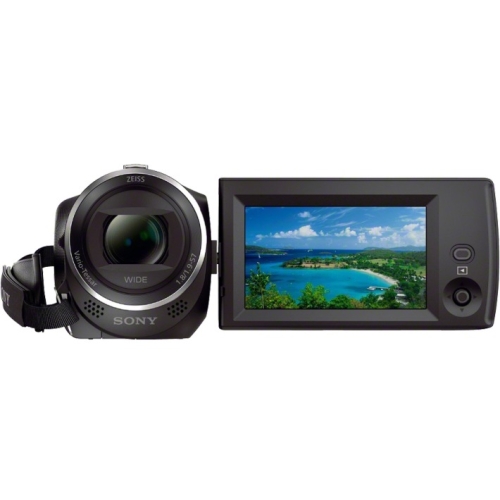
A:AnswerHi Nich18, Sony's commitment to customer satisfaction is our top priority. The optical zoom range is 30x and the 35mm equivalent focal length is 26.8mm to 804.0 mm. Thank you so much for your question. And thank you for choosing Sony. - Pakorn (Sony Social Support)
A:AnswerThank You for reaching out to us. Sony's commitment to customer satisfaction is our top priority.
Transfer images to your smartphone or tablet.
Install PlayMemories Mobile on your smartphone.
If PlayMemories Mobile is already installed in your smartphone, update the software to the latest version.
Press the button on this product to enter the playback mode.
On the LCD monitor of this product, select - [Wireless] - [Function] - [Send to Smartphone] - [Select on This Device].
If you select [Select on Smartphone], all images stored in the internal memory of this product (models with the internal memory) or on the memory card are displayed on the smartphone screen.
Select the type of image you want to transfer.
Select the image you want to transfer, and add mark, and then select - .
The SSID and a password are displayed on the LCD monitor of this product. This product is now ready to be connected from your smartphone.
A: SSID
B: Password
Start PlayMemories Mobile, then on the smartphone screen, select the SSID displayed on the LCD monitor of this product, and then enter the password displayed on the LCD monitor of this product.
The images are transferred from this product to the smartphone.
Transferred images will be stored in Gallery/Album on an Android smartphone/tablet or Album on an iPhone/iPad.
For details regarding possible limitations, features and general questions. Please reach out to us directly.
-Vincent (Sony Imaging Support)
A:AnswerHi steve,
Sony commitment to customer satisfaction is our top priority.
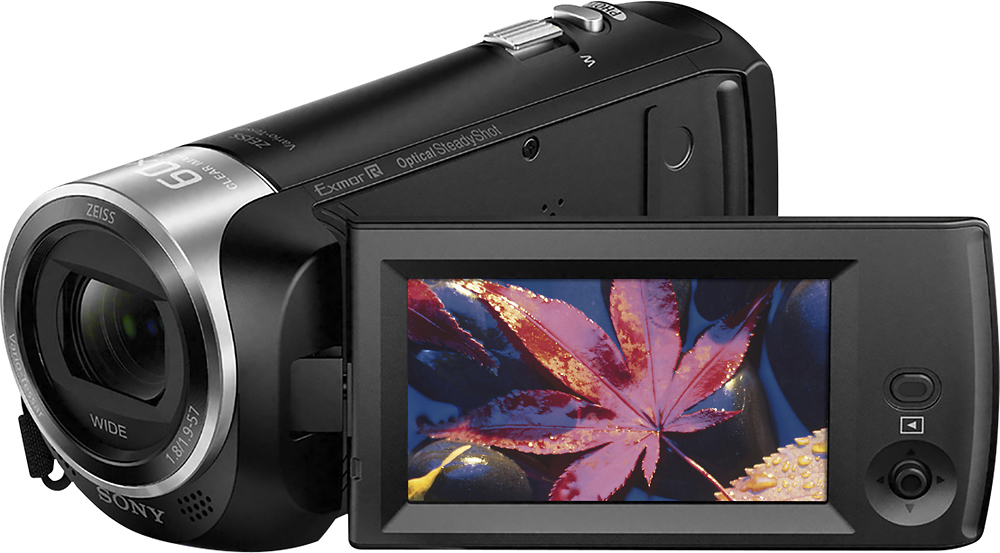
The HDRCX405 camcorder has been tested to work with up to 128GB micro-SD cards.
For any questions or concerns, you can reach us at 239-245-6360
Regards,
Larry
Sony Social Support
A:AnswerHi Flightful66,
Sony commitment to customer satisfaction is our top priority.
The camera can be connected to a wall outlet for power supply. However, the battery needs to be in the camera.
Regards,
Larry
Sony Social Support
A:AnswerHi,
Sony commitment to customer satisfaction is our top priority.
We don't have a remote commander that you can use with the HDRCX405 camcorder for playback. However, if you will connect the camera with a BRAVIA Sync compatible TV via HDMI cable, you can play back movies on this product by aiming the TV’s Remote
Commander at the TV. Just go to MENU → Setup → Connection → CTRL FOR HDMI → ON to enable this function.
Regards,
Larry
Sony Social Support
A:AnswerHi Jet,
Sony commitment to customer satisfaction is our top priority.
We have tested up to 128GB micro SD card to work with the HDRCX405 camcorder.
Regards,
Larry
Sony Social Support
A:AnswerHi RLLS,
Sony commitment to customer satisfaction is our top priority.
Audio and video should be available on HDMI output while recording on the HDRCX405 camcorder. Check you input device if it support audio input via HDMI.
Regards,
Larry
Sony Social Support
A:AnswerYou can take the picture , since its a low resolution you won't find a good picture out of the handycam at lest in the indoor. It does not have a time
A:AnswerHi ken, Sony's commitment to customer satisfaction is our top priority. The camcorder does not have time and date stamp. Thank you so much for your question. And thank you for choosing Sony. - Pakorn (Sony Social Support)
A:AnswerHi Daniel, Sony's commitment to customer satisfaction is our top priority. Please follow the link below for the expected recording time of movies. The camcorder is compatible with microSDHC/microSDXC memory card (Class 10 or faster, or U1 or faster.) Thank you so much for your question. And thank you for choosing Sony. - Pakorn (Sony Social Support)
https://helpguide.sony.net/cam/1440/v1/en/contents/TP0001613379.html?search=recordable%20time
A:AnswerHi Trent, Sony's commitment to customer satisfaction is our top priority. You would need to have an HDMI capture device to connect the camcorder to the computer to stream to YouTube. Thank you so much for your question. And thank you for choosing Sony. - Pakorn (Sony Social Support)