A:AnswerI had decent audio for the event I recorded. Like any camera, if you want sound from an event, make sure to keep quiet while using the camera, near sound will over power other sound. The event I recorded had some audio from a microphone sound system that came through well.
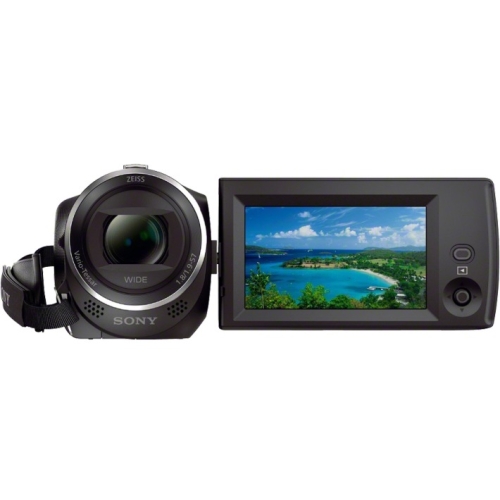
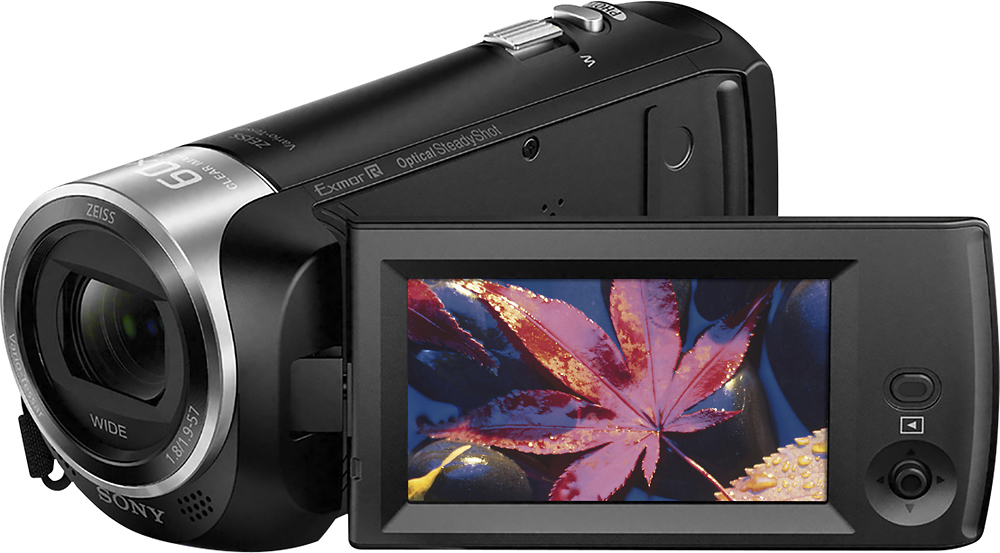
A:AnswerHi gRANMA Debbie, here's a brief comparison between these two Handycams: The HDR-AS100V Action Cam has an outstanding image quality, simultaneous multi-angle shooting, improved blur reduction, and other features ensure you get great footage—while the compact, splash-proof design makes it ready for anything while the HDR-CX405 is an all-around Handycam with Optical SteadyShot with Intelligent Active Mode prevents camera shake and blur from ruining pictures. AVCHD and XAVC S formats ensure faithful and vibrant recordings. It's all so compact and always ready to go. I hope this helps, Dave
A:AnswerUnless your grandson will be broadcasting as he shoots the video, he will not need the WiFi. He will most likely upload to his computer, and add titles, graphics and music. With the money you save, you could buy the microwave popcorn and sodas for the screening of his first home movie!
A:AnswerYes you can. If you have the charger for it. Don't plug the charger near anything that can spill, crush or harm charger. Any damage whether spilling, crushing or handling it too rough could cause the charger to no longer work.
A:AnswerHi Bookwyrm, Sony's commitment to customer satisfaction is our top priority. If you are referring to pause while recording then this camcorder does not have it. The camcorder will stop recording and start a new clip once the record button has been pressed the second time (after recording has started). However, if you are referring to pause while playback the video clip recorded then the camcorder does have this feature.
A:AnswerHi Jim, Sony's commitment to customer satisfaction is our top priority. The CX405 does not support 4K recordings. These are some of the models that support 4K recordings : FDRAX43/B, FDRAX100/B, FDRAX100/B, FDRAX700/B
A:AnswerHi JR, you certainly can. please follow the link for how to take still photos on the device https://helpguide.sony.net/cam/1440/v1/en/contents/TP0000557750.html?search=still