A:AnswerIf you use chromecast or a program that allows you to cast to a tv yes- it has to be something you add (is your app castable?), or go in and talk to a rep, there might be other ways to cast. If you don’t then sorry, not sure but I cast all kinds of things from my phone and computer to the tv using chromecast and love it.
A:AnswerIn order for us to better assist, please reach out to us at [email protected] with your contact information and a description of what you are experiencing. Thank you, TCL Customer Support
A:AnswerYou can go to www.Roku.com/whats-on to see what streaming channels and apps are offered through the Roku Channel Store. To search for a specific channel you would simply want to enter that information into the search section. Hope this helps! Thank you, TCL Customer Support
A:AnswerIn order for us to better assist, please reach out to us at [email protected] with your contact information and a description of what you are experiencing. Thank you, TCL Customer Support
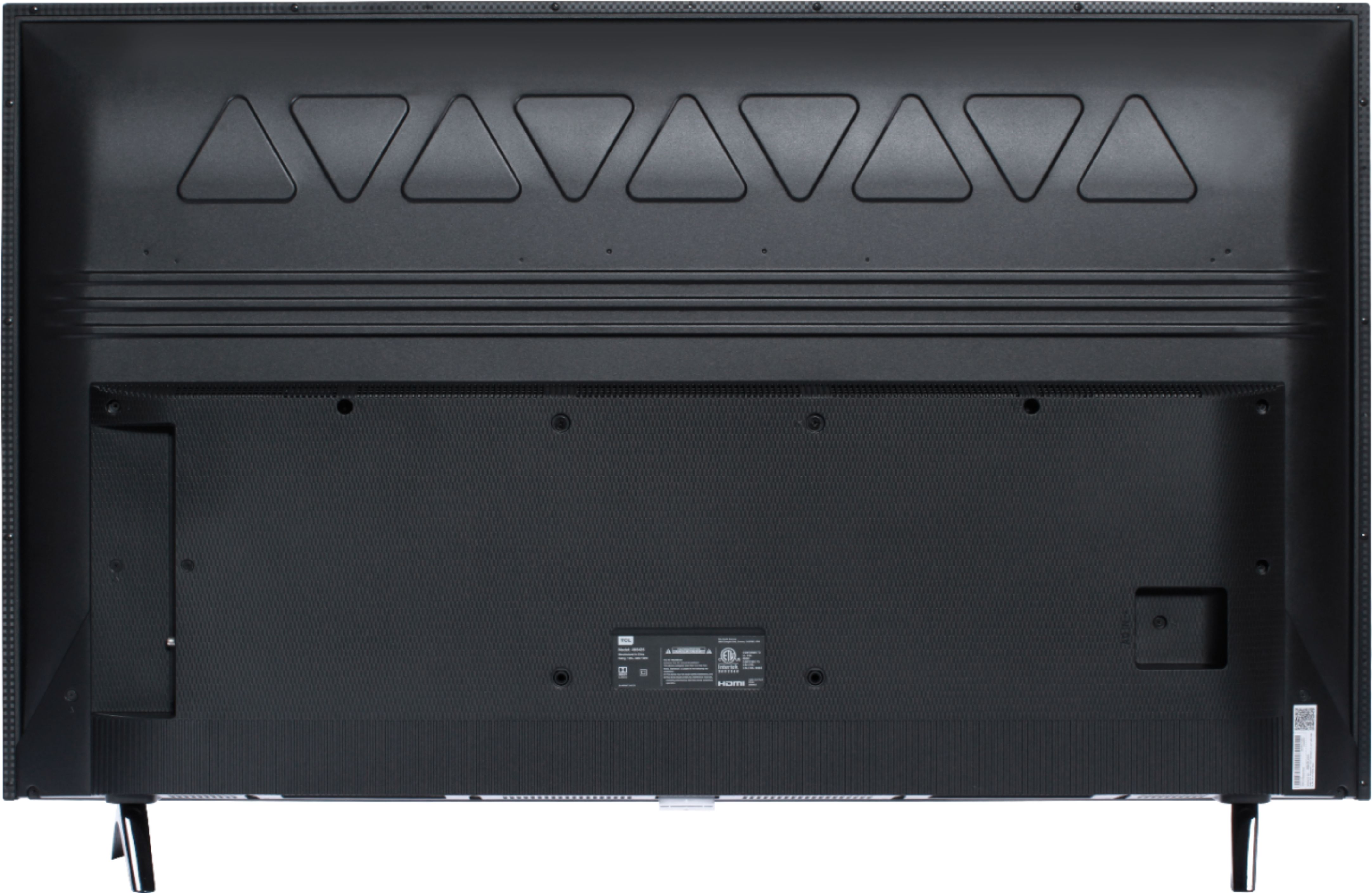
A:AnswerThis TCL Roku TV is compatible with most wall mounts that support a 200mm x 200mm VESA mounting pattern. Hope this helps! Thank you, TCL Customer Support
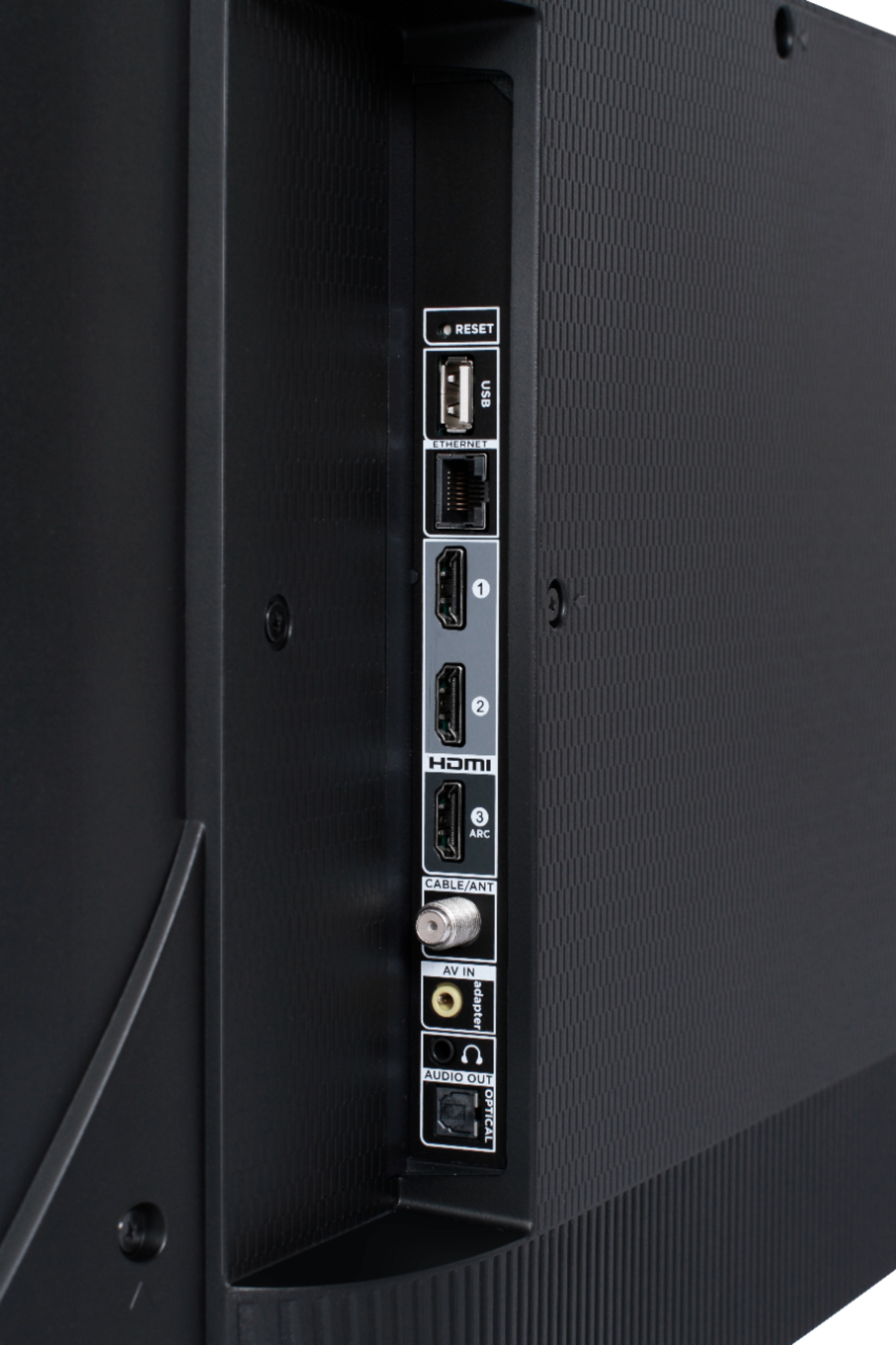
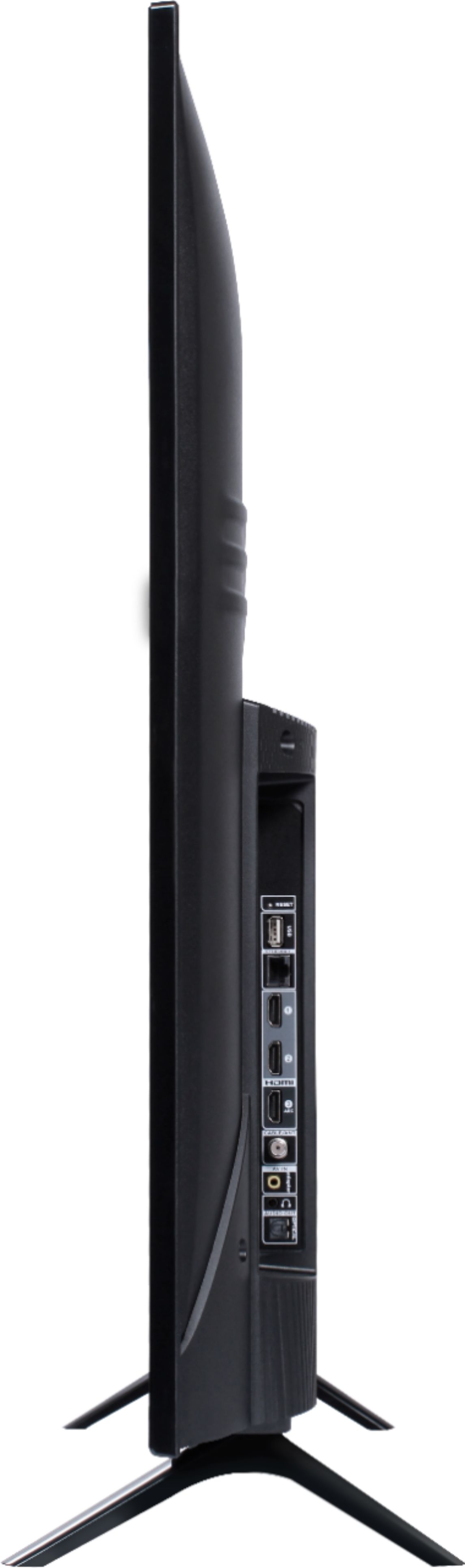
A:AnswerAlthough this TCL Roku TV is designed with the primary role of television in mind, it does come with 3 HDMI ports. Any of these ports can be used to connect the TV to external devices, such as a PC. Hope this helps! Thank you, TCL Customer Support
A:AnswerAbsolutely! This TCL Roku TV is compatible with most wall mounts that support a 200mm x 200mm VESA mounting pattern. Hope this helps! Thank you, TCL Customer Support