A:AnswerFortunately it is 12 months. TCL tech support has been super helpful. Maybe I just got a bad tv, even tho highly rated by trusty CNET. I expect if my current issue isn't resolved over the phone they'll send out a tech person... we'll see.
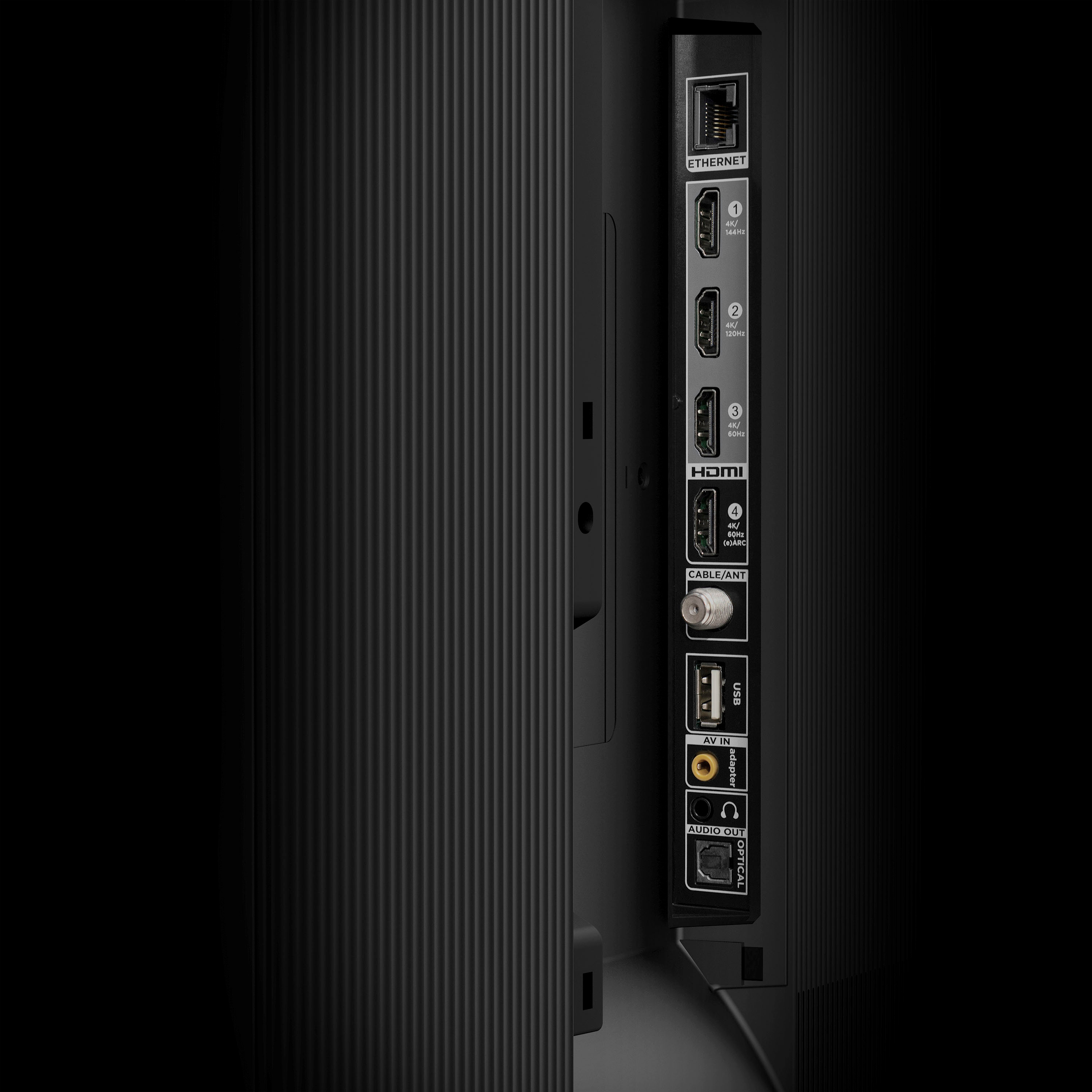
A:AnswerTypically, webcams require the device it connects to download software that supports it. This TV cannot support this. You would want to contact your webcam's manufacturer to see what devices support it. We cannot guarantee the compatibility of third-party devices. However, this TV does come with several HDMI ports. Any of these ports can be used to connect the TV to external devices, such as a PC and then the TV can be used as a monitor. Hope this helps! Thank you, TCL Customer Support
A:AnswerOur TCL TVs featuring Google TV come with Chromecast built-in. Casting to your TV is a simple way to enjoy photos, videos, music, and other content on the big screen. You can watch entertainment from a laptop, tablet, or mobile device. Hope this helps! Thank you, TCL Customer Support
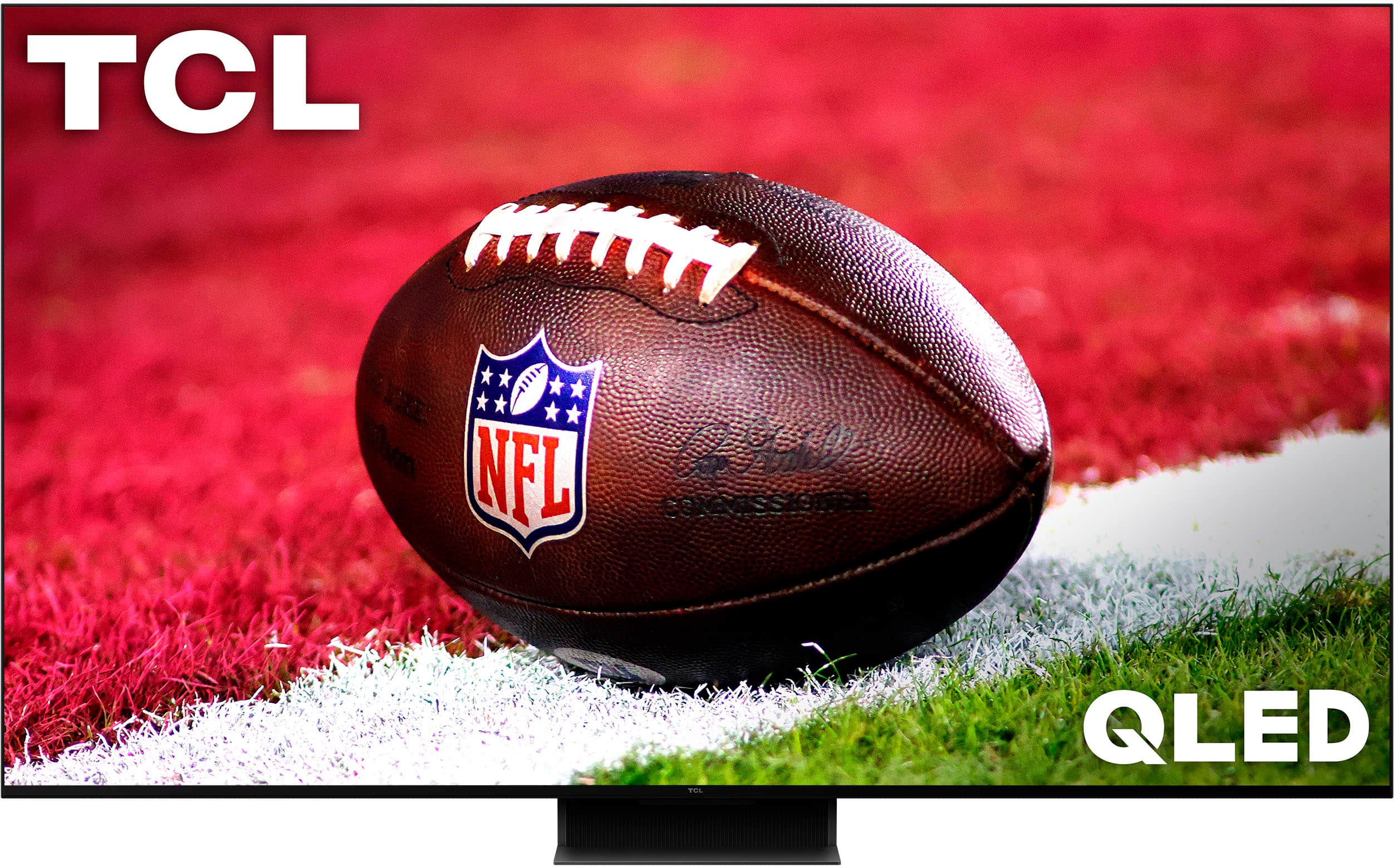
A:AnswerThe Paramount+ streaming app is indeed one of the many available streaming apps on this TCL TV featuring Google TV. Hope this helps! Thank you, TCL Customer Support
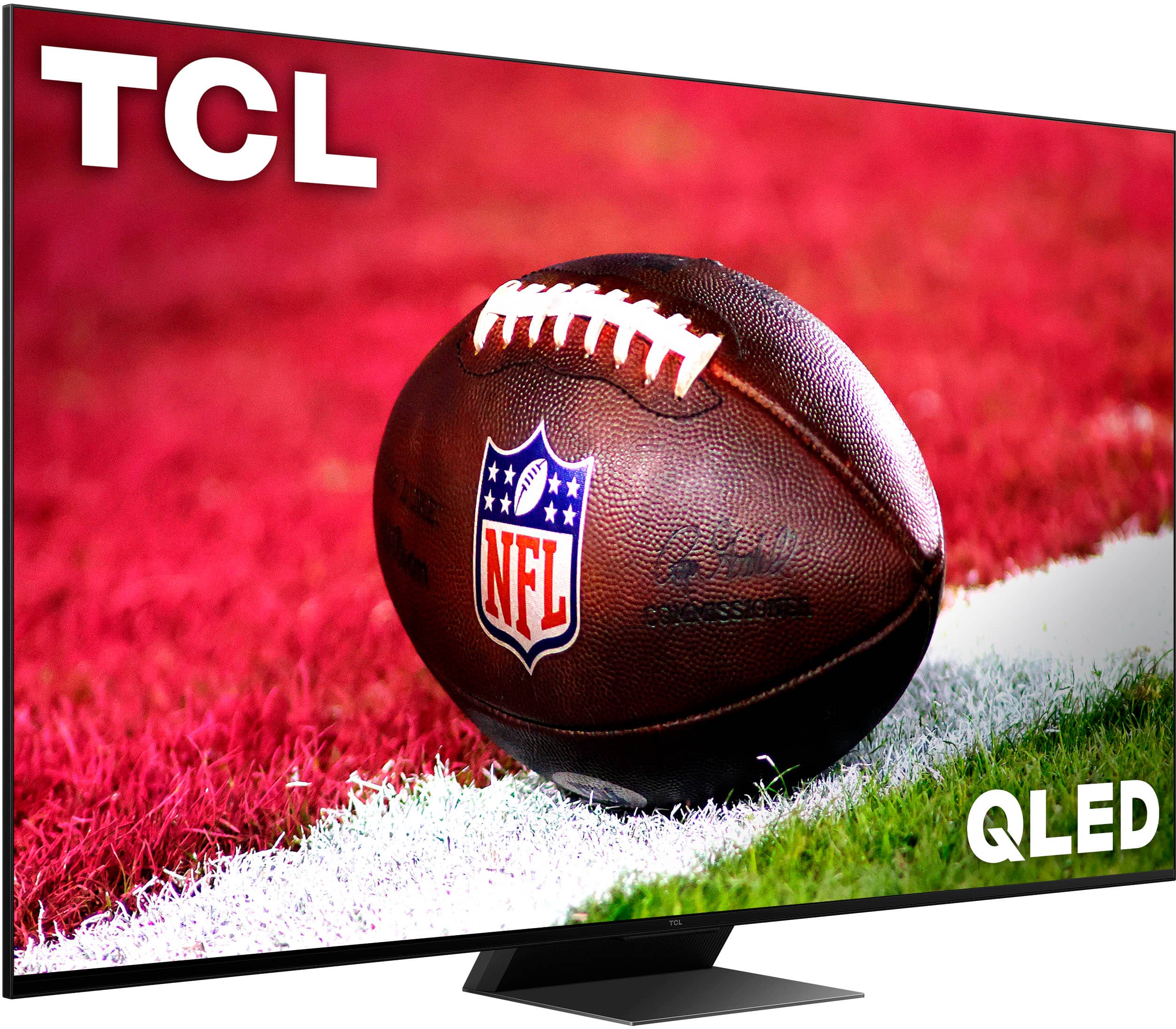
A:AnswerThe Fubo TV streaming app is indeed one of the many available streaming apps on this TCL TV featuring Google TV. Hope this helps! Thank you, TCL Customer Support
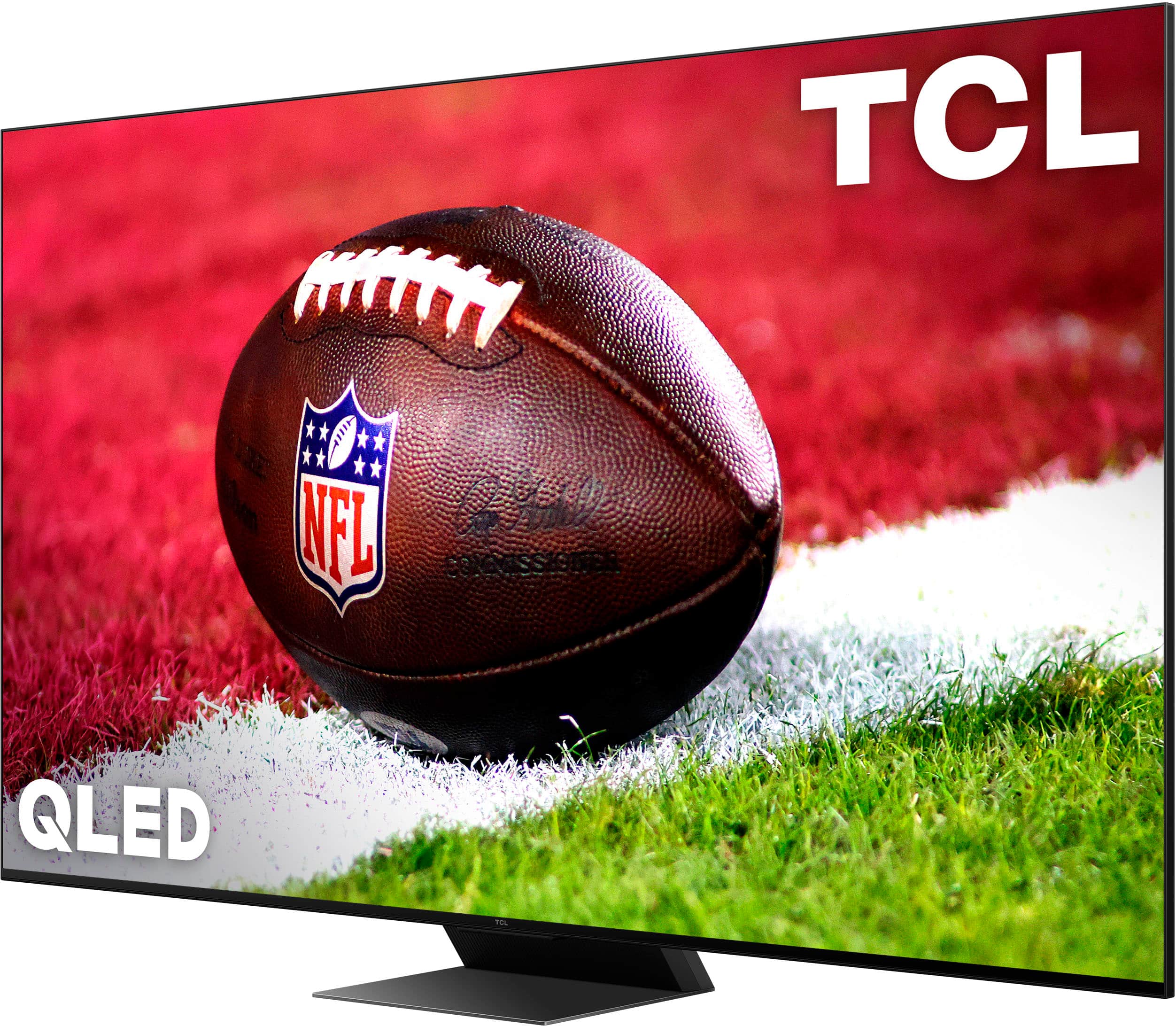
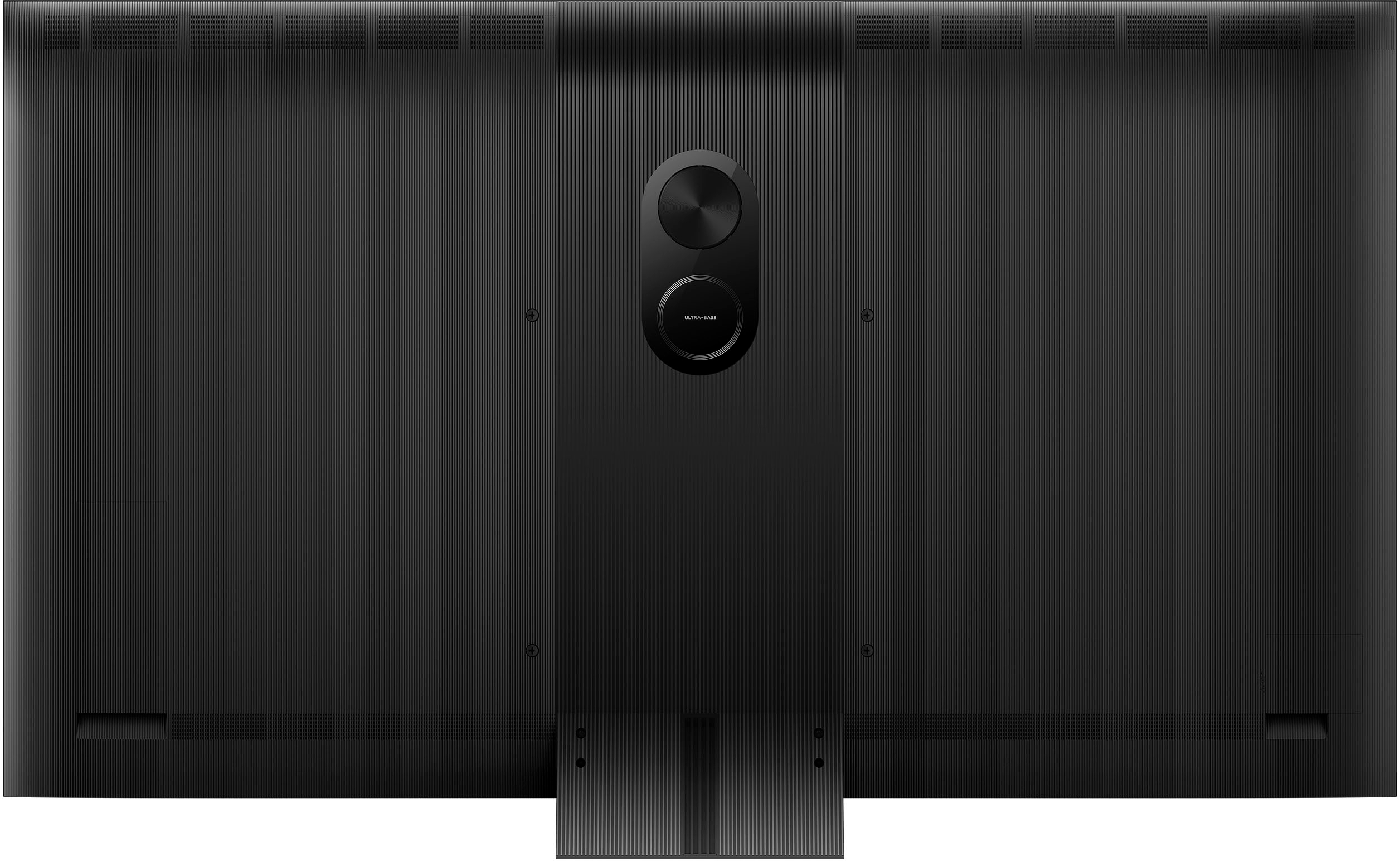
A:AnswerI have no crackles and pops out on my 65" Class QM8 Q-Class 4k LED QLED HDR Smart TV with Google TV. The TV subwoofer works fine and I don't have external Sound bar attached.
A:AnswerIn order for us to better assist, please reach out to us at [email protected] with your contact information and a description of what you need help with. Thank you, TCL Customer Support
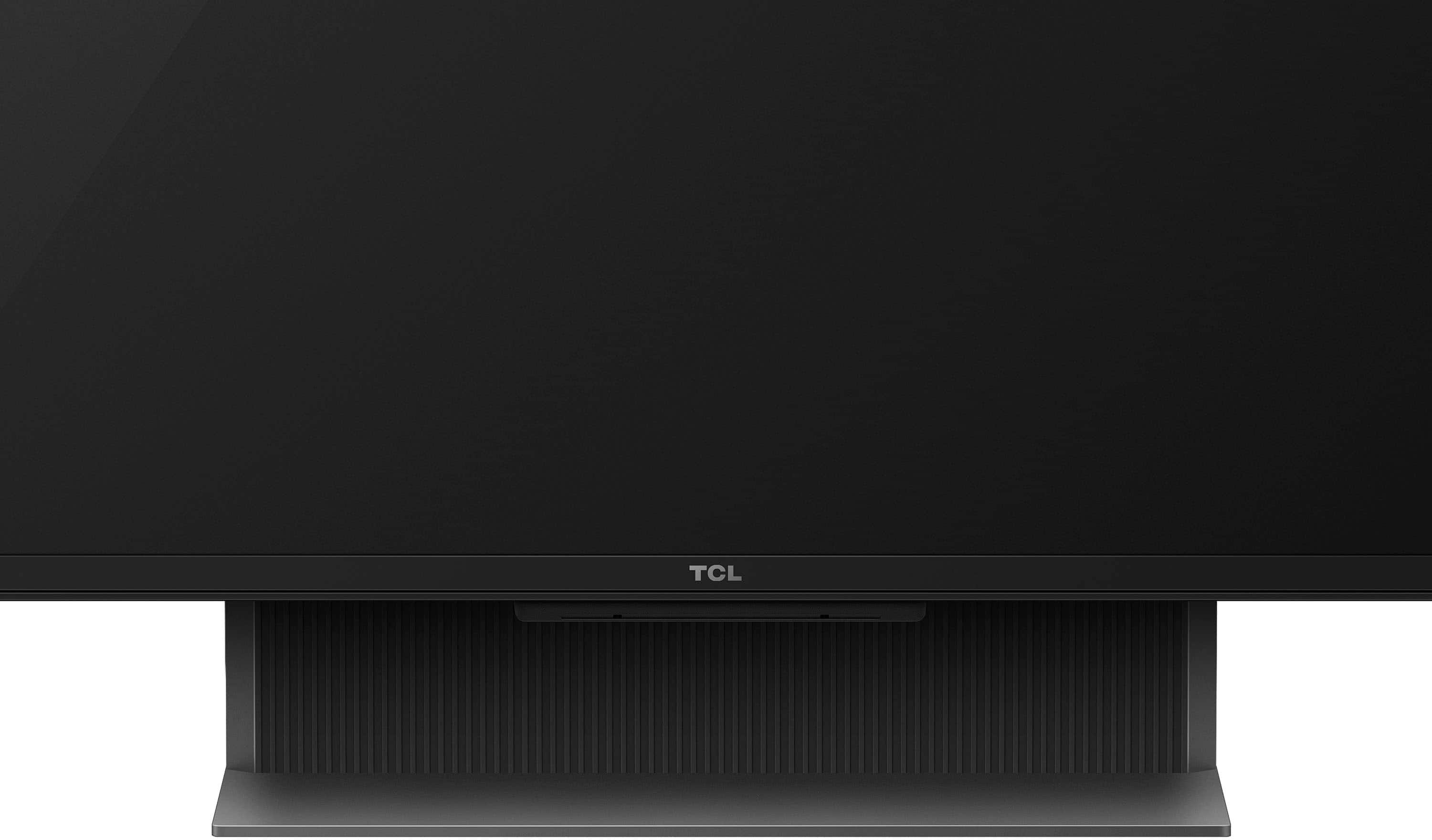
A:AnswerStock is determined by individual retailers. For inquiries concerning stock and availability, you would want to contact your local Best Buy or Best Buy Customer Support as they would be best equipped to further assist you. Hope this helps! Thank you, TCL Customer Support