A:AnswerTCL Roku TVs support screen mirroring with compatible Android and Windows devices. Here is a great article with more details on how: https://support.roku.com/article/208754928-how-to-use-screen-mirroring-with-your-android-or-windows-device. Hope this helps! Thank you, TCL Customer Support
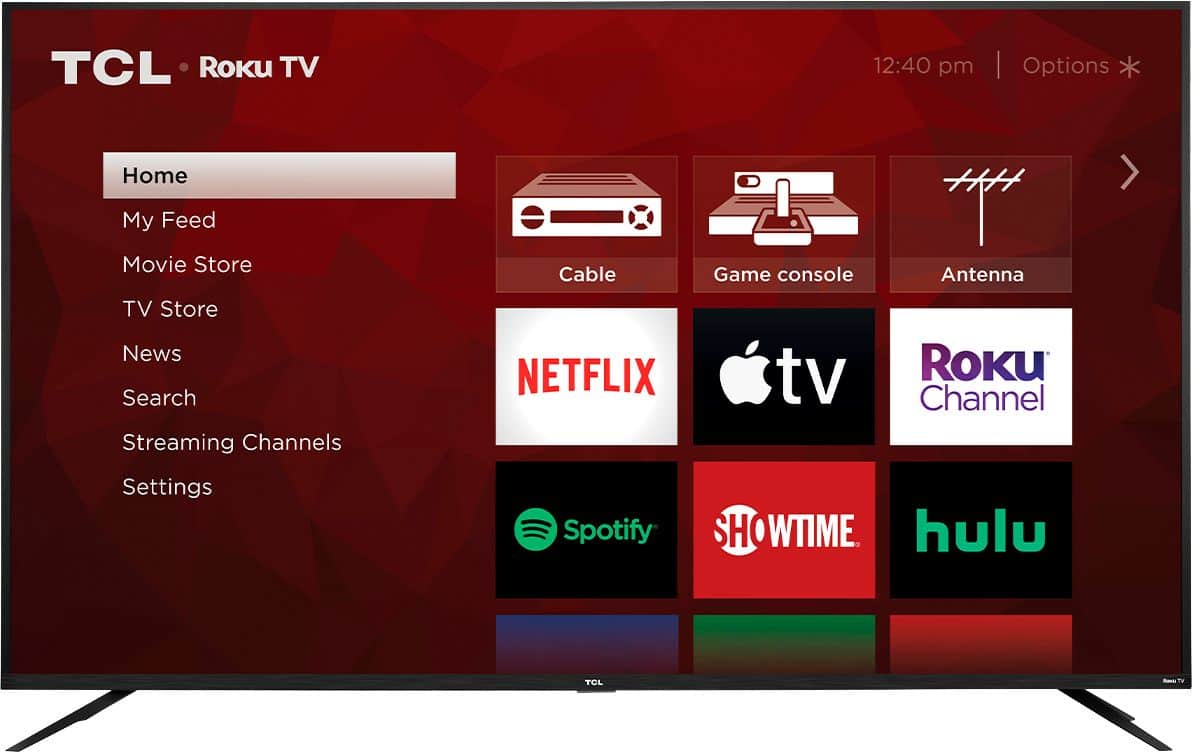
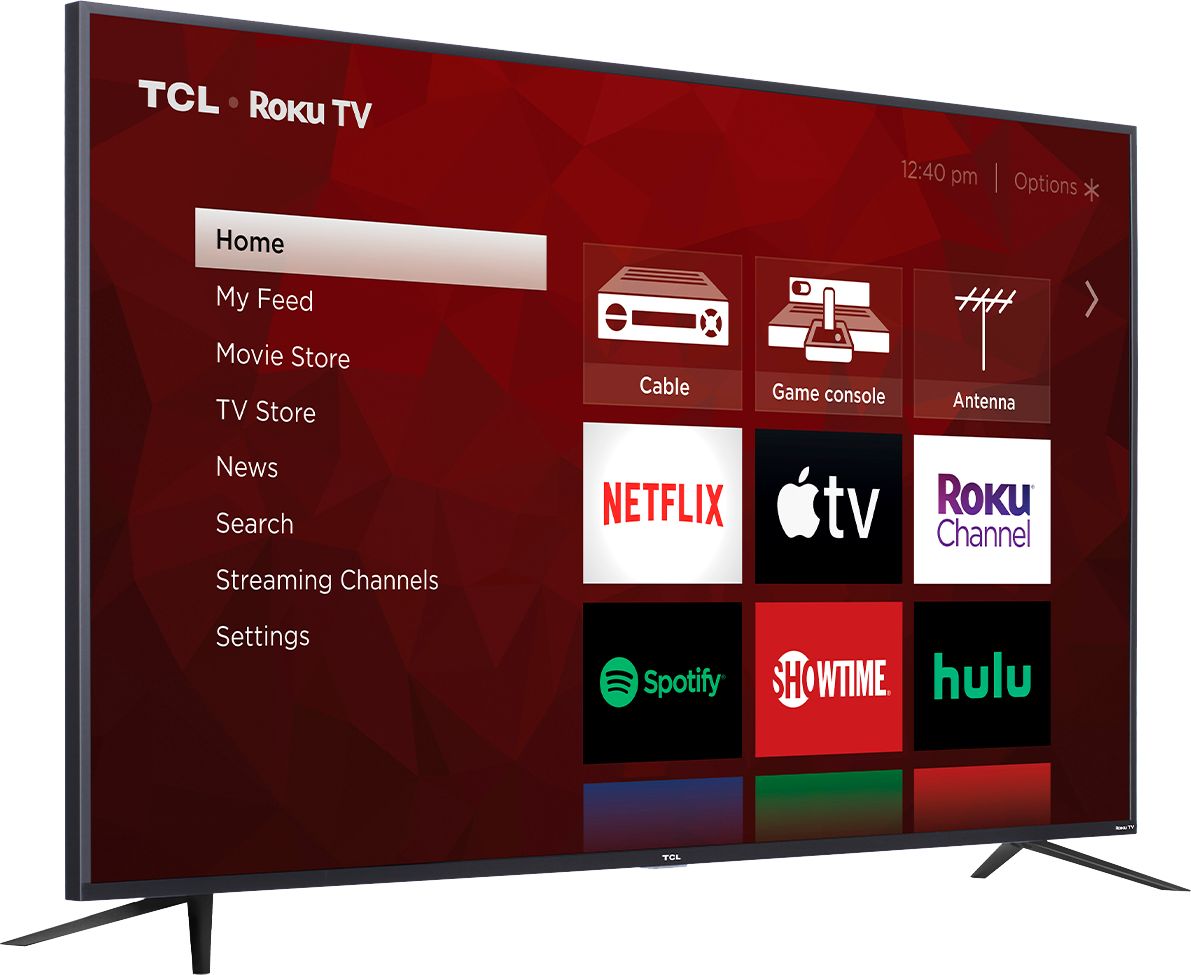
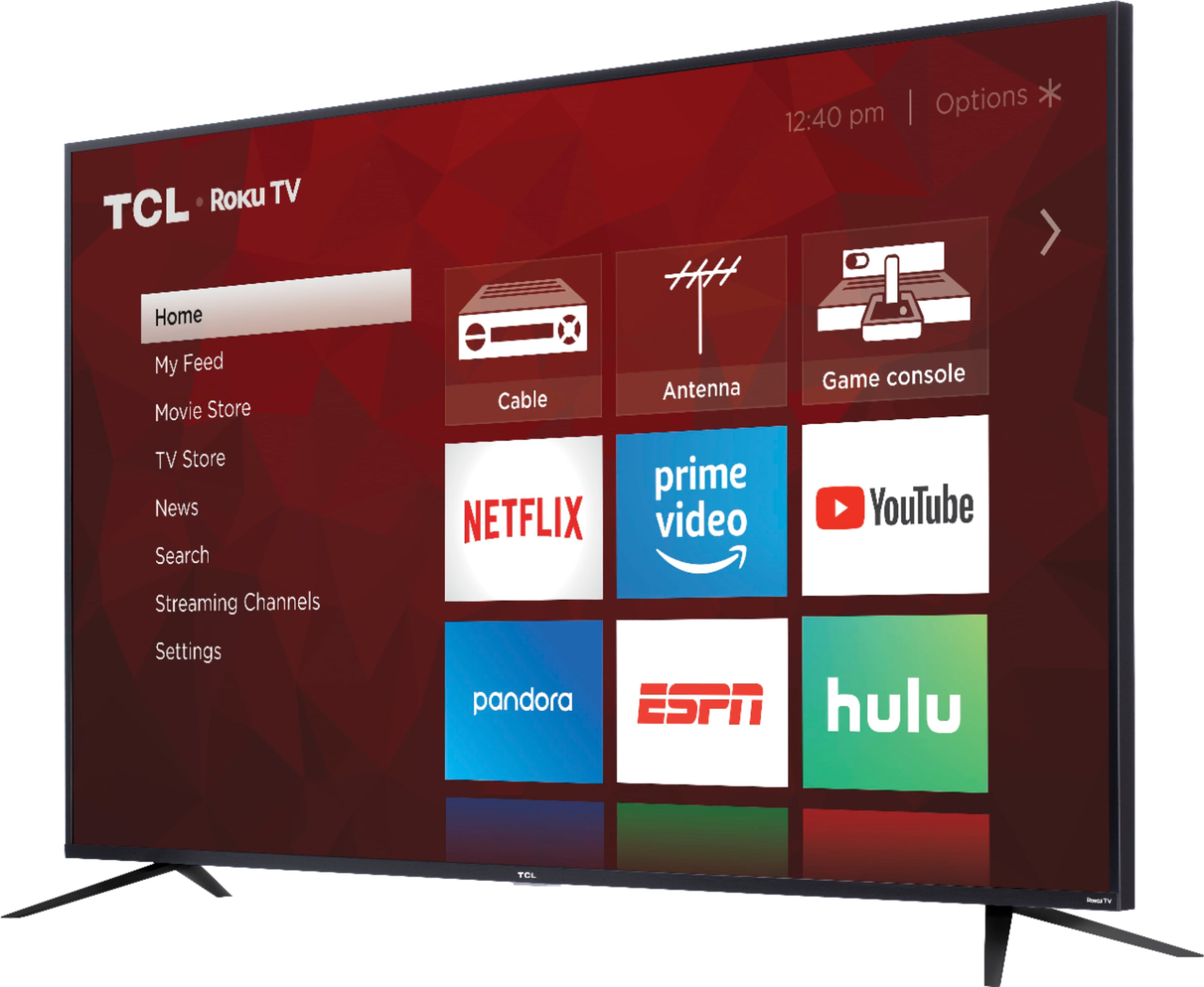
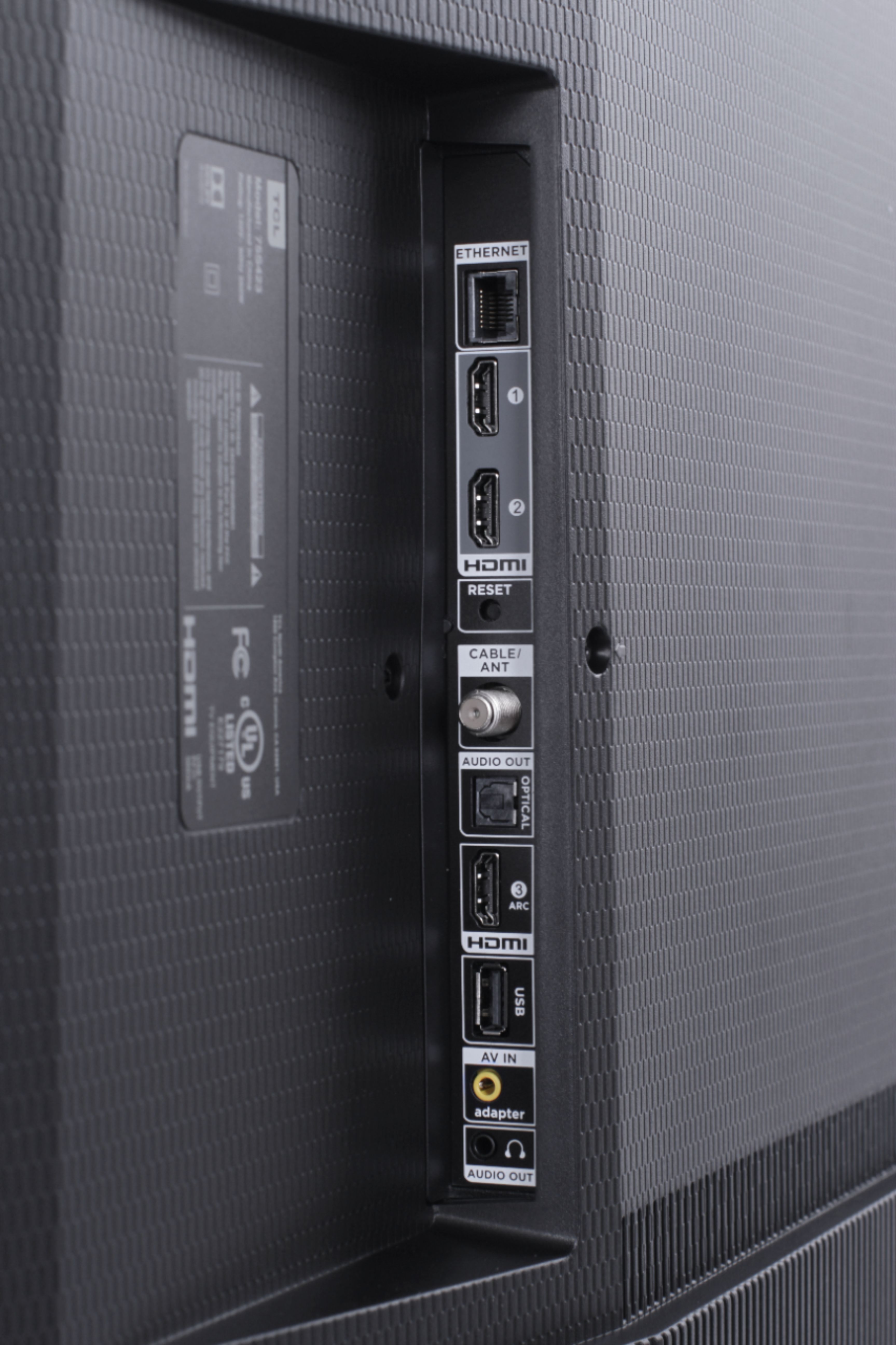
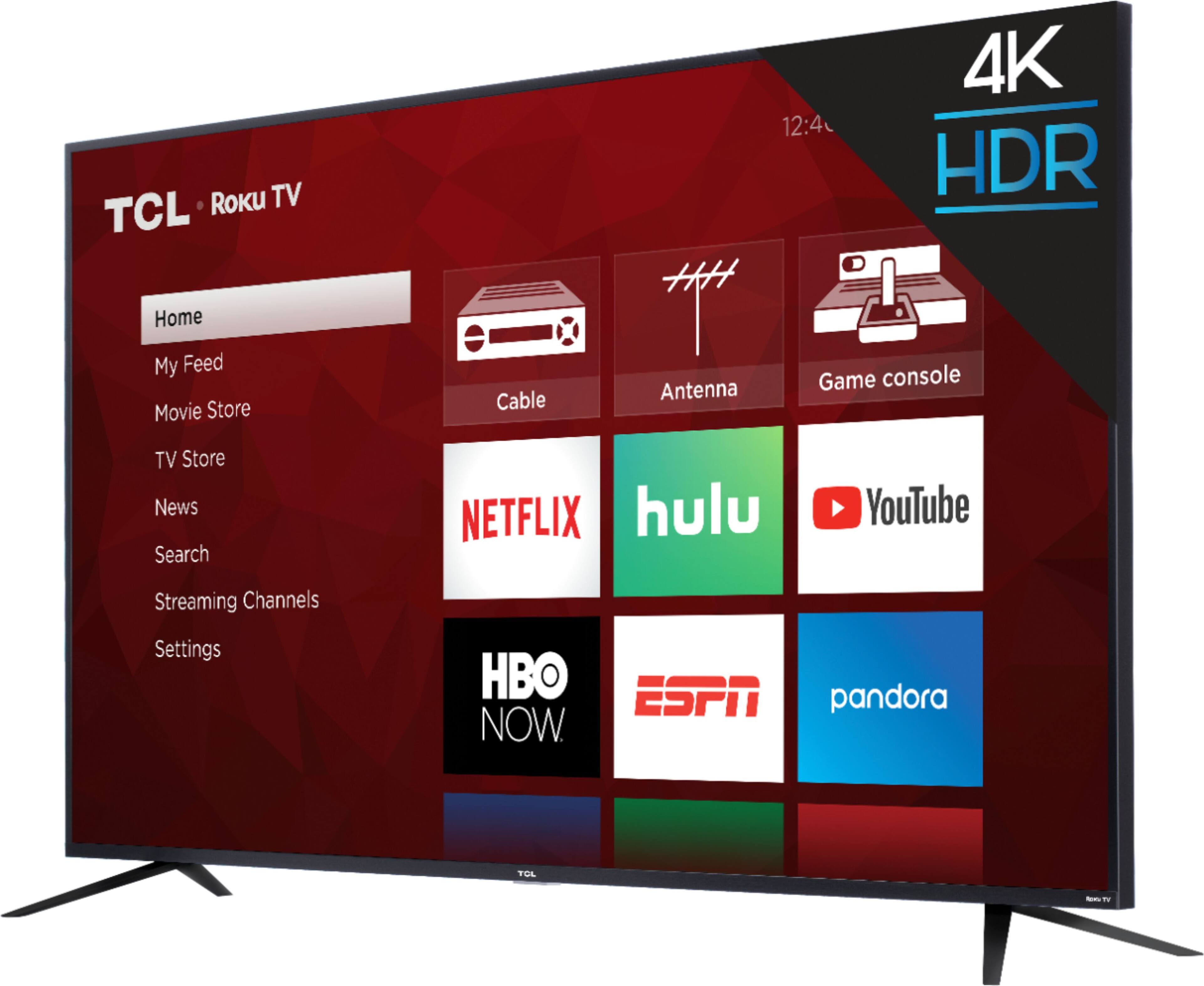
A:AnswerI honestly don’t remember because I was only using it for my DirecTV and the built-in ROKU, but judging by the pics, it looks like you can connect an antenna to it. You may want check the Amazon reviews for a better answer, sorry.
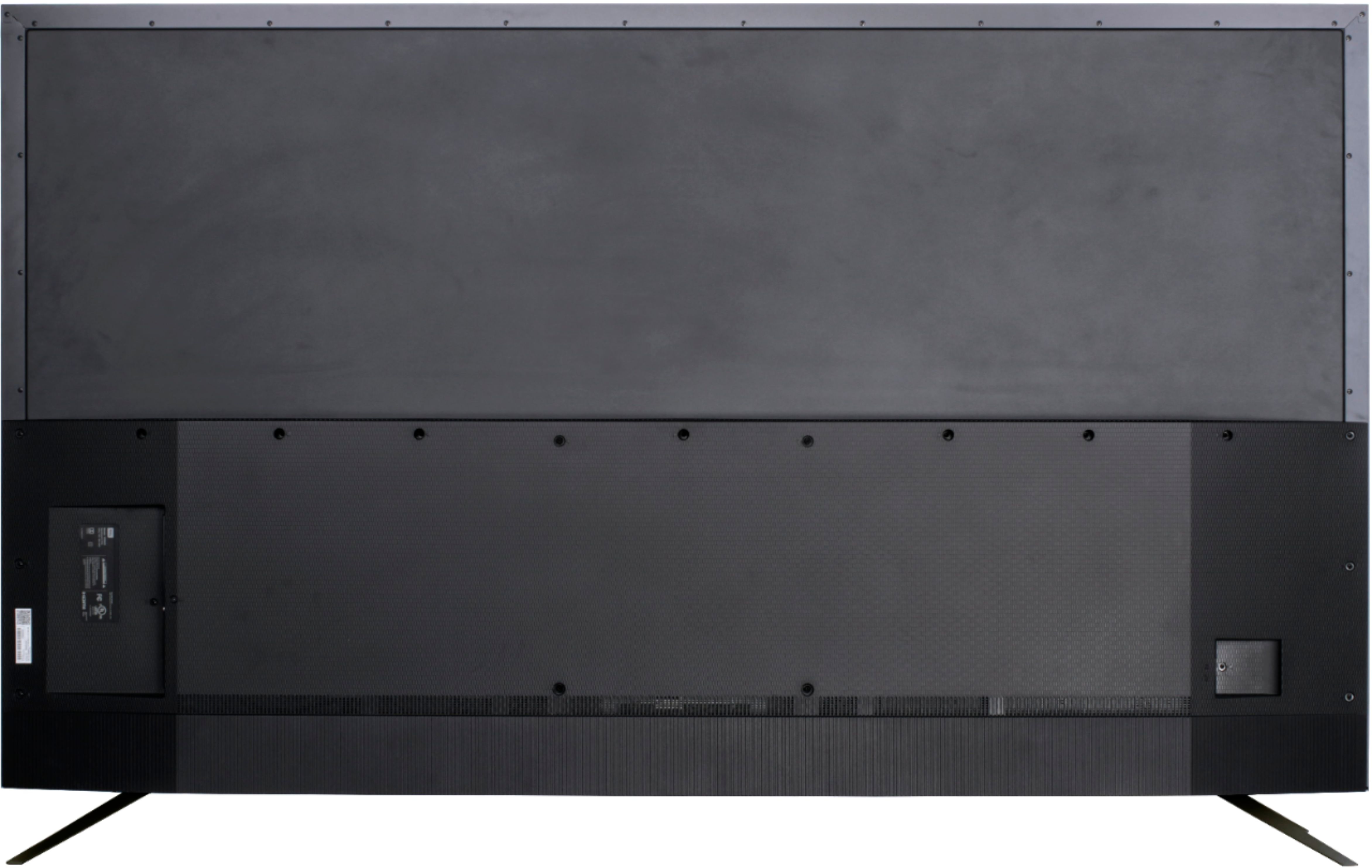
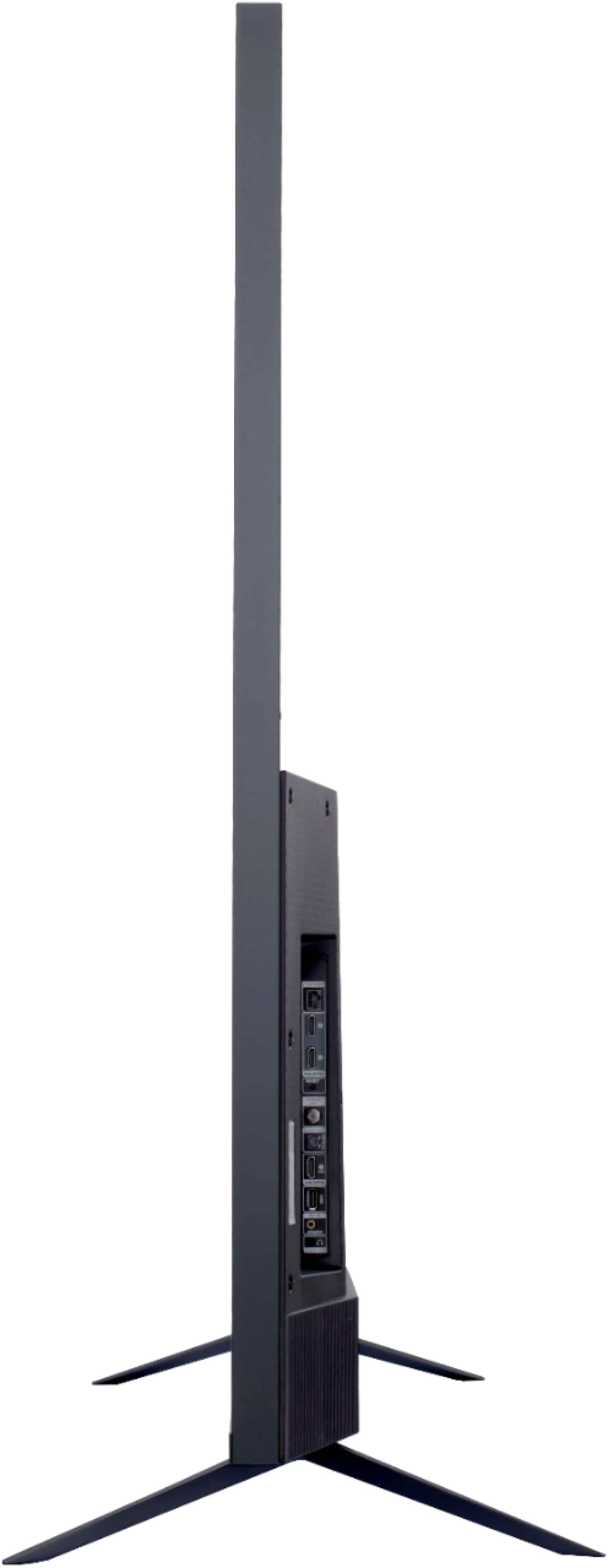
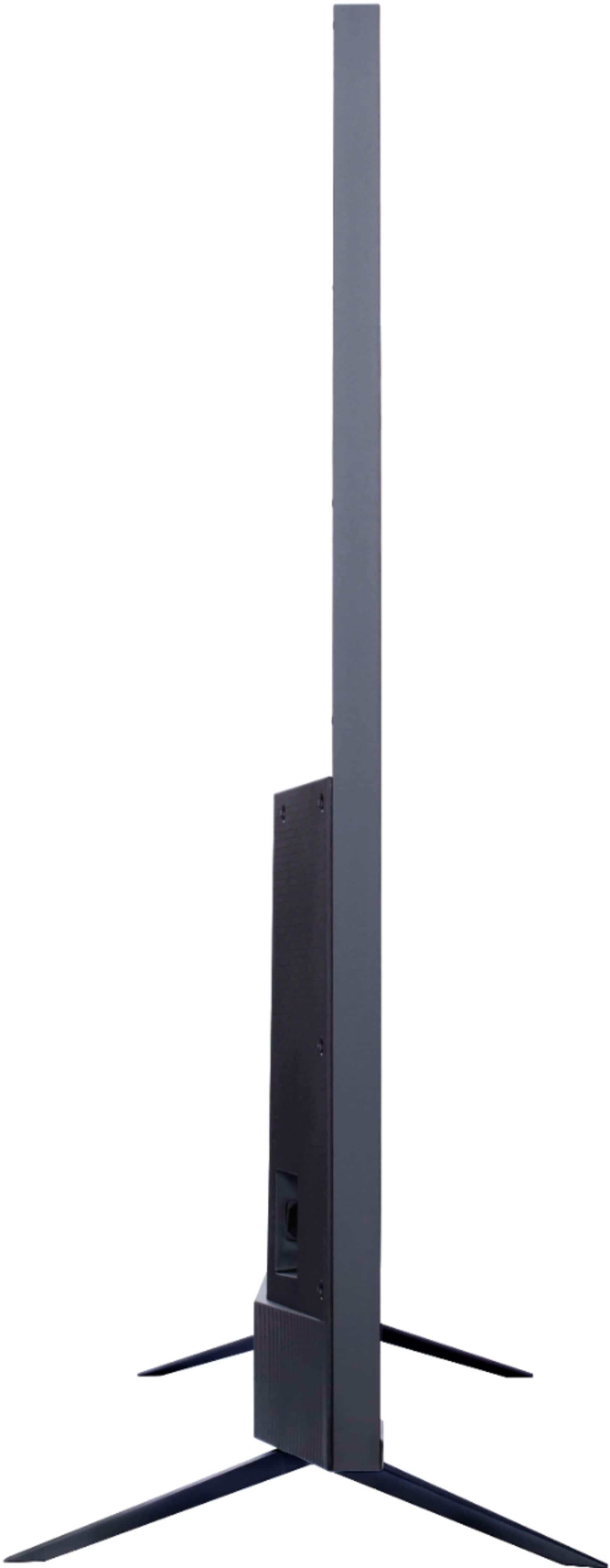
A:AnswerThis TCL Roku TV is compatible with most stands that support a 300mm x 300mm VESA mounting pattern. Hope this helps! Thank you, TCL Customer Support
A:AnswerYou can go to www.Roku.com/whats-on to see what streaming channels and apps are offered through the Roku Channel Store. To search for a specific channel you would simply want to enter that information into the search section. Hope this helps! Thank you, TCL Customer Support
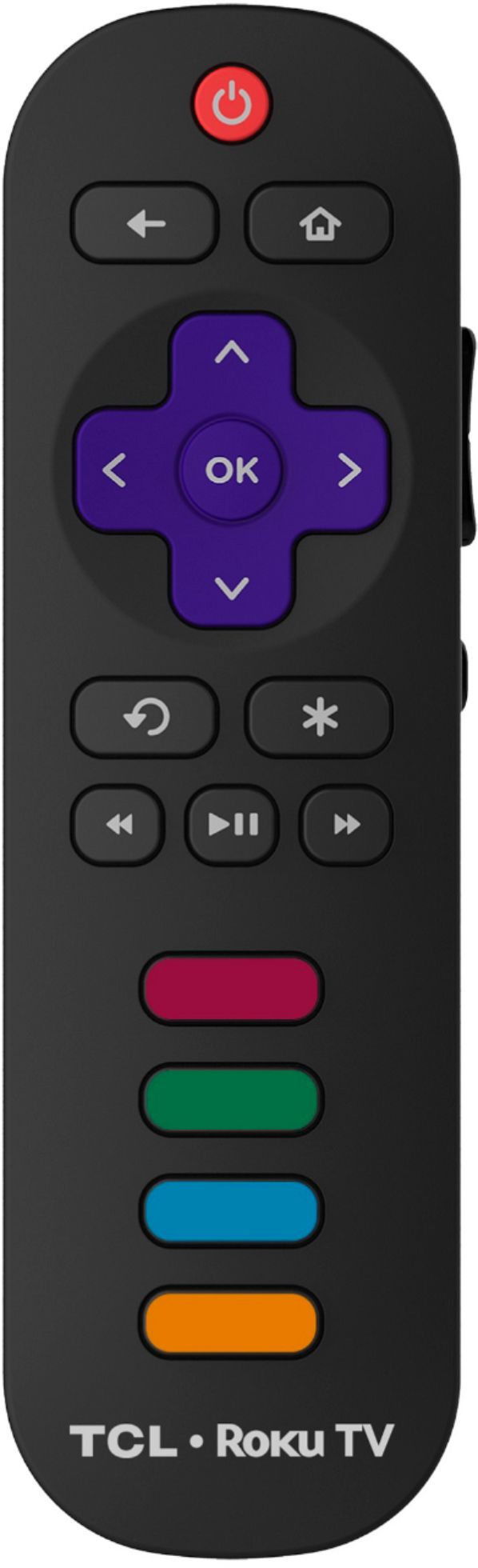
A:AnswerI have the same mode remote however I didn’t have to put in a code I went through DIRECTV Menu > Settings > Remote Control > Pair/Program Remote. Go through the setup and it will configure your remote for the TV.
A:AnswerYou can visit https://www.tcl.com/us/en/products/home-theater/4-series/tcl-75-class-4-series-4k-uhd-led-roku-smart-tv-75s425 for all currently available information on this TV. Hope this helps! Thank you, TCL Customer Support
A:AnswerWhile we do not have exact numbers, we can say that most people report a great experience with the brightness as well as contrast on this TV/. Hope this helps! Thank you, TCL Customer Support