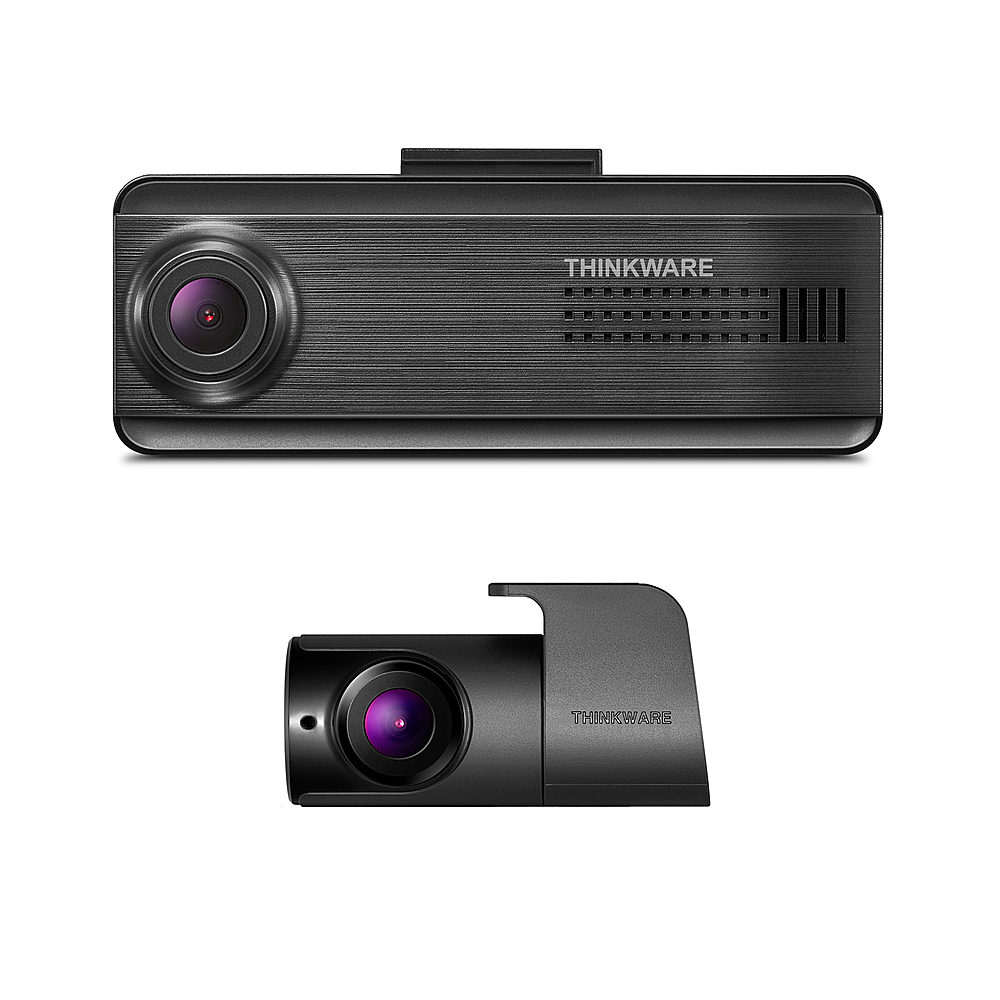
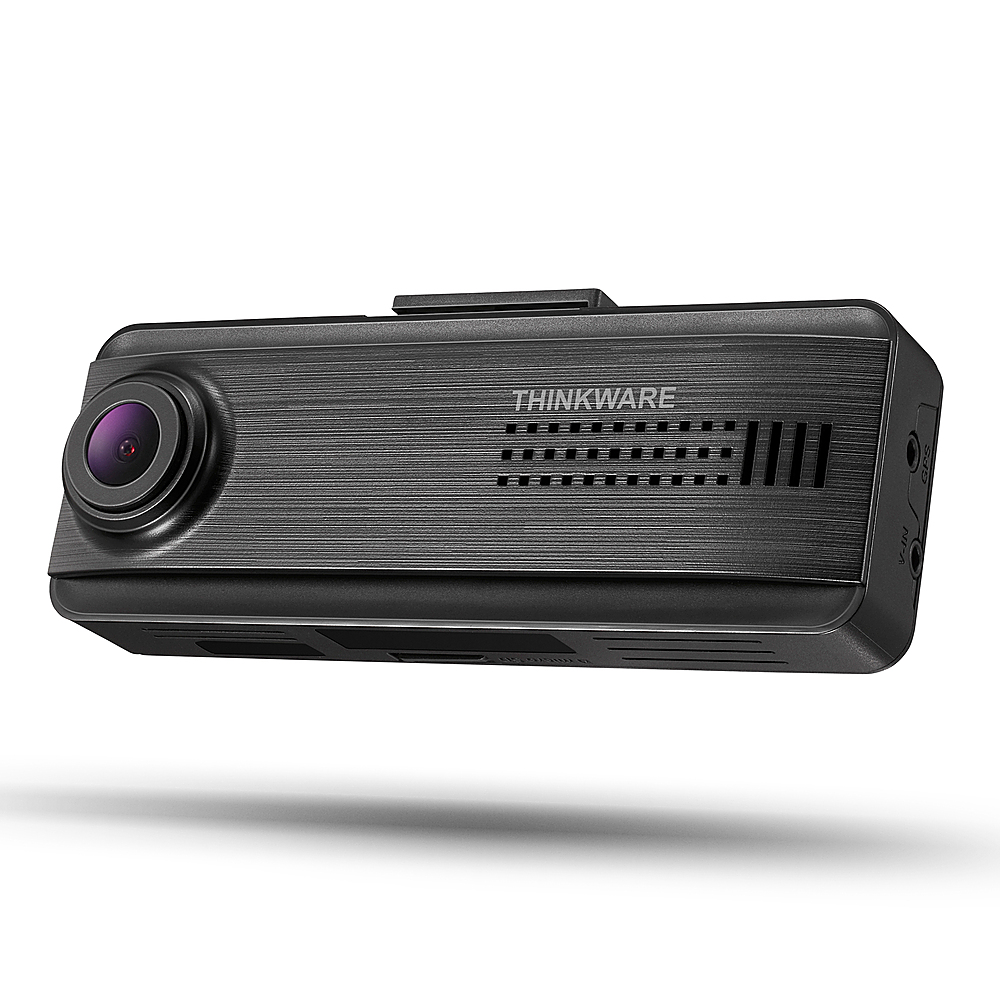
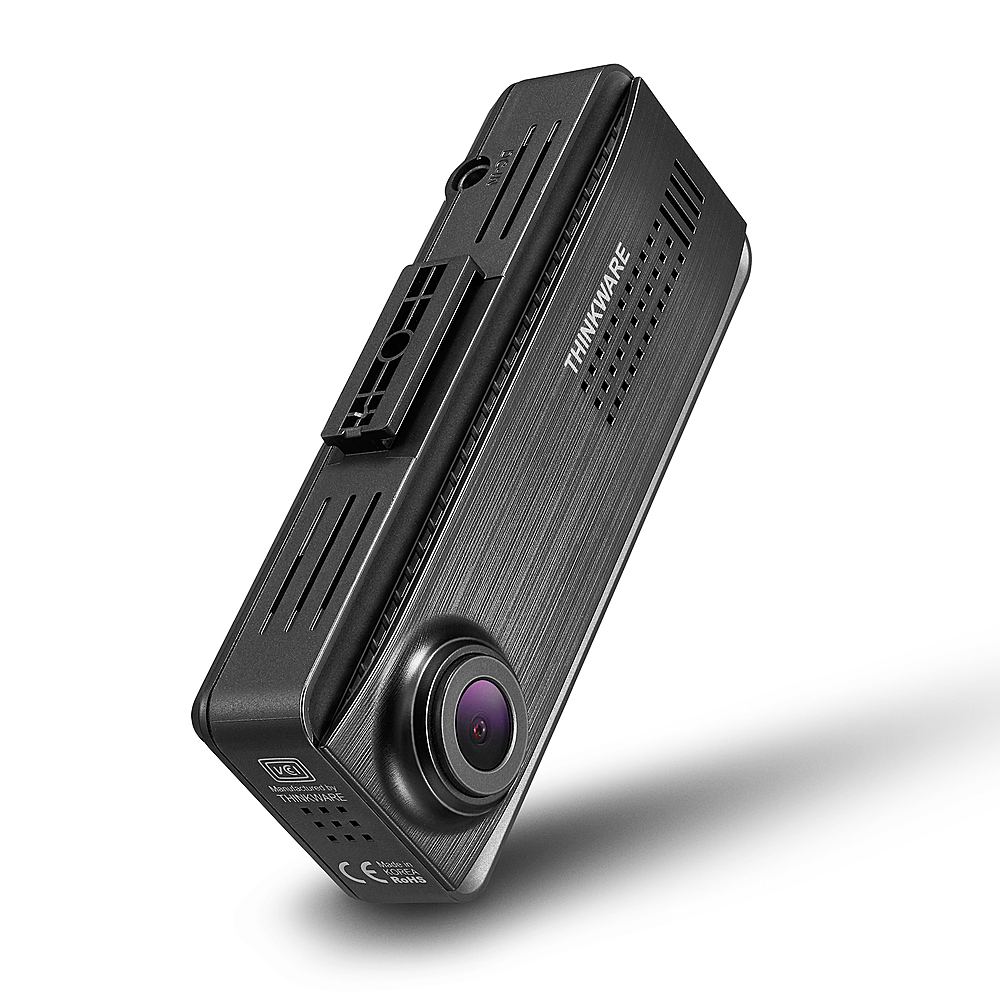
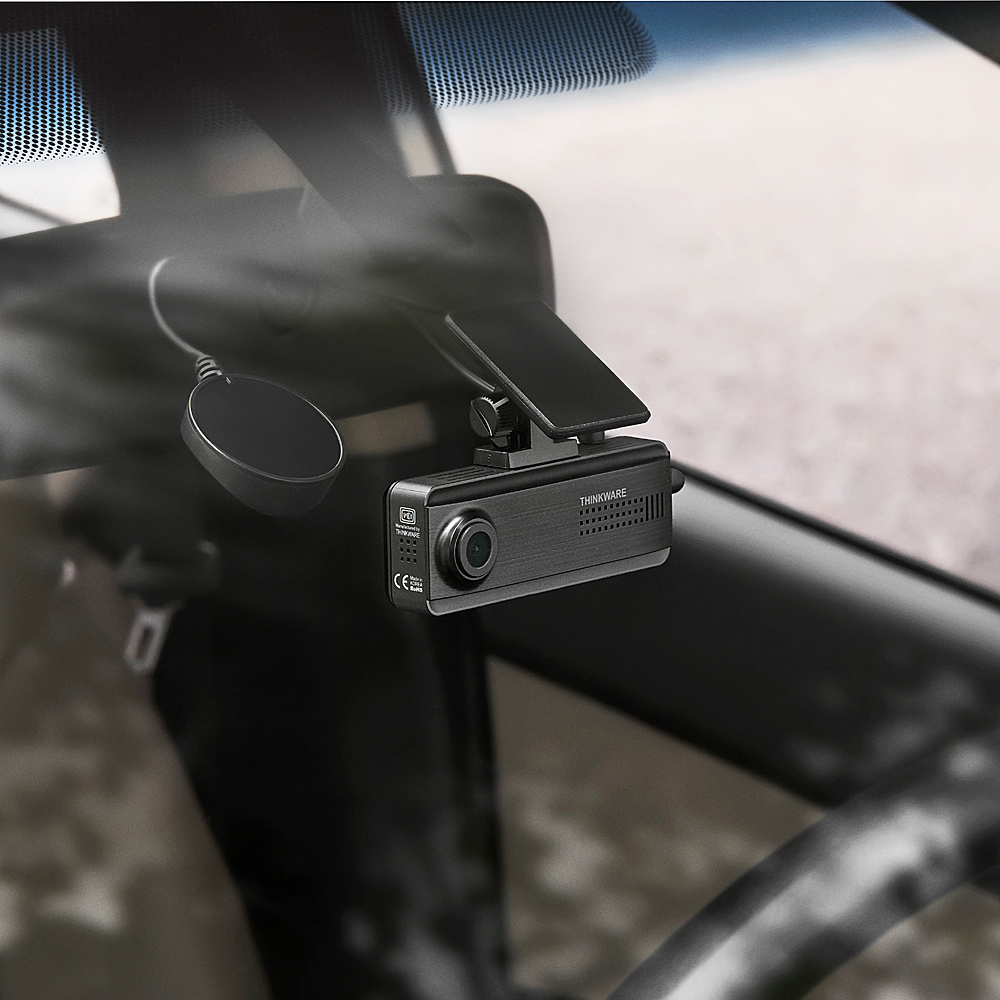
A:AnswerNot wireless. However, the Geek Squad installer did a Fantastic job of placement and running the wires through, that you do not see Any wires and did Not hurt my vehicles interior or value.
A:AnswerNo, because if this was available, there would be two listed features where you could select either front/back/inside cabin to view. Wish inside cabin view was available.
A:AnswerHello, all of our dashcams will be compatible with your vehicle. To help you find the nearest authorized installers near you please visit the link https://thinkwarestore.com/ca/where-to-buy/
A:AnswerHello San,
To enable the parking mode we suggest you power your dashcam using an OBD II Power cable as it will be compatible with all types of vehicles except the 2022 Ford F250, 2022 Ford Transit Connect, and Tesla models. For further assistance, you may contact us at support@thinkware.com/ +1 (844) 865-9273
A:AnswerHello FrankE,
It depends on the seller or shops, but if you buy the dashcam directly from our official website we can guarantee that it comes with a 12v power cable. Unfortunately, we do not sell the F200 anymore as it is discontinued.
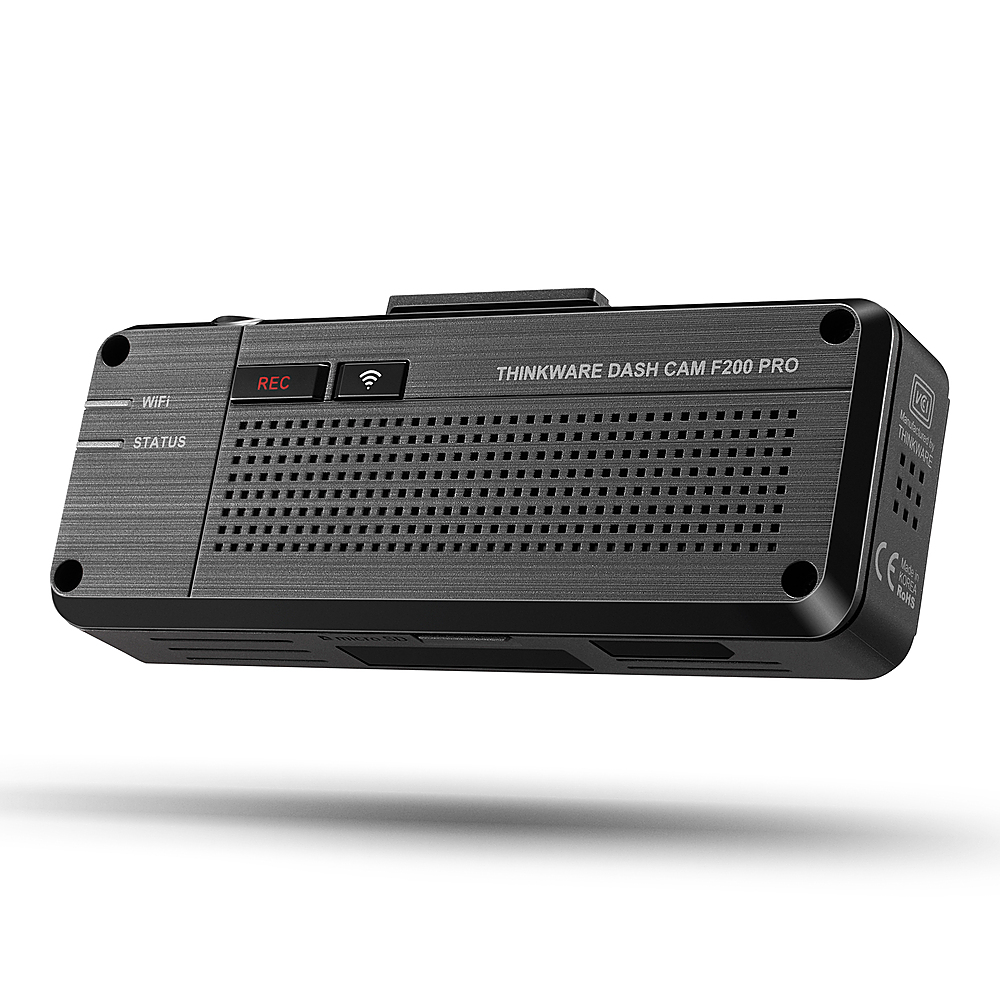
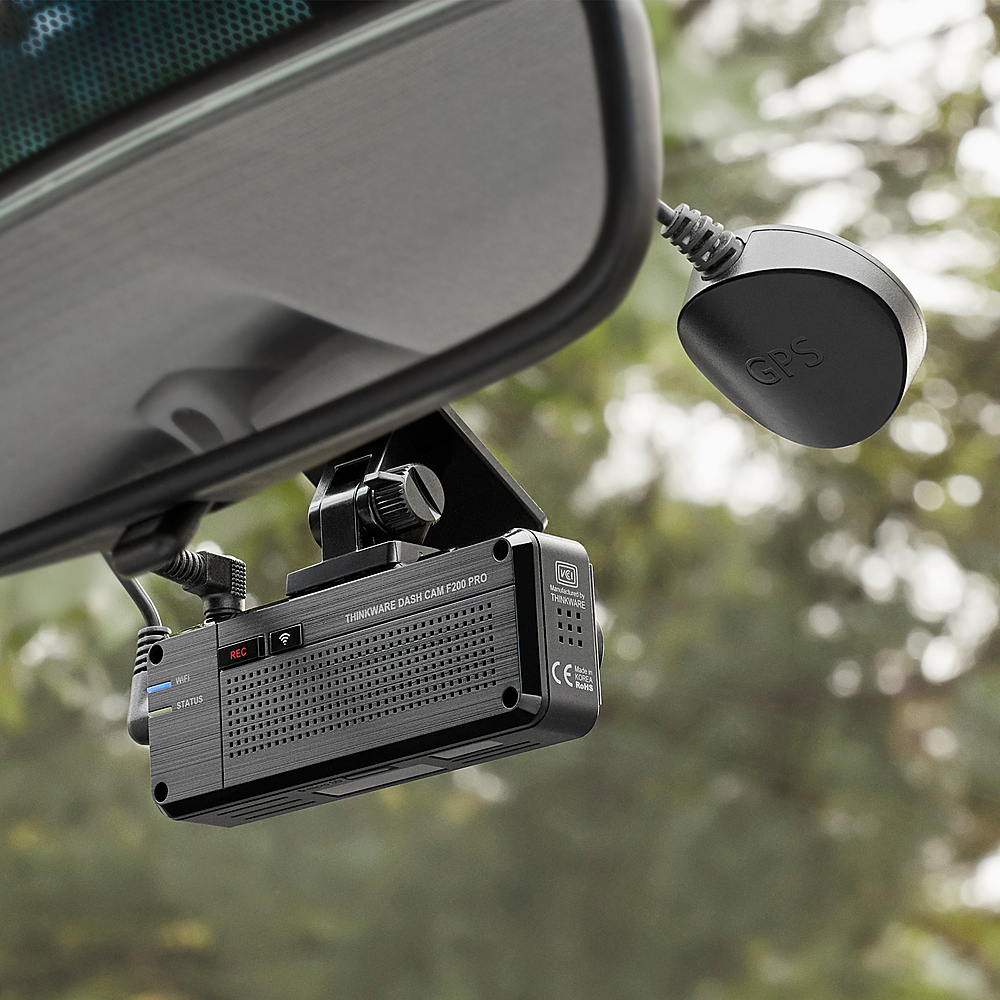
A:AnswerHi! The dash cam comes with a manual recording wherein you can start a manual recording by pressing the REC button on the dash cam. When the Manual Record button is pressed the dash cam will record a 1 Minute Video File which is the standard recording length for all our dash cams.
A:AnswerHello there. Use the product at a temperature between 14°F and 140°F (-10°C to 60°C) and store the product at a temperature between -4°F and 158°F (-20°C to 70°C). The product may not function as designed and some permanent physical damages may result if it is operated or stored out of the specified temperature ranges.
Such damages are not covered by the warranty.
A:AnswerHello there!
This may be an internal issue with the rear camera which is why it is causing the camera to reboot.
Please contact our support team at: support@thinkware.com as we would like to fix this for you!