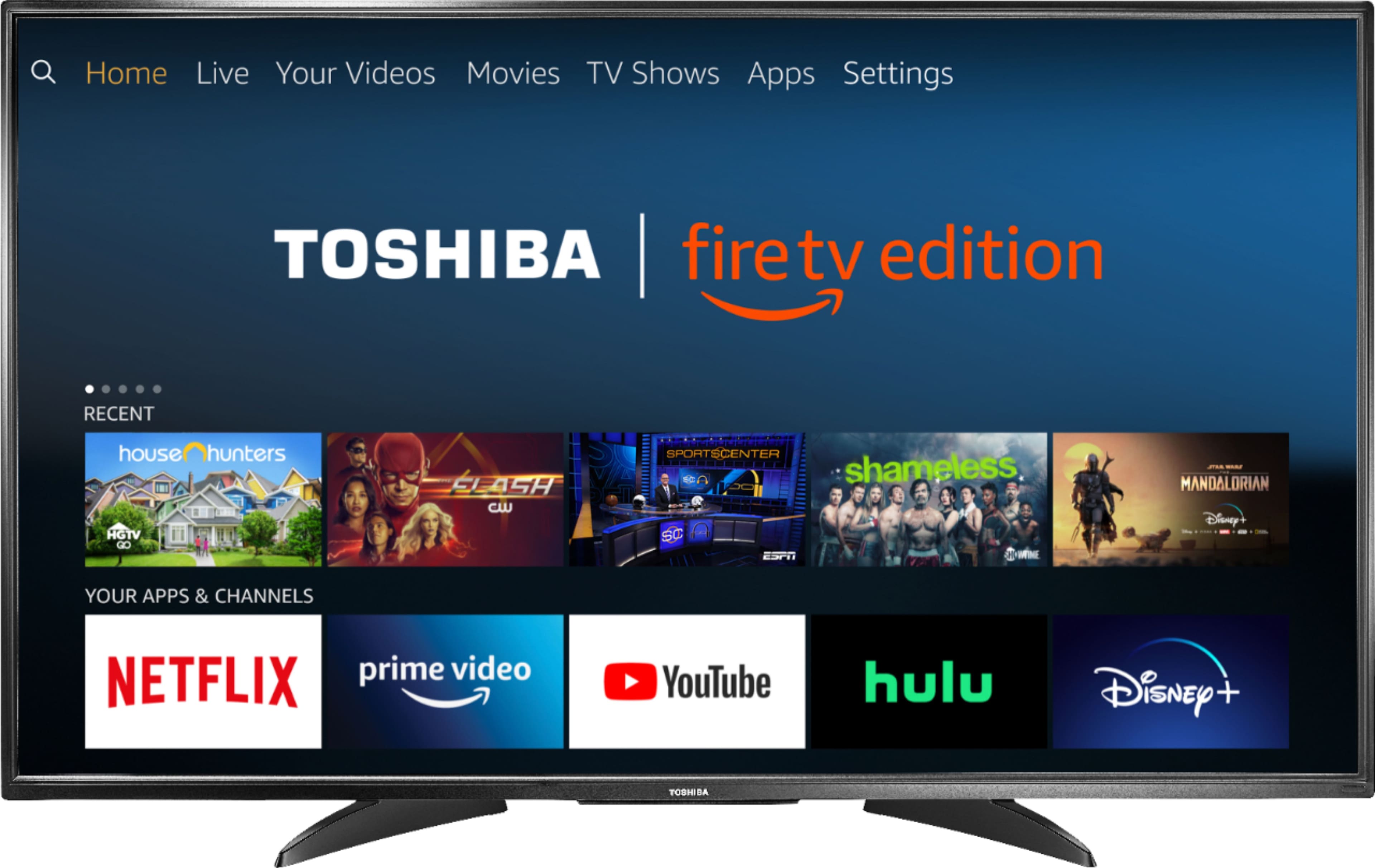
A:AnswerThe app Spotify is available for the Fire TV Edition television experience.
To search for more available apps, go to:
amazon.com > Menu - Shop By Category > Fire TV > Fire TV Apps & Channels > Refine by Device Type select Fire TV Edition TV and search.
David M. - Toshiba Support
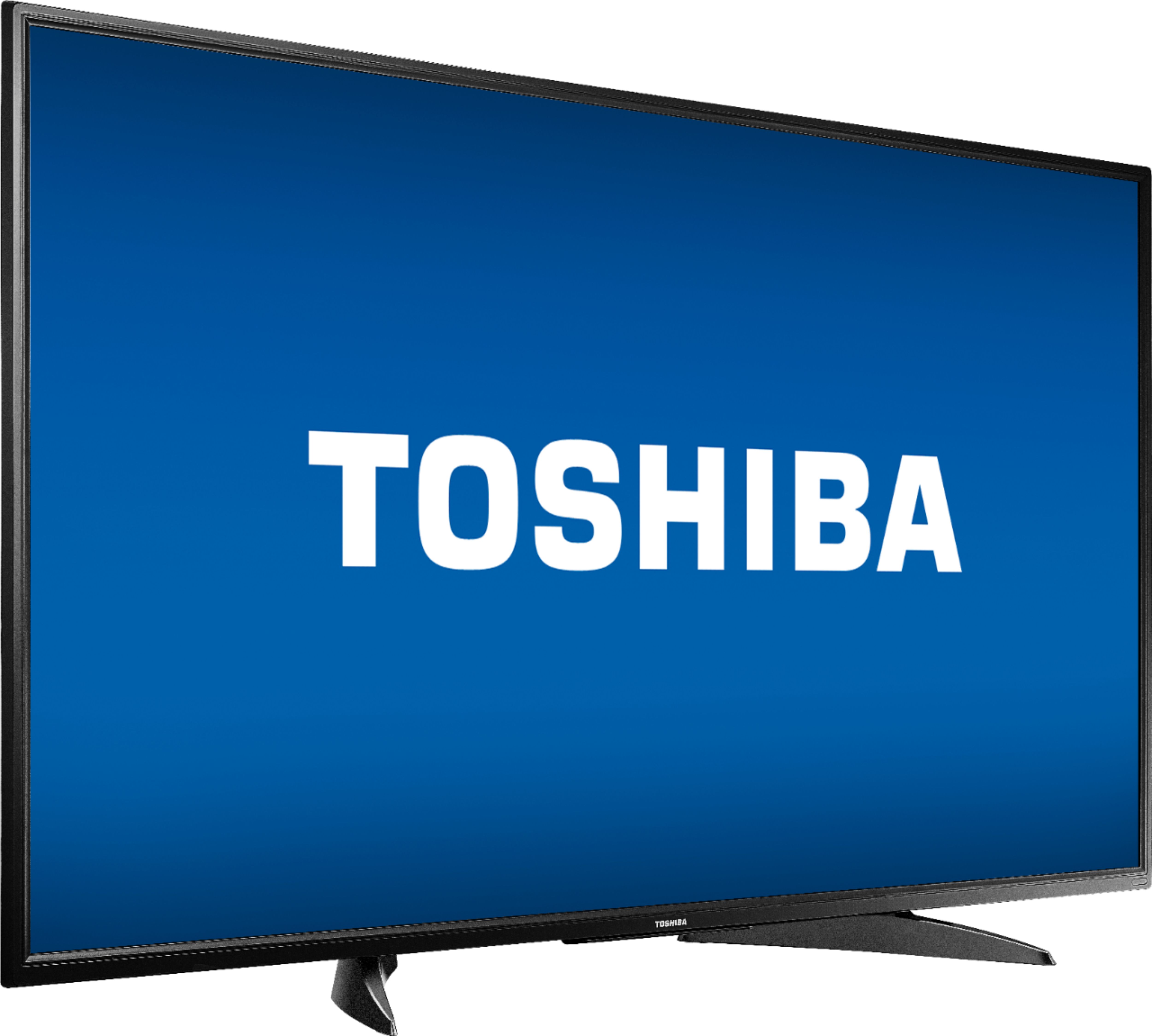
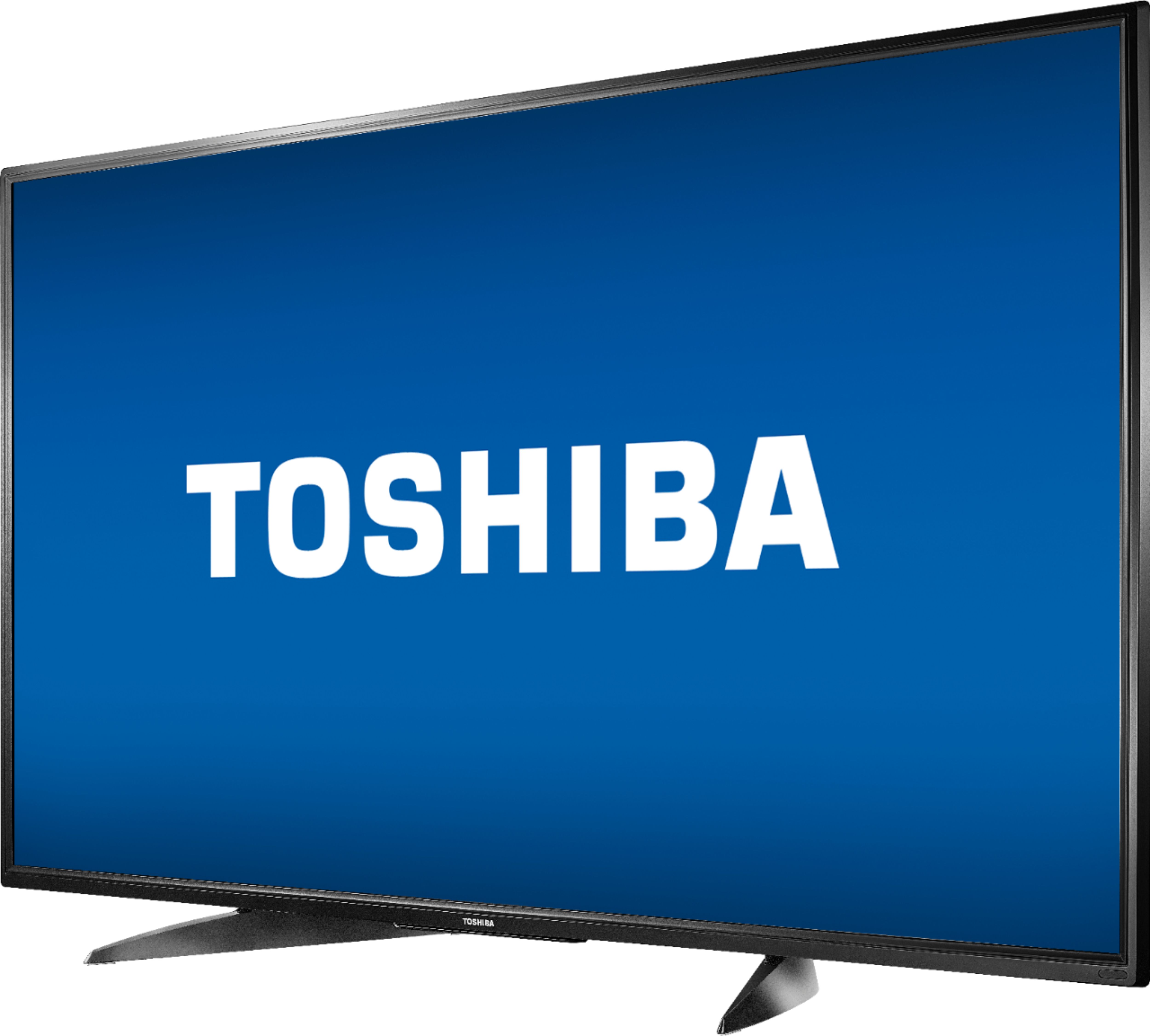
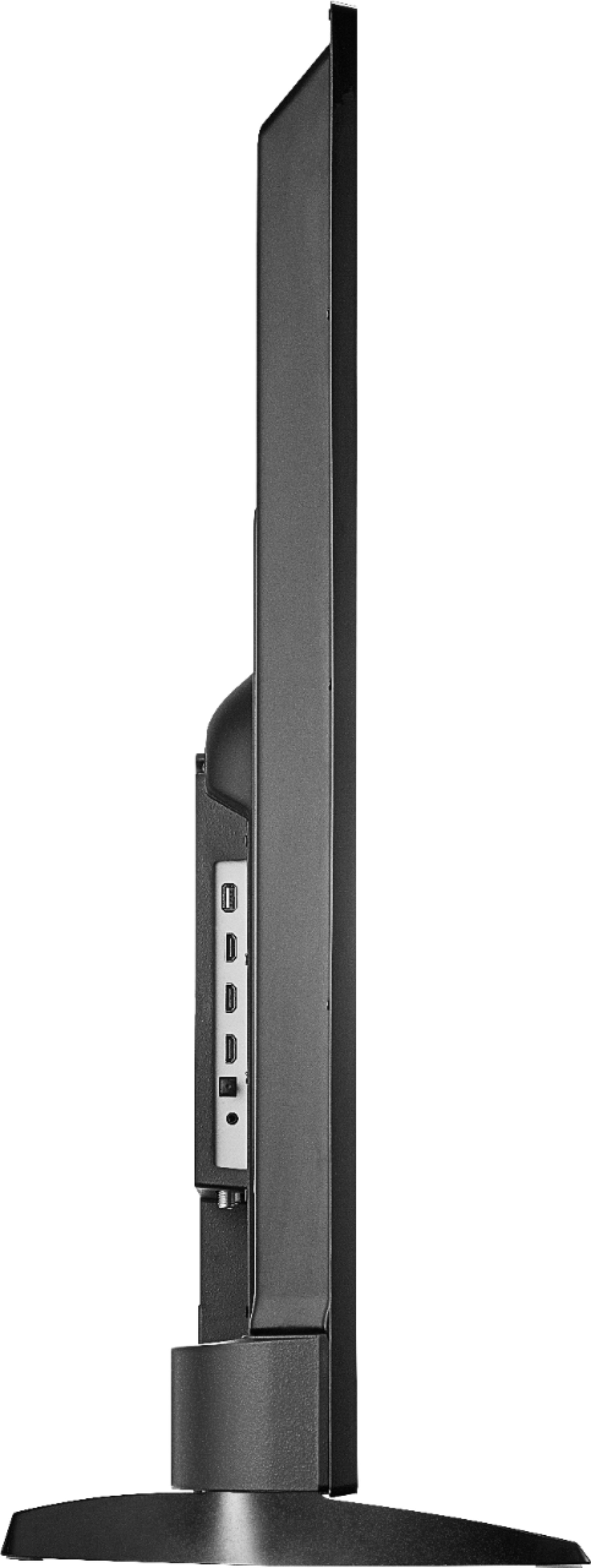
A:AnswerThe included stand is fixed in one position only. You can attach a universal stand that swivels. The VESA Mounting Pattern is 400 × 200 – M6 x 25 mm type screws (4 pcs).
David M. - Toshiba Support
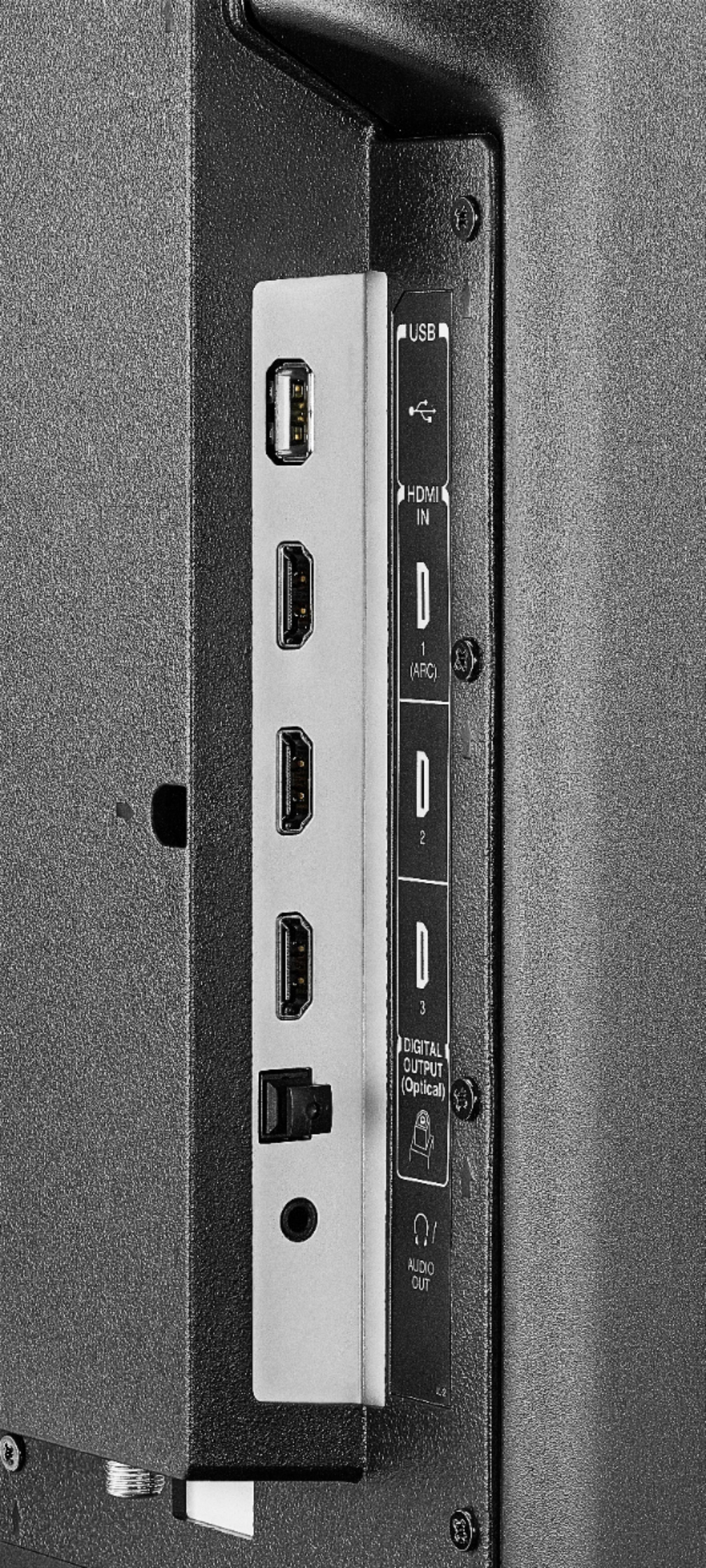
A:AnswerConnect your multimedia devices to the Fire TV Edition television using HDMI.
For example, use the AV adapter (lightning to HDMI) or an Apple TV.
David M. - Toshiba Support
A:AnswerConnect your Roku Device to the Fire TV Edition television using HDMI.
Connect an Antenna to the TV to watch free over-the-air broadcasts from your local channels.
David M. - Toshiba Support
A:AnswerThe Fire TV Edition television has the Fire TV experience already built-in.
You can connect your multimedia devices at anytime using HDMI.
David M. - Toshiba Support
A:AnswerTry to download the Amazon Fire TV app to your Smartphone to control your Fire TV Edition television.
The replacement remote for the Fire TV Edition television is available at Best Buy; Model: NS-RCFNA-19
David M. - Toshiba Support
A:AnswerTo pair a Bluetooth device, go Home > Settings > Controllers & Bluetooth Devices.
For more information, please visit:
https://www.amazon.com/gp/help/customer/display.html?nodeId=GSBSBL44Y4QM59FV
*Mouse devices and keyboards can only be used with supported games and apps.
David M. - Toshiba Support