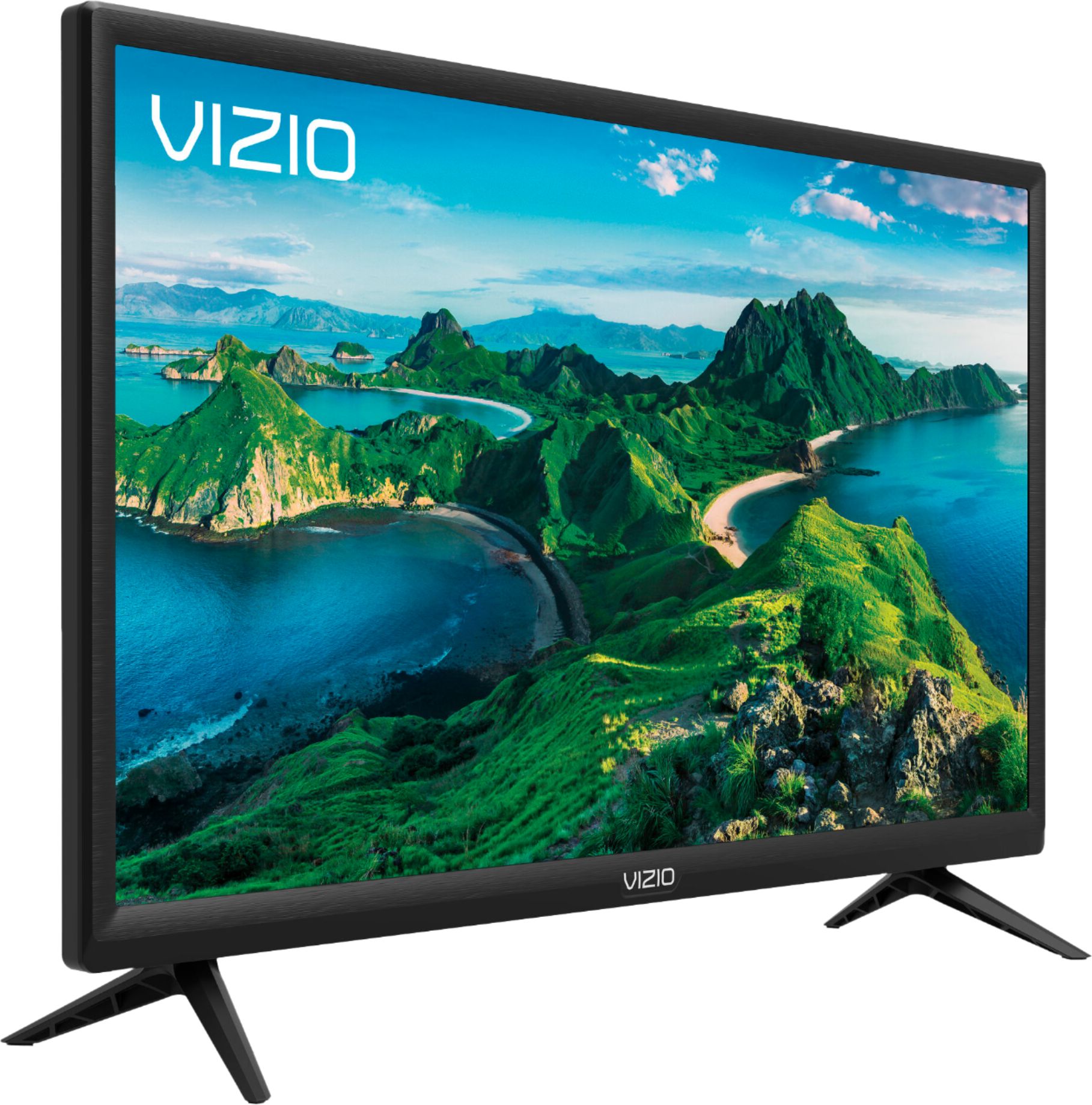
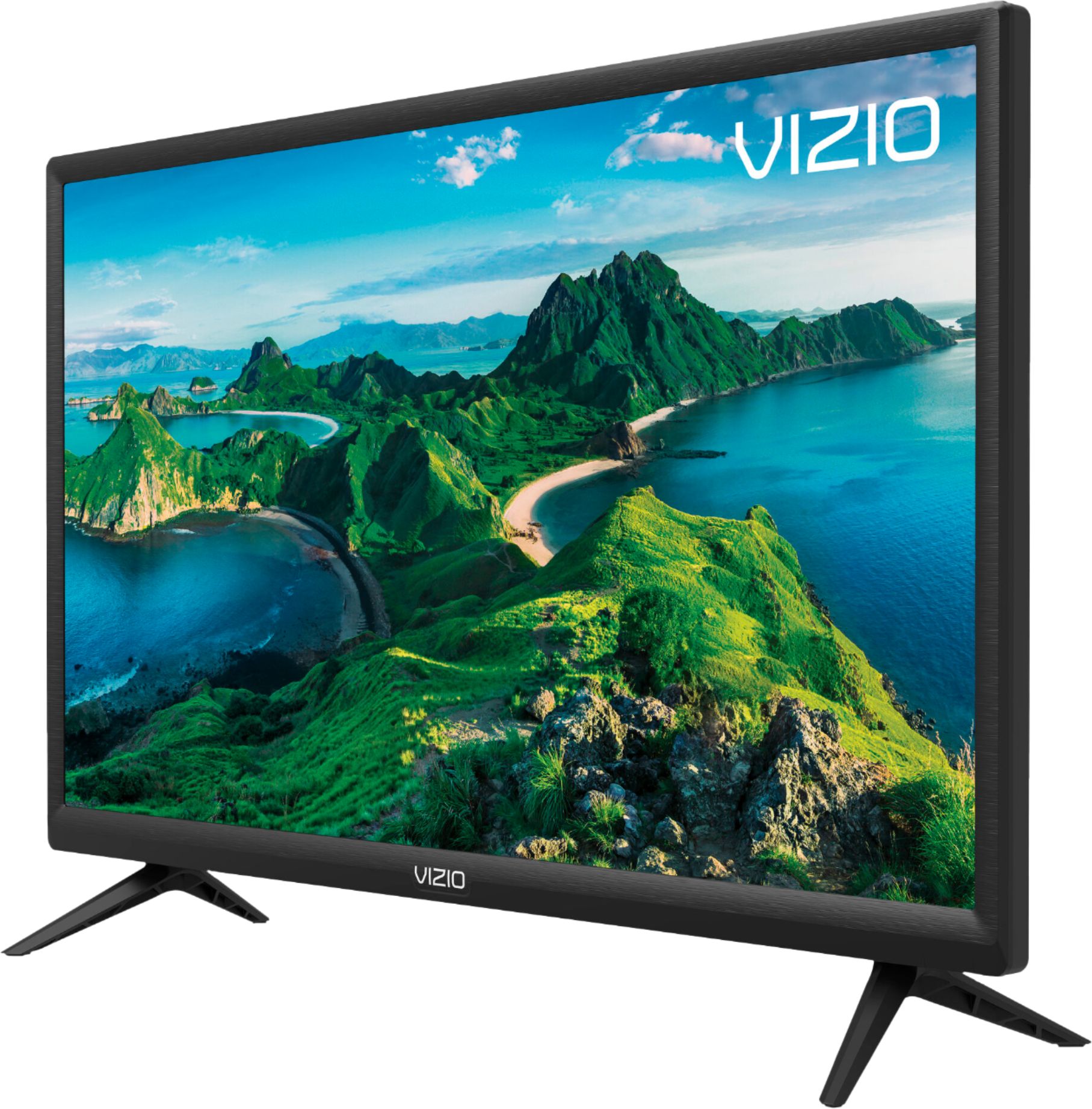
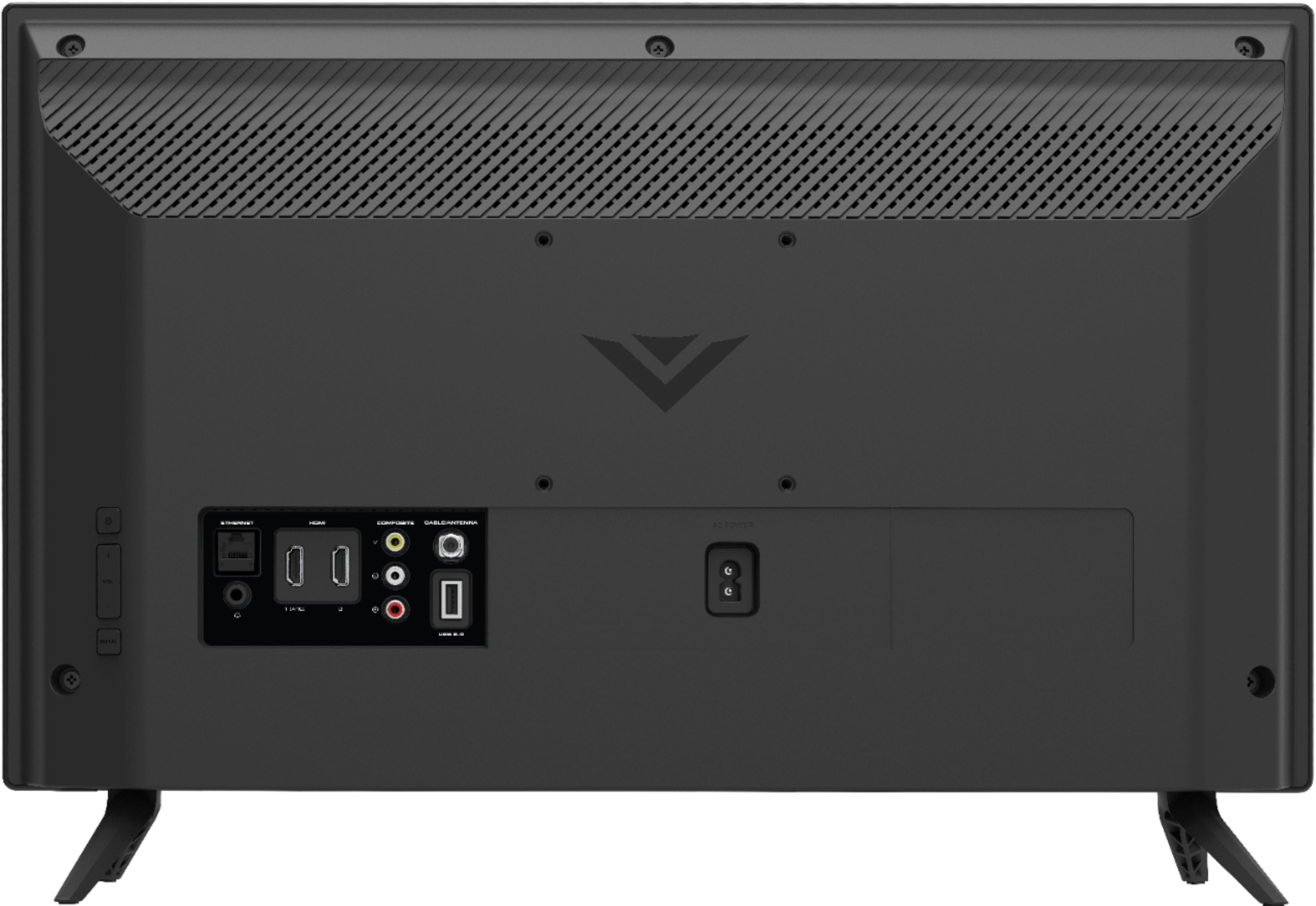
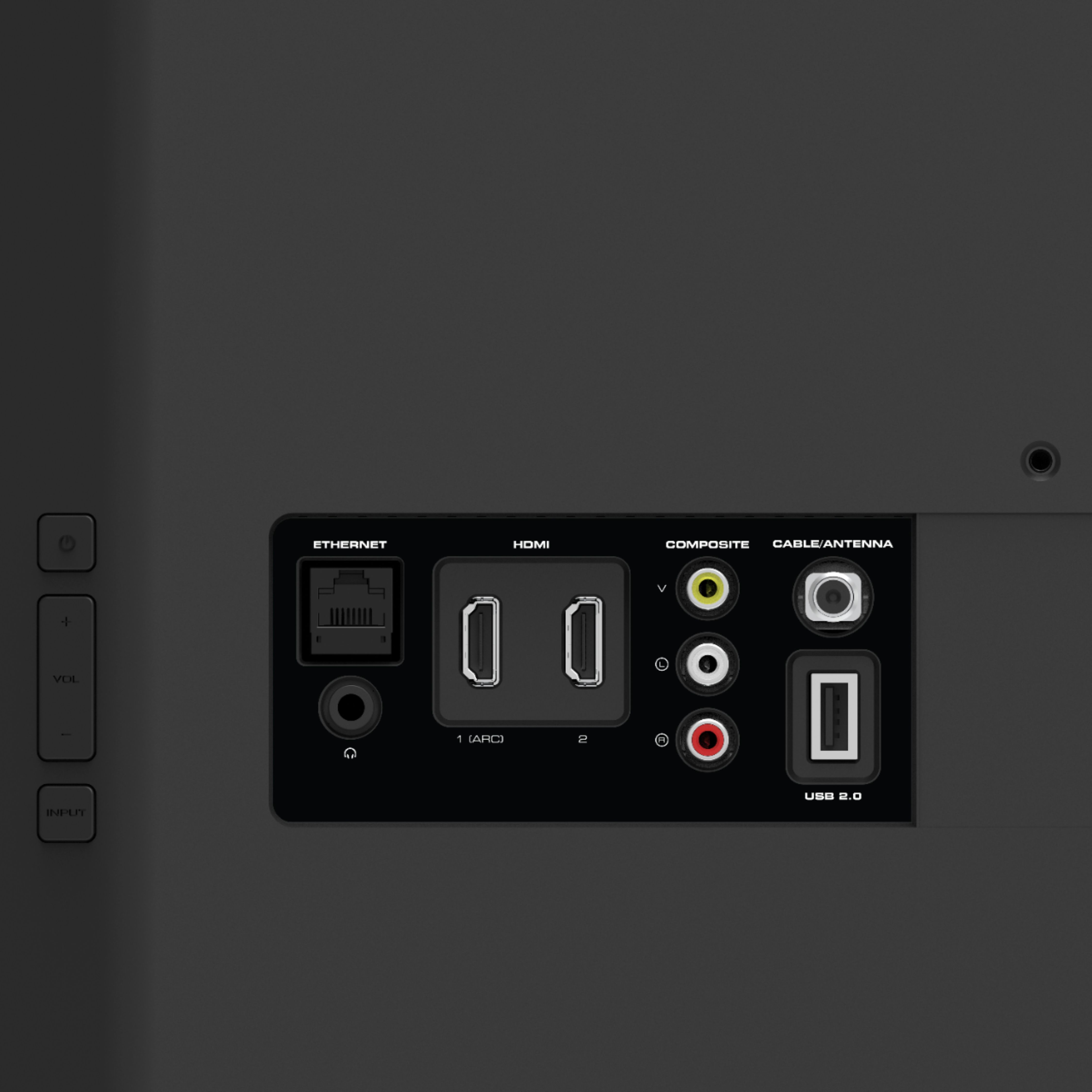
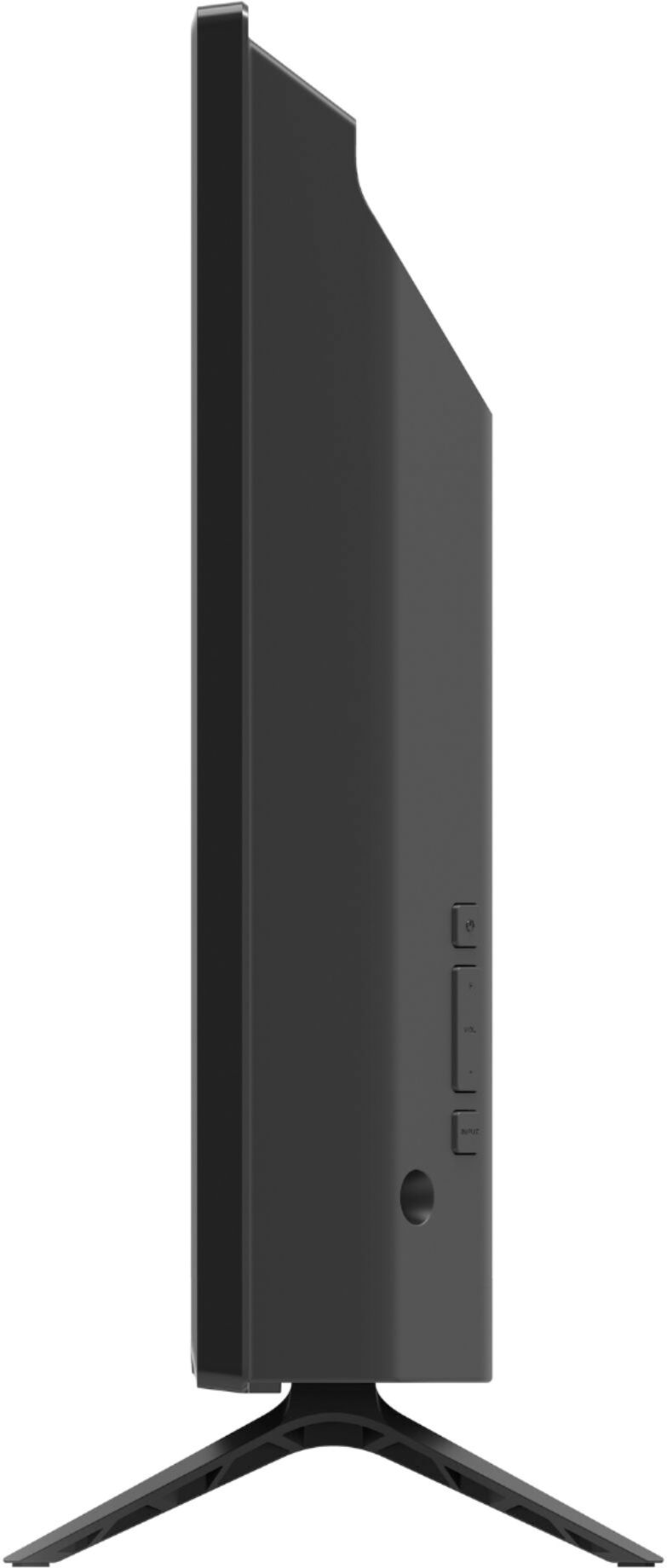
A:AnswerThe G1 and G9 have similar overall functionality, but the G1's display has 1080p resolution (the screen has 1,080 rows and 1,920 columns of pixels); the G9 is 720p (720 x 1280 pixels). The G1 will look a bit sharper with most content than the G9; also, that makes the G1 a better choice if you plan to use it as a computer display. This is also why the G1 is slightly more expensive than the G9.
A:AnswerThere is a limited number of applications built into the SmartCast screen. We are continually evaluating new applications for addition to the SmartCast screen. In the meantime, you can cast any of the thousands of Chromecast enabled applications or Airplay content to the television from your mobile device.
A:AnswerThis television does not have a built in Sling TV application. We are continually evaluating new applications for addition to the SmartCast screen. In the meantime, you can cast any of the thousands of Chromecast enabled applications, SlingTV being one of them, or Airplay content to the television from your mobile device.
A:AnswerYes, you could.... but you don't need to, it's a smart TV and has apps already available. You can just connect to your wi-fi directly and stream.
A:AnswerI bought it to use a monitor because Best Buy was sold out, but it doesn’t perform like one. As a result, I have a new smart TV and ordered an actual monitor to use at my workstation.
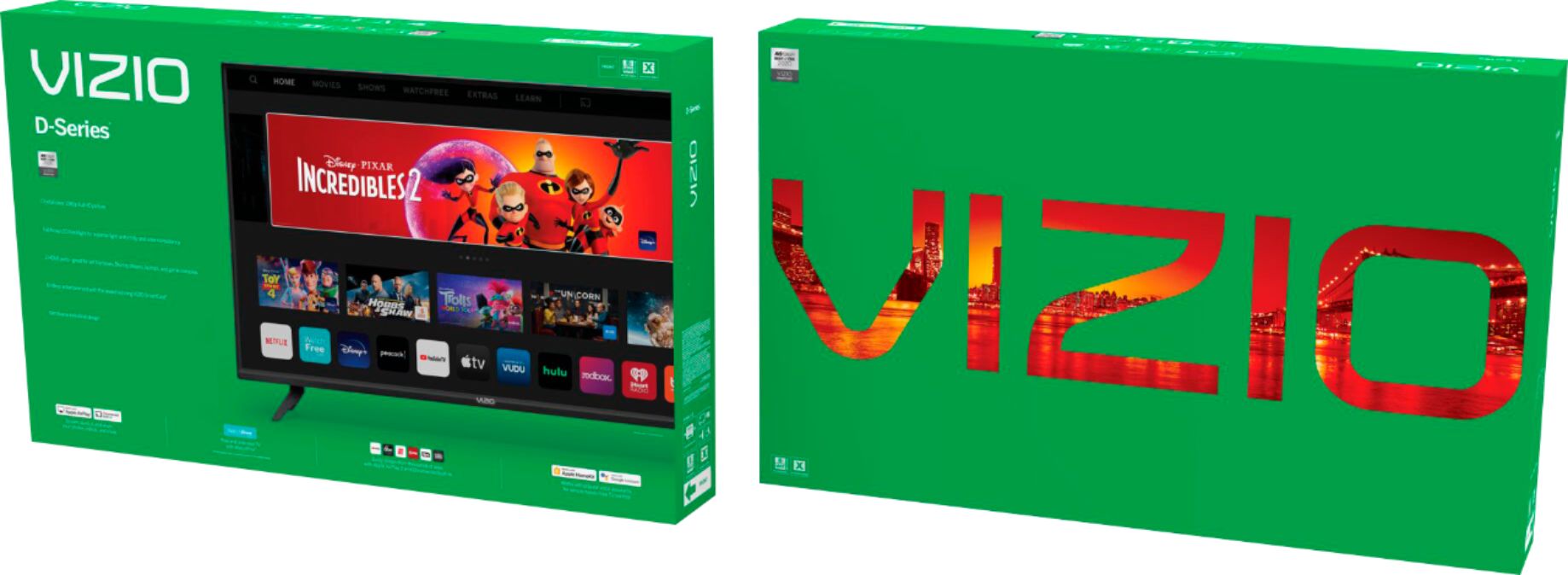
A:AnswerVIZIO is committed to giving consumers access to as much streaming content as possible. SmartCast televisions deliver today’s most popular apps like Netflix, Amazon, Hulu, and others on the SmartCast TV home screen. The TVs also come with Watchfree, a no cost service that provides hundreds of channels with no additional purchase or registration requirements. SmartCast televisions also support Google Chromecast and Apple AirPlay 2 so that you can share content from the latest applications on your phone, tablet, or computer directly to the TV.
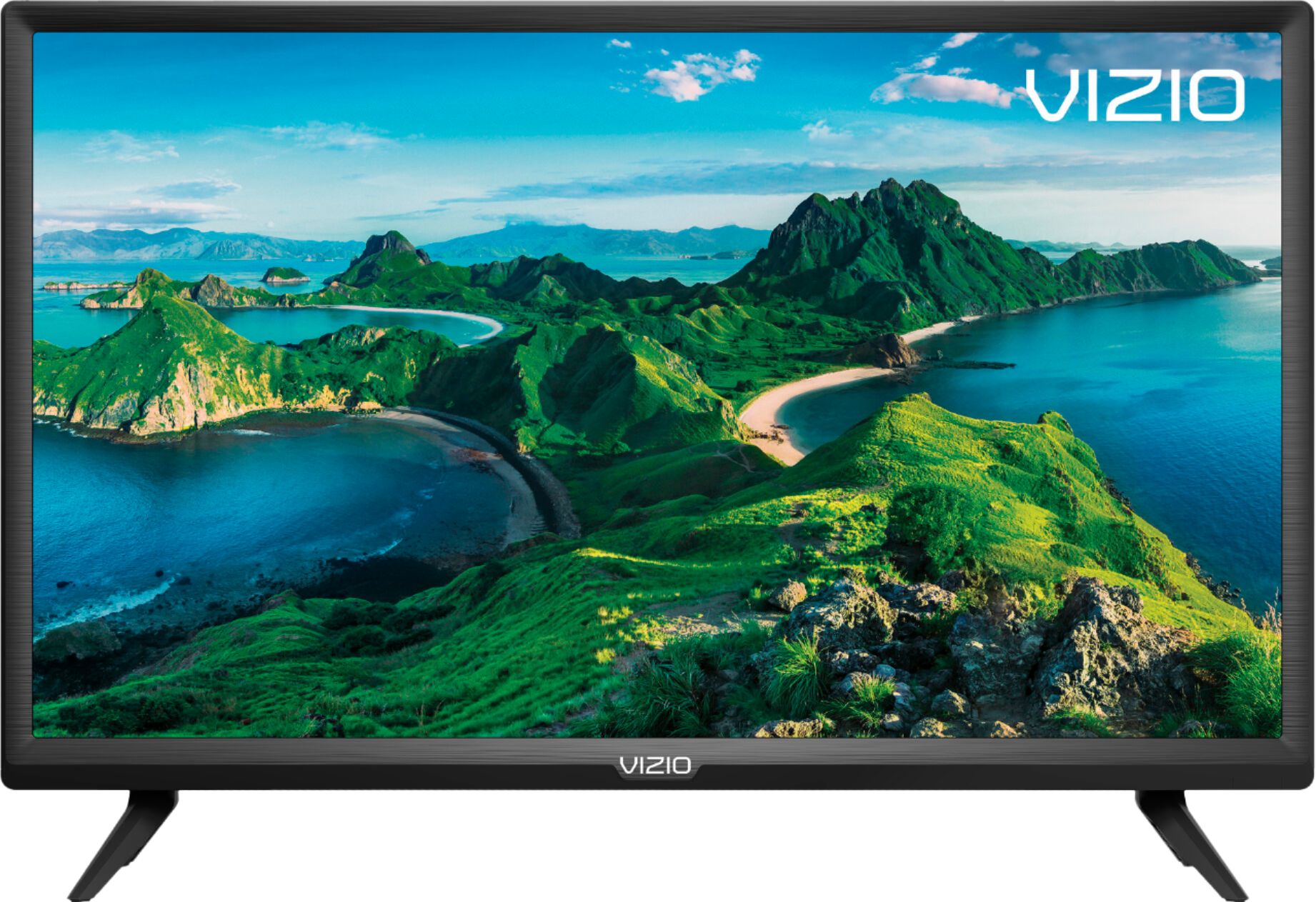
A:AnswerWe provide many presets and recommend Calibrated for lighter rooms or Calibrated Dark for darker rooms. Please reach out to our customer support for assistance with changes in your picture settings.
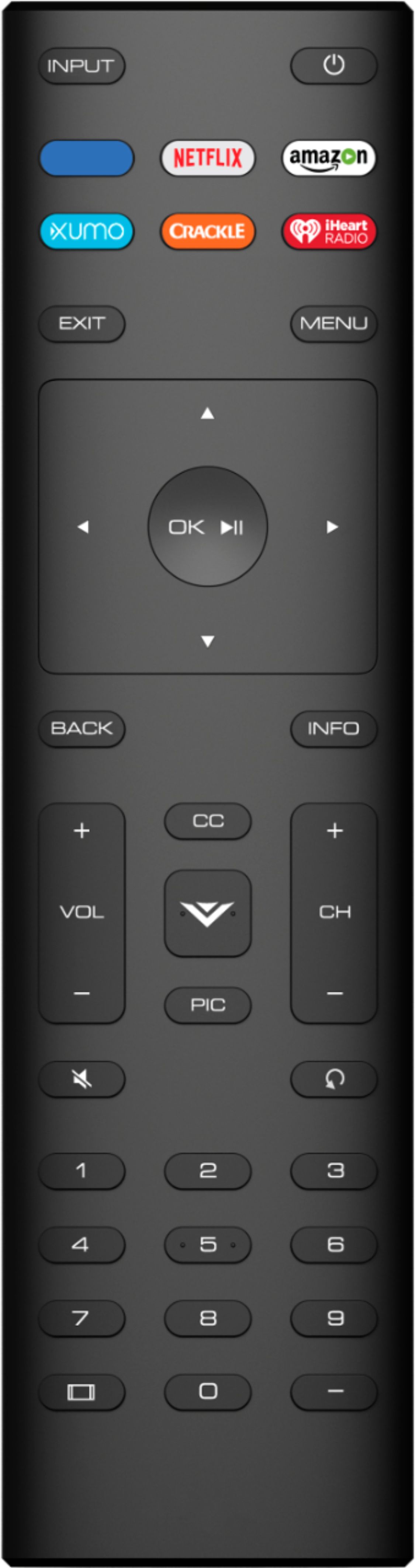
A:AnswerYou can use the wide button with is a square button on the bottom left button of the remote. If this does not work you may need to adjust the aspect ratio settings in the video devices you are using.
A:AnswerI believe the remote works with a line of sight infrared light beam, so you shouldn’t have conflict troubles if 2nd Vizio TV is in another room.